Every Universe '26 updateUniverse '26 全部更新Universe '26 全部更新
35 changelog updates across Copilot, Advanced Security, Actions and Collaboration, one slide each.涵蓋 Copilot、Advanced Security、Actions 與 Collaboration 的 35 項變更日誌更新,每項一張投影片。涵盖 Copilot、Advanced Security、Actions 和 Collaboration 的 35 项变更日志更新,每项一张幻灯片。


Work from anywhere with a new, connected Copilot cloud experience跨裝置串聯的 Copilot 雲端體驗跨设备互通的 Copilot 云端体验
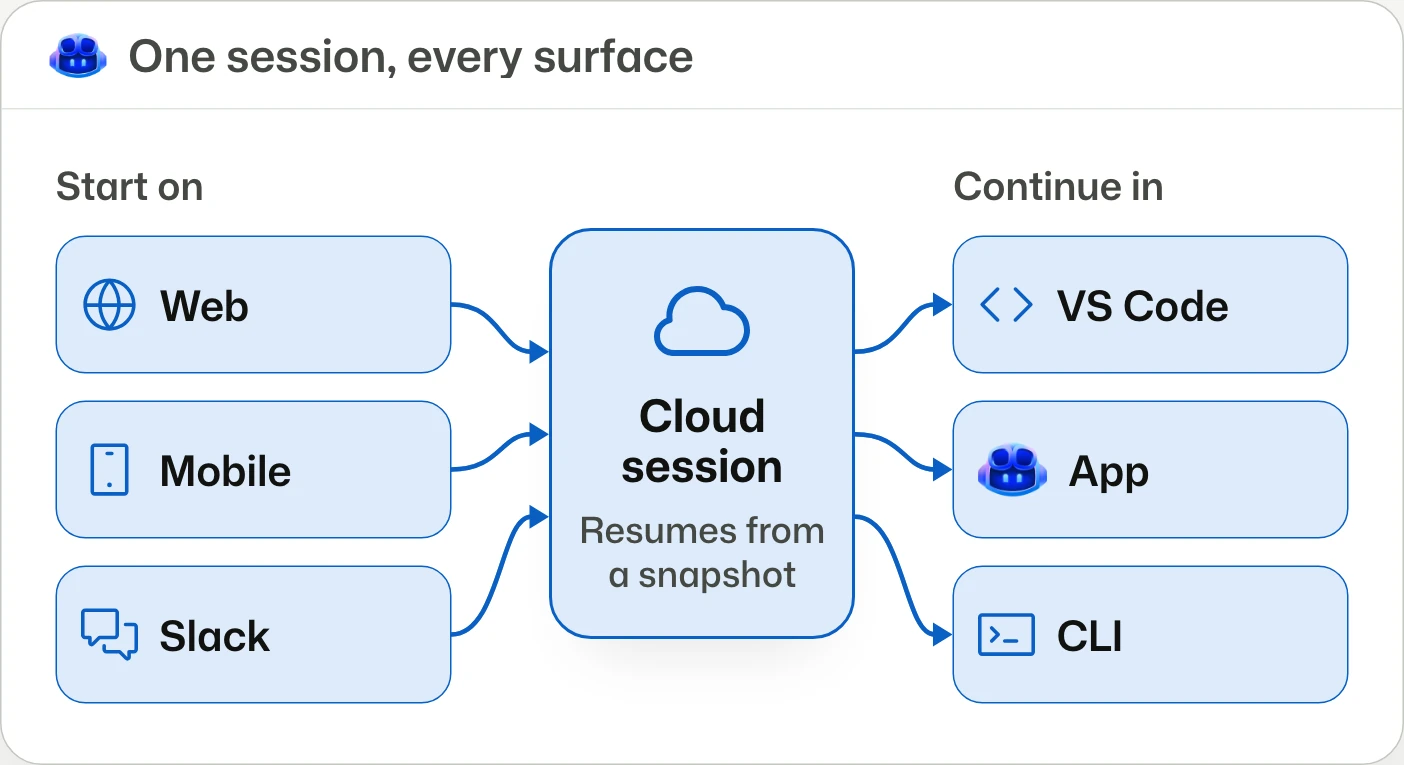
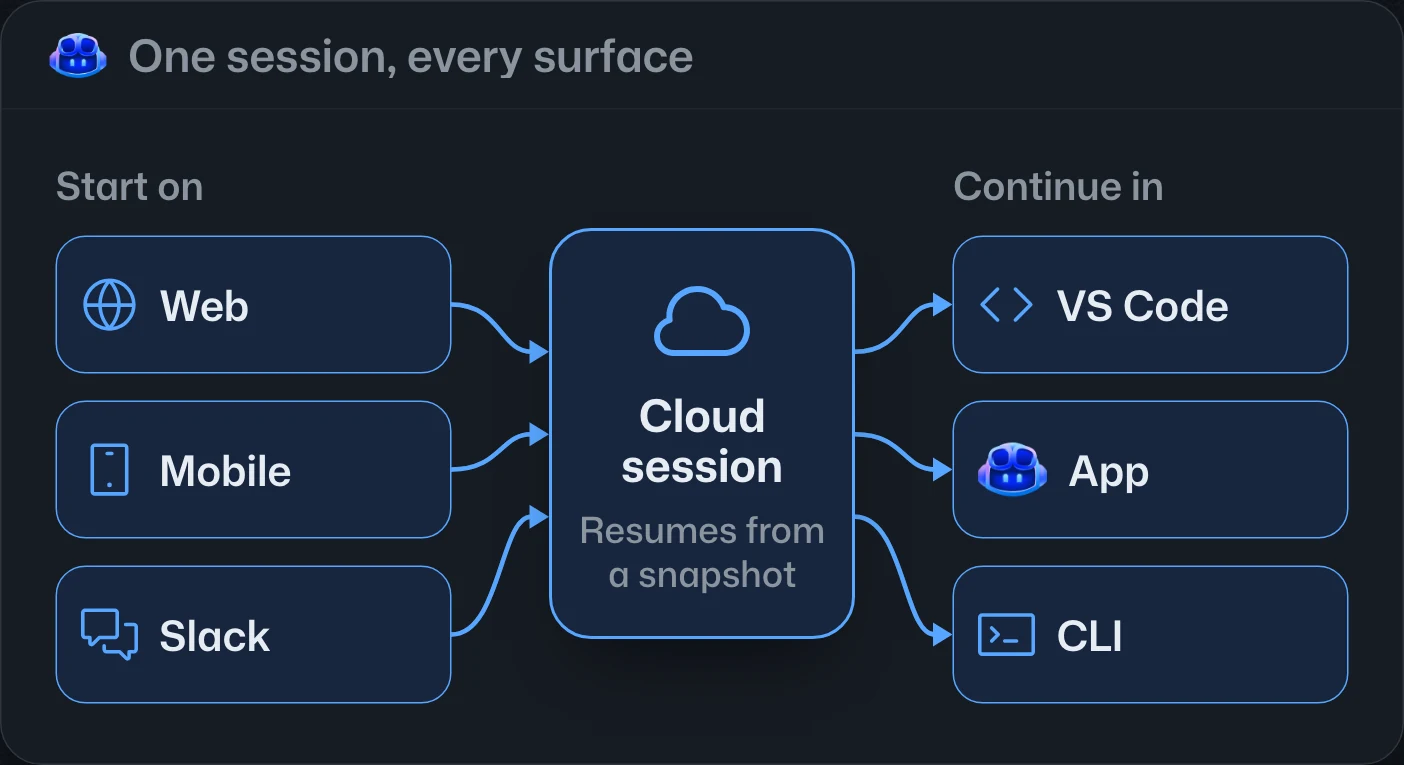
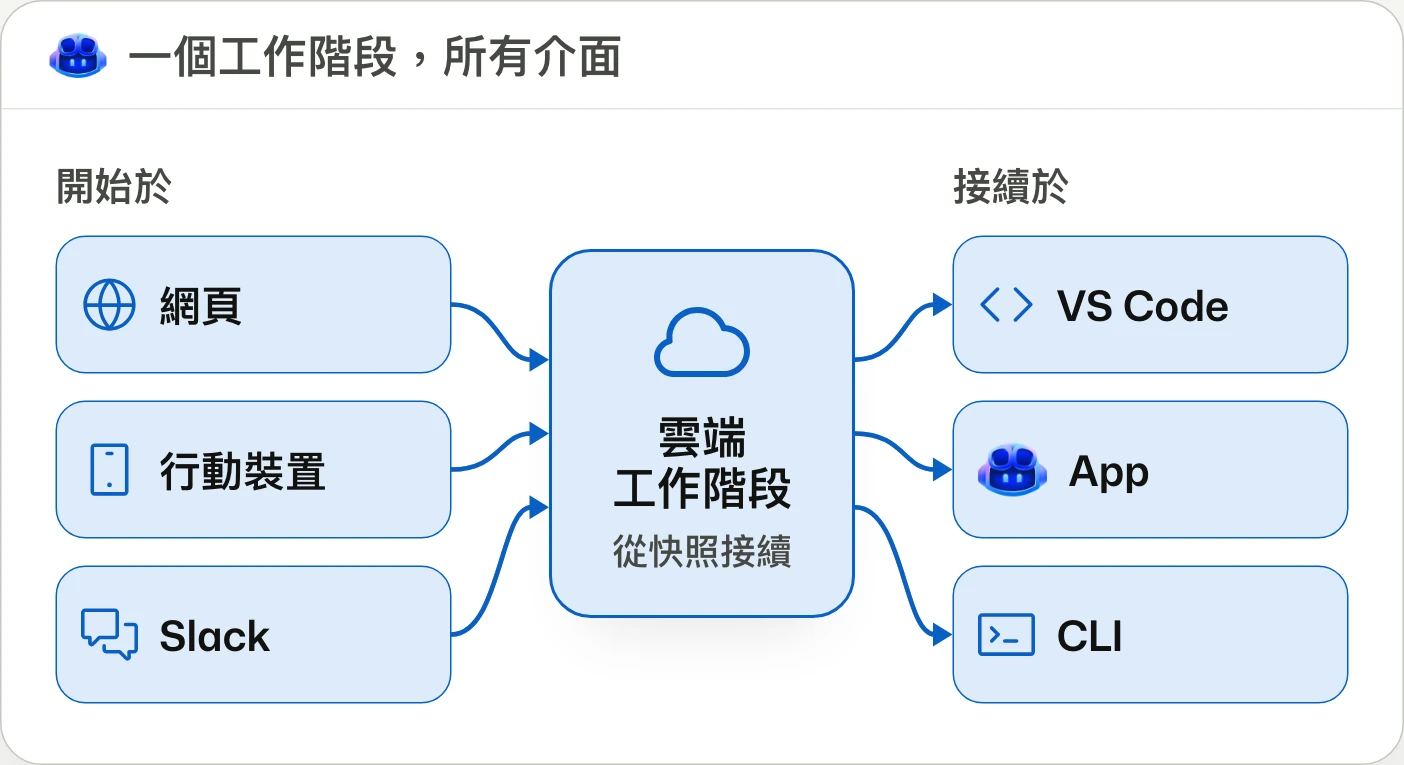
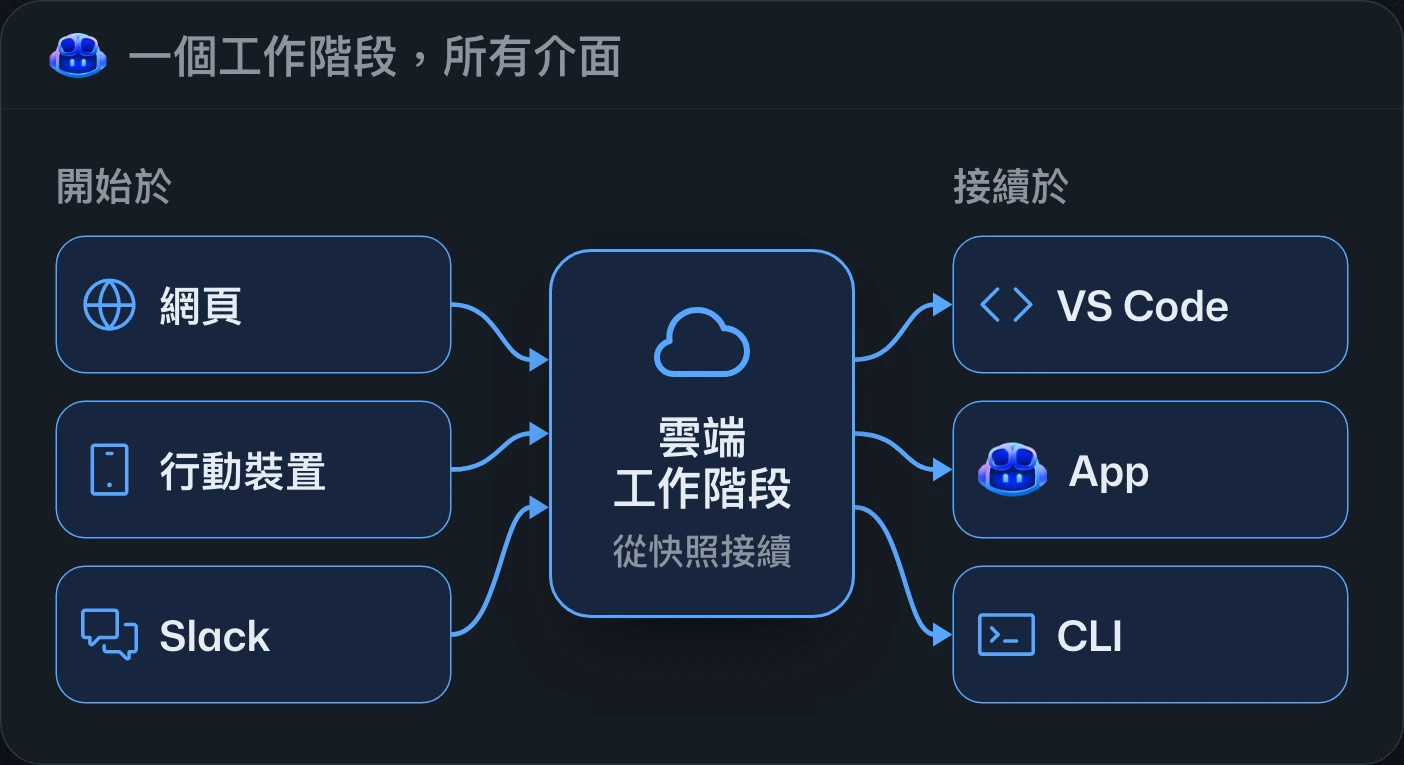
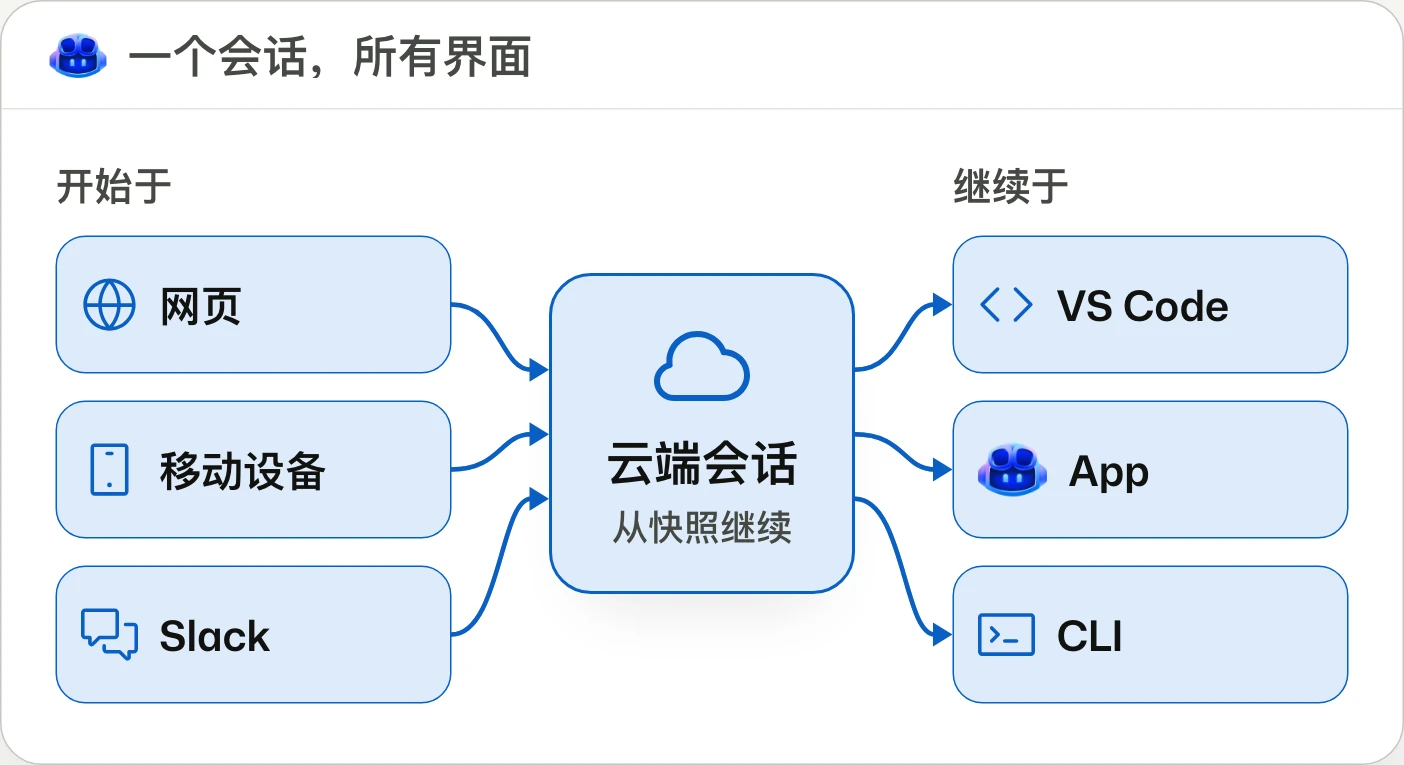
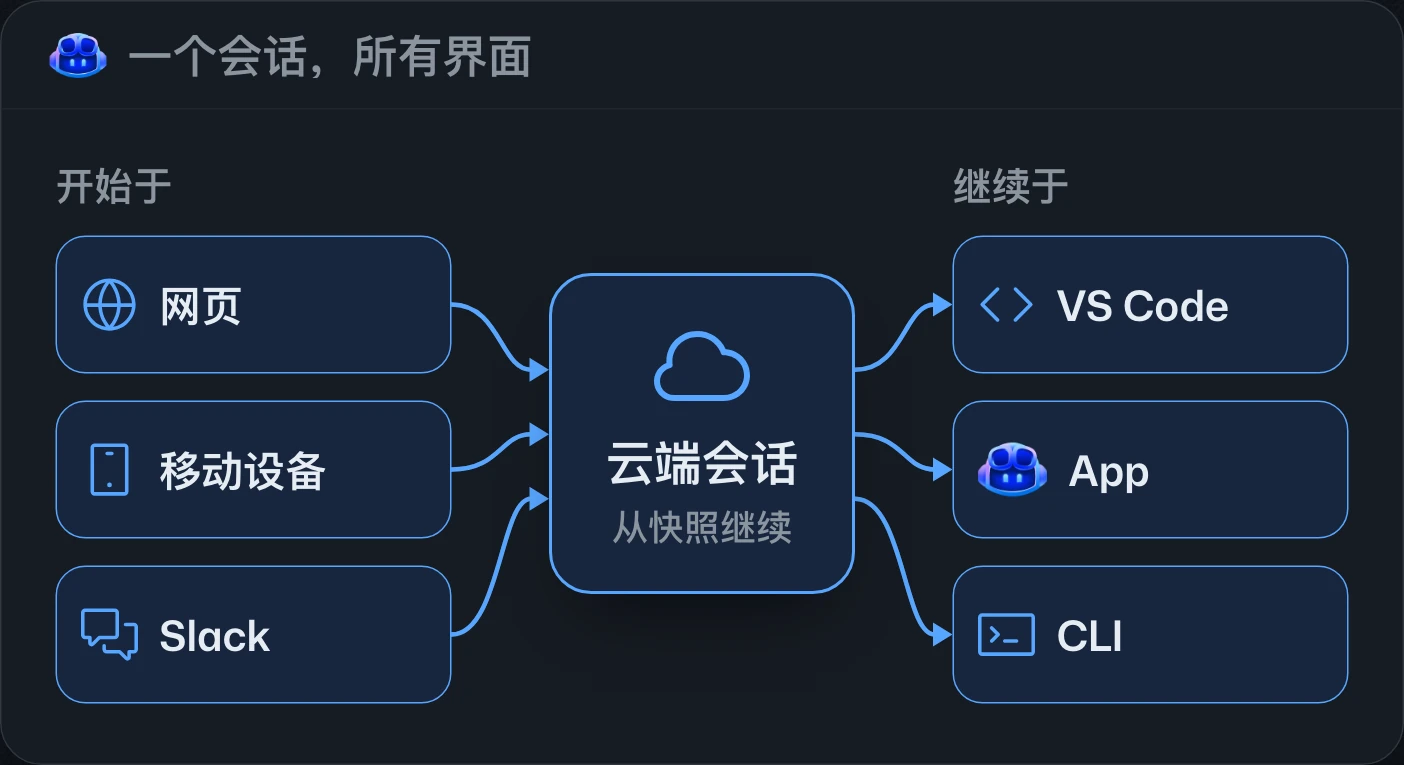
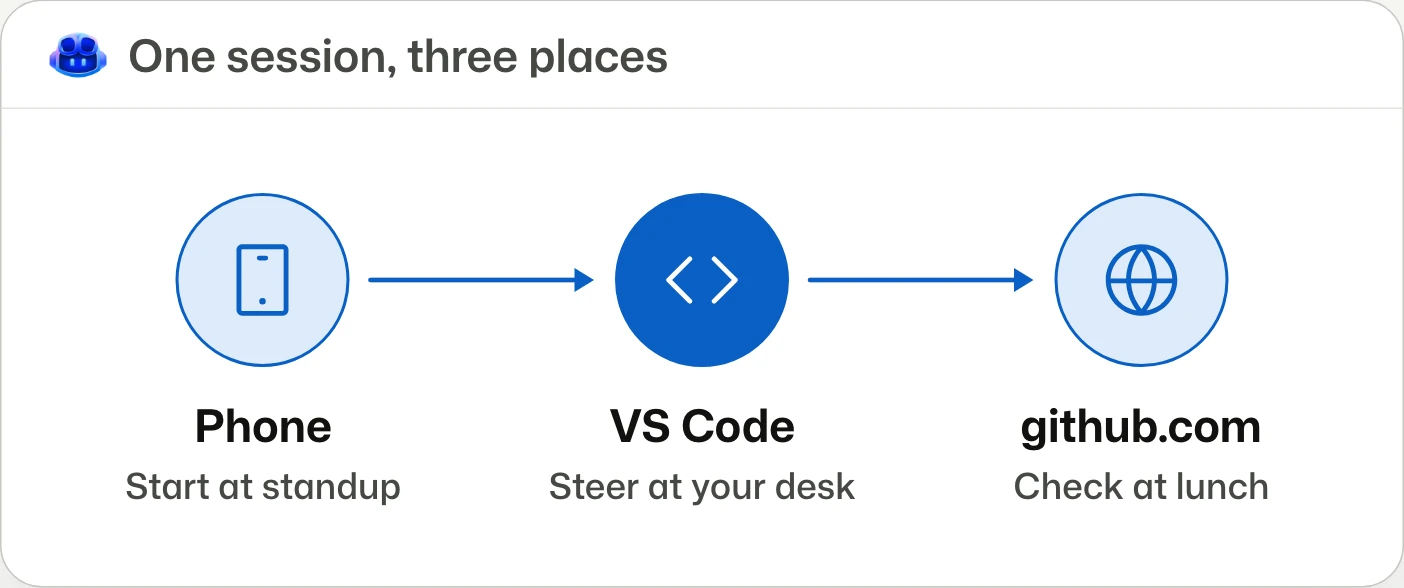
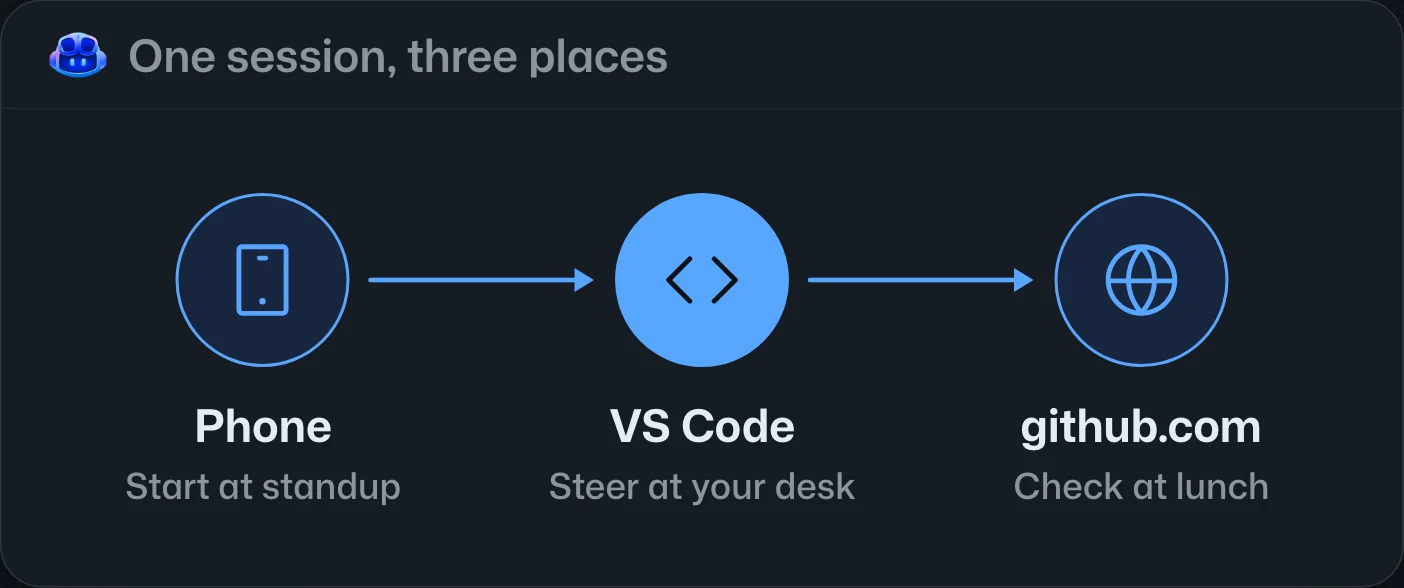
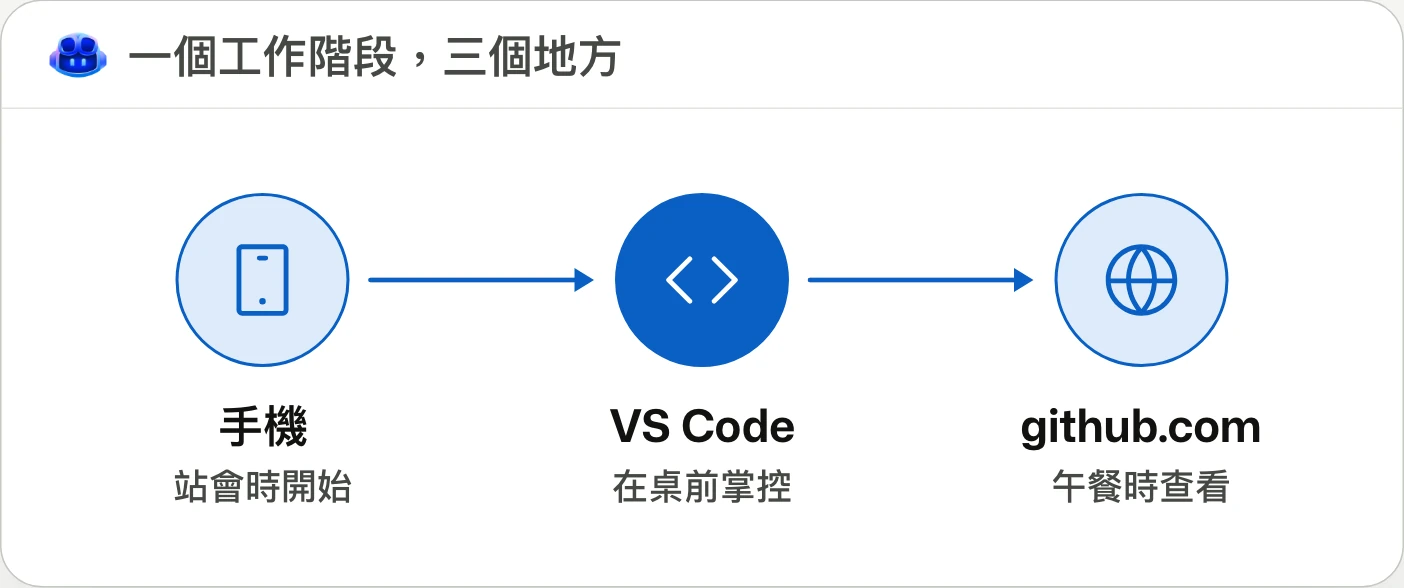
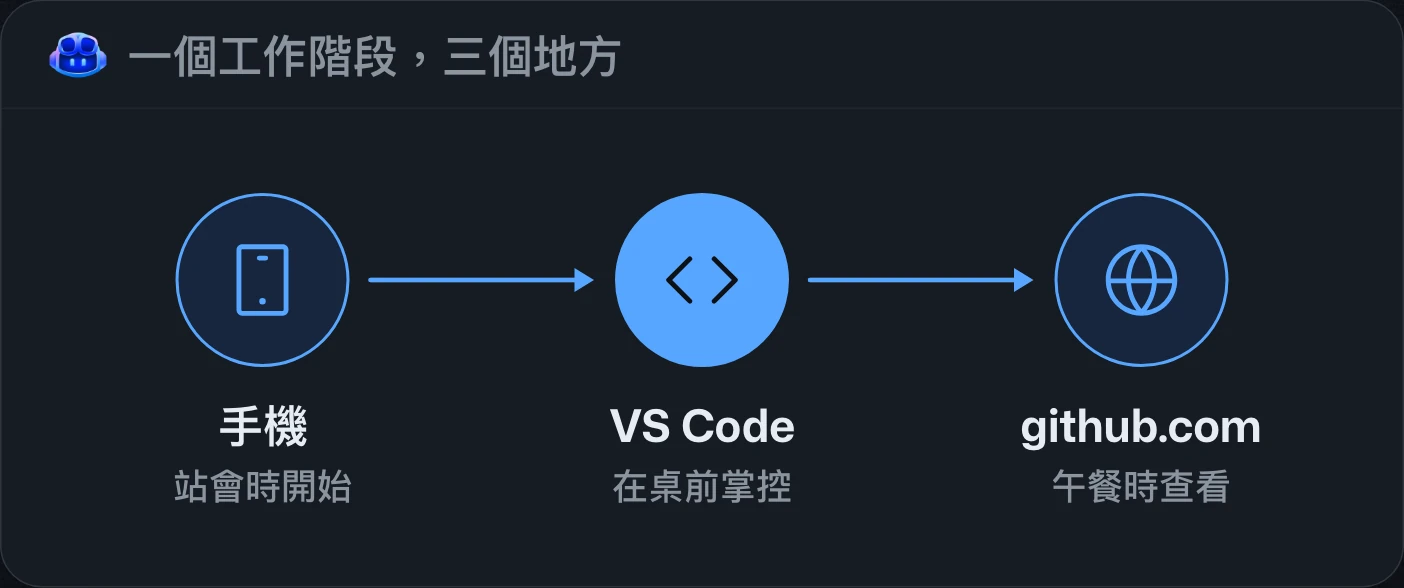
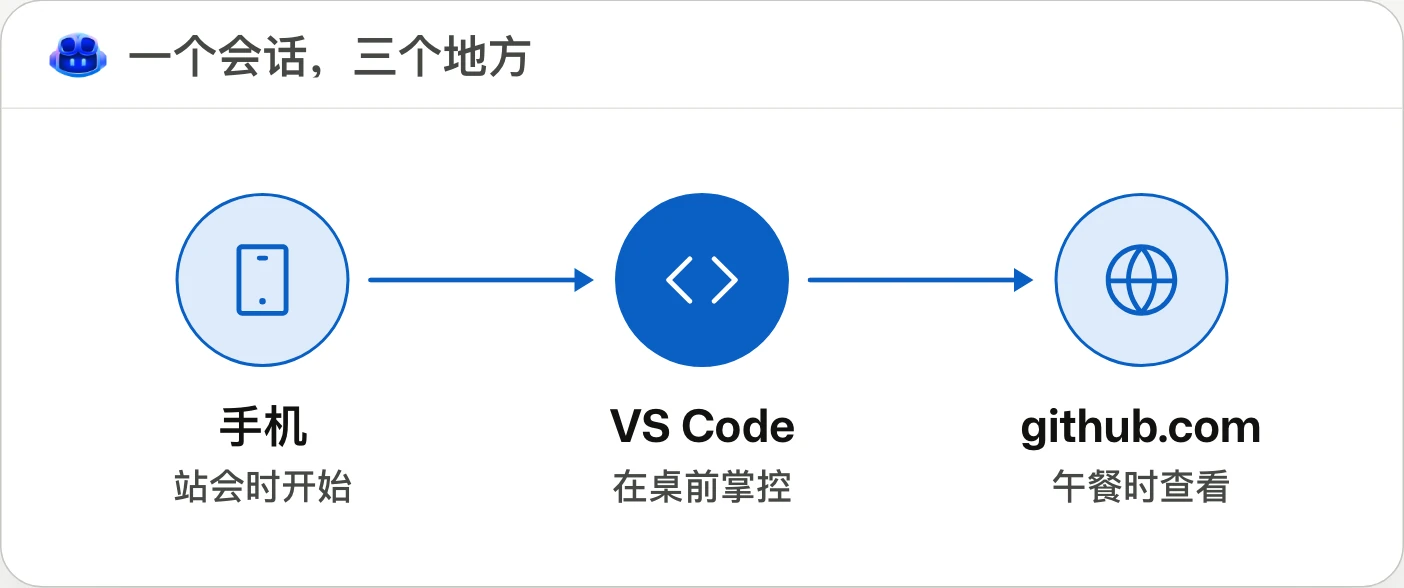
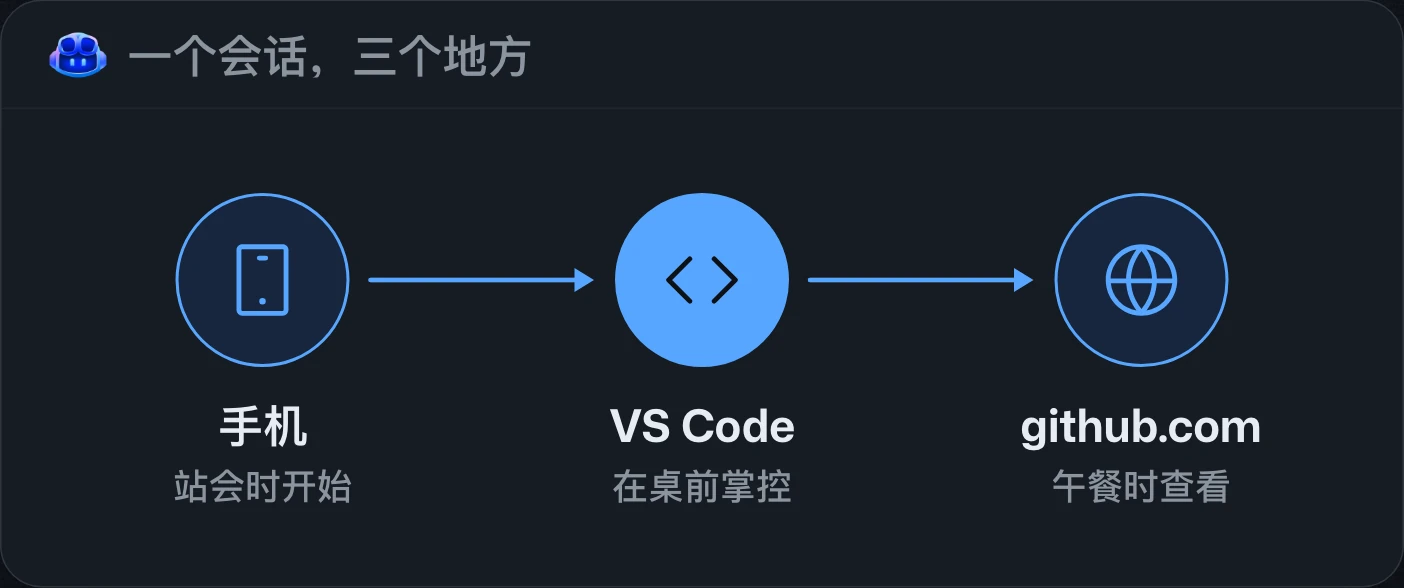
Start on your phone. Finish in VS Code.在手機上開始,在 VS Code 完成。在手机上开始,在 VS Code 中完成。
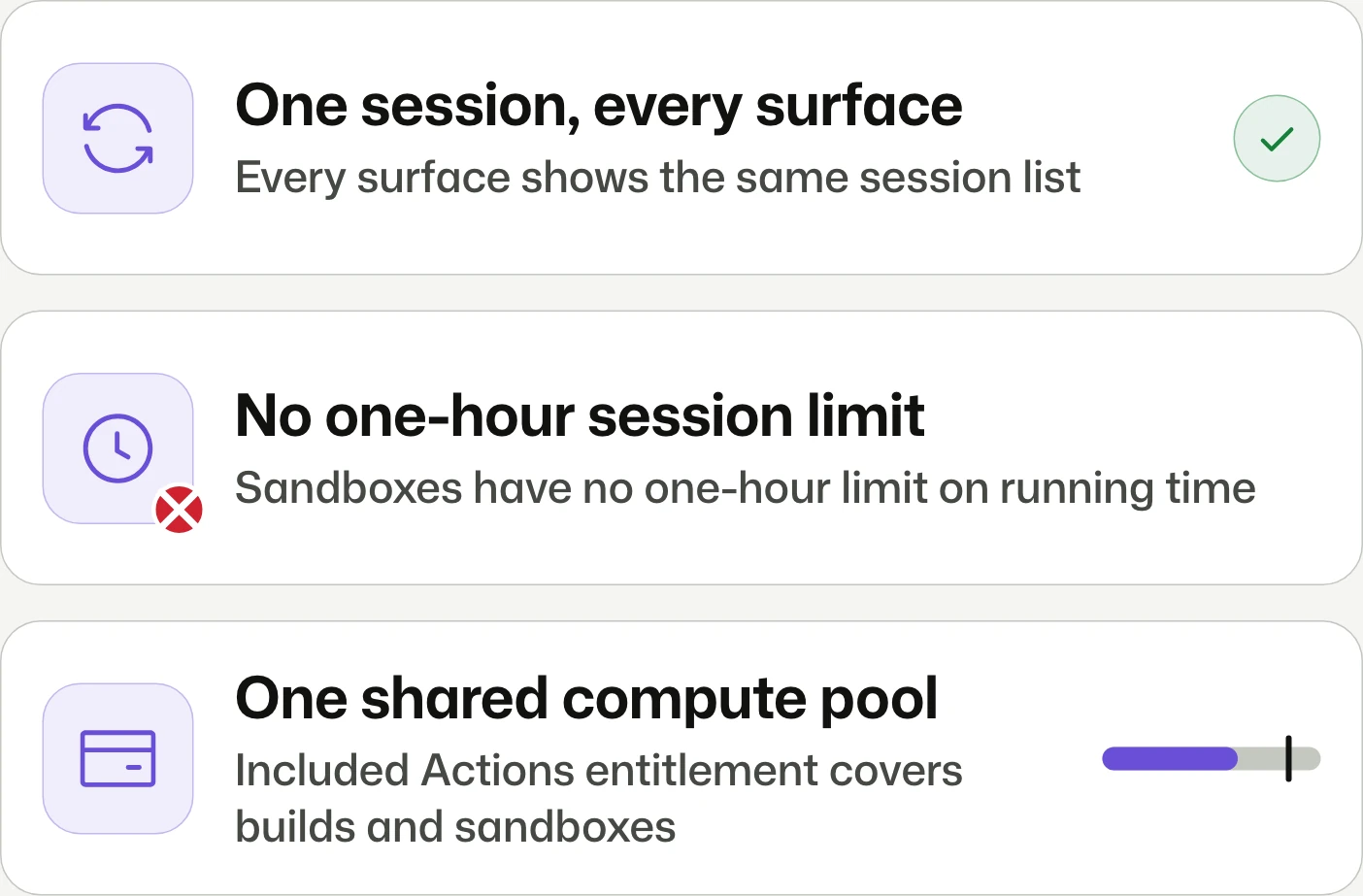
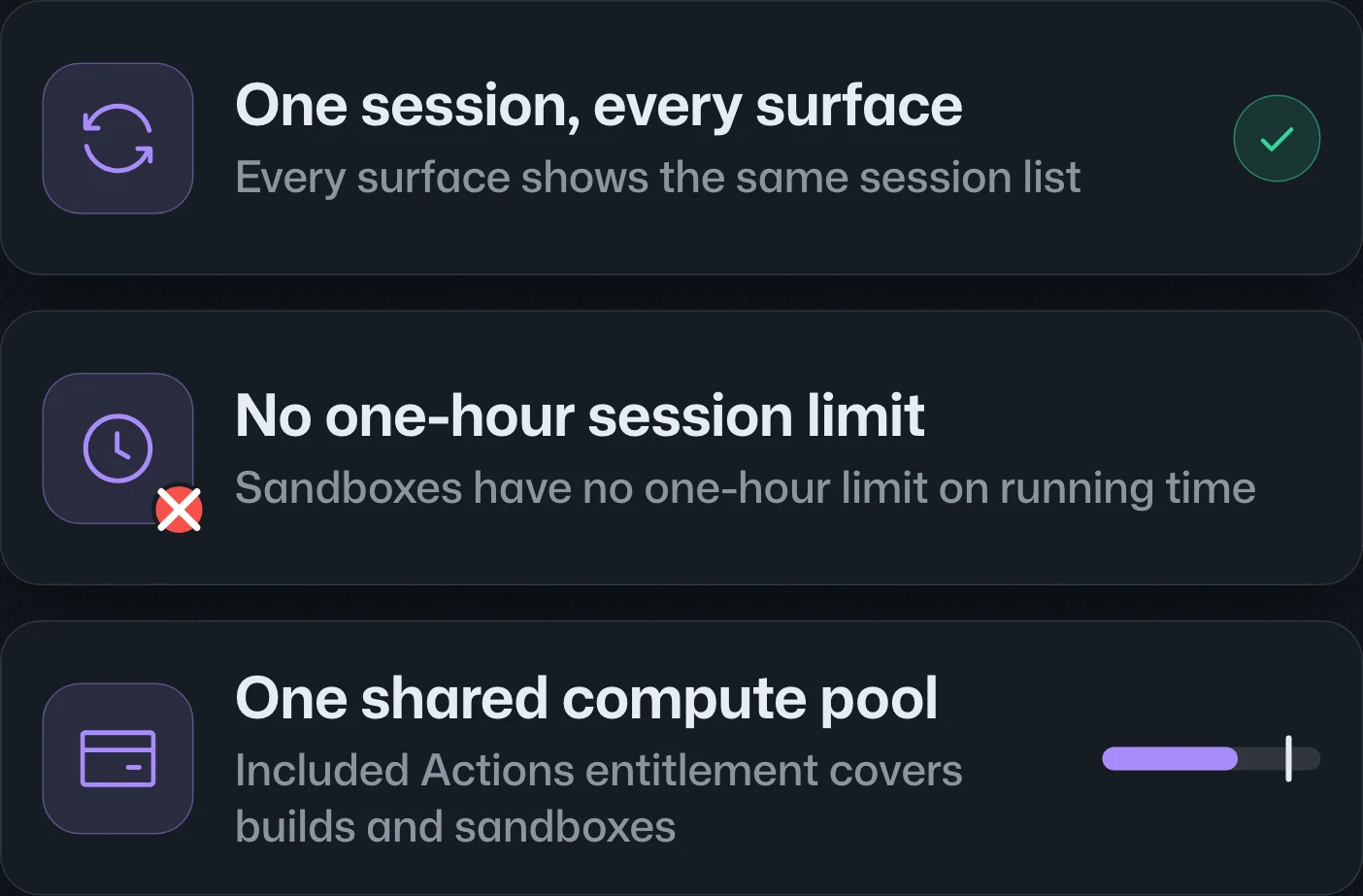
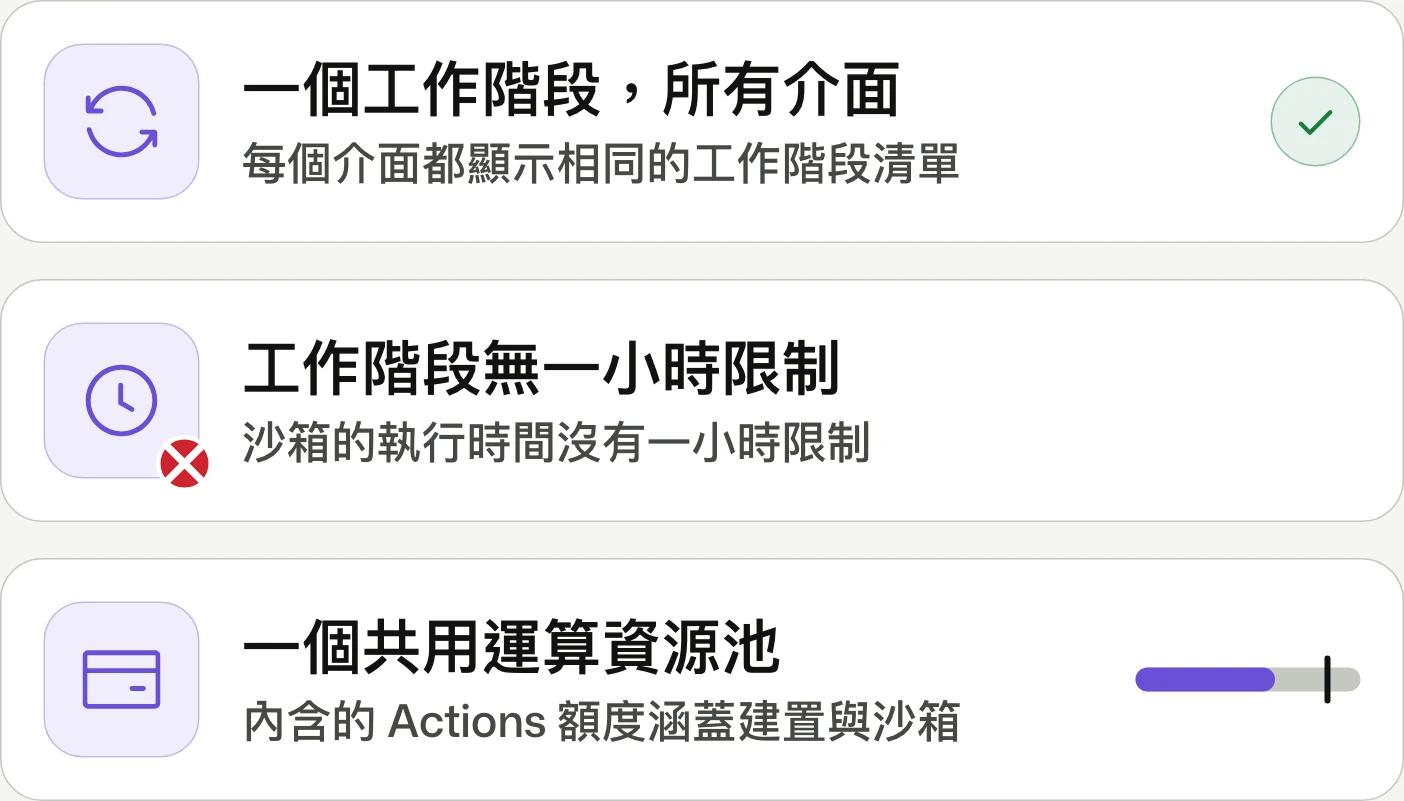
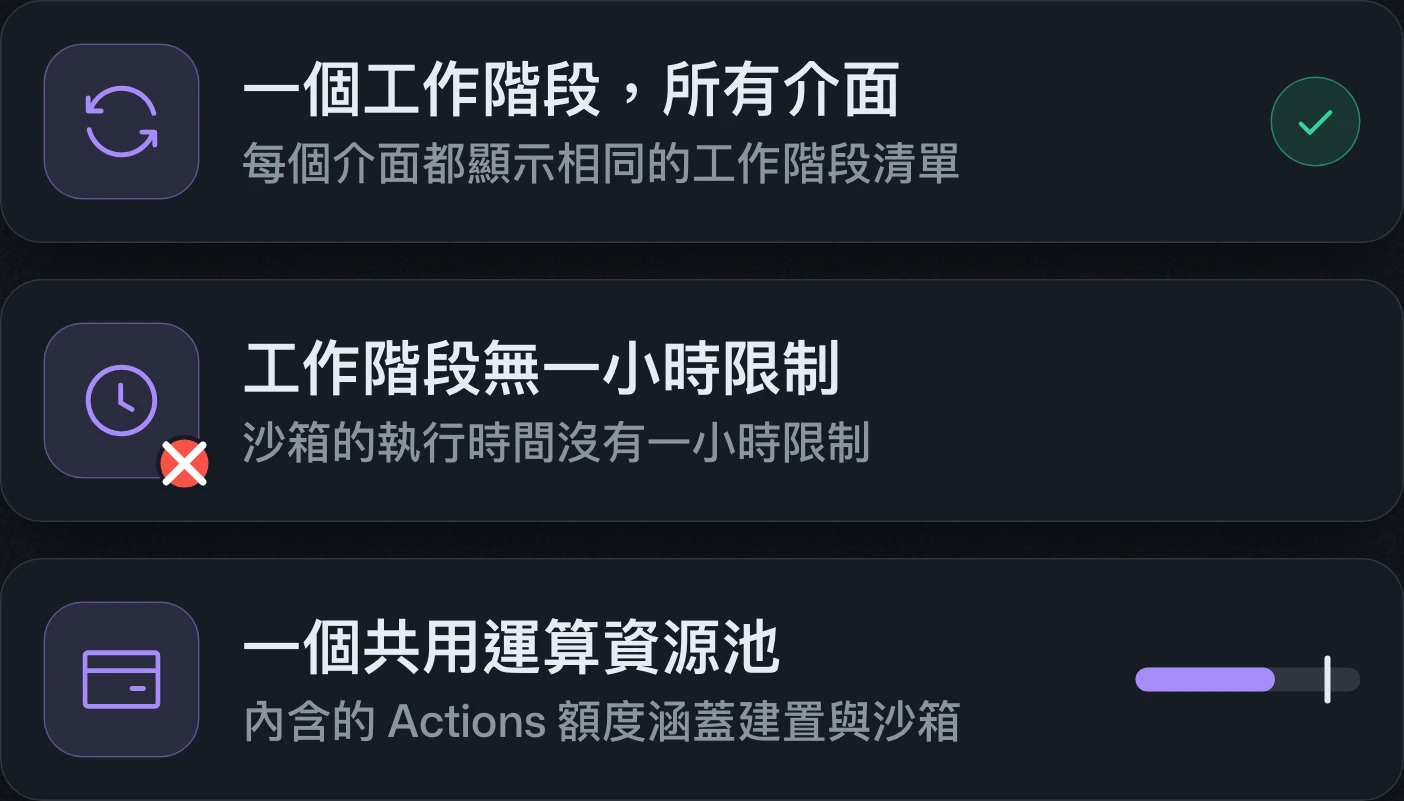
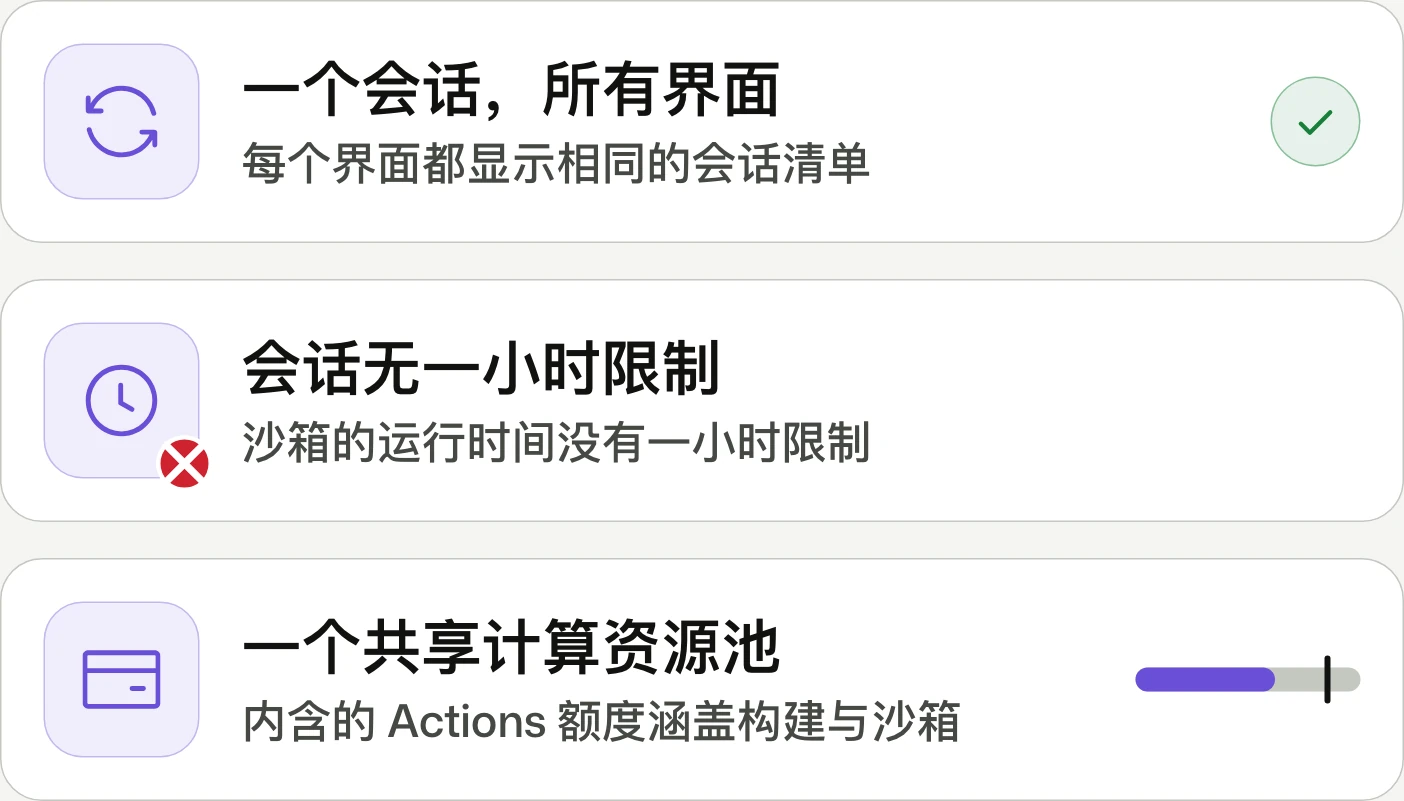
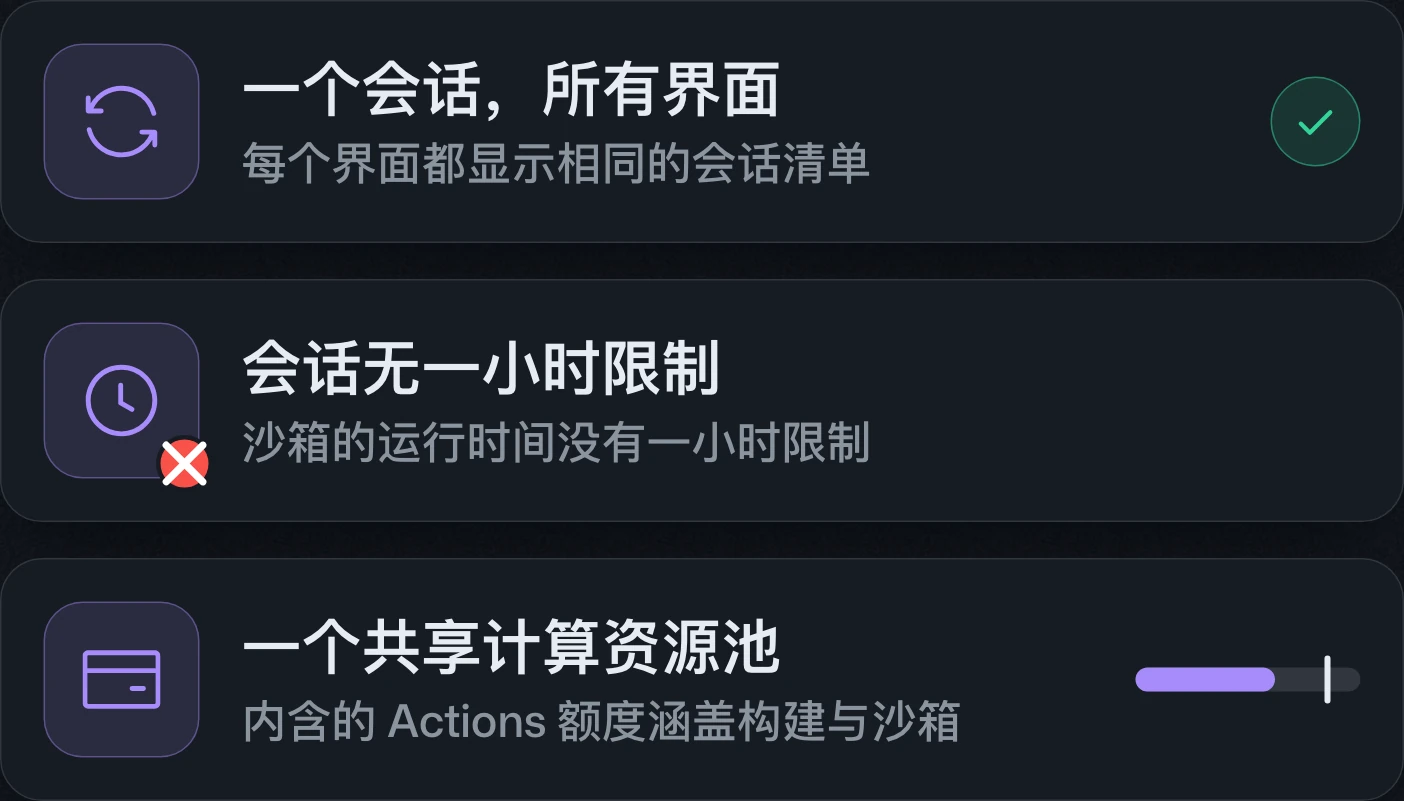
Copilot cloud sessions now carry across web, mobile, desktop, editor, CLI, Slack, and Teams, with resumable sandboxes. Both are generally available on paid Copilot plans; sandbox compute can use the shared Actions entitlement.Copilot 雲端工作階段可跨網頁、行動裝置、桌面、編輯器、CLI、Slack 與 Teams 接續,並支援可恢復的沙箱。兩者皆已於付費 Copilot 方案正式推出;沙箱運算可使用共用的 Actions 額度。Copilot 云端会话可在网页、移动设备、桌面、编辑器、CLI、Slack 和 Teams 之间接续,并支持可恢复的沙箱。两者均已面向付费 Copilot 套餐正式发布;沙箱计算可使用共享的 Actions 额度。
GitHub Copilot app, Universe releasesGitHub Copilot app 的 Universe 更新GitHub Copilot app 的 Universe 更新
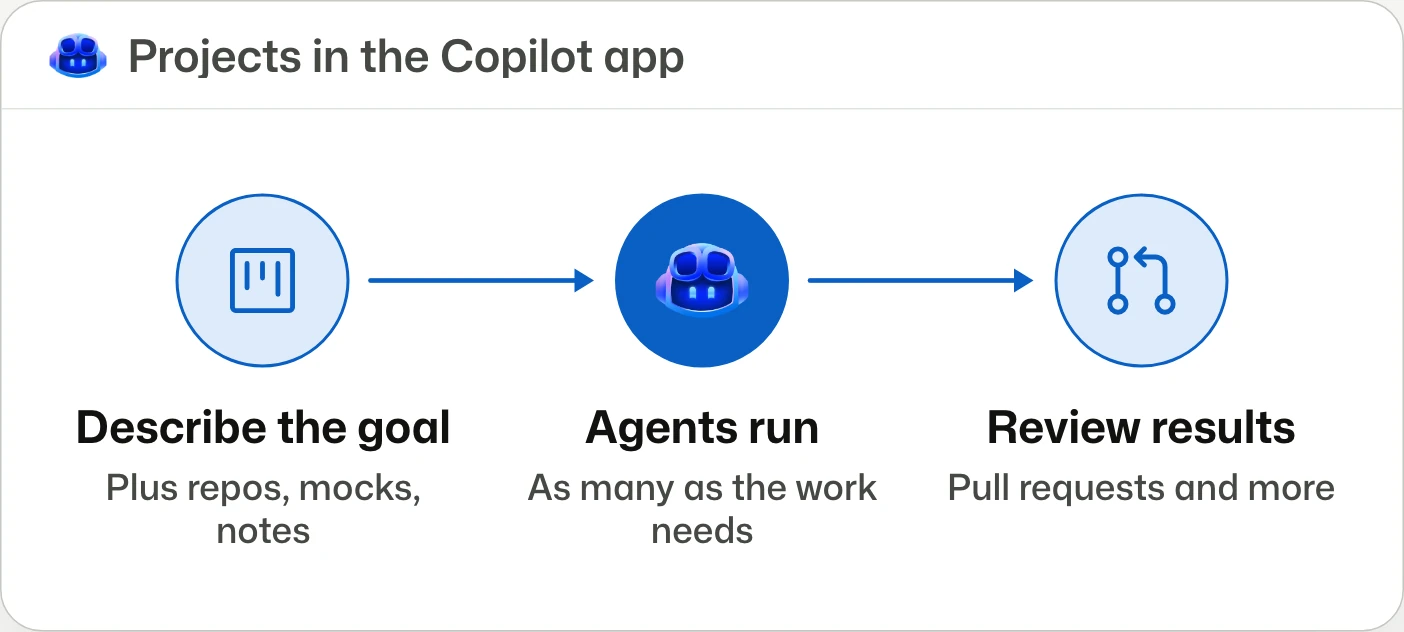
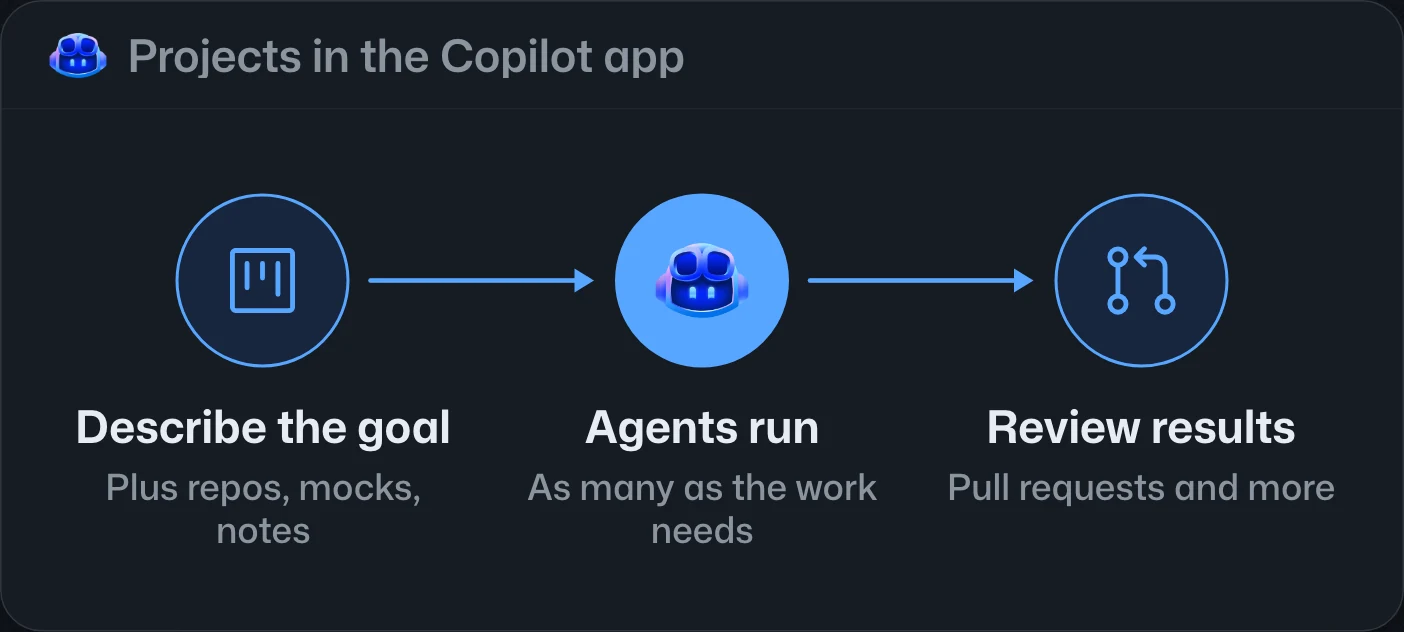
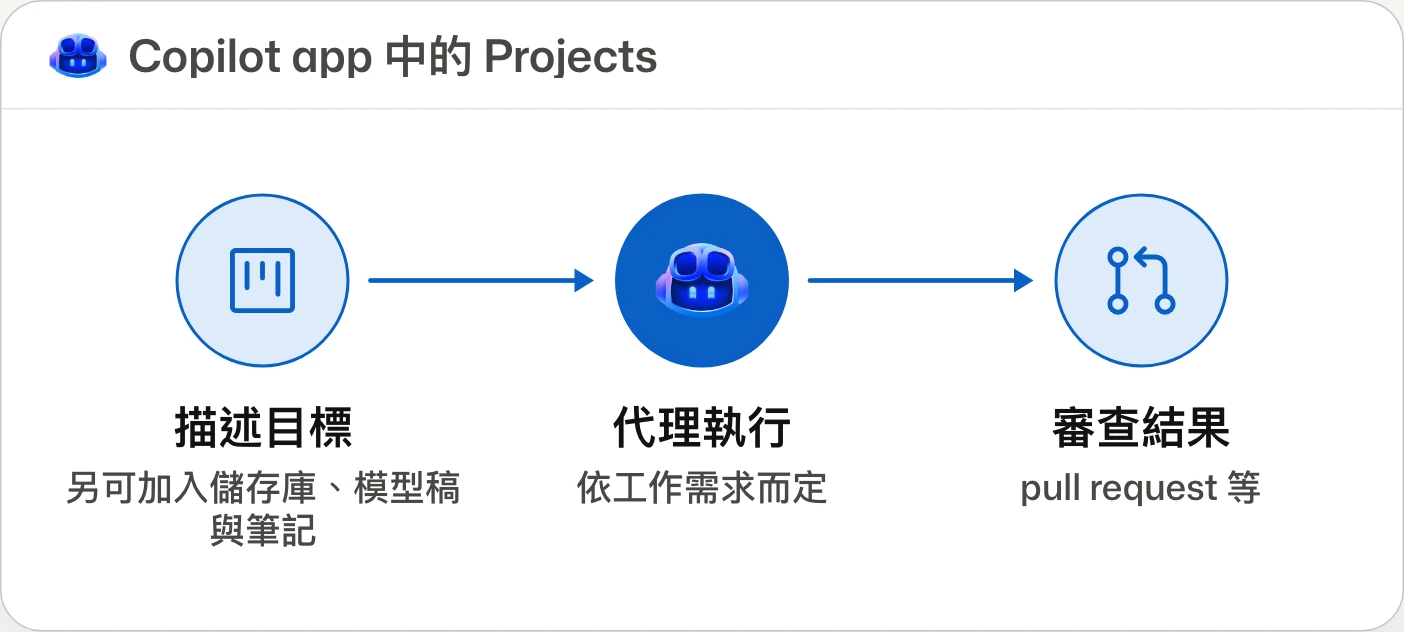
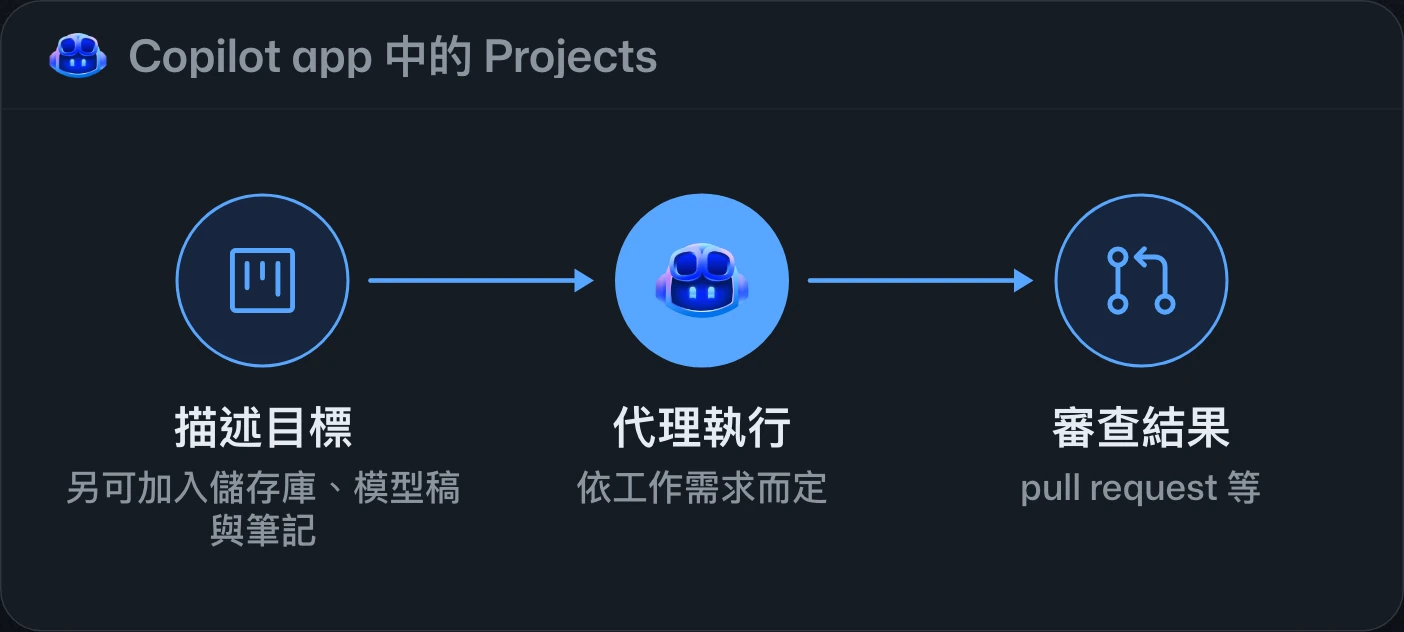
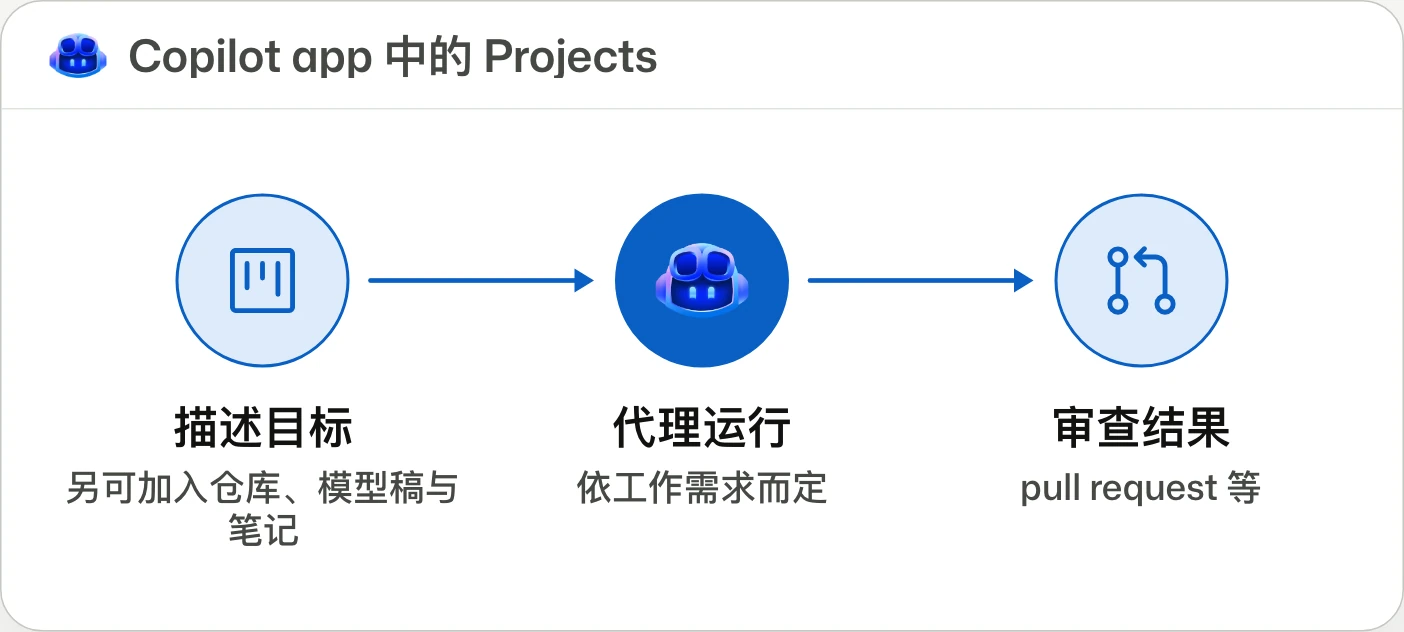
One home for work beyond a single repo.為單一儲存庫之外的工作提供統一入口。为单一仓库之外的工作提供统一入口。
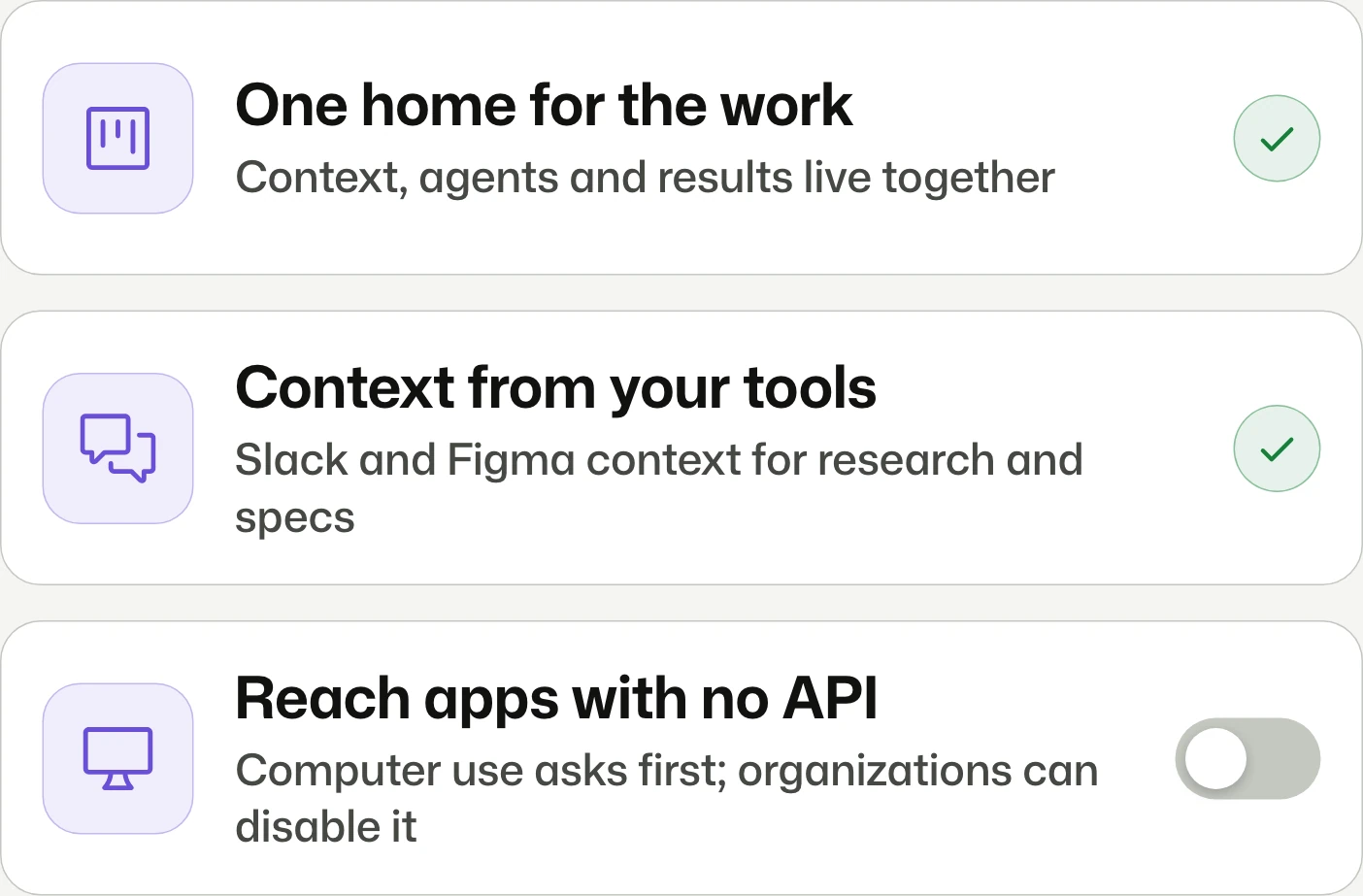
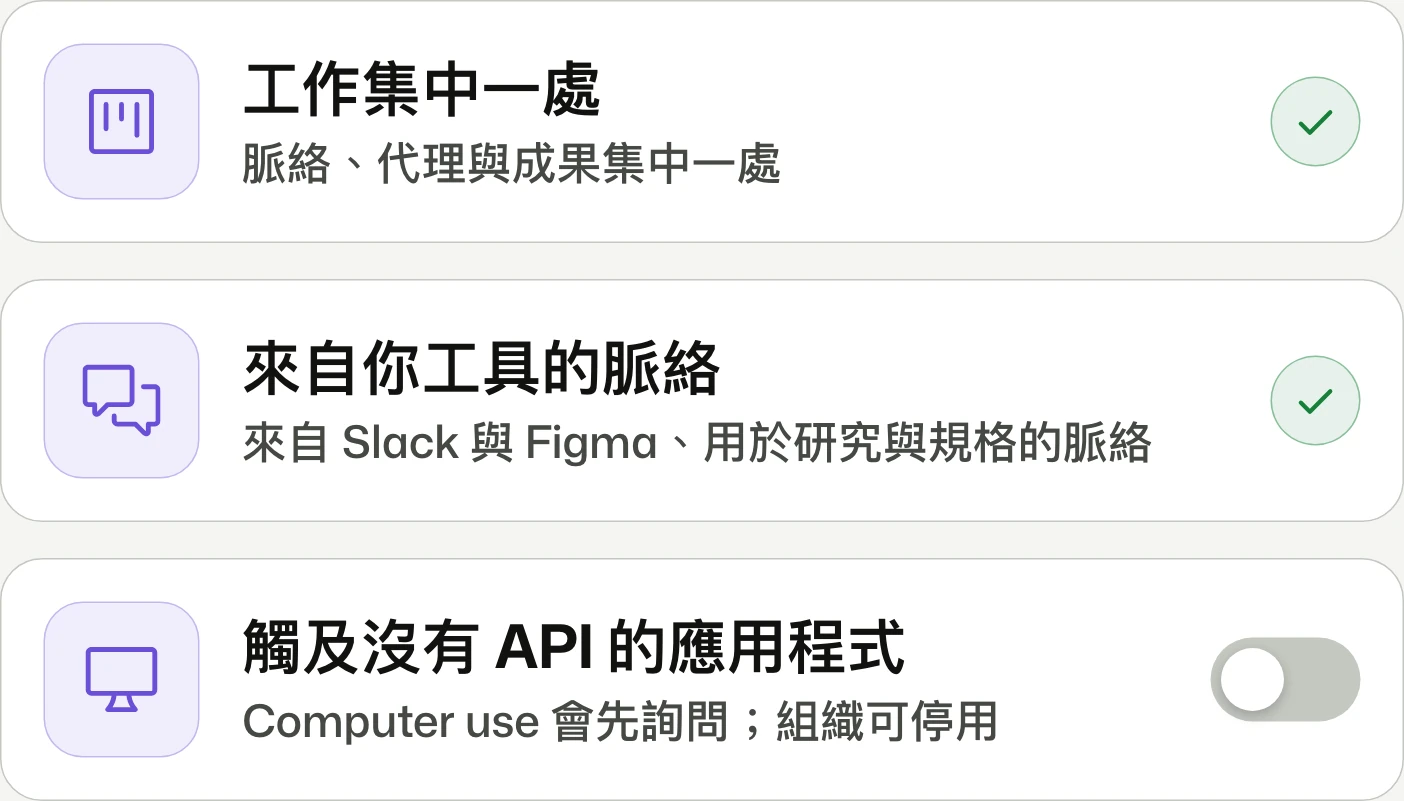
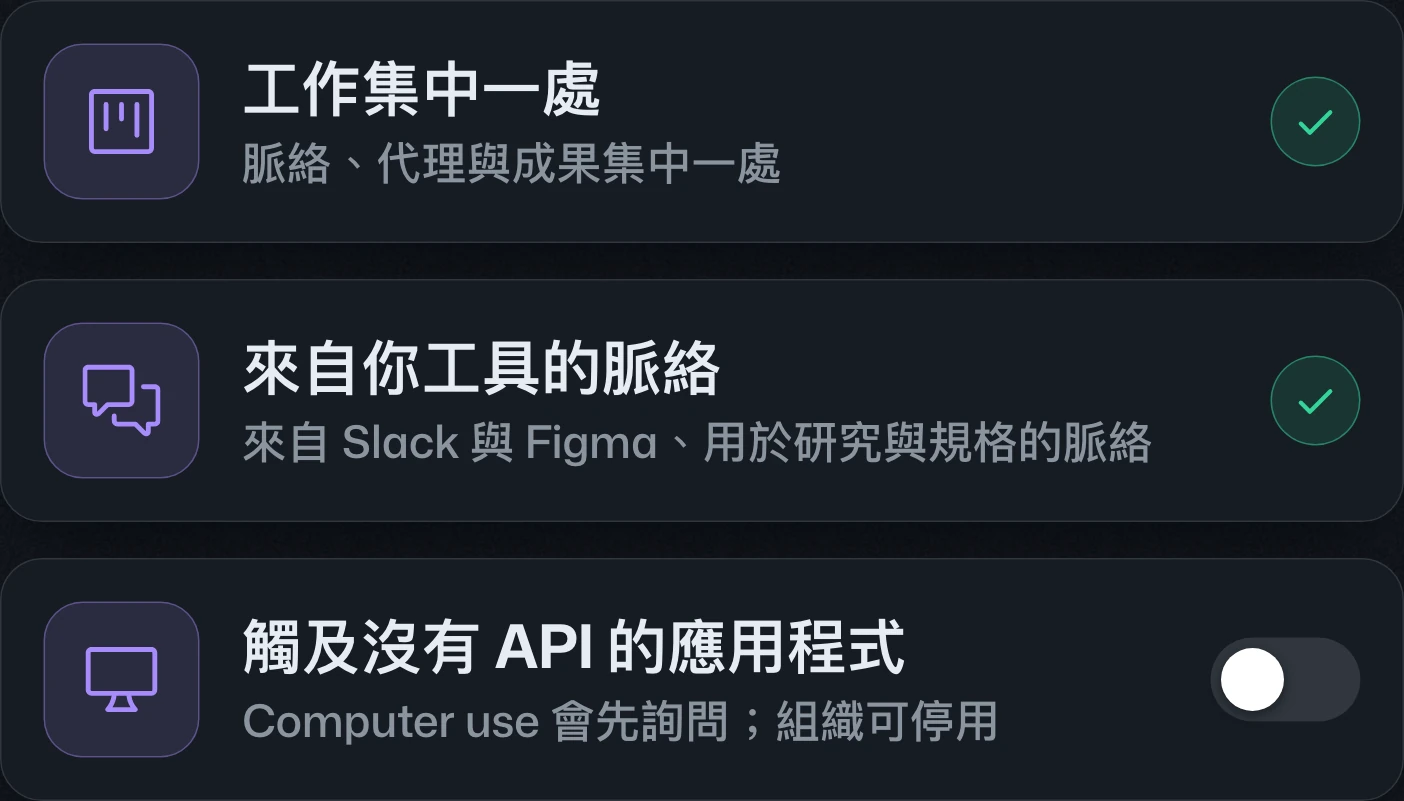
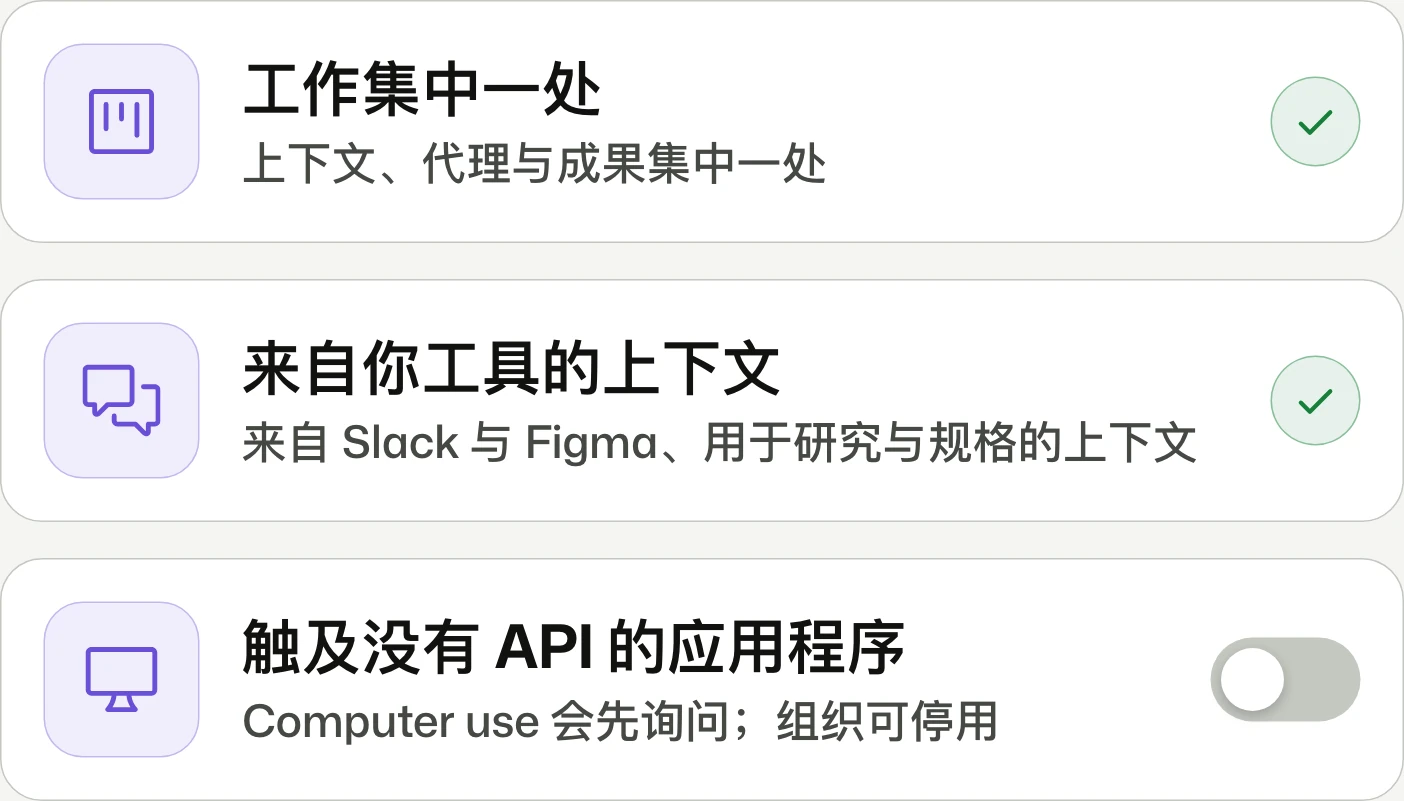
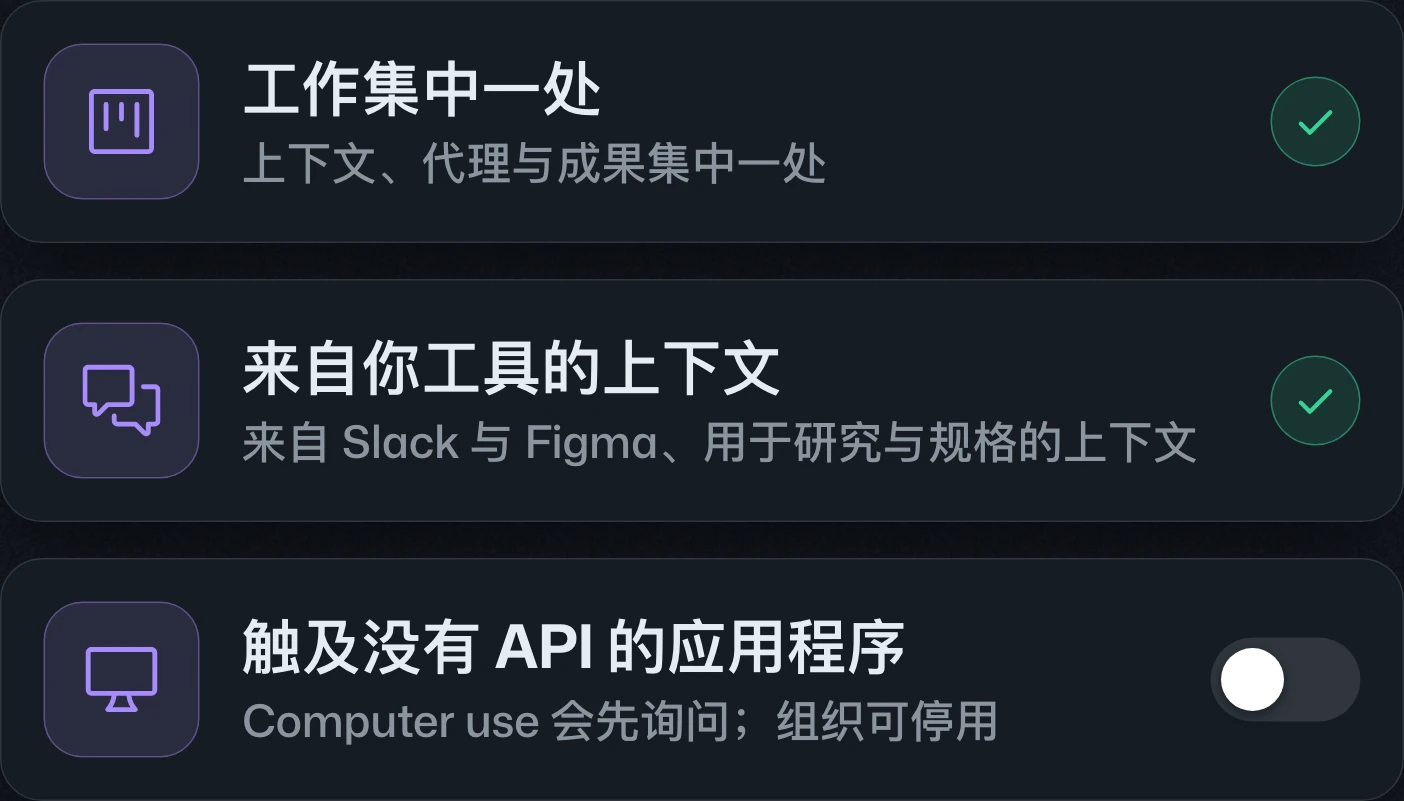
The Copilot app adds Projects to coordinate agents and context across repositories or non-code work, plus desktop app control on macOS and Windows. Both enter public preview; computer use requires approval and can be disabled by organizations.Copilot app 新增 Projects,整合跨儲存庫或非程式碼工作的代理與脈絡,並支援在 macOS 與 Windows 操作桌面應用程式。兩者皆進入公開預覽;電腦操作須經核准,組織可停用。Copilot app 新增 Projects,整合跨仓库或非代码工作的代理与上下文,并支持在 macOS 和 Windows 操作桌面应用。两者均进入公开预览;计算机操作需经批准,组织可禁用。
GitHub Copilot in VS Code, Universe releasesGitHub Copilot 在 VS Code 的 Universe 更新GitHub Copilot 在 VS Code 的 Universe 更新
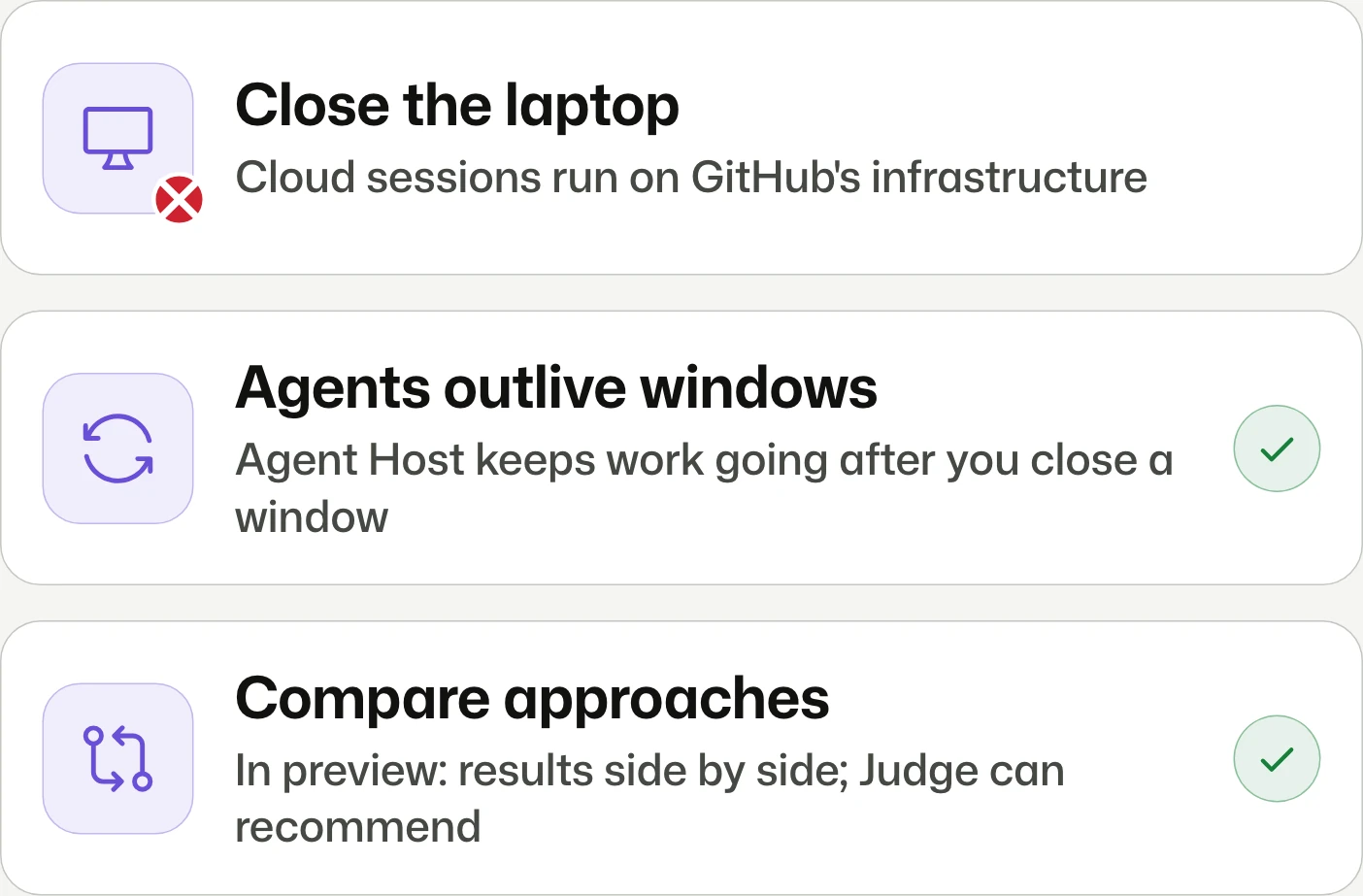
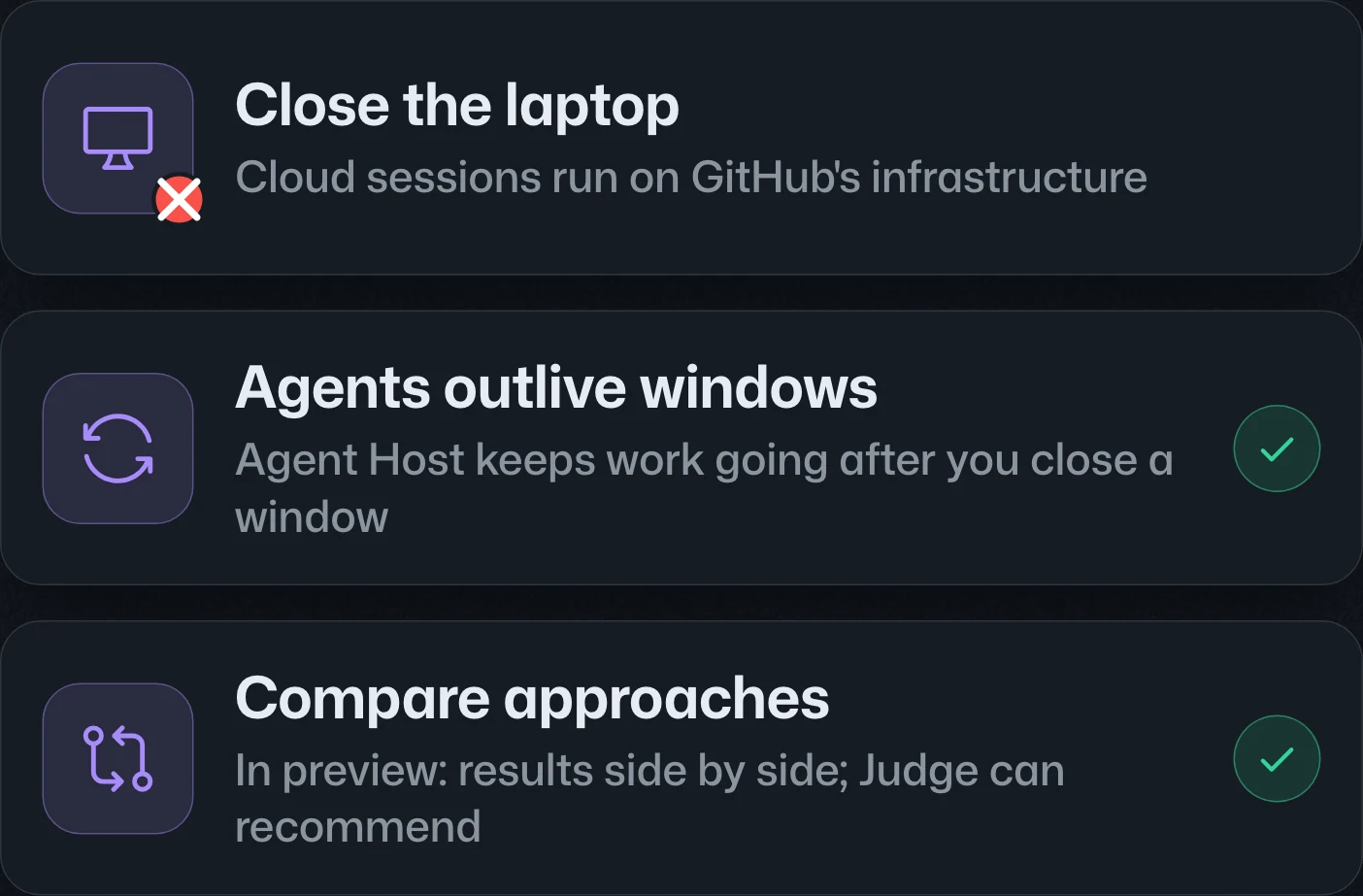
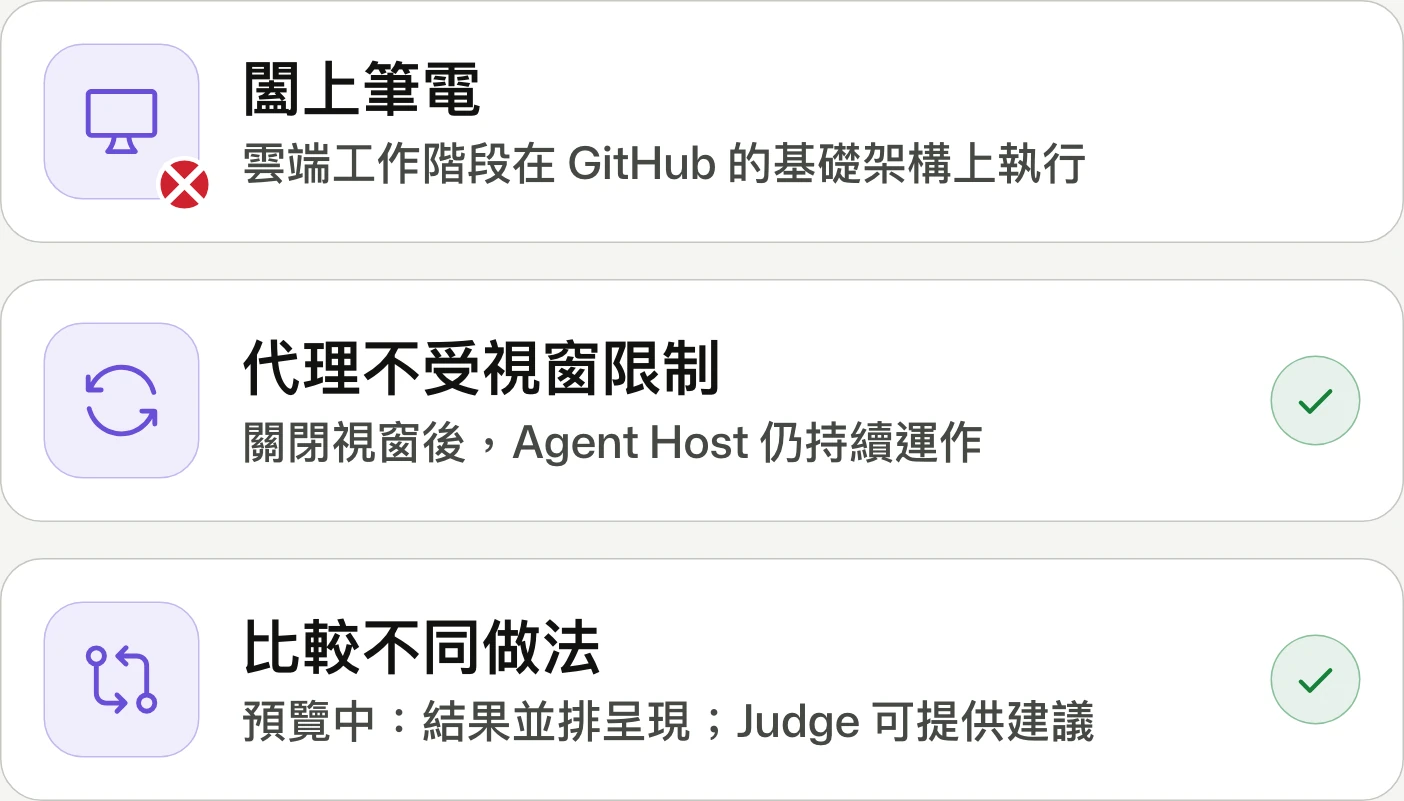
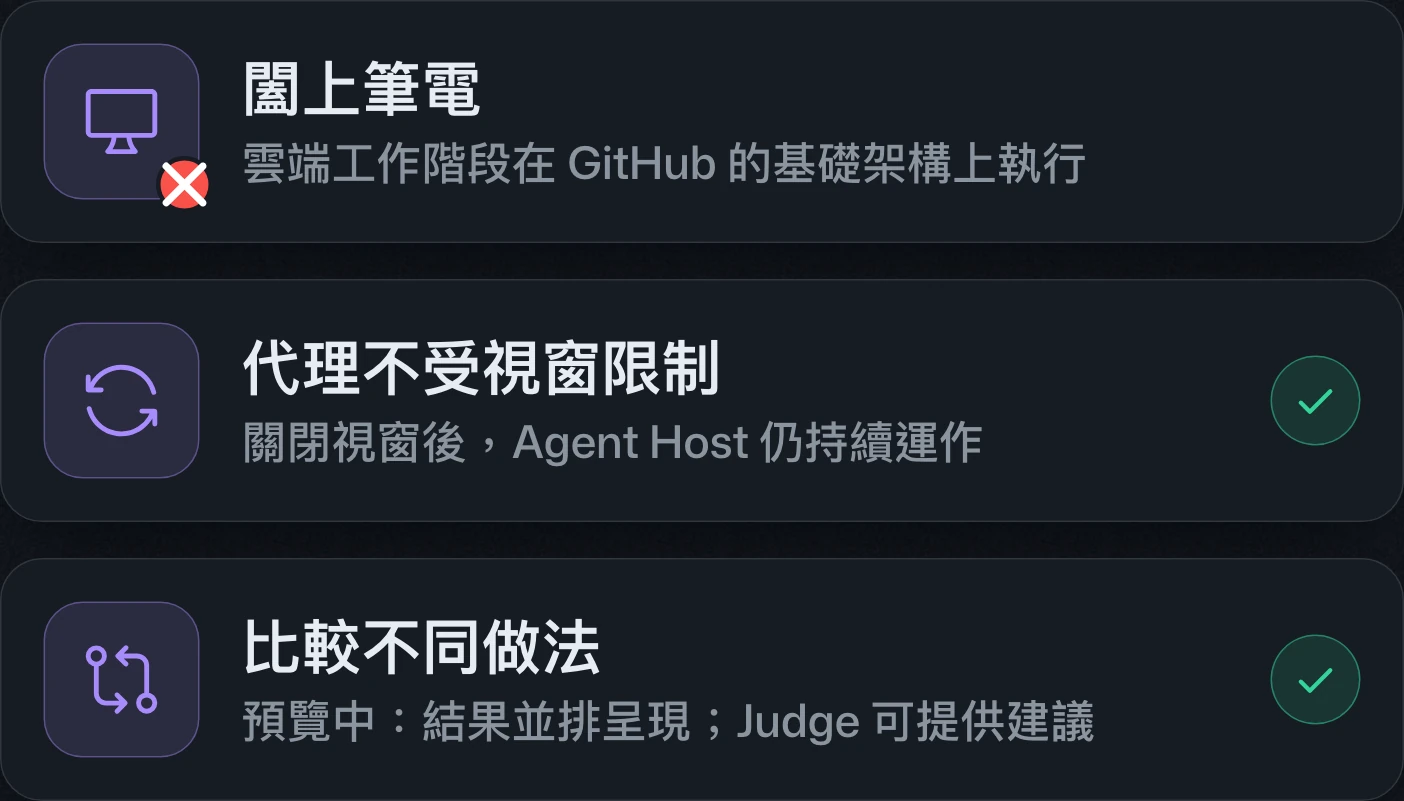
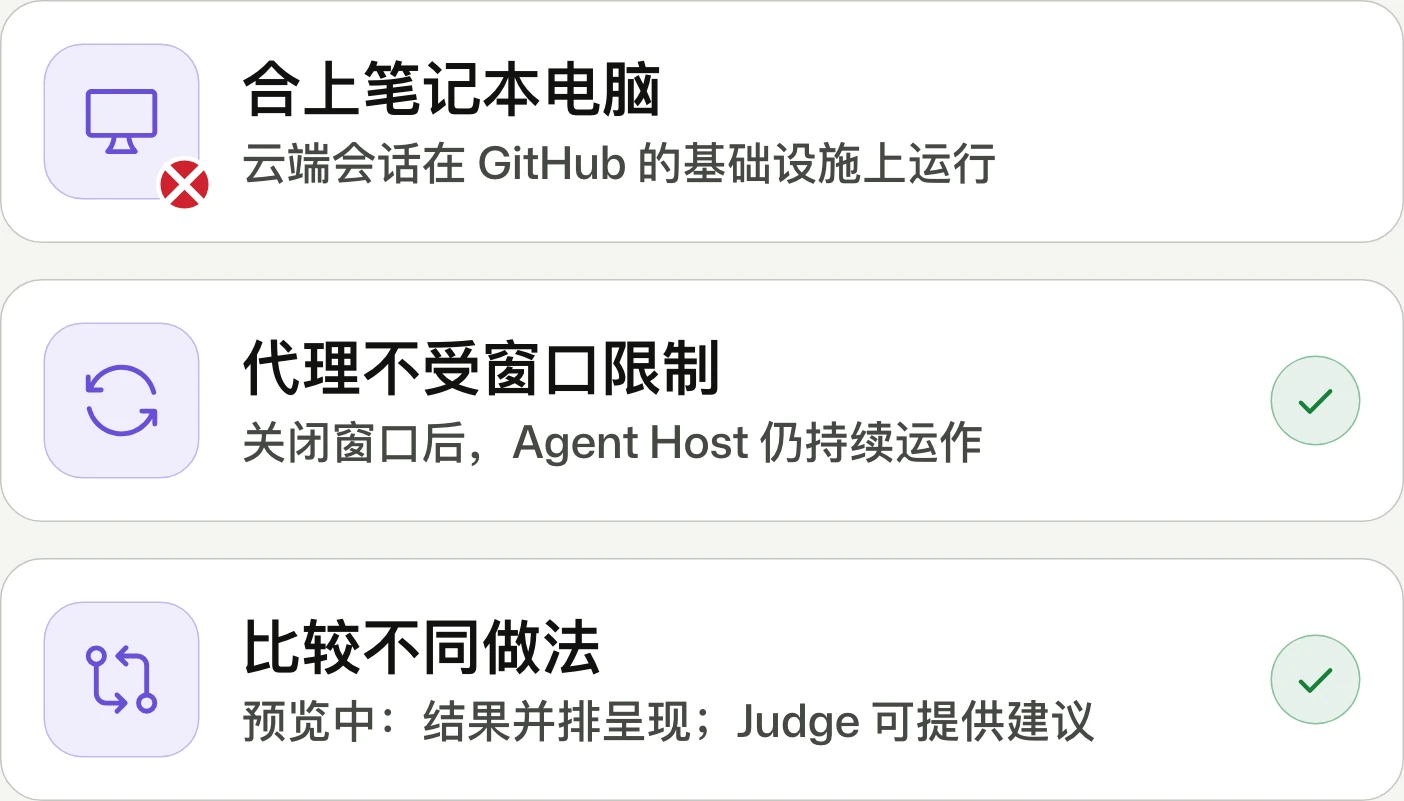
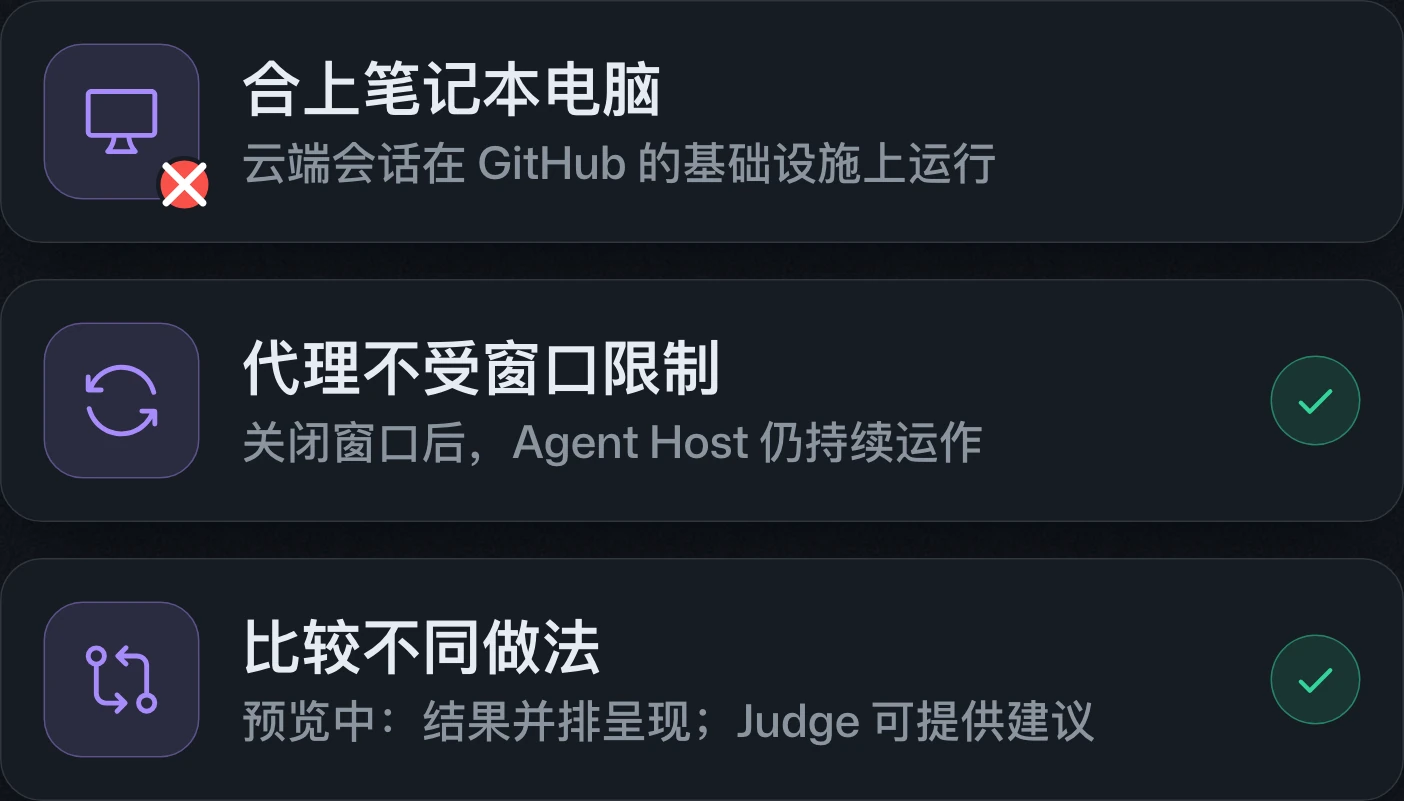
Hand off to the cloud. Close your laptop.交給雲端,闔上筆電。交给云端,合上笔记本电脑。
VS Code adds cross-client cloud sessions, persistent Agent Host sessions, remote execution, and mobile control of development machines. New sessions default to the Copilot harness; remote agents require their host machine to stay on.VS Code 新增跨用戶端雲端工作階段、持續運作的 Agent Host 工作階段、遠端執行與行動裝置控制開發機功能。新工作階段預設採用 Copilot harness;遠端代理的主機須持續運作。VS Code 新增跨客户端云端会话、持续运行的 Agent Host 会话、远程执行和移动设备控制开发机功能。新会话默认采用 Copilot harness;远程代理的主机需保持运行。
GitHub Copilot in JetBrains Universe releasesGitHub Copilot 在 JetBrains 的 Universe 更新GitHub Copilot 在 JetBrains 的 Universe 更新
Run agents safely. Skip model picking.安全執行代理,無須挑選模型。安全运行代理,无需挑选模型。
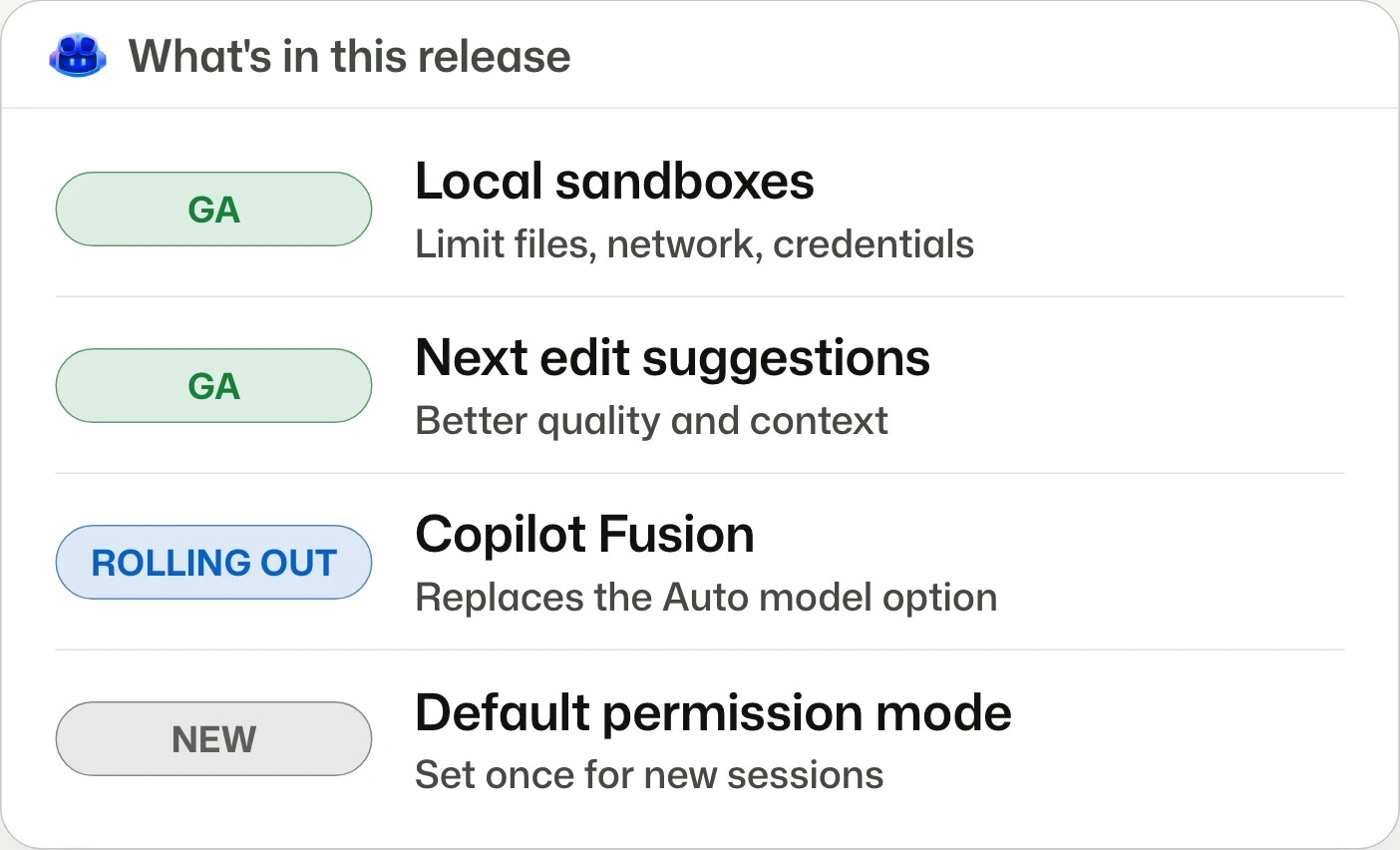
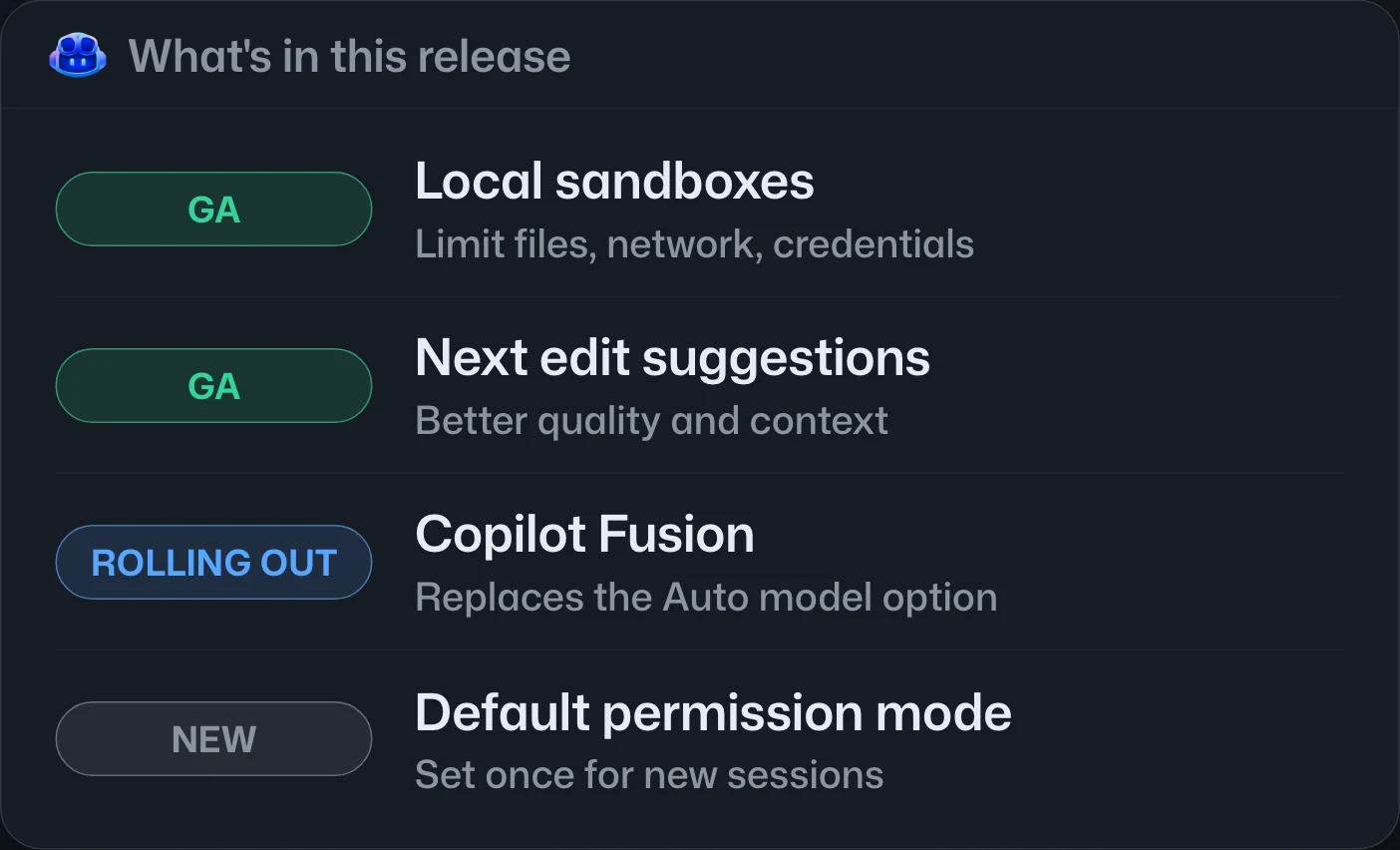
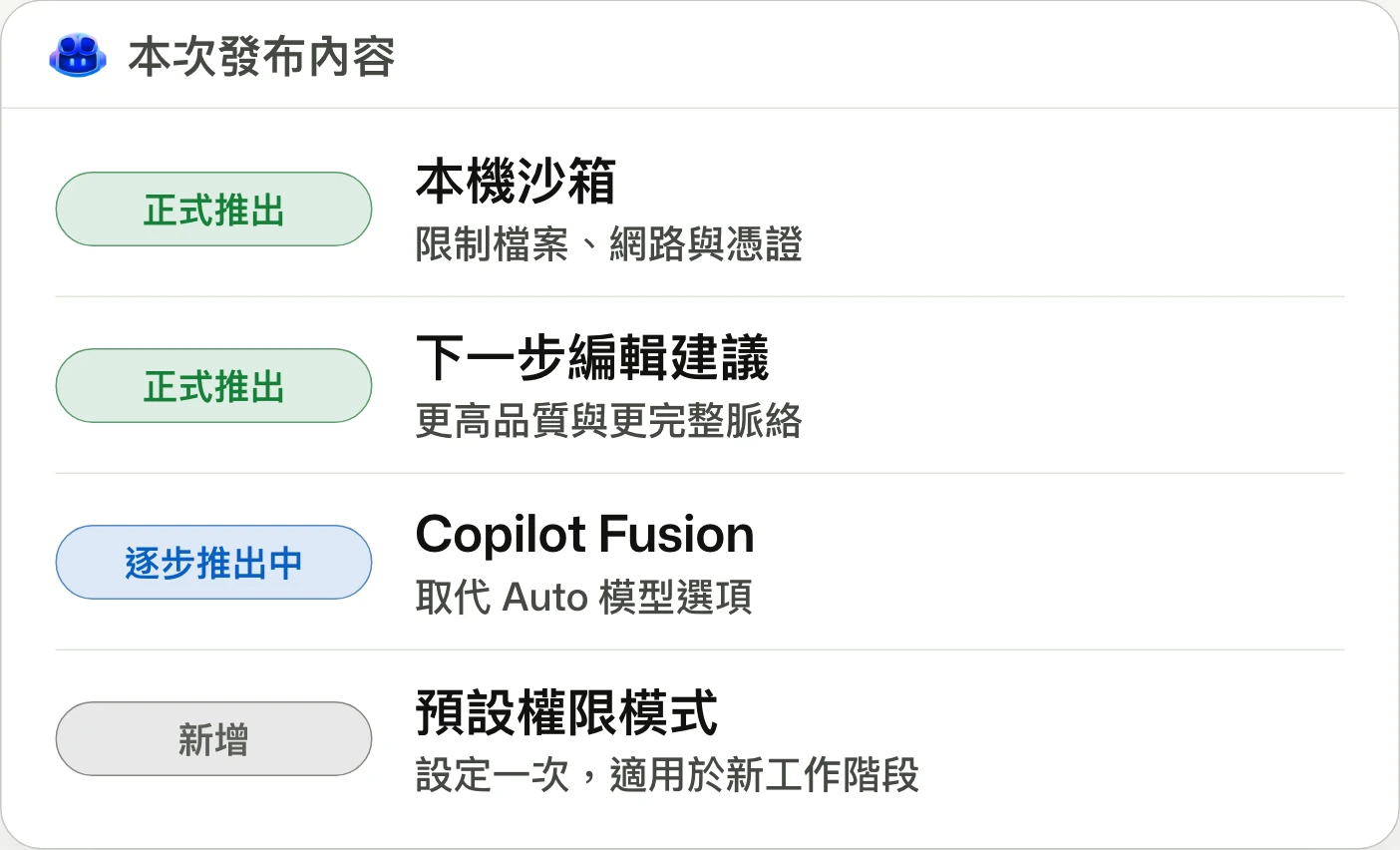
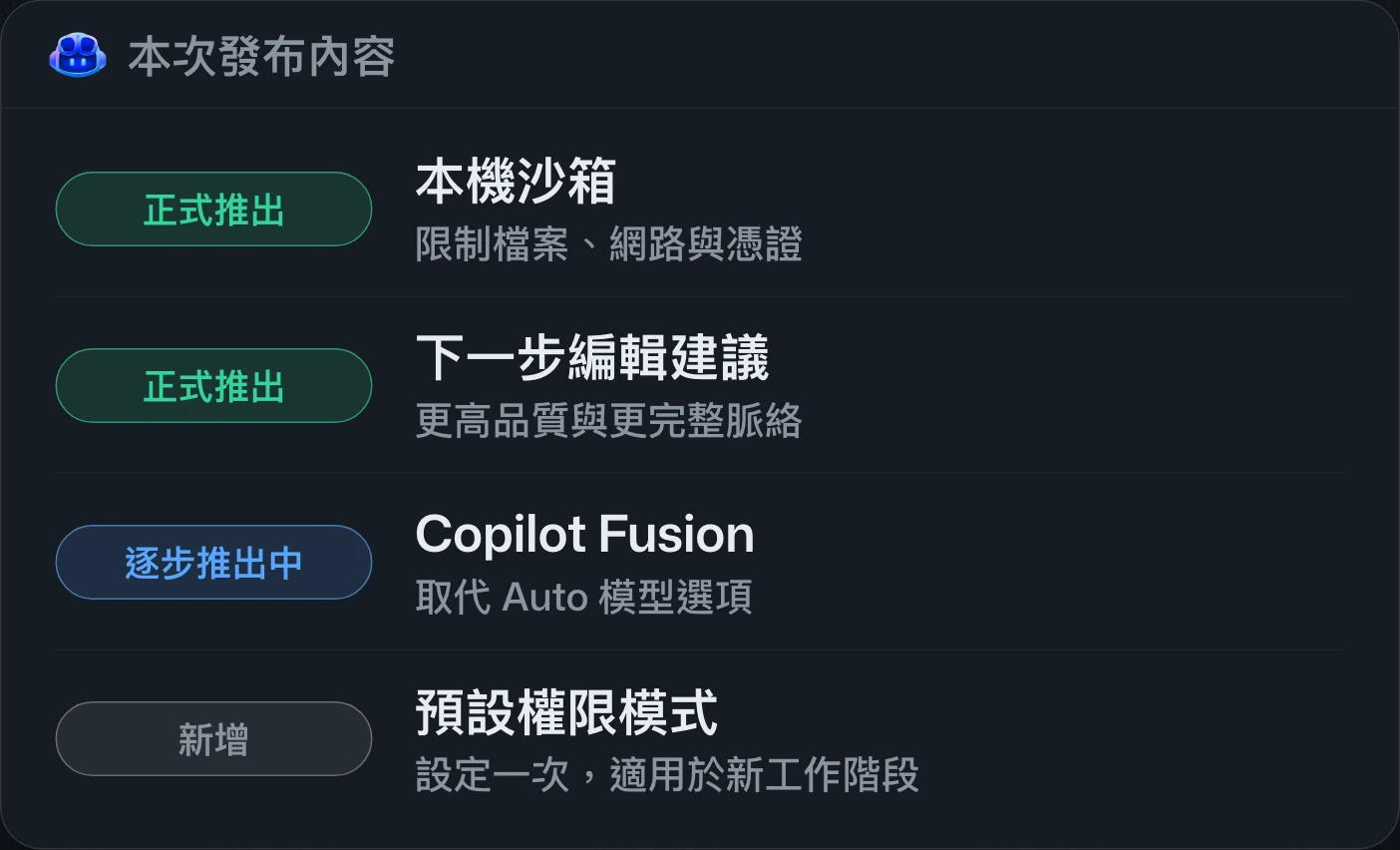
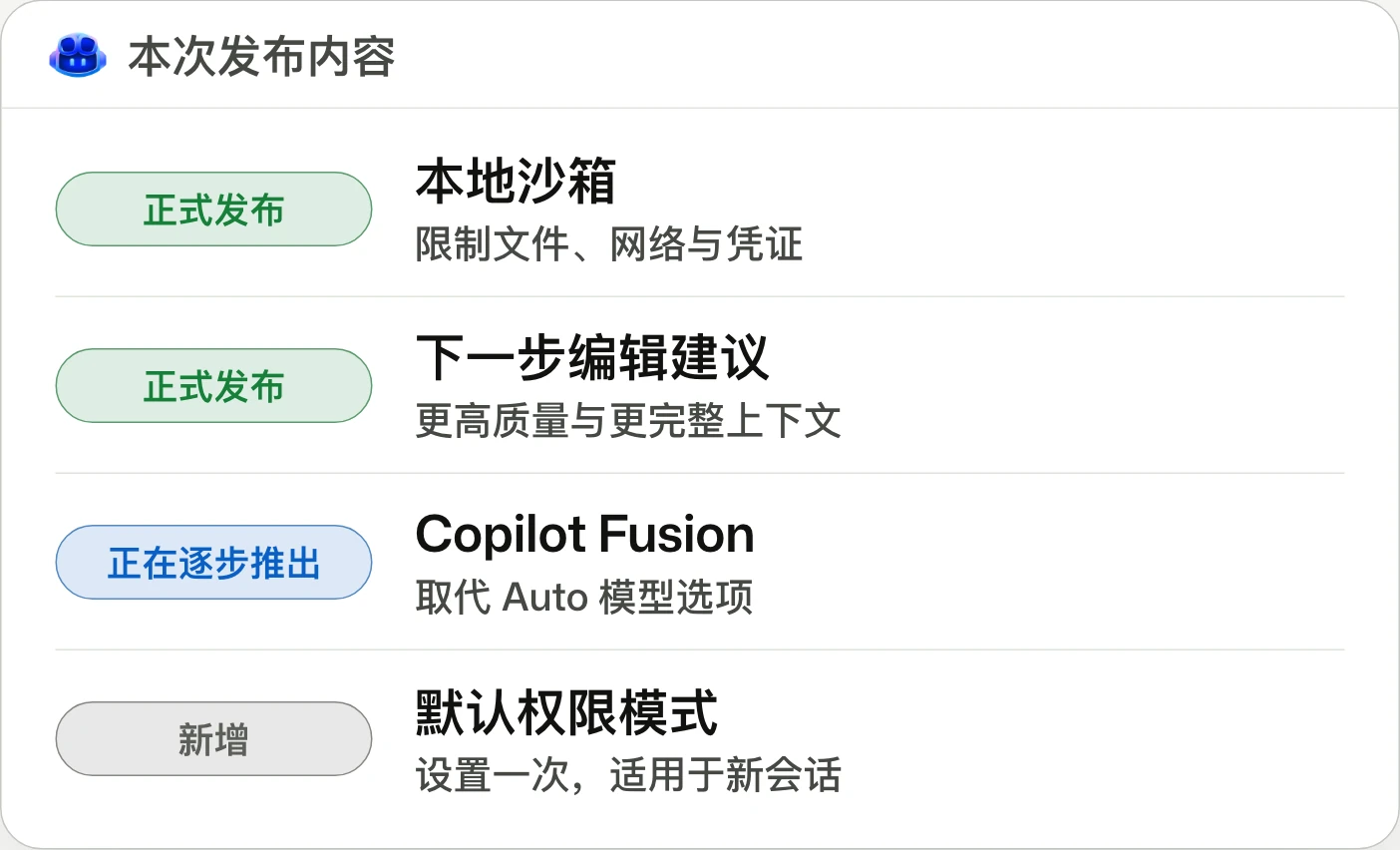
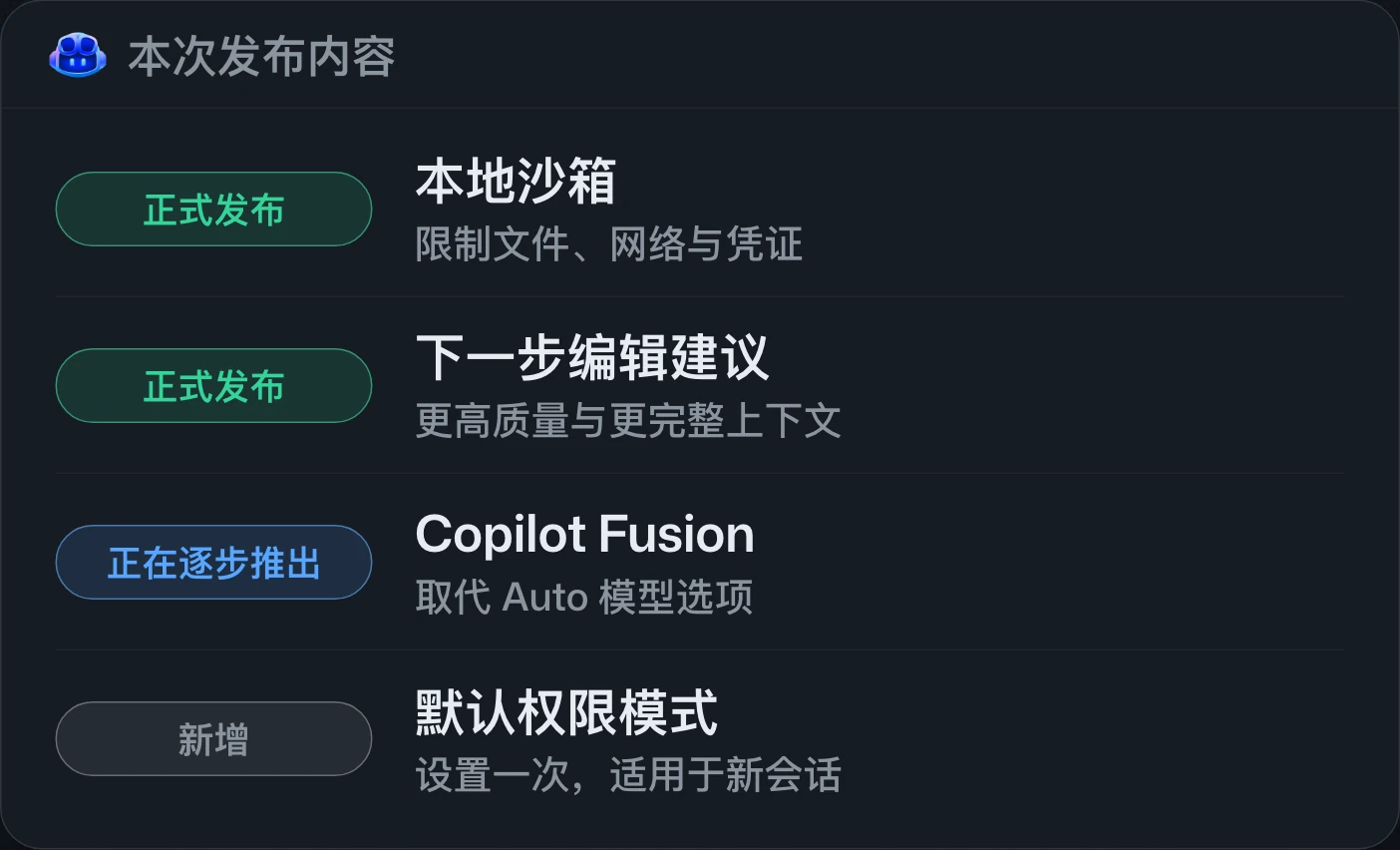
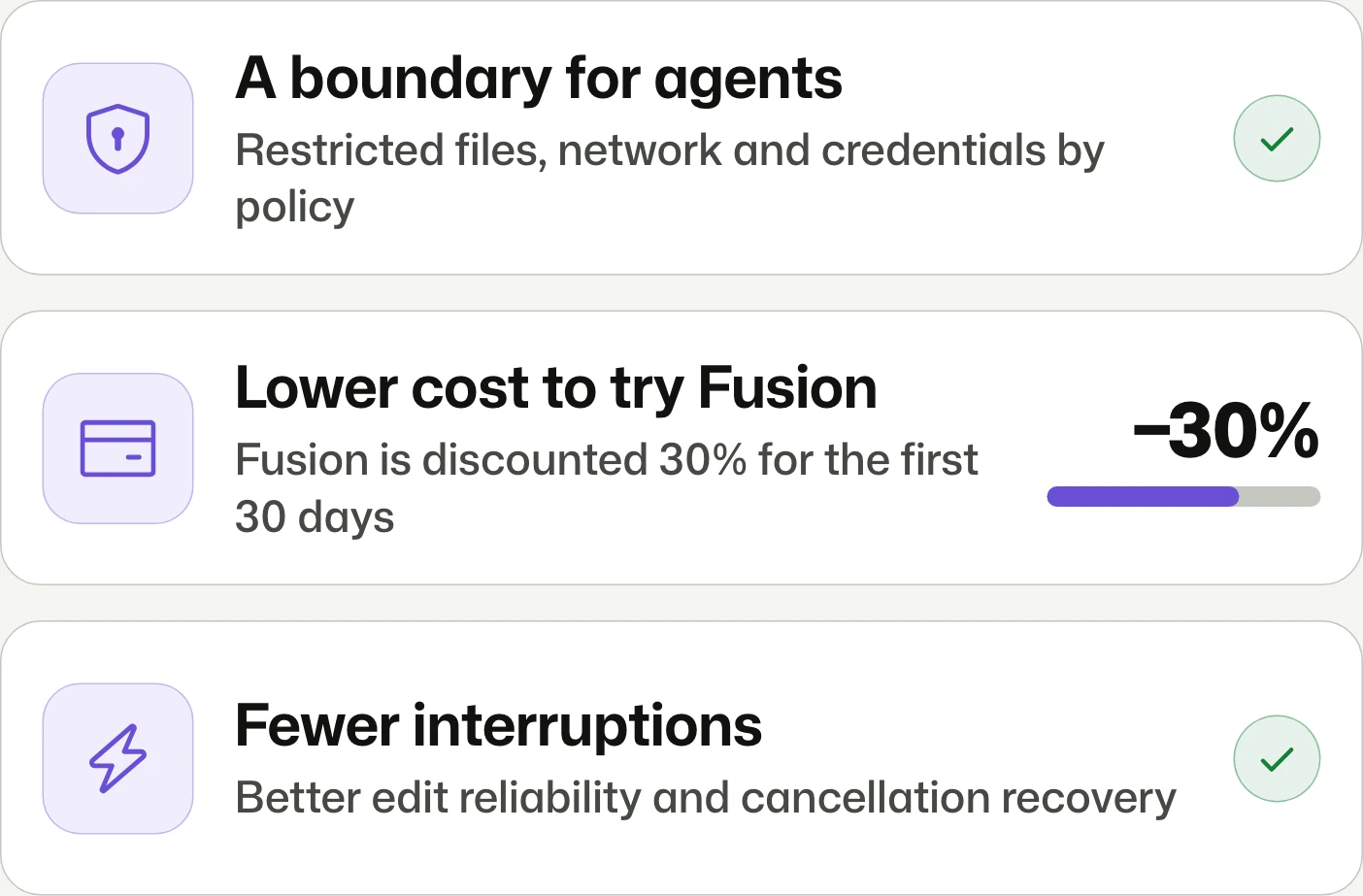
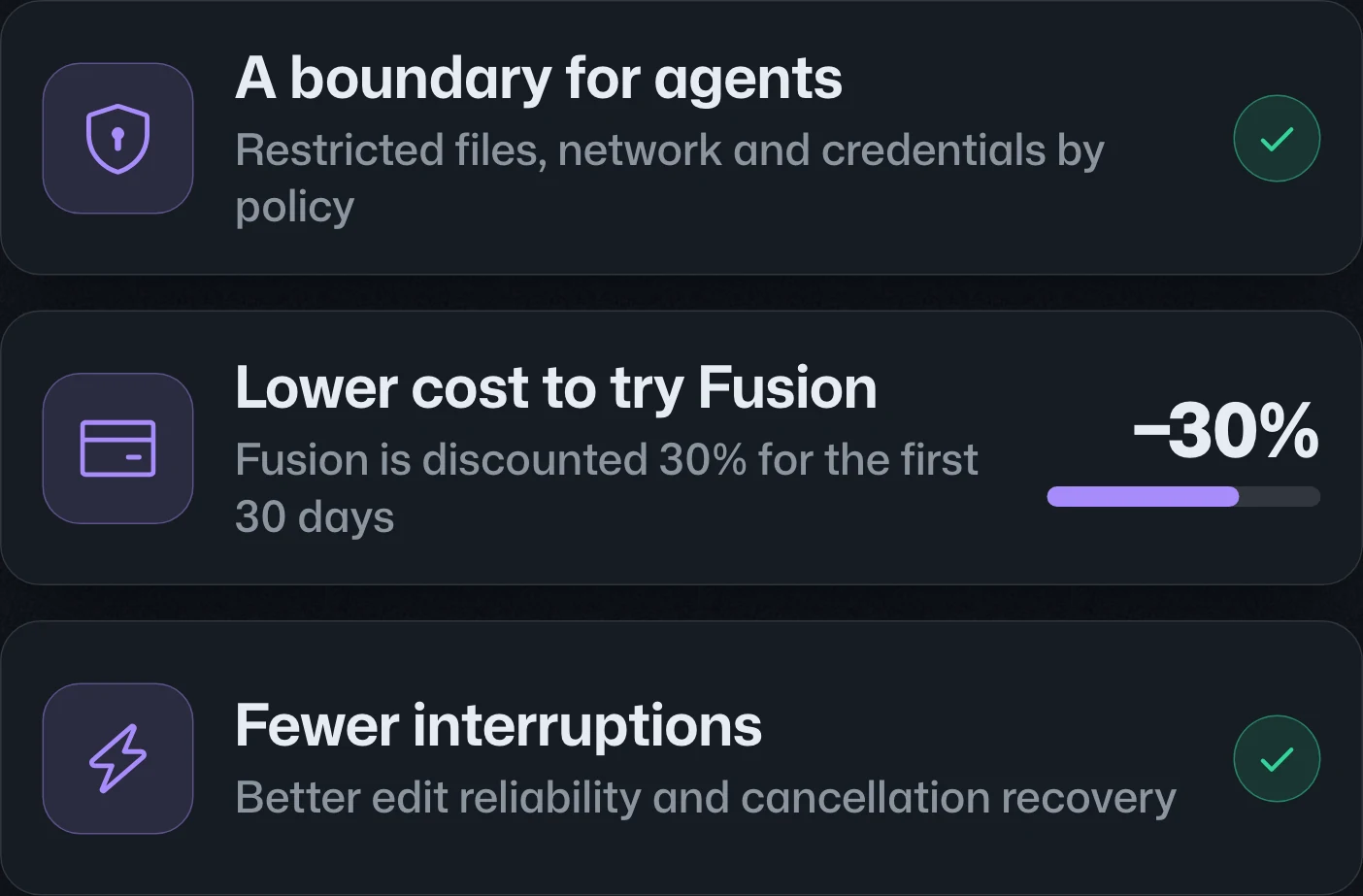
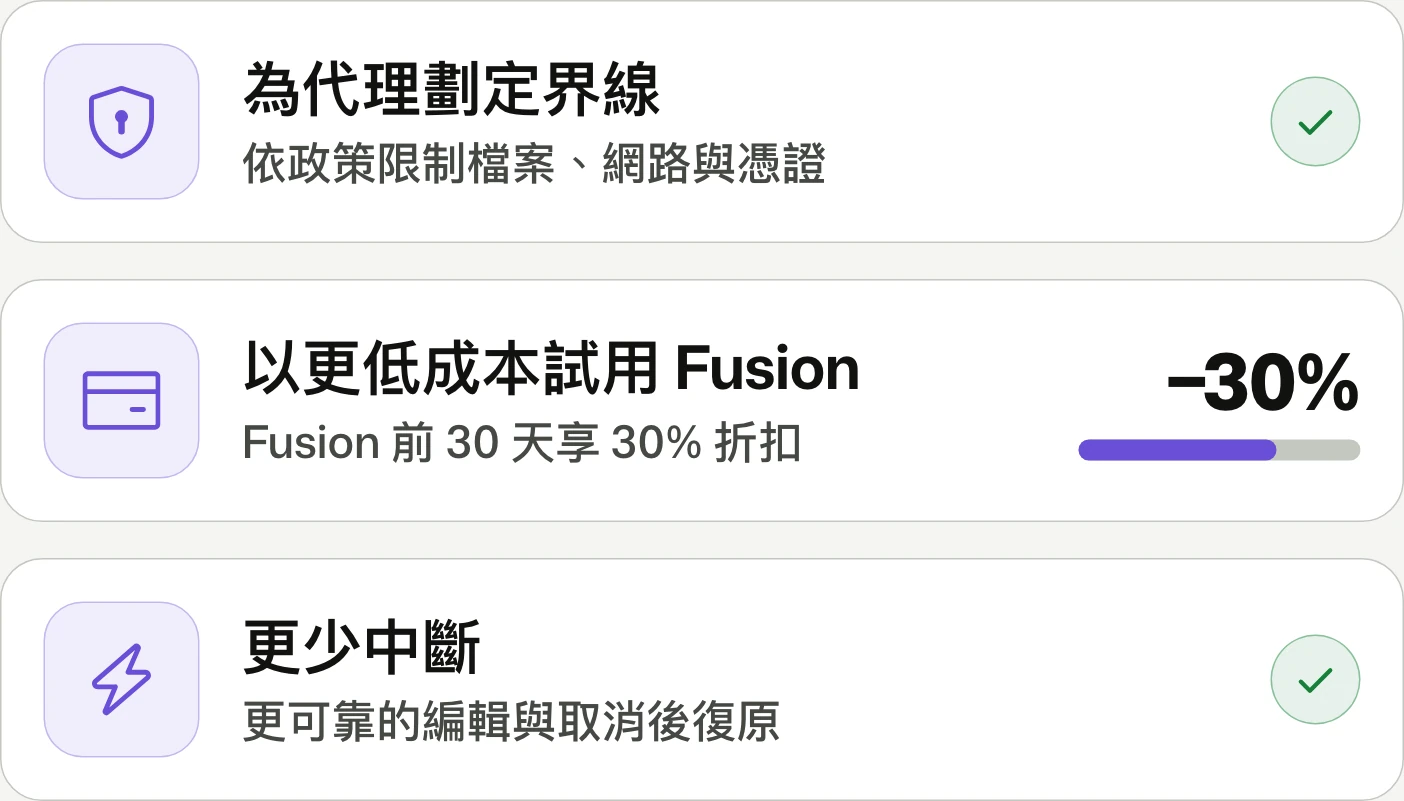
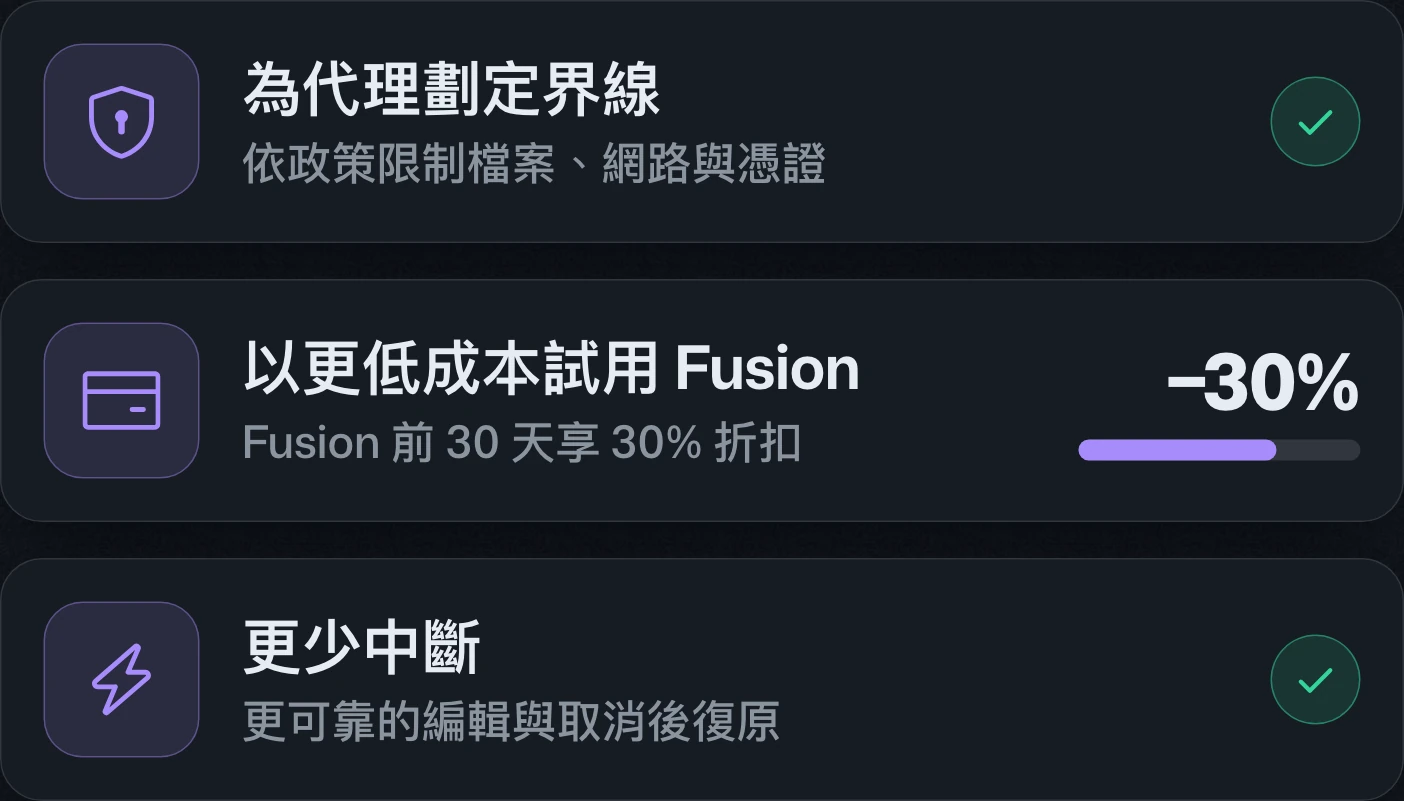
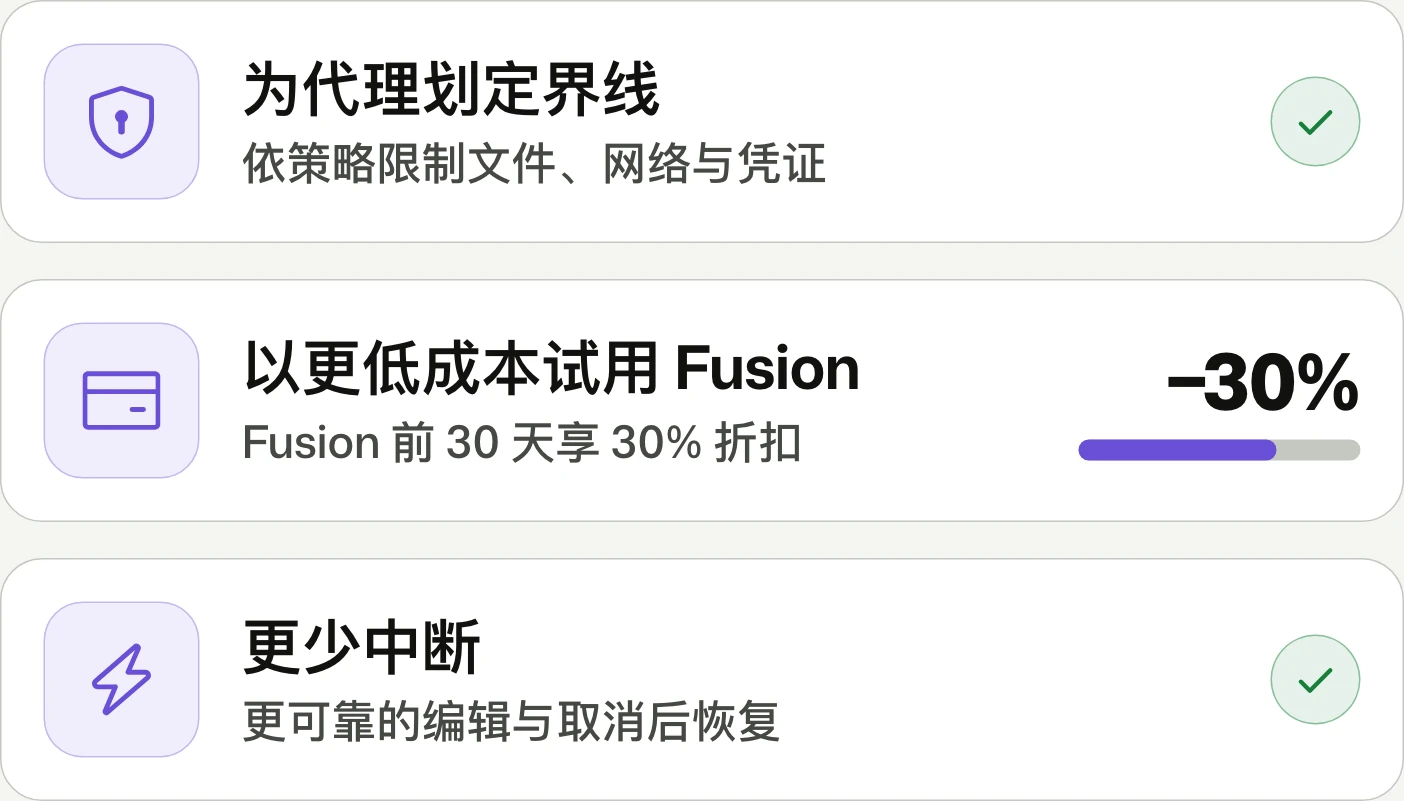
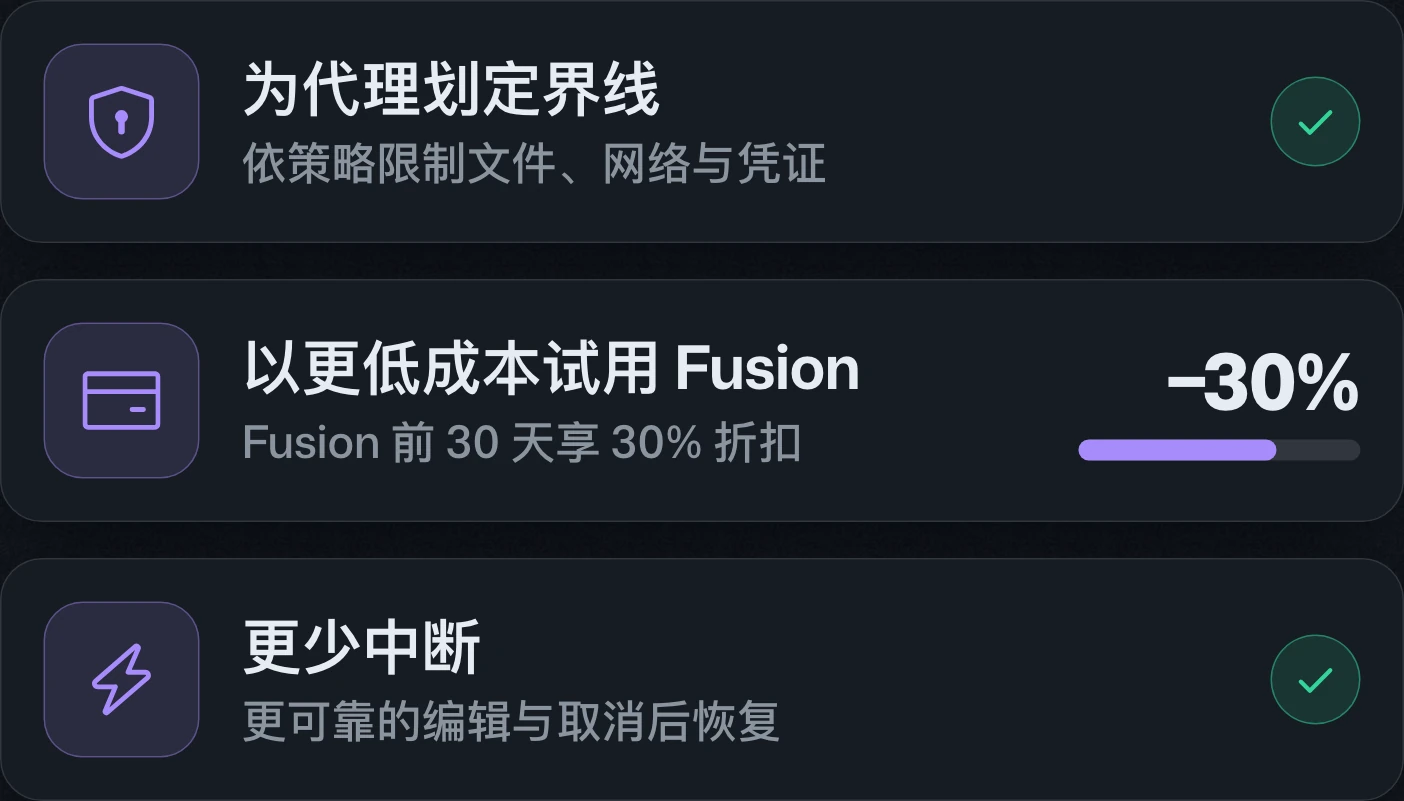
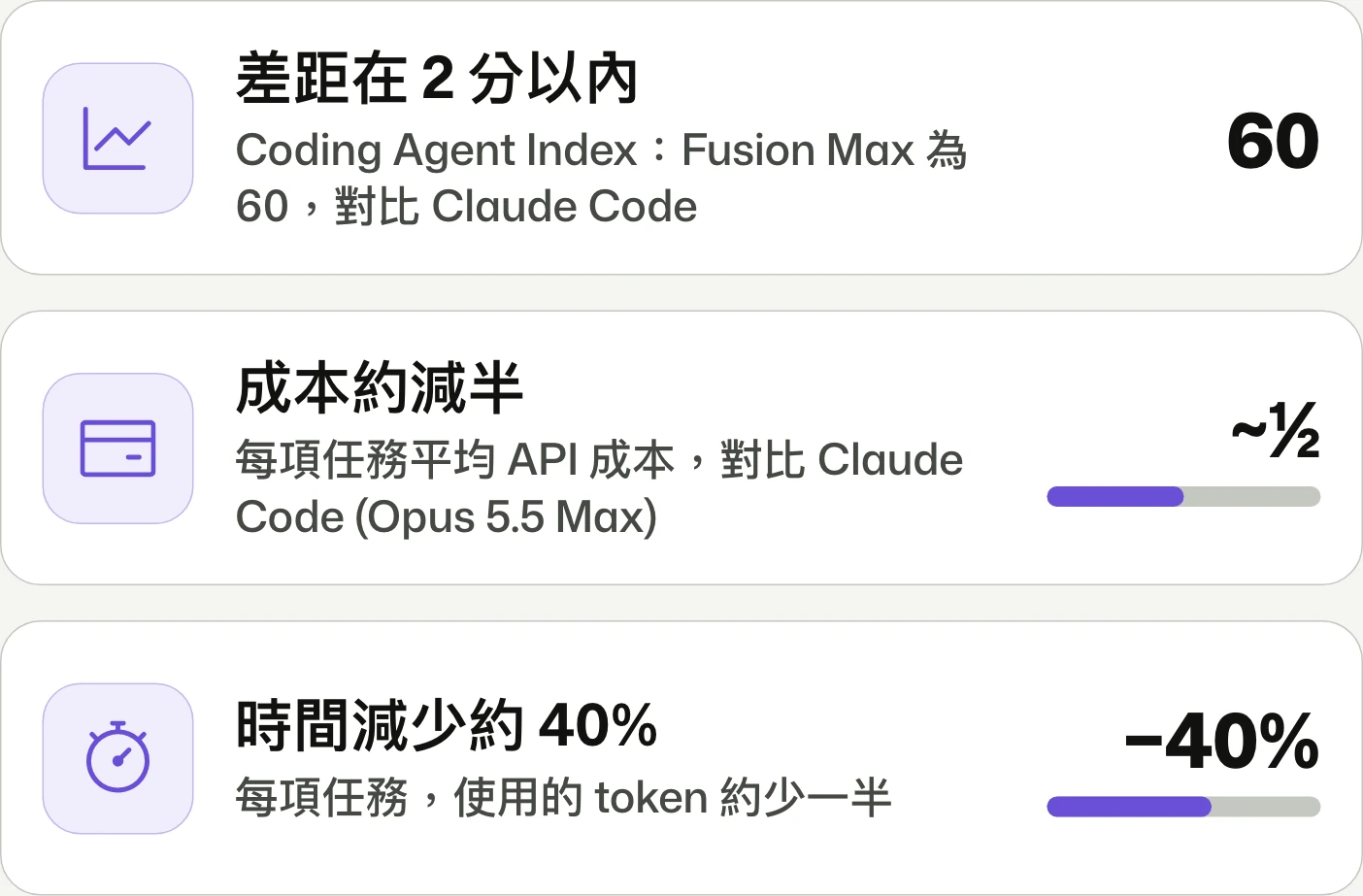
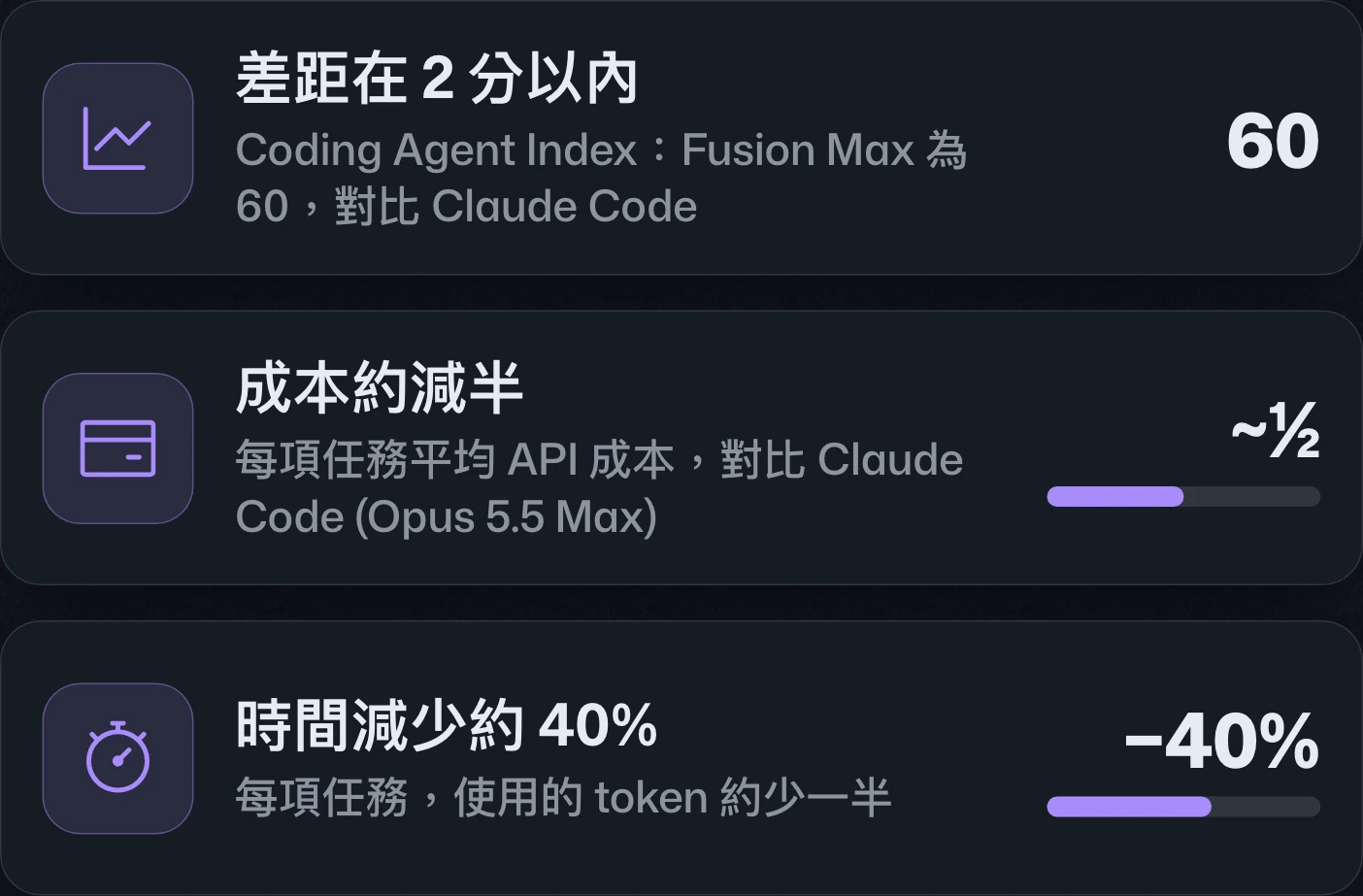
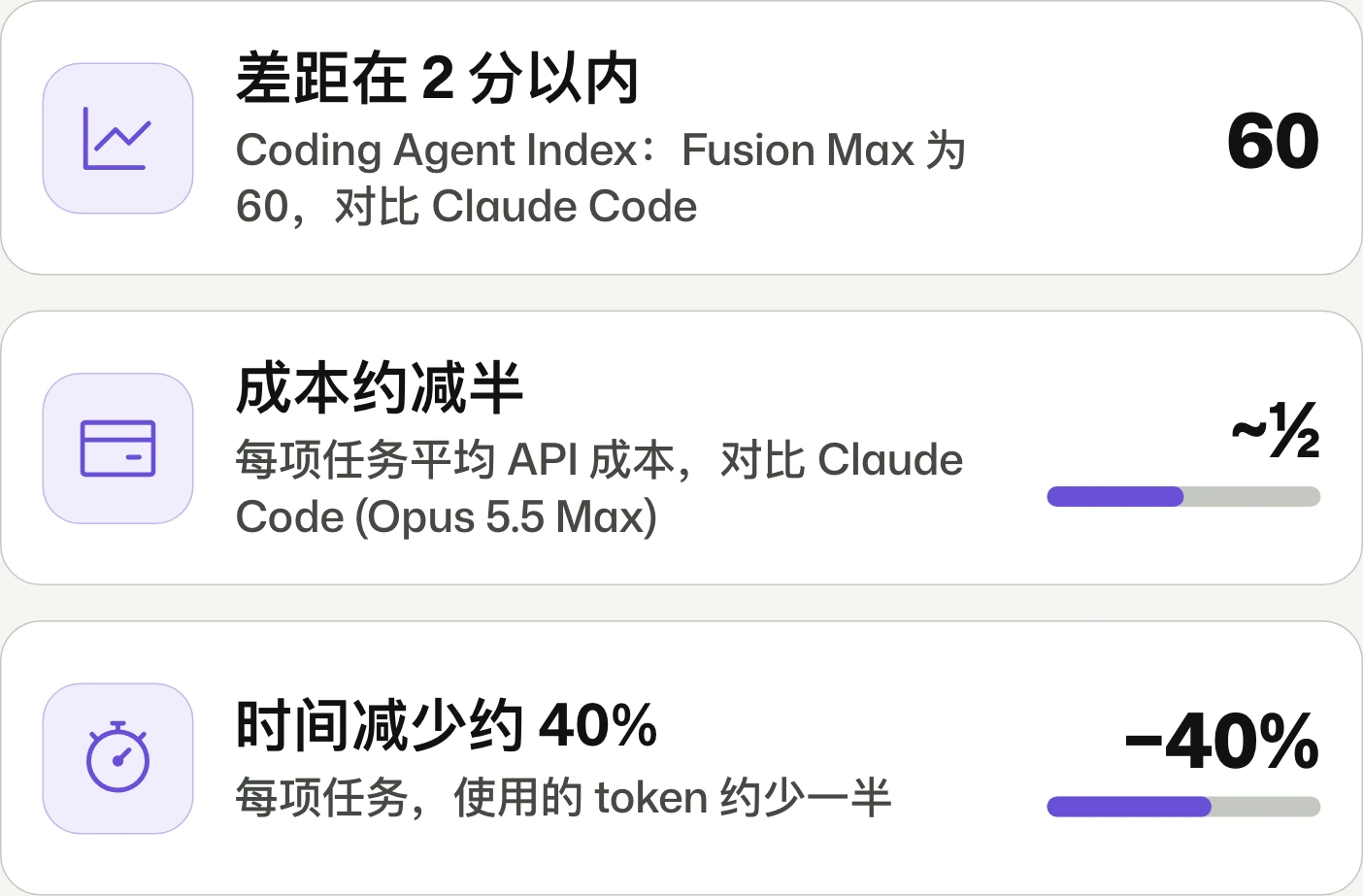
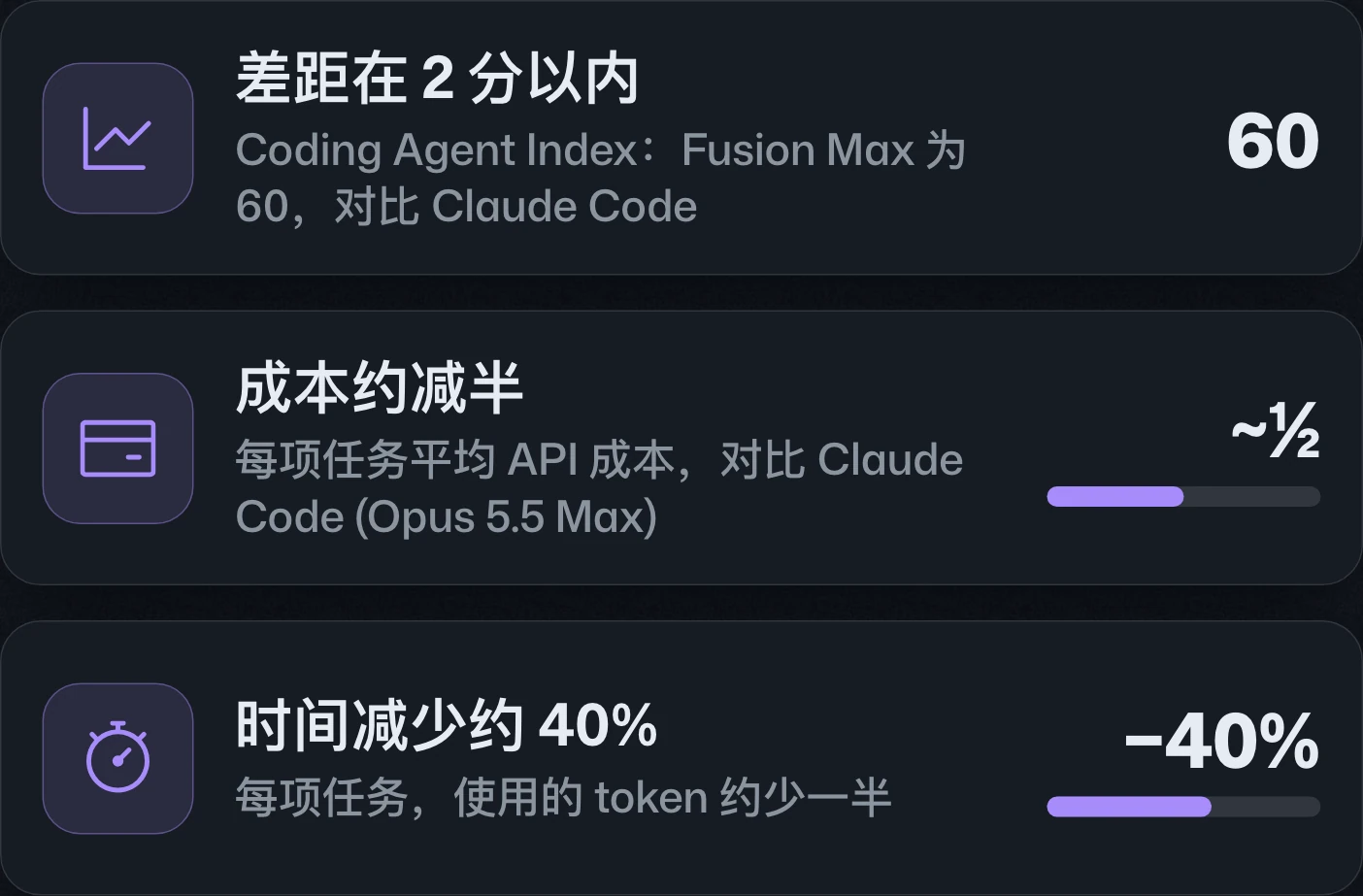
JetBrains gains generally available local sandboxes and next edit suggestions, plus session and permission updates. Copilot Fusion is gradually replacing Auto, with Standard, High, and Max options and a 30% discount for its first 30 days.JetBrains 的本機沙箱與 next edit suggestions 已正式推出,並更新工作階段與權限設定。Copilot Fusion 正逐步取代 Auto,提供 Standard、High 與 Max 選項,推出後前 30 天享七折優惠。JetBrains 的本地沙箱和 next edit suggestions 已正式发布,并更新会话与权限设置。Copilot Fusion 正逐步取代 Auto,提供 Standard、High 和 Max 选项,推出后前 30 天享七折优惠。
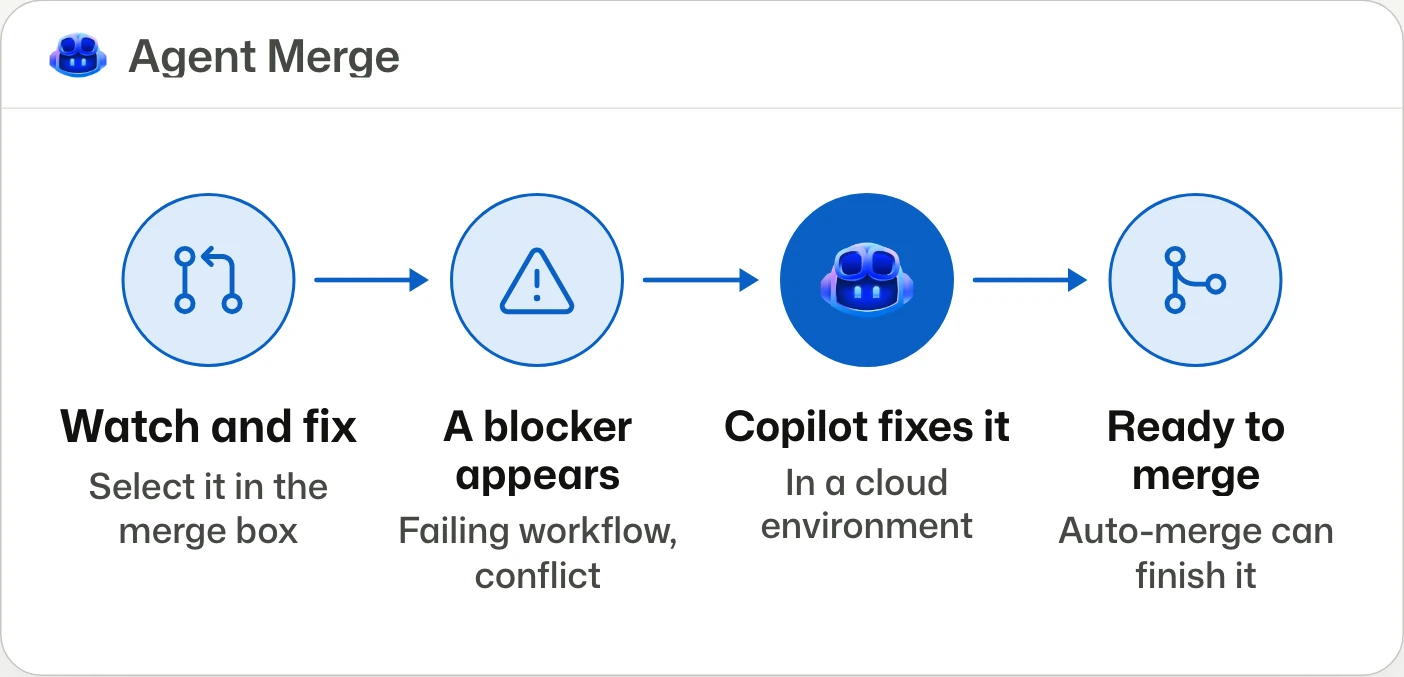
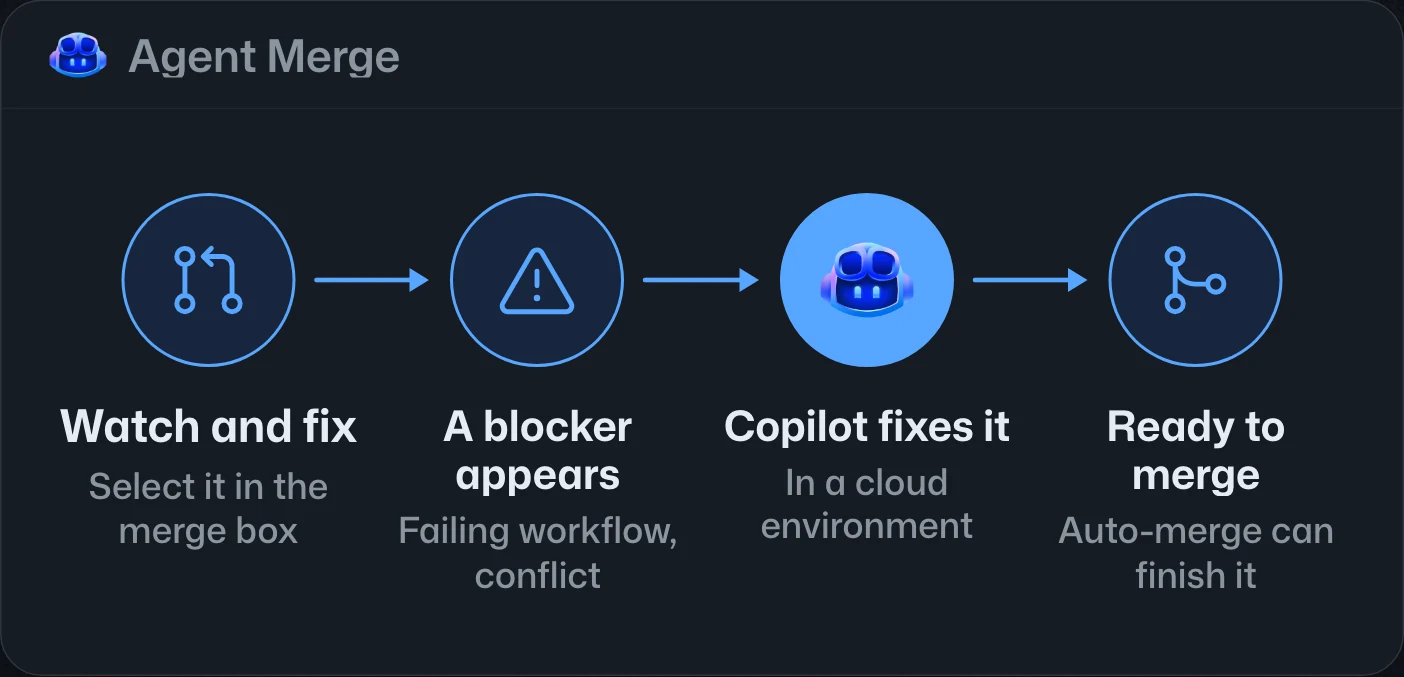
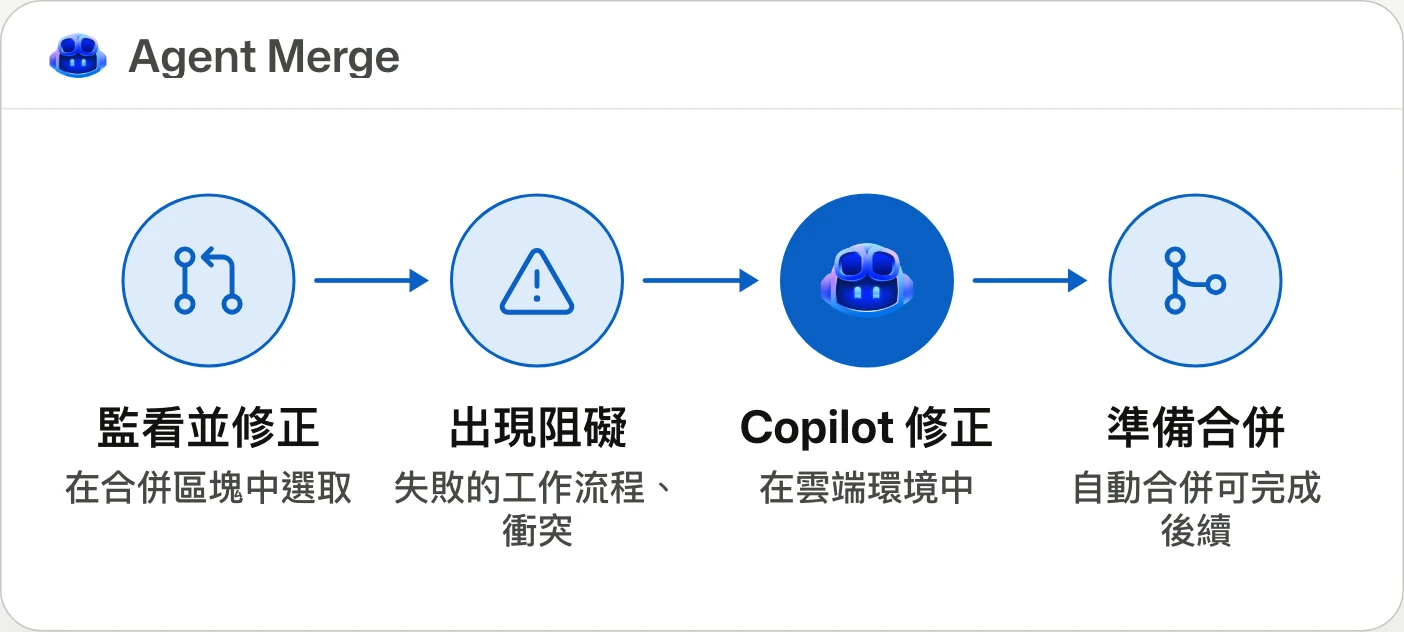
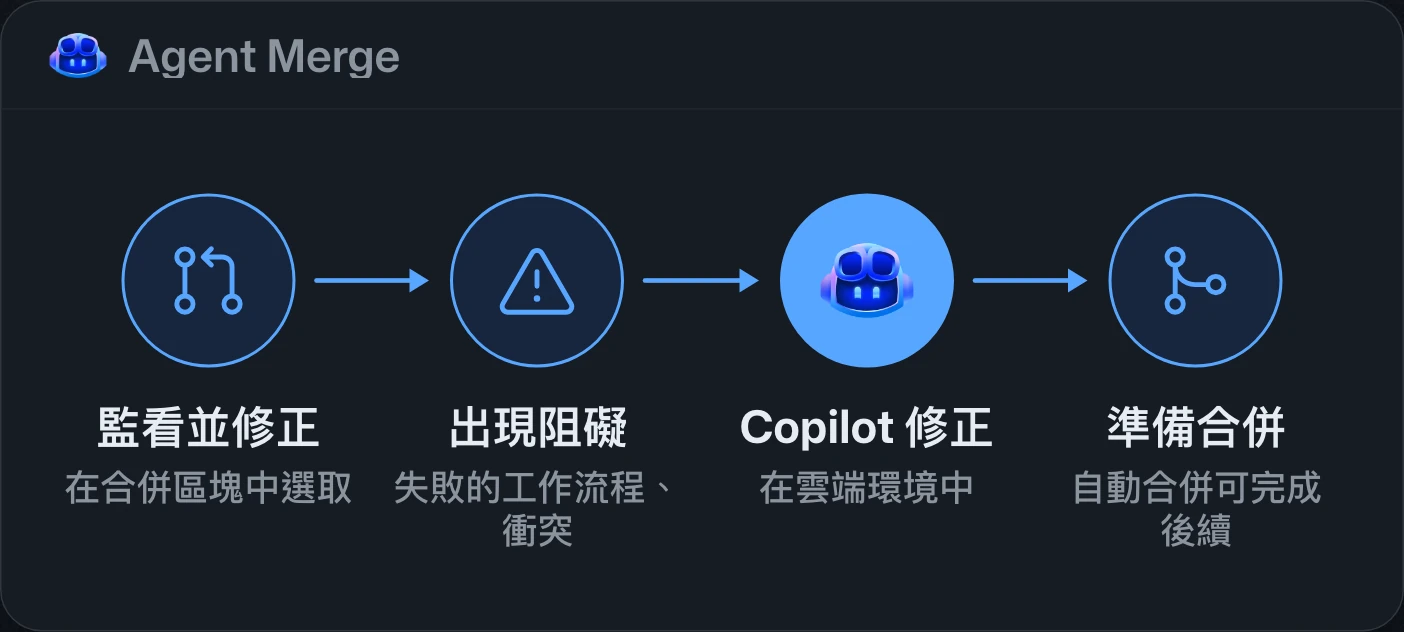
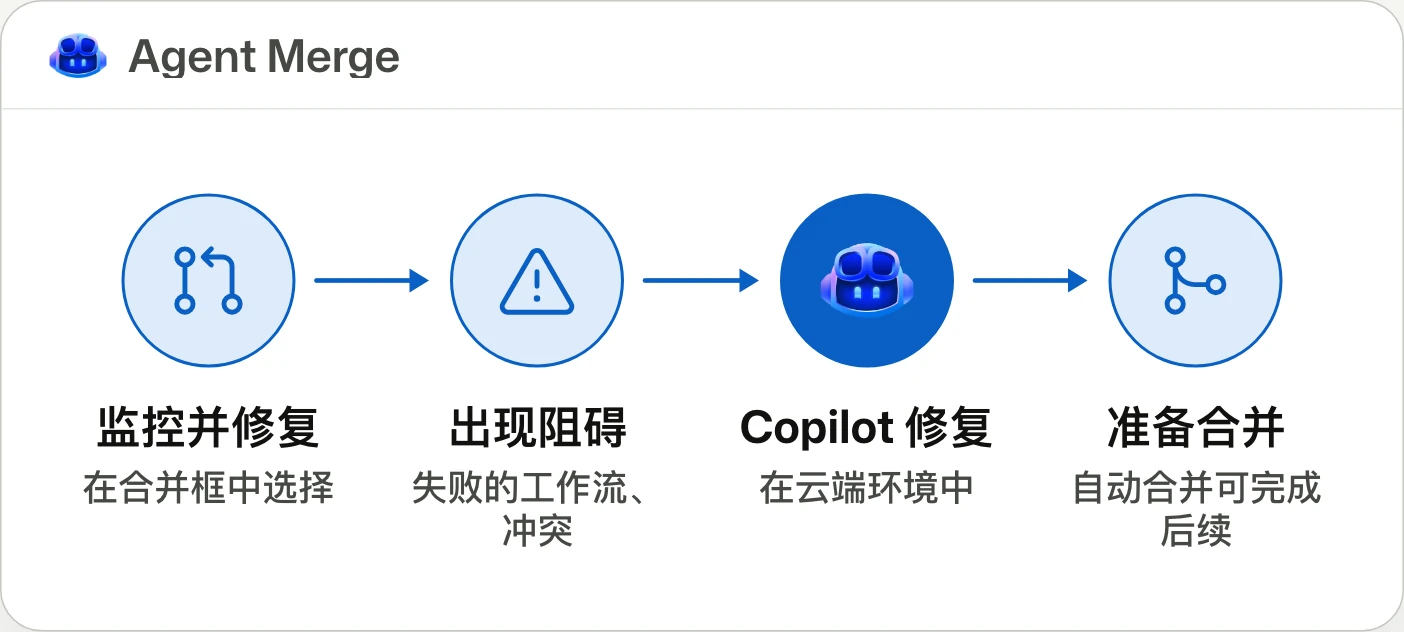
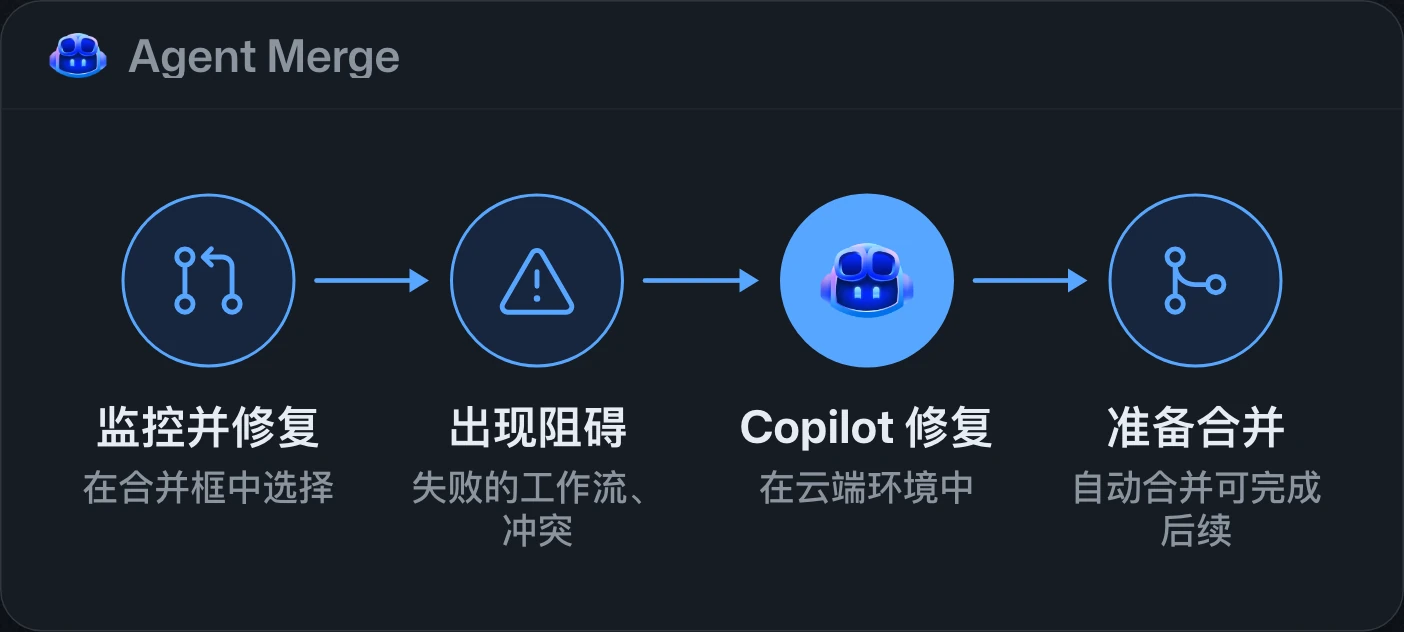
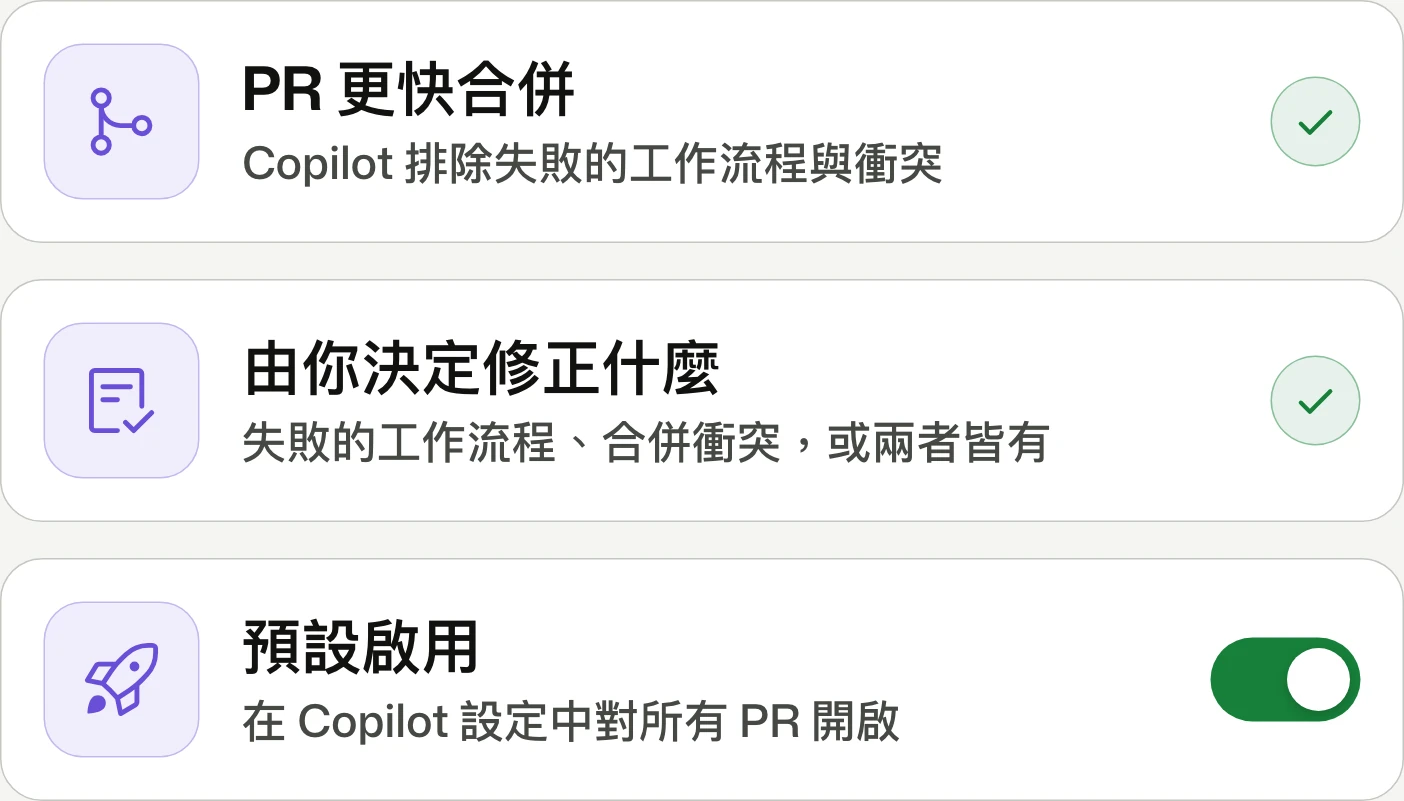
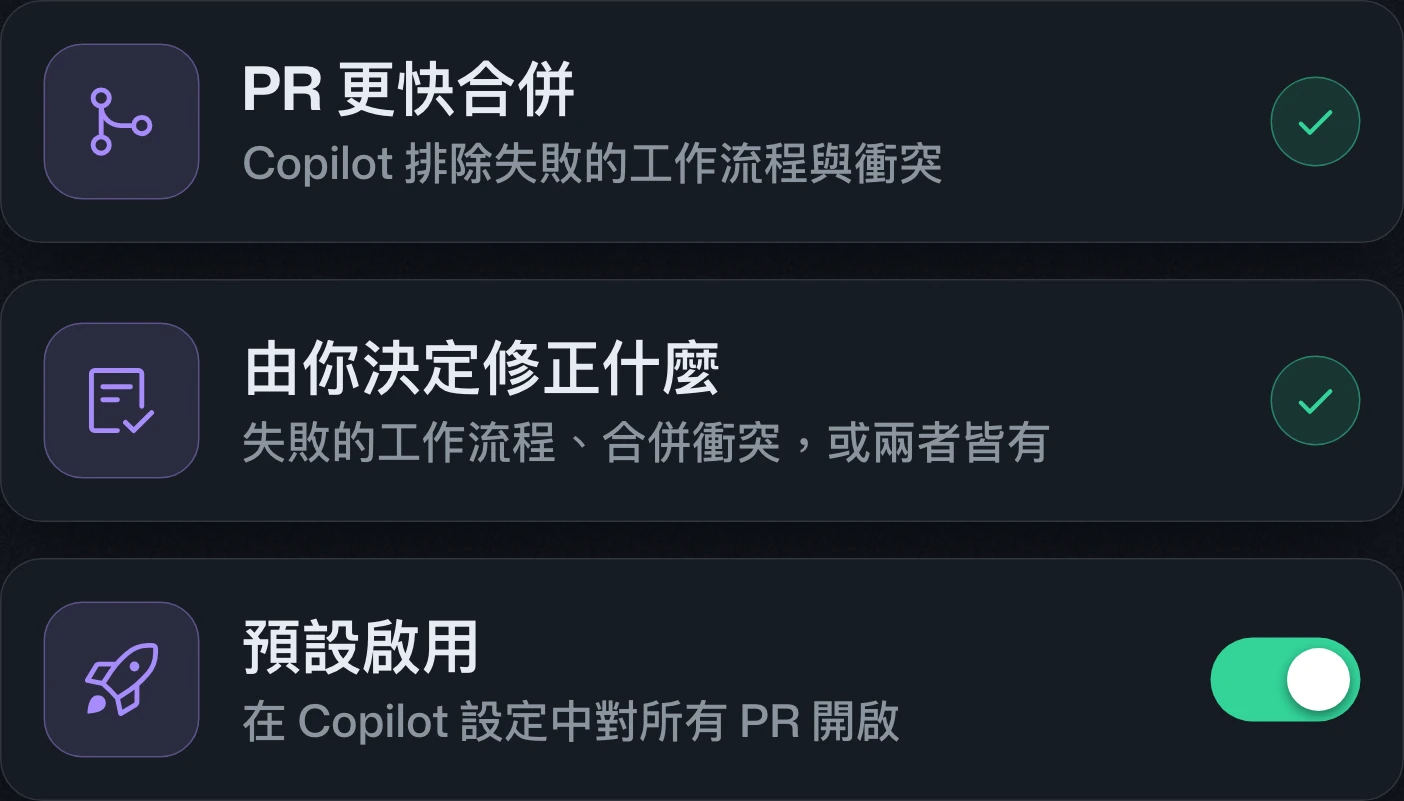
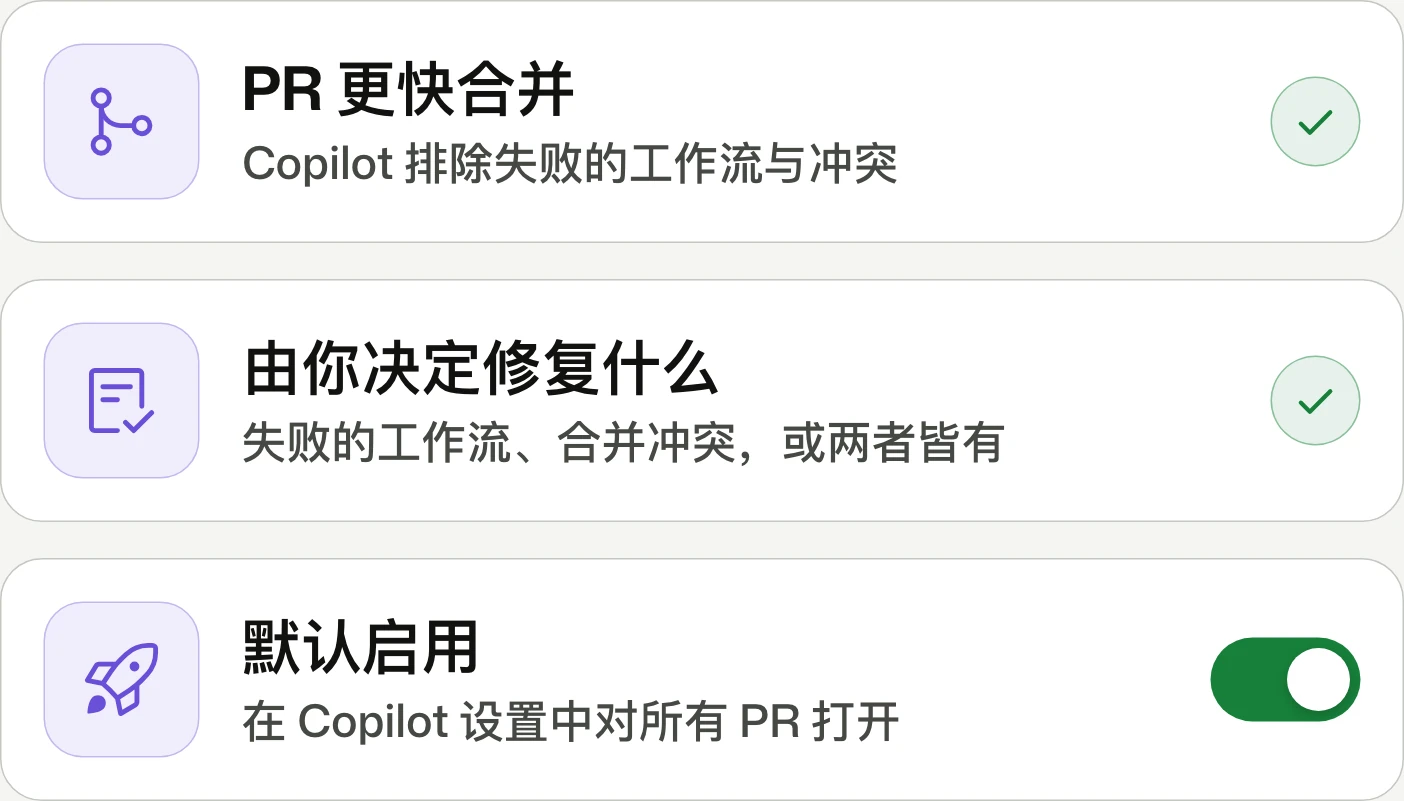
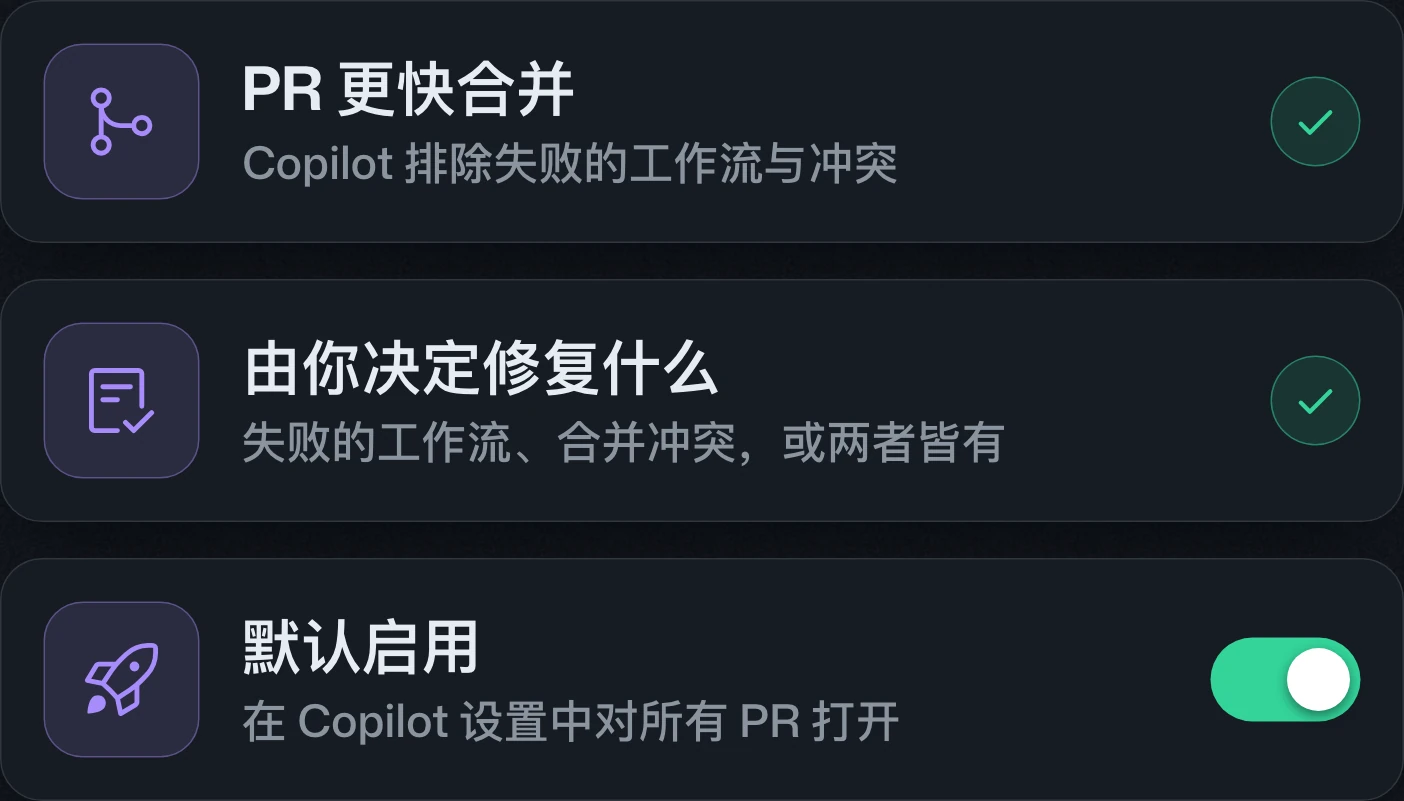
Agent Merge watches and fixes pull requests in the cloudAgent Merge 的雲端 pull request 監控與修復Agent Merge 的云端 pull request 监控与修复
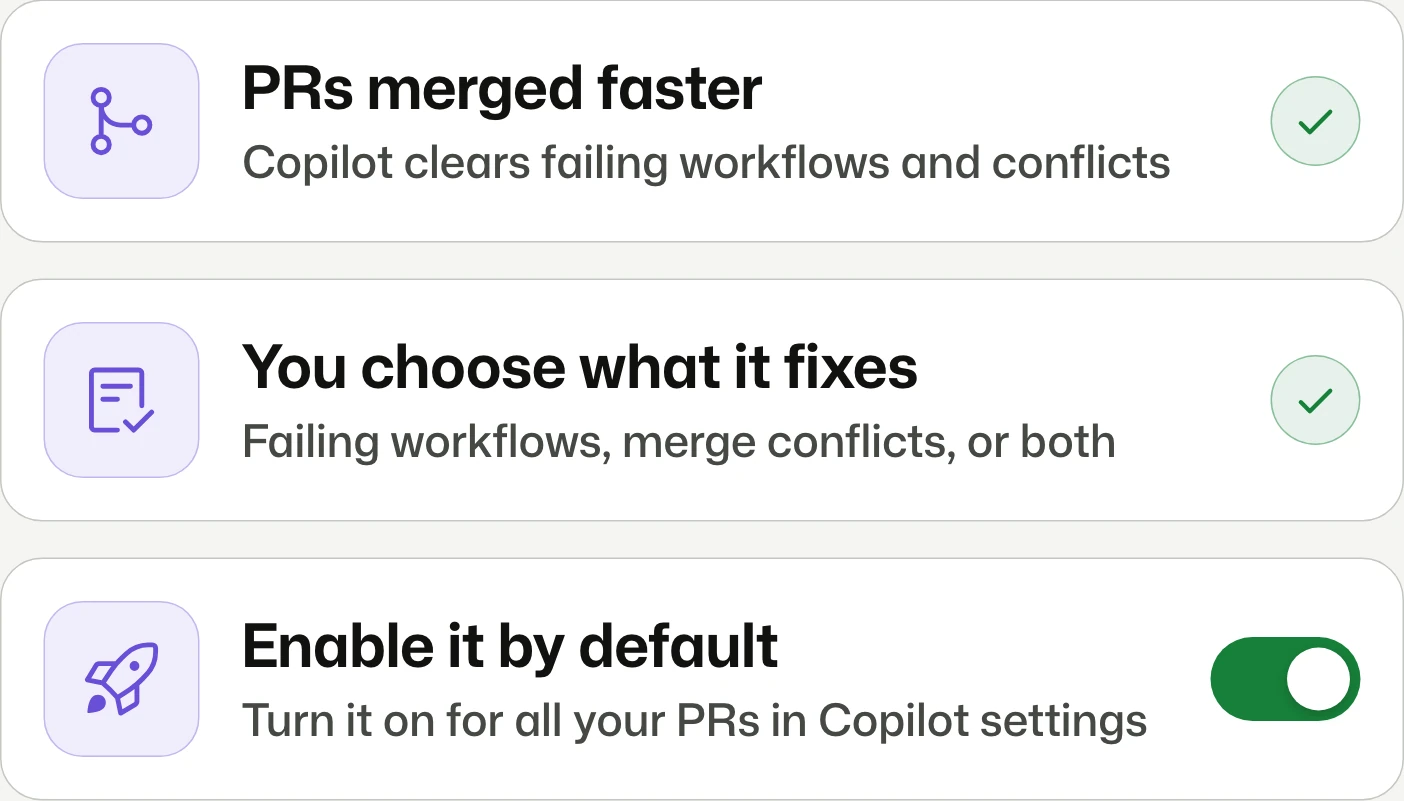
Copilot unblocks your pull requests.Copilot 幫你排除 pull request 的阻礙。Copilot 帮你扫清 pull request 的障碍。
Agent Merge extends to GitHub pull requests, using cloud environments to fix selected workflow failures and merge conflicts through Watch and fix. It requires a paid Copilot plan, follows organization policies, and can work with auto-merge.Agent Merge 擴展至 GitHub pull request,可透過 Watch and fix 在雲端修復指定的工作流程失敗與合併衝突。須具備付費 Copilot 方案,遵循組織原則,並可搭配 auto-merge 使用。Agent Merge 扩展至 GitHub pull request,可通过 Watch and fix 在云端修复指定的工作流失败和合并冲突。需拥有付费 Copilot 套餐,遵循组织策略,并可配合 auto-merge 使用。
Copilot code review: Merge with confidence with Max and approvalsCopilot code review 的 Max 審查與核准Copilot code review 的 Max 审查与批准
Deeper reviews for risky changes.針對高風險變更進行更深入的審查。针对高风险变更进行更深入的审查。
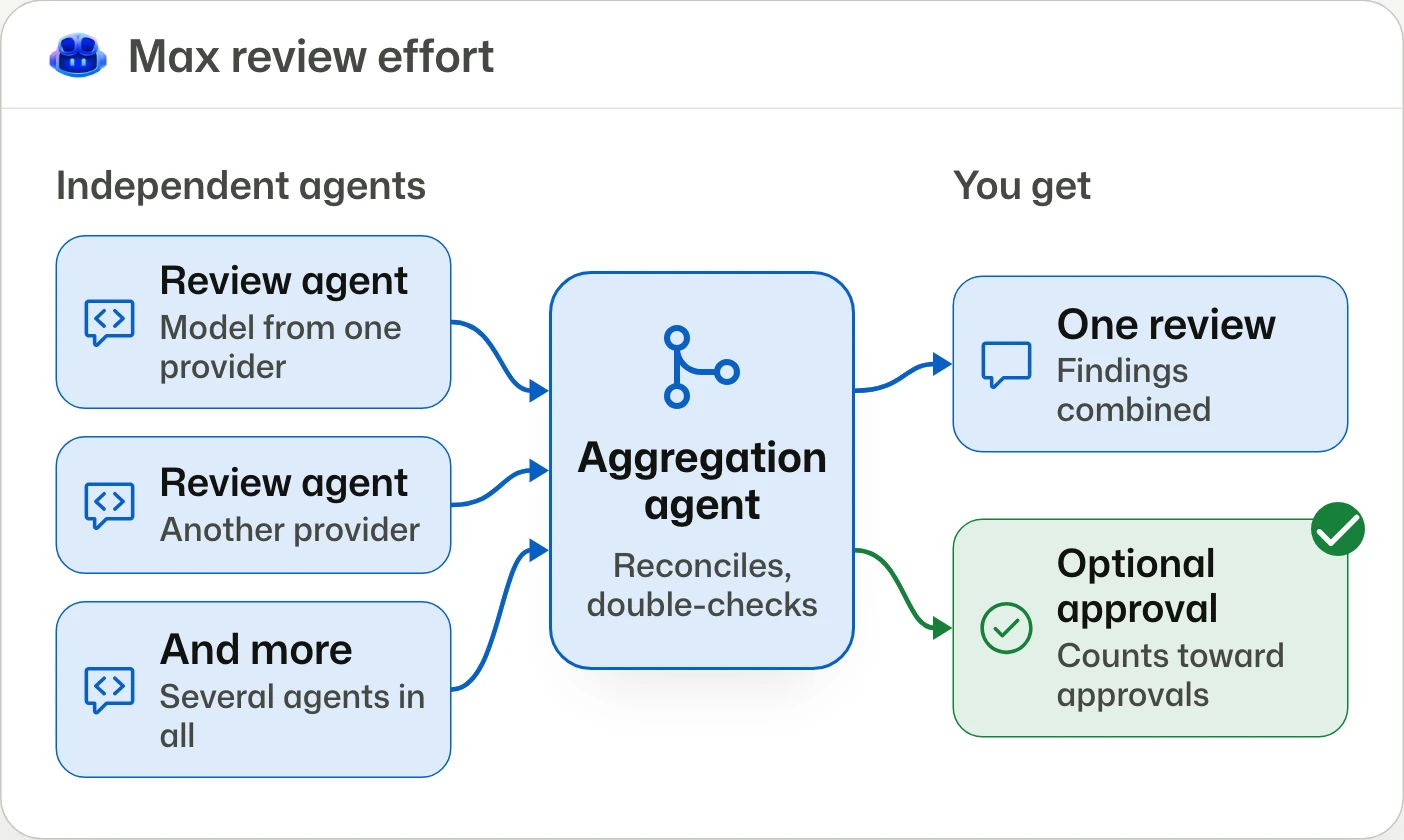
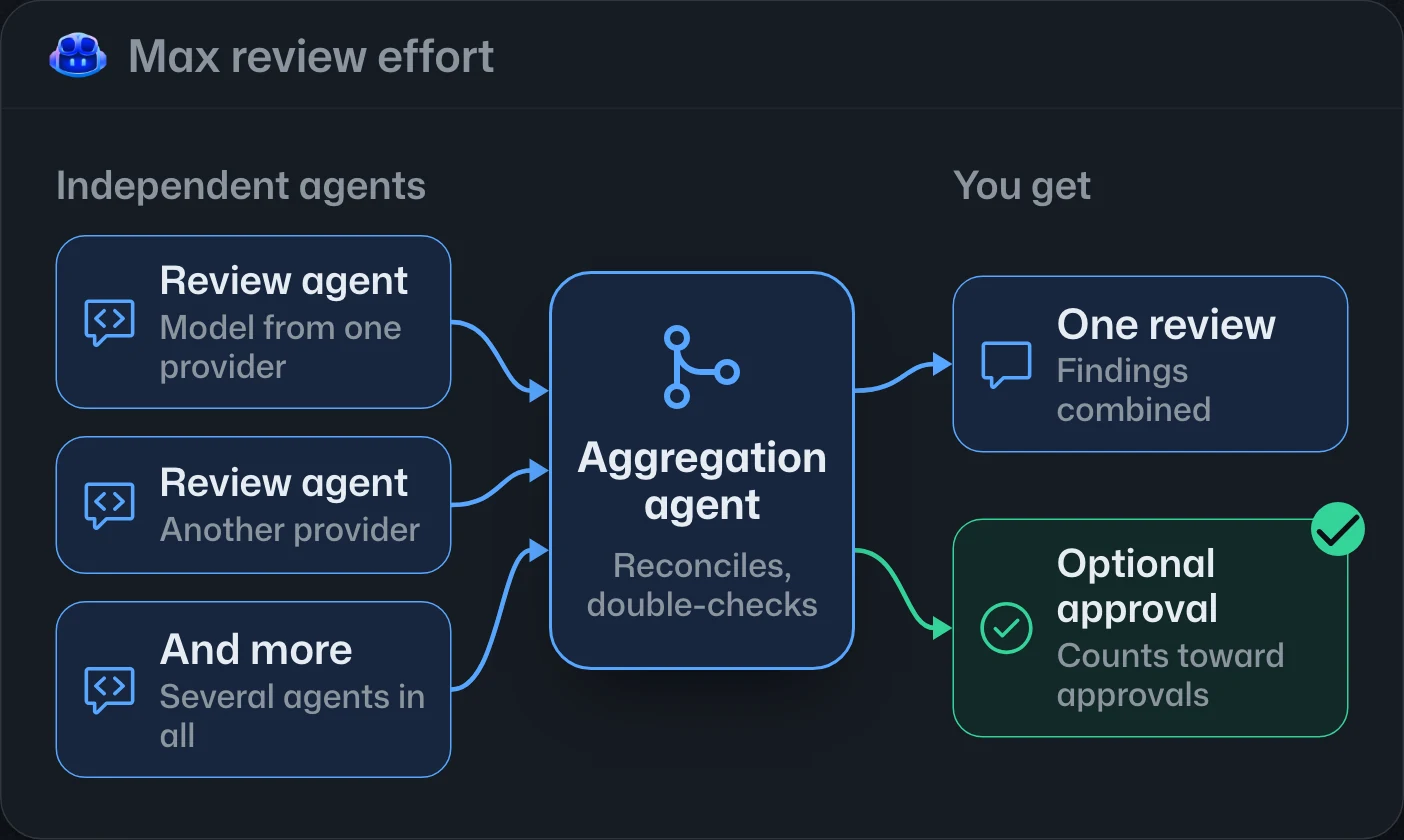
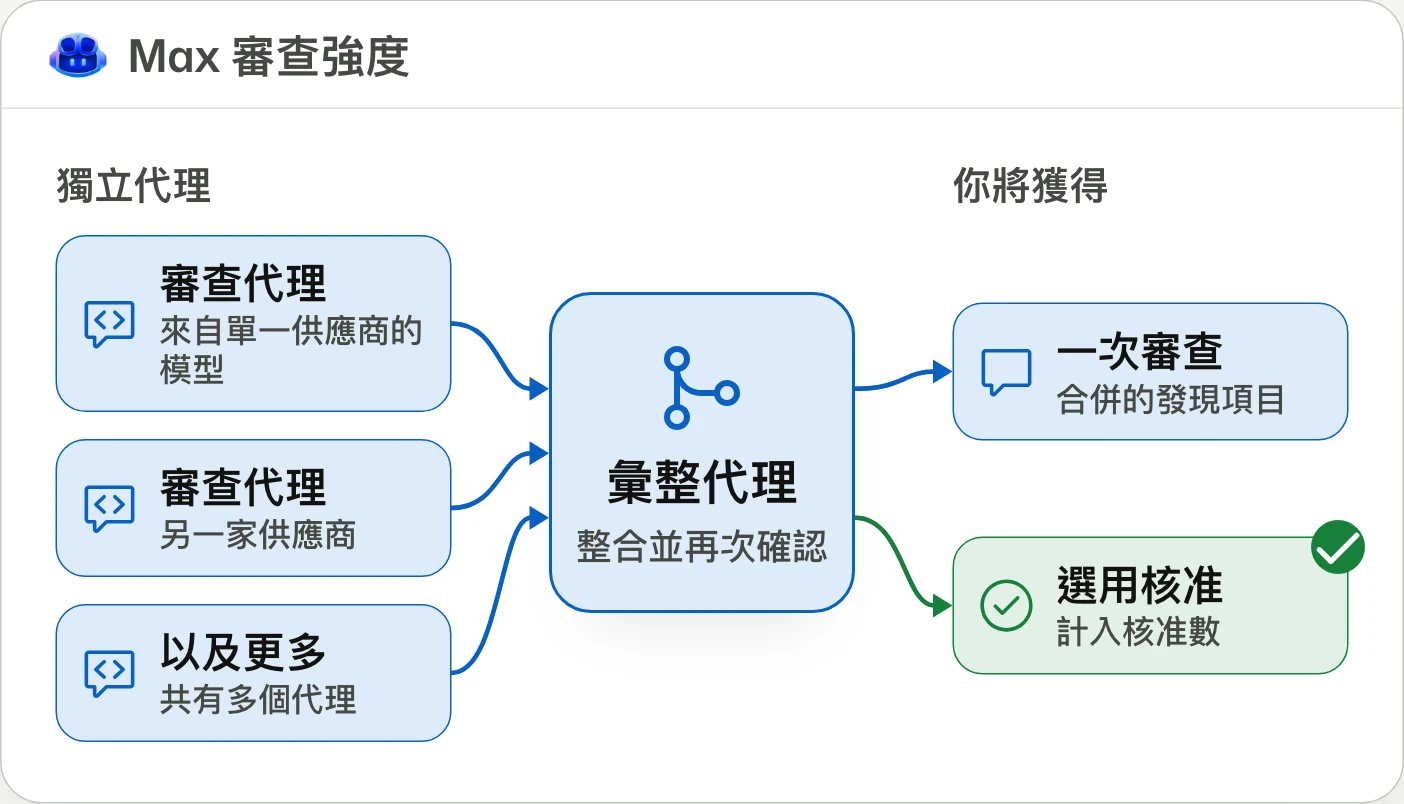
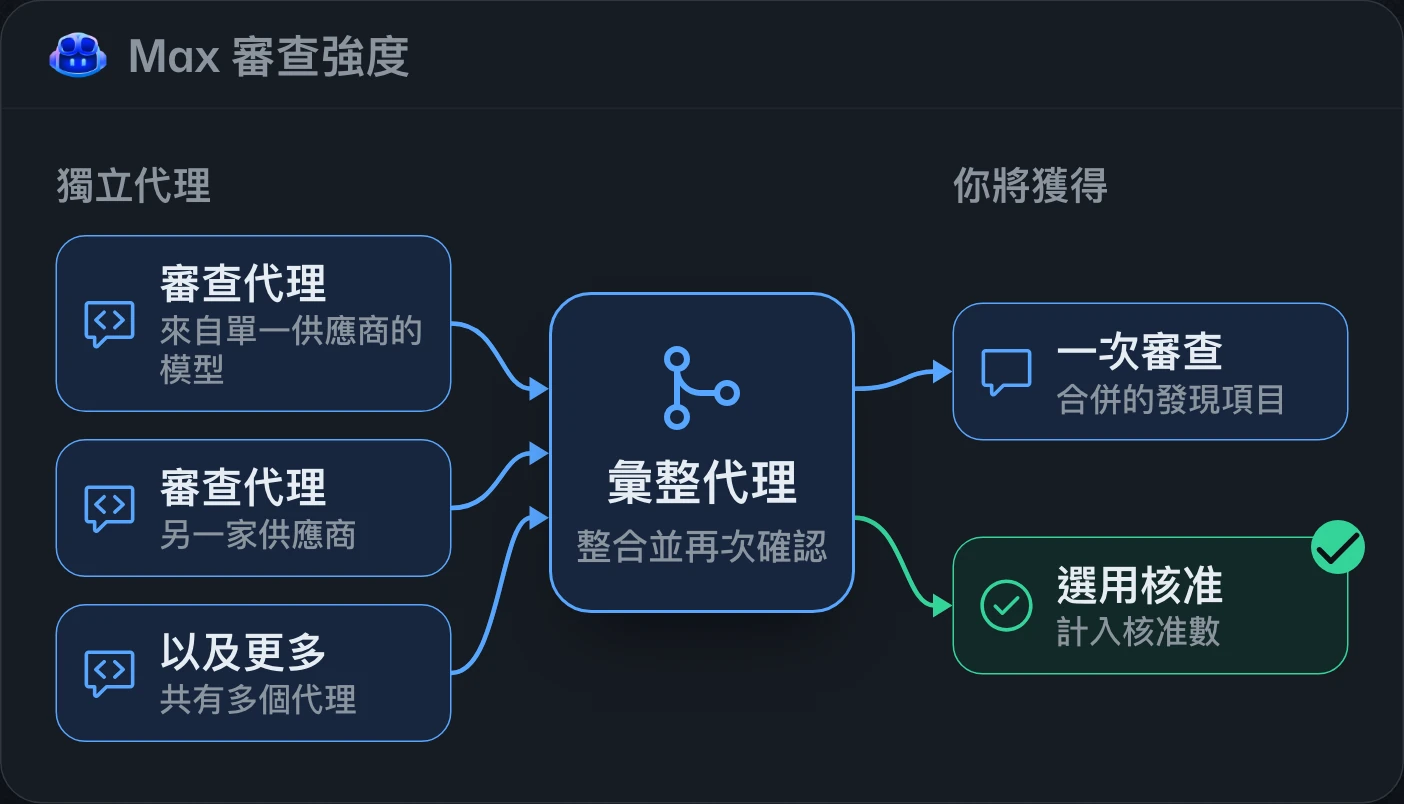
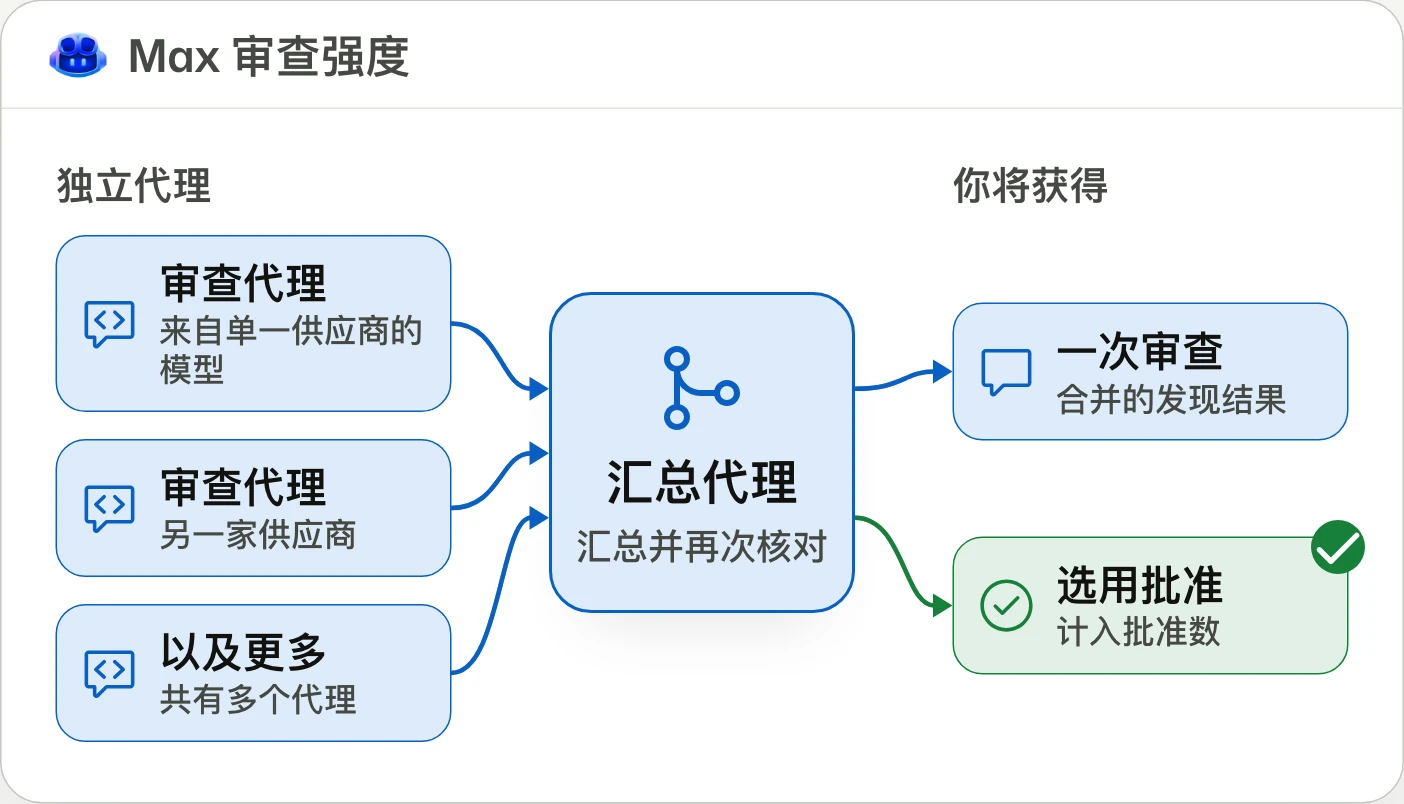
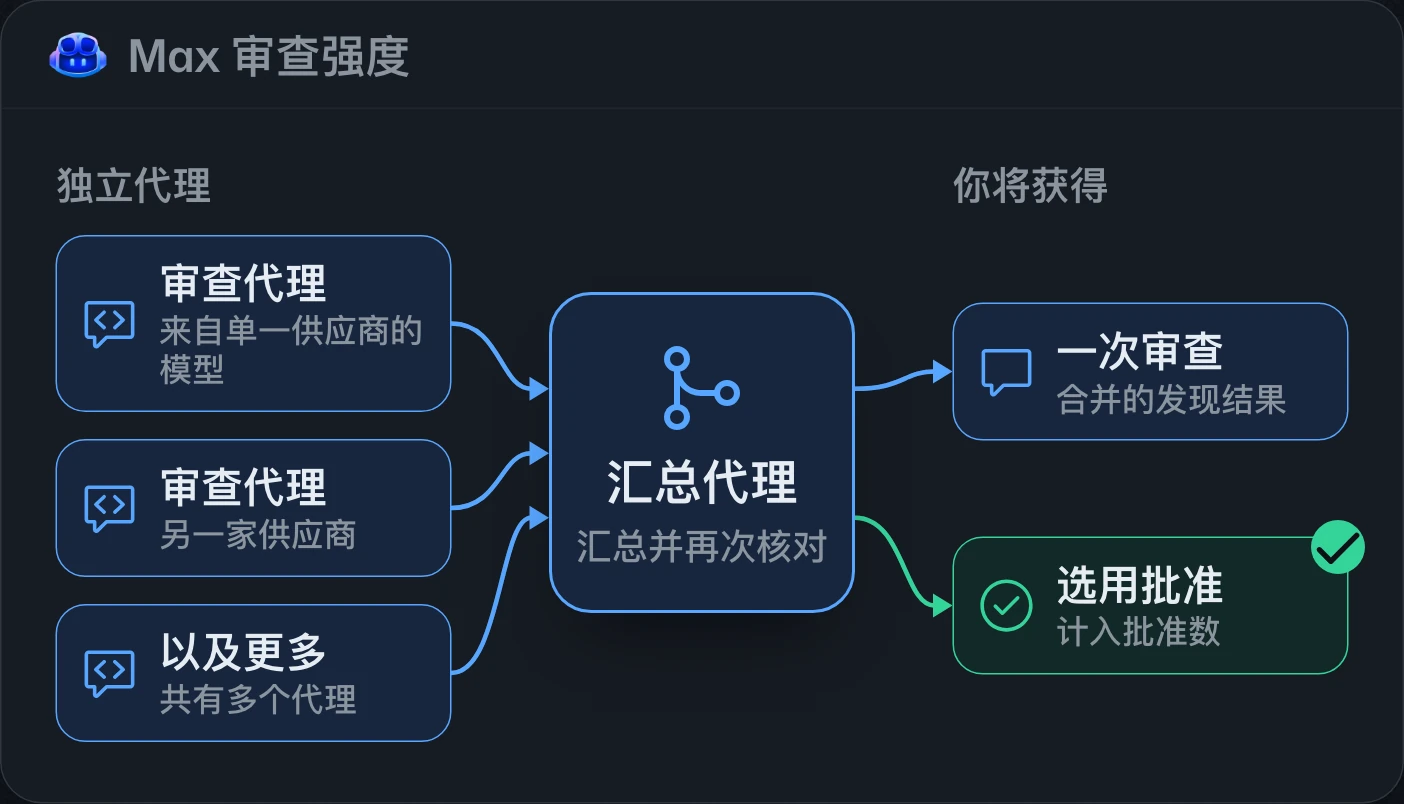
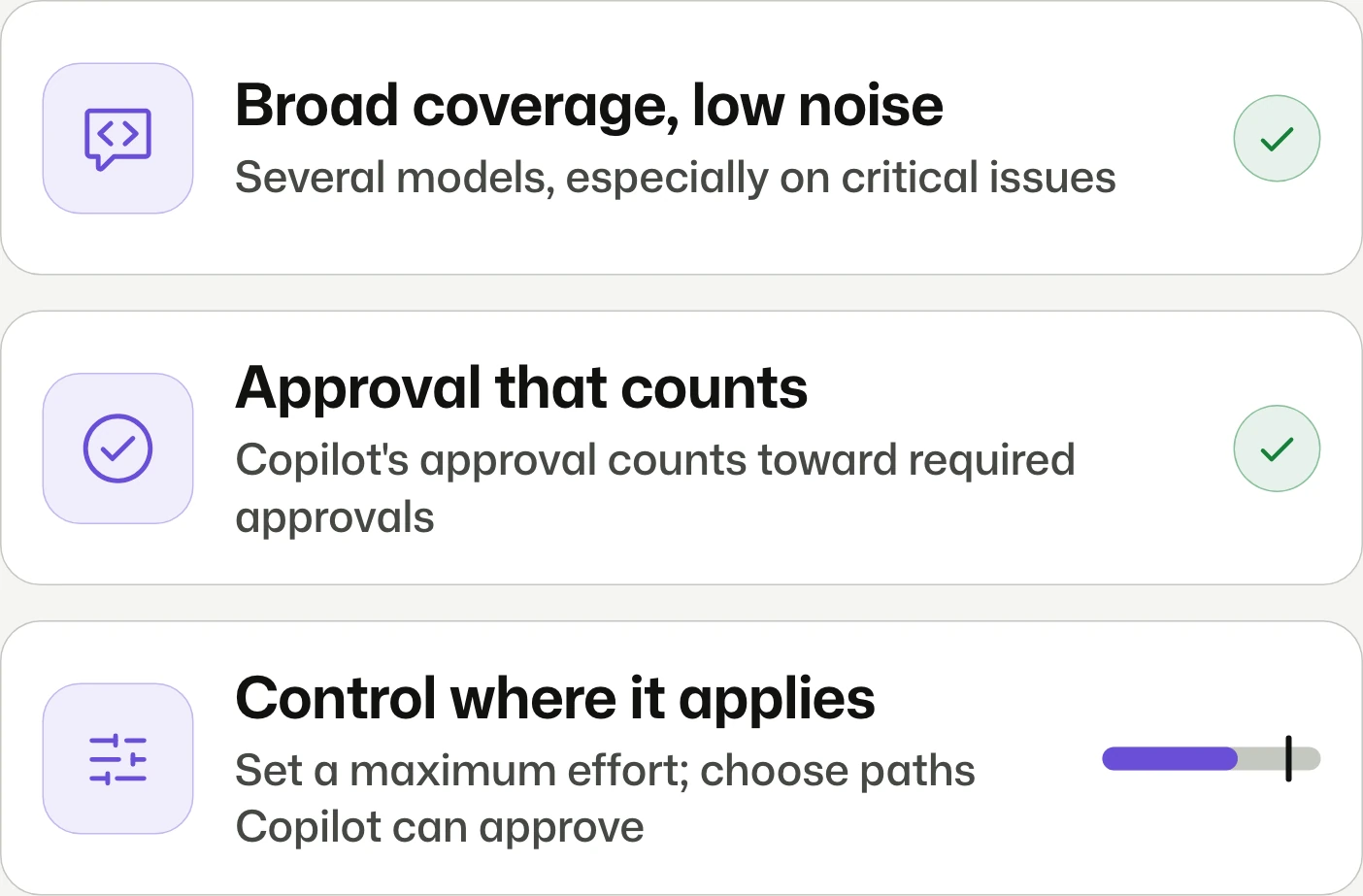
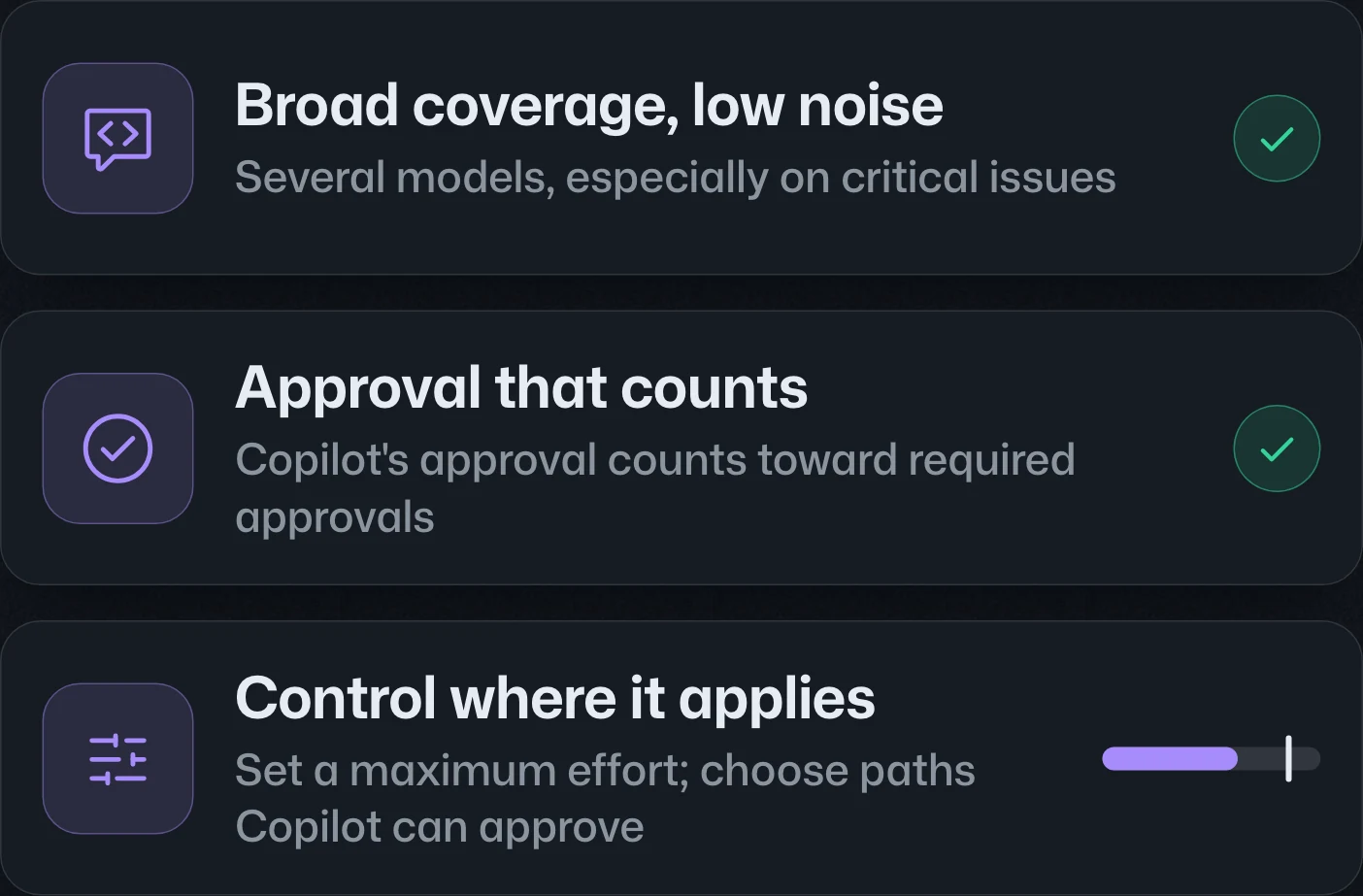
Copilot code review adds multi-model Max reviews in public preview and generally available approvals for Pro, Pro+, Max, Business, and Enterprise. Approvals are off by default and can satisfy repository requirements; new commits dismiss them.Copilot code review 新增公開預覽的多模型 Max 審查,核准功能則正式推出,適用於 Pro、Pro+、Max、Business 與 Enterprise。核准預設關閉,啟用後可計入儲存庫要求;新增提交會撤銷核准。Copilot code review 新增公开预览的多模型 Max 审查,批准功能则正式发布,适用于 Pro、Pro+、Max、Business 和 Enterprise。批准默认关闭,启用后可计入仓库要求;新增提交会撤销批准。
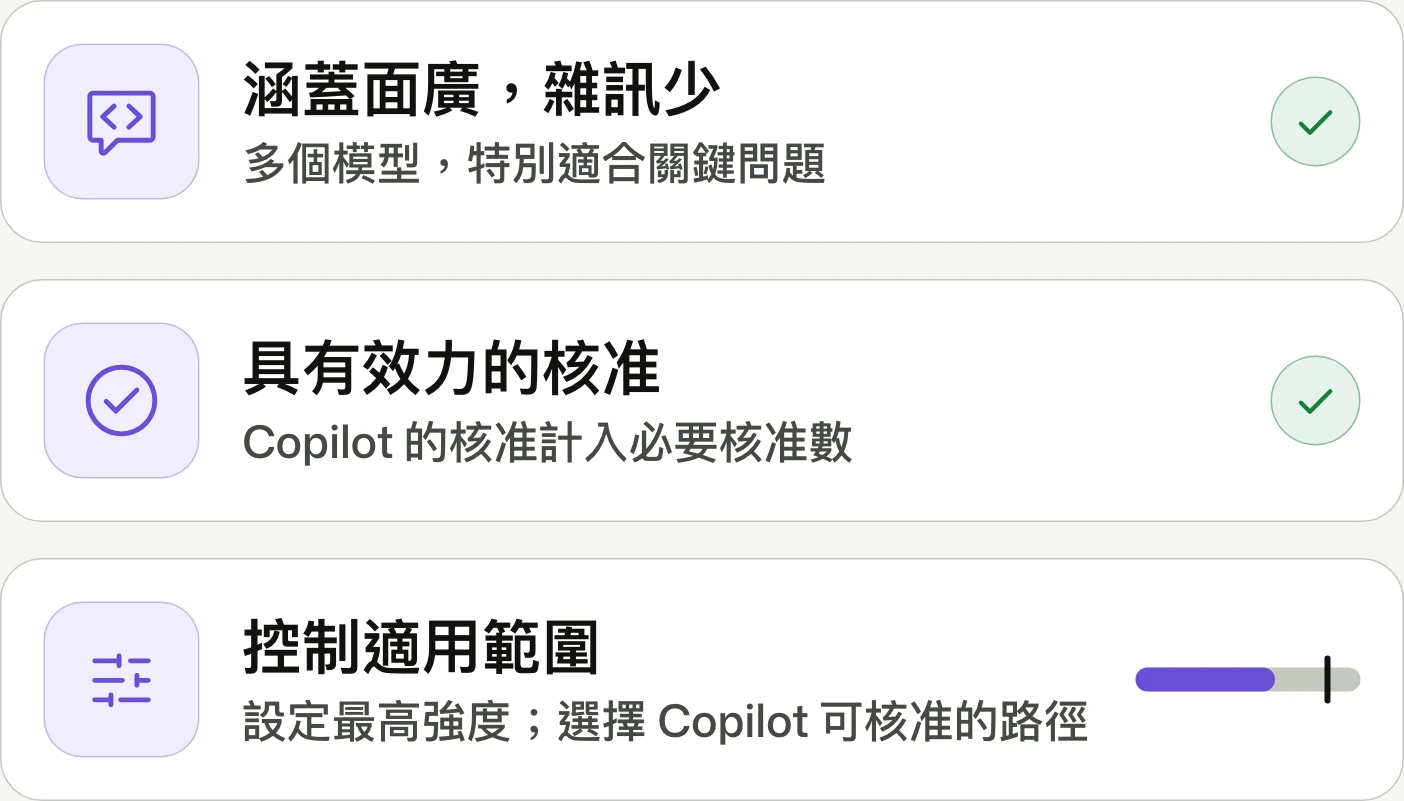
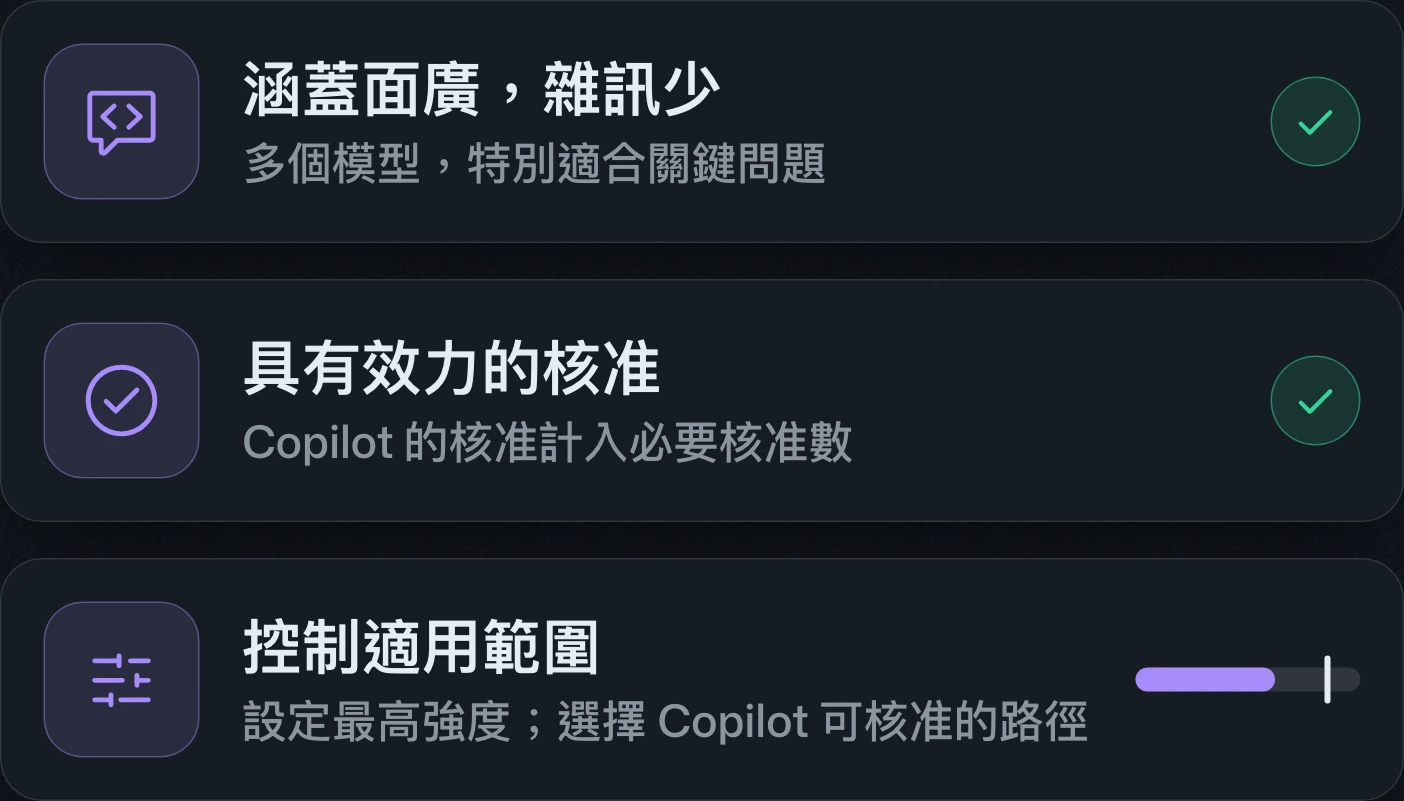
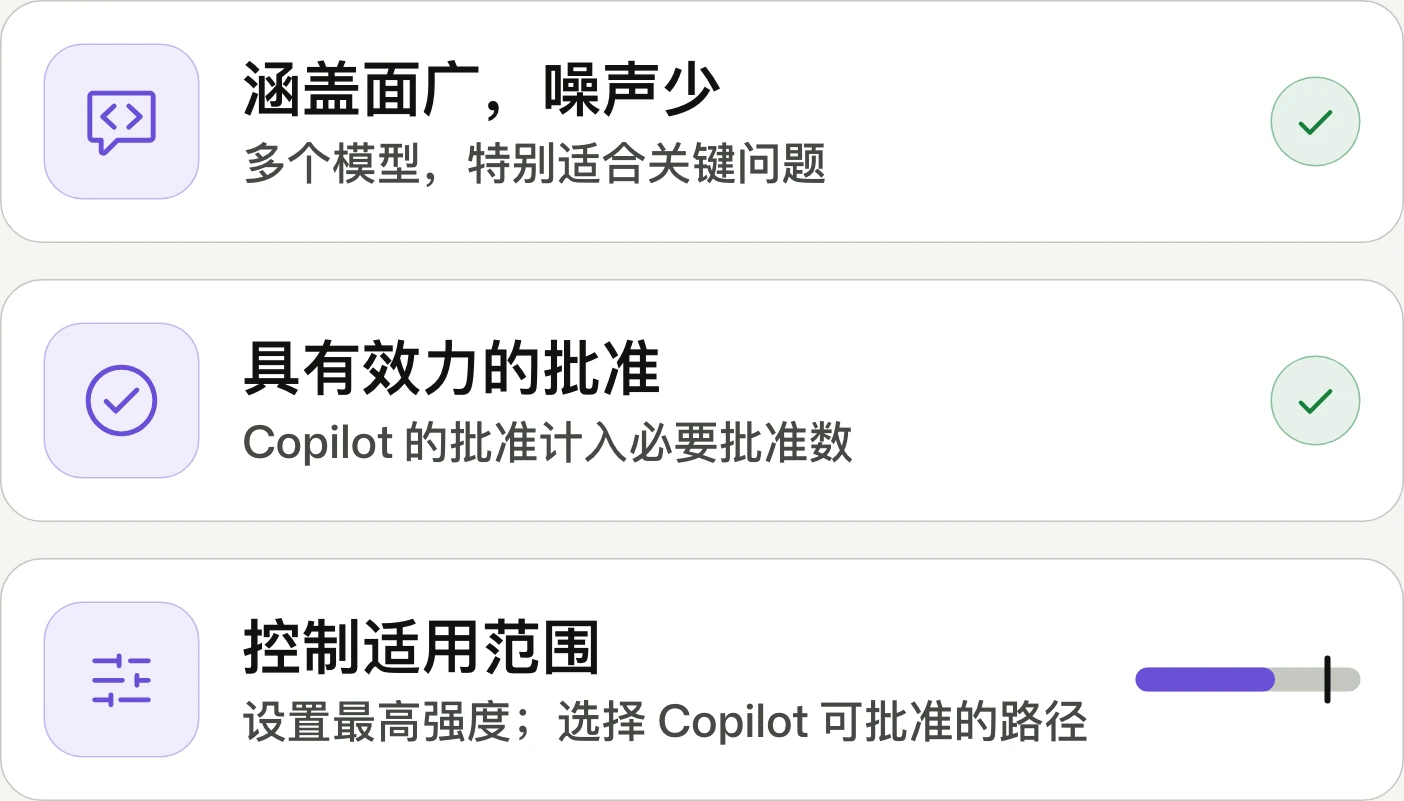
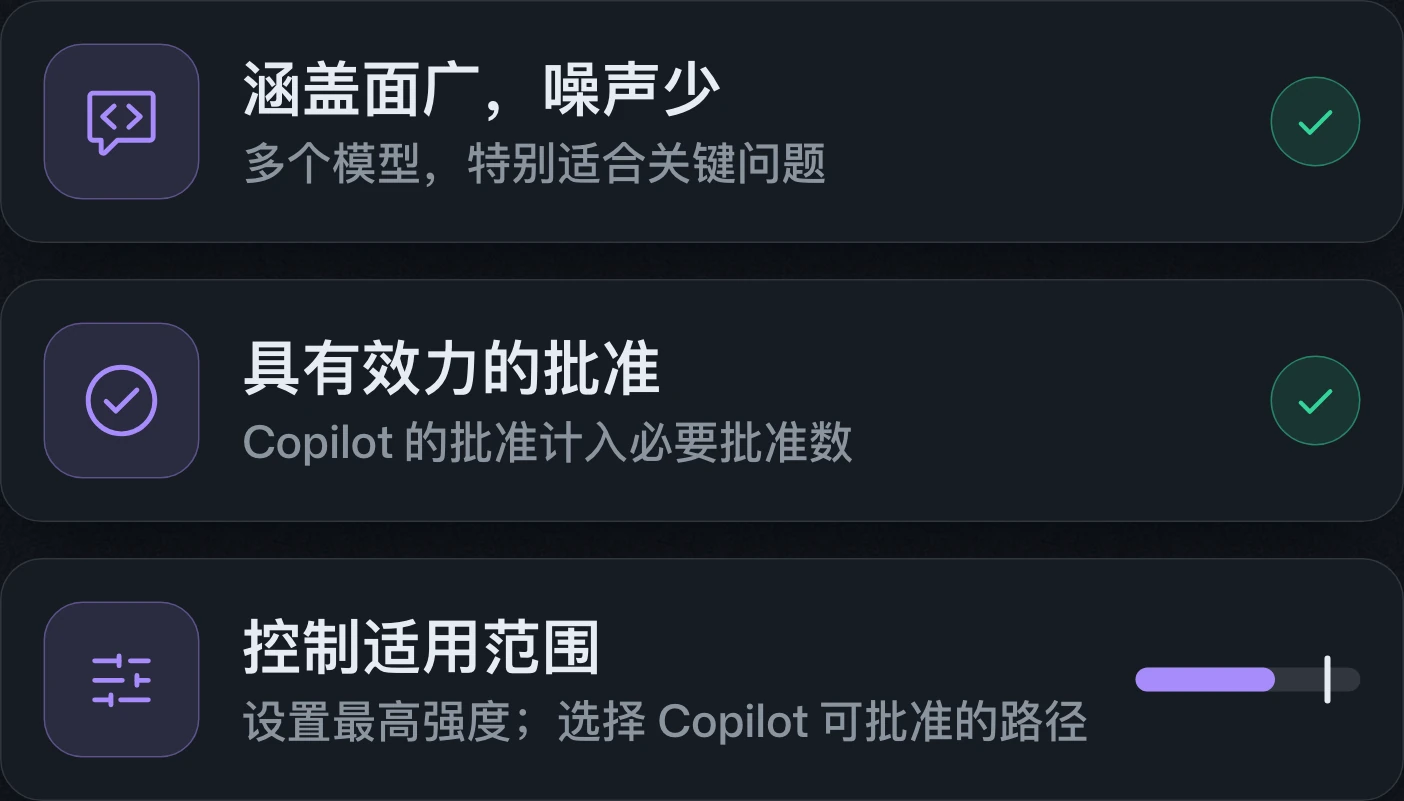
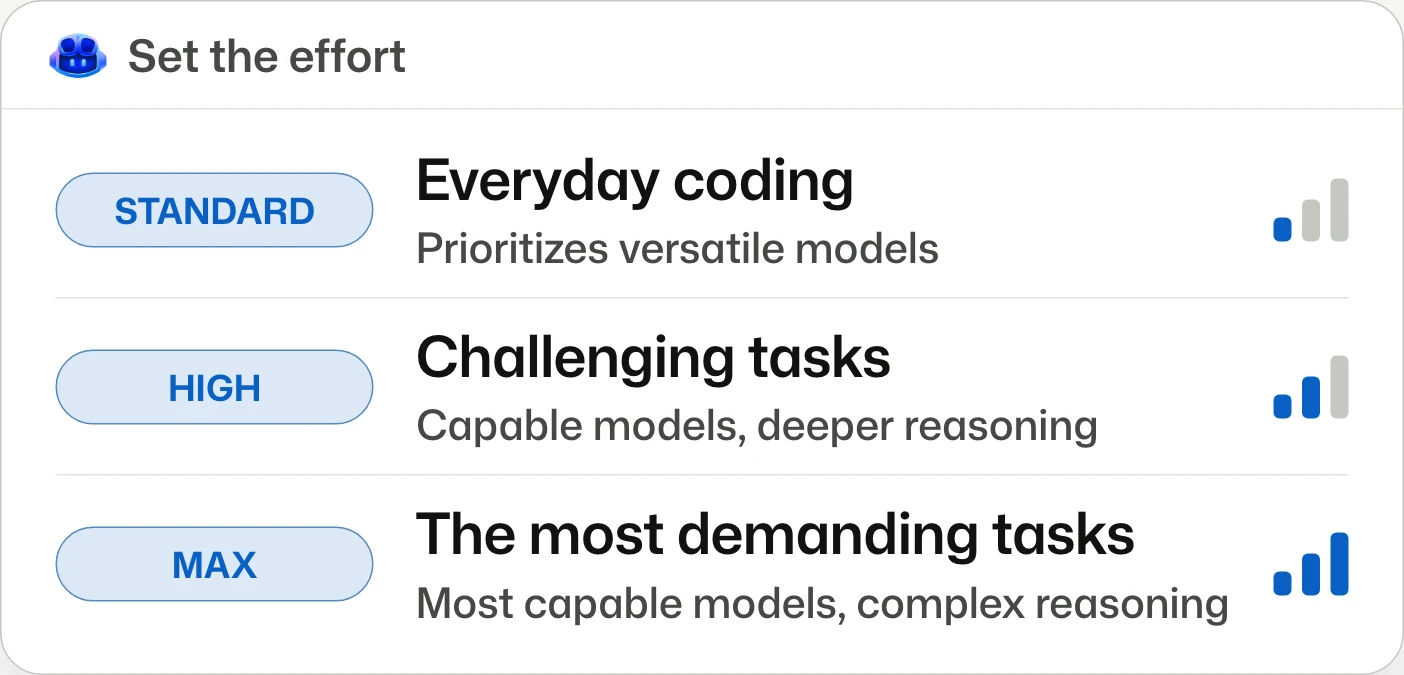
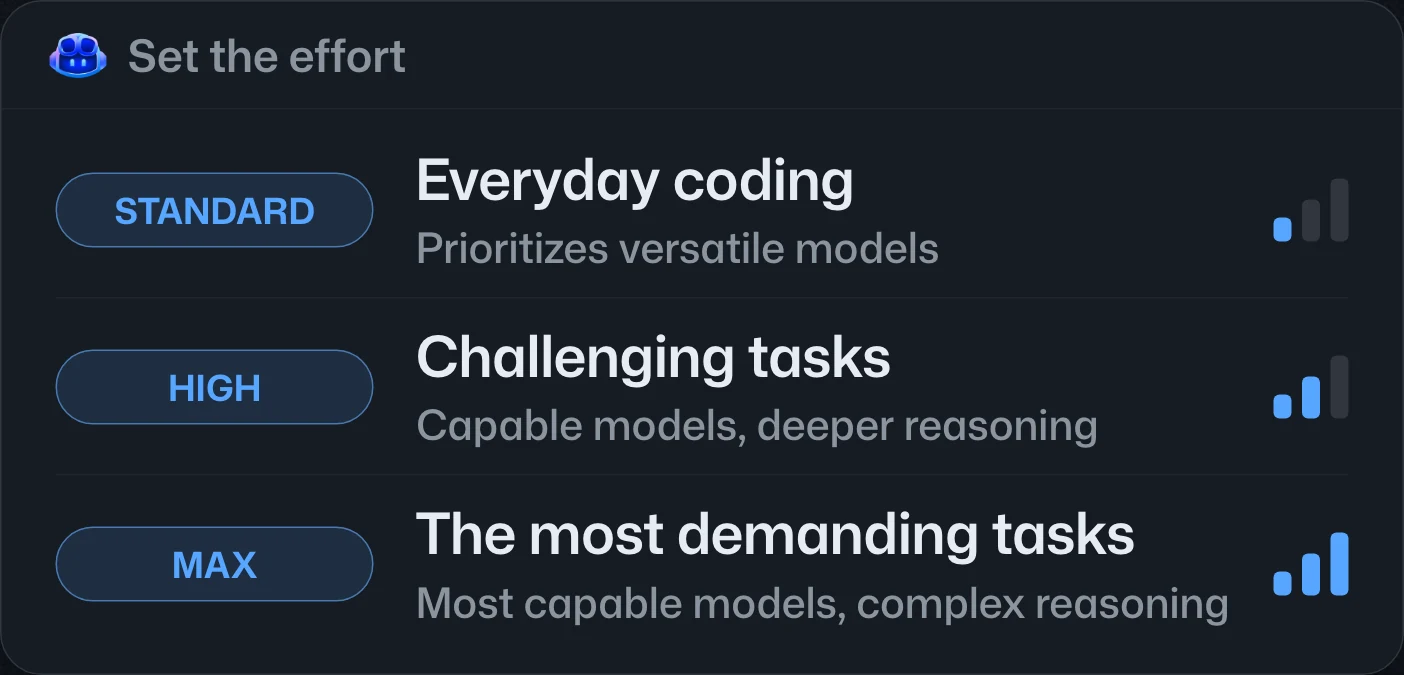
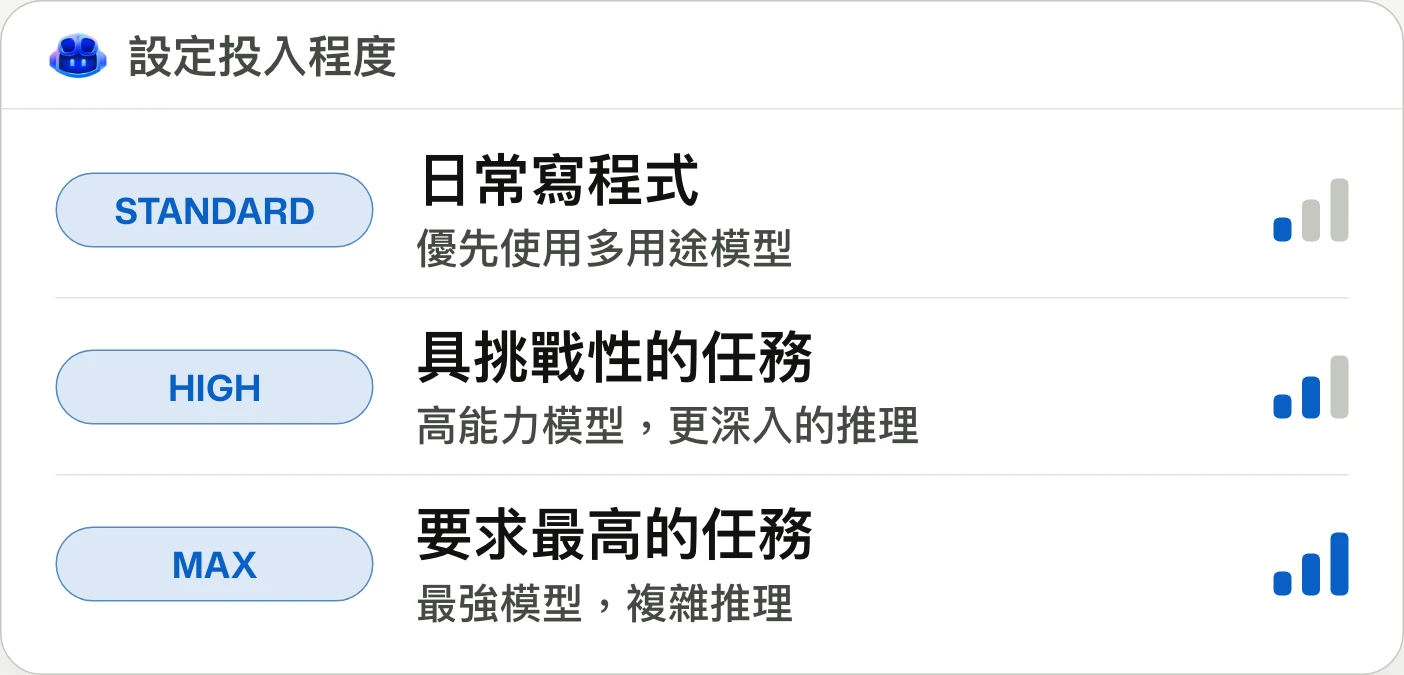
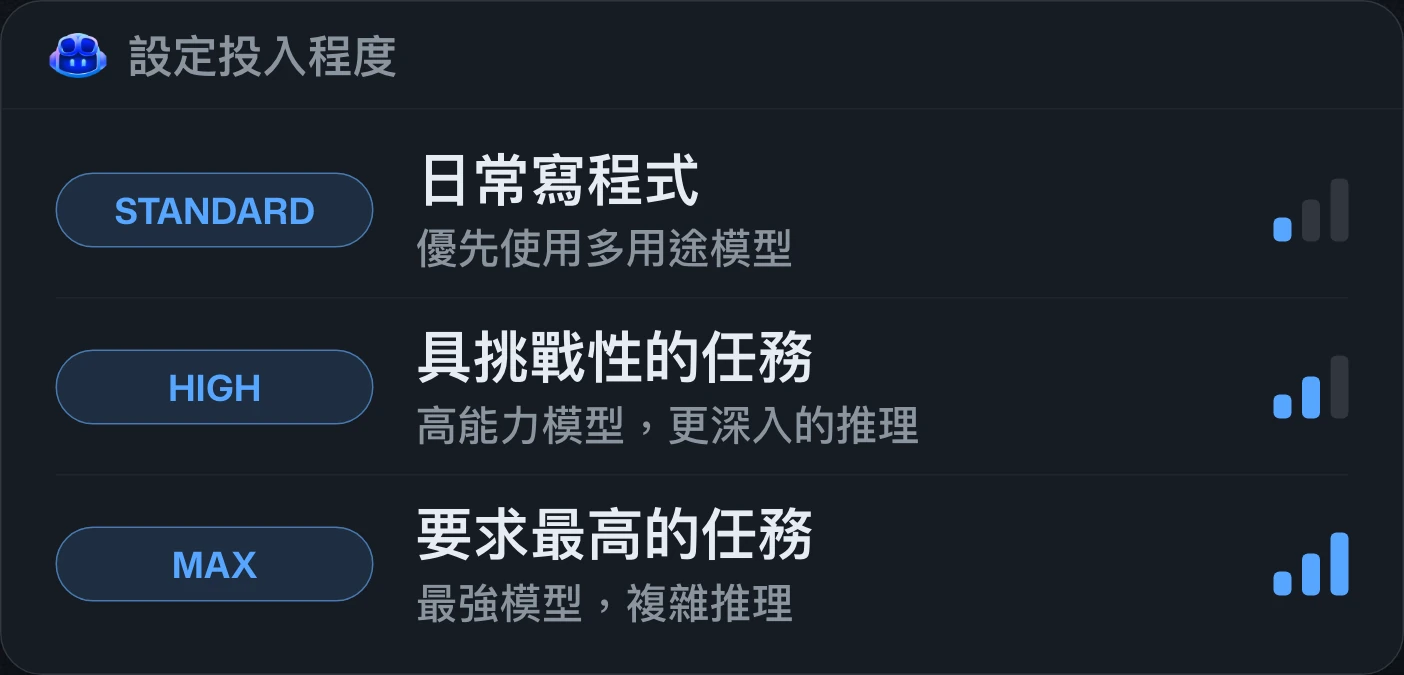
Route and orchestrate models with GitHub Copilot FusionGitHub Copilot Fusion 模型路由與協調GitHub Copilot Fusion 模型路由与编排
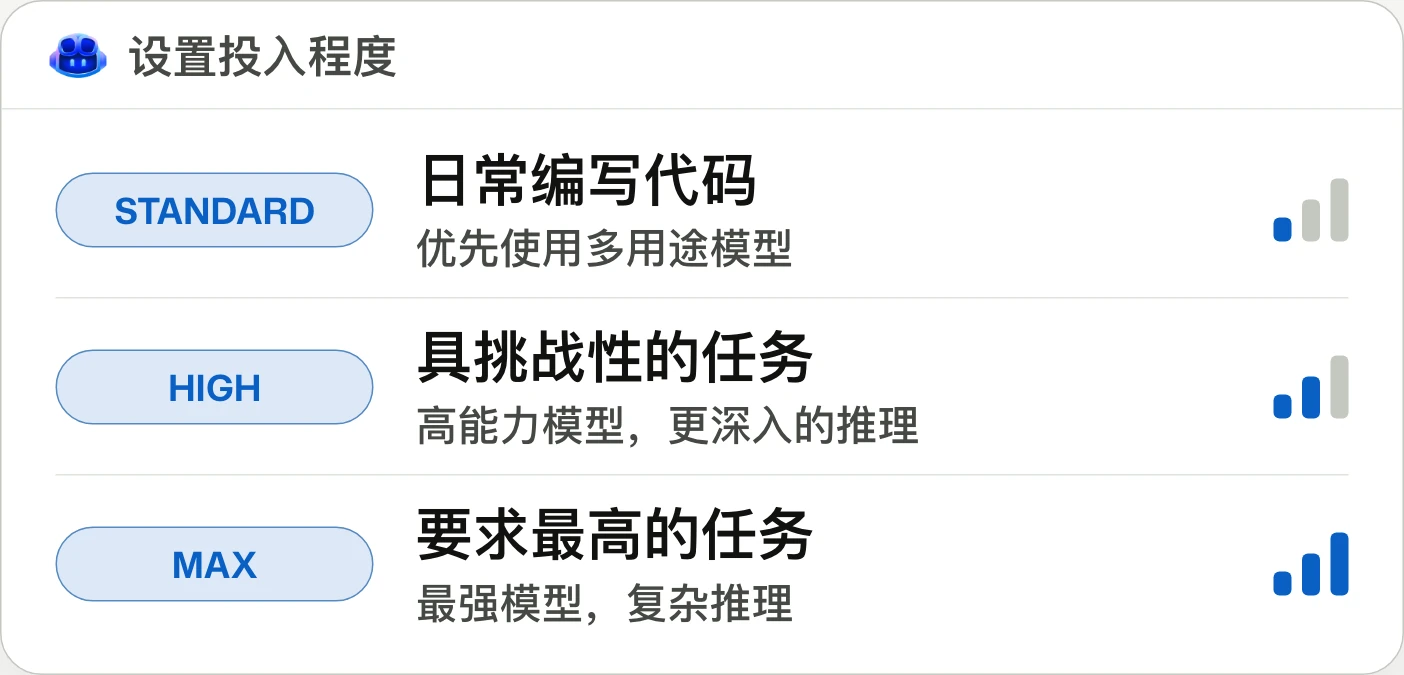
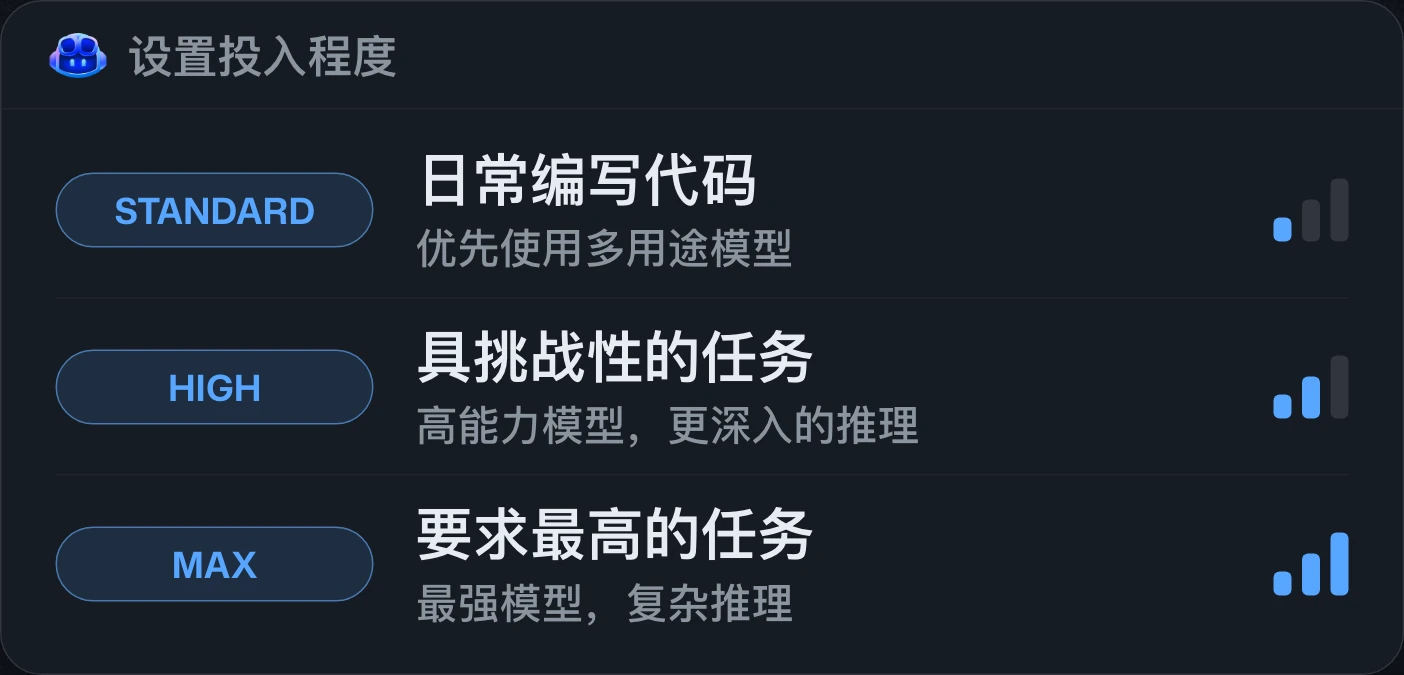
Stop picking models. Set the effort.不必再挑模型,設定投入程度即可。不必再挑模型,设置投入程度即可。
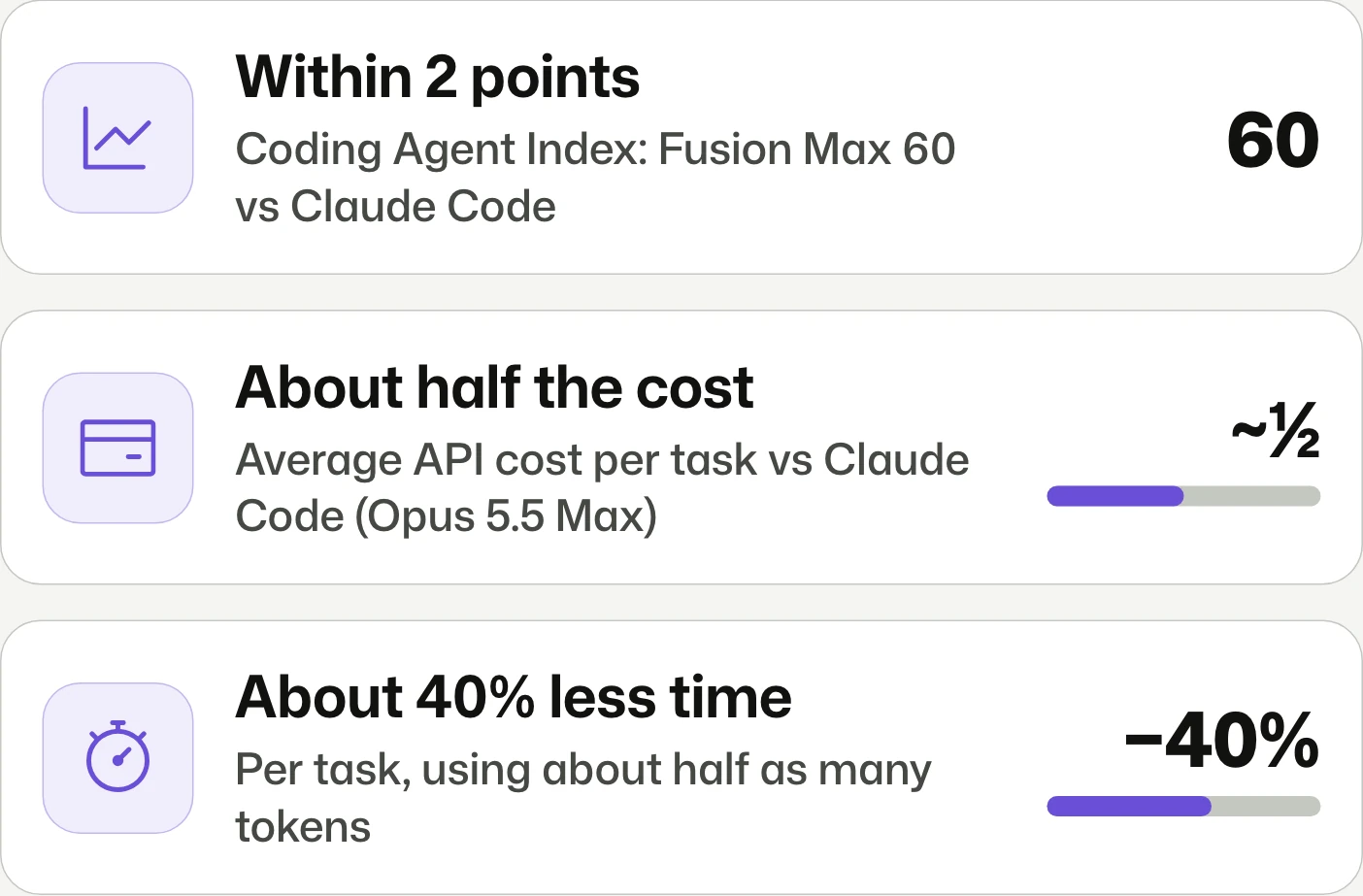
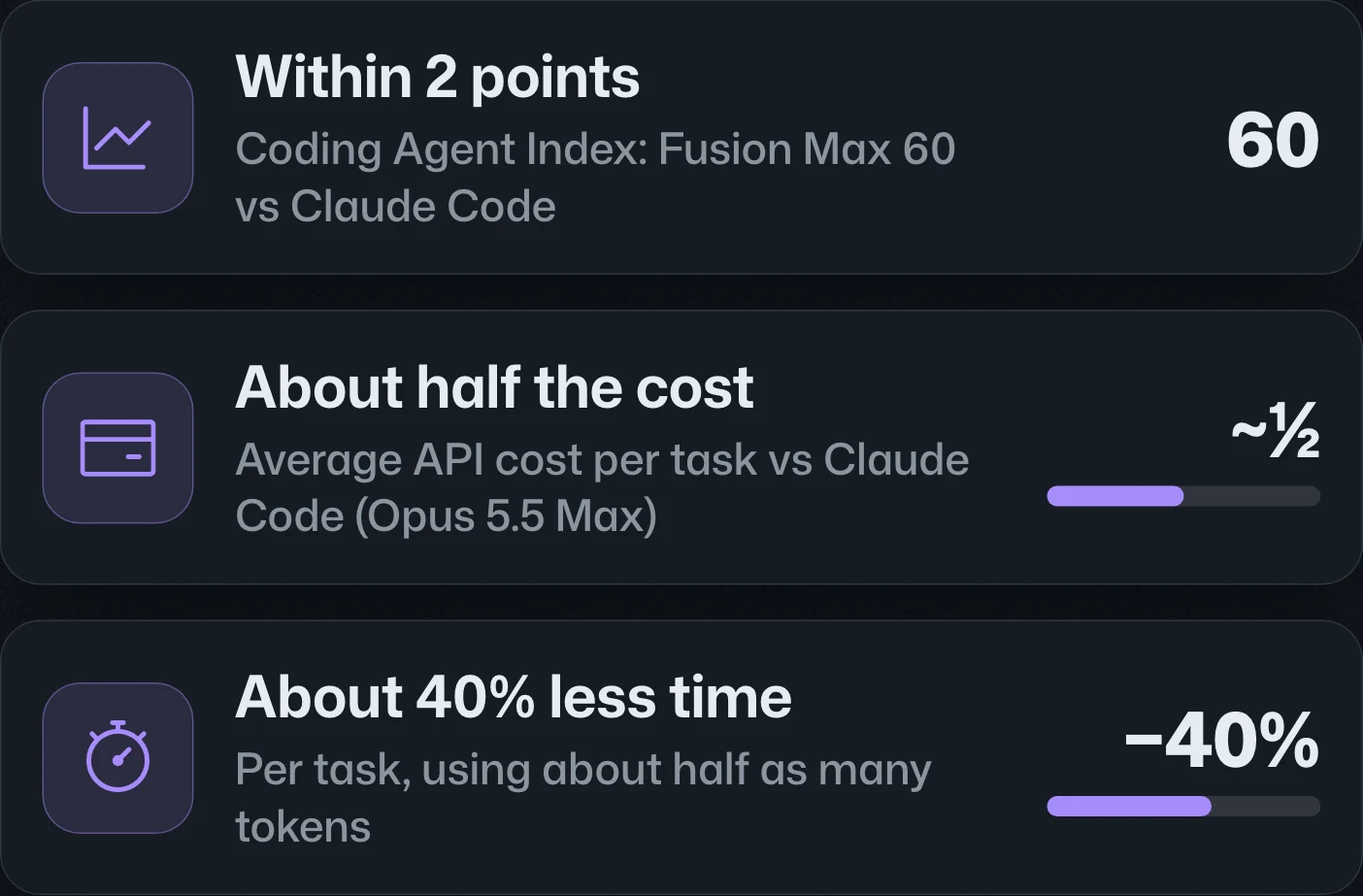
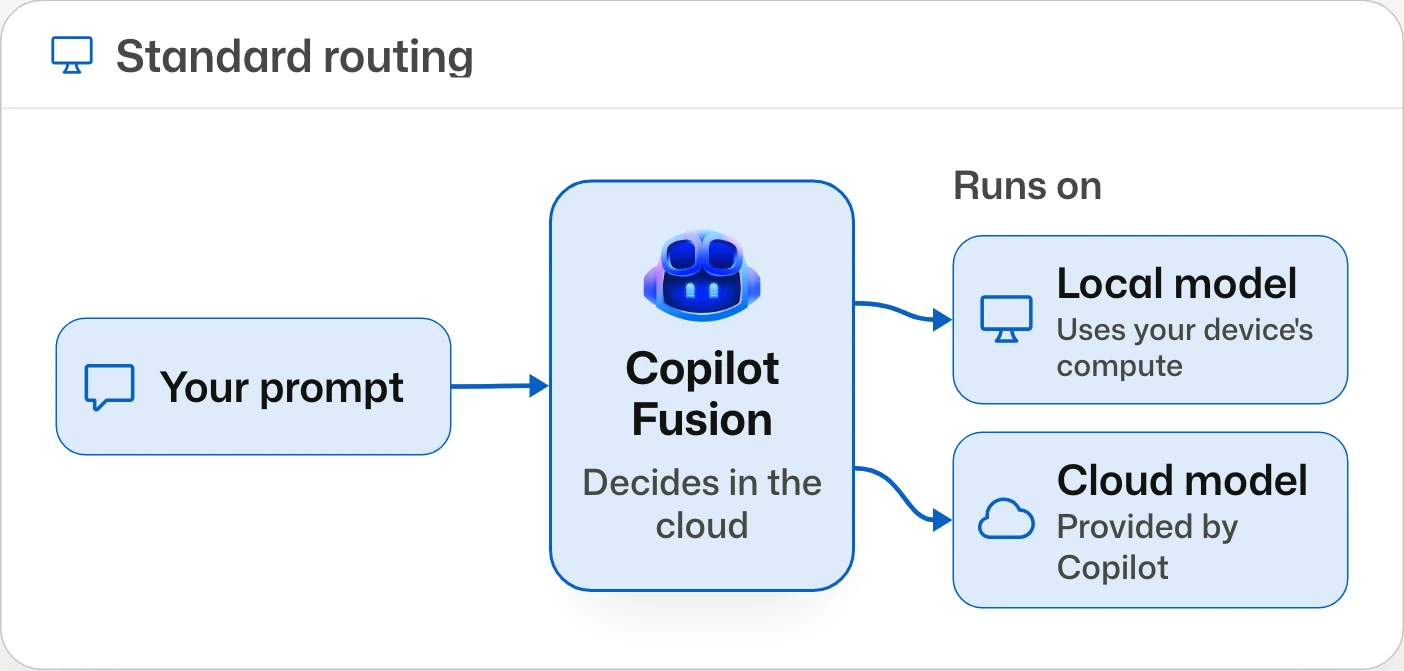
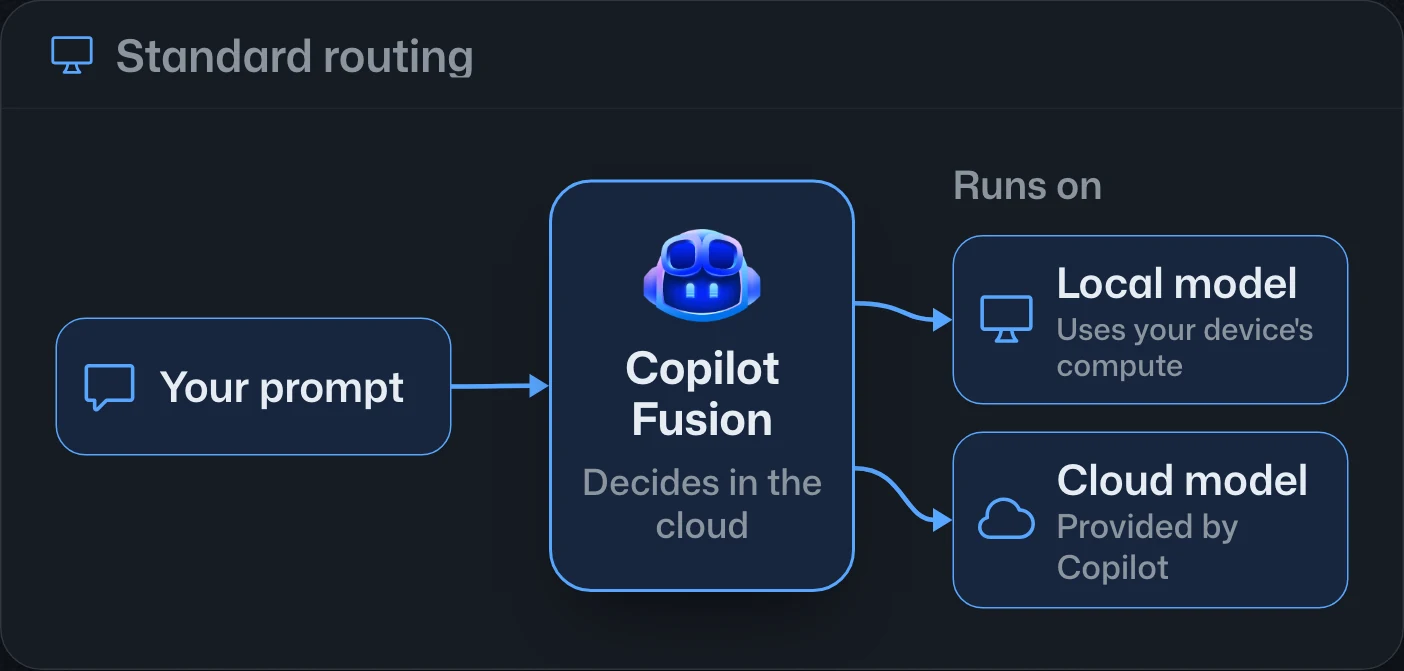
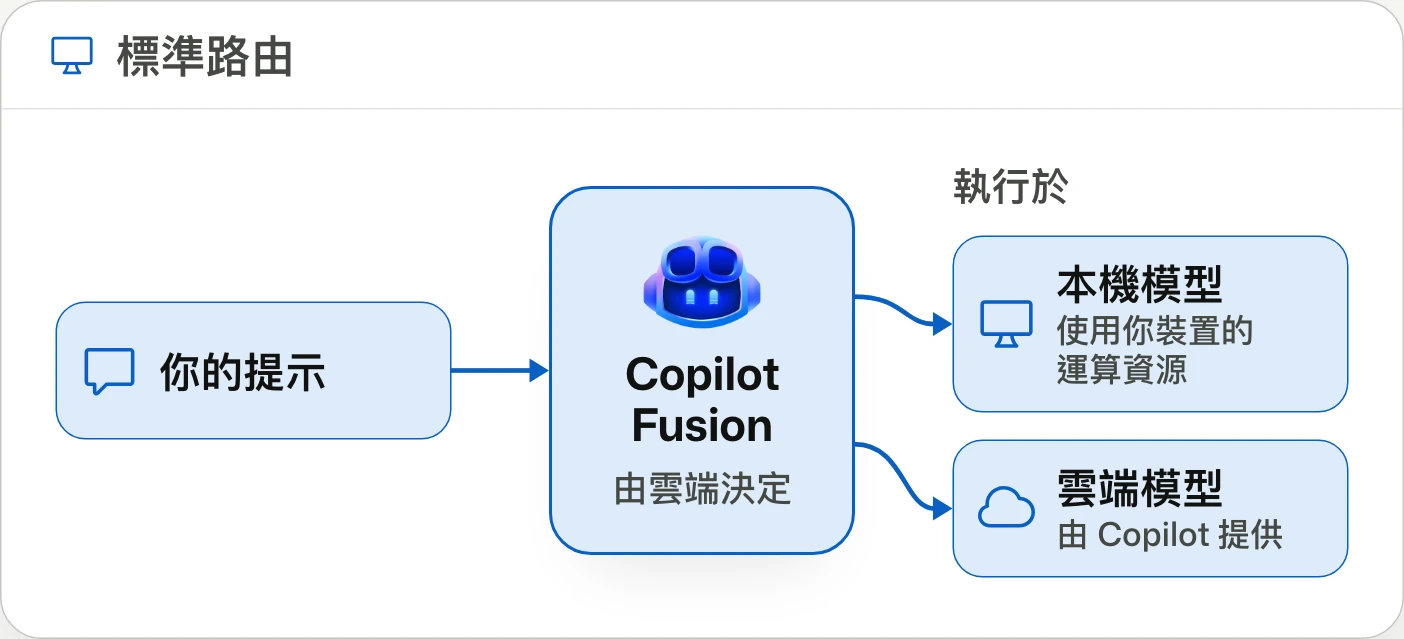
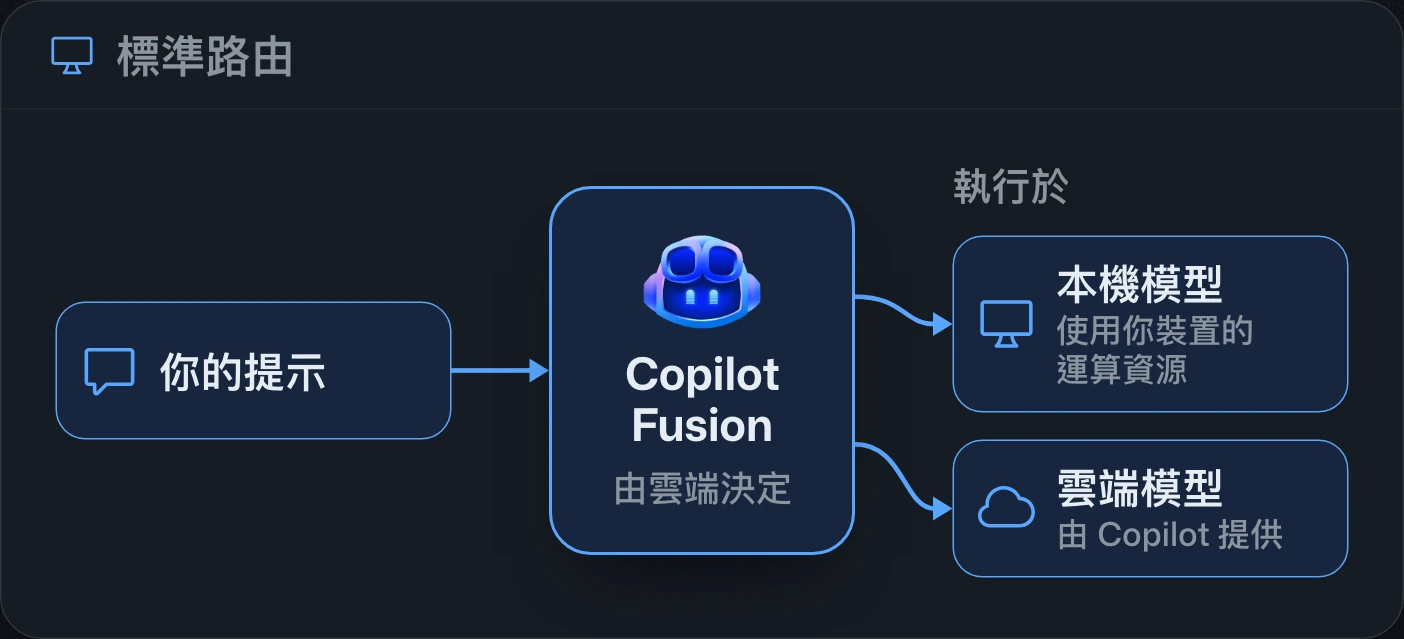
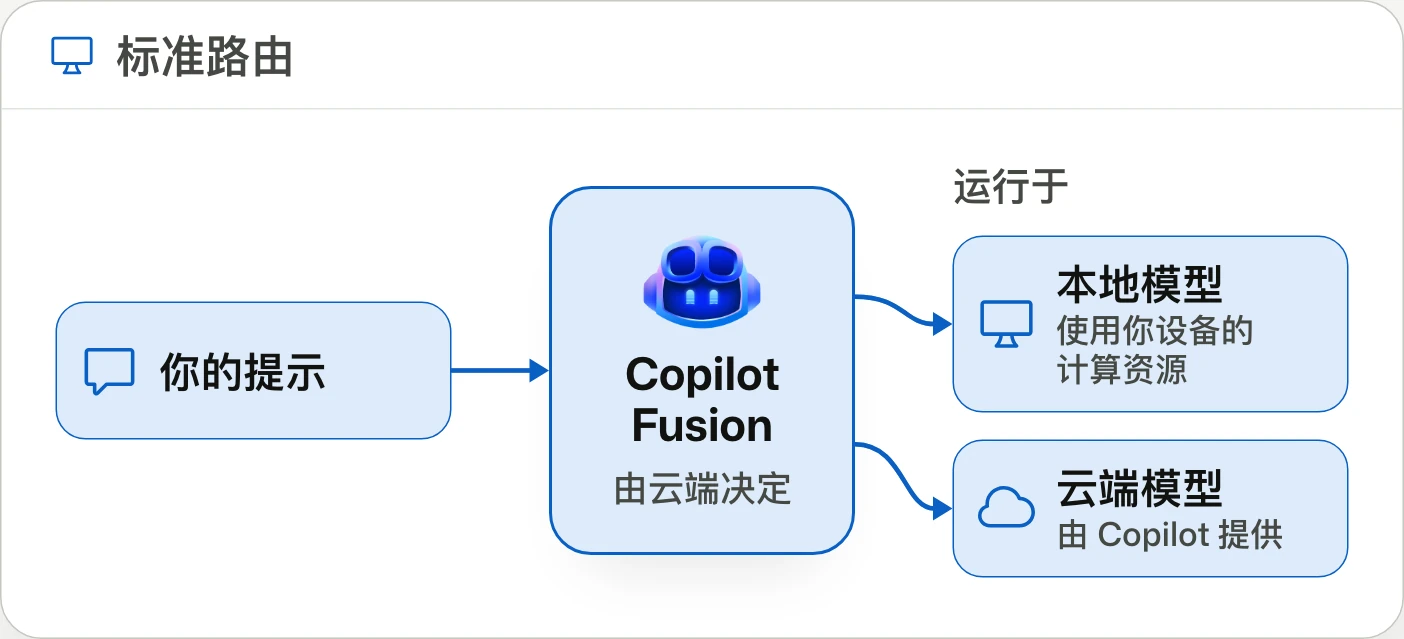
Automatic model routing and coordination through Copilot Fusion are generally available, with Standard, High, and Max effort options. Administrators control eligible models and can make Fusion the default through managed settings.Copilot Fusion 的自動模型路由與協調已正式推出,提供 Standard、High 與 Max 投入程度選項。管理員可控制可用模型,並透過受管理設定將 Fusion 設為預設。Copilot Fusion 的自动模型路由与编排已正式发布,提供 Standard、High 和 Max 投入程度选项。管理员可控制可用模型,并通过托管设置将 Fusion 设为默认选项。
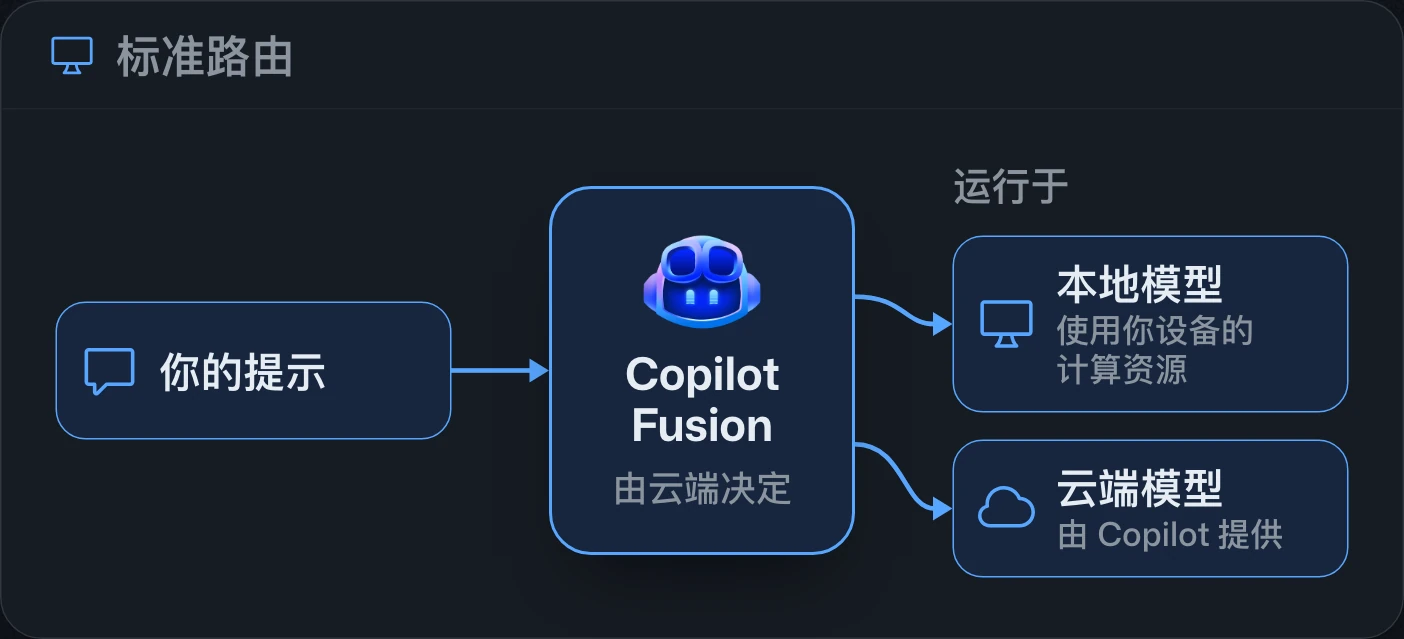
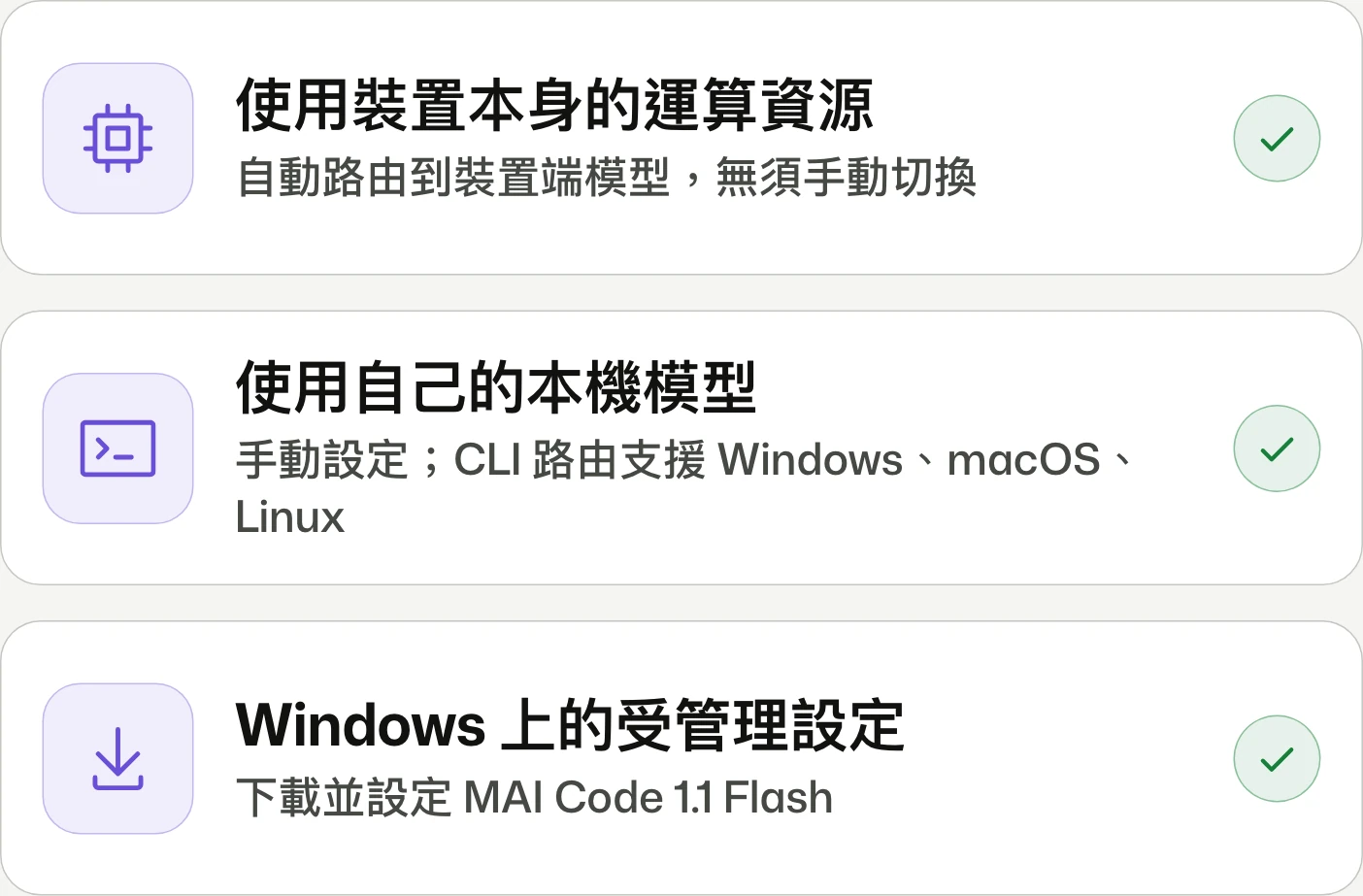
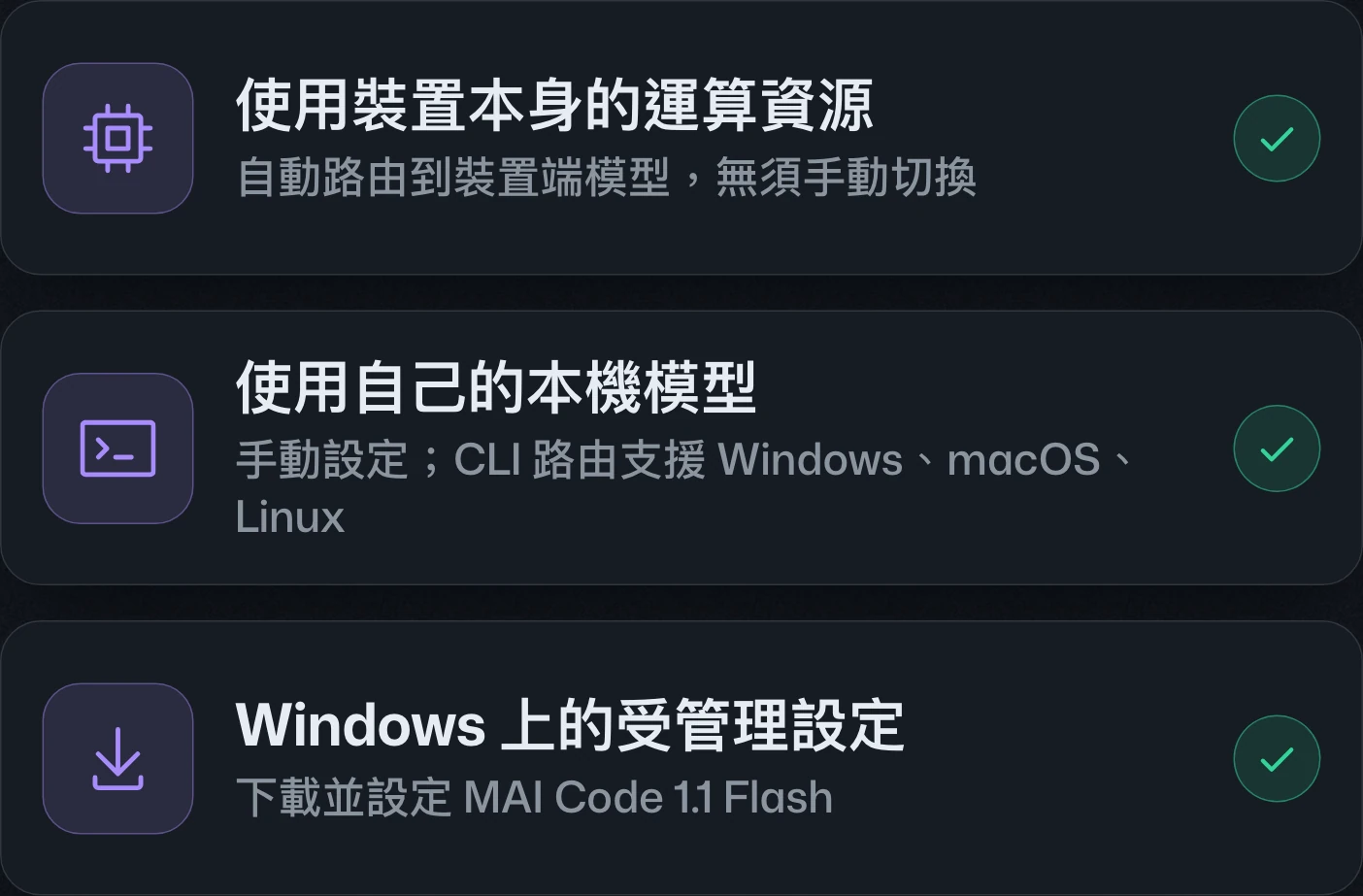
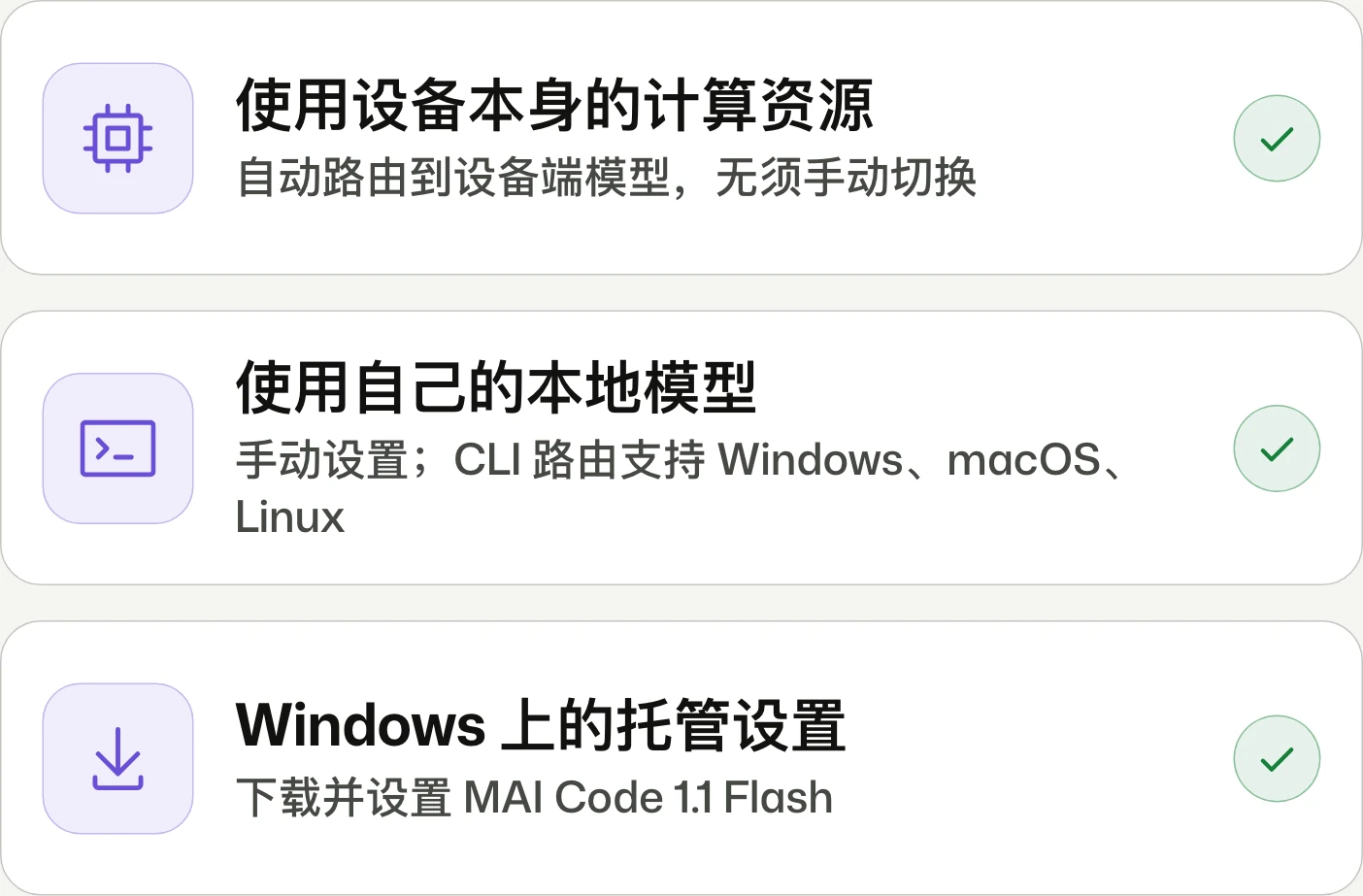
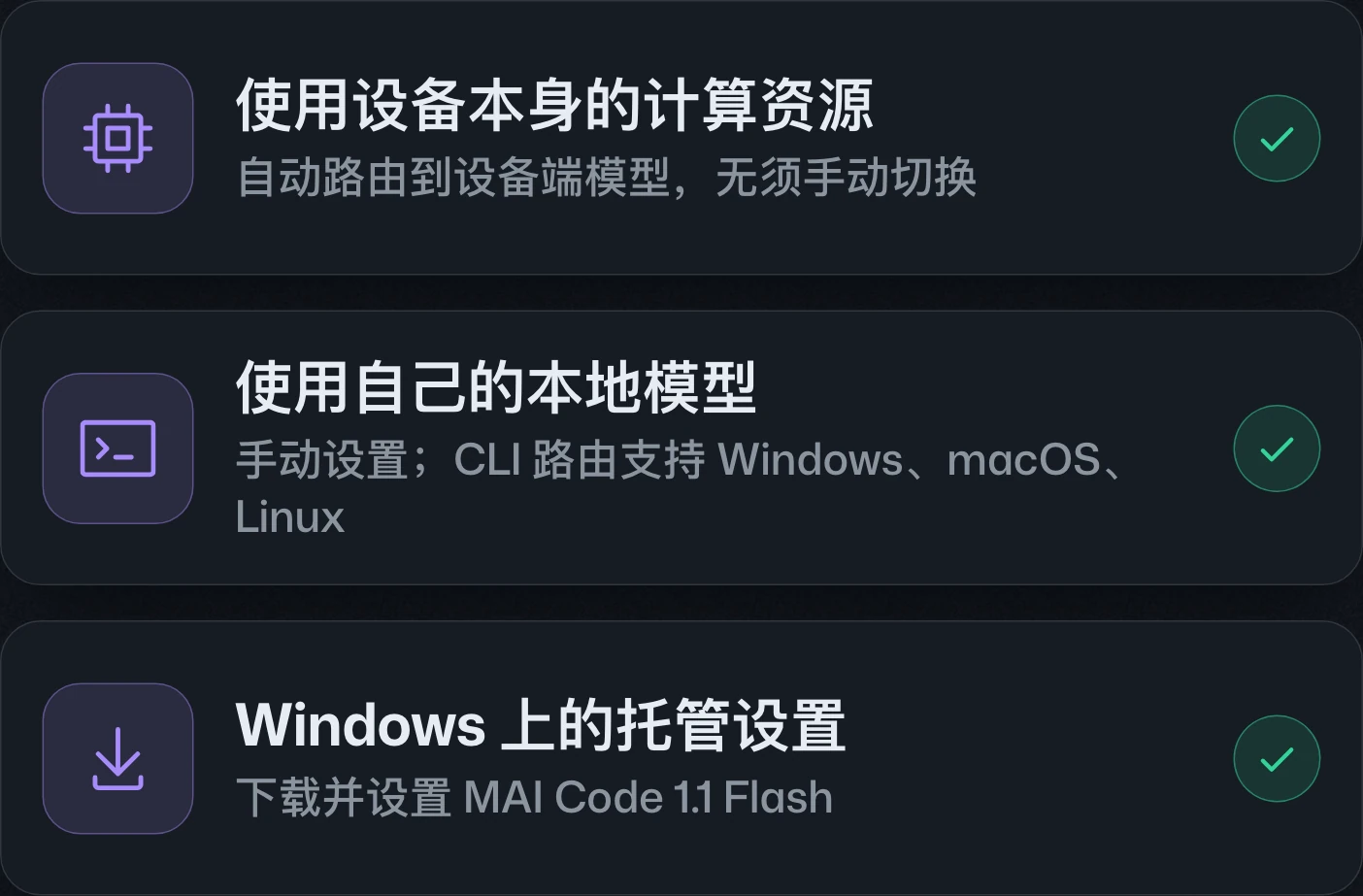
GitHub Copilot Fusion now supports selection of local modelsGitHub Copilot Fusion 的本機模型選擇支援GitHub Copilot Fusion 的本地模型选择支持
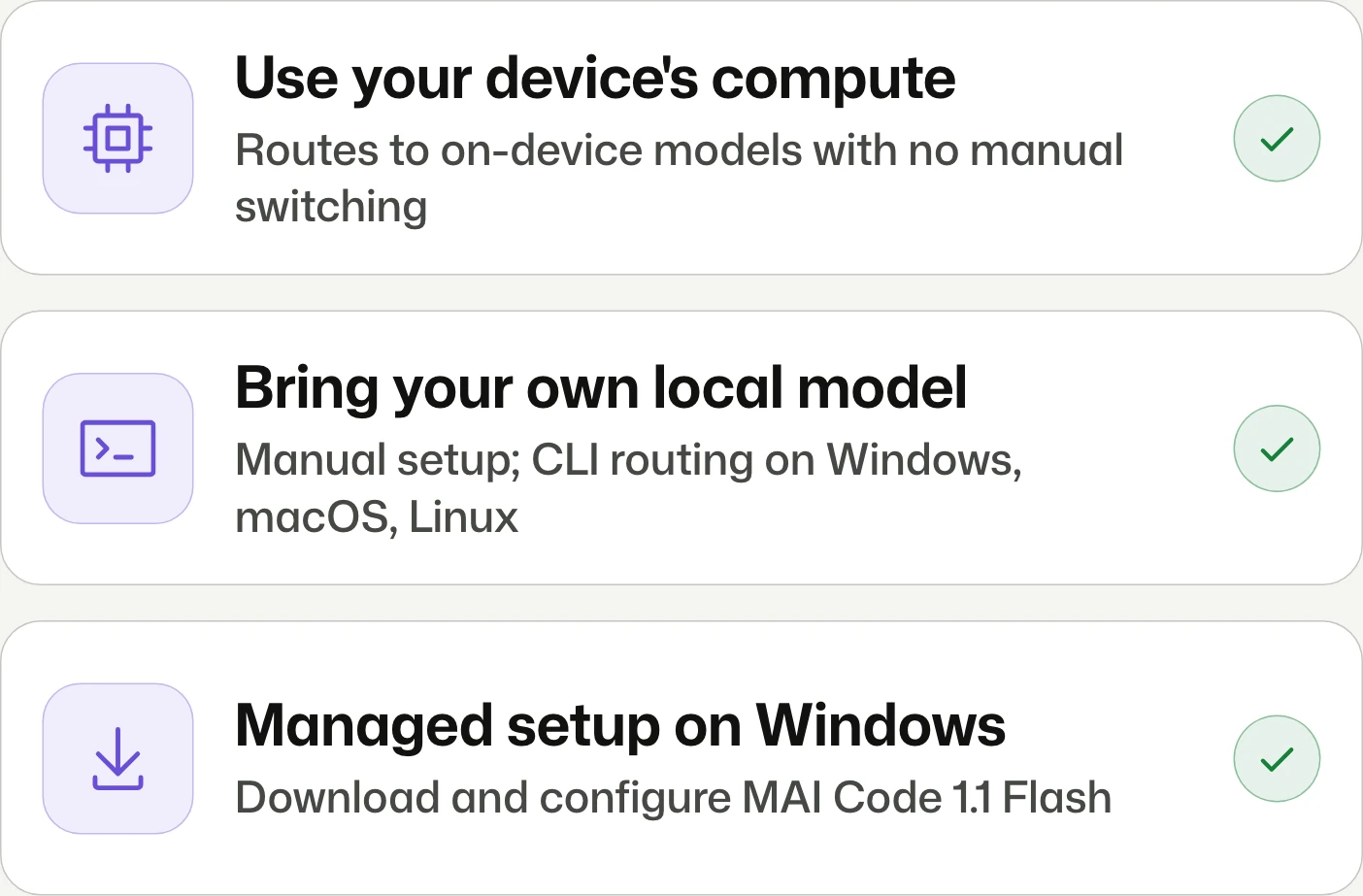
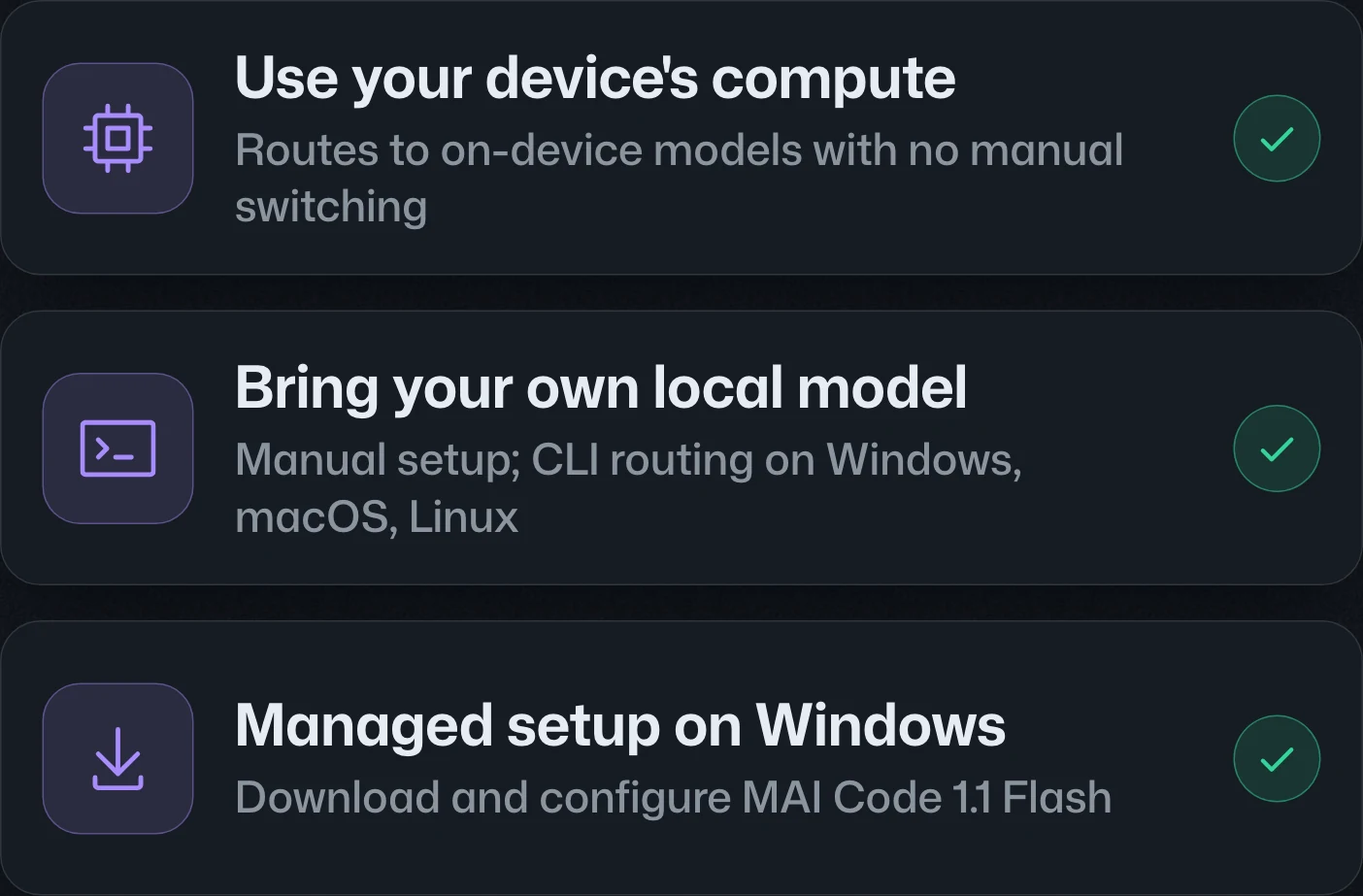
Use on-device models without switching.使用裝置端模型,無須手動切換。使用设备端模型,无需手动切换。
Copilot Fusion adds opt-in experimental routing between local and cloud models in CLI, the Copilot app, and VS Code. Managed setup uses Windows ML; CLI also accepts supported self-managed models on macOS and Linux. Routing still requires the cloud.Copilot Fusion 在 CLI、Copilot app 與 VS Code 新增本機及雲端模型間的路由,須自行加入實驗性預覽。受管理安裝使用 Windows ML;CLI 亦接受 macOS 與 Linux 上支援的自行管理模型。路由仍須連線至雲端。Copilot Fusion 在 CLI、Copilot app 和 VS Code 新增本地与云端模型间的路由,需主动加入实验性预览。托管安装使用 Windows ML;CLI 也接受 macOS 和 Linux 上受支持的自行管理模型。路由仍需连接云端。
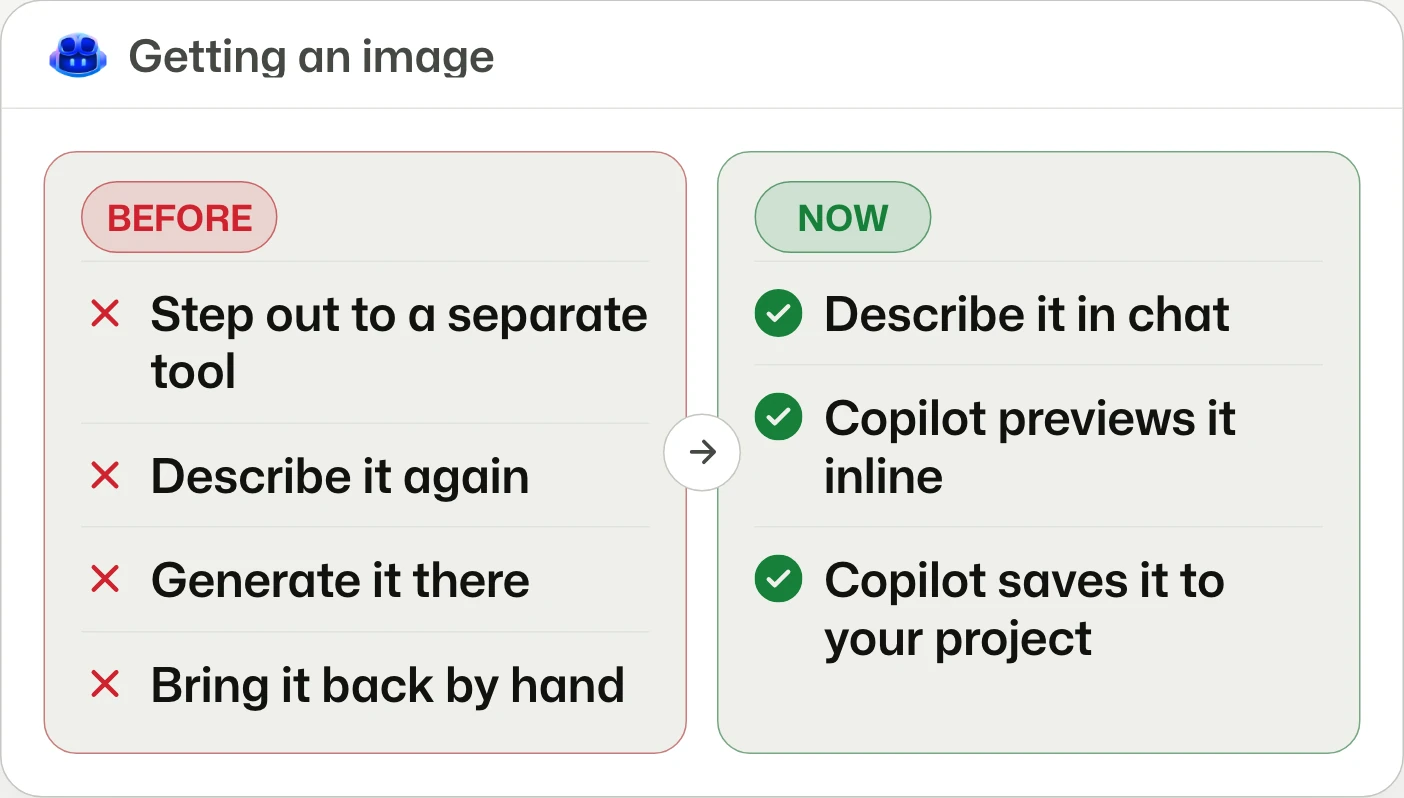
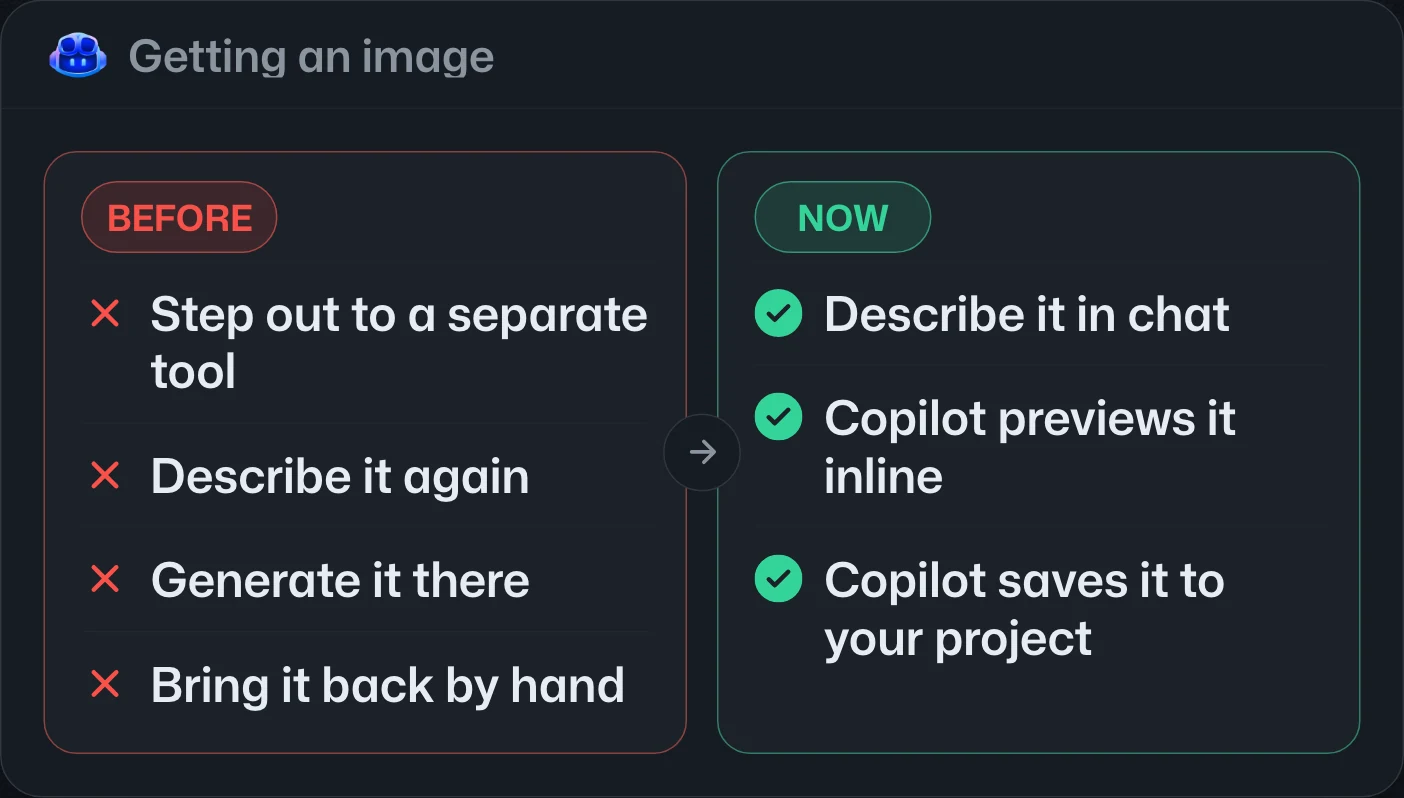
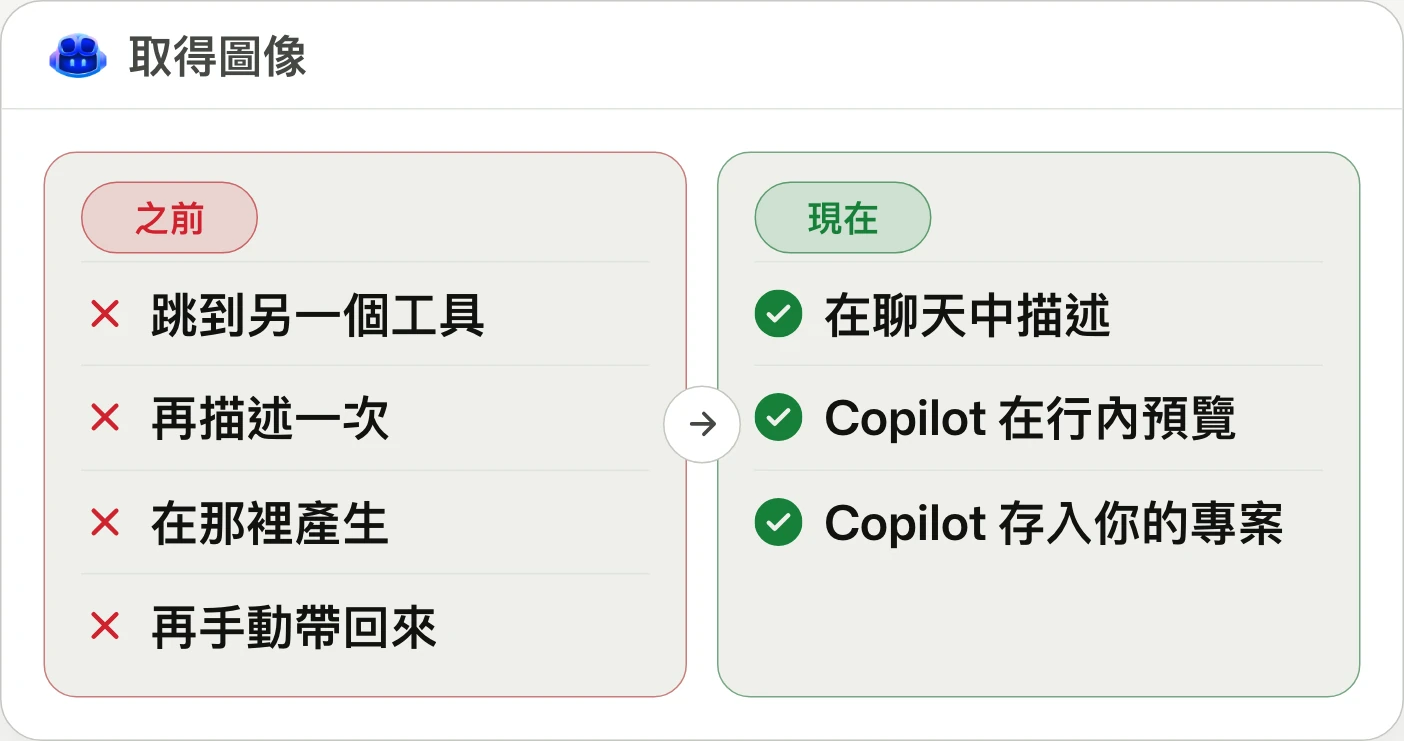
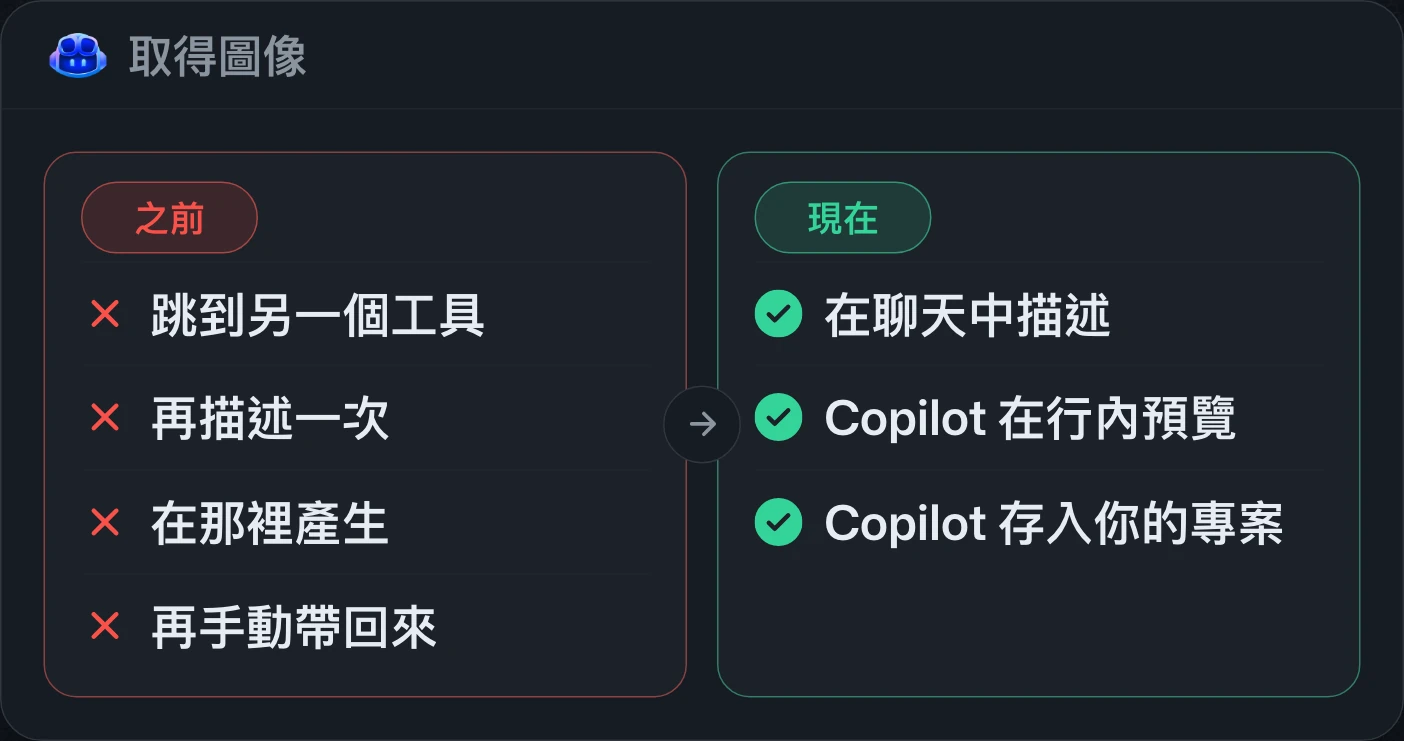
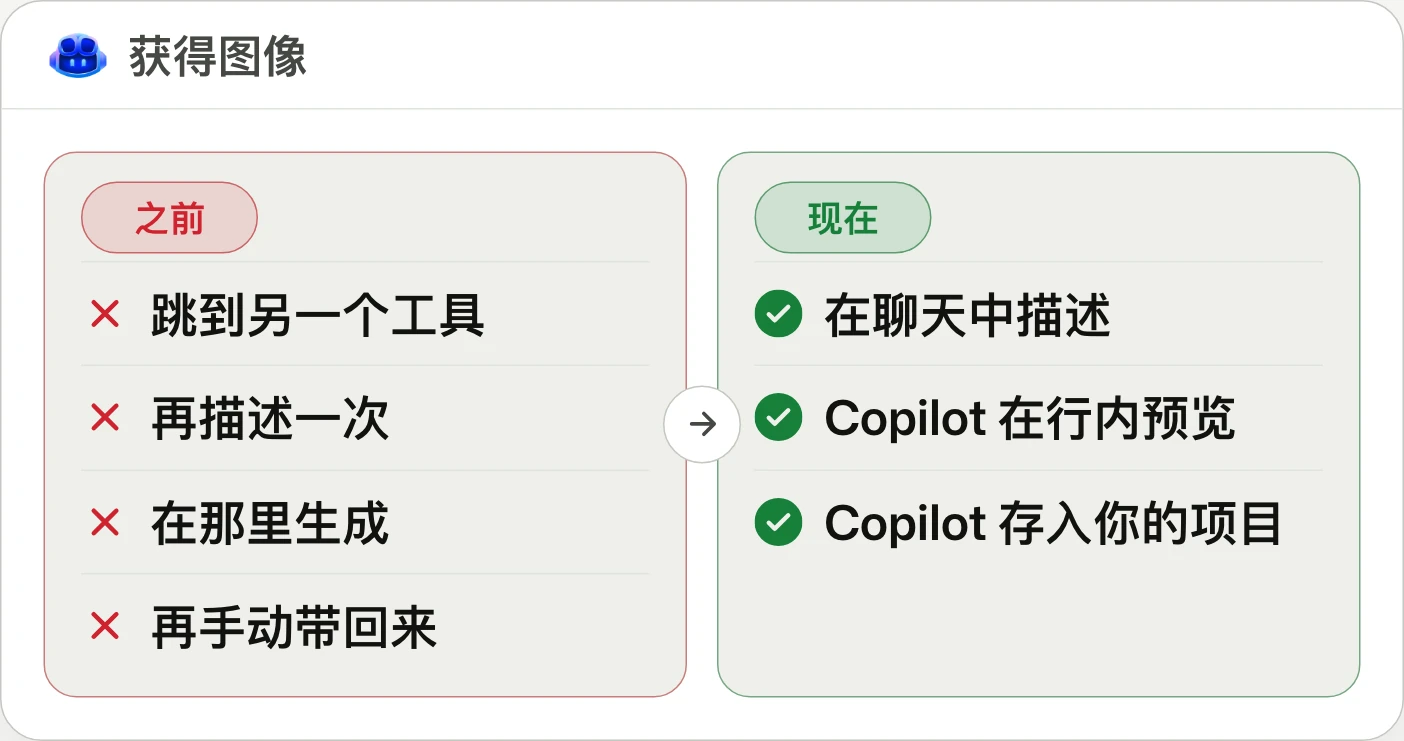
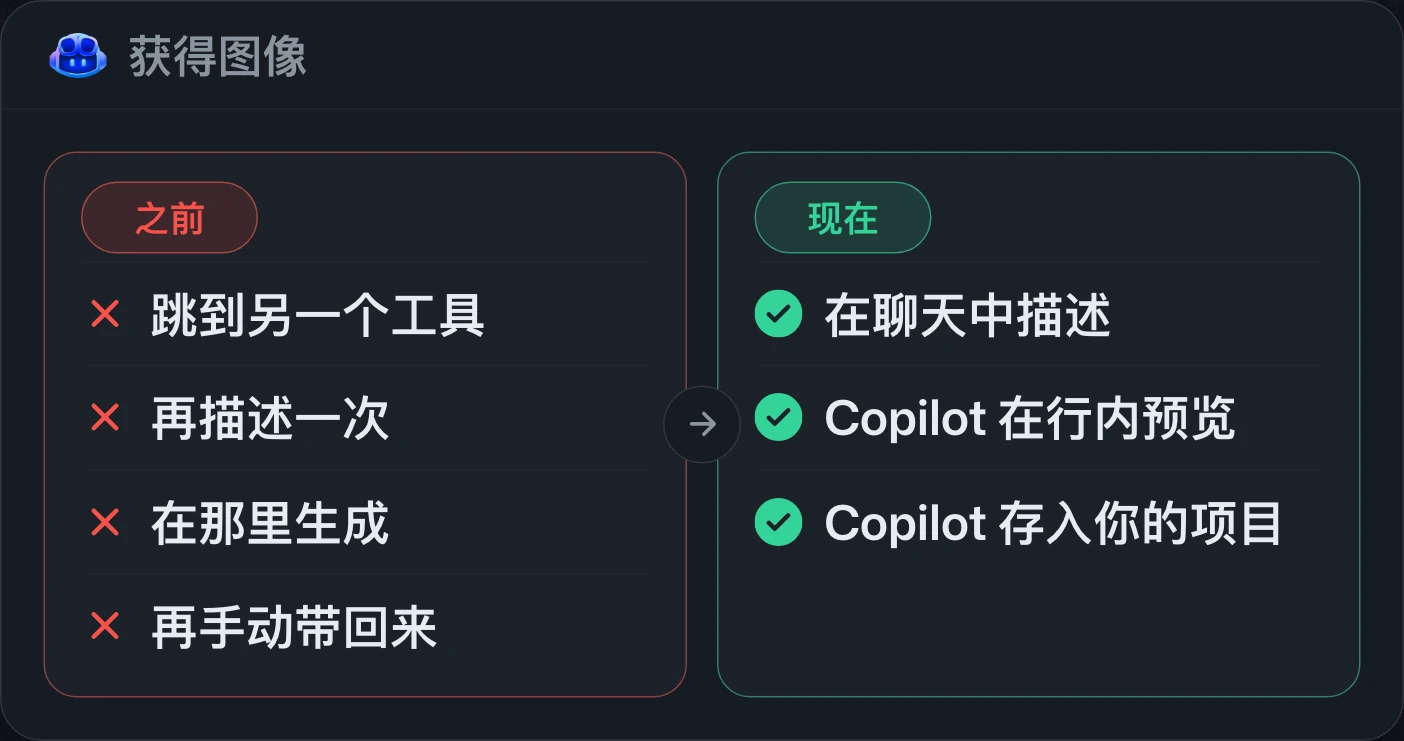
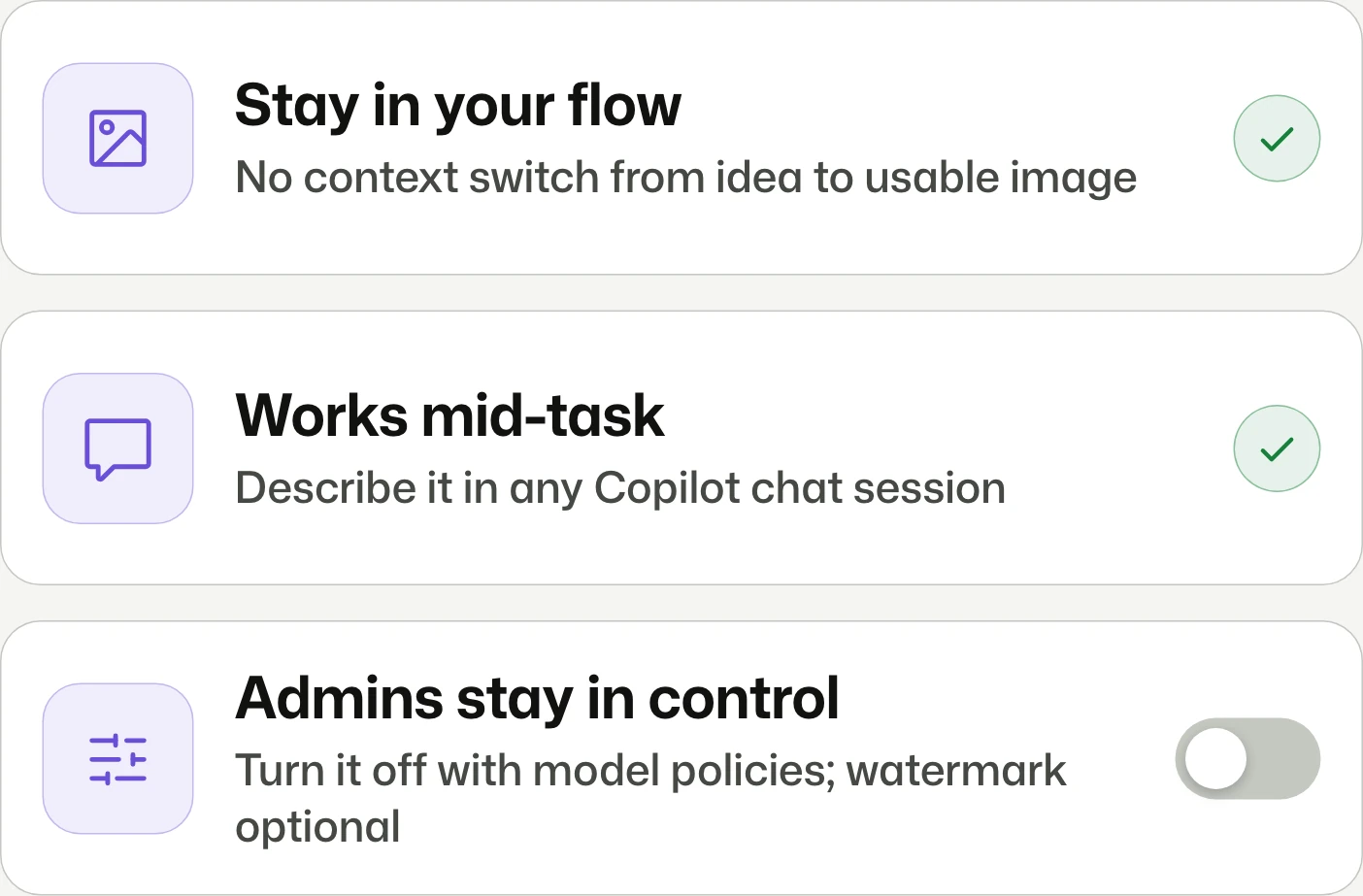
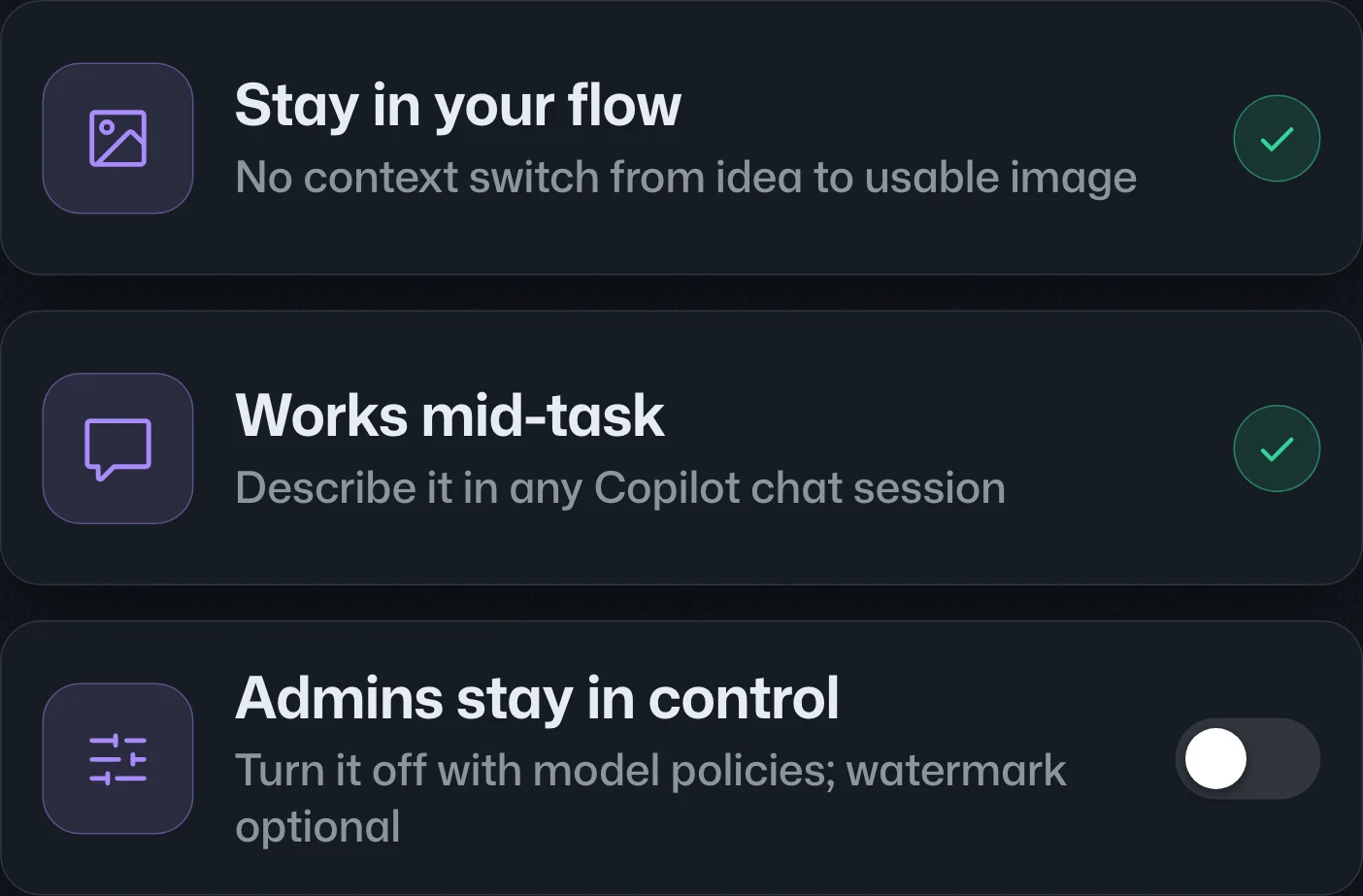
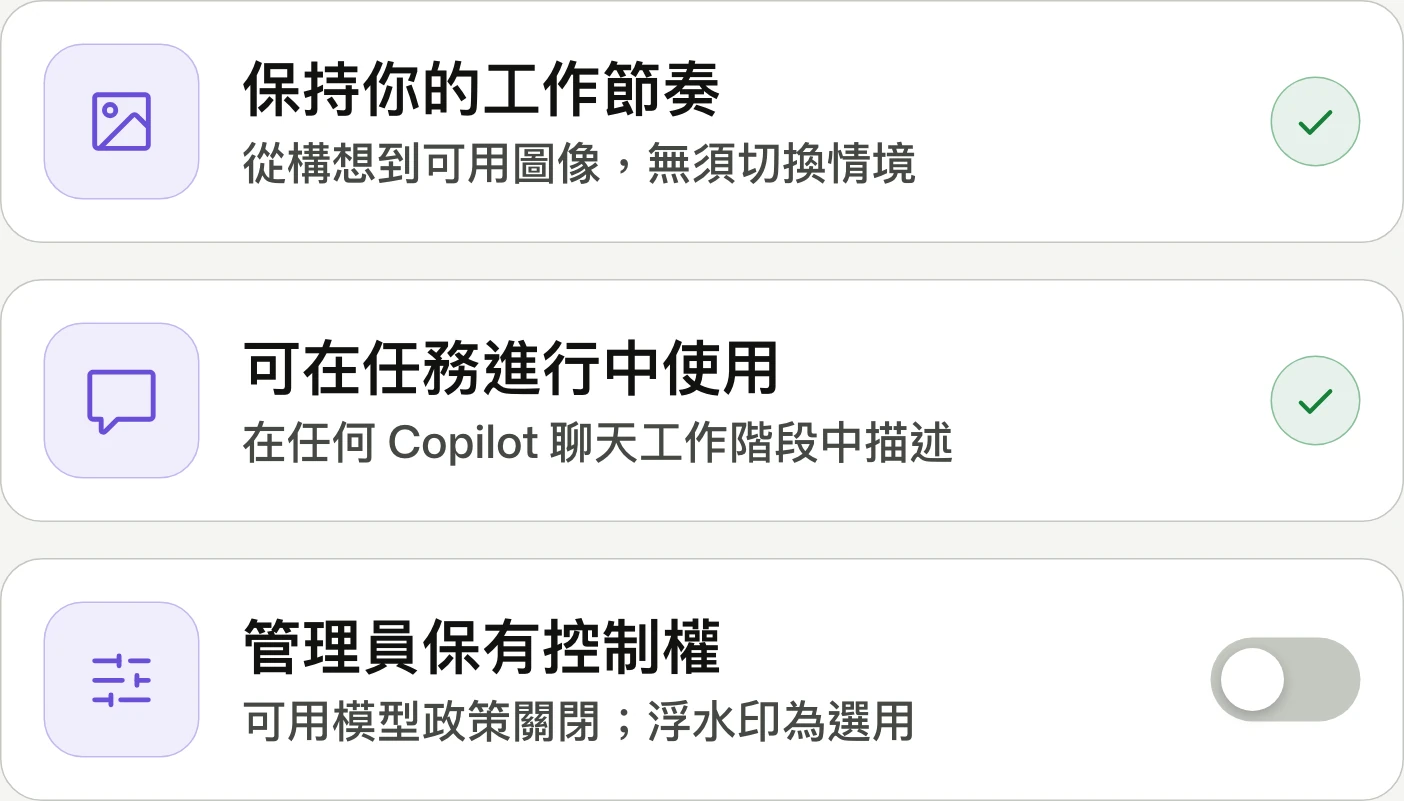
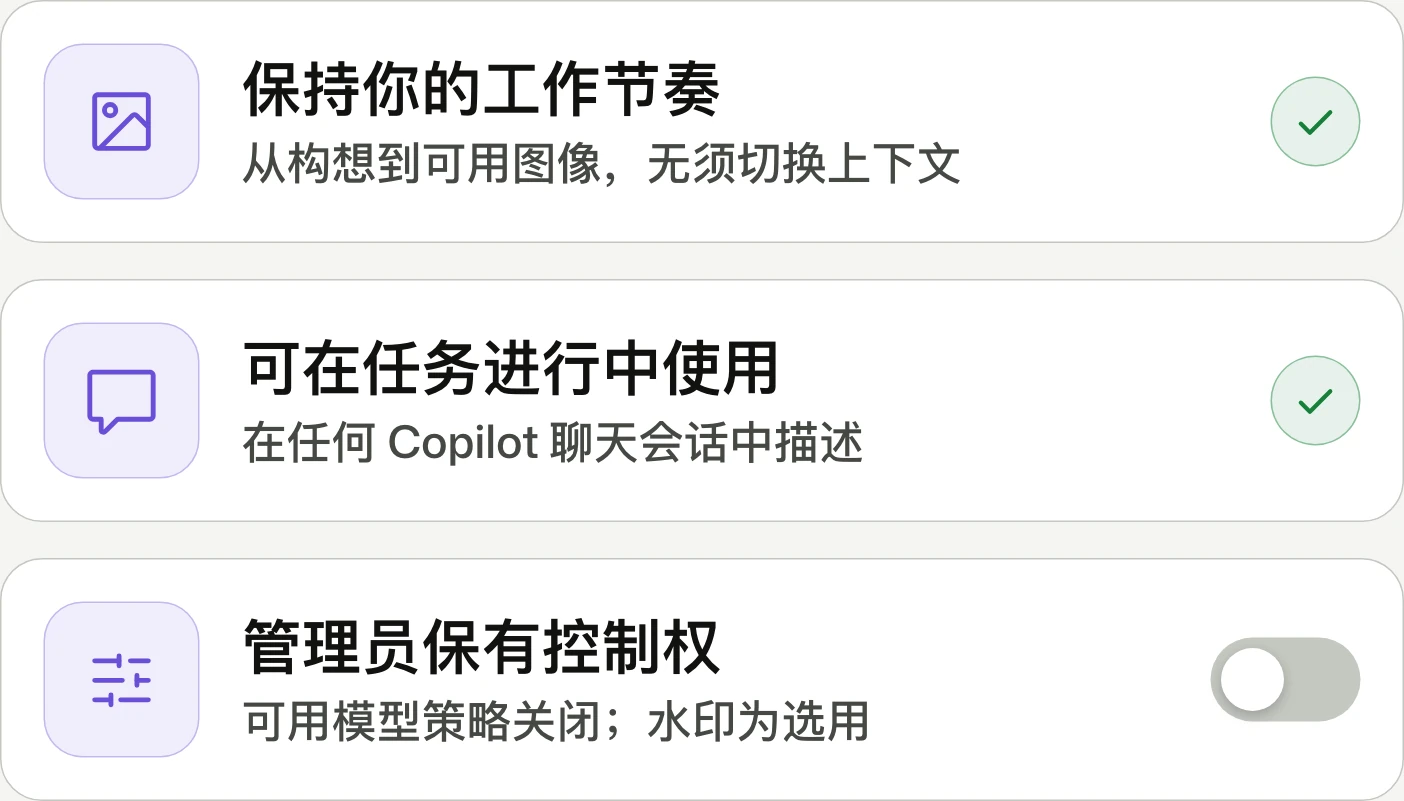
Generate and edit images directly in CopilotCopilot 內的圖片生成與編輯Copilot 内的图片生成与编辑
Idea to image. No tool switching.從想法到圖像,不必切換工具。从想法到图像,无需切换工具。
Copilot adds GPT Image 2.5 Flare image creation and editing in VS Code, the Copilot app, and CLI. The public preview covers Pro, Pro+, Business, and Enterprise; image tokens are charged separately against AI credits.Copilot 在 VS Code、Copilot app 與 CLI 新增以 GPT Image 2.5 Flare 生成及編輯圖片的功能。公開預覽適用於 Pro、Pro+、Business 與 Enterprise;圖片 Token 會獨立計費並扣抵 AI 額度。Copilot 在 VS Code、Copilot app 和 CLI 新增通过 GPT Image 2.5 Flare 生成及编辑图片的功能。公开预览适用于 Pro、Pro+、Business 和 Enterprise;图片 Token 会单独计费并扣除 AI 额度。


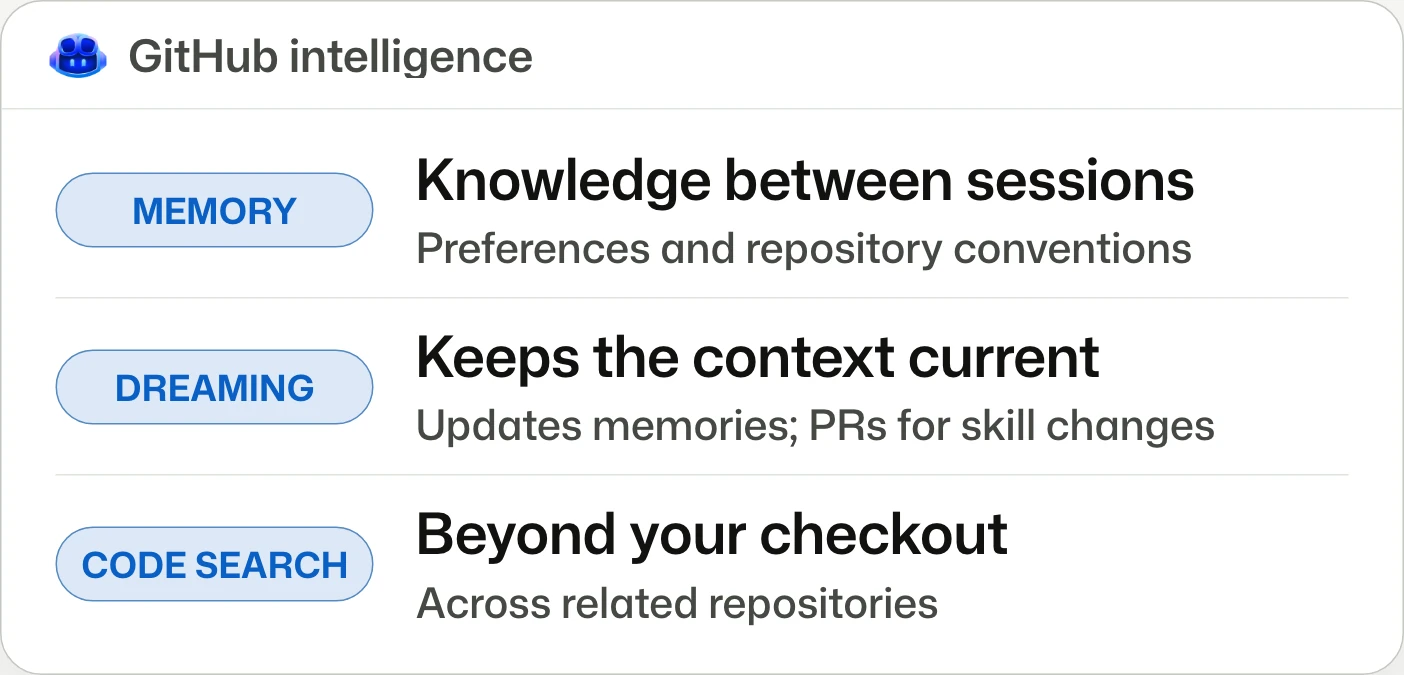
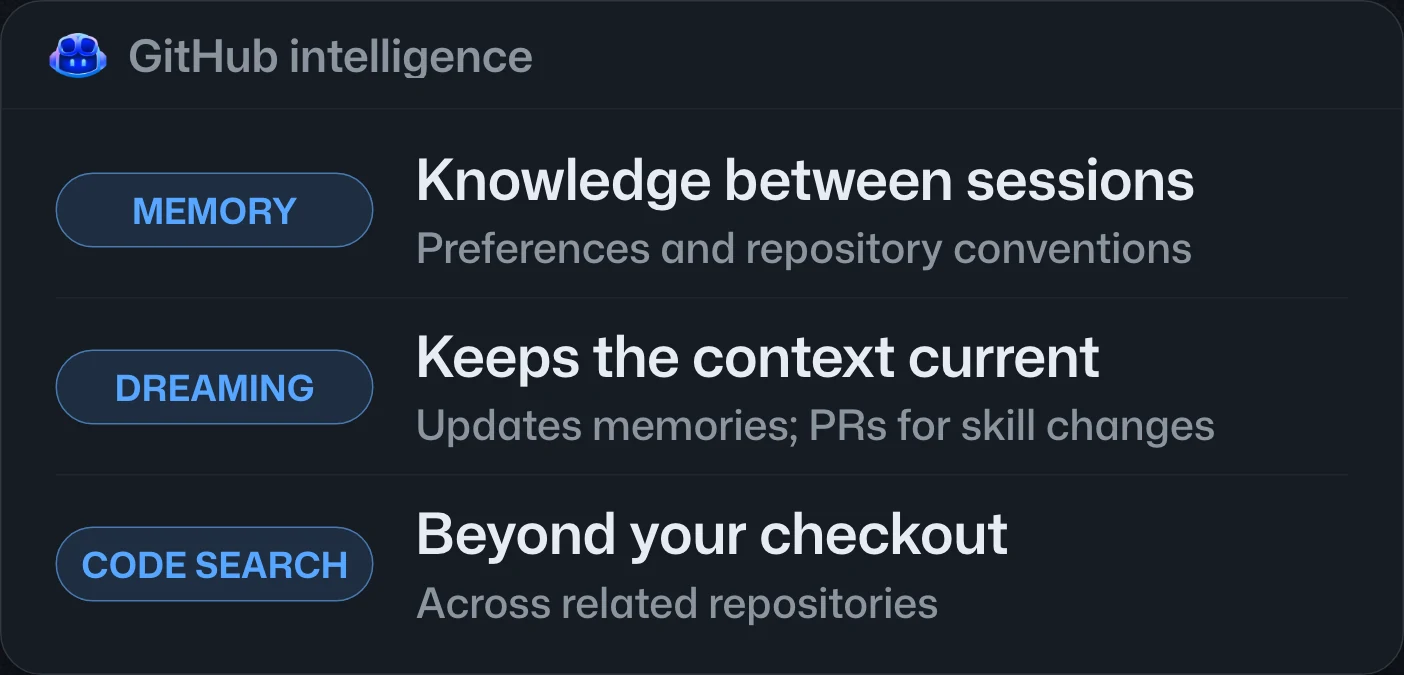
GitHub intelligence puts your code, context, and history to work運用程式碼、脈絡與歷史的 GitHub intelligence利用代码、上下文与历史的 GitHub intelligence
Agents remember how your team works.代理會記住你的團隊如何工作。代理会记住你的团队如何工作。
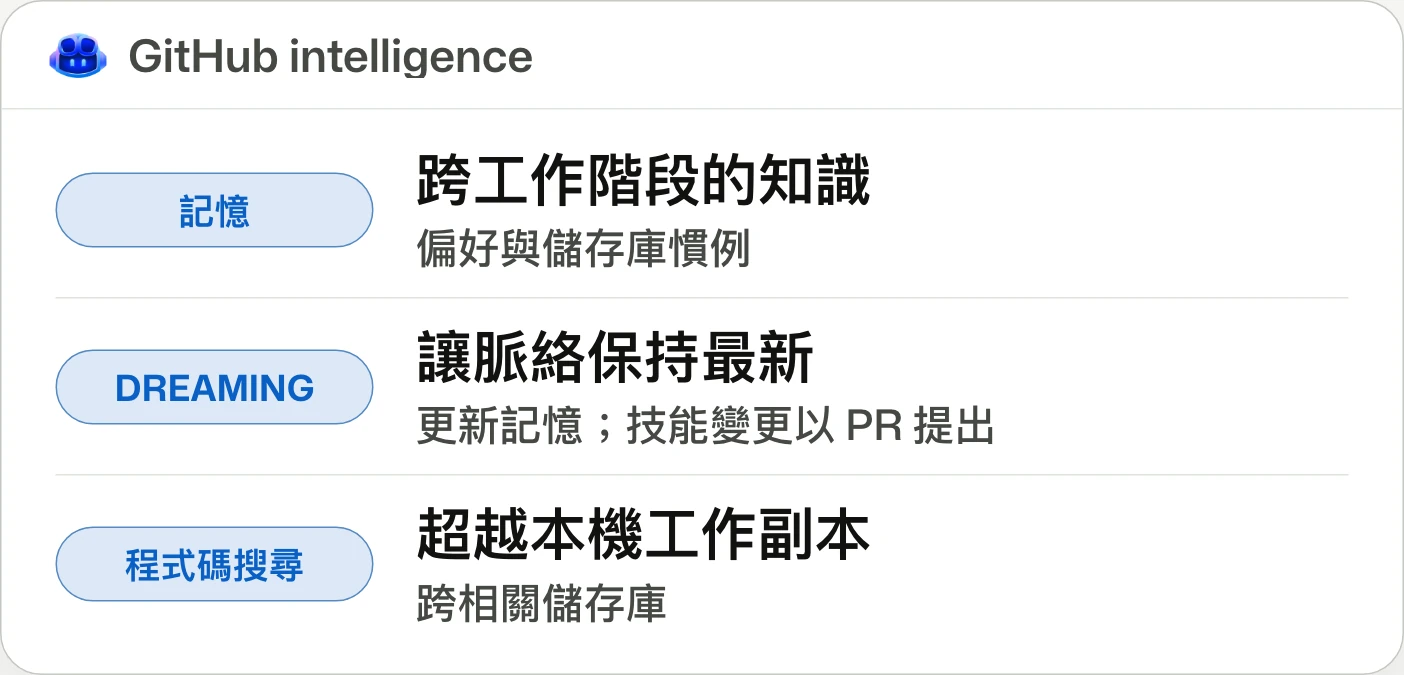
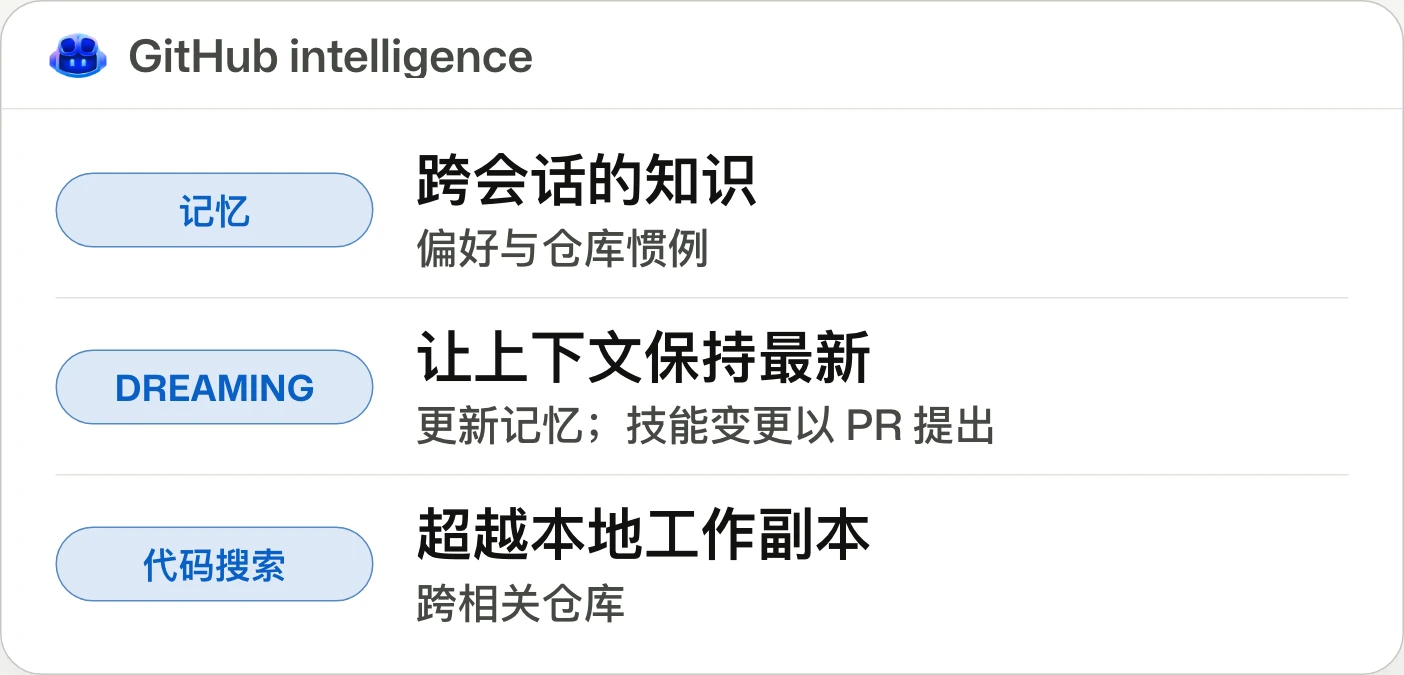
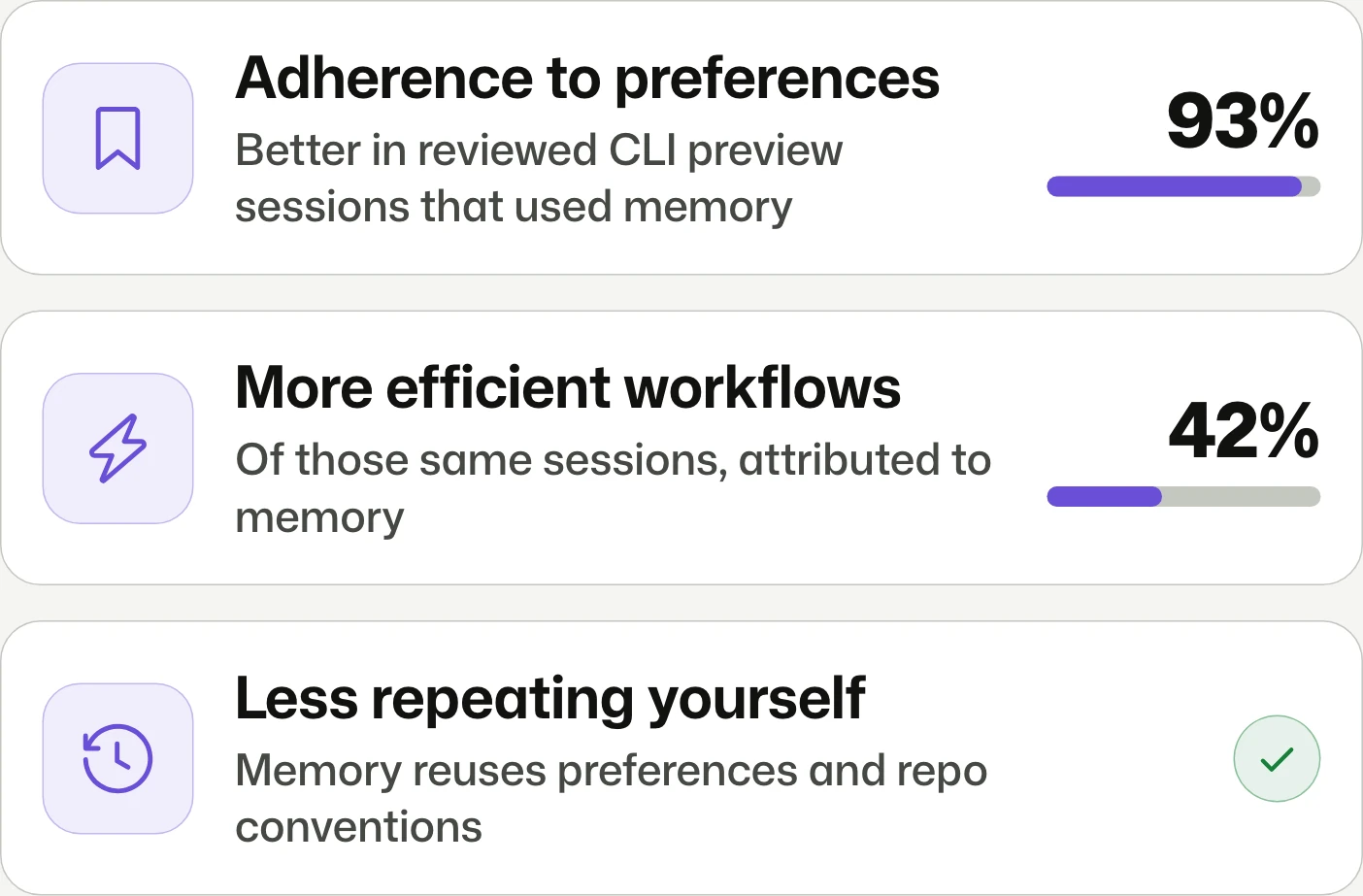
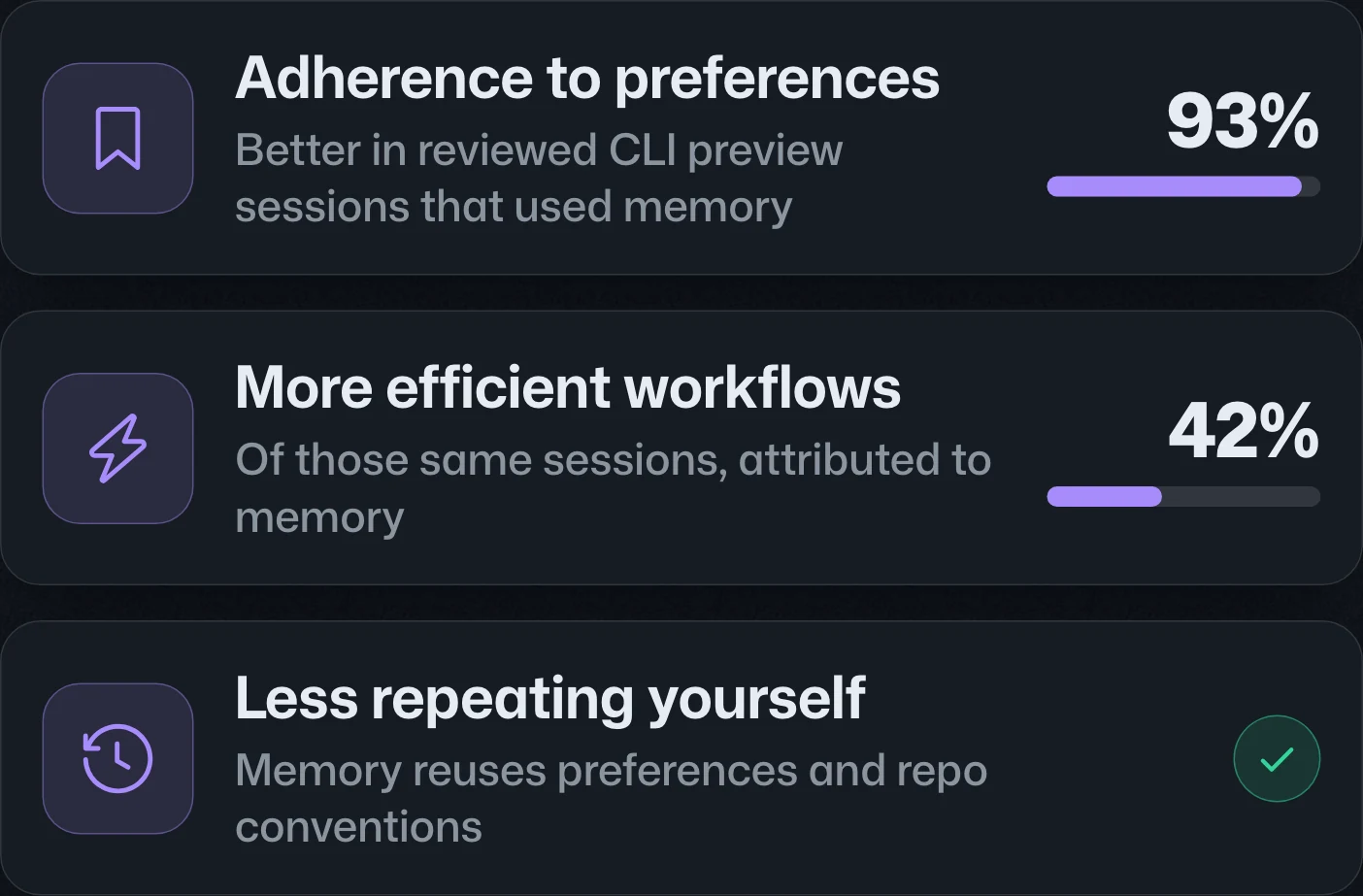
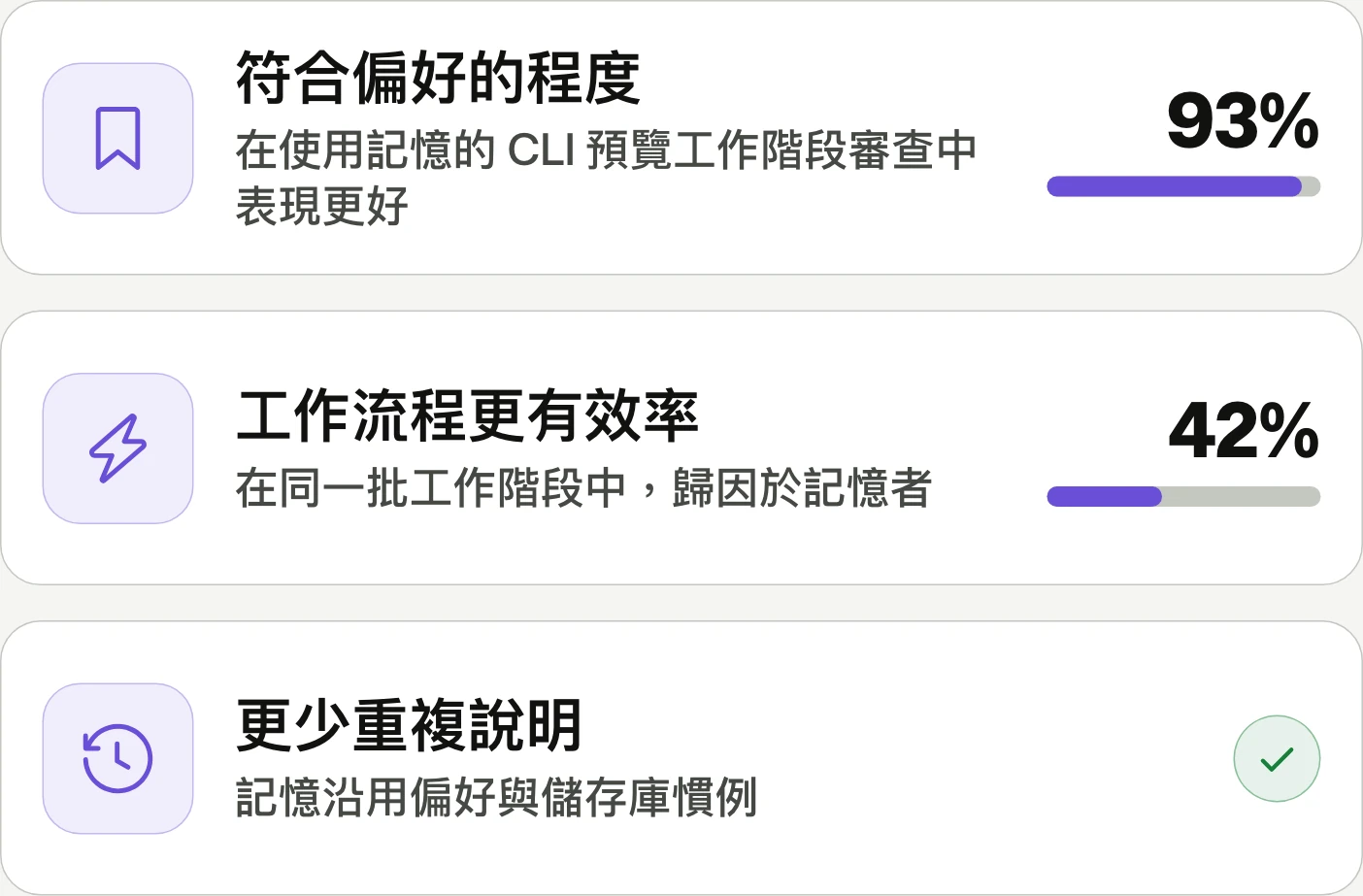
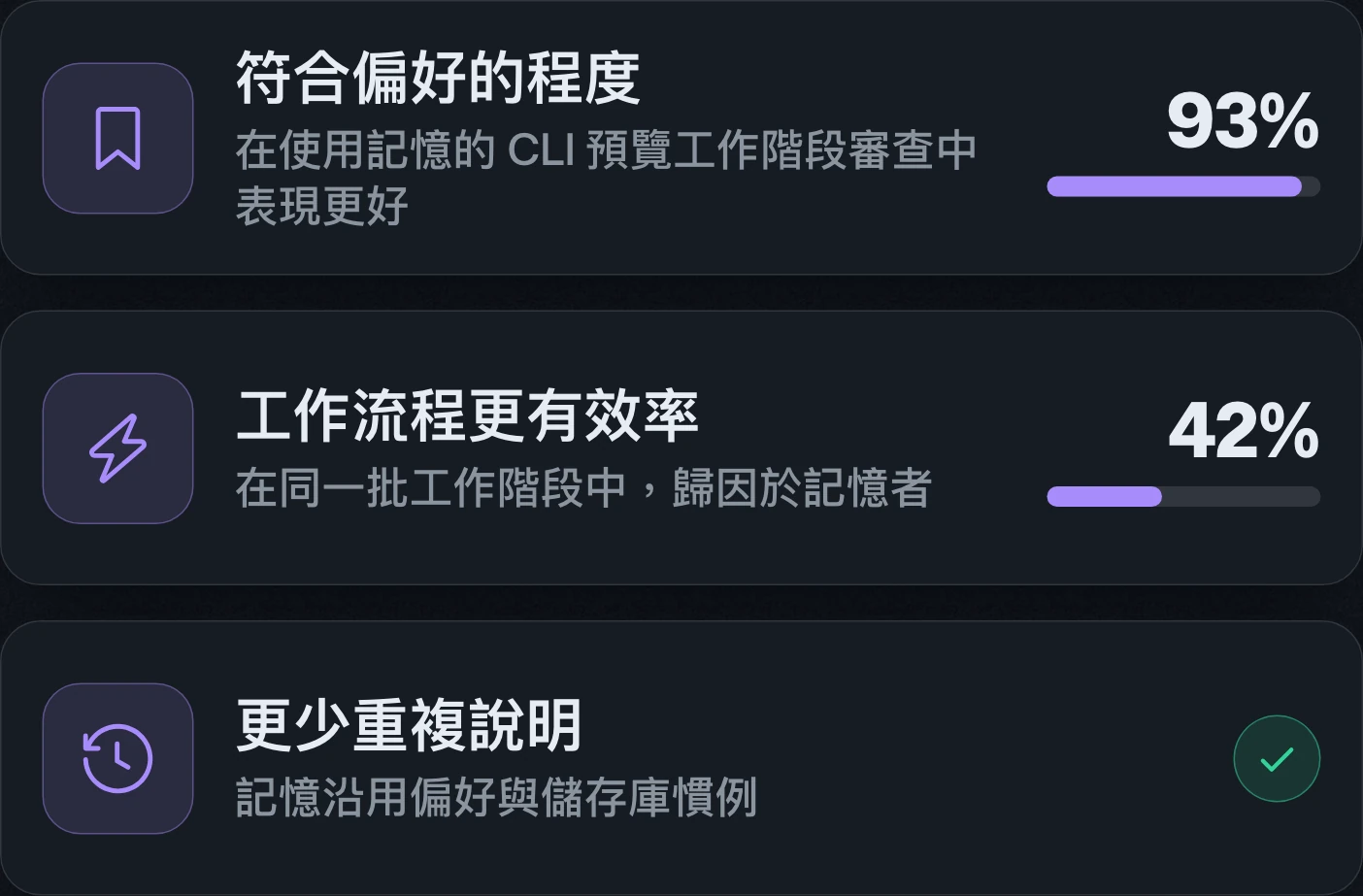
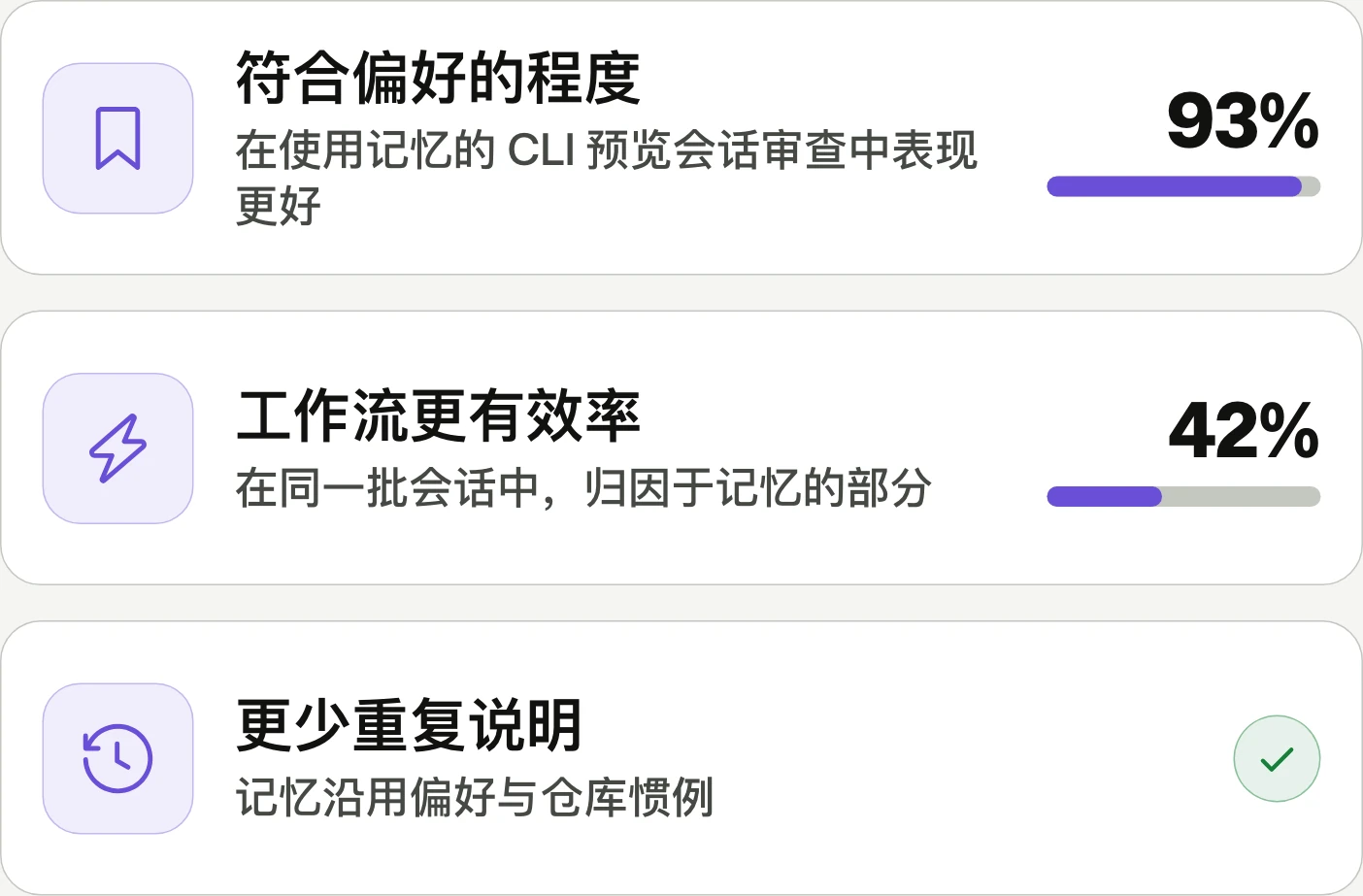
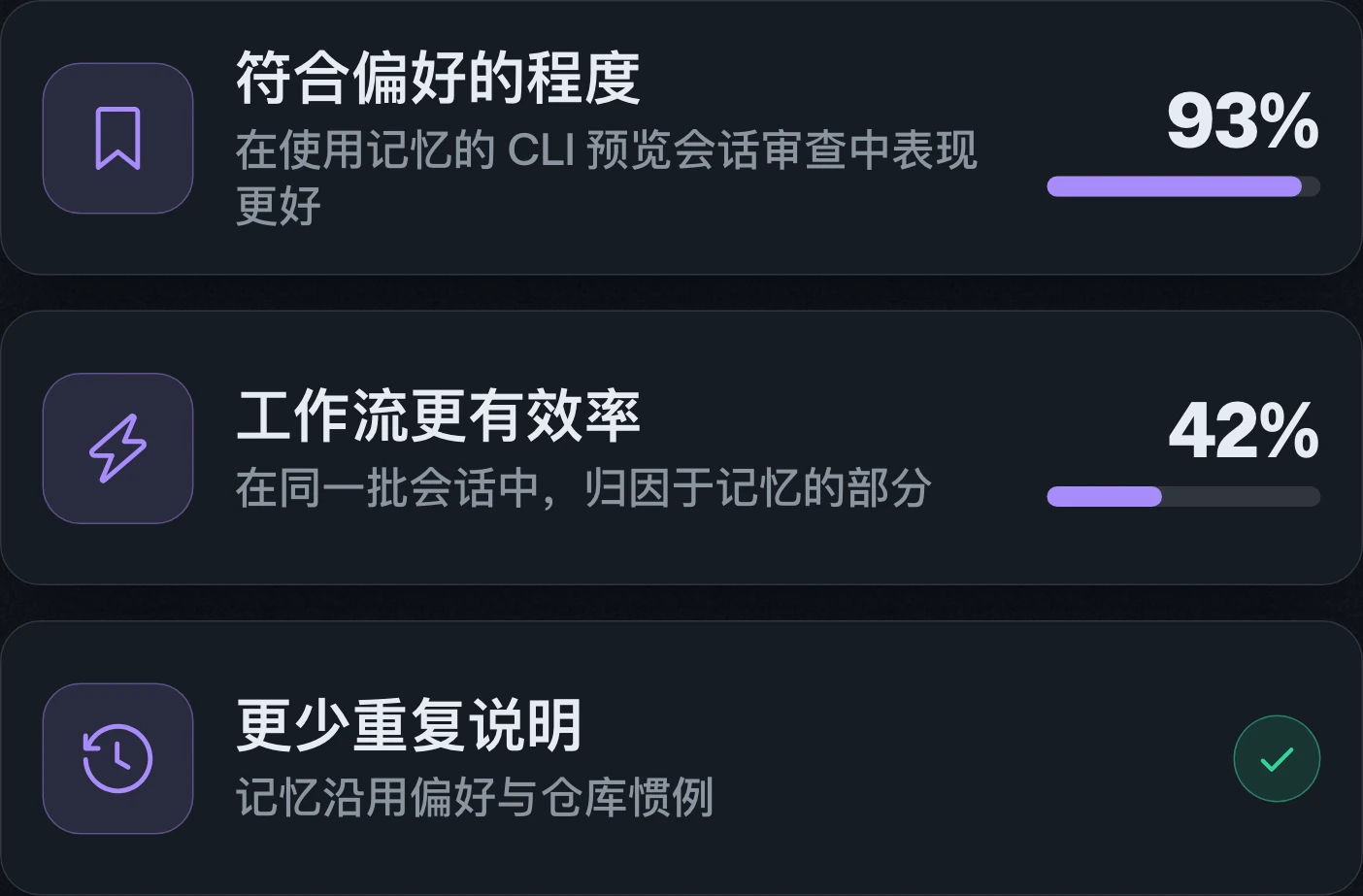
GitHub intelligence connects agent context through memory, ongoing curation, and search outside the local checkout. Copilot Memory reaches general availability on paid plans, while Copilot dreaming enters public preview.GitHub intelligence 透過記憶、持續整理與本機工作副本以外的程式碼搜尋,串聯代理所需脈絡。Copilot Memory 已於付費方案正式推出,Copilot dreaming 則進入公開預覽。GitHub intelligence 通过记忆、持续整理和本地工作副本之外的代码搜索,串联代理所需的上下文。Copilot Memory 已面向付费套餐正式发布,Copilot dreaming 则进入公开预览。


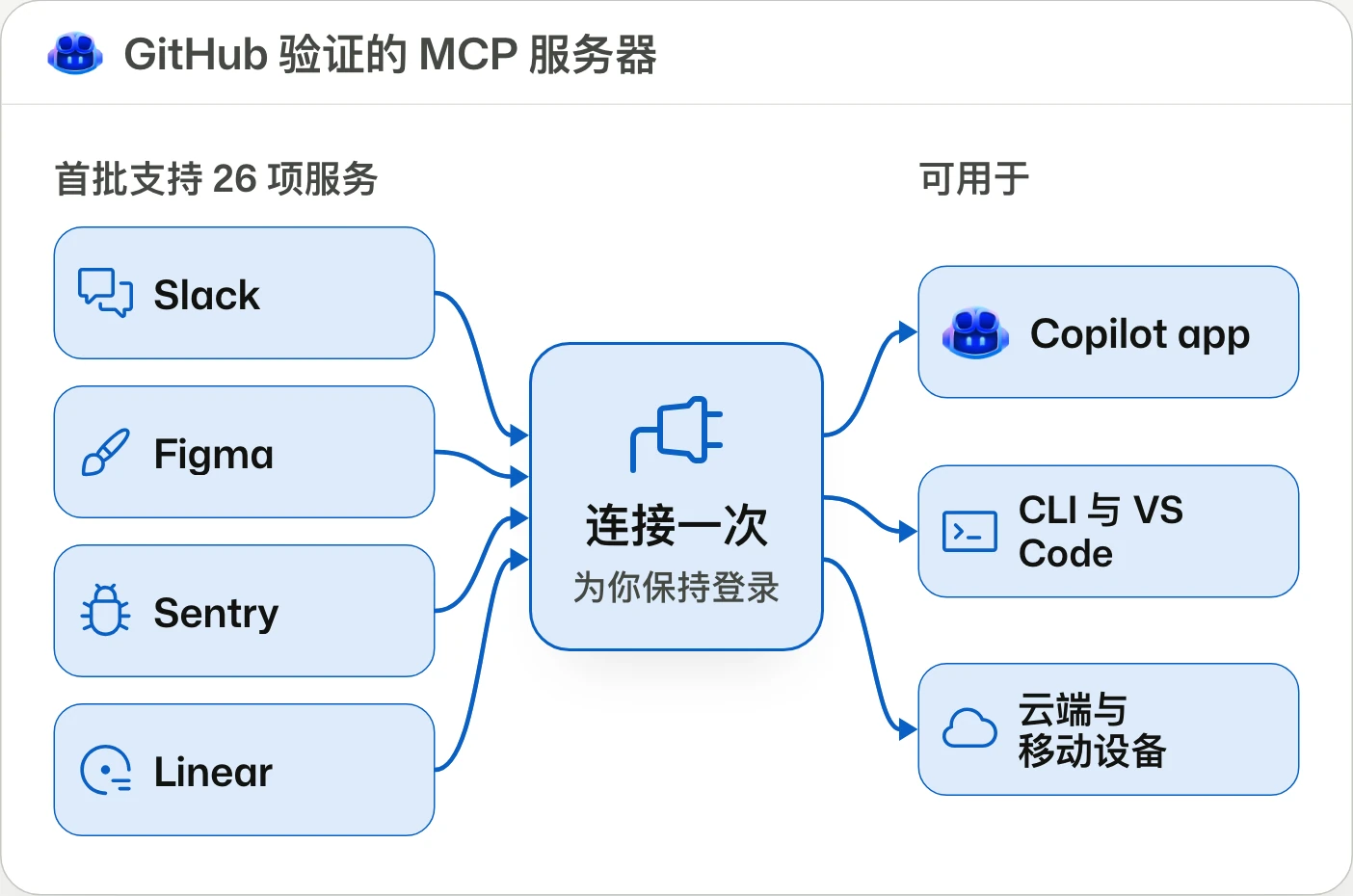
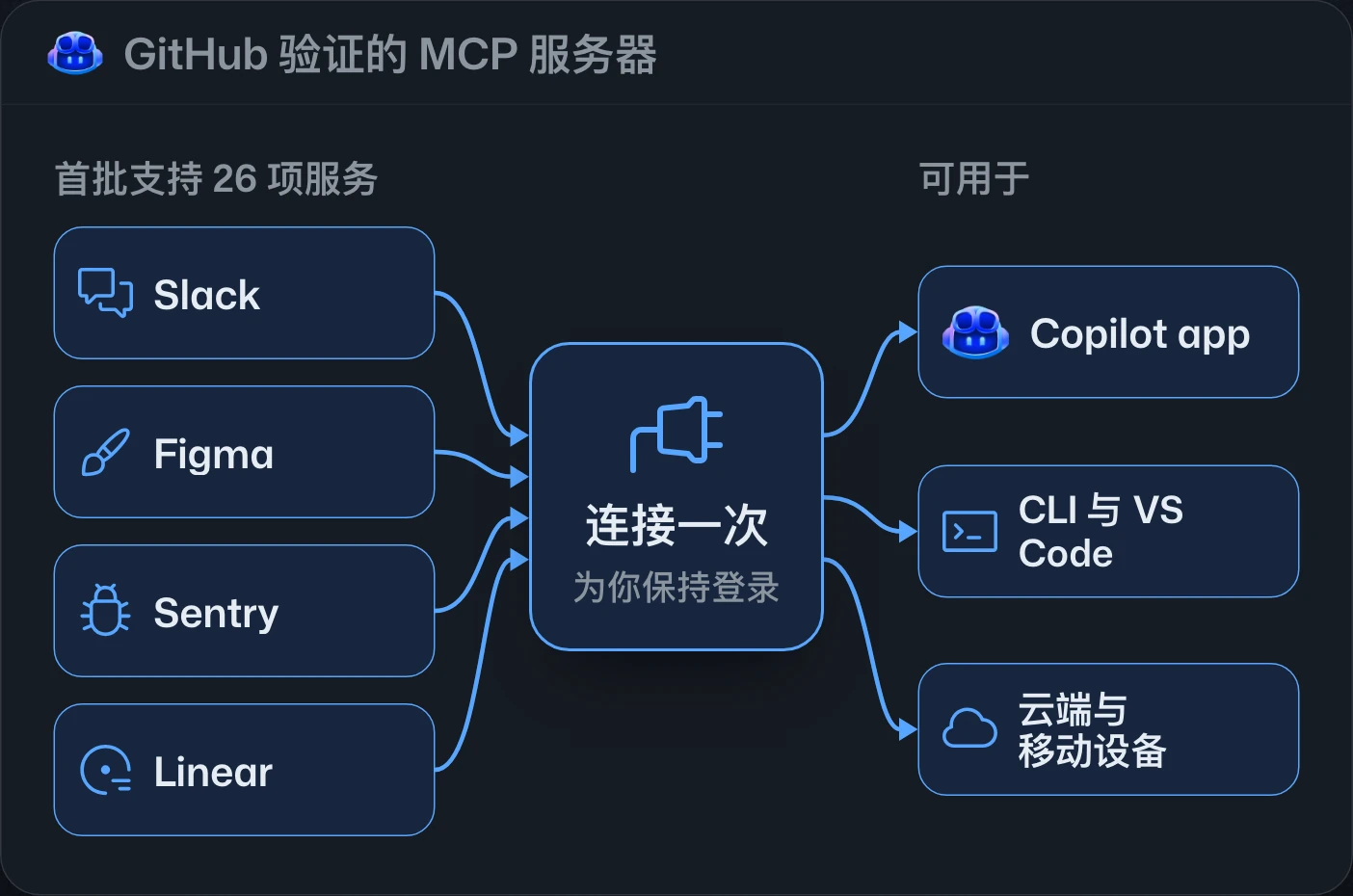
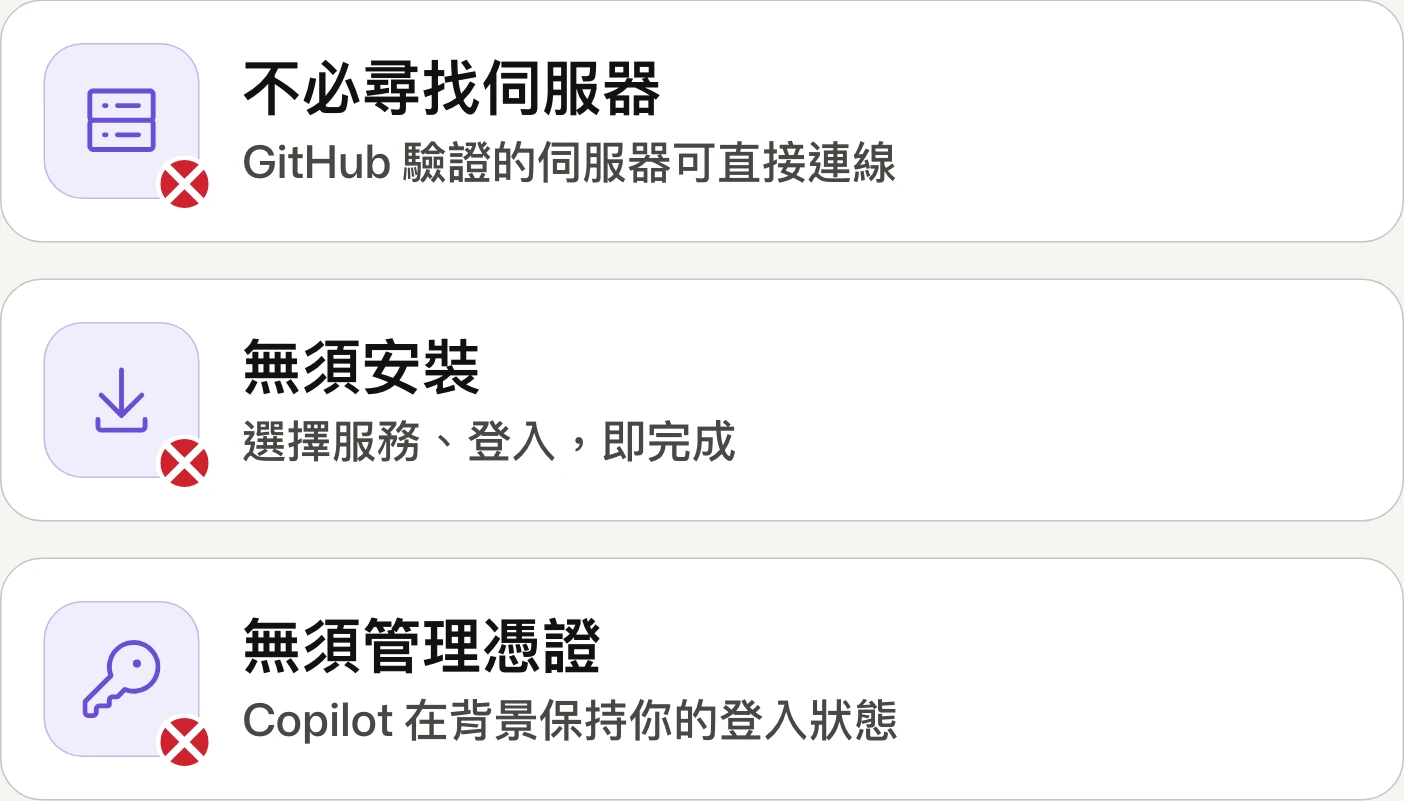
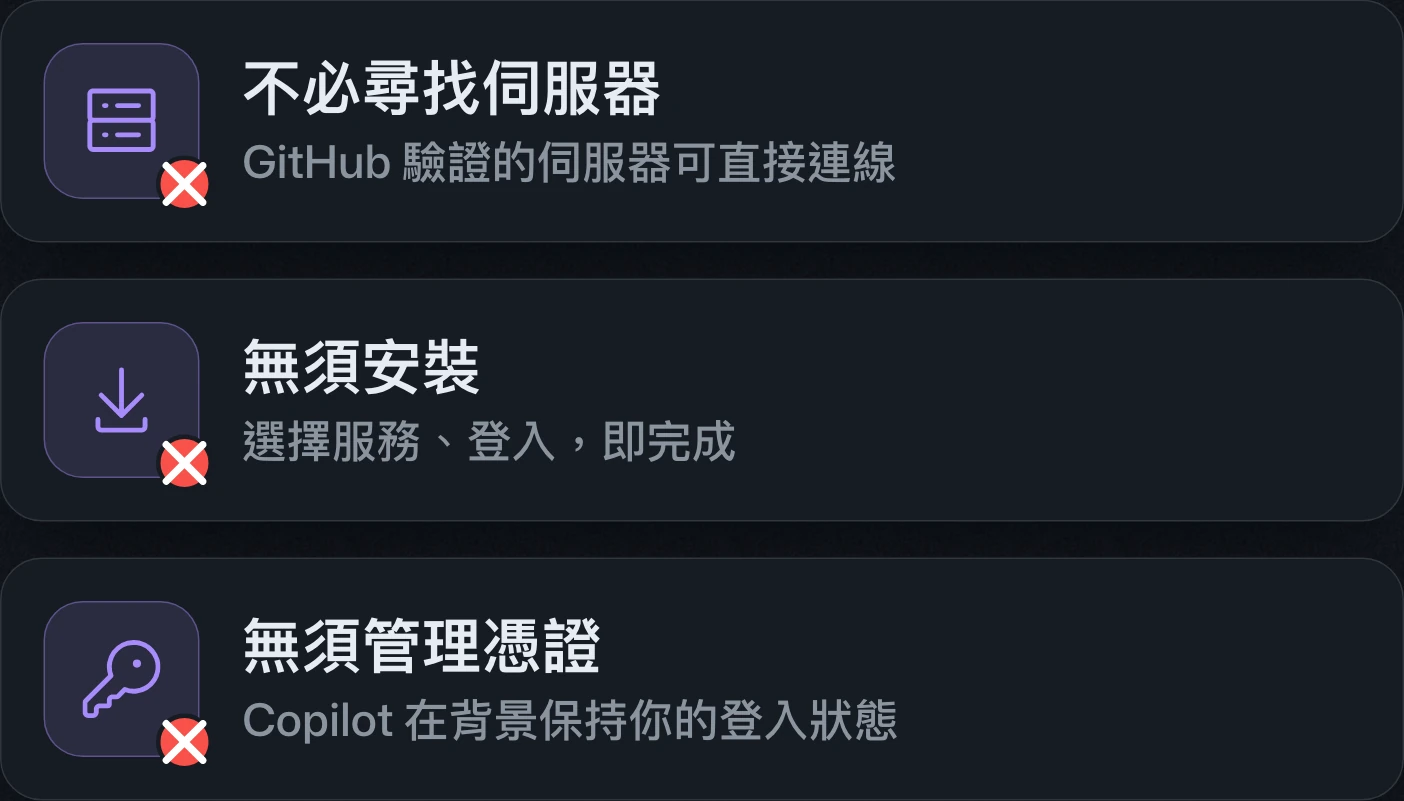
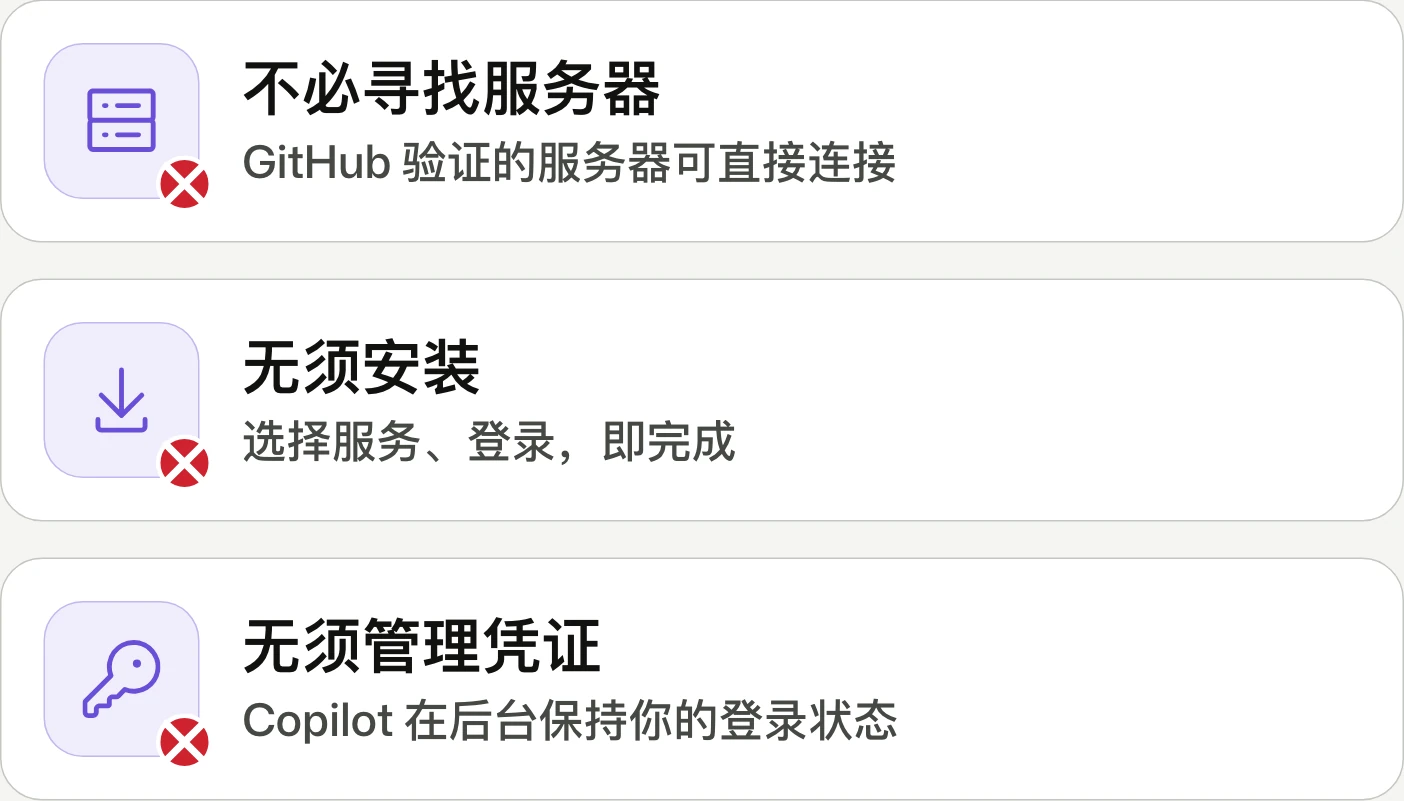
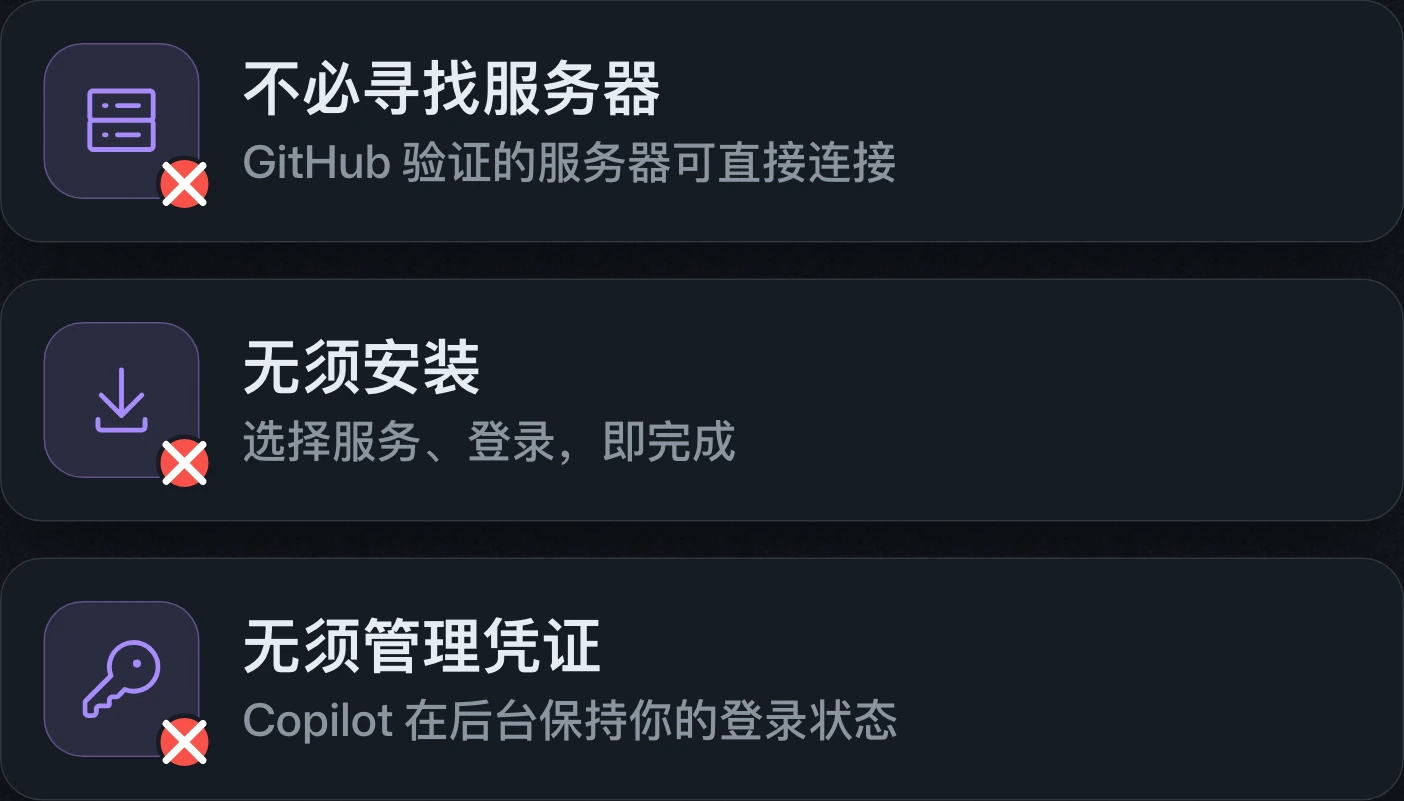
Connect your tools to Copilot without all the setup簡化 Copilot 工具連線設定简化 Copilot 工具连接设置
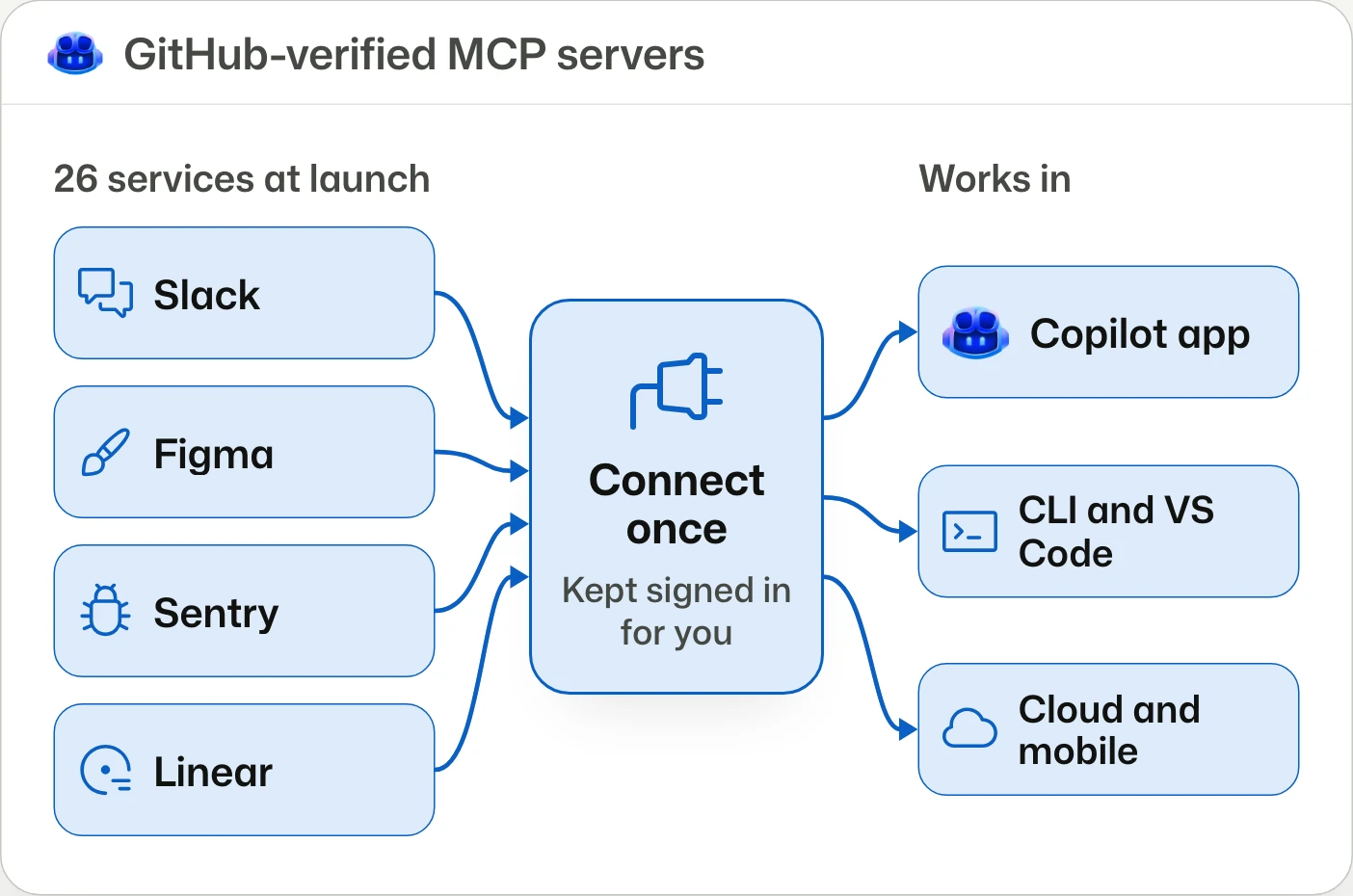
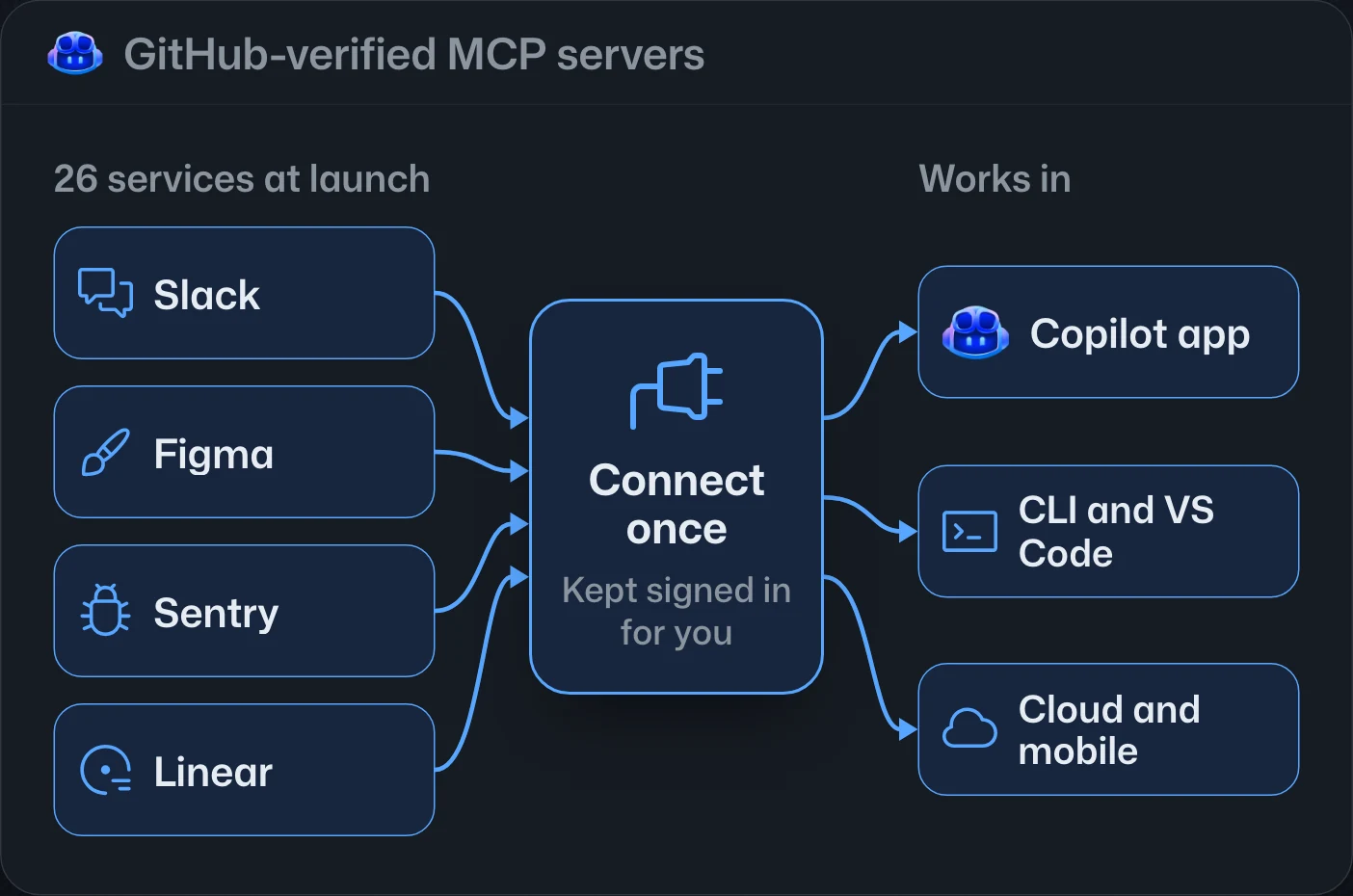
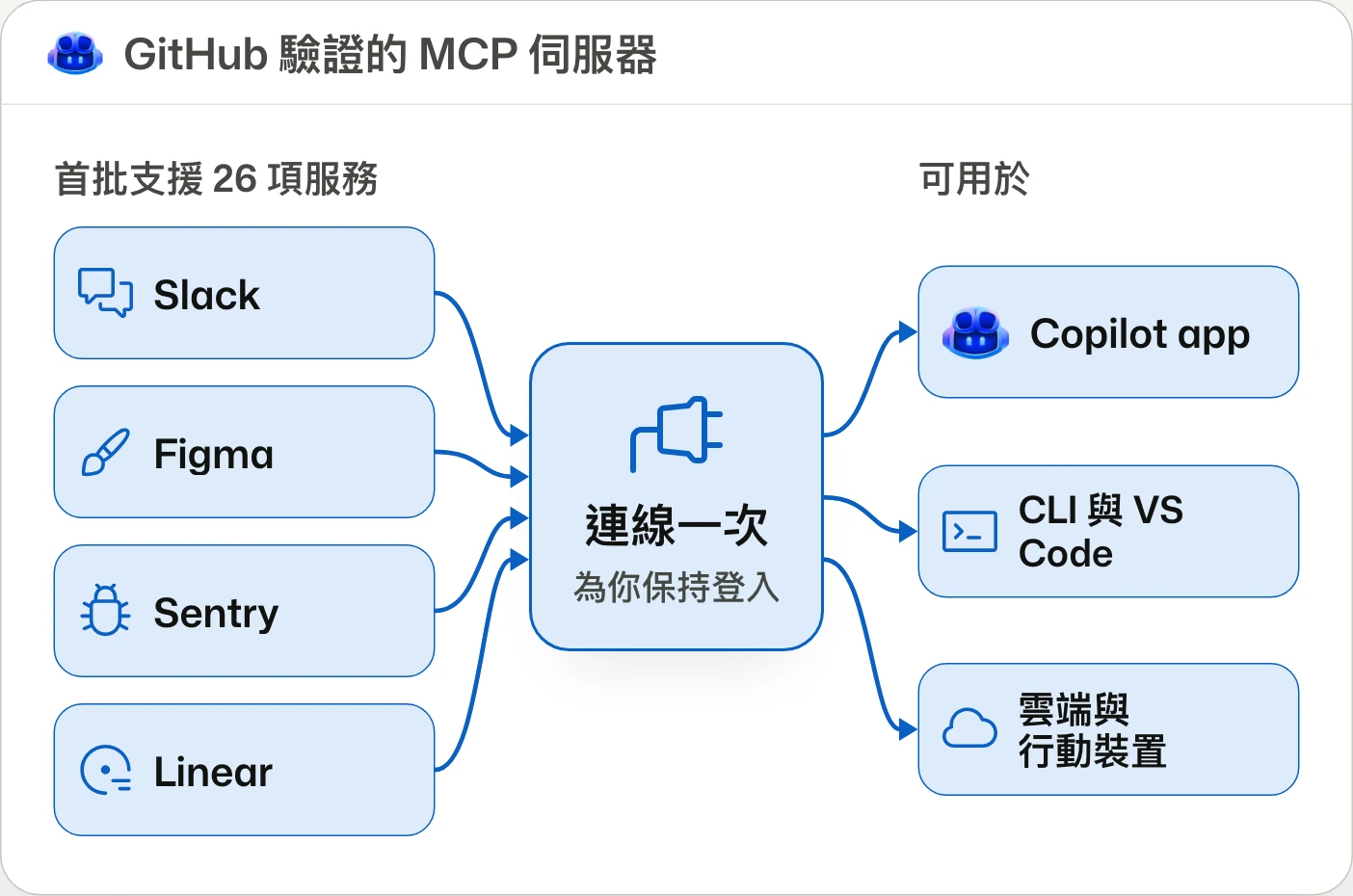
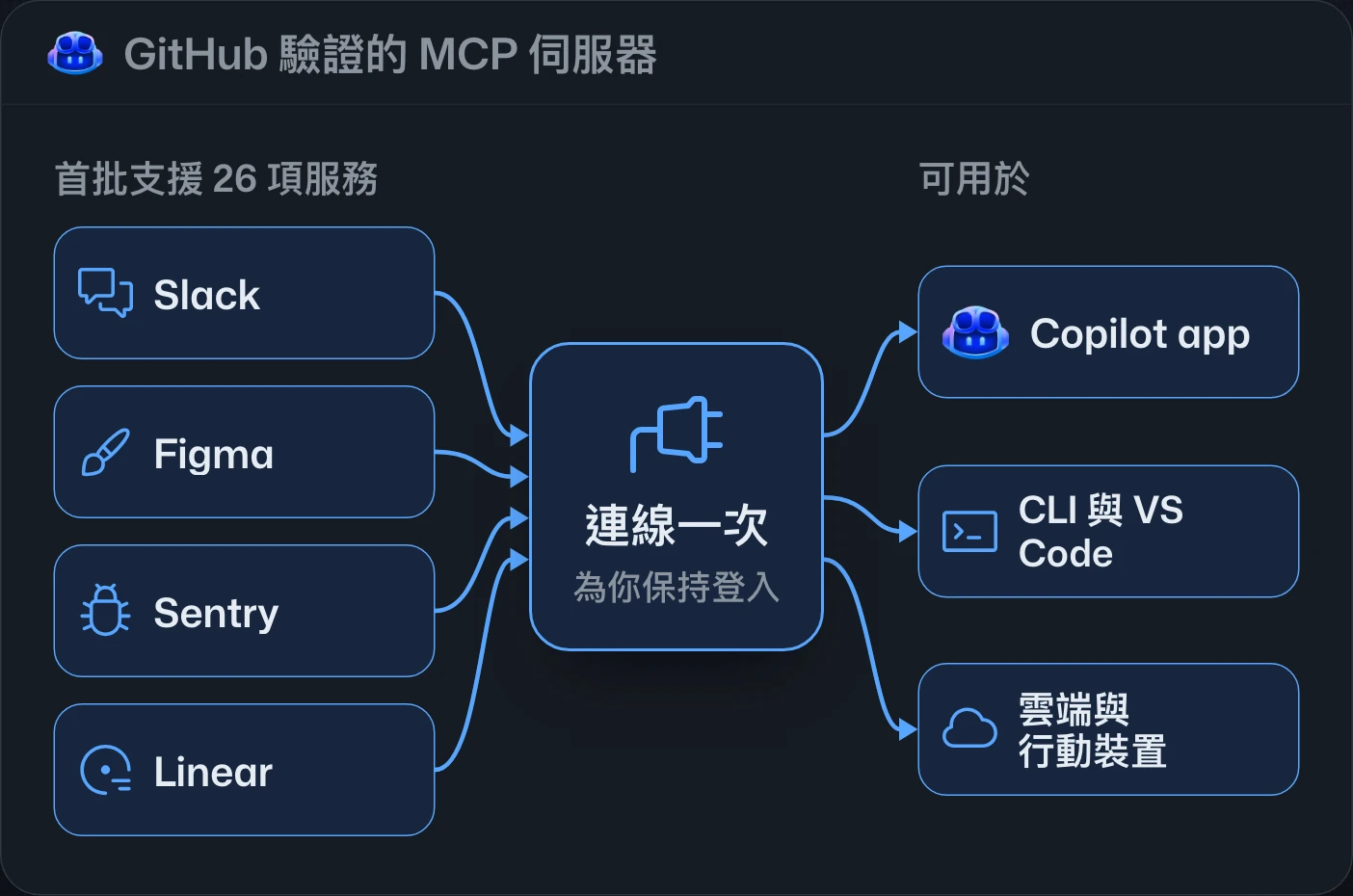
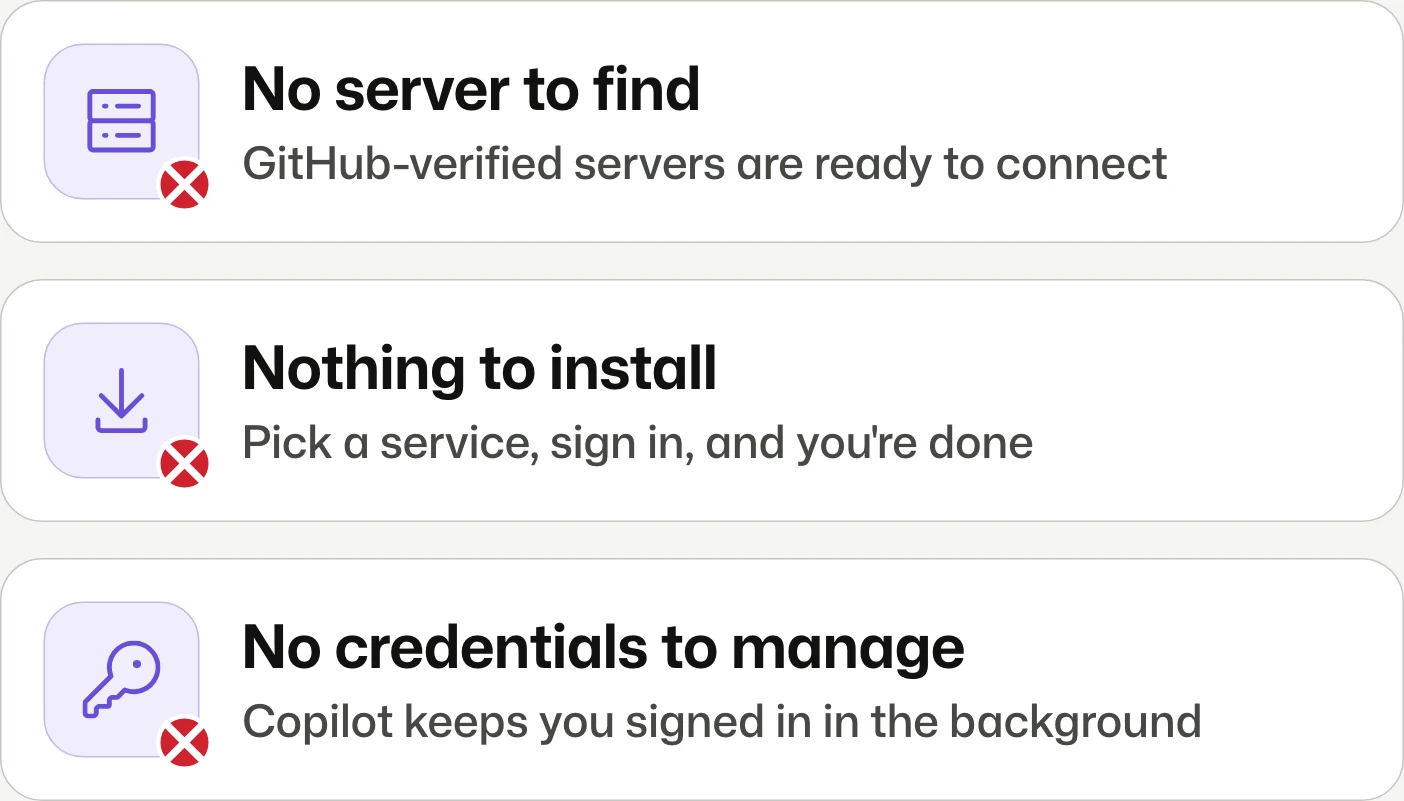
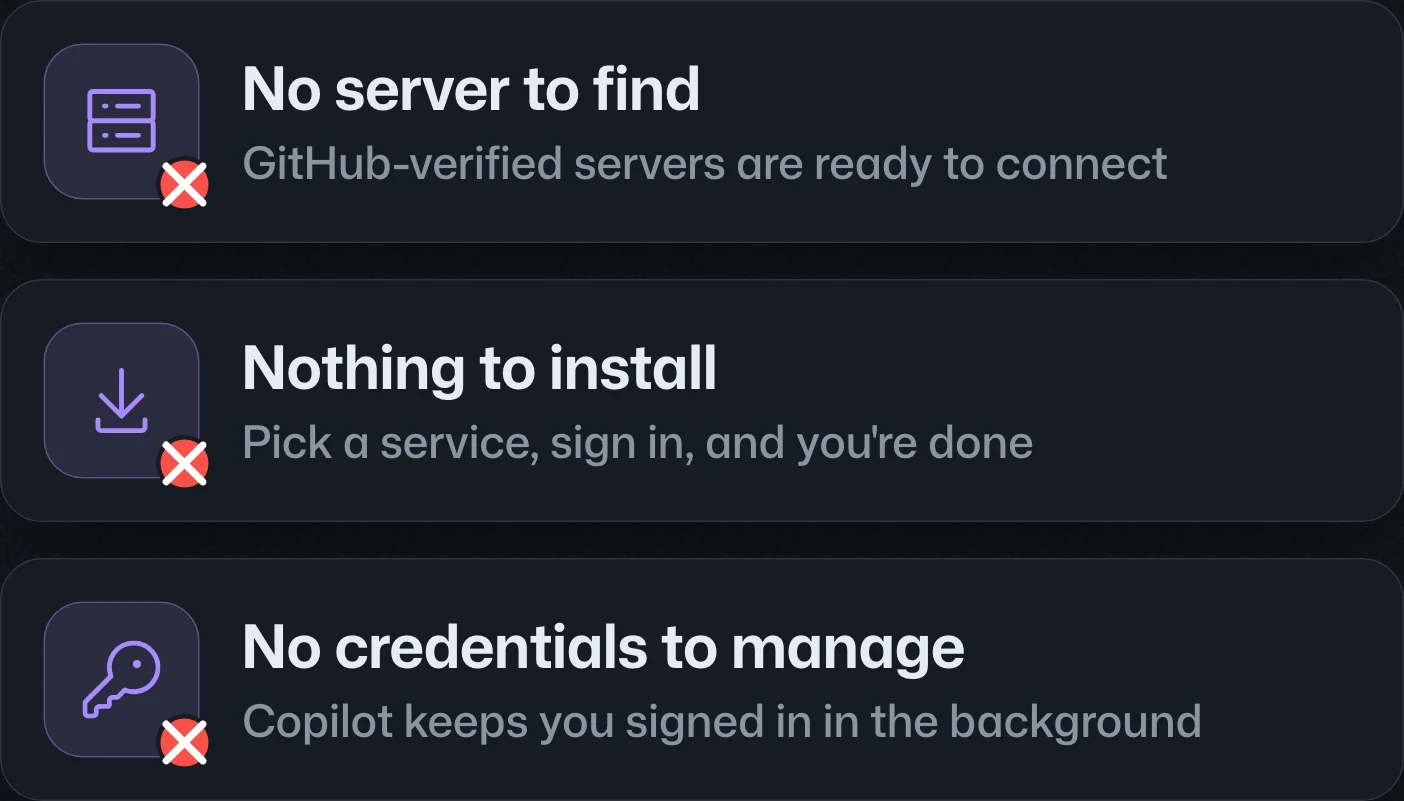
Connect once. Skip the MCP setup.連線一次,省去 MCP 設定。连接一次,省去 MCP 设置。
GitHub-verified MCP connectors bring one-time service sign-in across Copilot clients, starting with 26 services. Public preview is rolling out to all plans; Business and Enterprise require admin-enabled preview access and applicable allowlist approval.GitHub 驗證的 MCP 連接器讓服務登入可跨 Copilot 用戶端共用,首批支援 26 項服務。公開預覽正向所有方案推出;Business 與 Enterprise 須由管理員啟用預覽存取權,並符合適用的允許清單規則。经 GitHub 验证的 MCP 连接器让服务登录可在 Copilot 客户端之间共享,首批支持 26 项服务。公开预览正向所有套餐推出;Business 和 Enterprise 需由管理员启用预览访问权,并符合适用的允许列表规则。
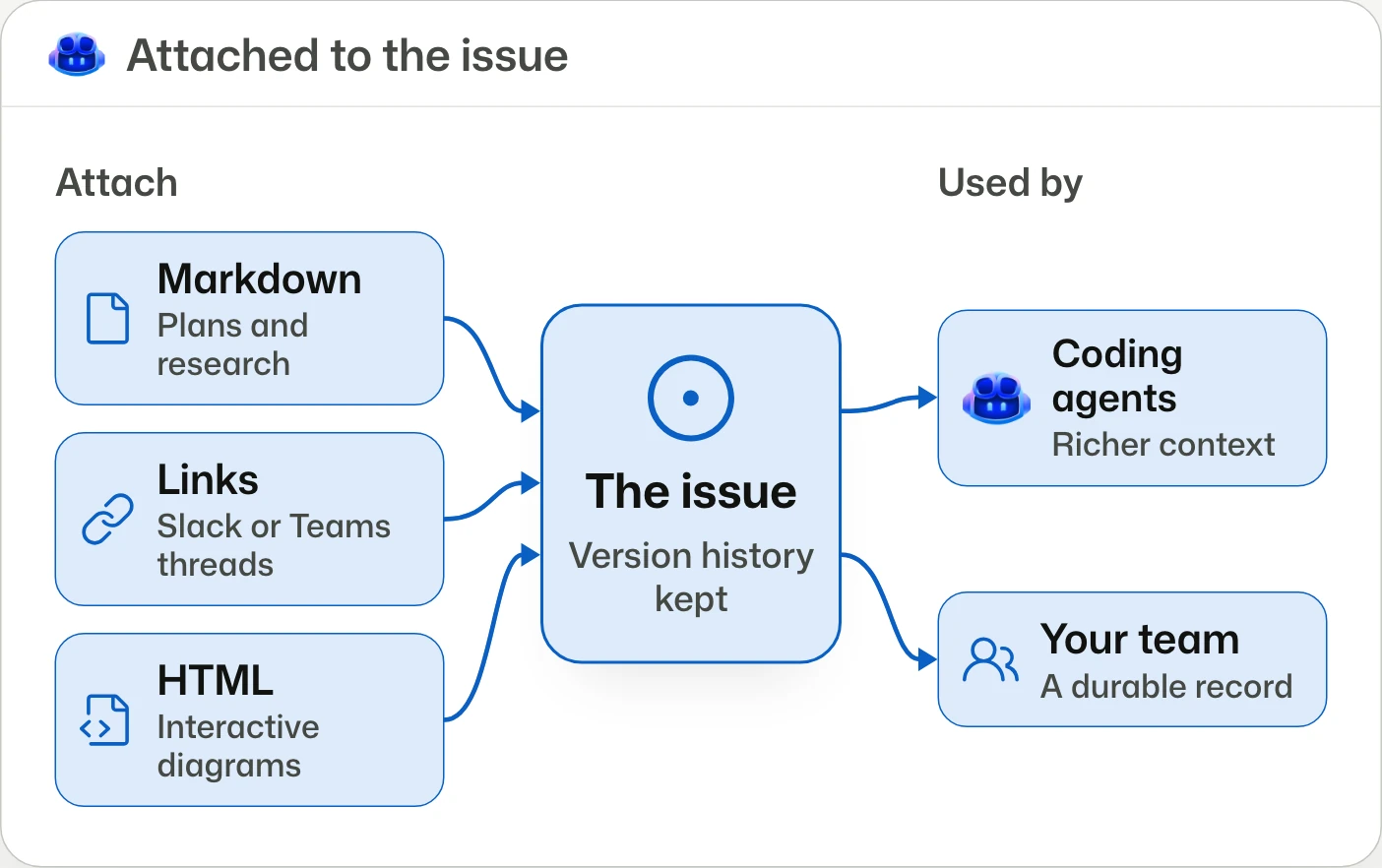
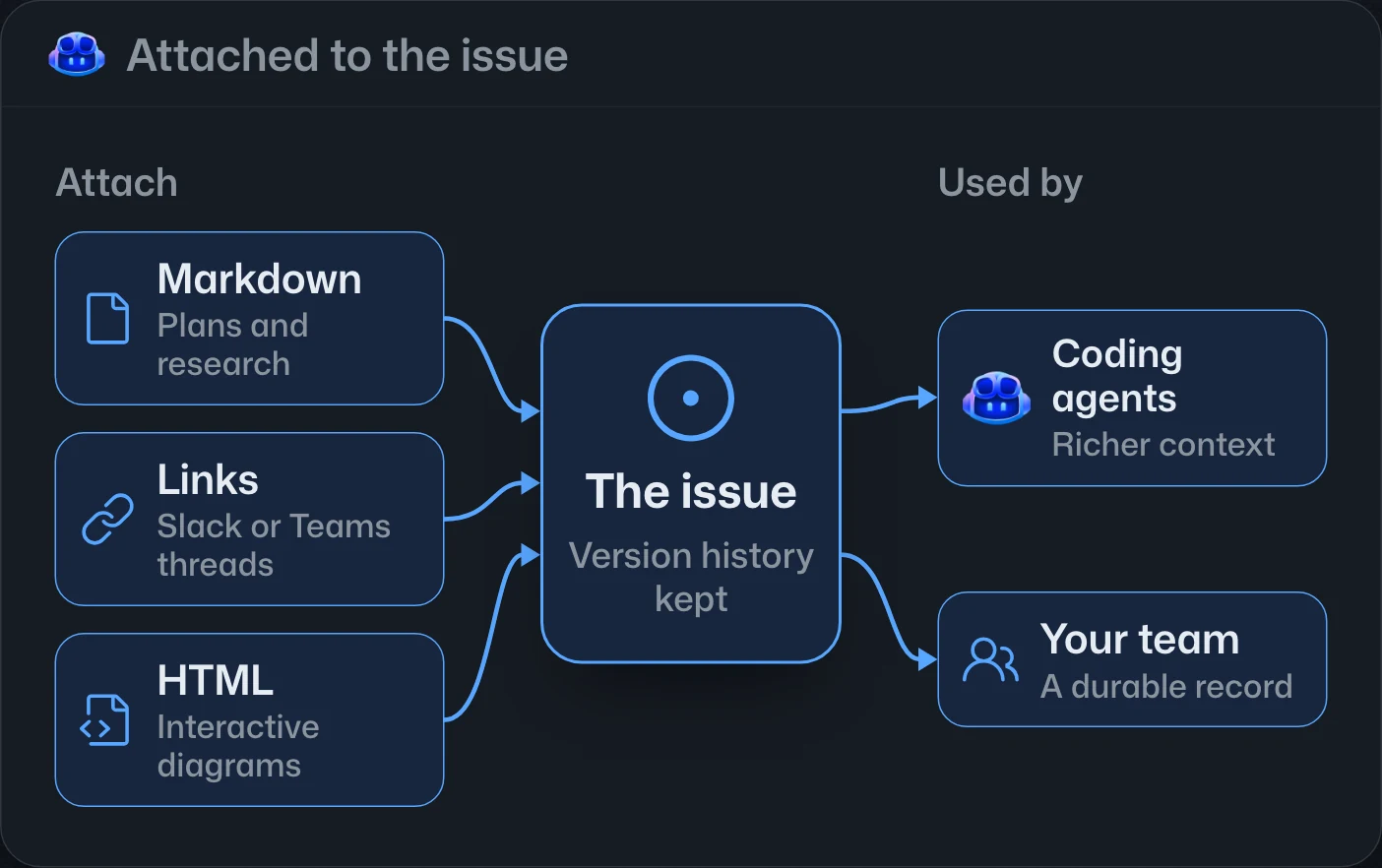
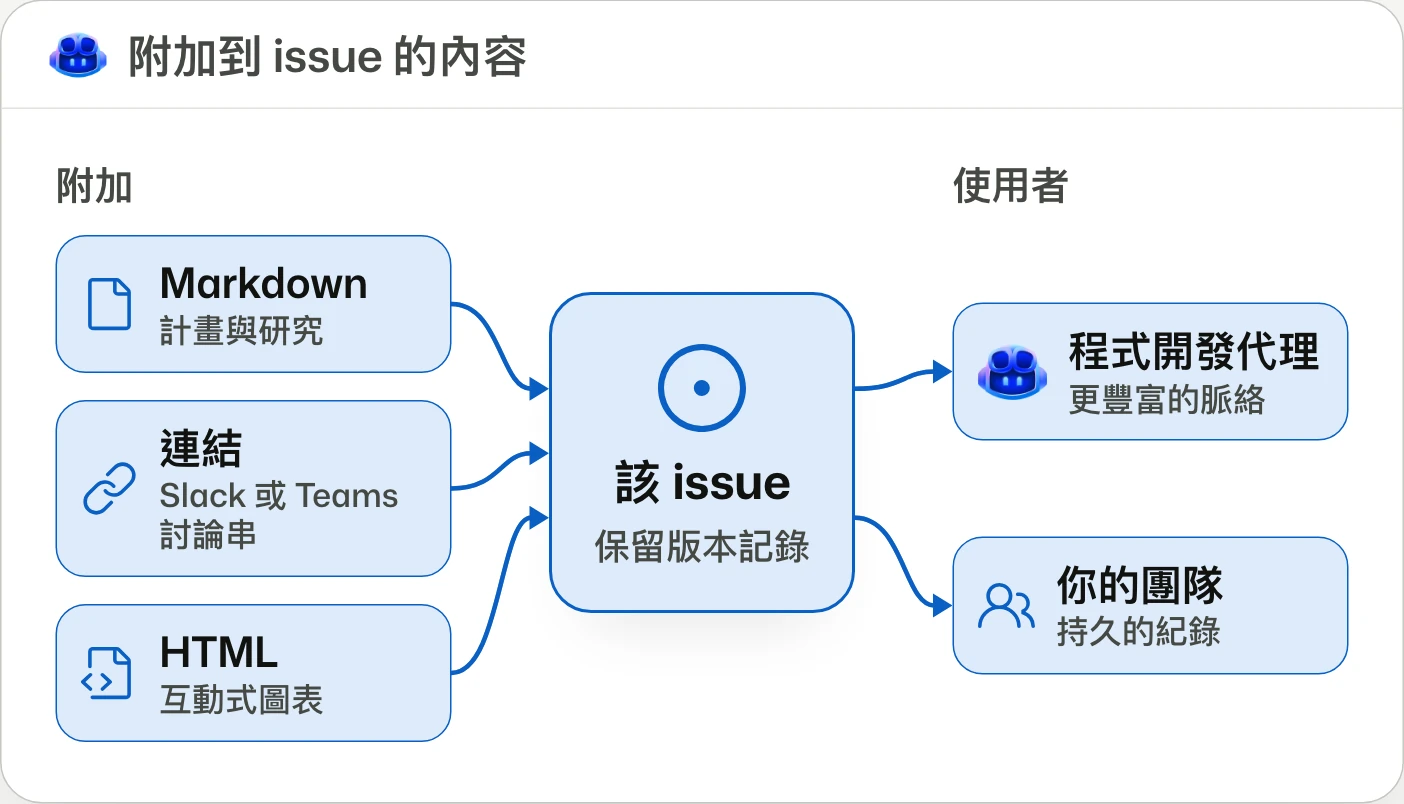
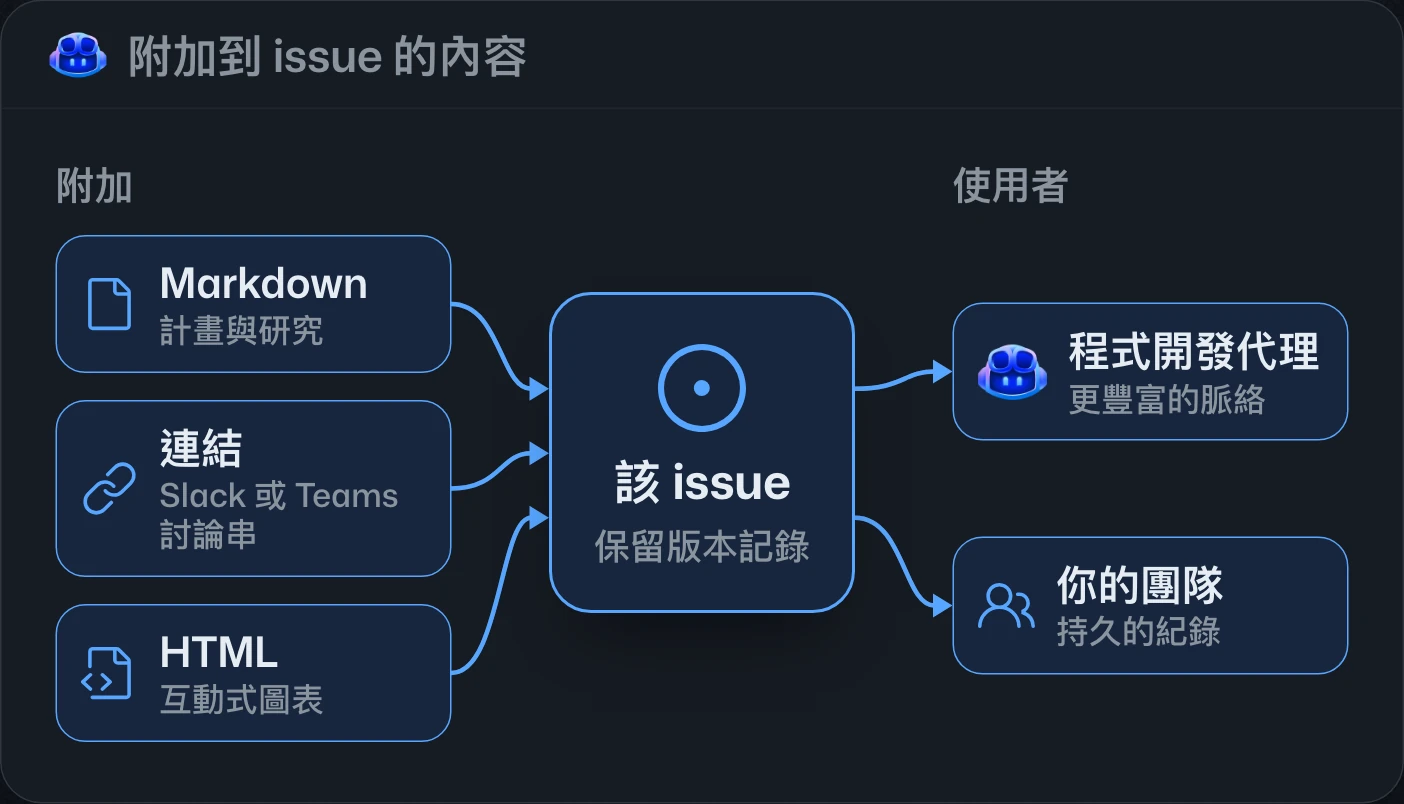
Issue artifacts are now in public previewIssue artifacts 公開預覽Issue artifacts 公开预览
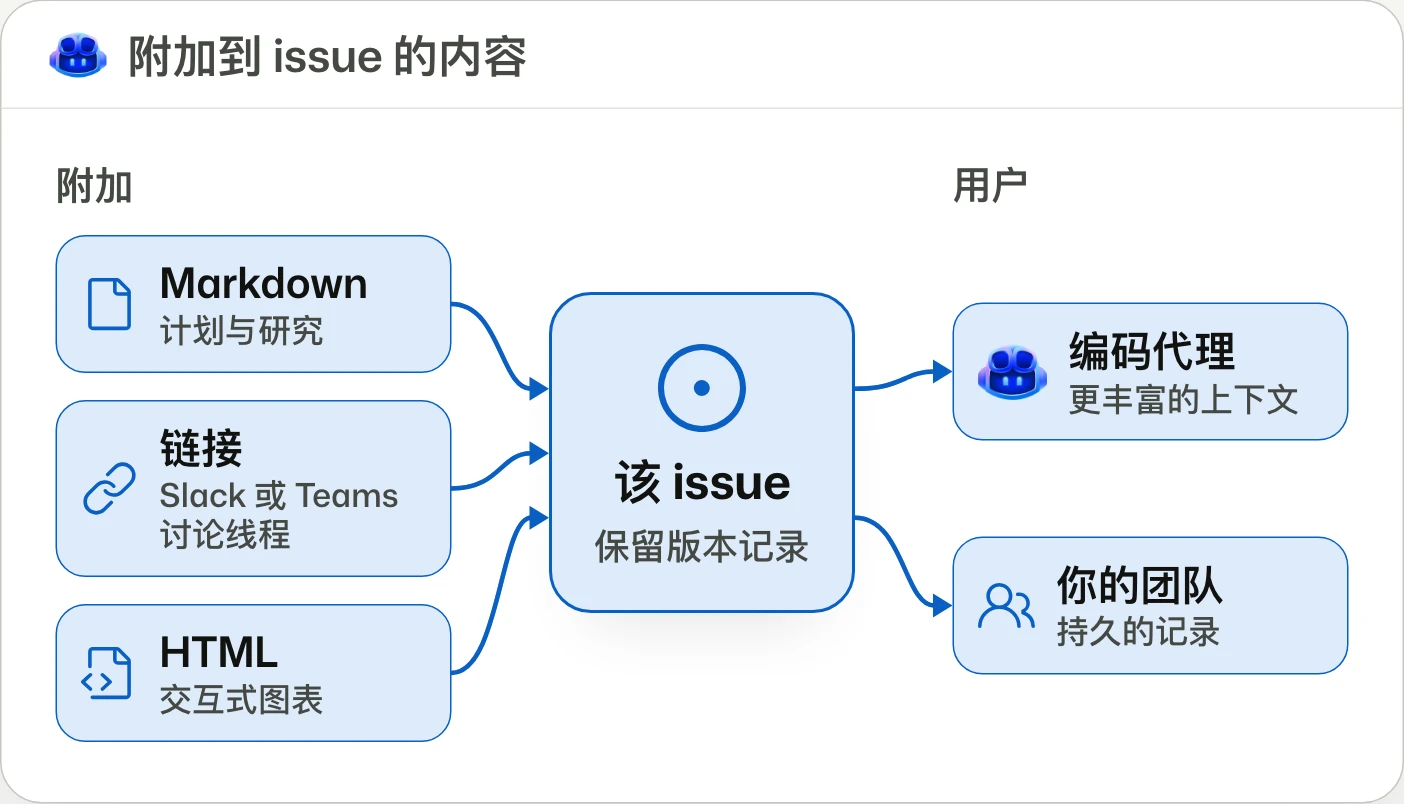
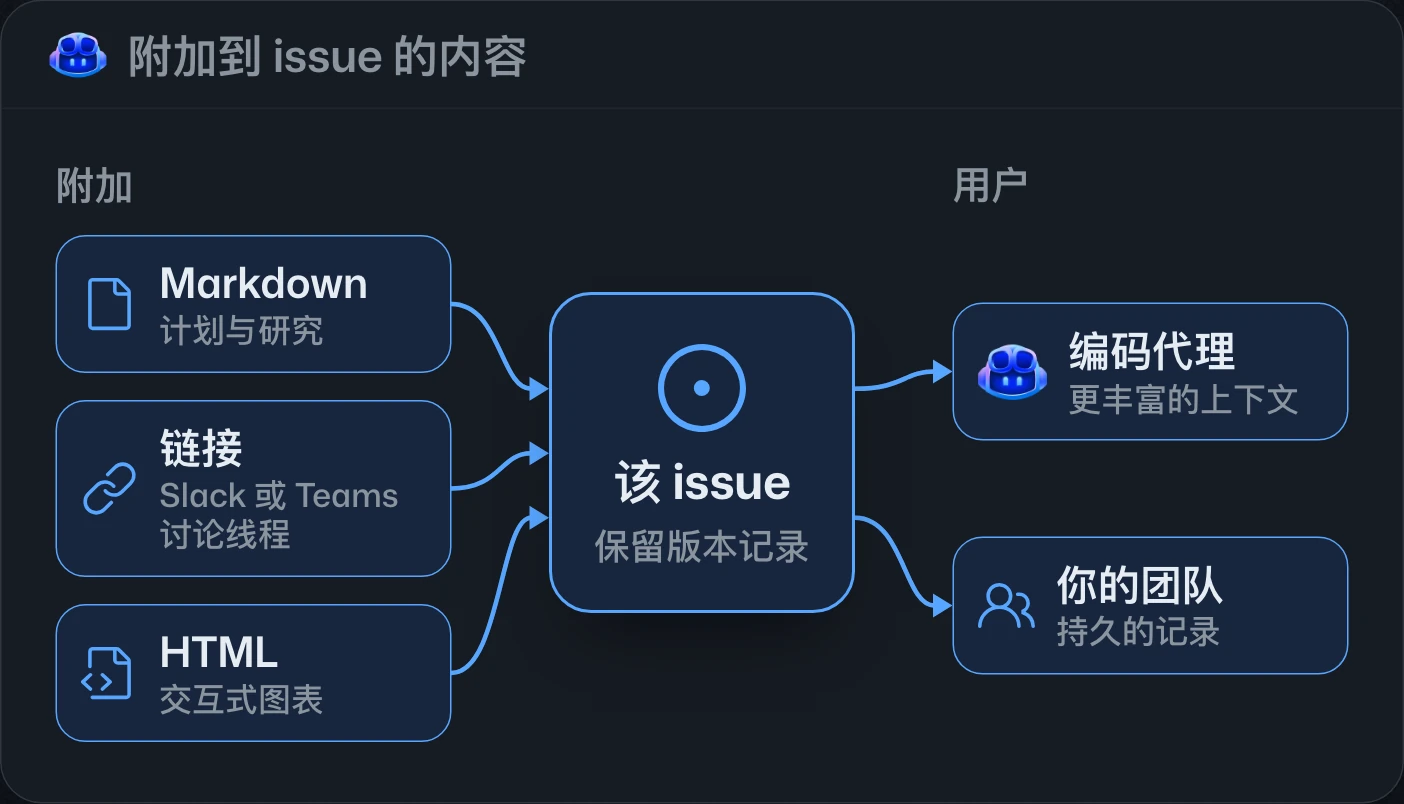
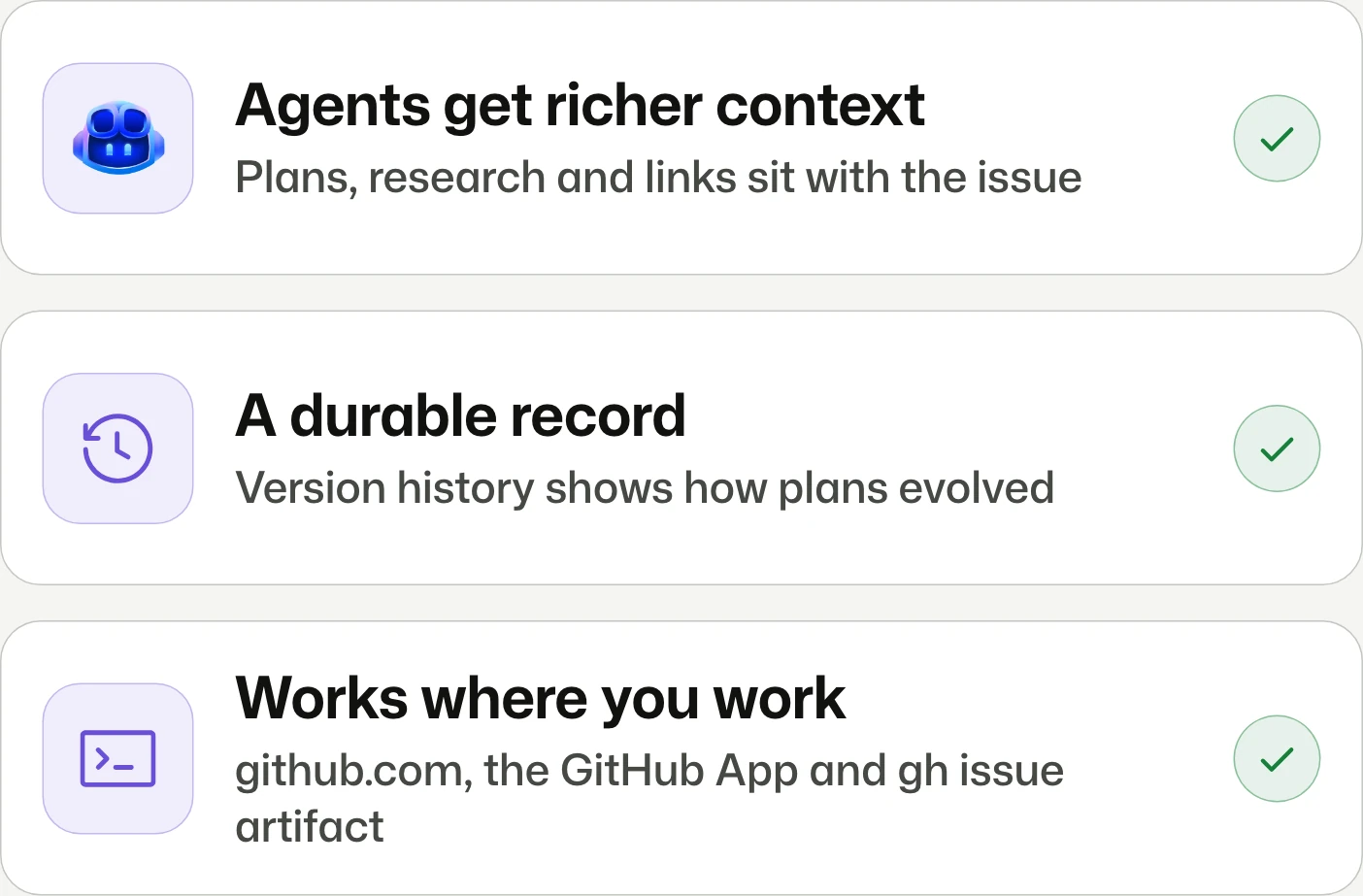
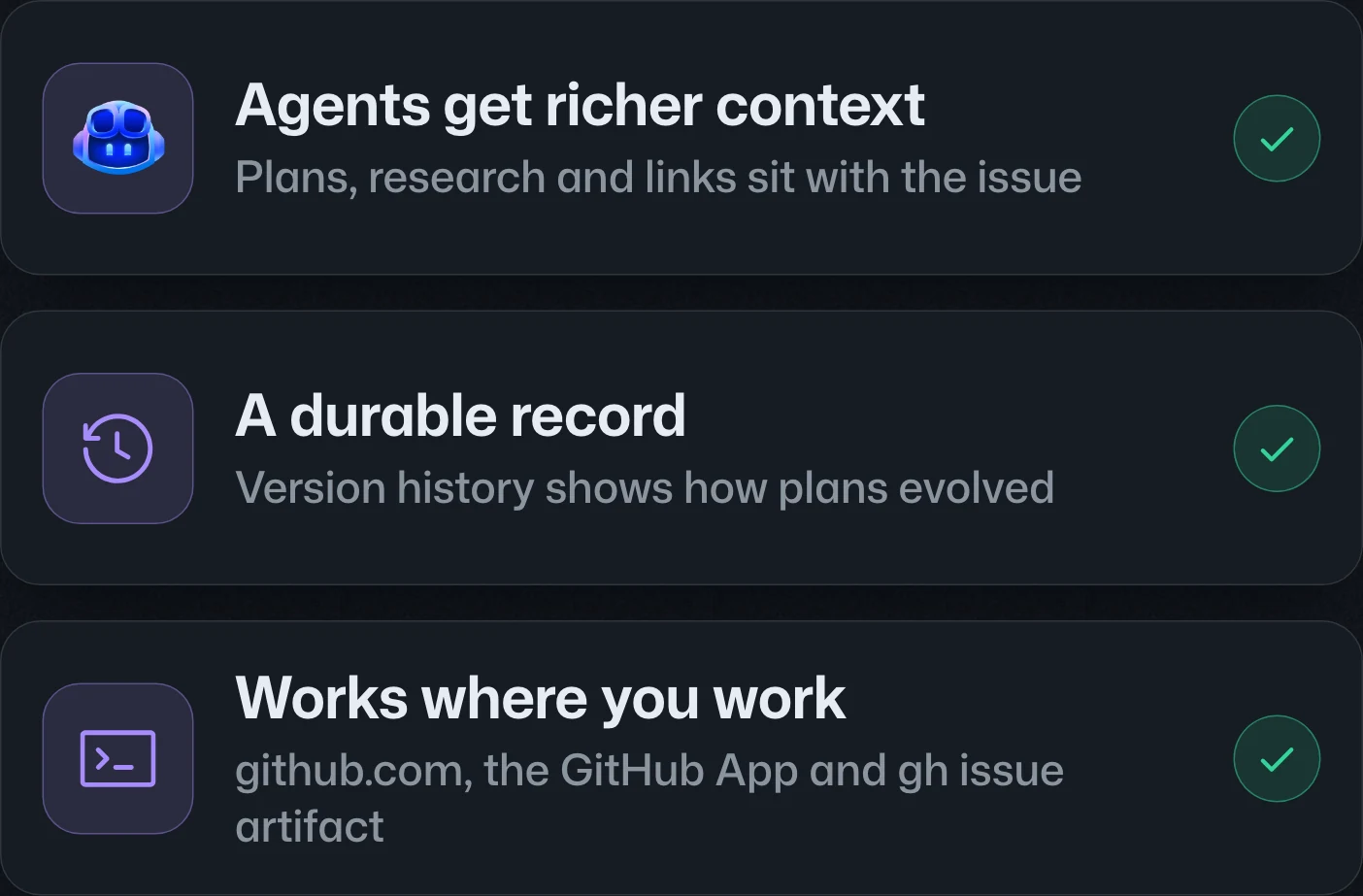
Give agents context. Give teams a record.讓代理掌握脈絡,讓團隊留下紀錄。让代理掌握上下文,让团队留下记录。
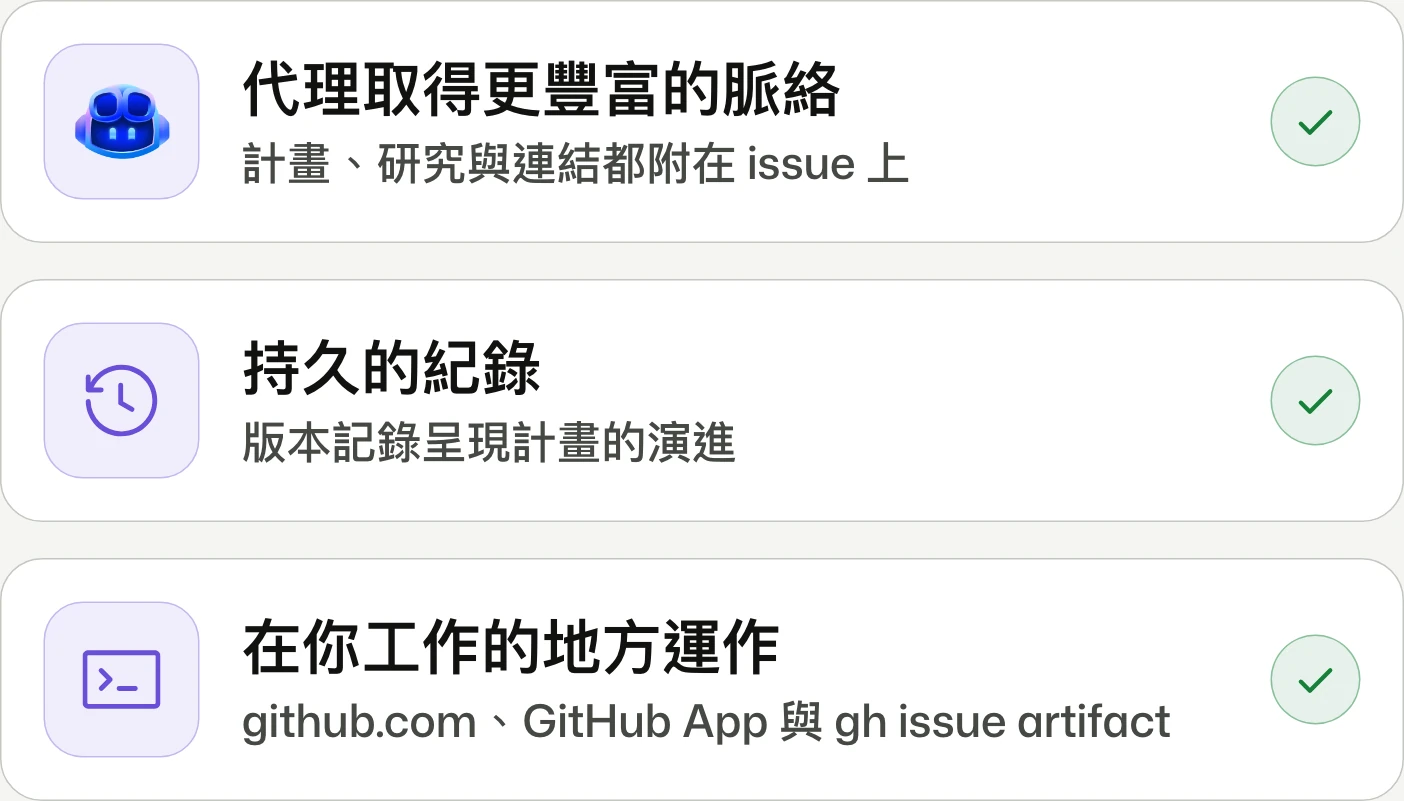
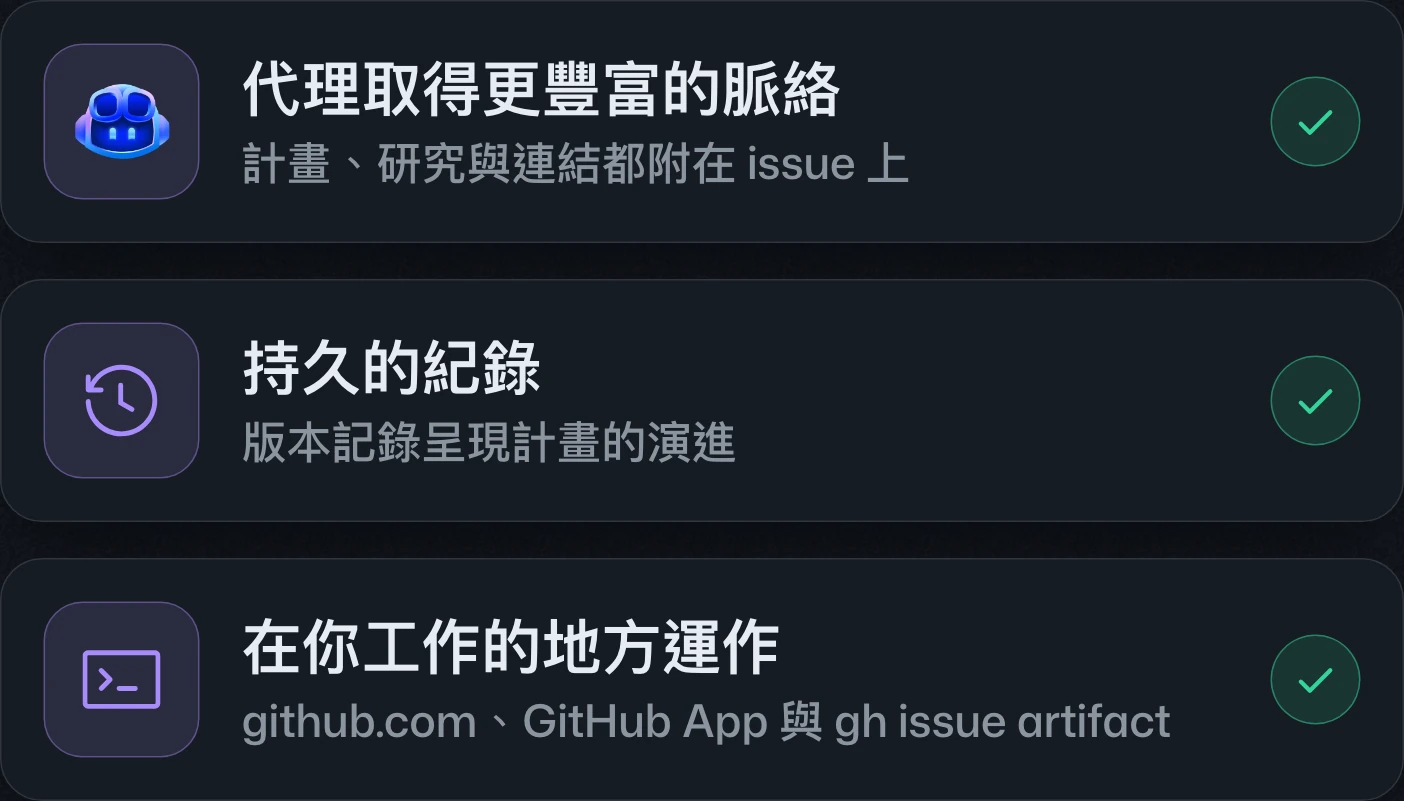
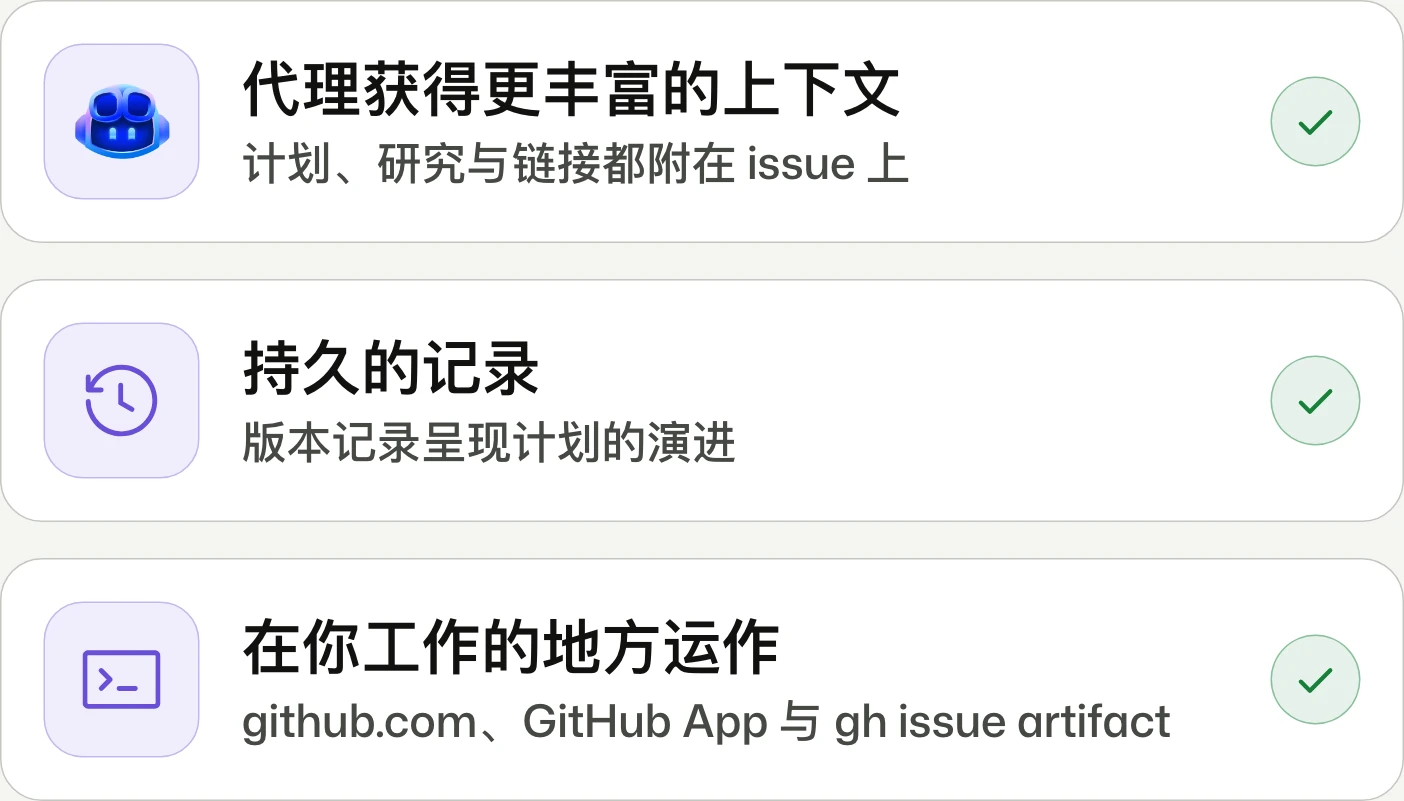
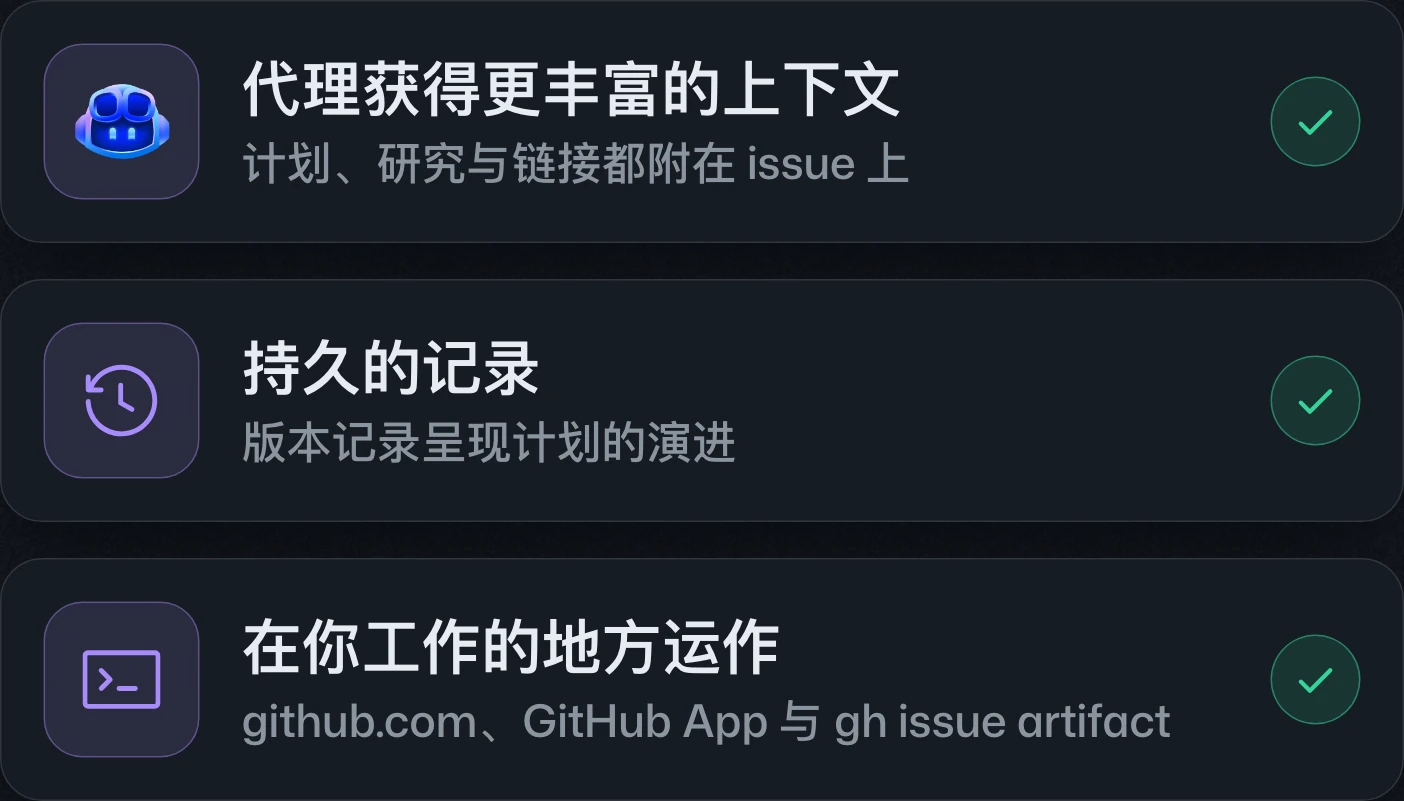
Issue artifacts enters public preview, adding versioned Markdown, links, and HTML outputs to issues through github.com, GitHub App sessions, and gh issue artifact. HTML creation and viewing in the GitHub App are still forthcoming.Issue artifacts 進入公開預覽,可透過 github.com、GitHub App 工作階段與 gh issue artifact,將具版本紀錄的 Markdown、連結及 HTML 成果附加至 issue。GitHub App 尚未支援建立與檢視 HTML 成果。Issue artifacts 进入公开预览,可通过 github.com、GitHub App 会话和 gh issue artifact,将带版本记录的 Markdown、链接及 HTML 成果附加到 issue。GitHub App 尚未支持创建和查看 HTML 成果。
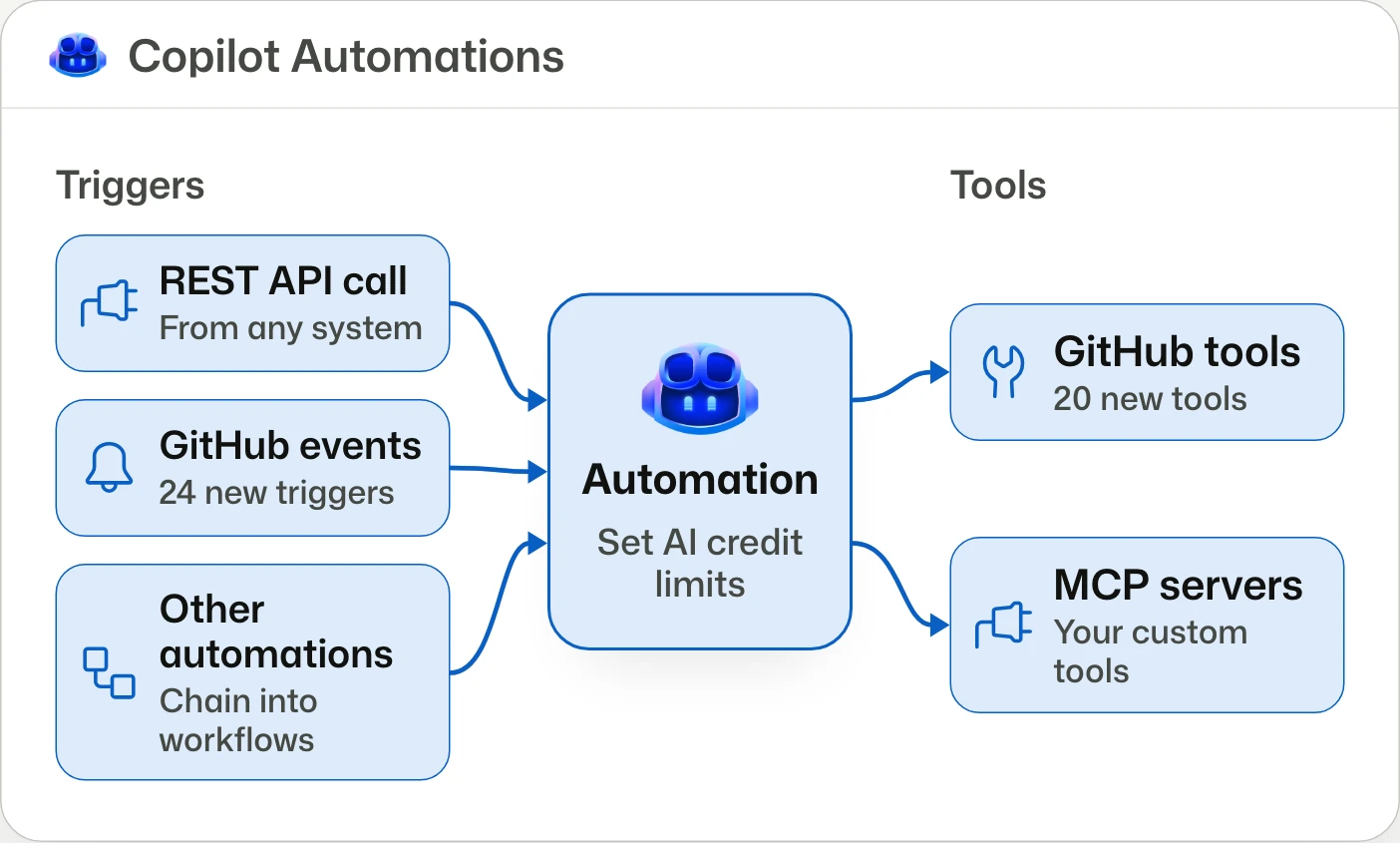
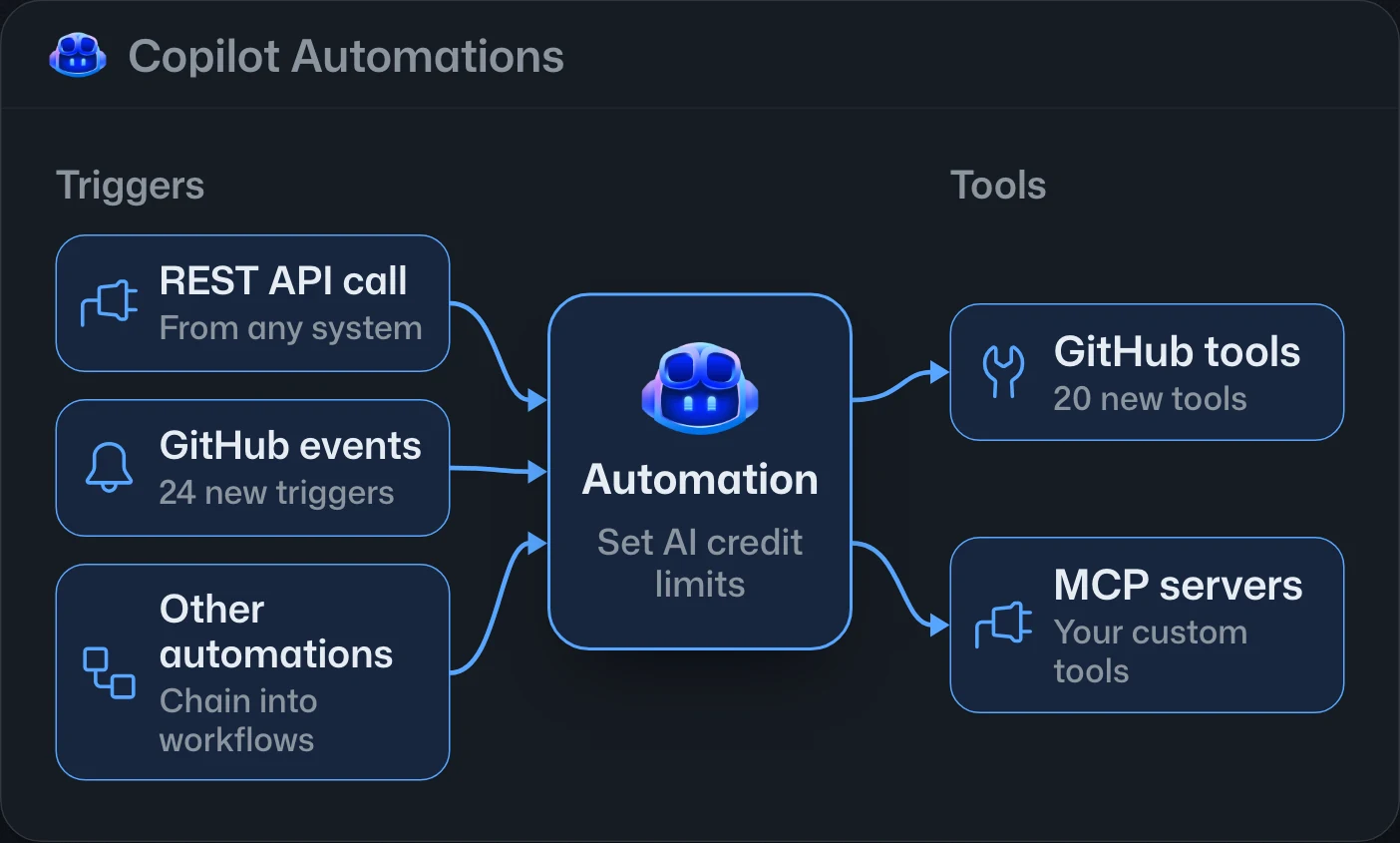
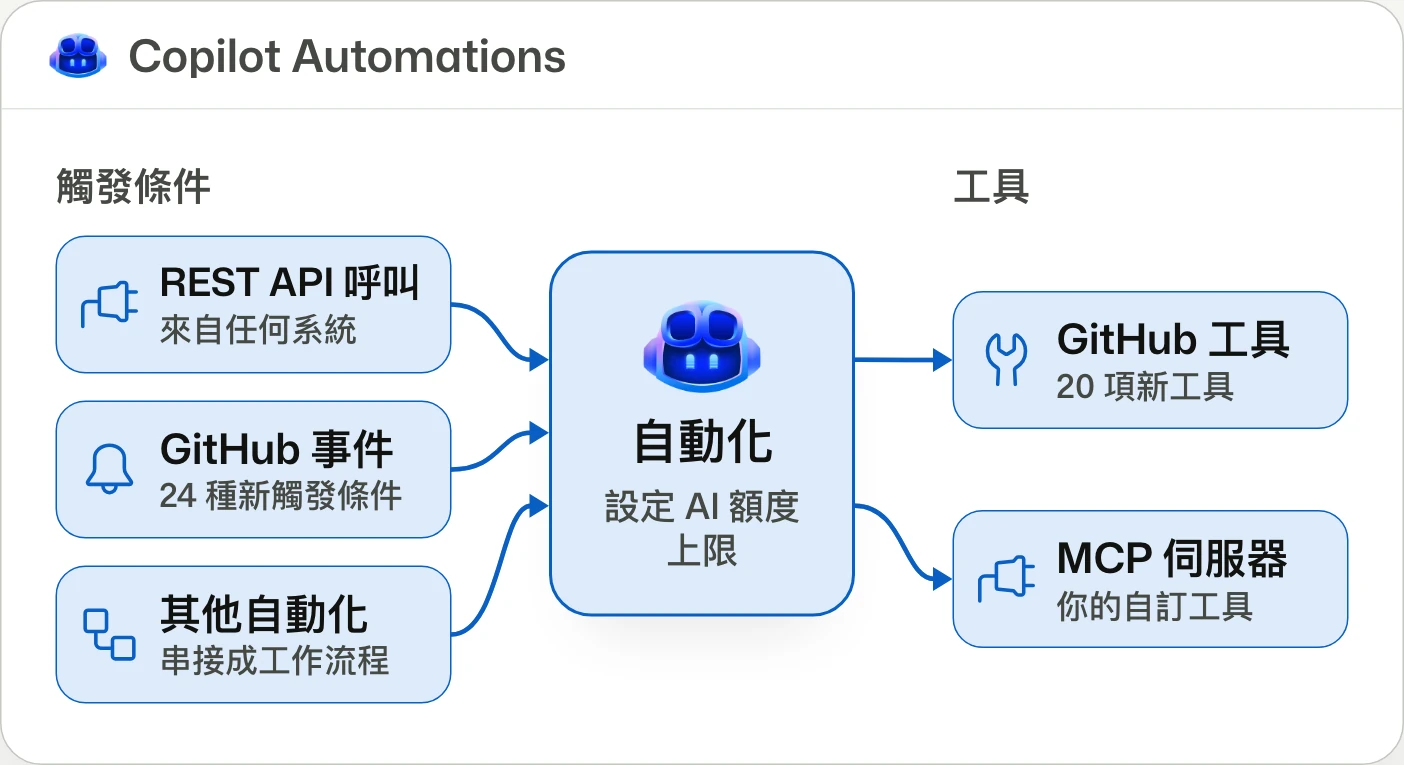
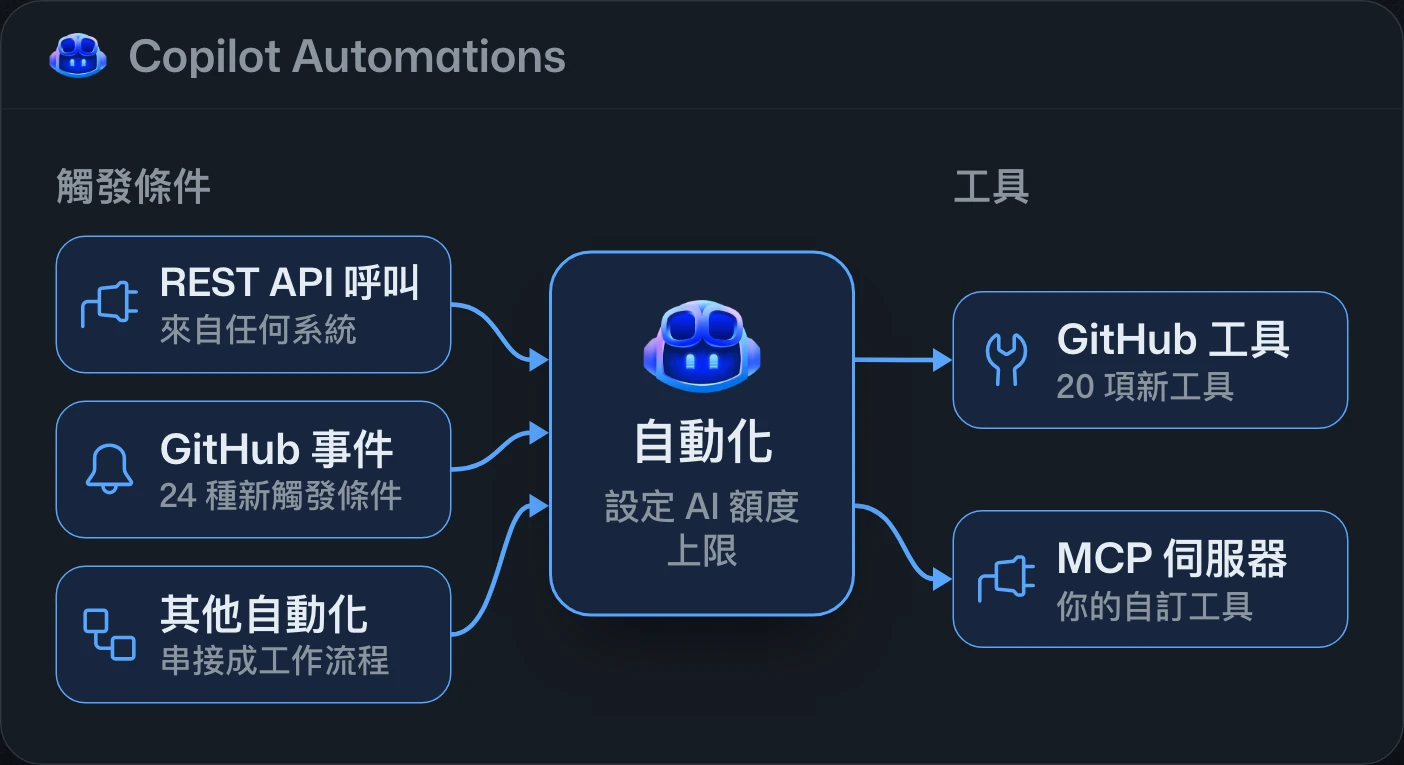
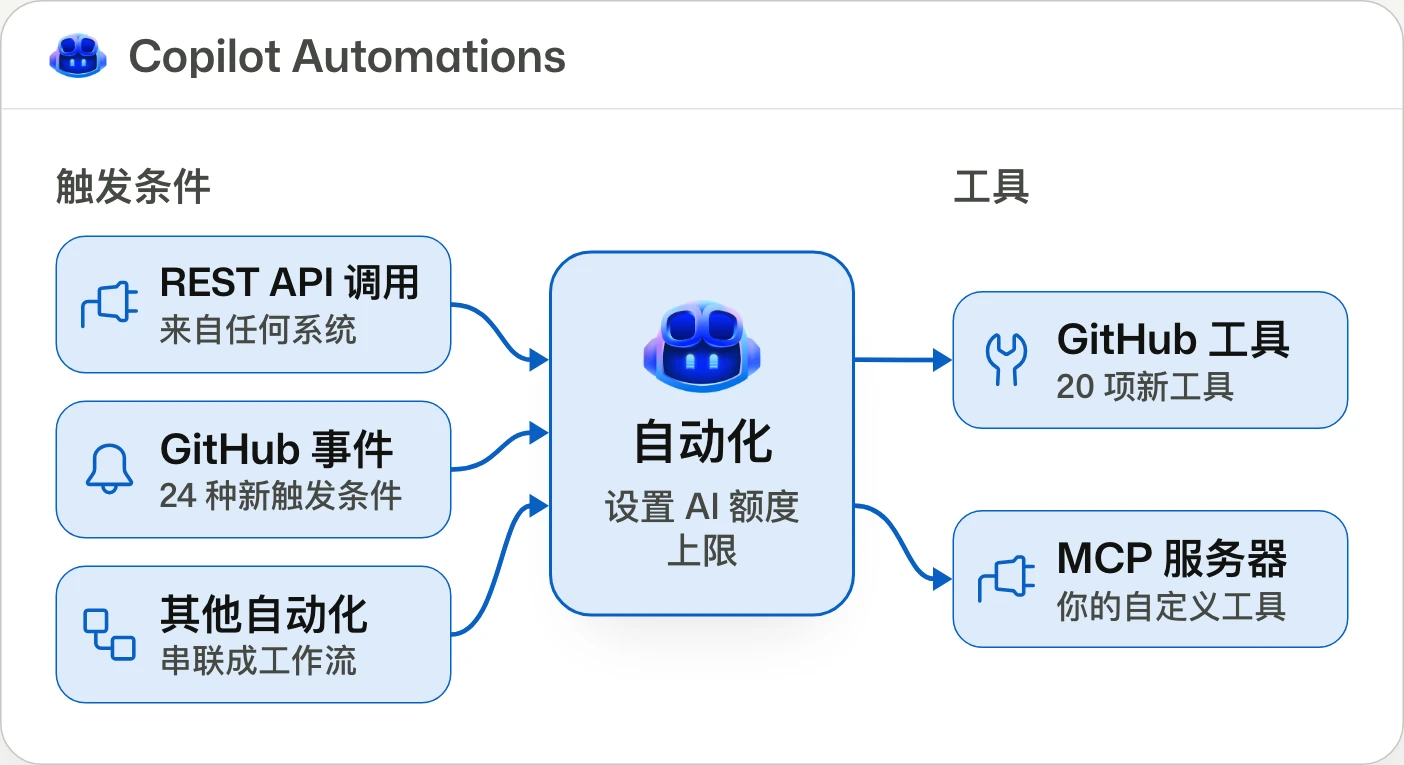
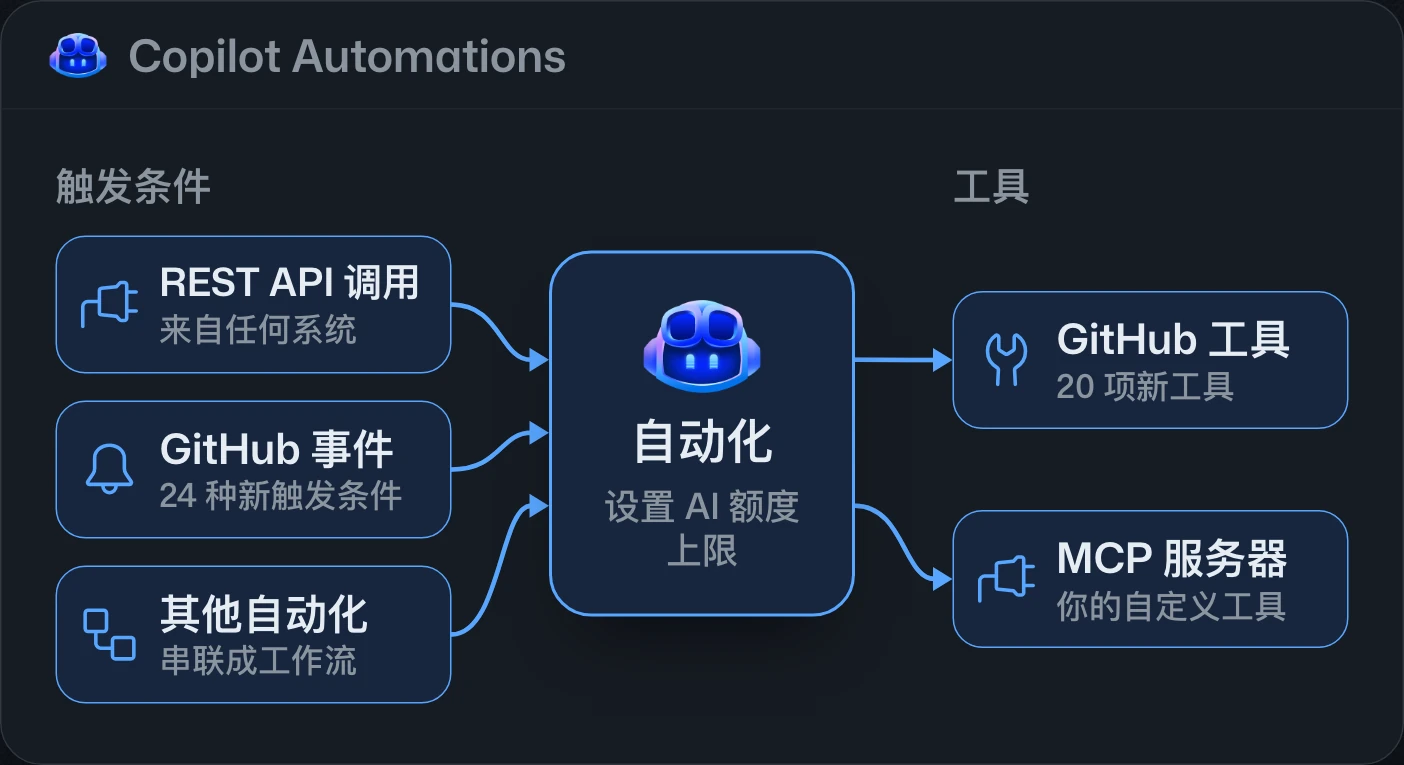
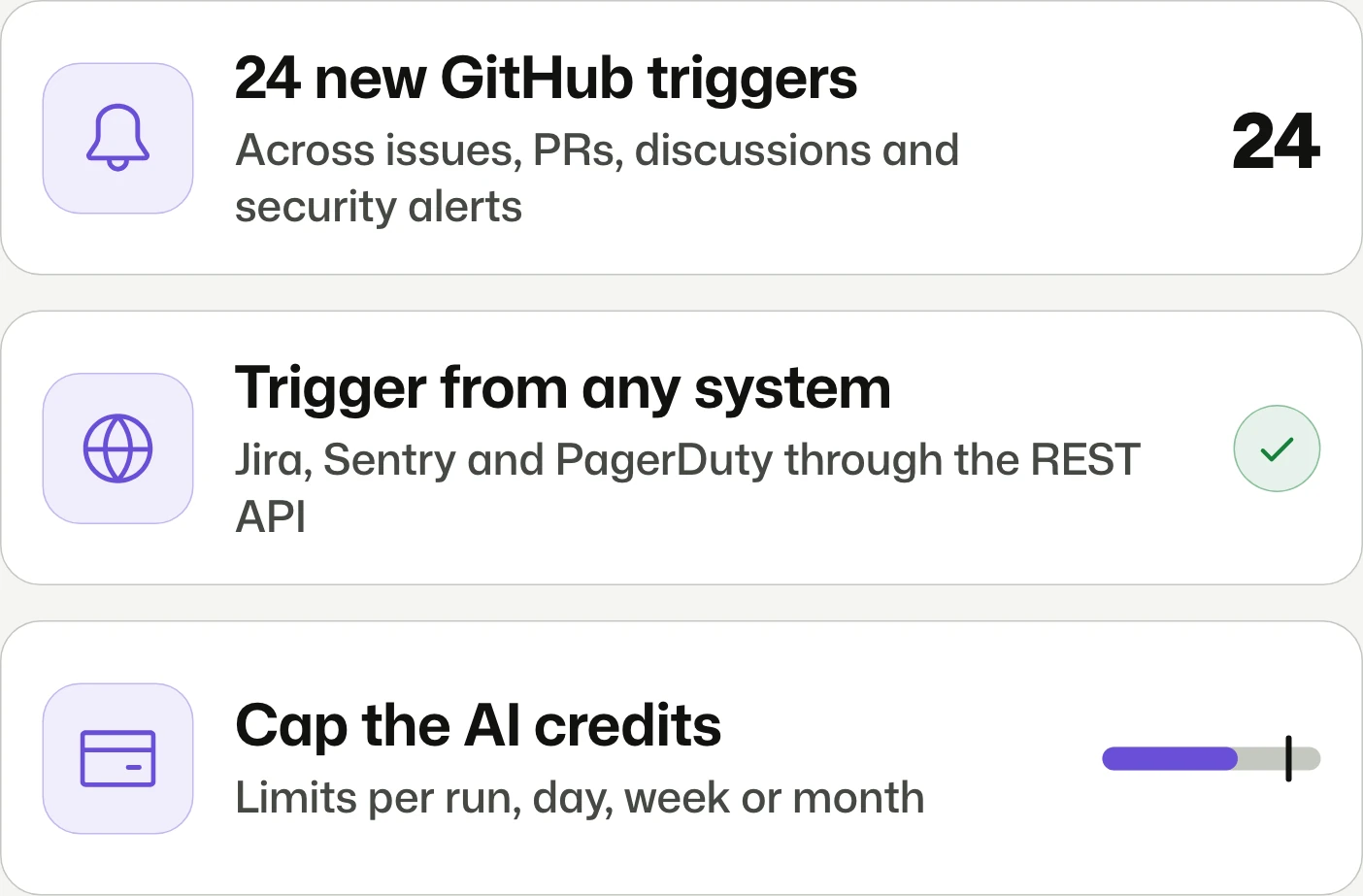
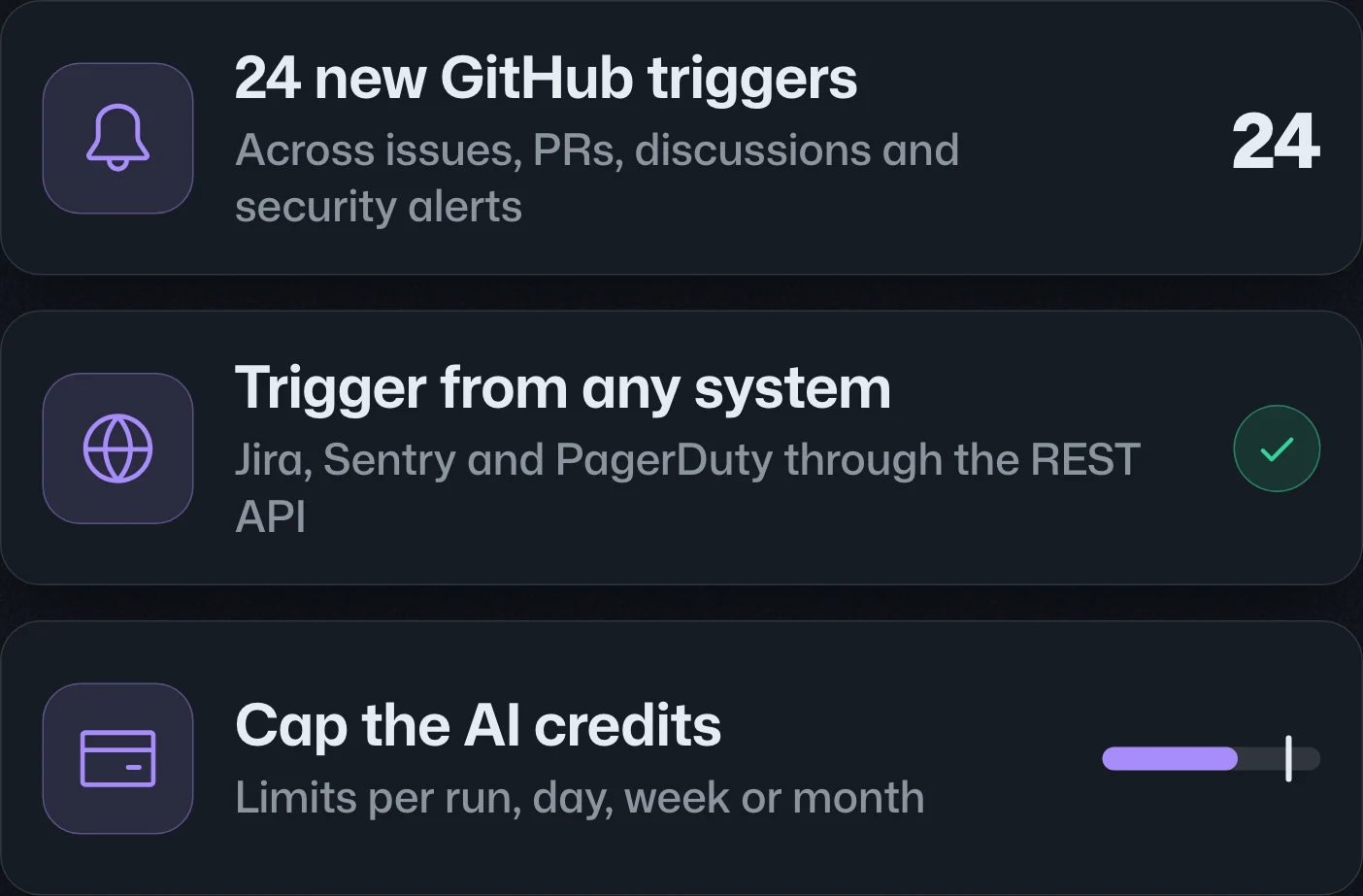
New tools, triggers, and cost controls for Copilot AutomationsCopilot Automations 新增工具、觸發條件與費用控制Copilot Automations 新增工具、触发条件与费用控制
Trigger from any system. Cap the credits.從任何系統觸發,並設定額度上限。从任何系统触发,并设置额度上限。
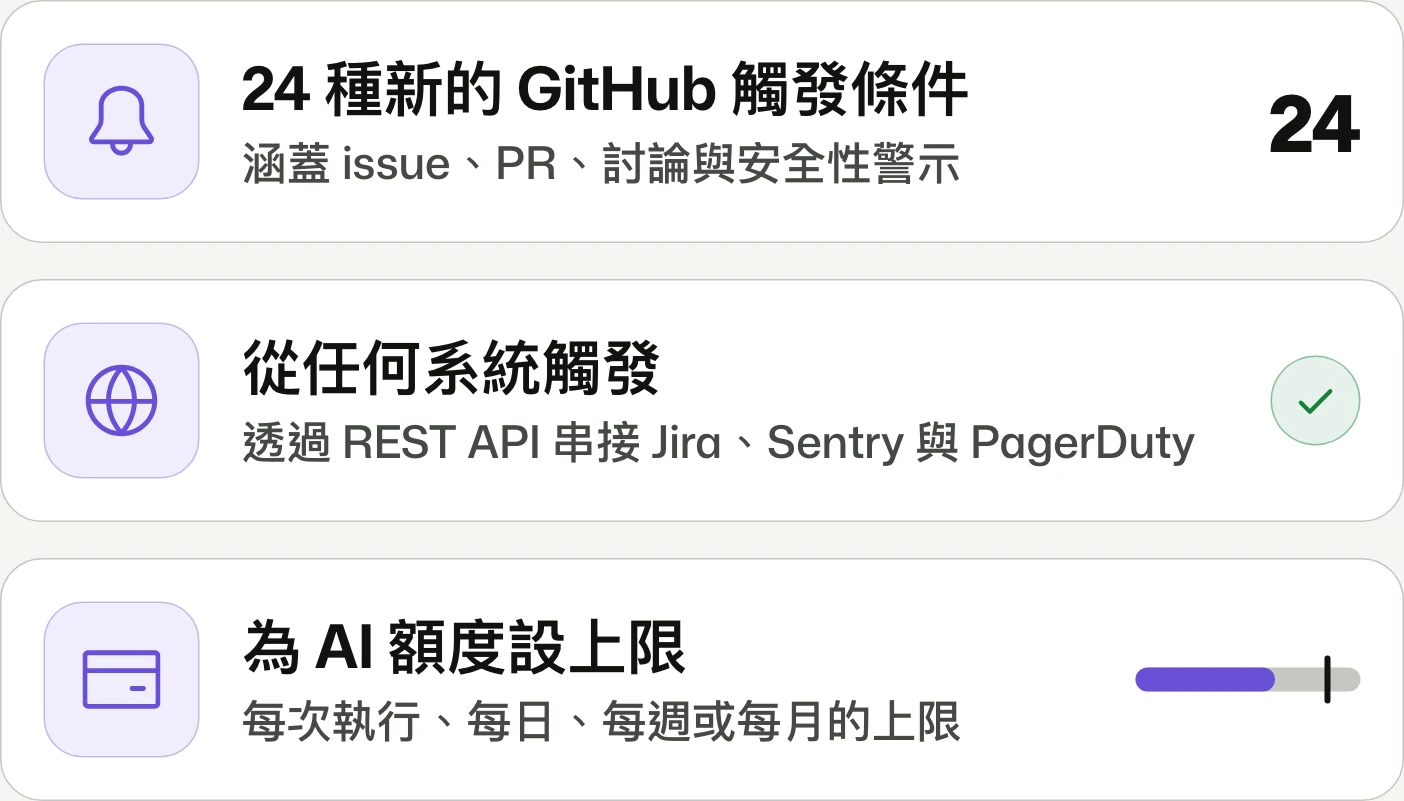
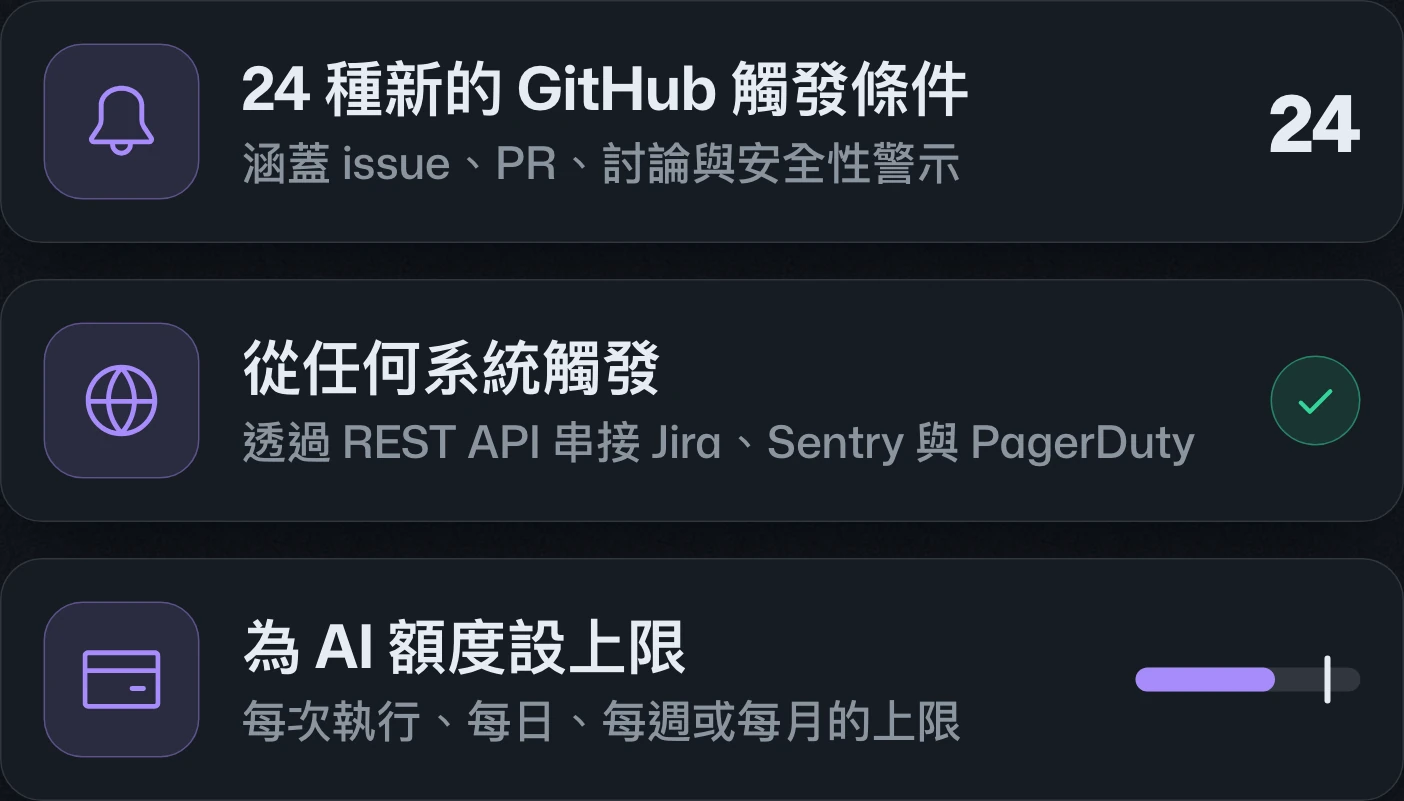
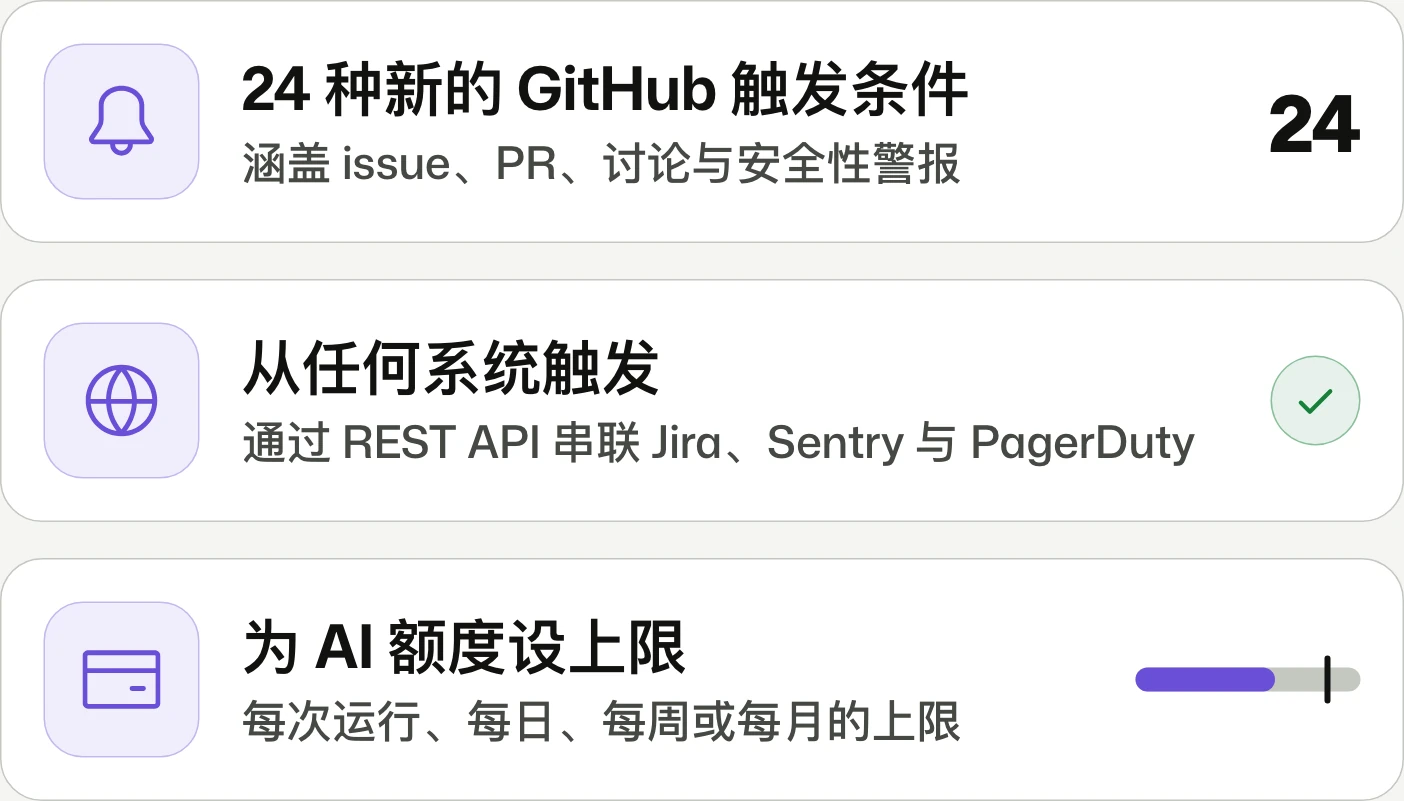
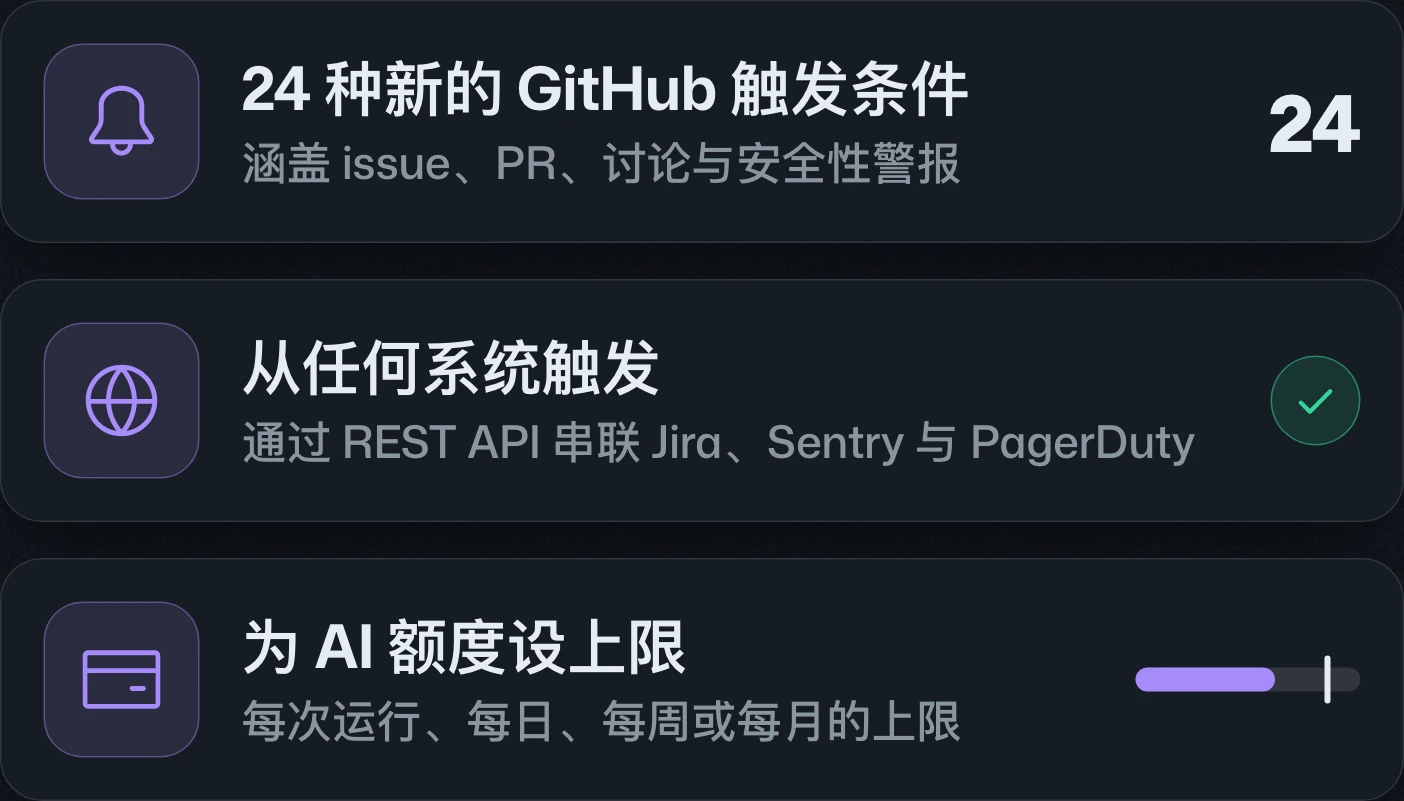
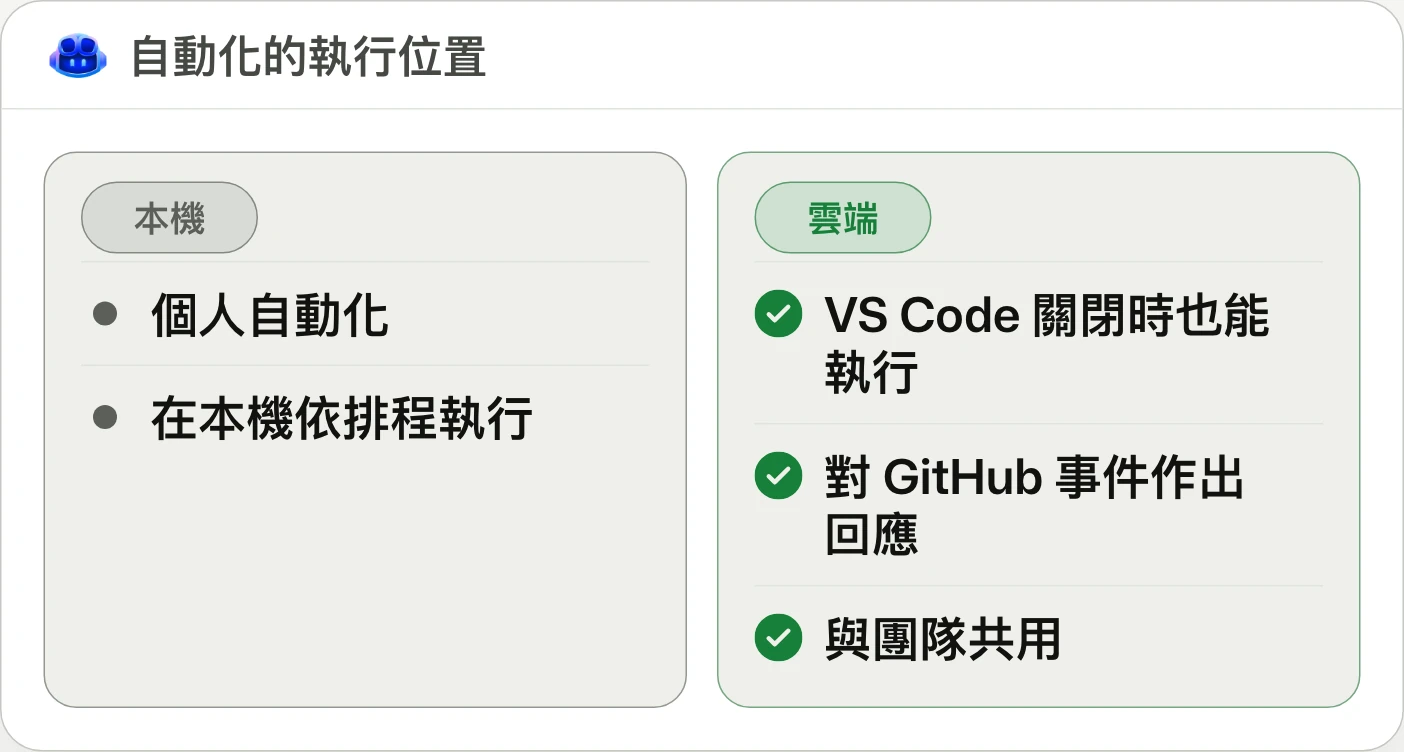
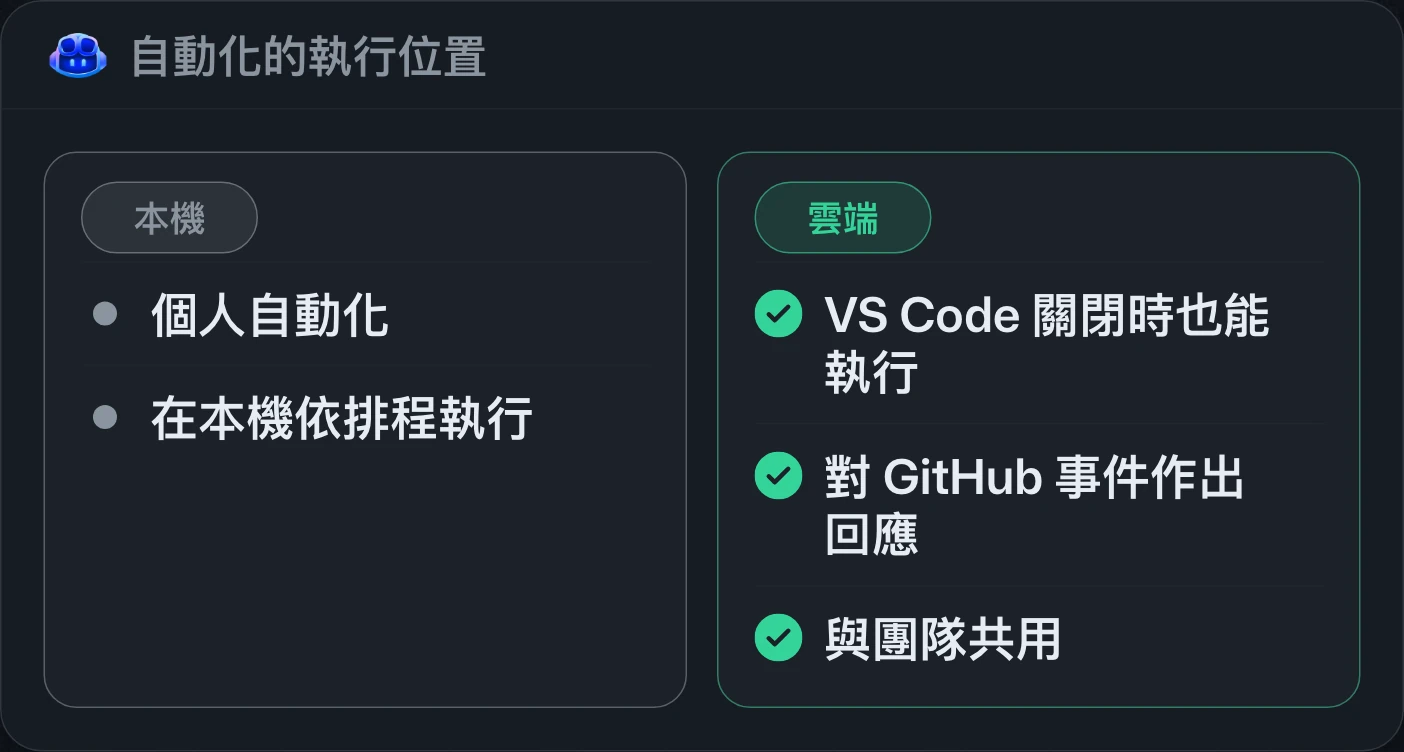
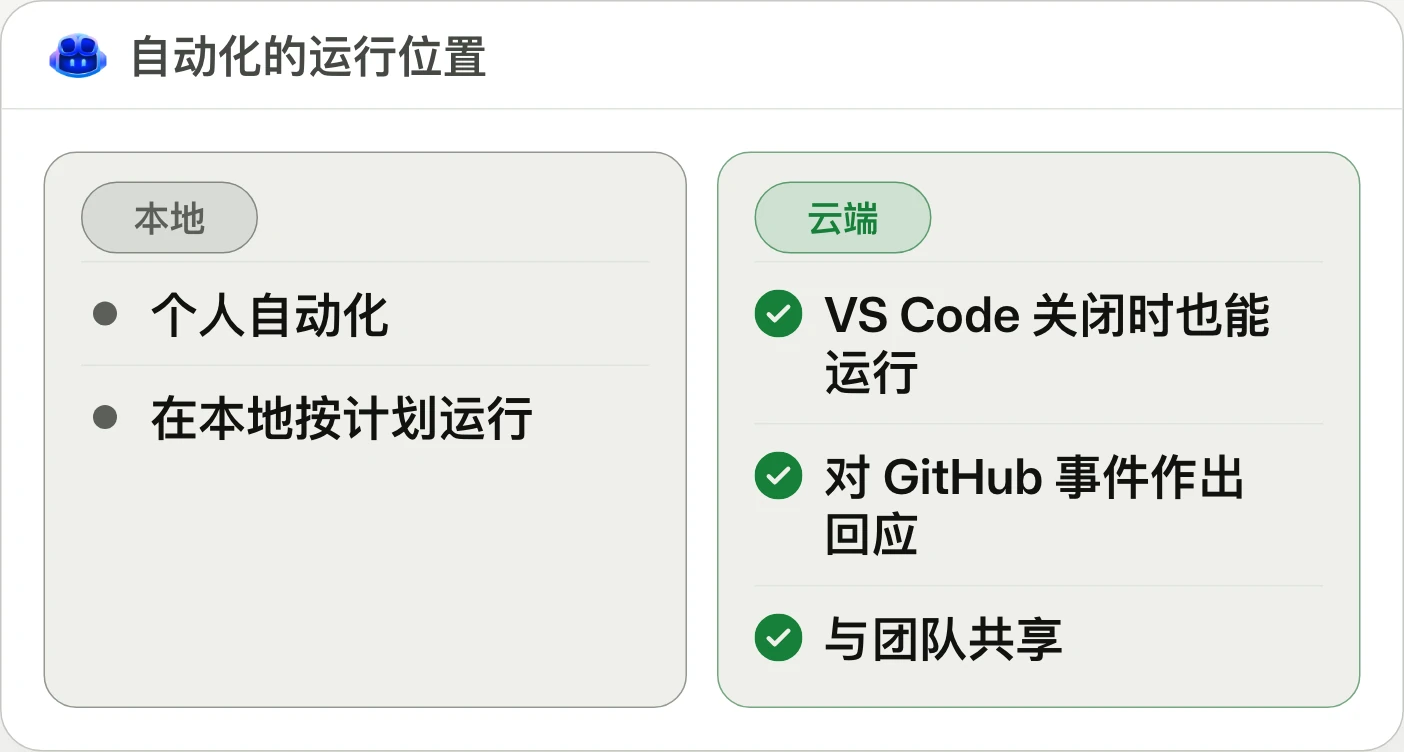
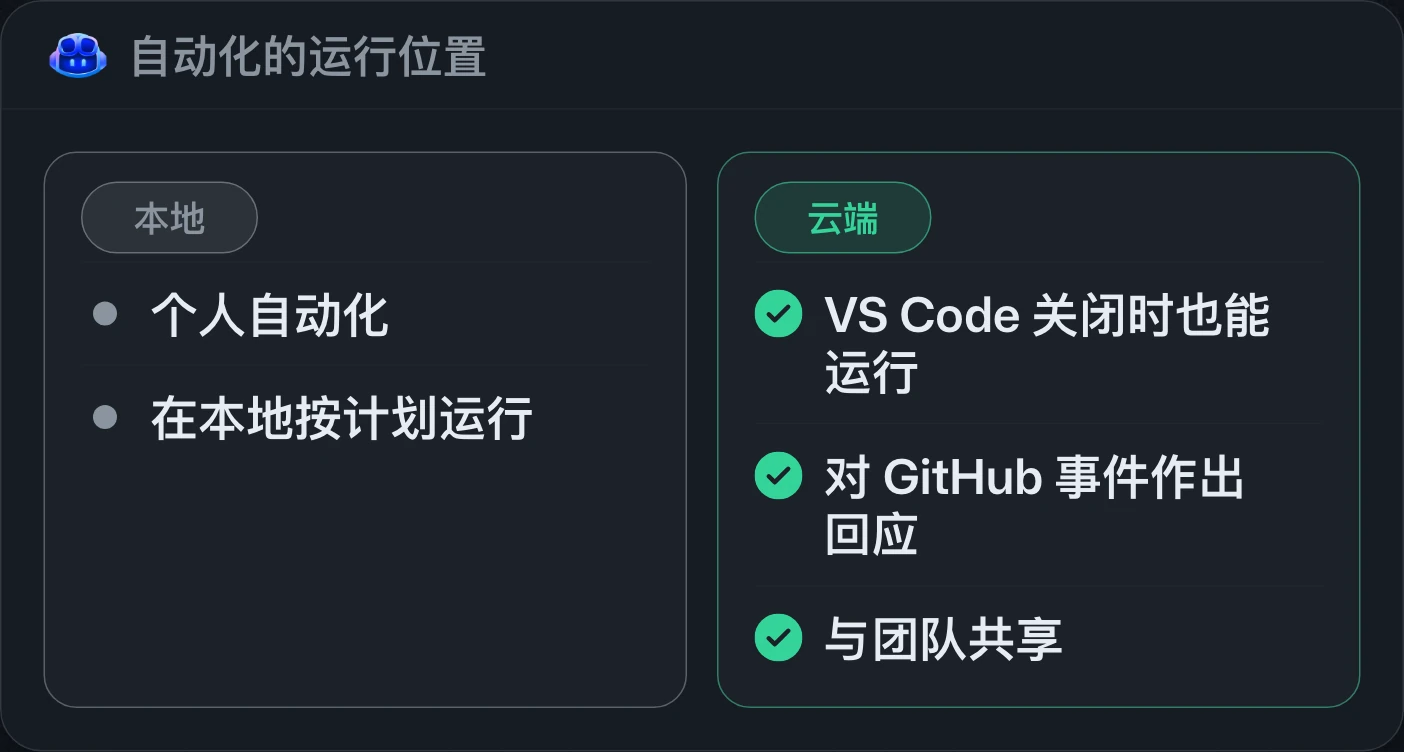
Copilot Automations adds API-triggered runs, 24 GitHub event triggers, automation chaining, 20 GitHub tools, and custom MCP integrations. AI credit caps can be set for individual runs or daily, weekly, and monthly periods.Copilot Automations 新增 API 觸發執行、24 種 GitHub 事件觸發條件、自動化串接、20 項 GitHub 工具與自訂 MCP 整合。AI 額度上限可依單次執行、每日、每週或每月設定。Copilot Automations 新增 API 触发运行、24 种 GitHub 事件触发条件、自动化串联、20 项 GitHub 工具和自定义 MCP 集成。AI 额度上限可按单次运行、每日、每周或每月设置。
Build shared workflows for your team with Copilot AutomationsCopilot Automations 的團隊共用工作流程Copilot Automations 的团队共享工作流
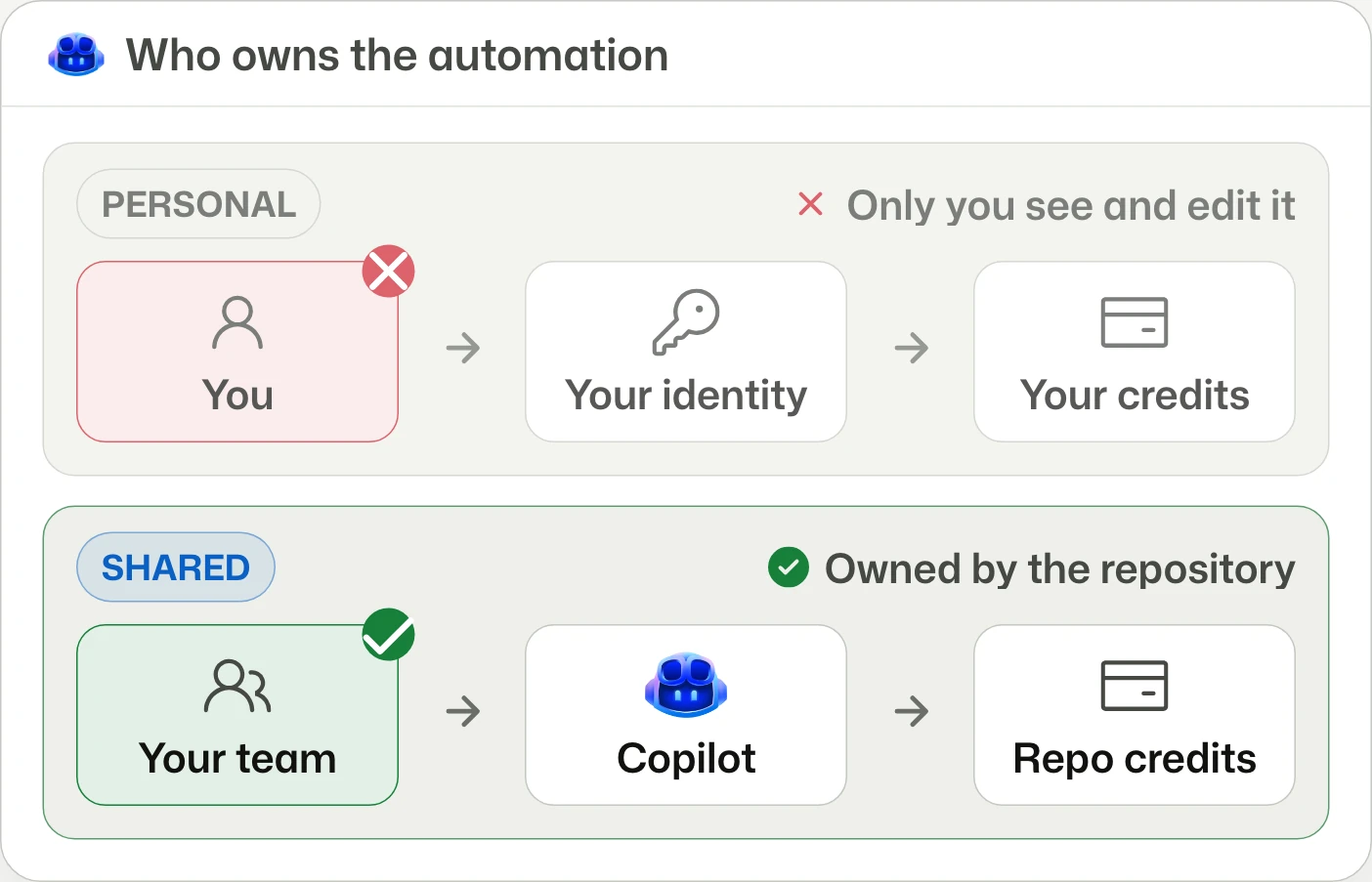
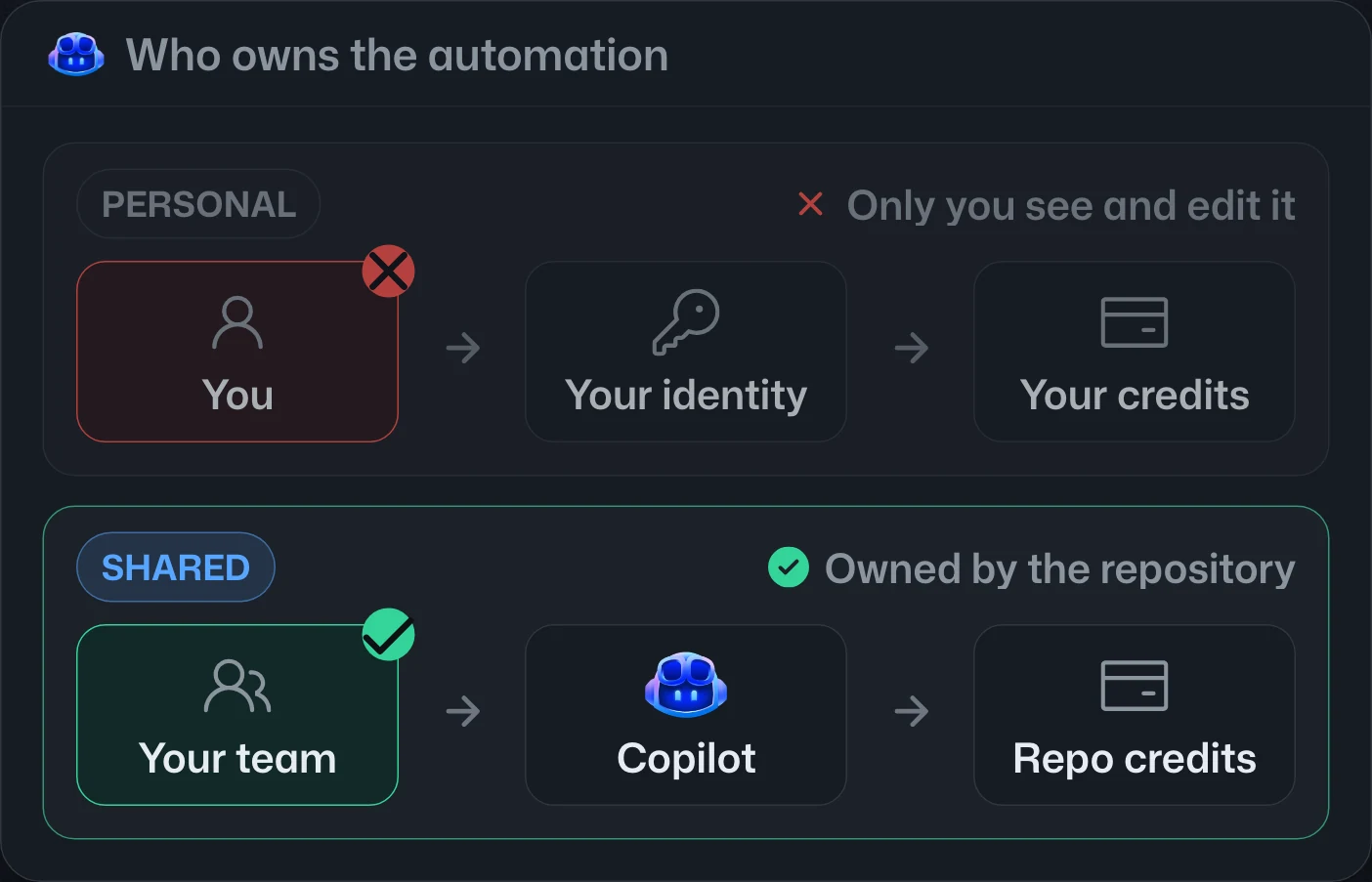
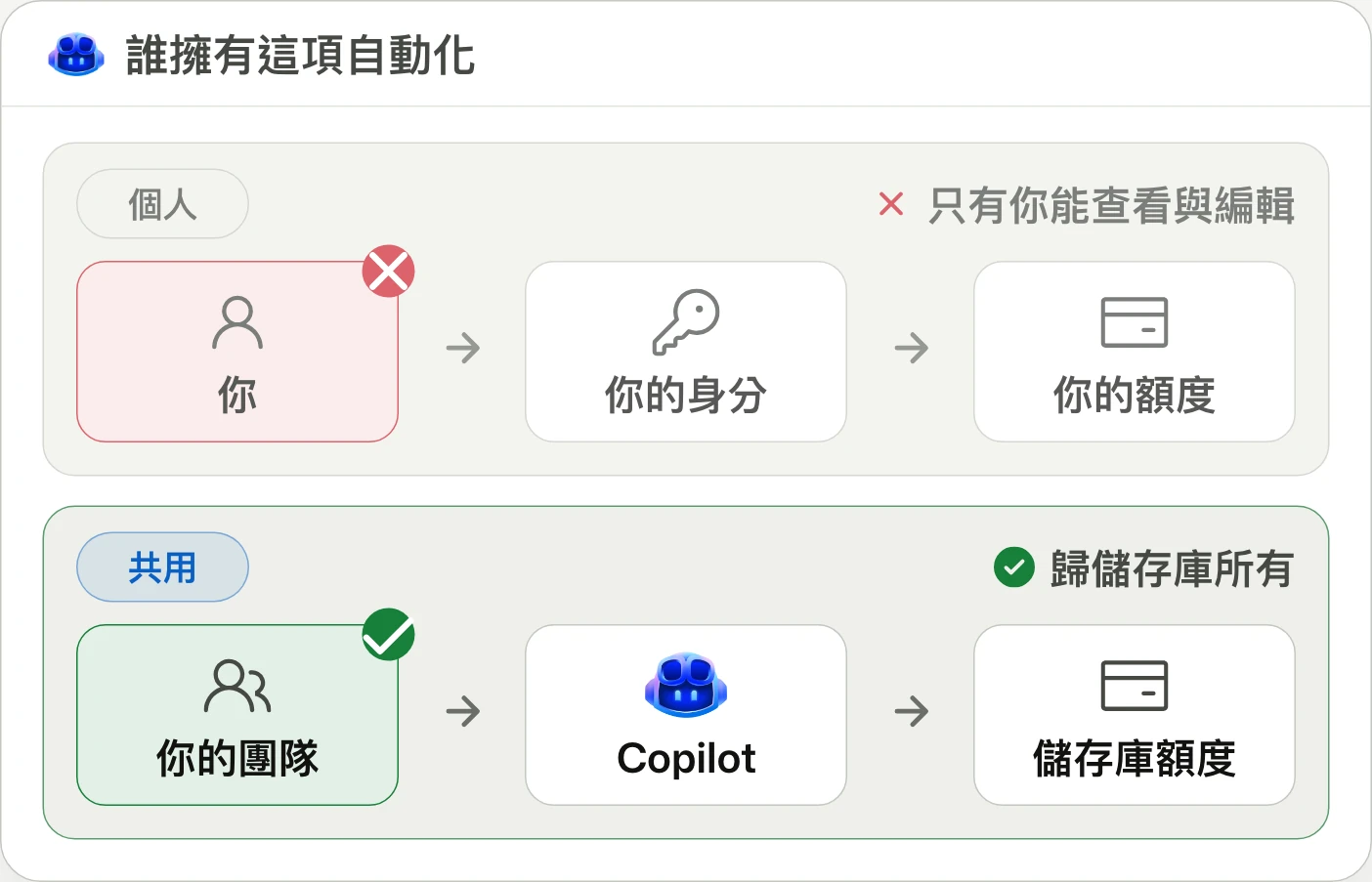
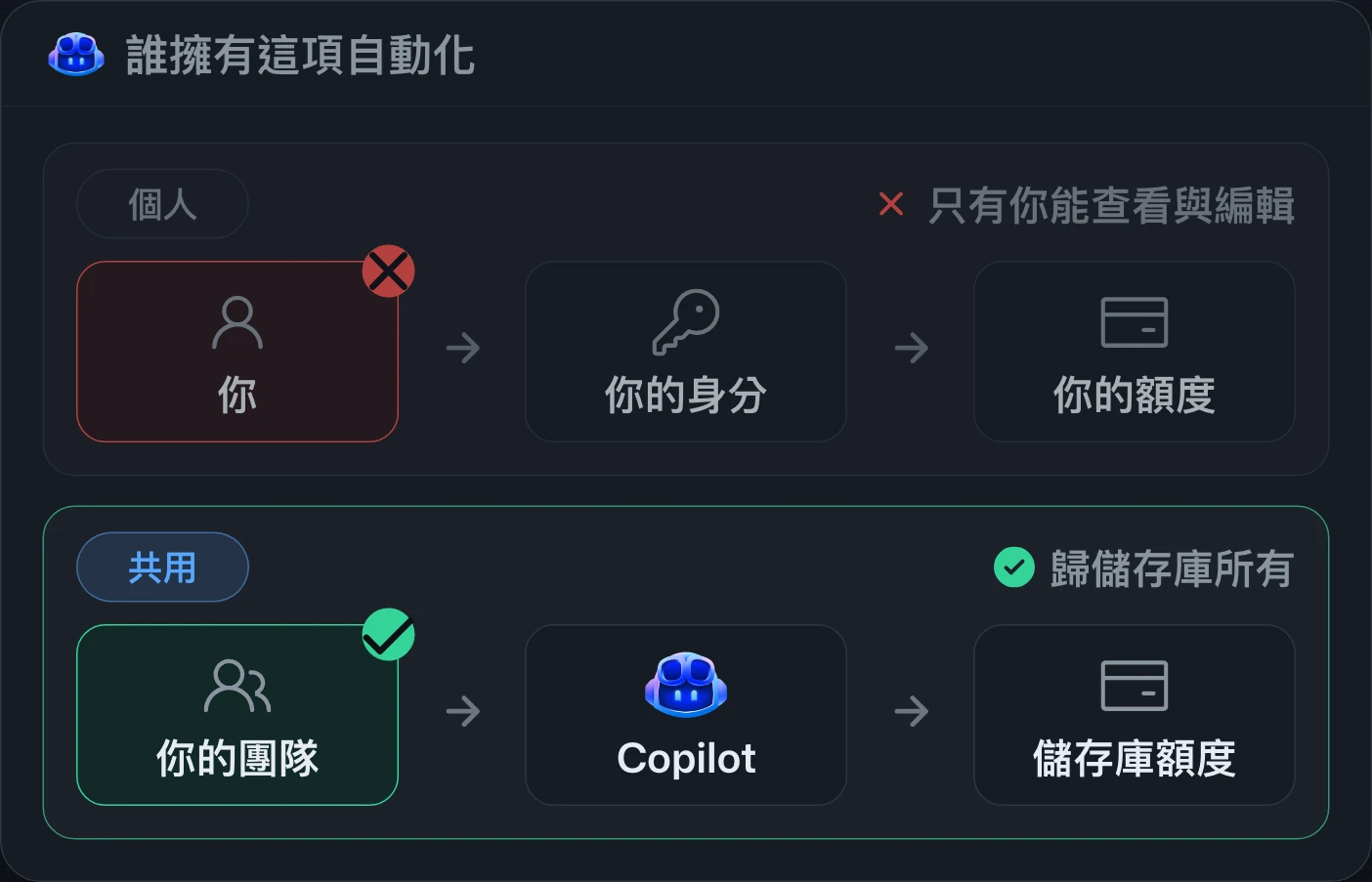
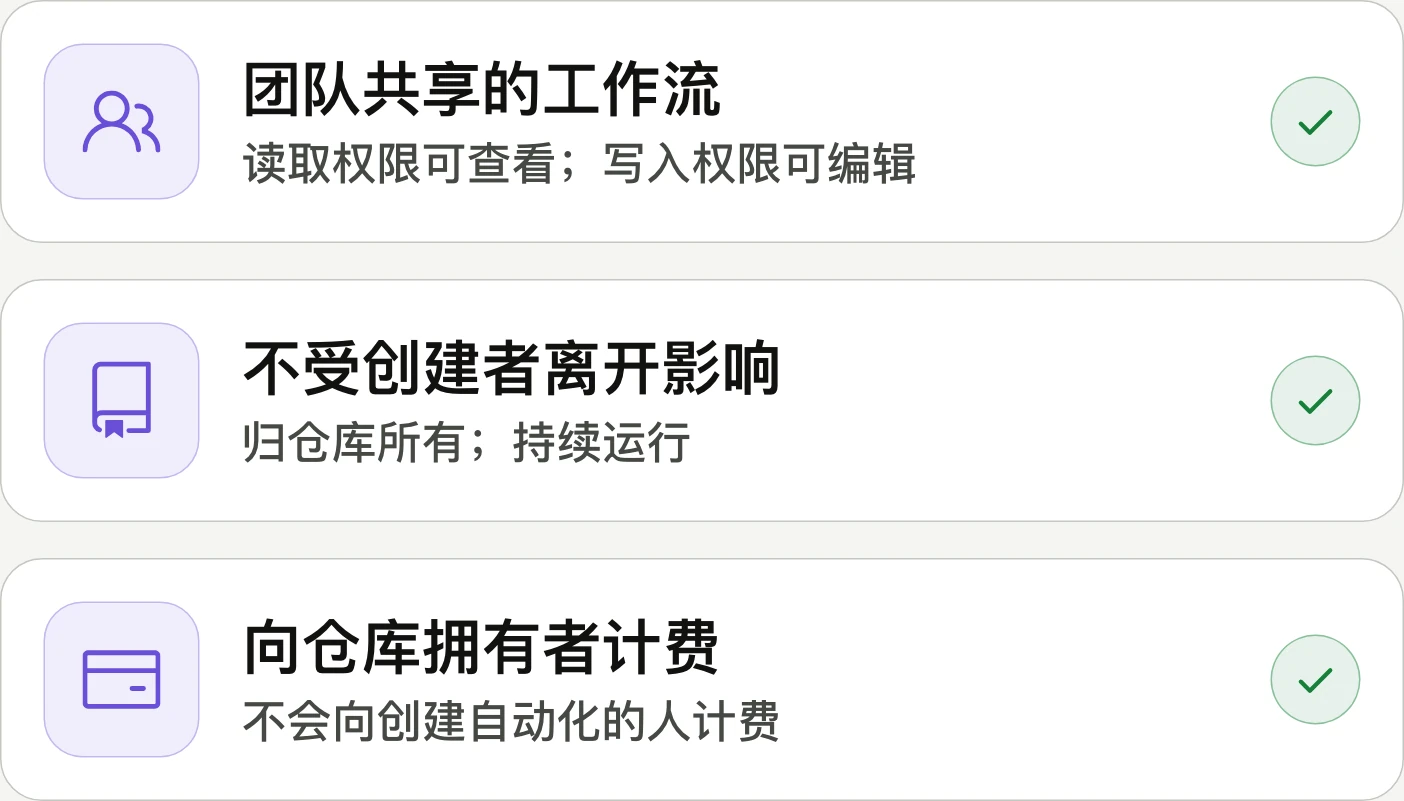
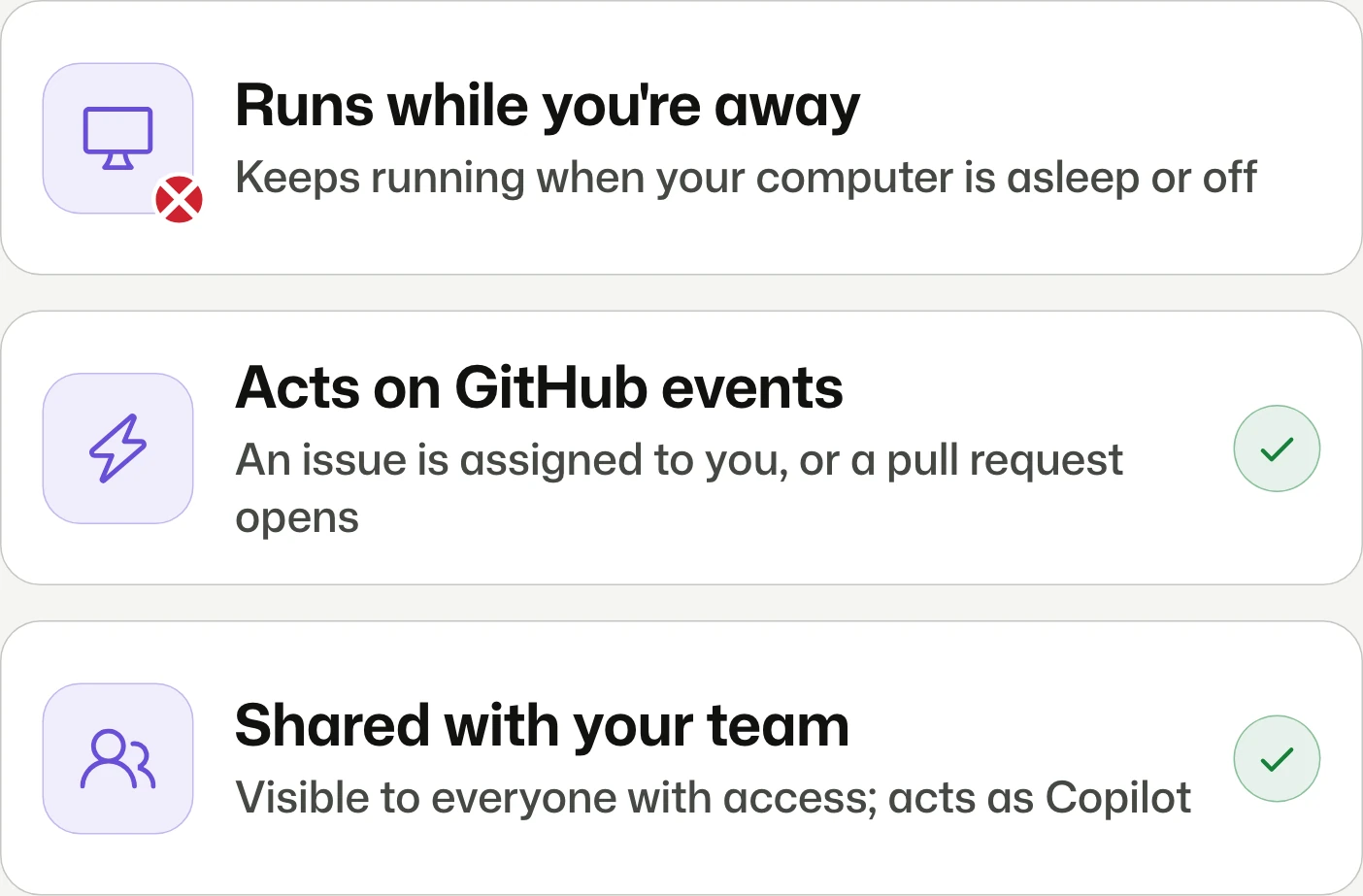
Share automations with your team.與團隊共用自動化。与团队共享自动化。
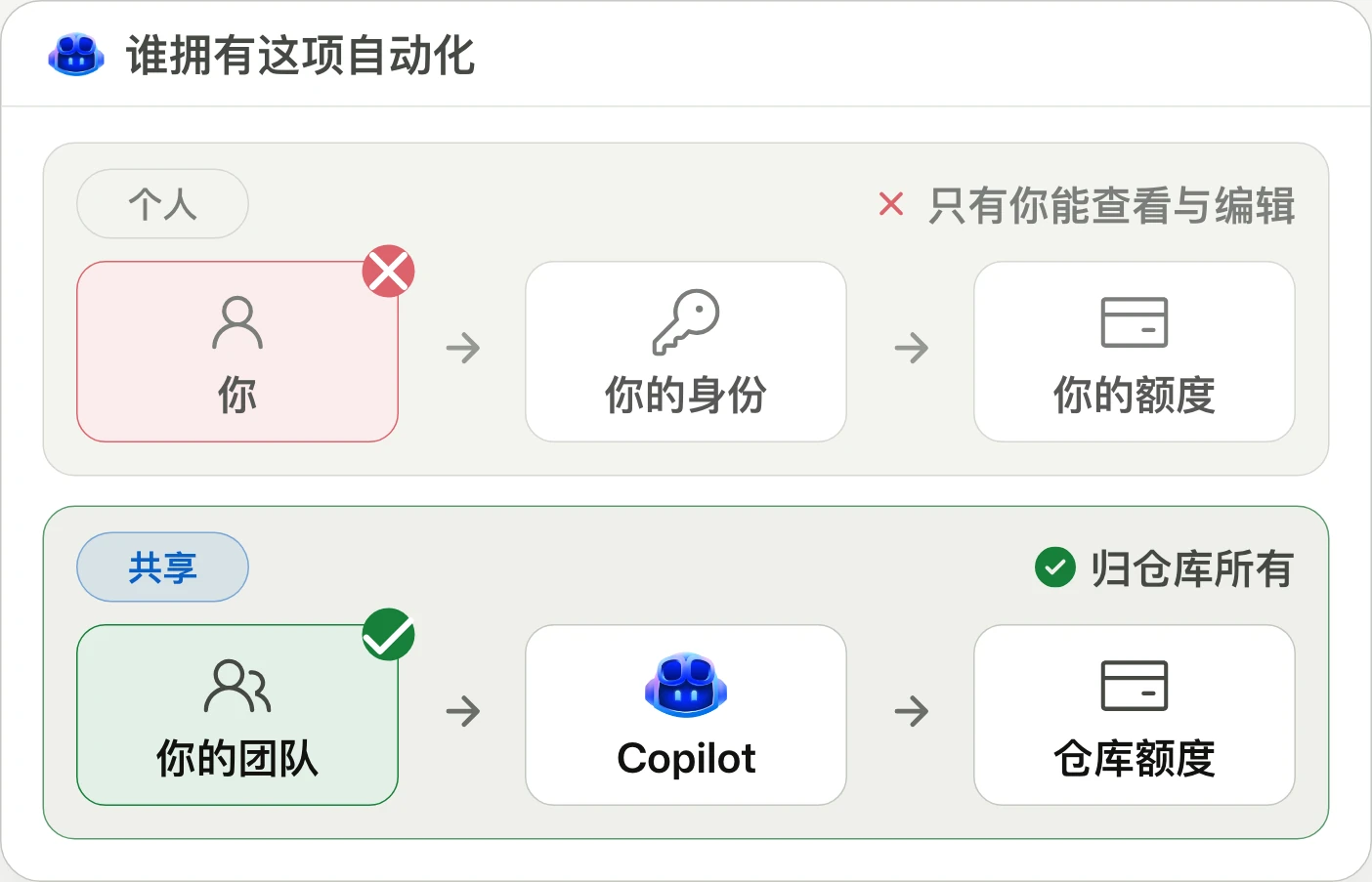
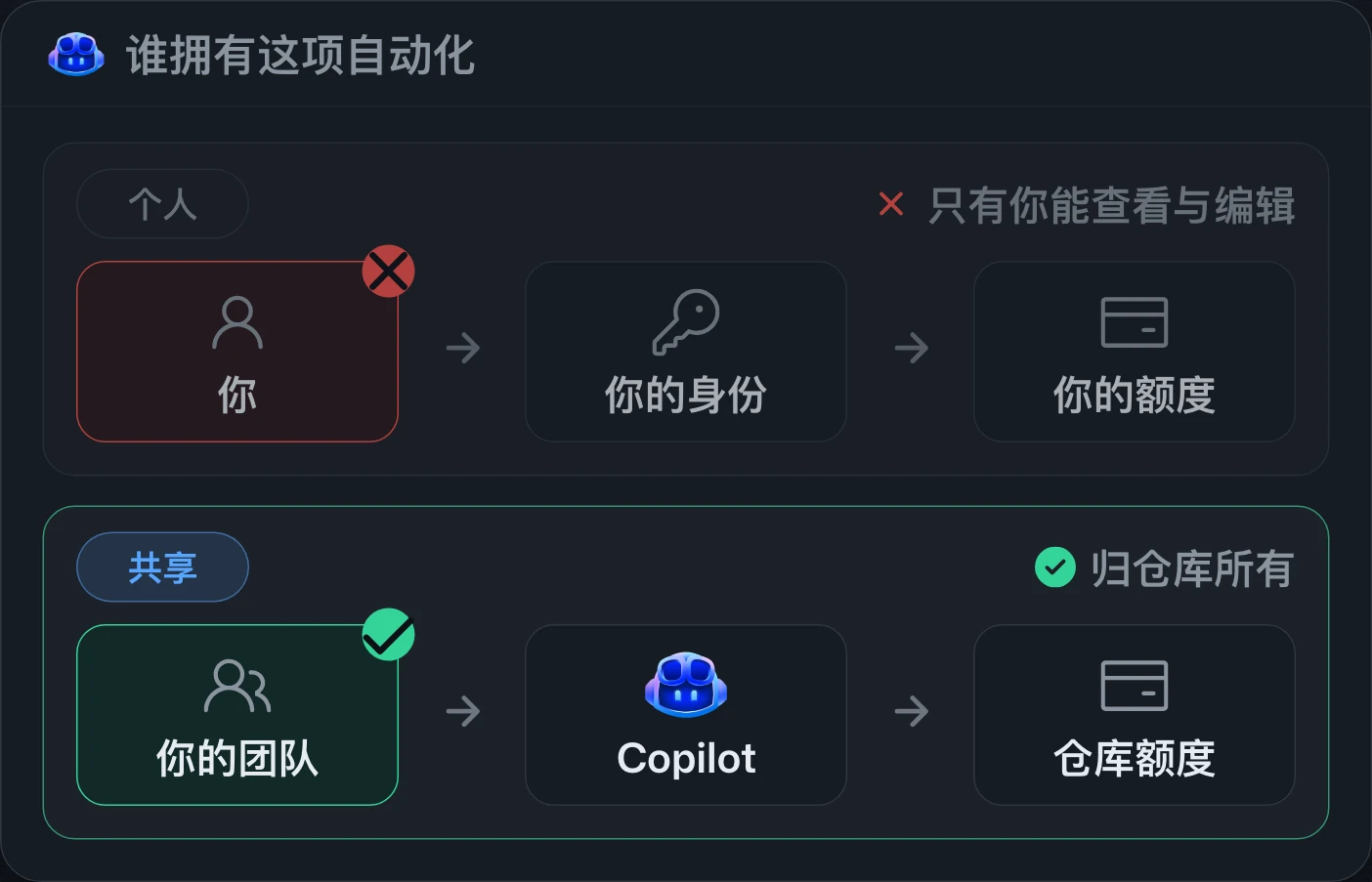
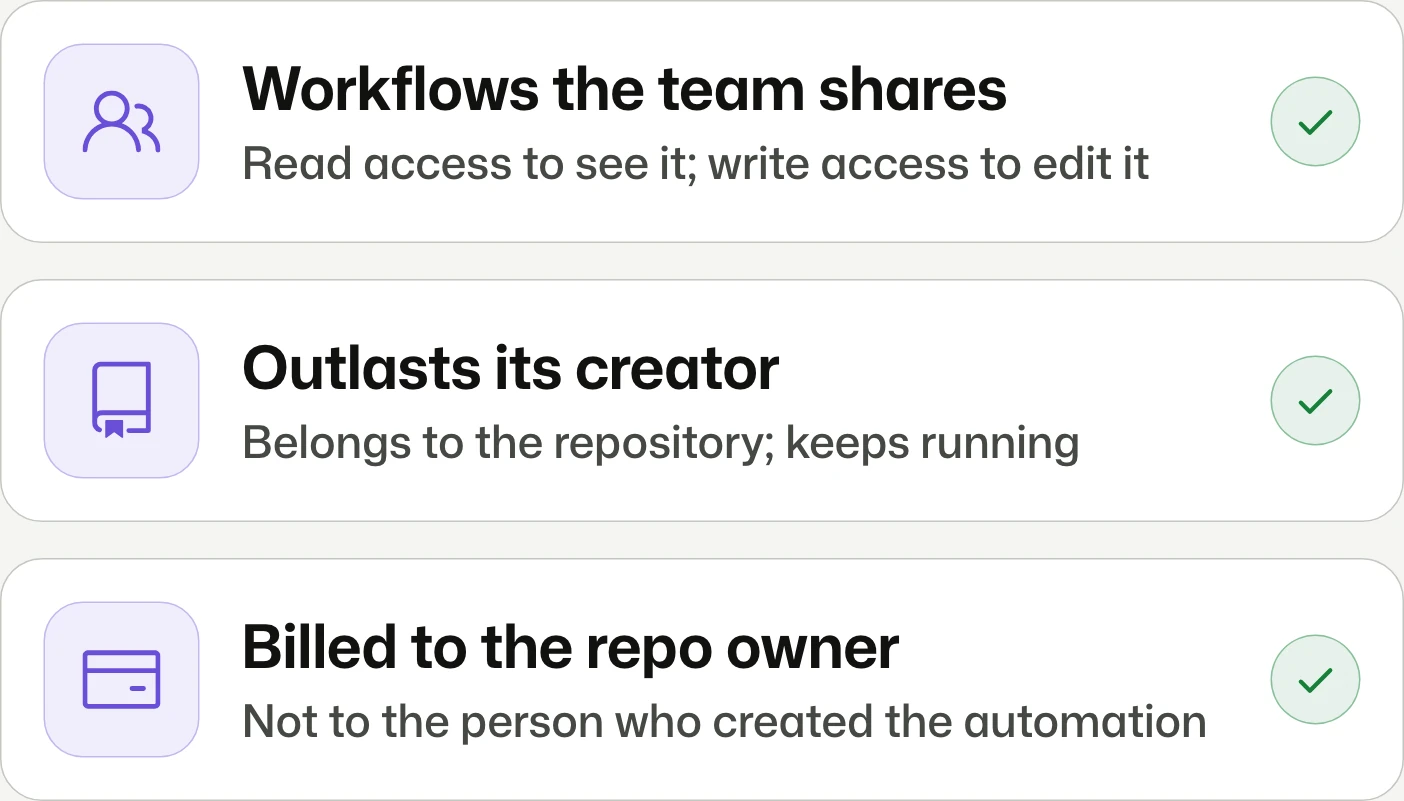
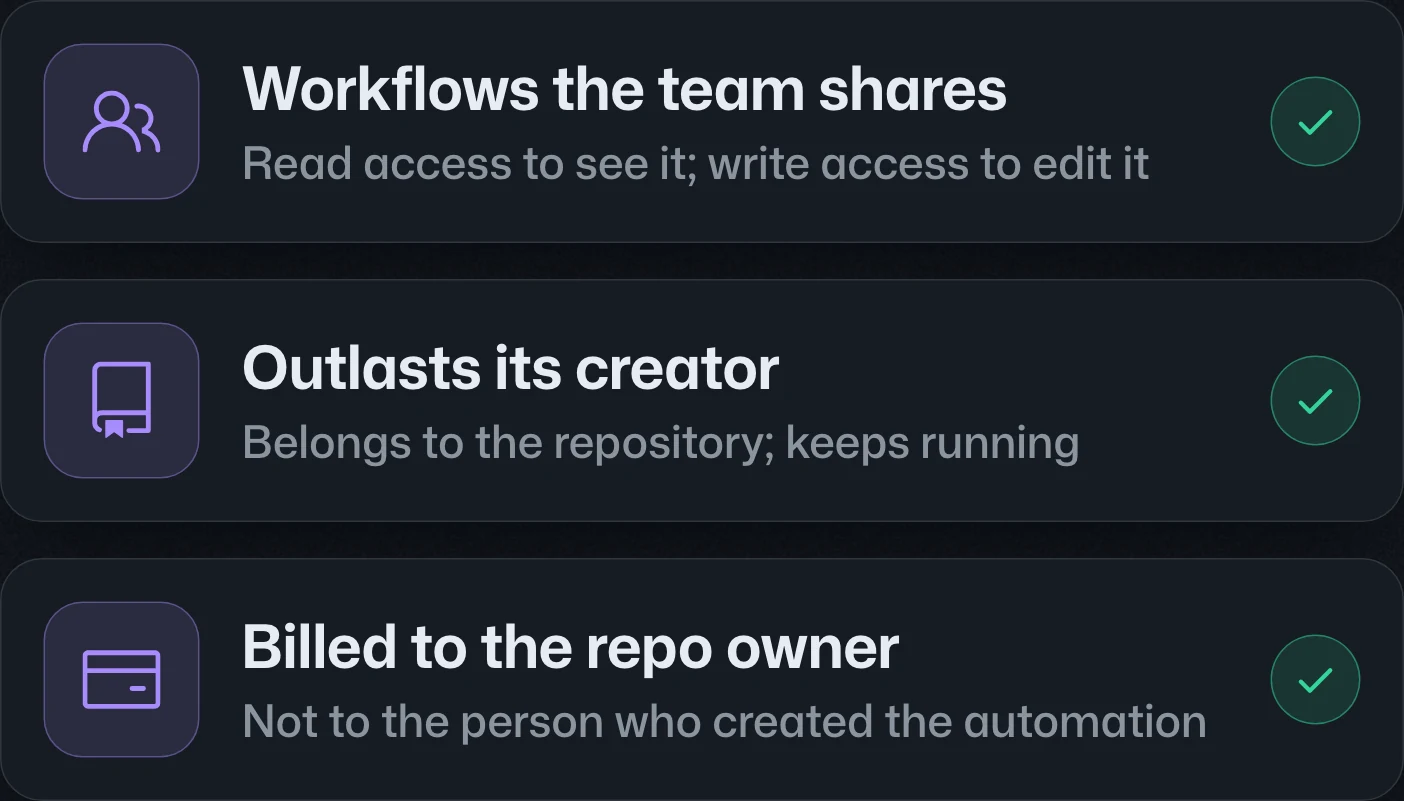
Shared Copilot Automations is rolling out to Pro, Pro+, Max, Business, and Enterprise. Repository readers can view workflows and writers can edit them; runs act as Copilot, charge the repository owner, and survive their creator's departure.共用 Copilot Automations 正向 Pro、Pro+、Max、Business 與 Enterprise 推出。儲存庫讀取者可檢視、寫入者可編輯;執行時以 Copilot 身分操作,由儲存庫擁有者負擔費用,建立者離隊後仍會持續運作。共享 Copilot Automations 正向 Pro、Pro+、Max、Business 和 Enterprise 推出。仓库读取者可查看、写入者可编辑;运行时以 Copilot 身份操作,由仓库所有者承担费用,创建者离队后仍会持续运行。



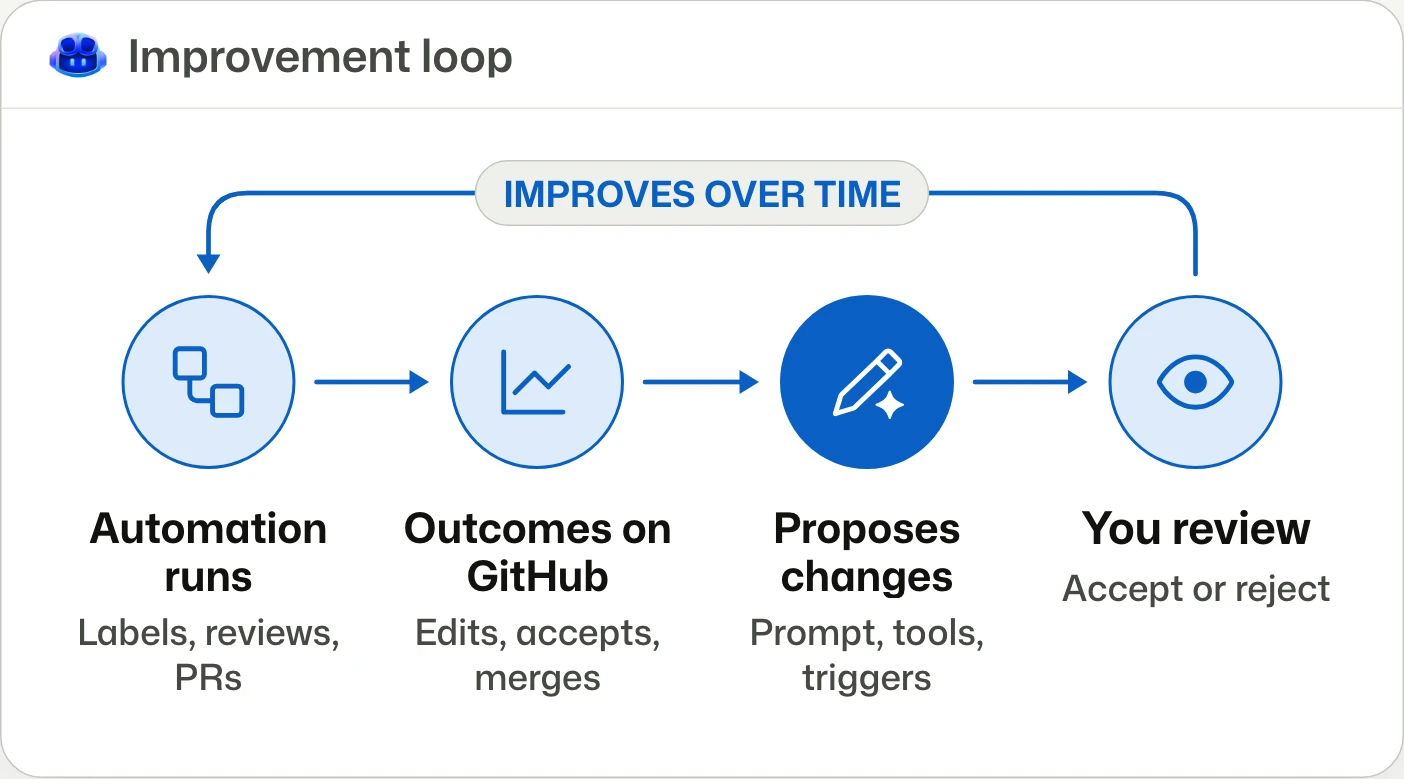
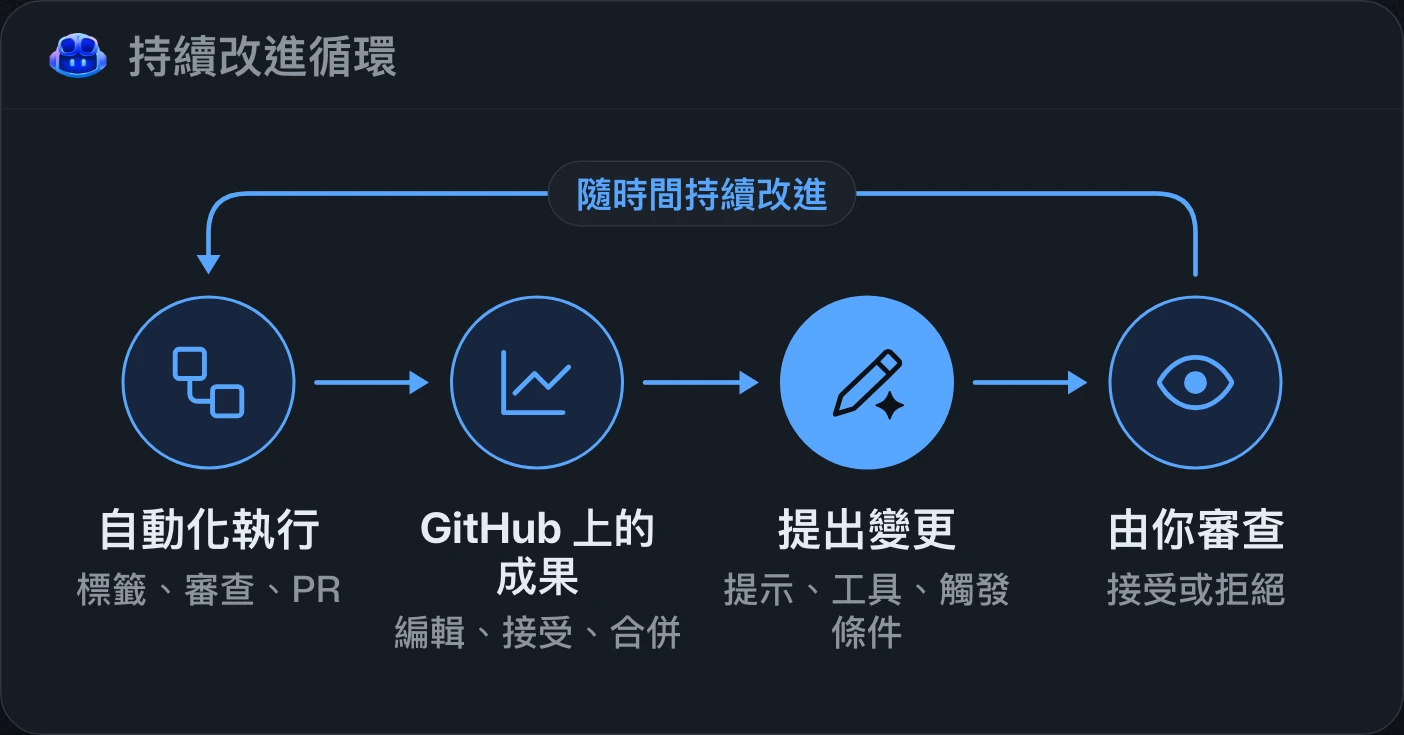
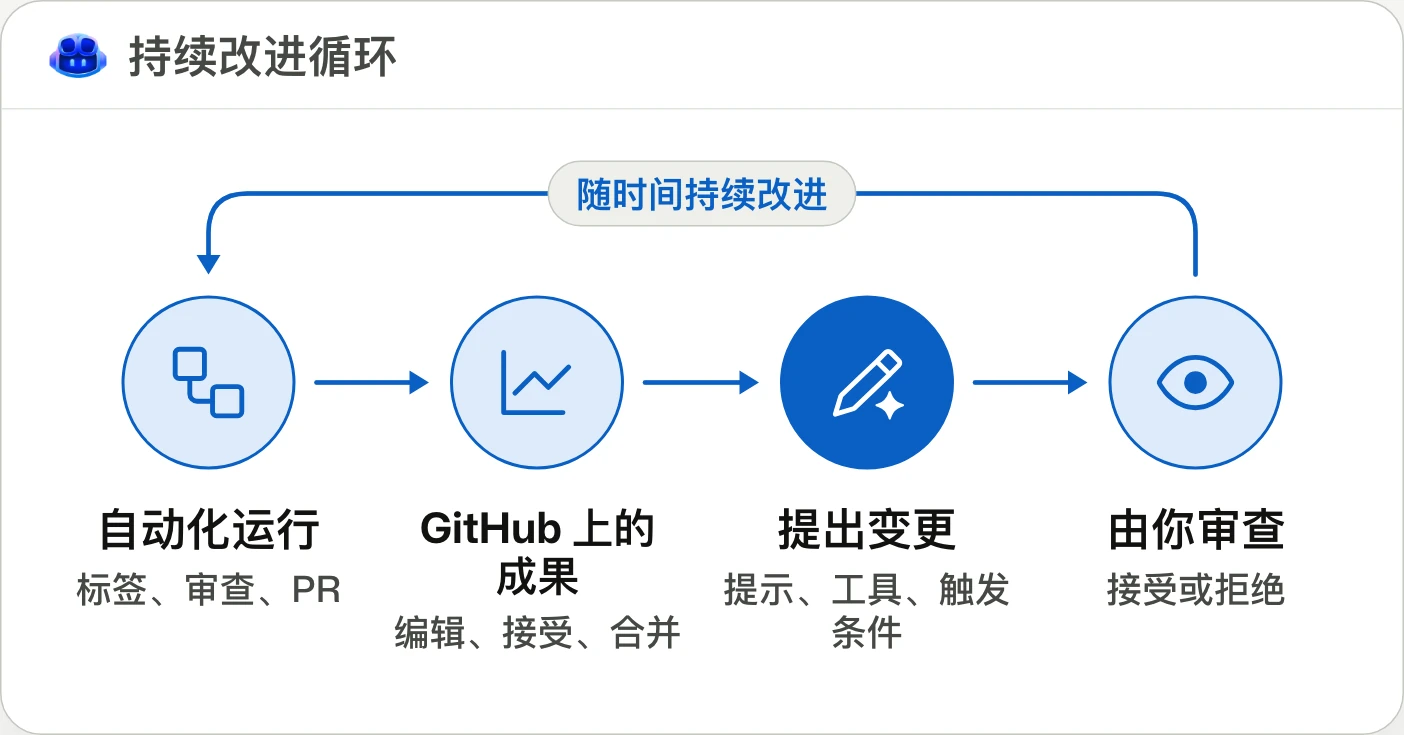
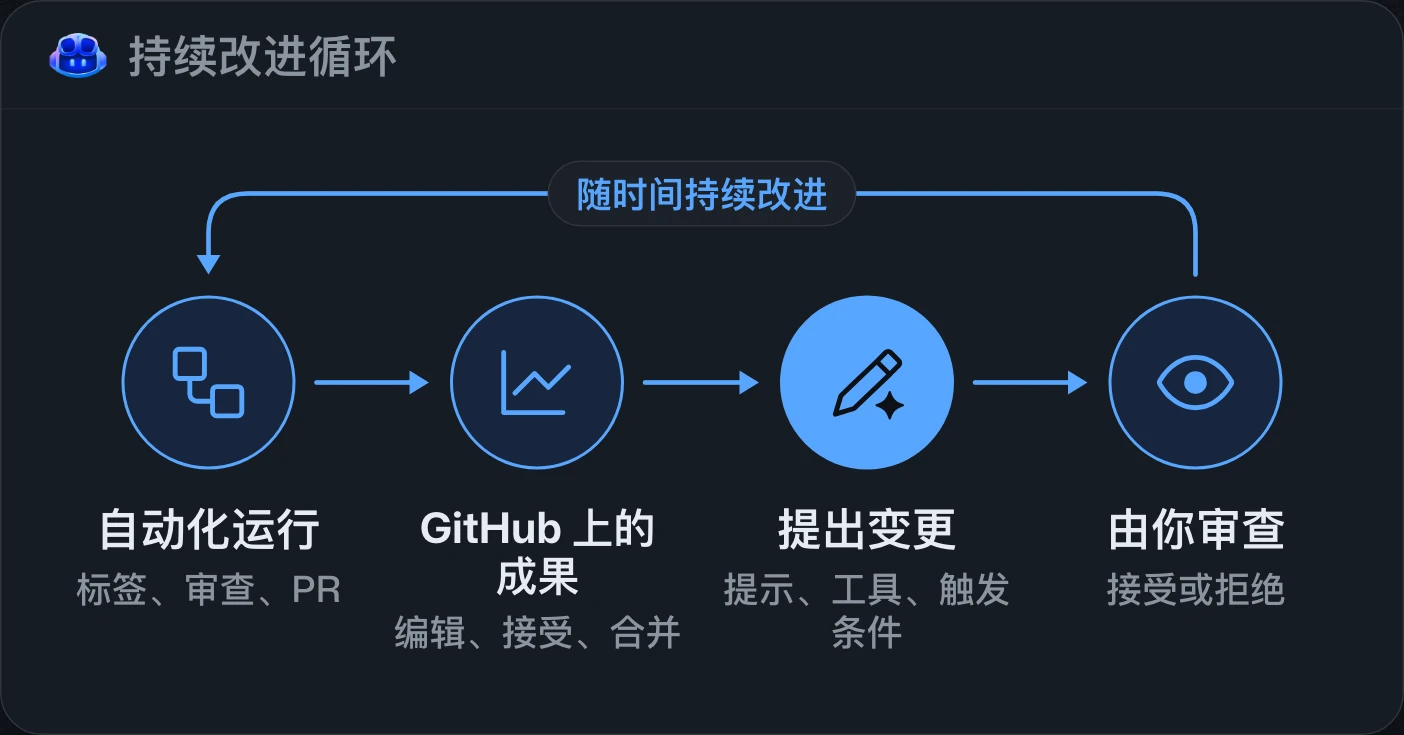
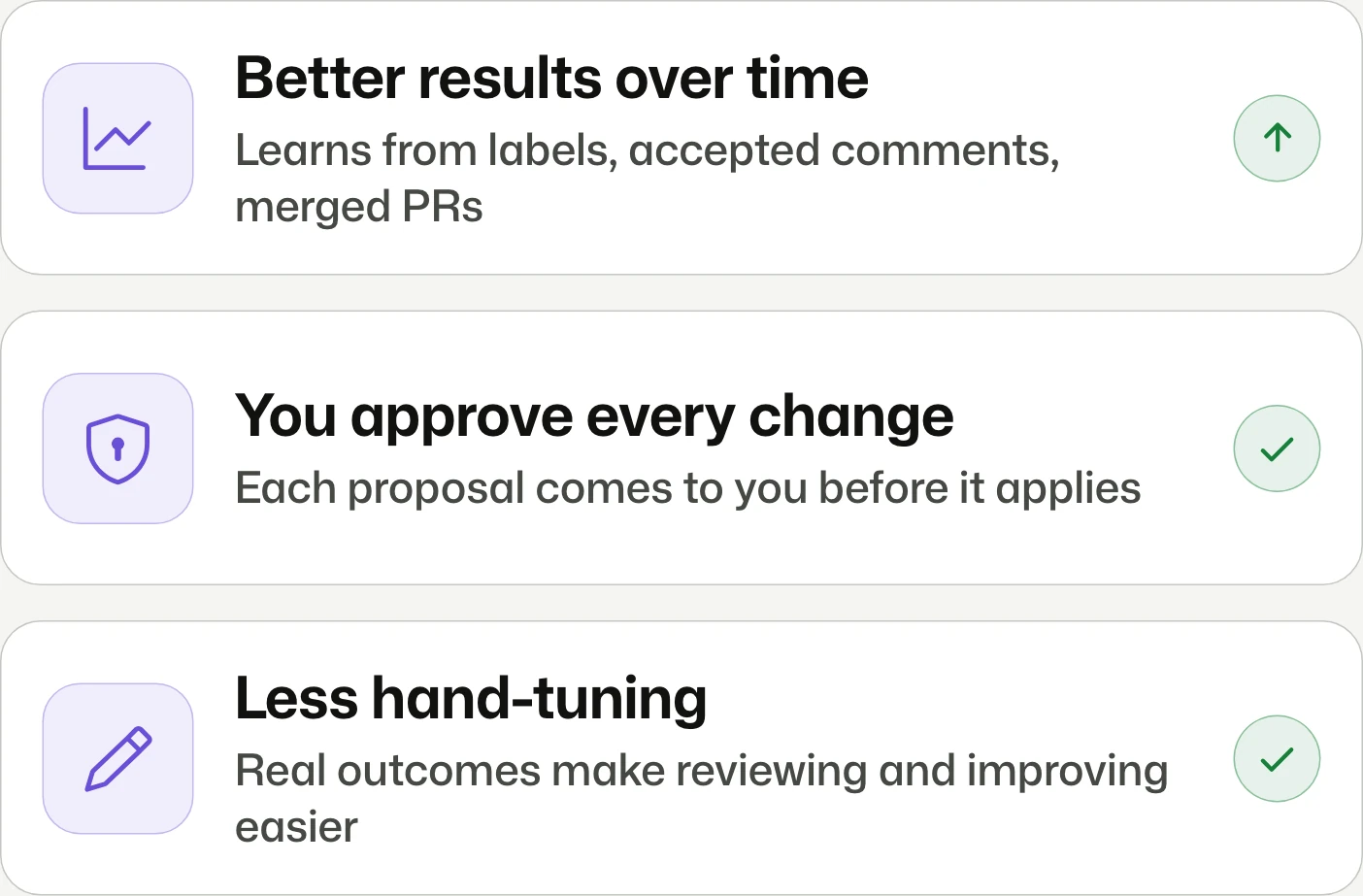
Copilot Automations now learn from outcomes and self-improveCopilot Automations 的成果學習與自我改進Copilot Automations 的结果学习与自我改进
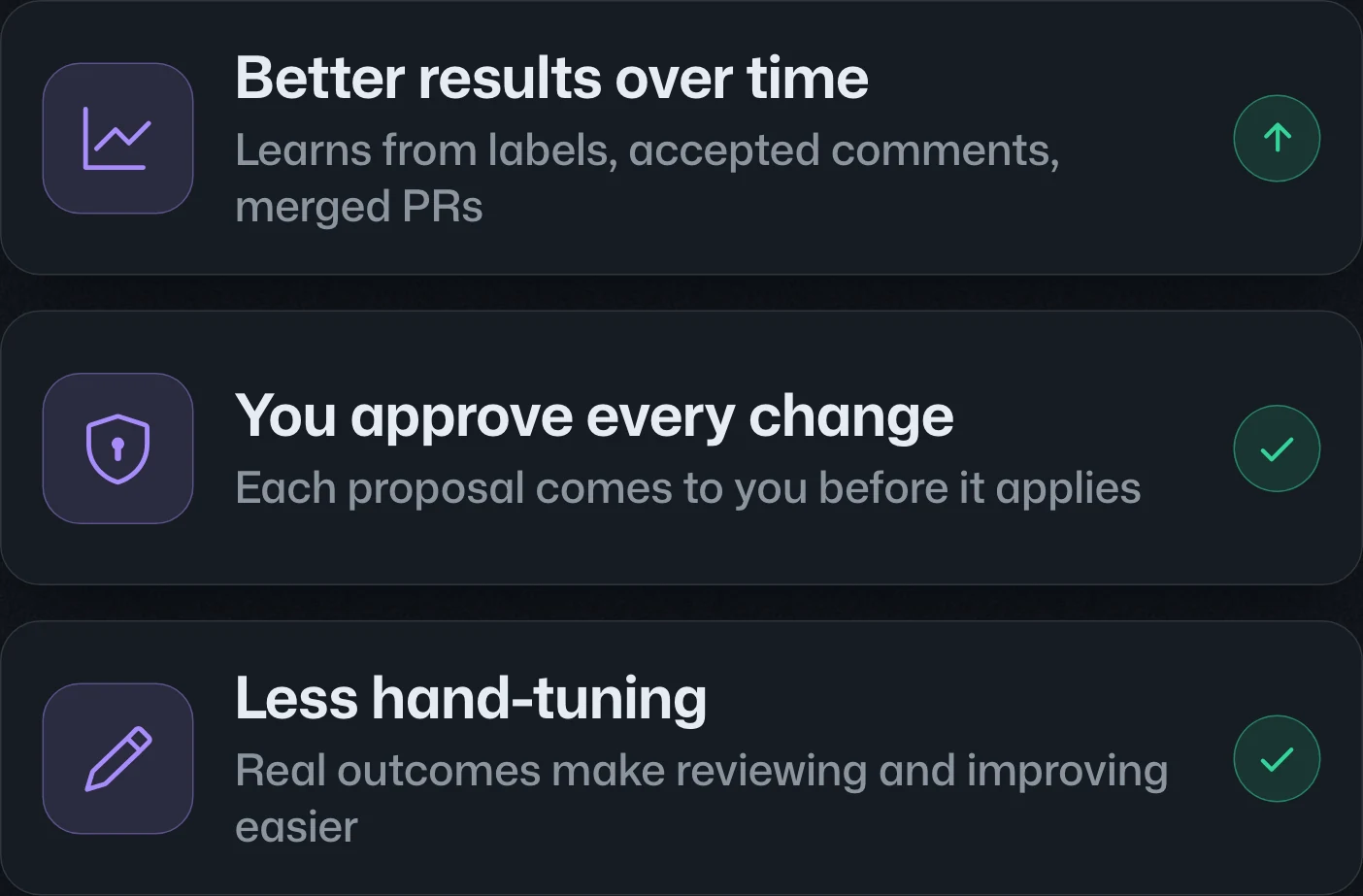
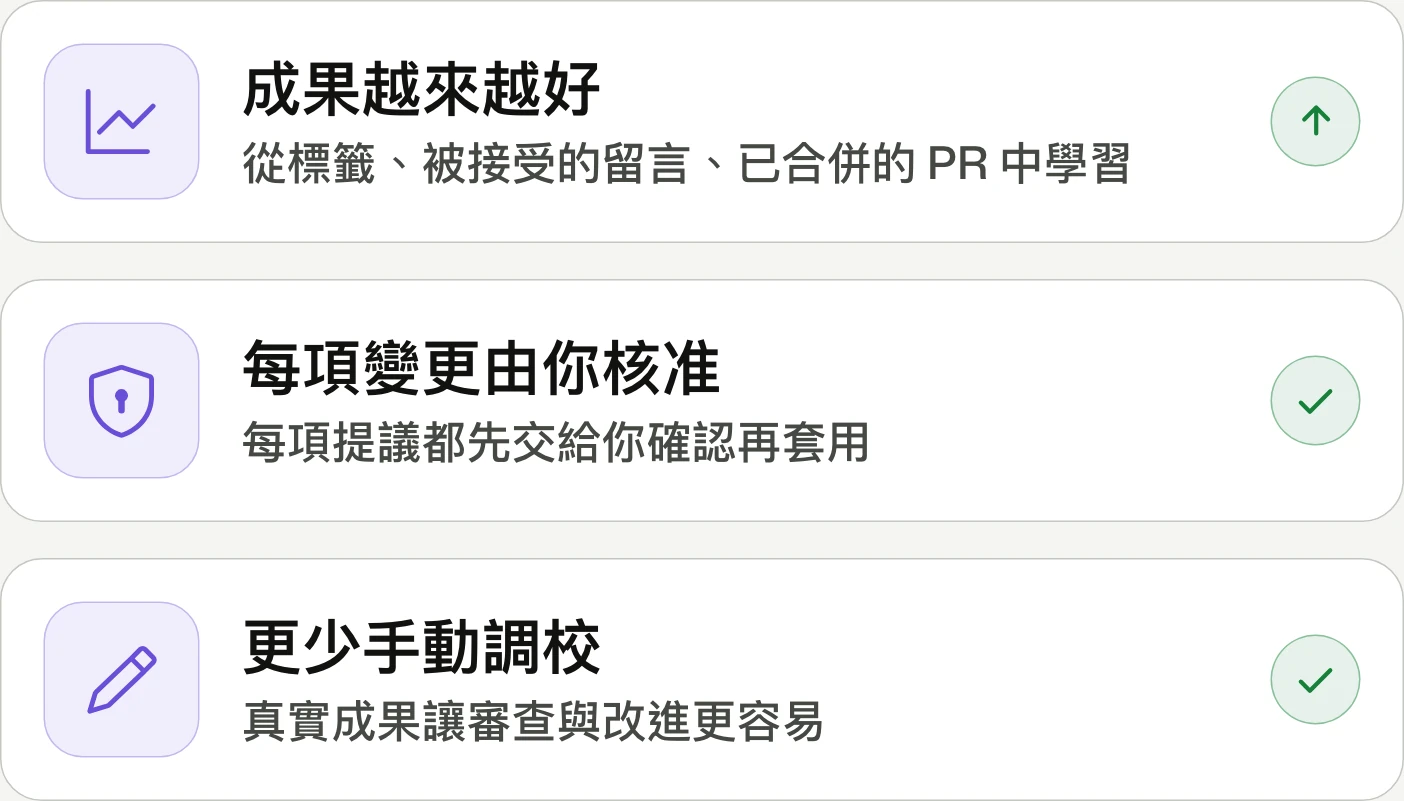
Automations learn from real outcomes.自動化從實際成果中學習。自动化从实际结果中学习。
Copilot Automations can use outcomes such as label corrections and merged pull requests to suggest changes to prompts, tools, or triggers. Changes require review before application; available on Pro, Pro+, Max, Business, and Enterprise.Copilot Automations 可根據標籤修正、pull request 合併等結果,提議調整提示詞、工具或觸發條件。變更須經審核後才會套用;適用於 Pro、Pro+、Max、Business 與 Enterprise。Copilot Automations 可根据标签修正、pull request 合并等结果,建议调整提示词、工具或触发条件。变更需经审核后才会应用;适用于 Pro、Pro+、Max、Business 和 Enterprise。



Create and manage Copilot Automations in Visual Studio CodeVisual Studio Code 中的 Copilot Automations 建立與管理Visual Studio Code 中的 Copilot Automations 创建与管理
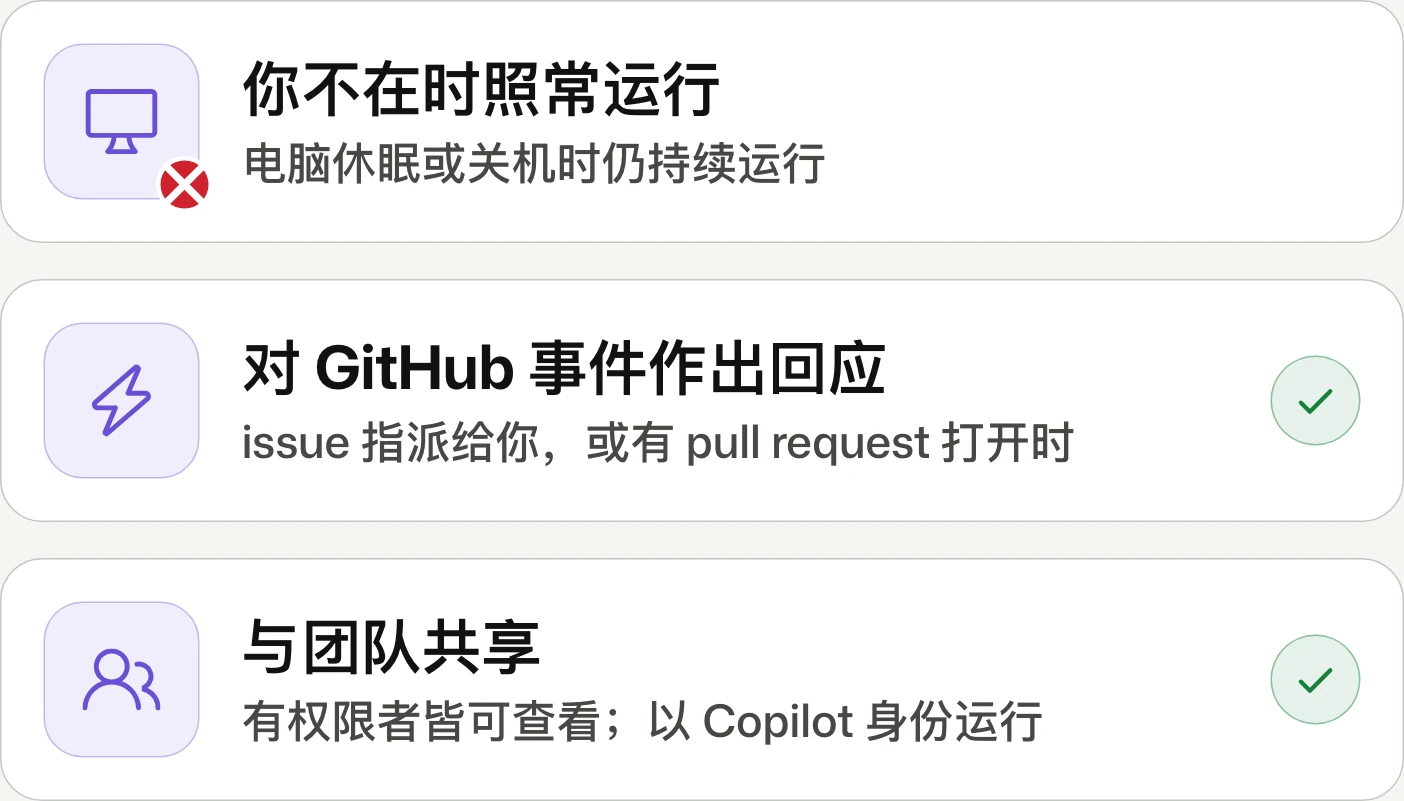
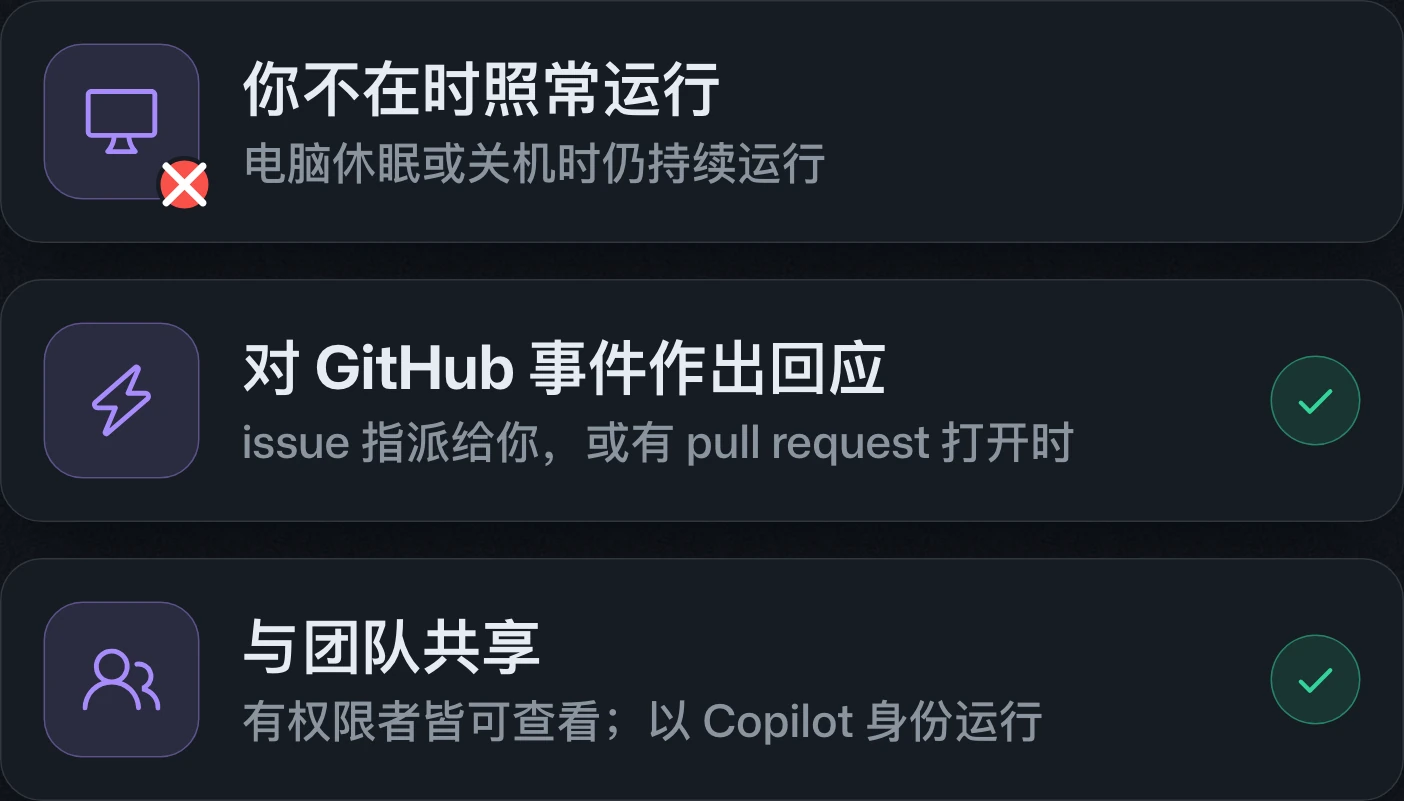
Recurring work runs while you're away.你不在時,例行工作照常執行。你不在时,例行工作照常运行。
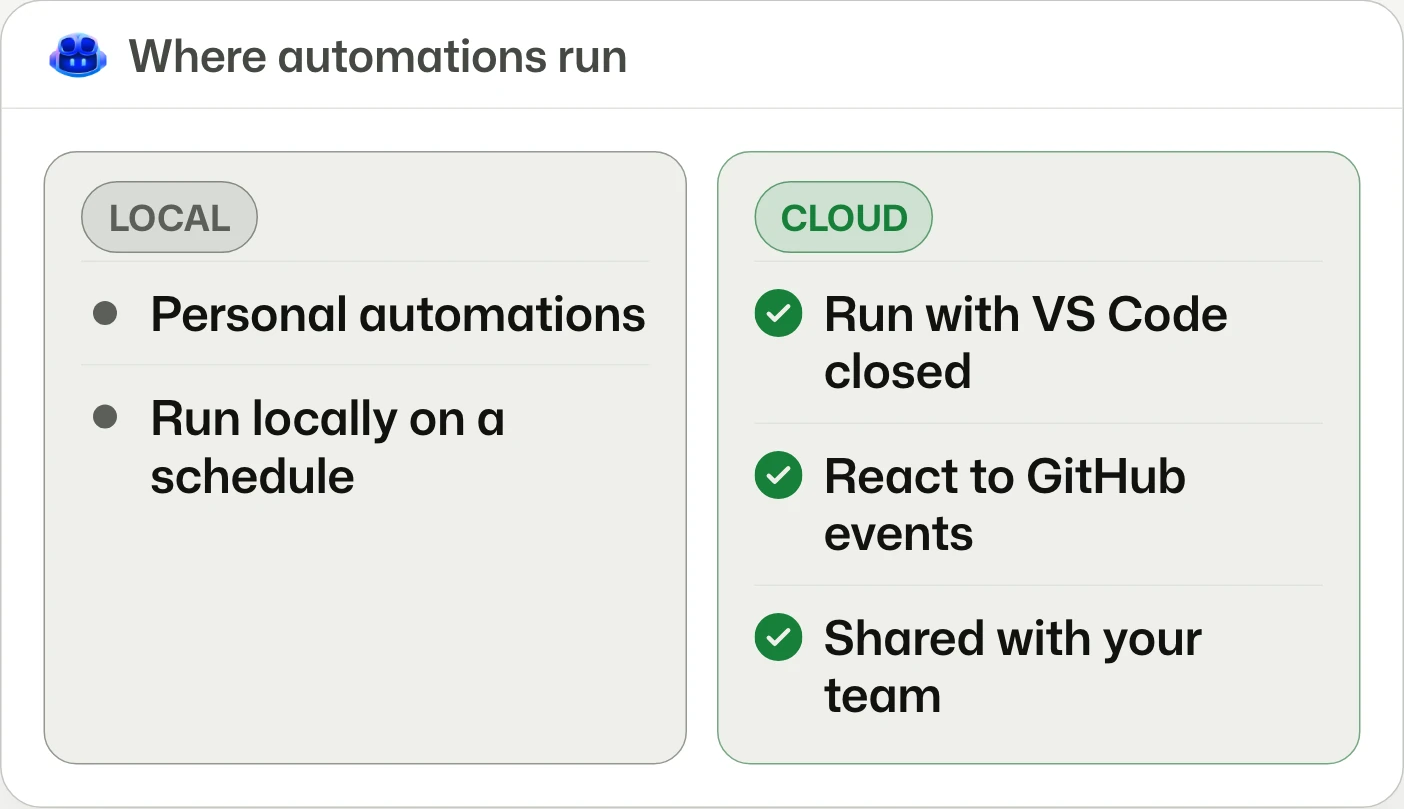
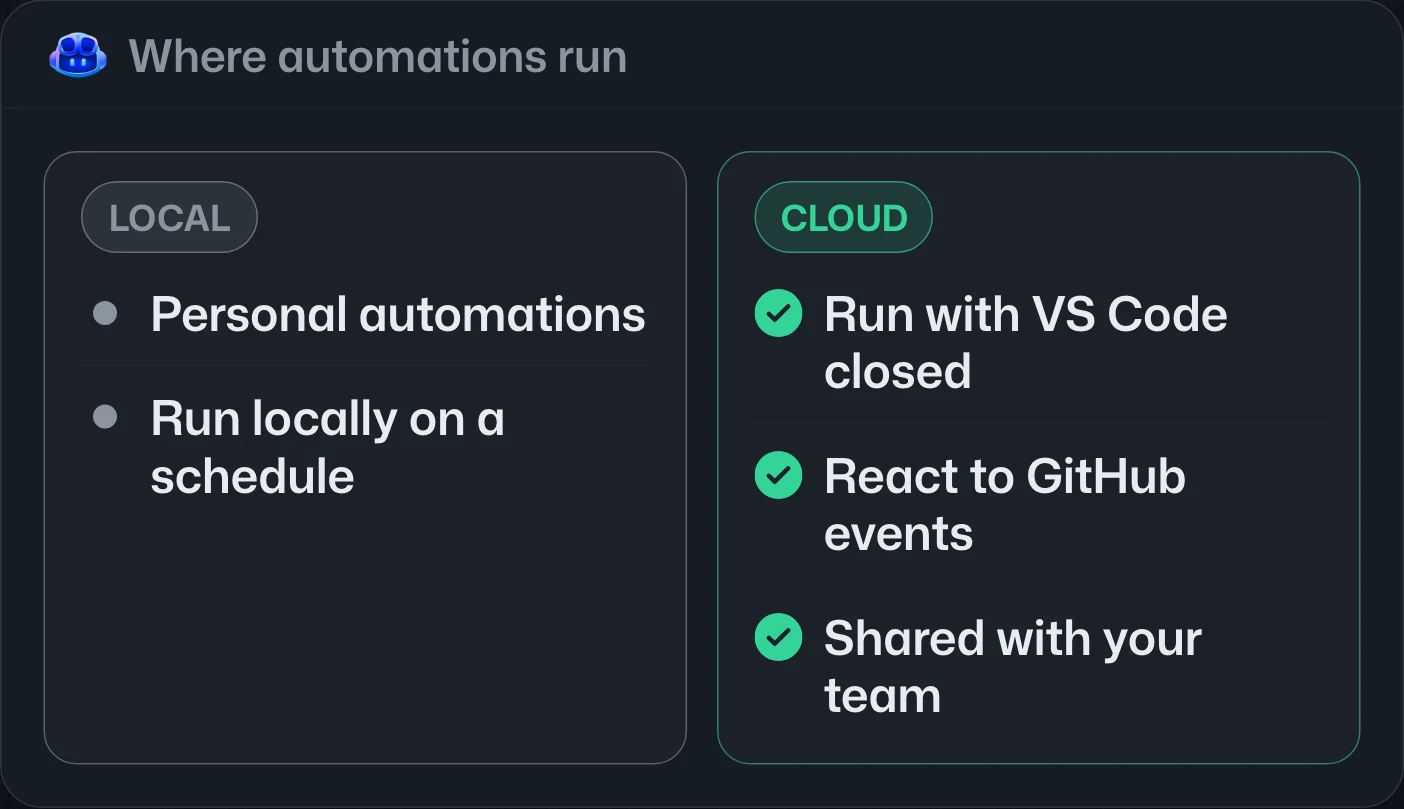
VS Code adds cloud automation management in the Agents window, supporting schedules, GitHub events, and shared workflows. It requires VS Code 1.144, chat.automations.cloud.enabled, and Copilot Pro, Pro+, Max, Business, or Enterprise.VS Code 的 Agents 視窗新增雲端自動化管理,支援排程、GitHub 事件與共用工作流程。須使用 VS Code 1.144、啟用 chat.automations.cloud.enabled,並具備 Copilot Pro、Pro+、Max、Business 或 Enterprise。VS Code 的 Agents 窗口新增云端自动化管理,支持定时任务、GitHub 事件和共享工作流。需使用 VS Code 1.144、启用 chat.automations.cloud.enabled,并拥有 Copilot Pro、Pro+、Max、Business 或 Enterprise。
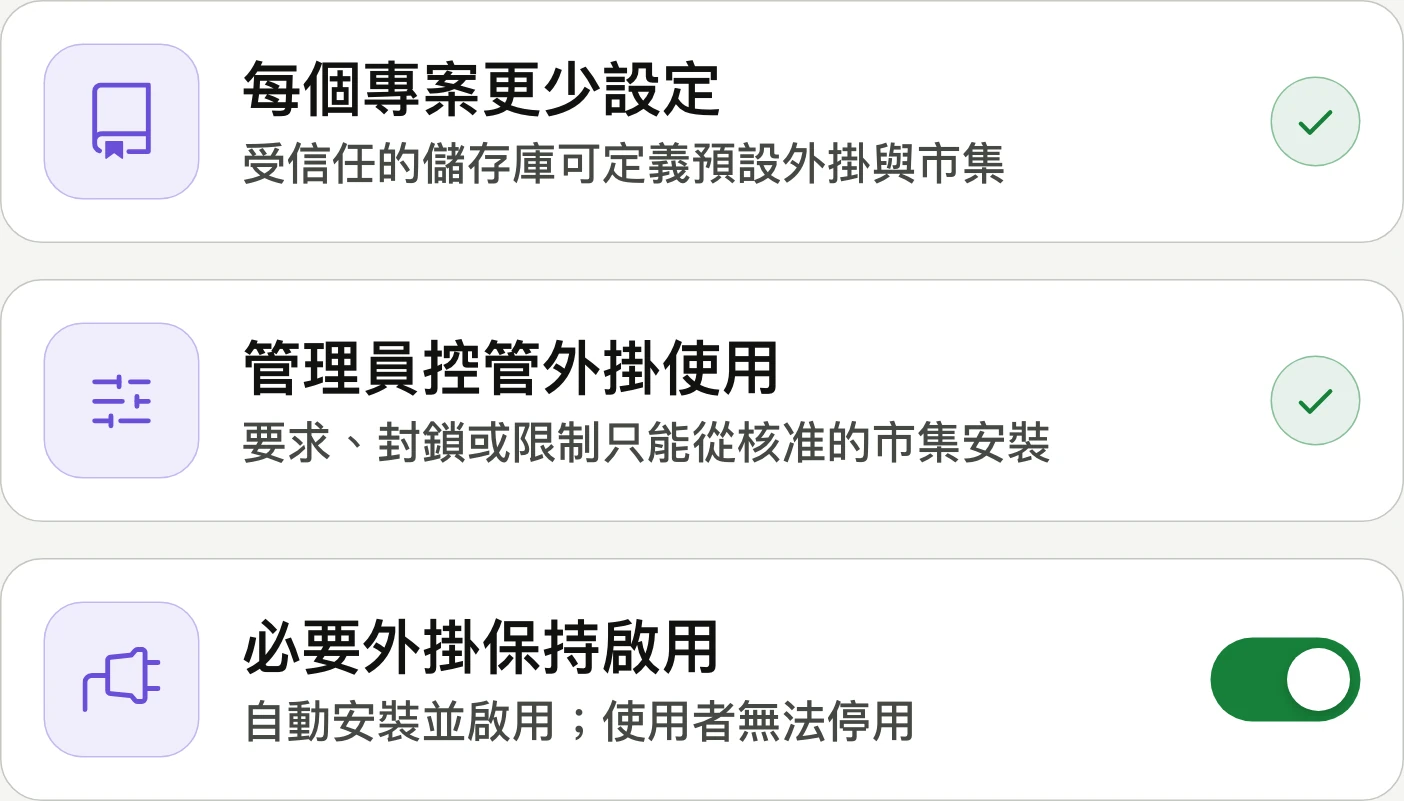
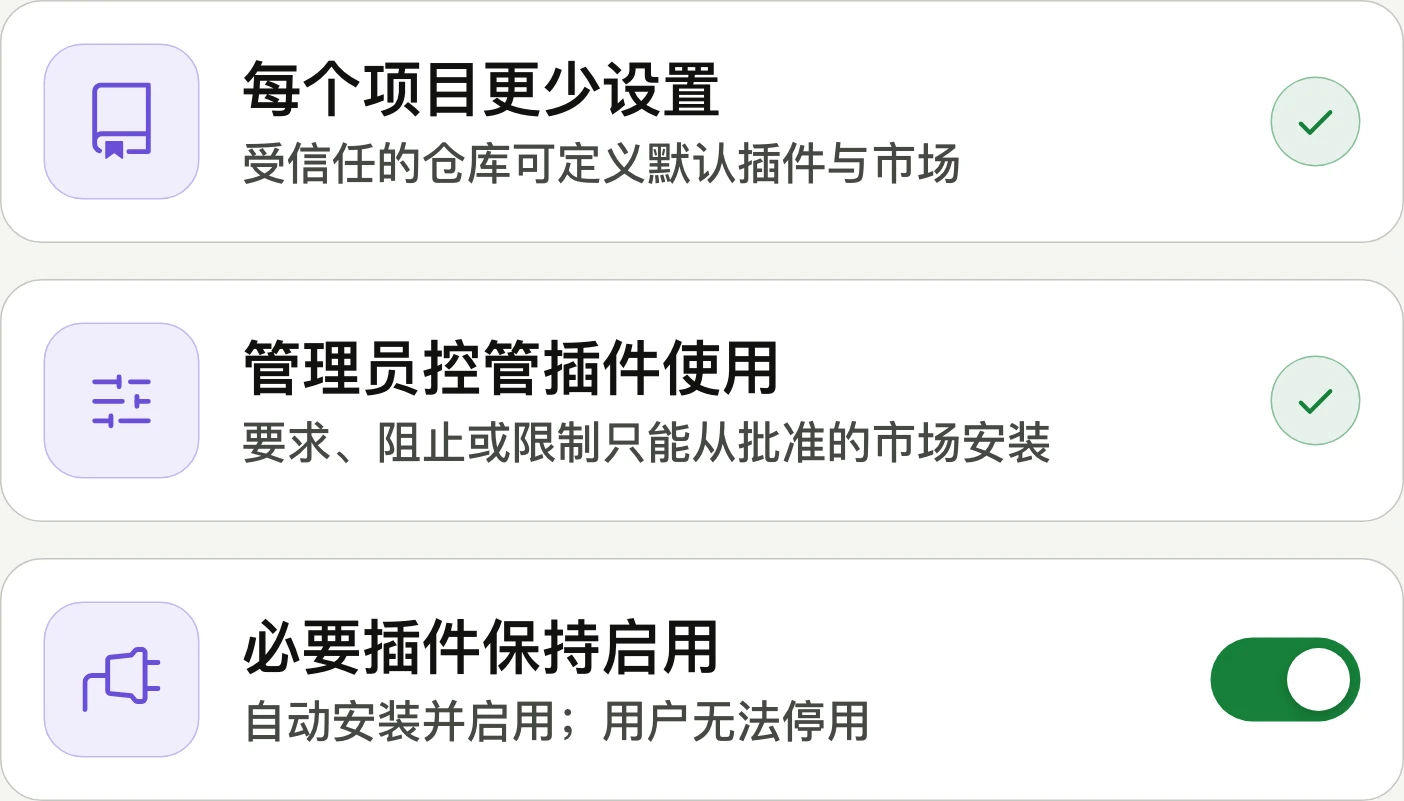
Repository plugin defaults and enterprise plugin controls generally available儲存庫外掛預設值與企業外掛控制正式推出仓库插件默认设置与企业插件控制正式发布
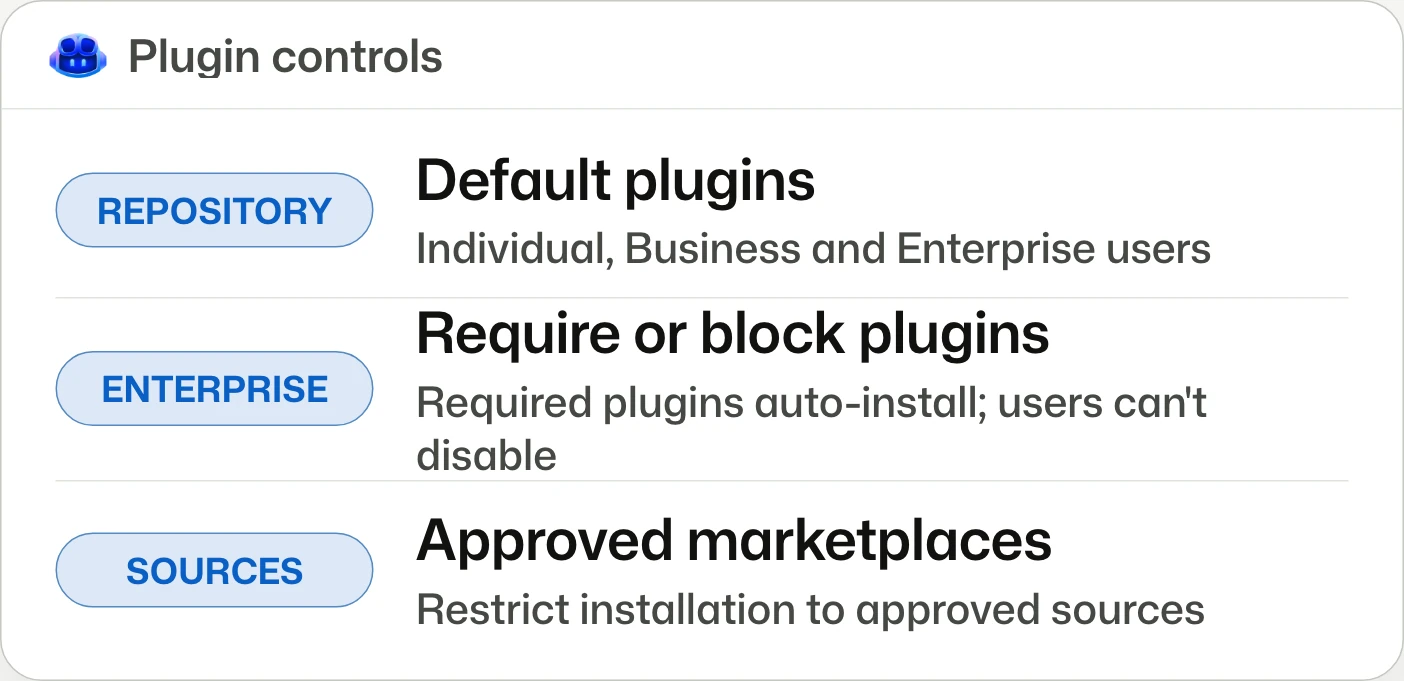
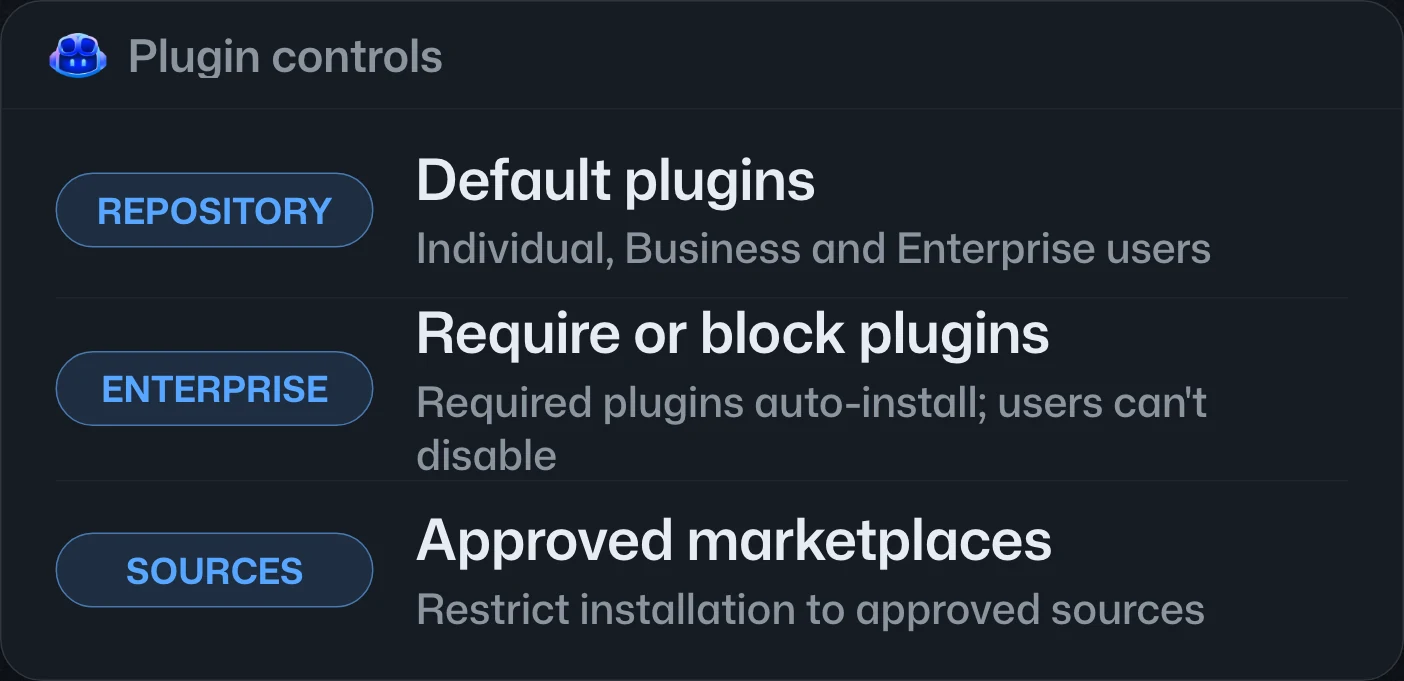
Skip repeat setup for each project.不必為每個專案重複設定。无需为每个项目重复设置。
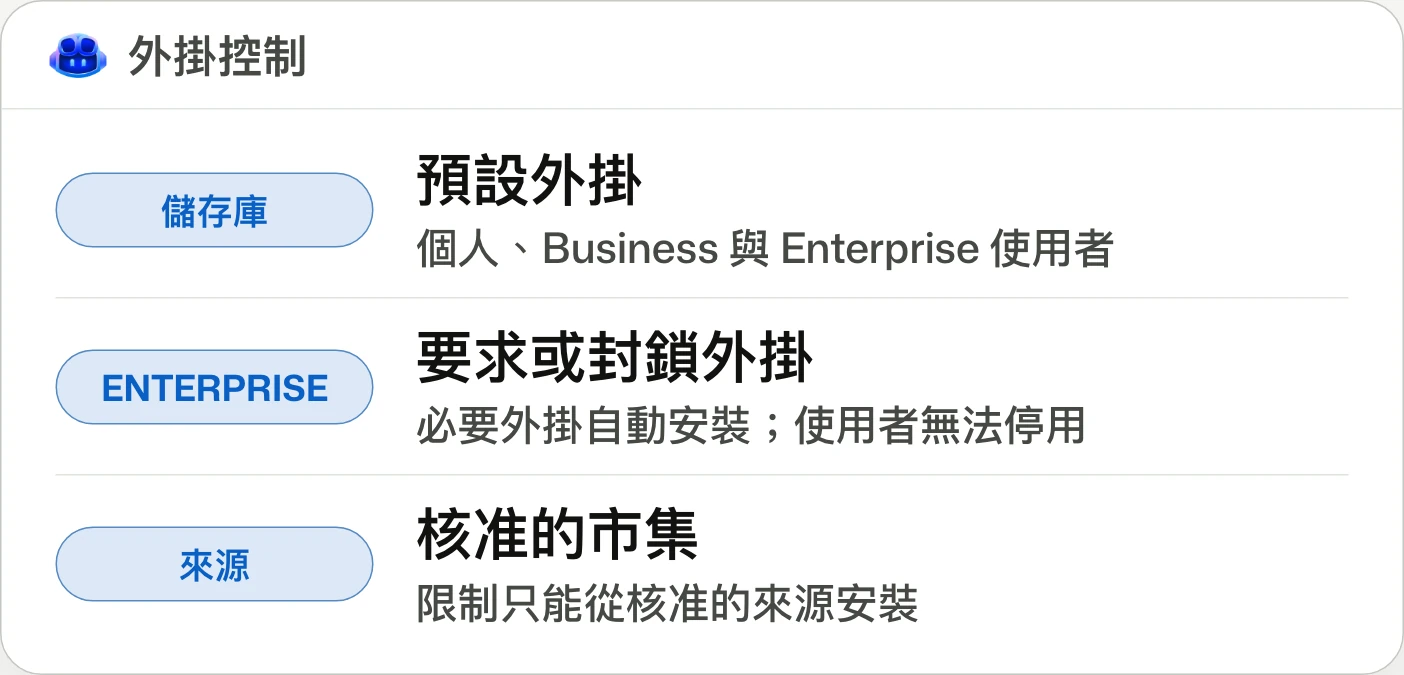
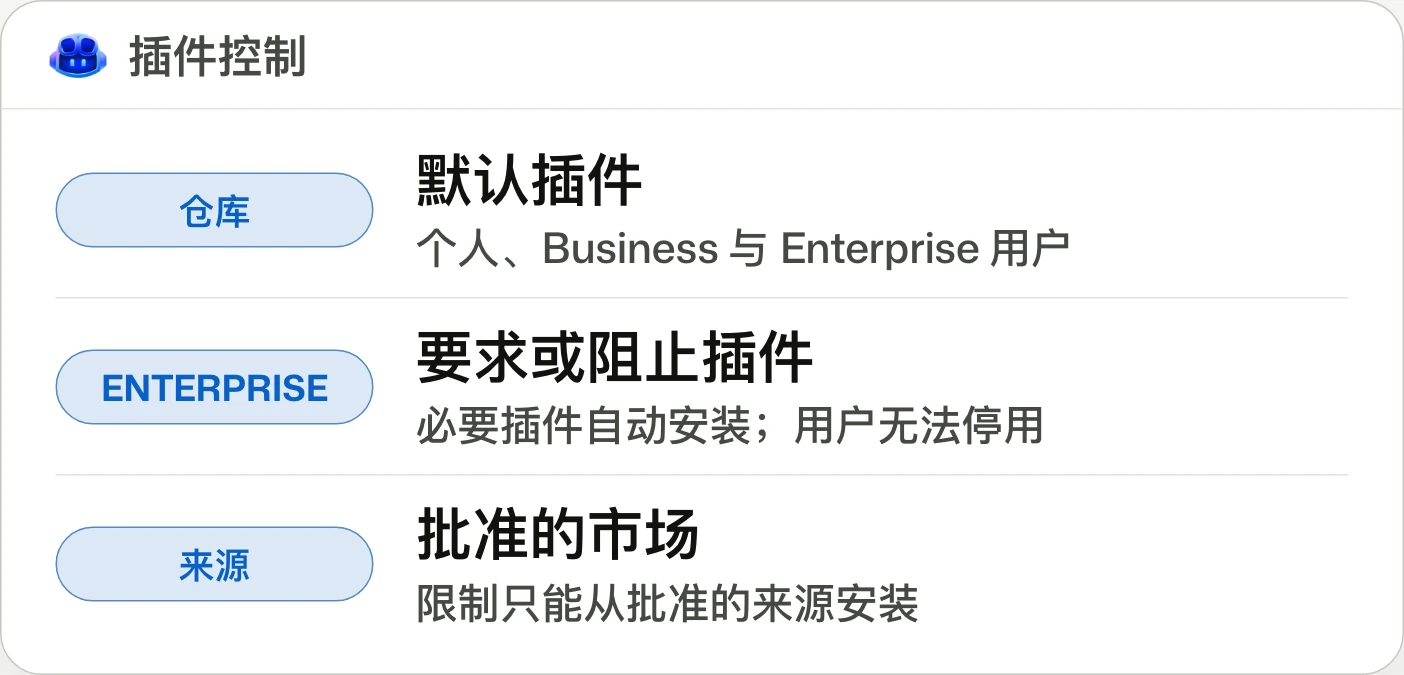
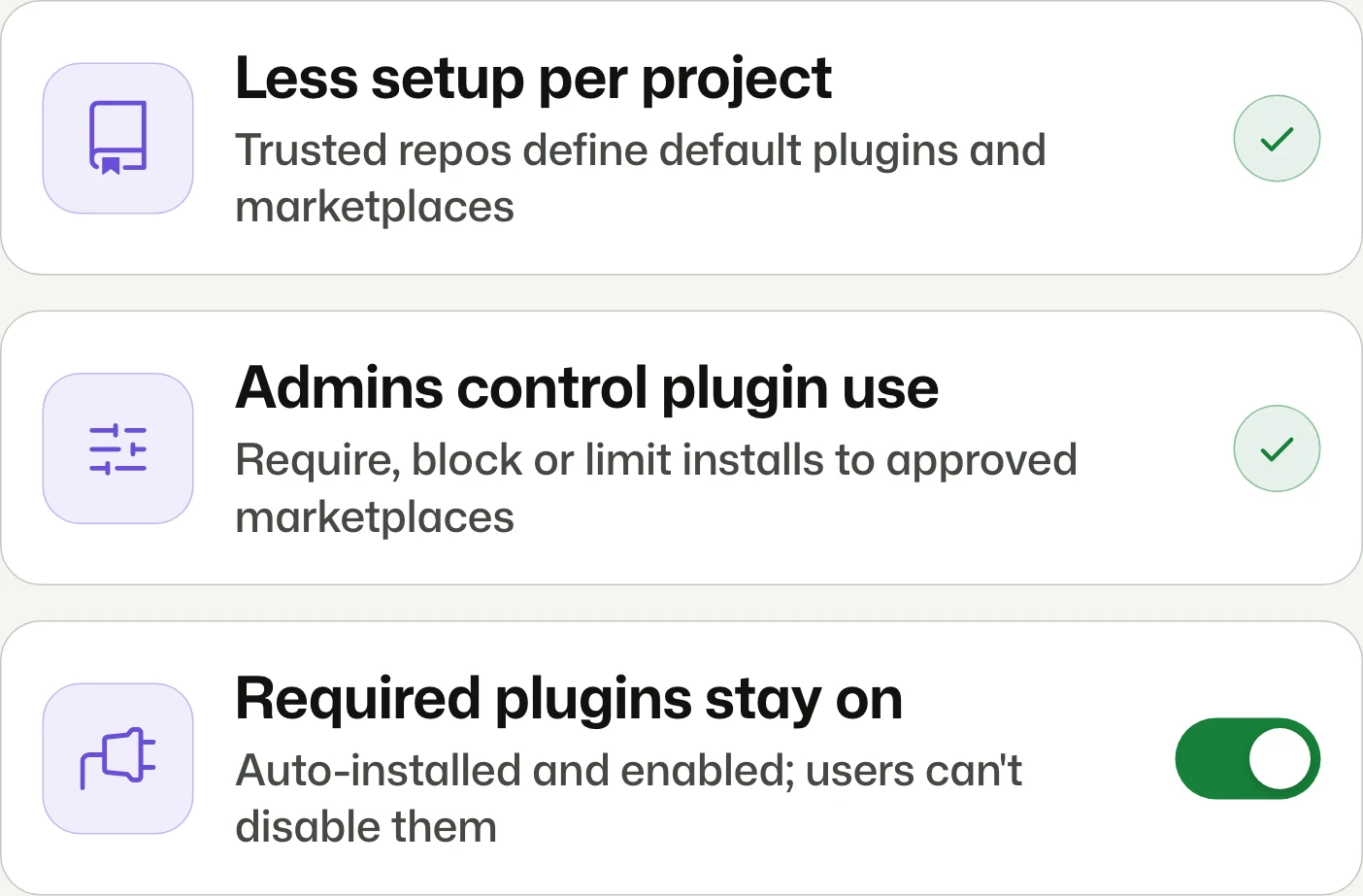
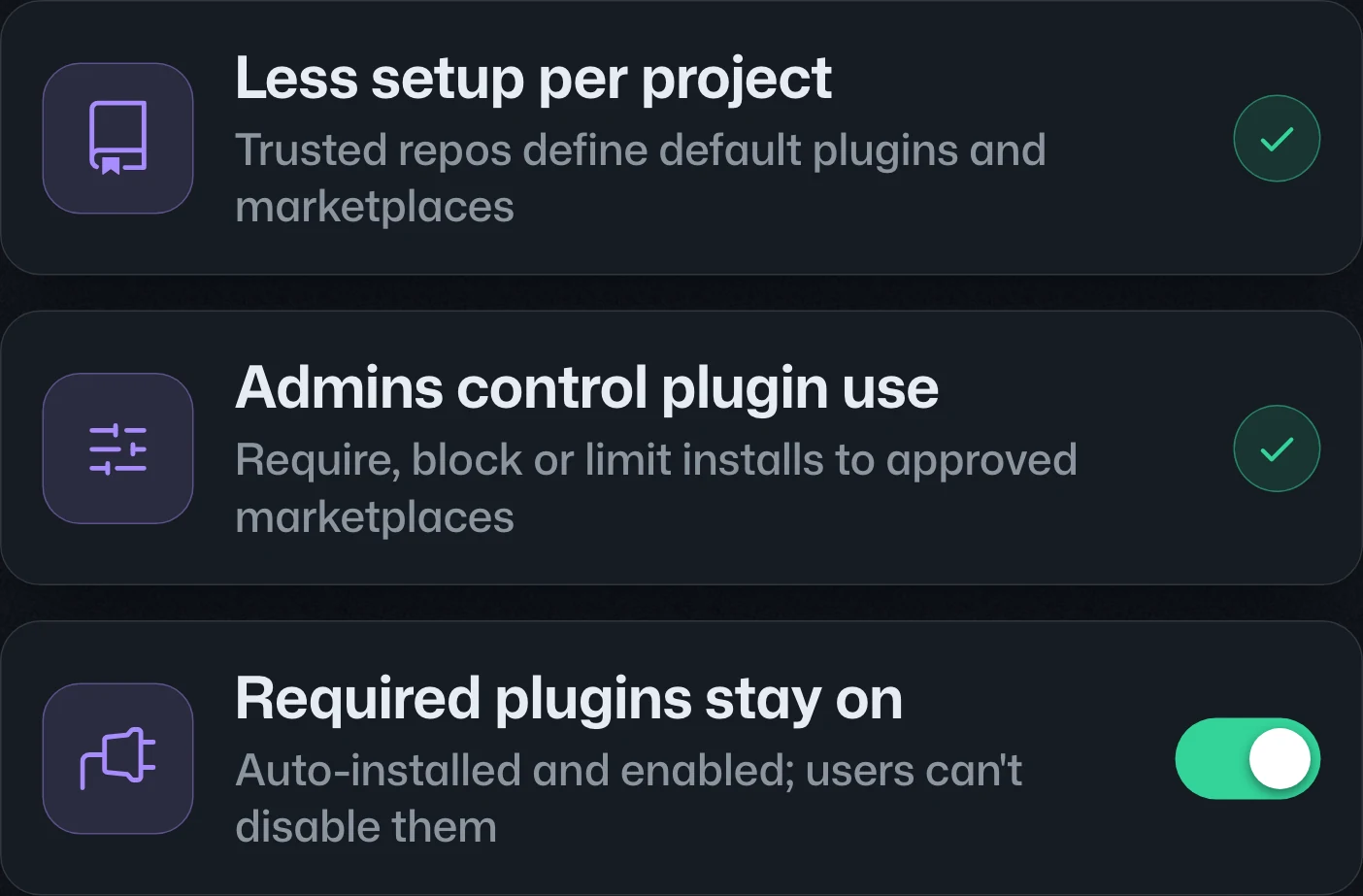
Repository plugin defaults and enterprise-managed plugin controls are generally available in VS Code, Copilot CLI, and the GitHub Copilot app. Repository defaults cover individual, Business, and Enterprise users; managed controls require GitHub Enterprise Cloud and enterprise-issued Copilot Business or Enterprise licenses.儲存庫外掛預設值與企業管理的外掛控制已在 VS Code、Copilot CLI 和 GitHub Copilot app 正式推出。儲存庫預設值適用於個人、Business 與 Enterprise 使用者;管理控制則須使用 GitHub Enterprise Cloud,且 Copilot Business 或 Enterprise 授權由企業核發。仓库插件默认设置与企业管理的插件控制已在 VS Code、Copilot CLI 和 GitHub Copilot app 正式发布。仓库默认设置适用于个人、Business 和 Enterprise 用户;管理控制则要求使用 GitHub Enterprise Cloud,且 Copilot Business 或 Enterprise 许可证由企业签发。




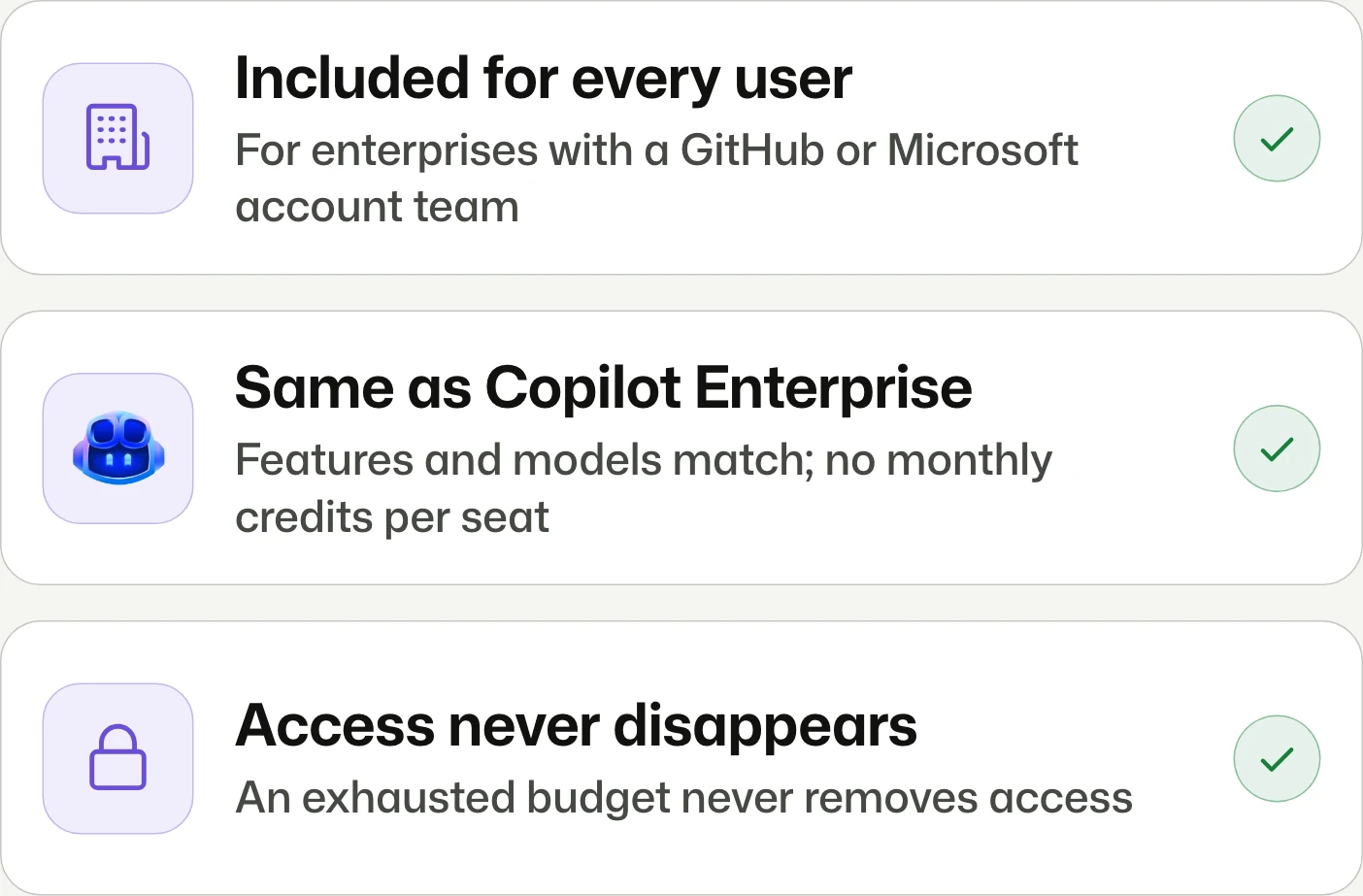
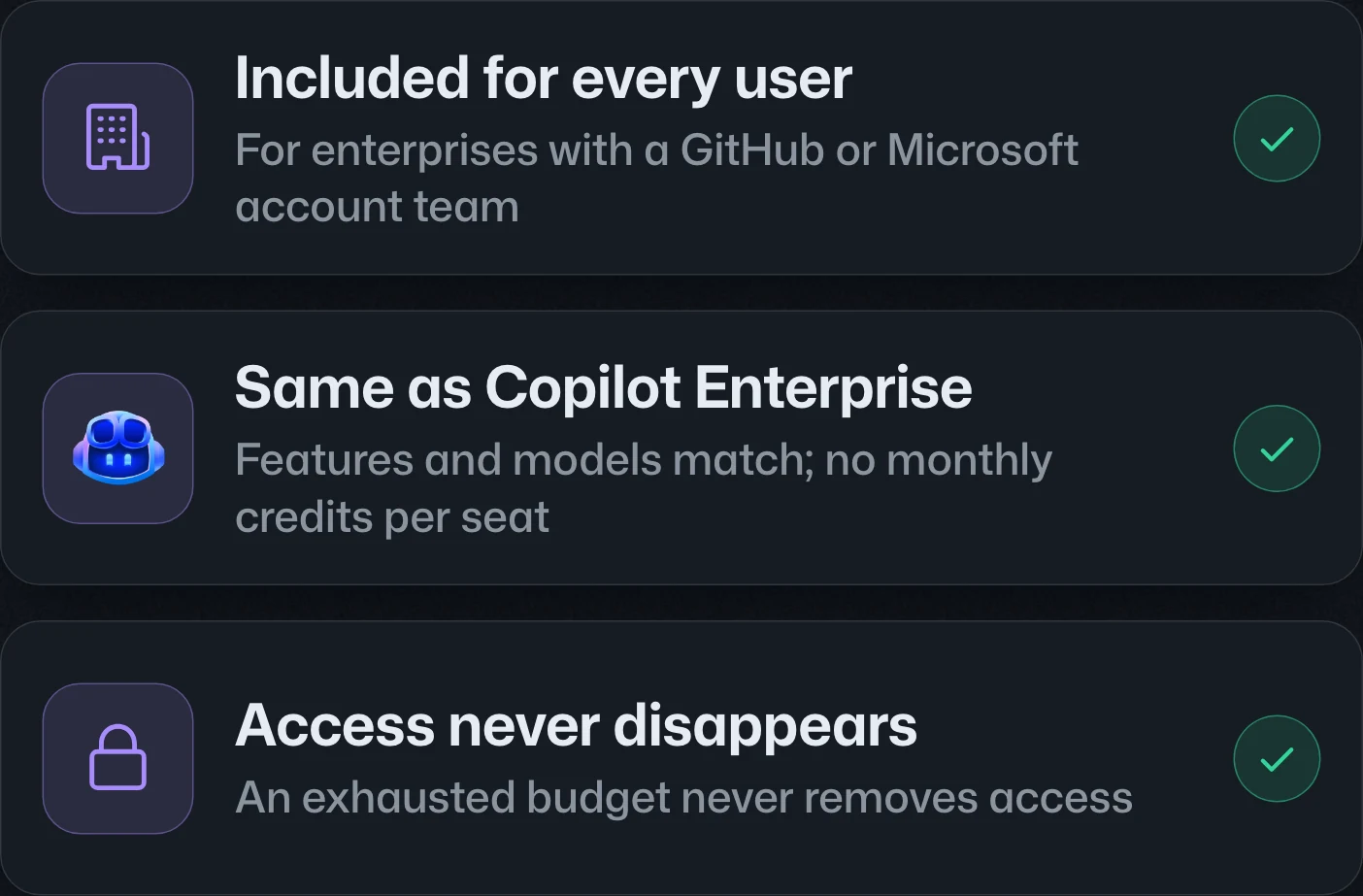
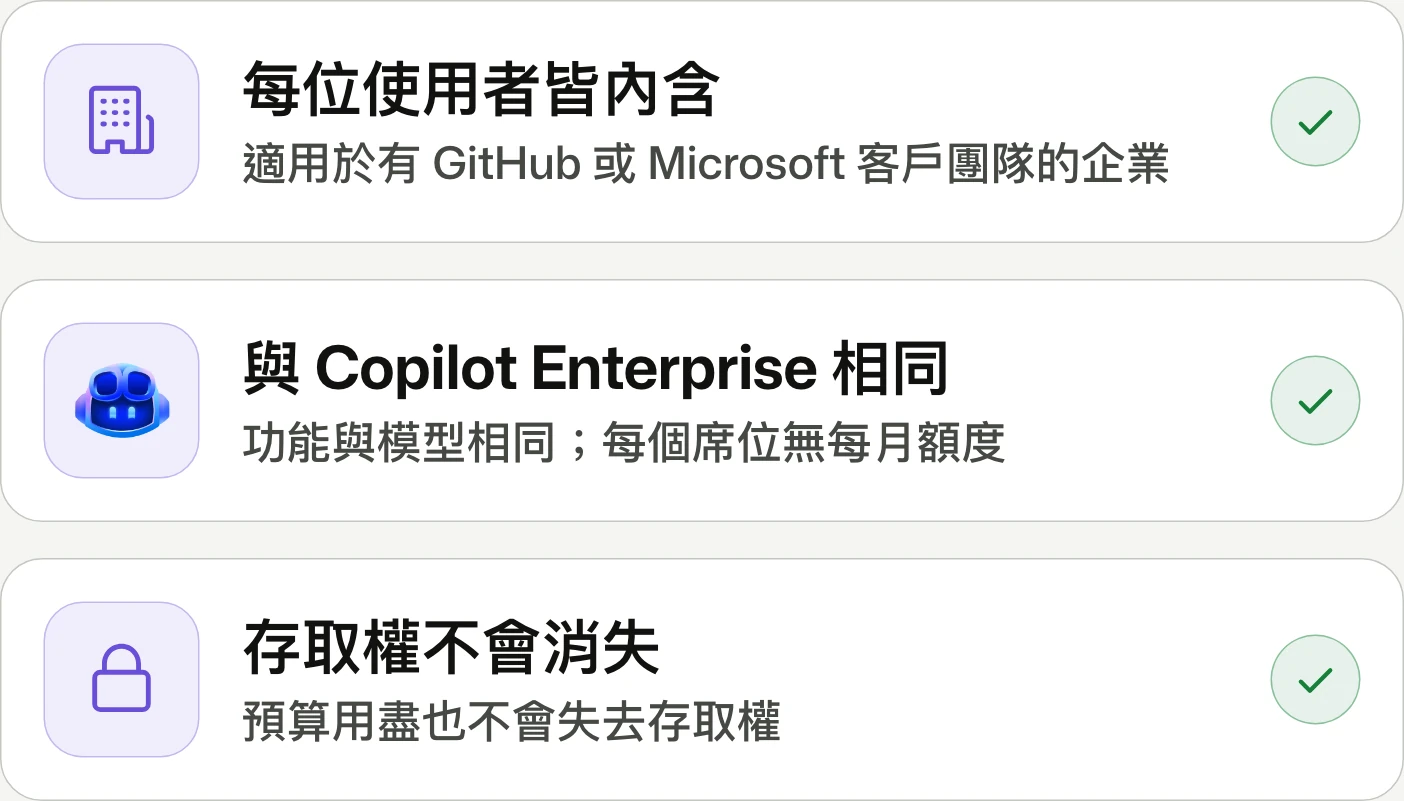
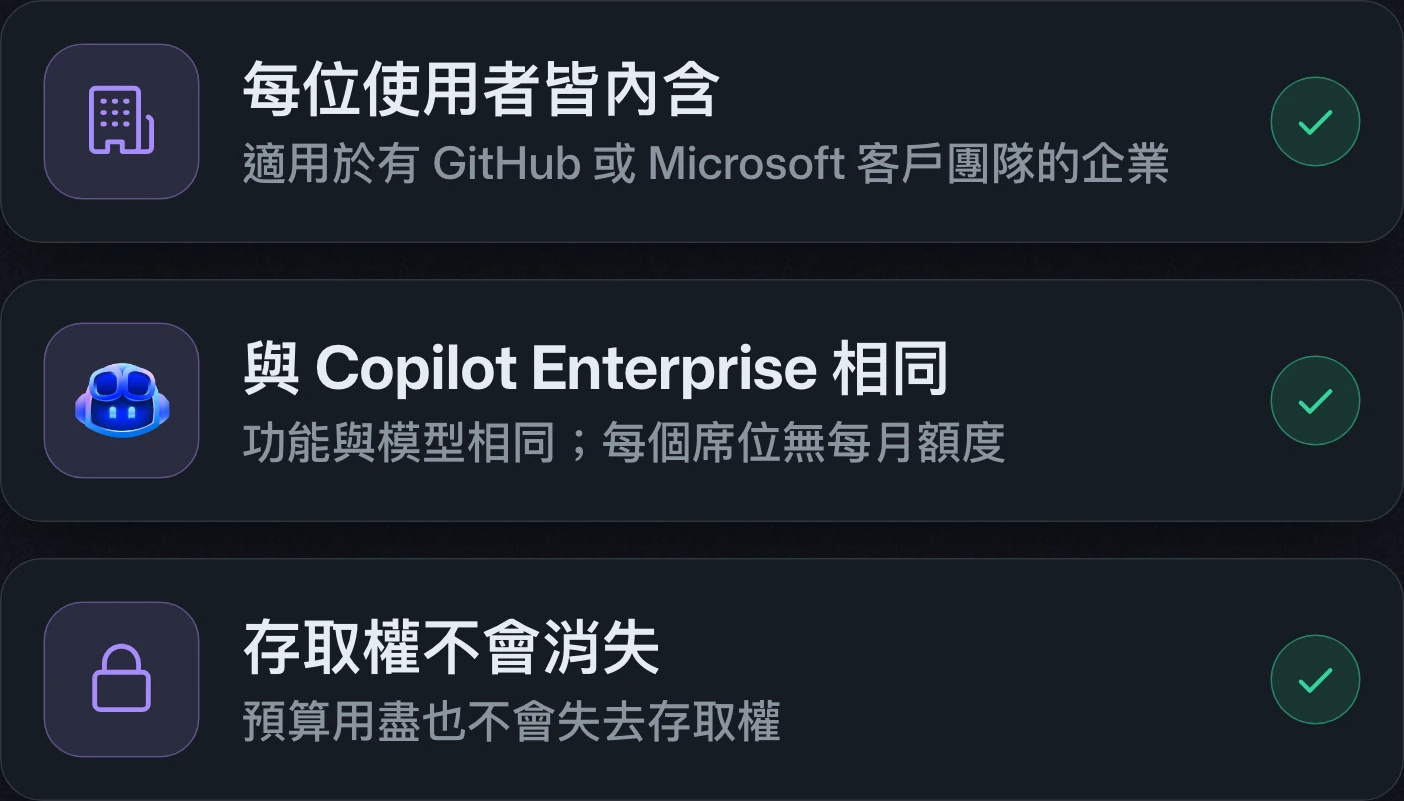
GitHub Enterprise now includes access to GitHub CopilotGitHub Enterprise 納入 GitHub Copilot 存取權GitHub Enterprise 纳入 GitHub Copilot 访问权
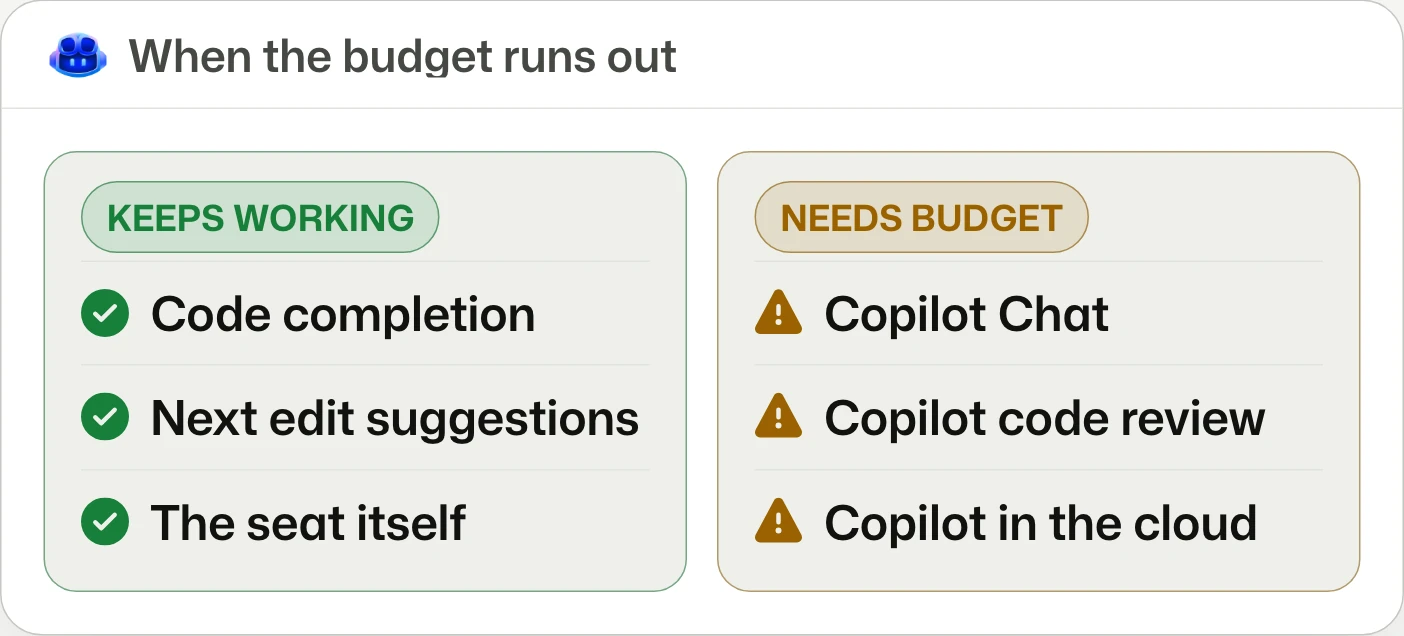
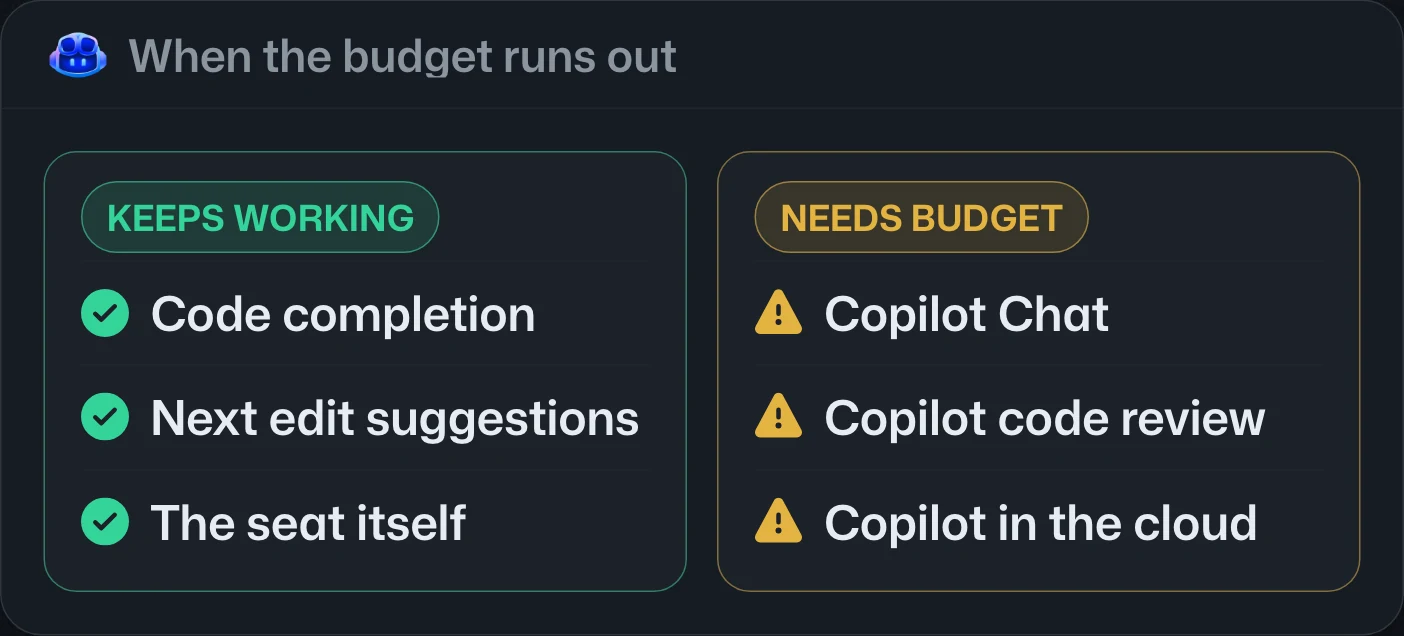
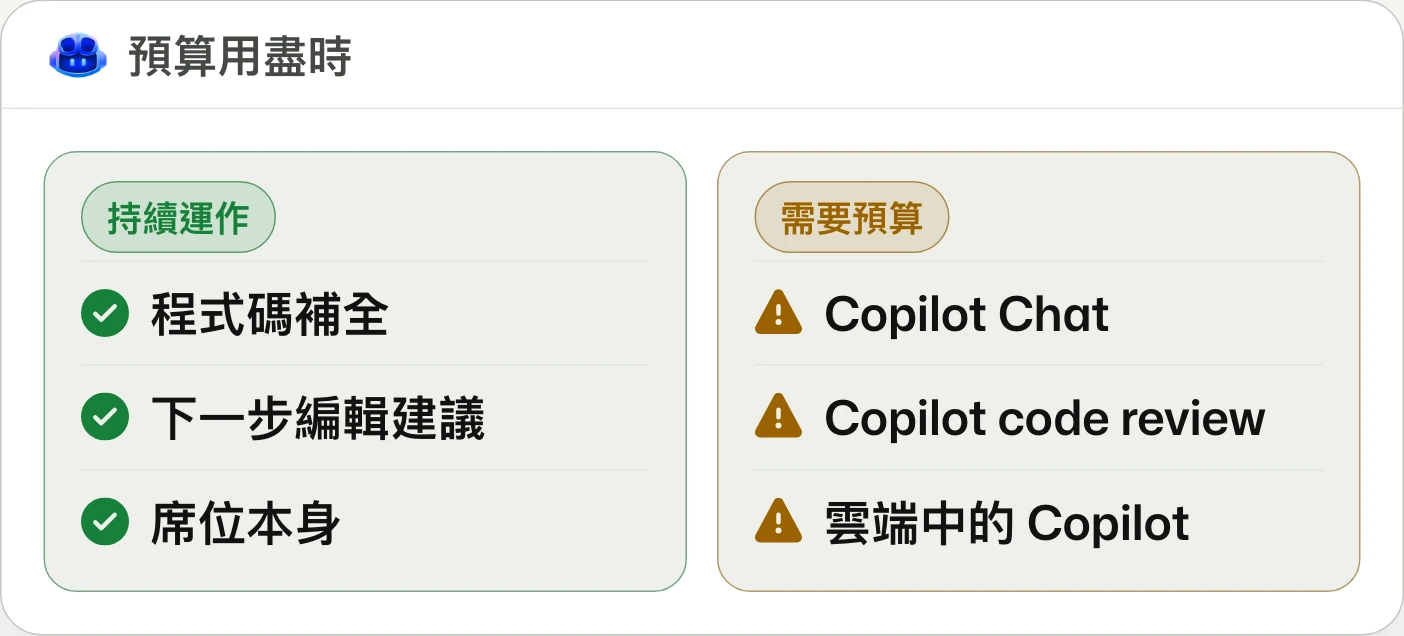
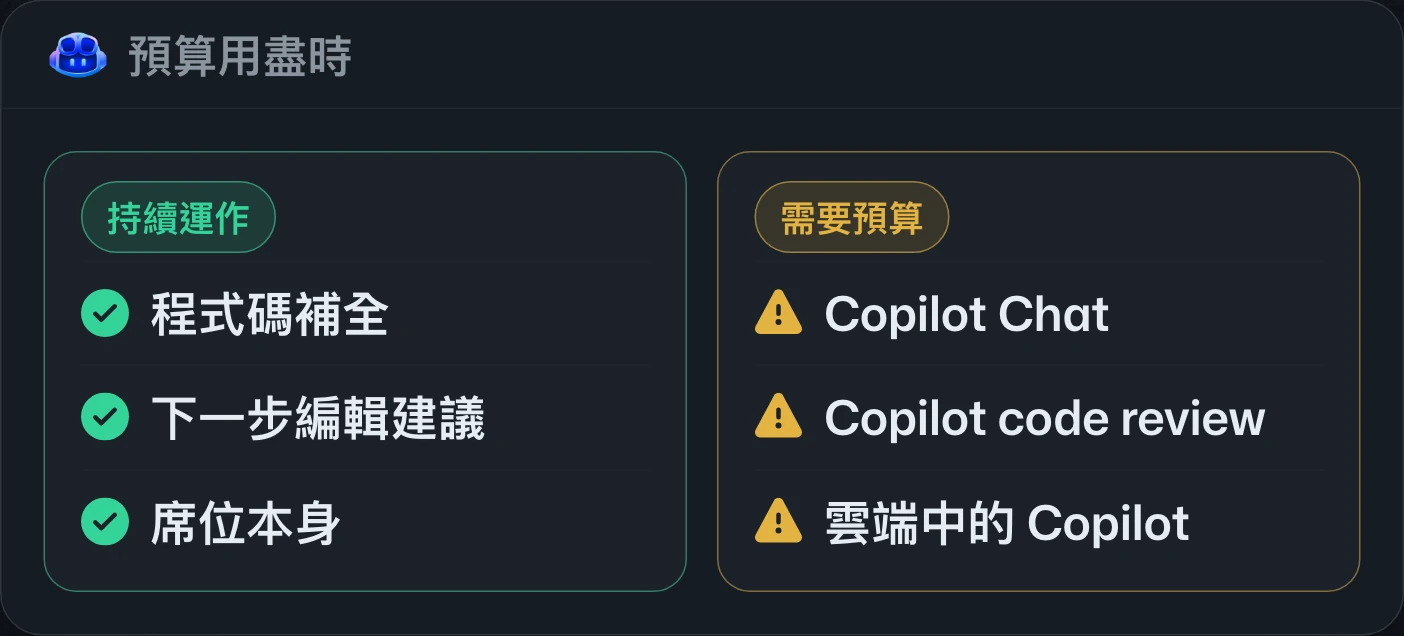
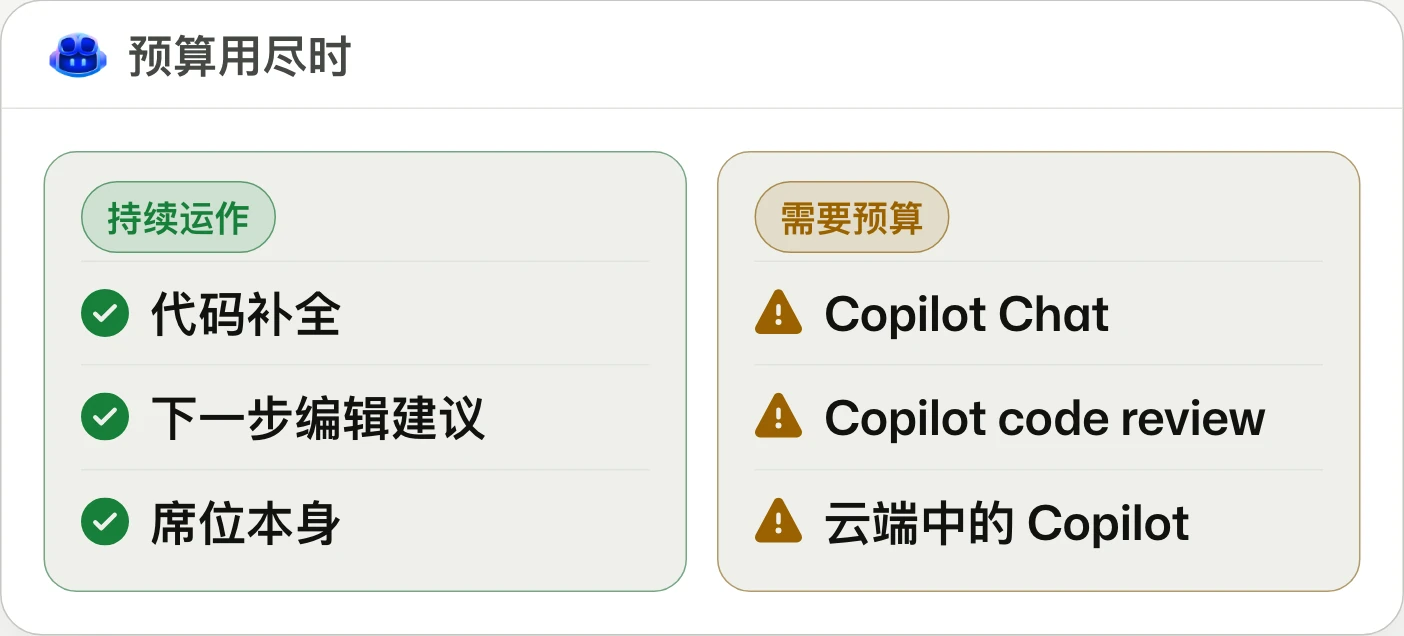
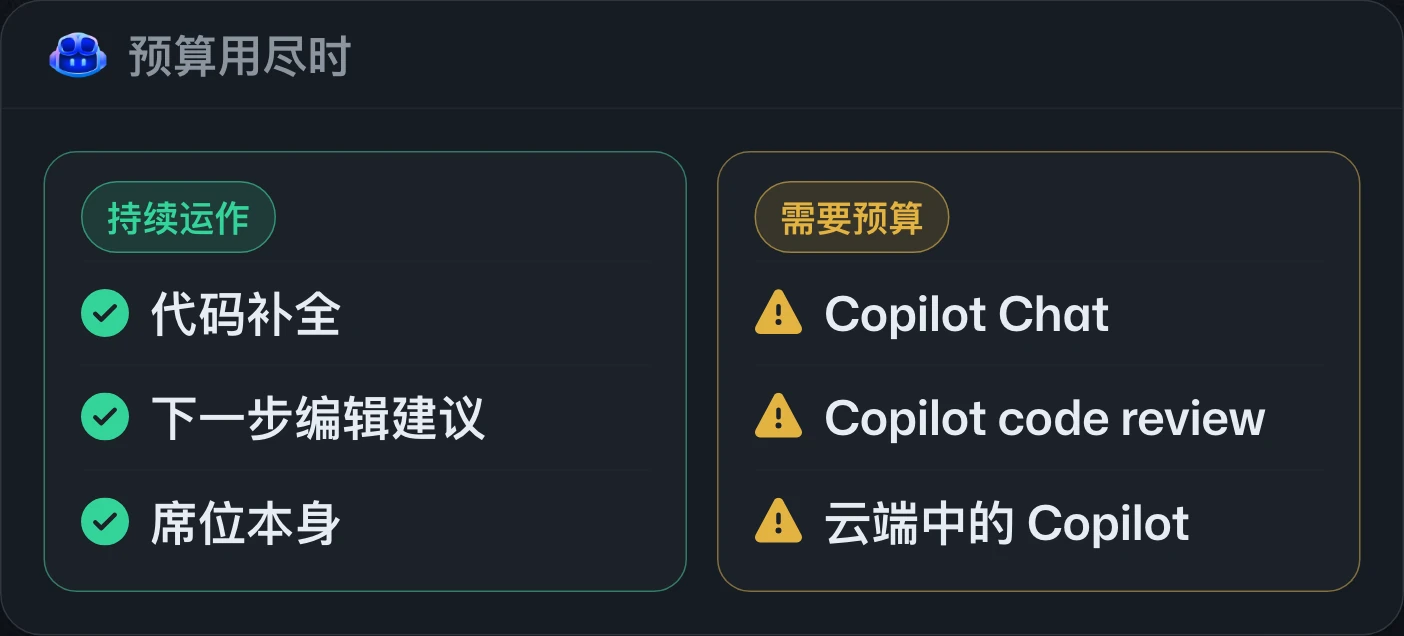
Manage usage, not Copilot seats.管理用量,而非 Copilot 席位。管理用量,而非 Copilot 席位。
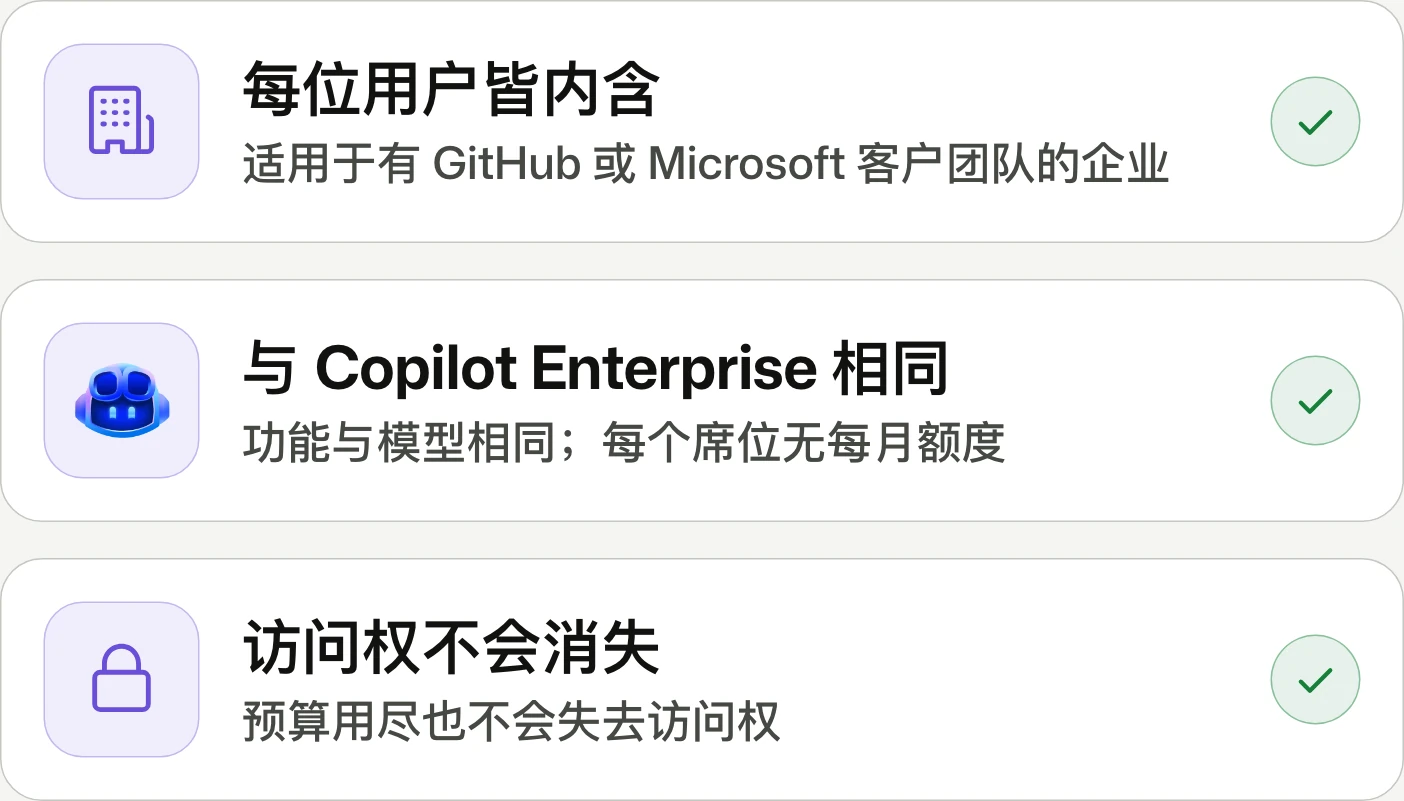
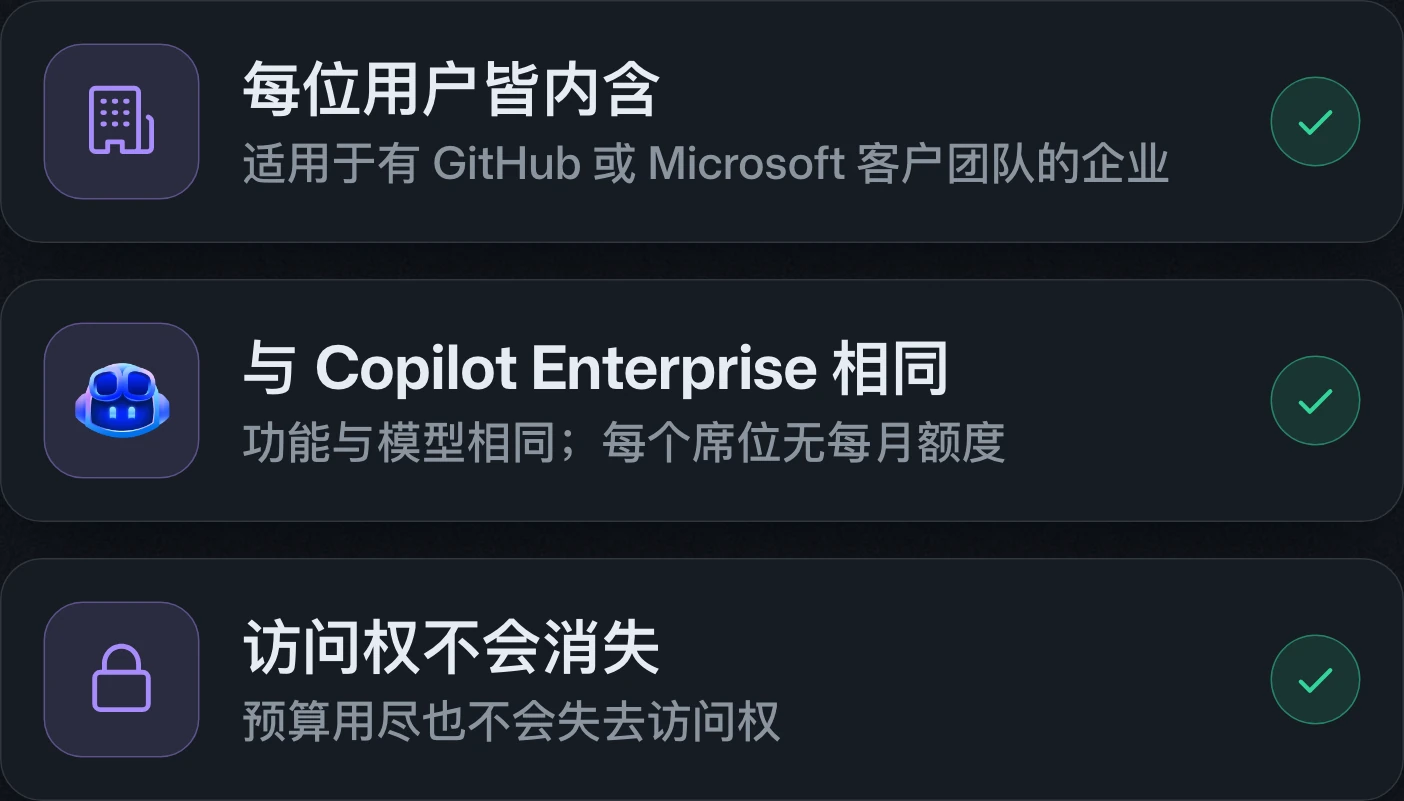
GitHub Enterprise Cloud customers working with account teams can obtain Copilot access for every licensed user, without per-seat AI credits. AI requests draw on enterprise budgets from the start; self-serve availability is pending.由客戶團隊服務的 GitHub Enterprise Cloud 客戶,可為每位已授權使用者取得 Copilot 存取權,但不含每席 AI 額度。AI 要求從首次使用起計入企業預算;自助訂閱尚未開放。由客户团队服务的 GitHub Enterprise Cloud 客户,可为每位已获许可的用户取得 Copilot 访问权,但不含每席 AI 额度。AI 请求从首次使用起计入企业预算;自助订阅尚未开放。
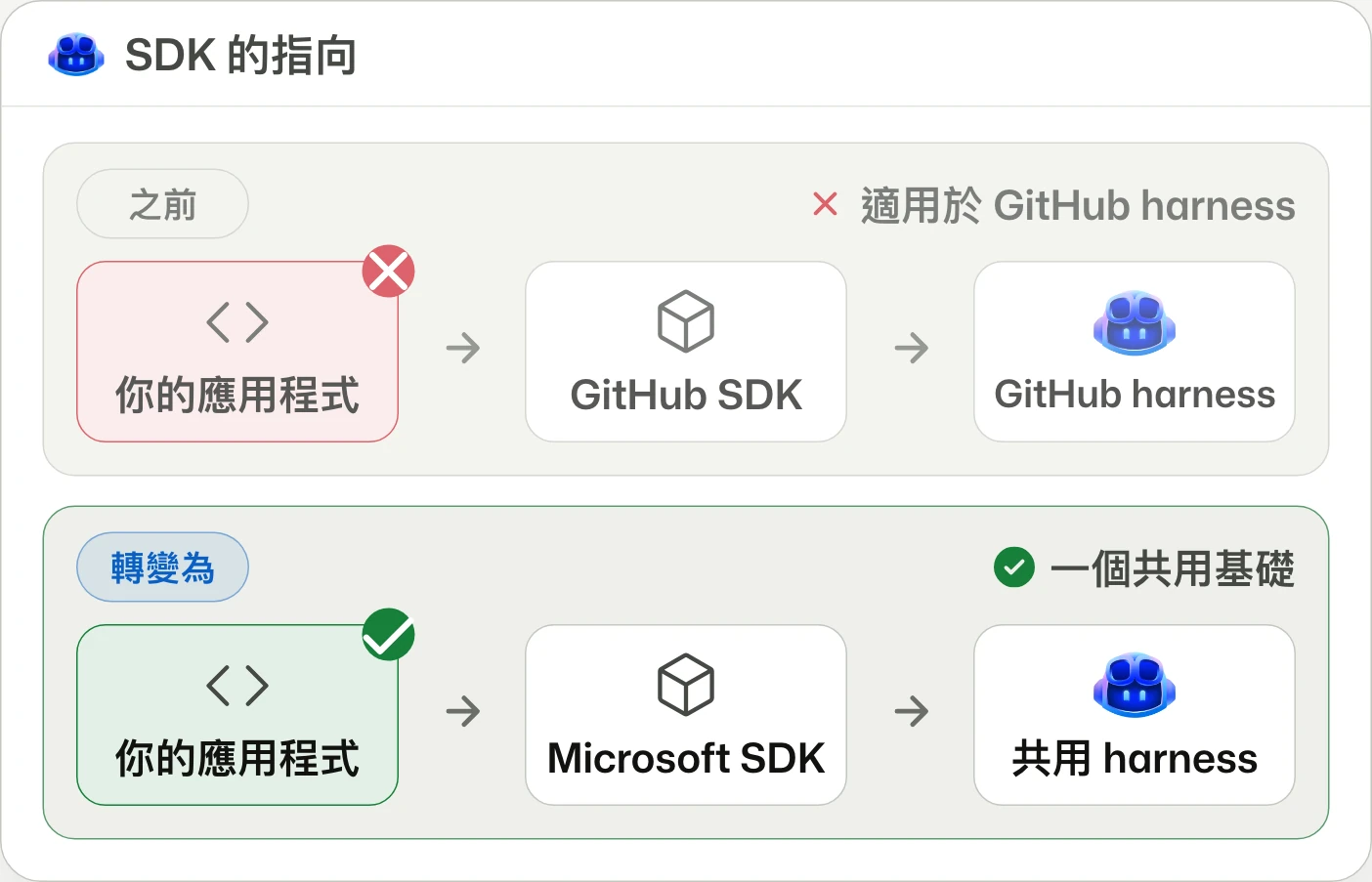
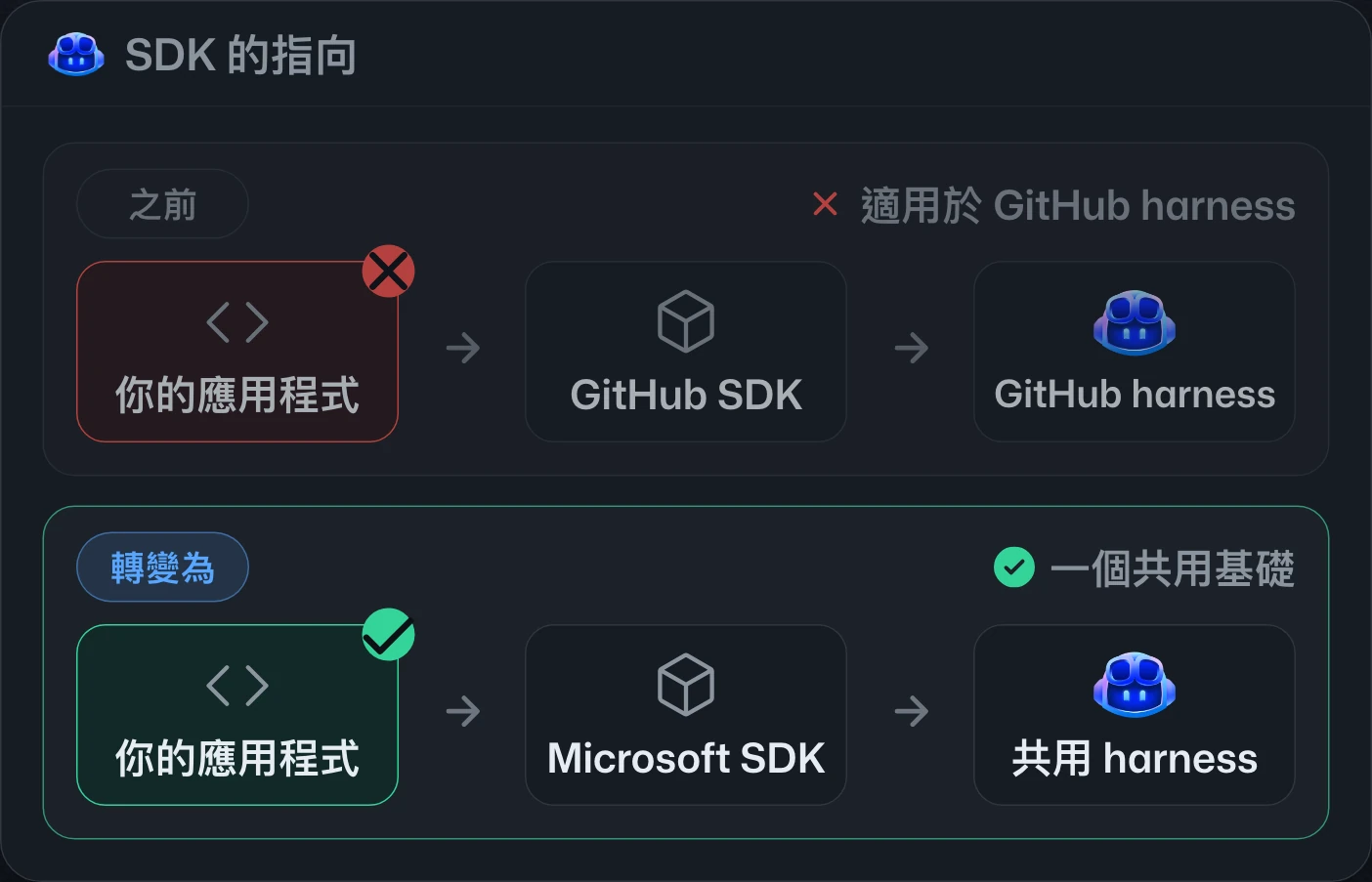
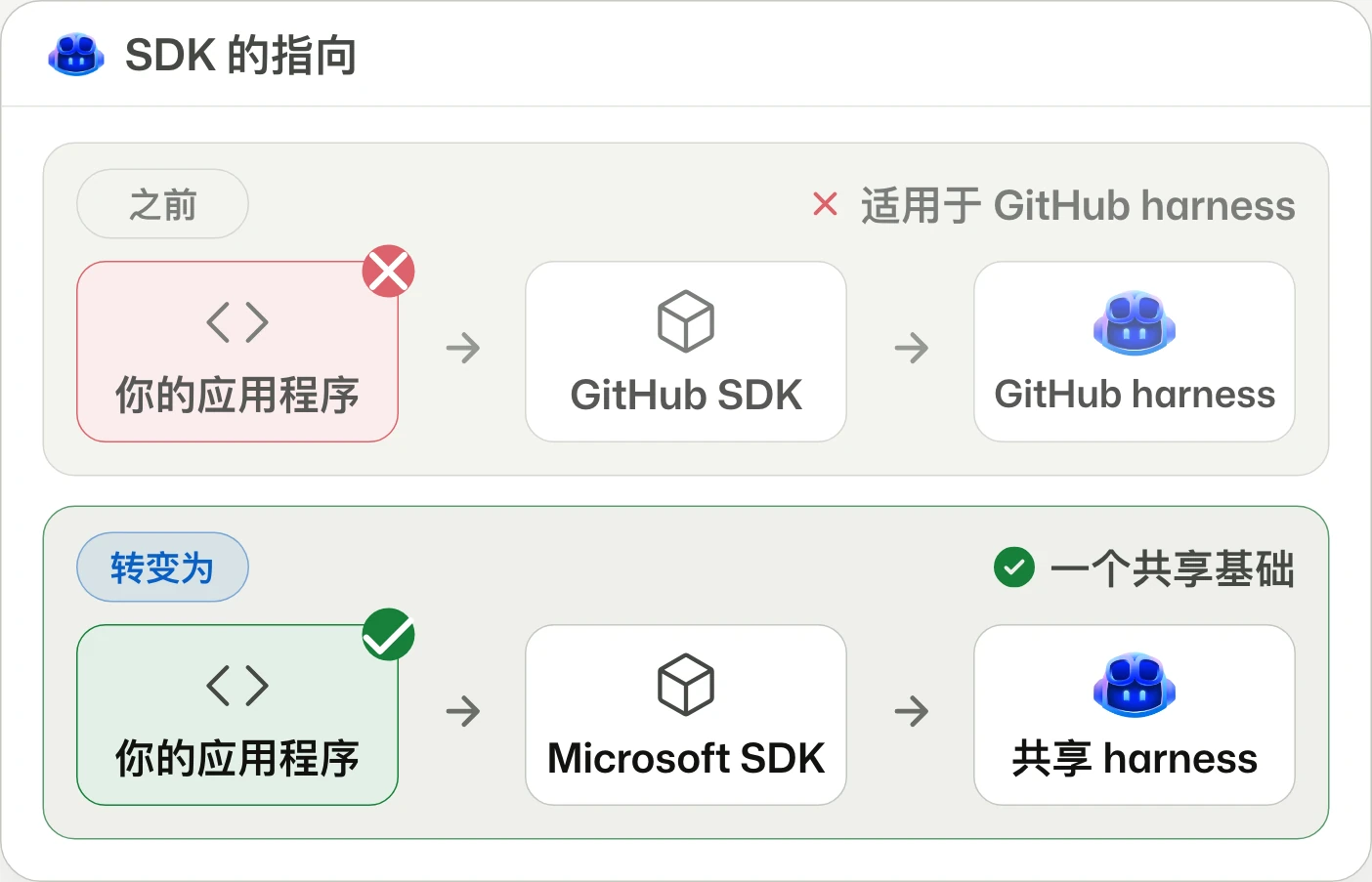
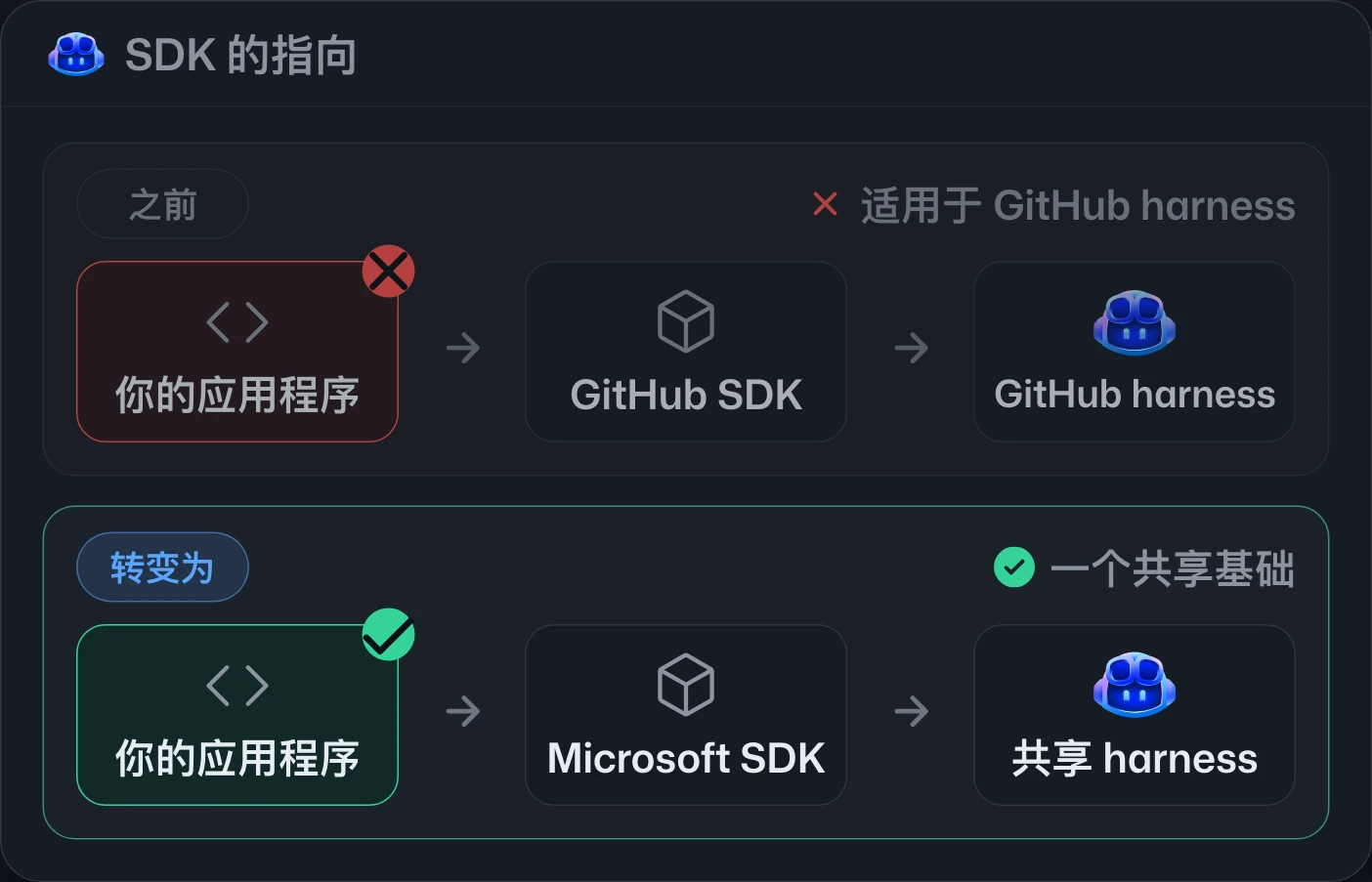
GitHub Copilot SDK is becoming Microsoft Copilot SDKGitHub Copilot SDK 更名為 Microsoft Copilot SDKGitHub Copilot SDK 更名为 Microsoft Copilot SDK
Build custom agents on Copilot's harness.在 Copilot harness 上打造自訂代理。在 Copilot harness 上构建自定义代理。
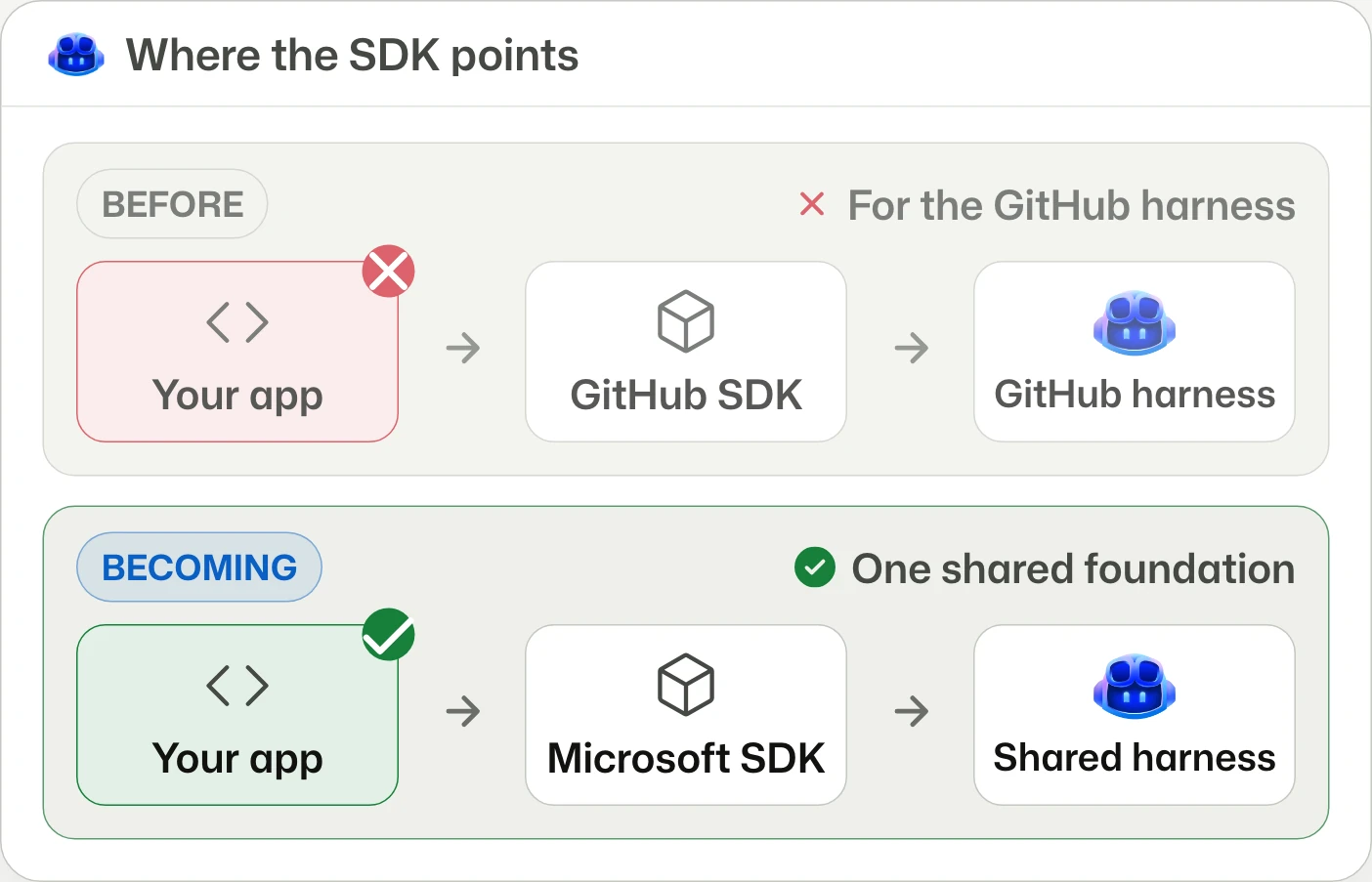
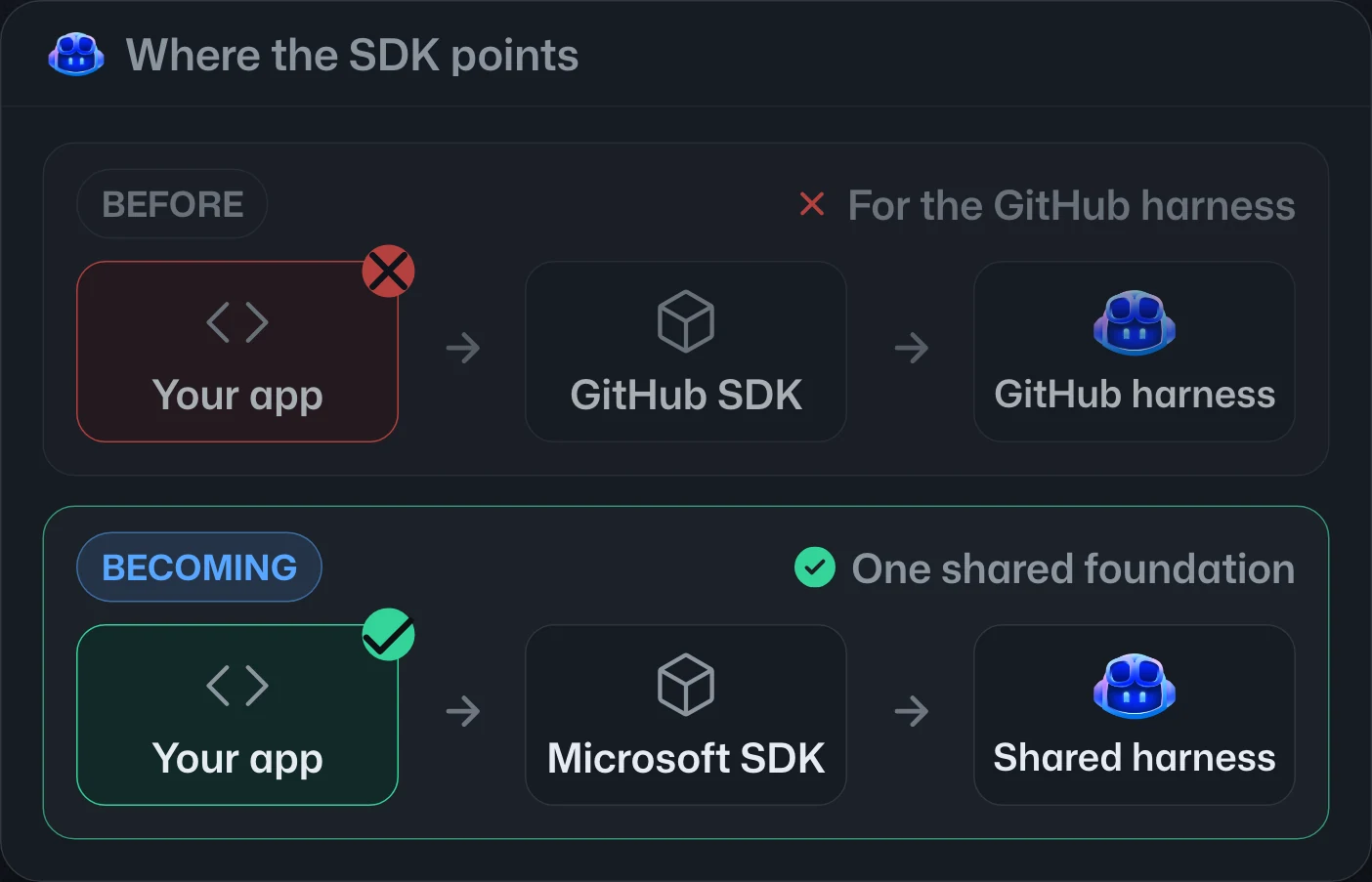
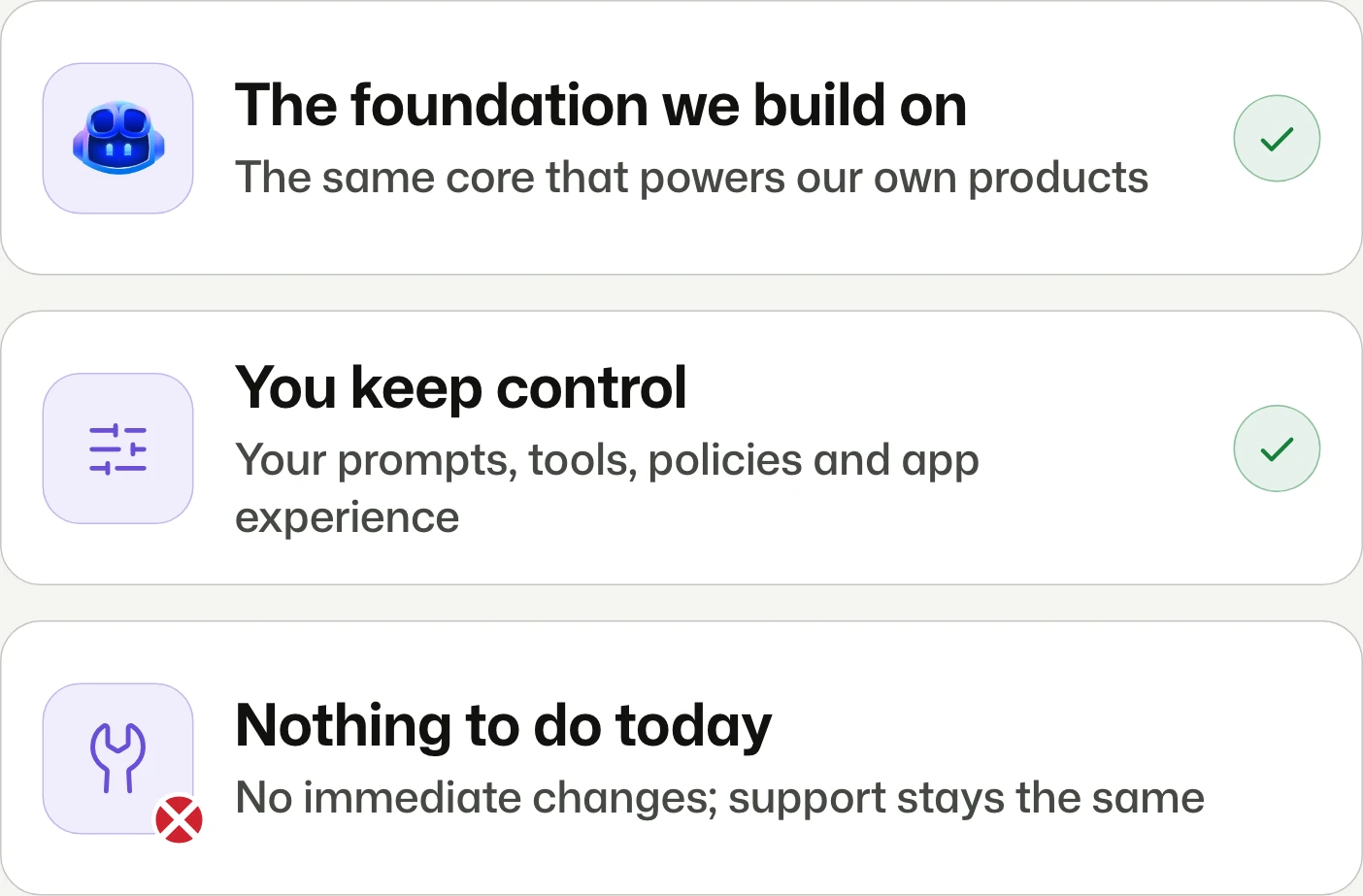
GitHub Copilot SDK is transitioning to Microsoft Copilot SDK as the interface to the shared Microsoft Copilot harness. Branding, documentation, and repository changes are phased; existing integrations need no immediate updates and support is unchanged.GitHub Copilot SDK 正轉型為 Microsoft Copilot SDK,作為共用 Microsoft Copilot harness 的程式介面。品牌、文件與儲存庫調整將分階段進行;現有整合無須立即更新,支援方式不變。GitHub Copilot SDK 正转型为 Microsoft Copilot SDK,作为共享 Microsoft Copilot harness 的编程接口。品牌、文档和仓库调整将分阶段进行;现有集成无需立即更新,支持方式不变。


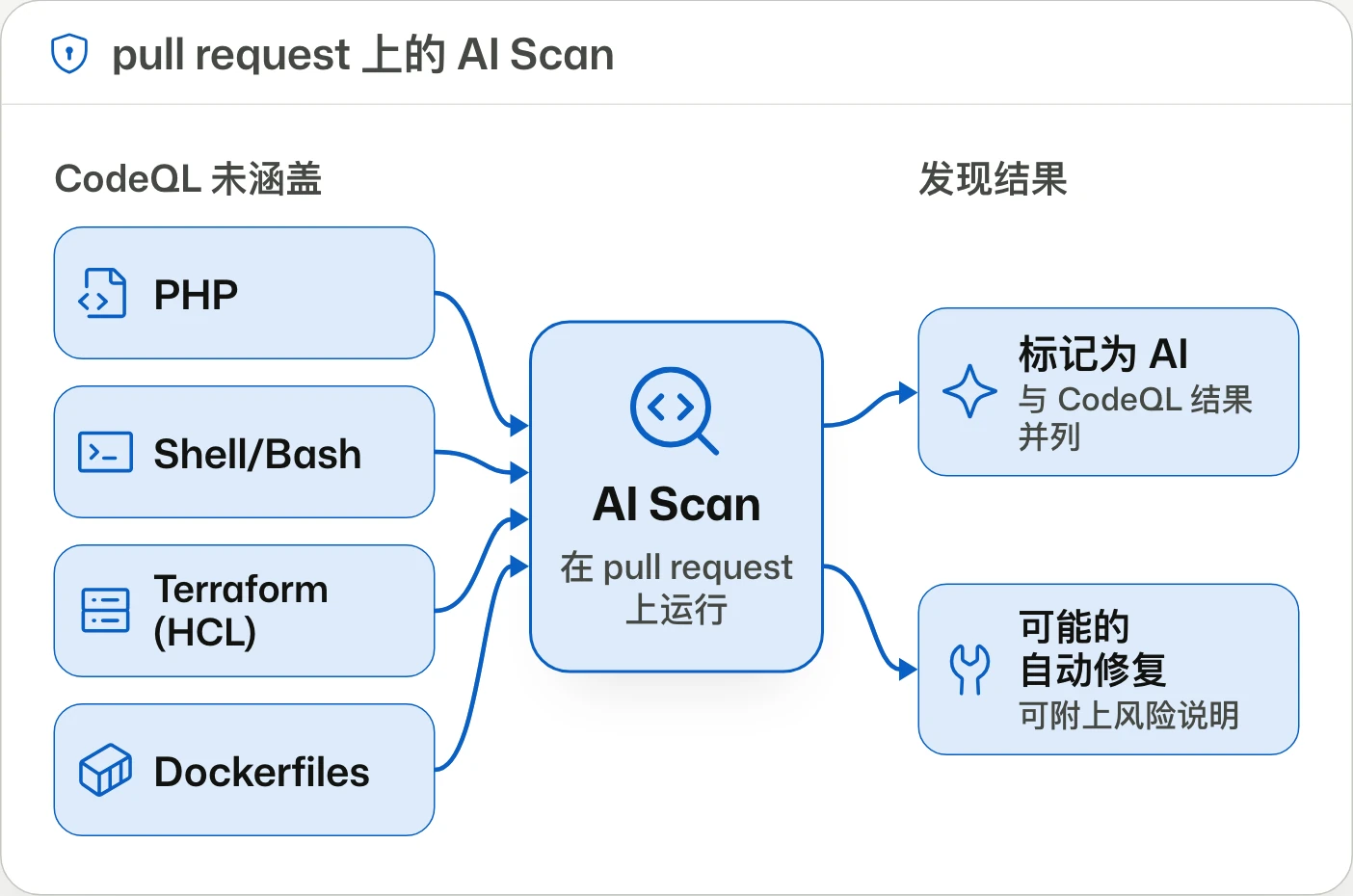
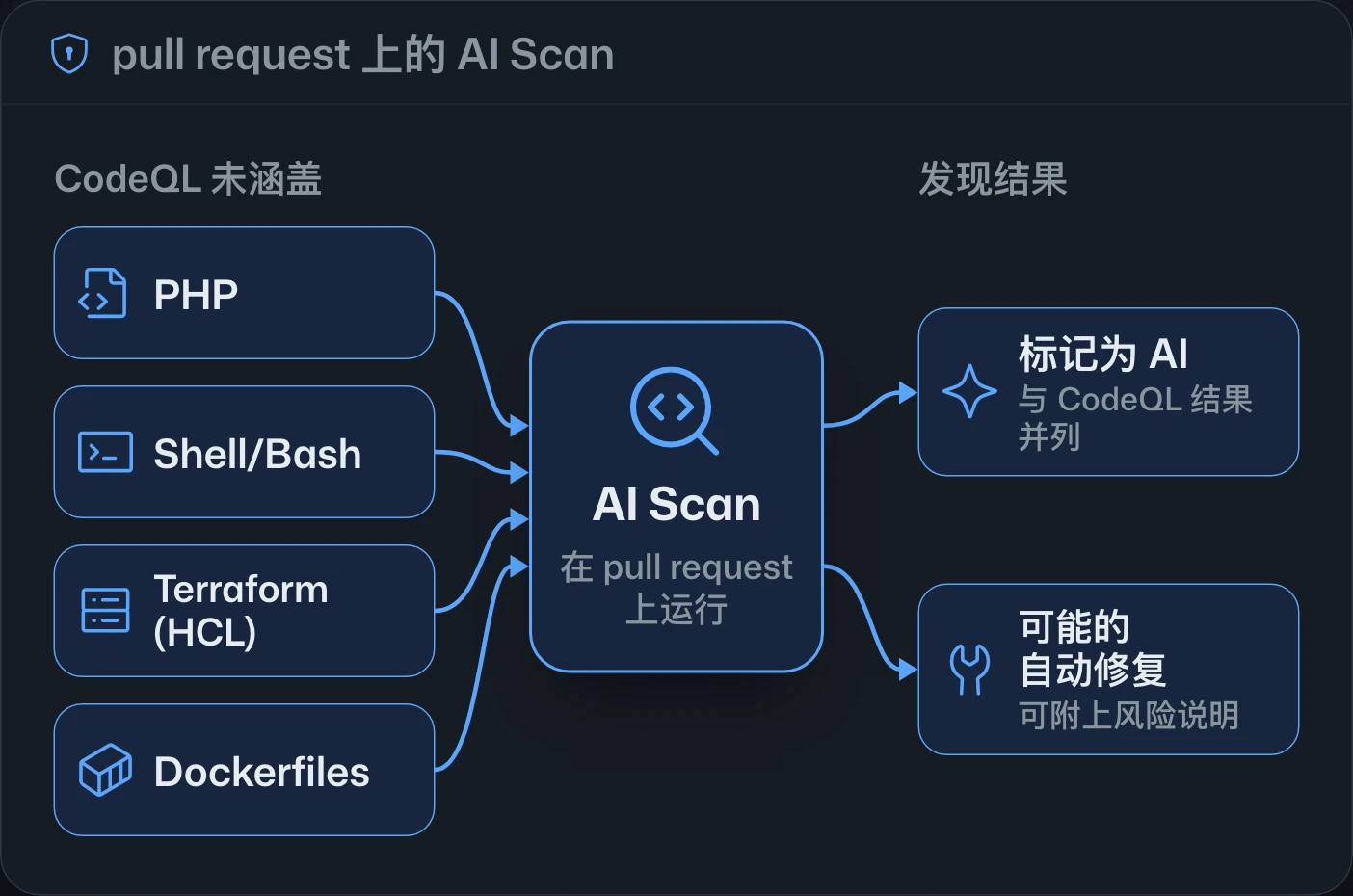
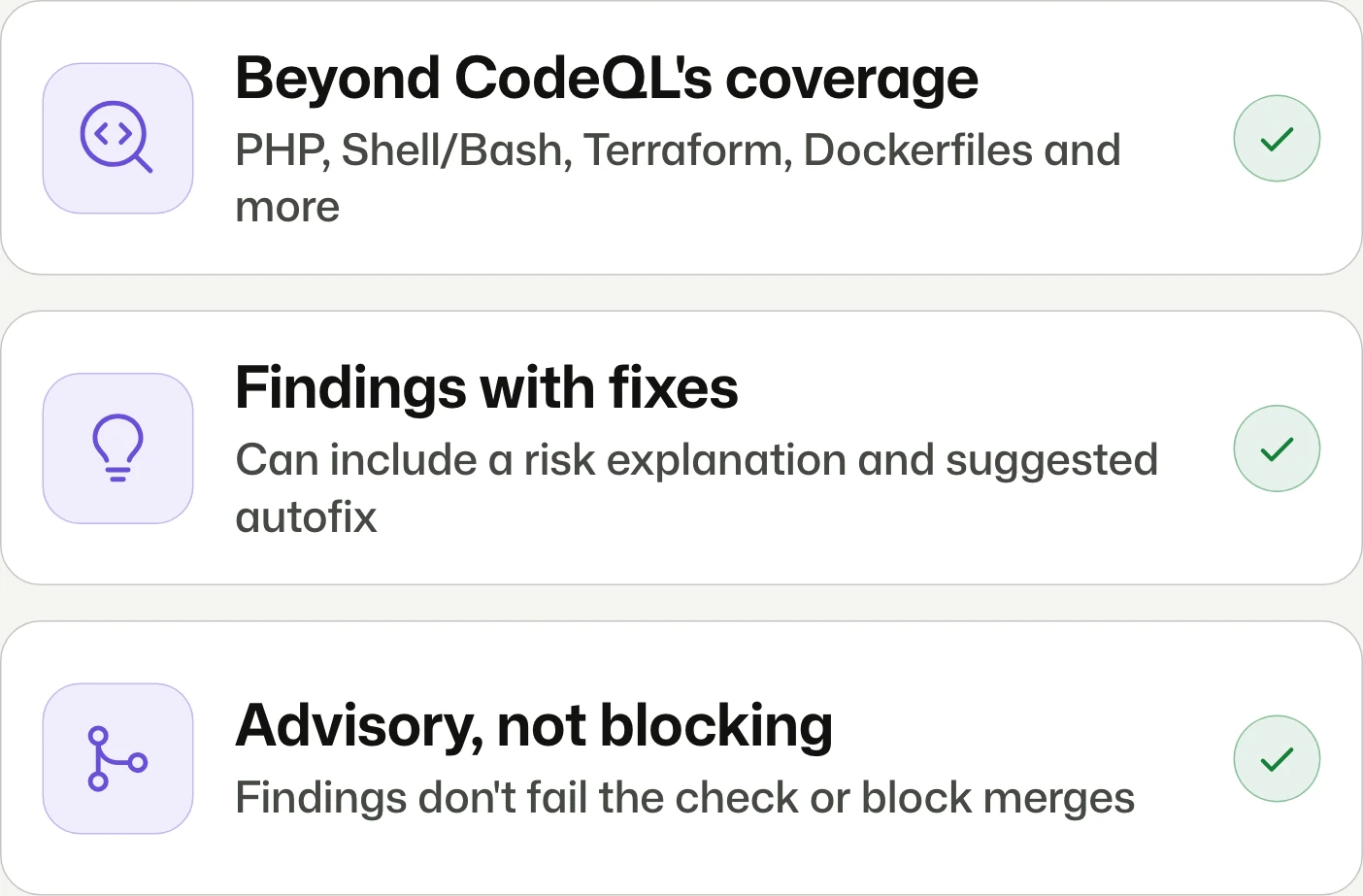
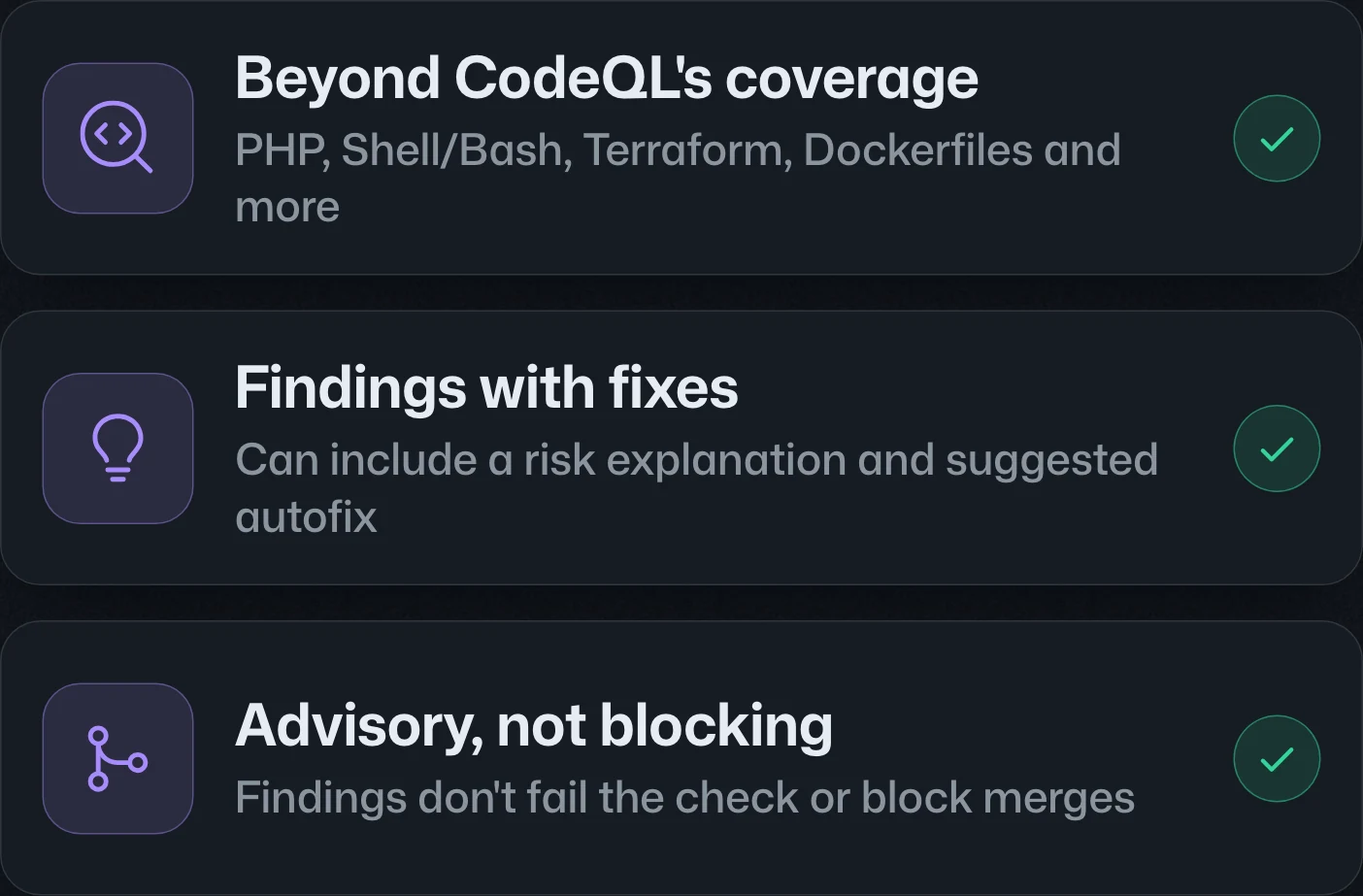
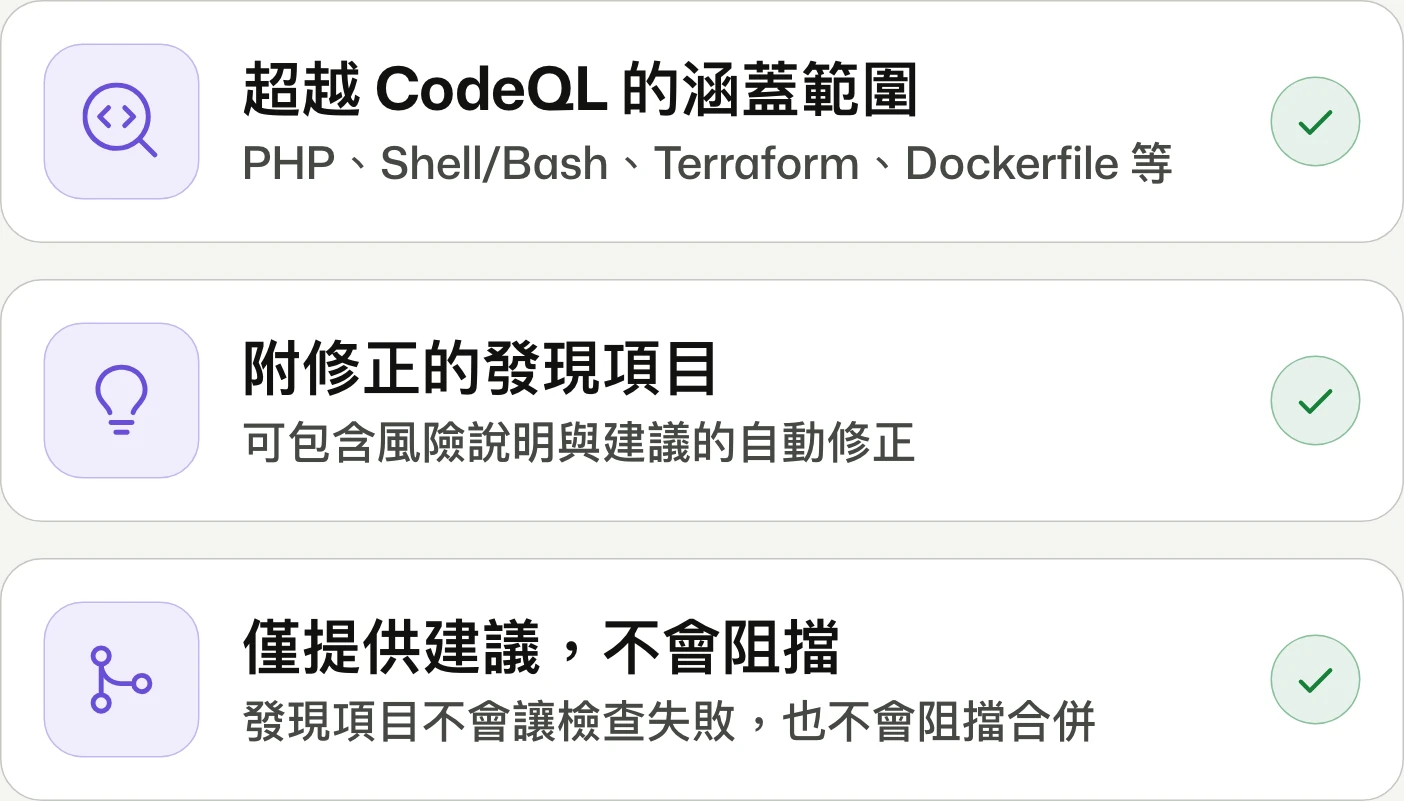
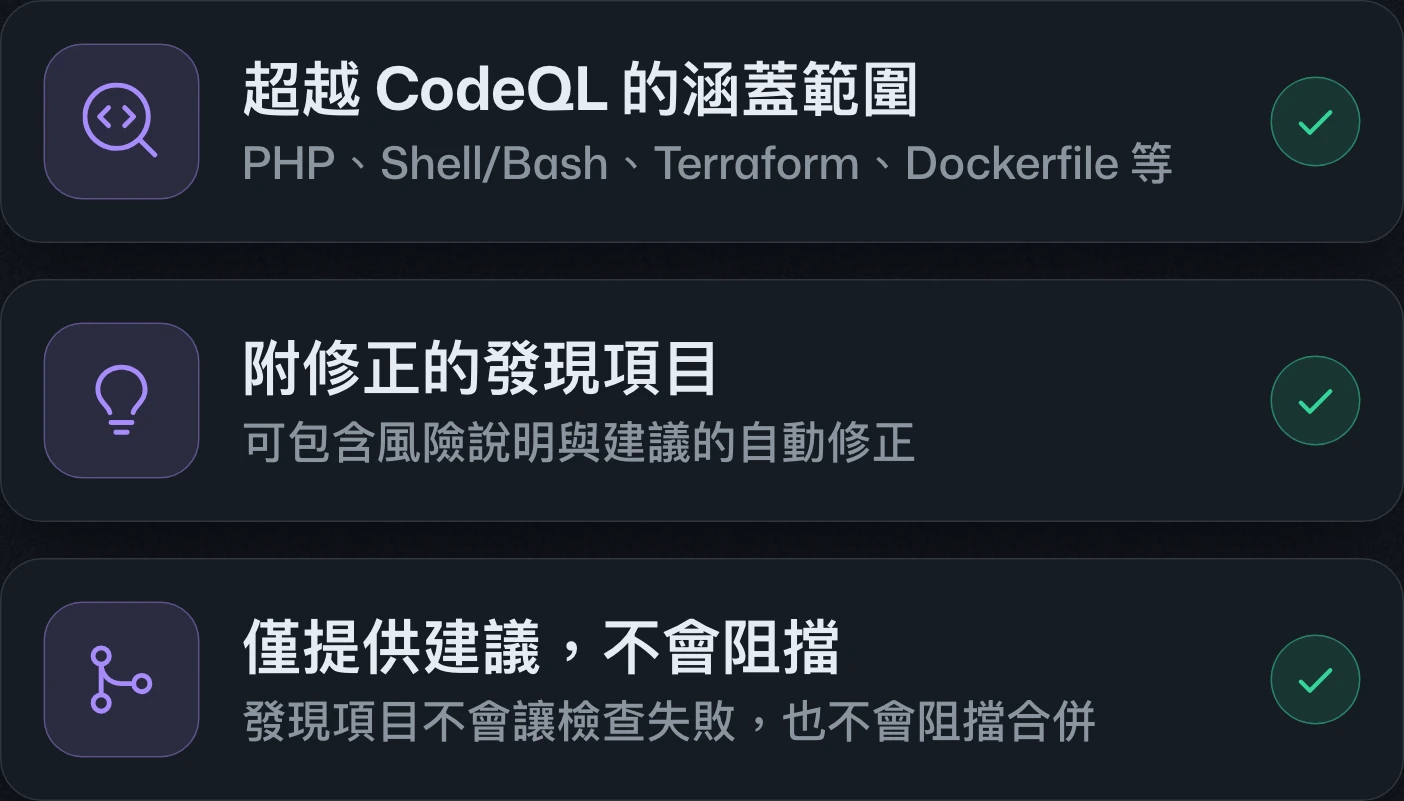
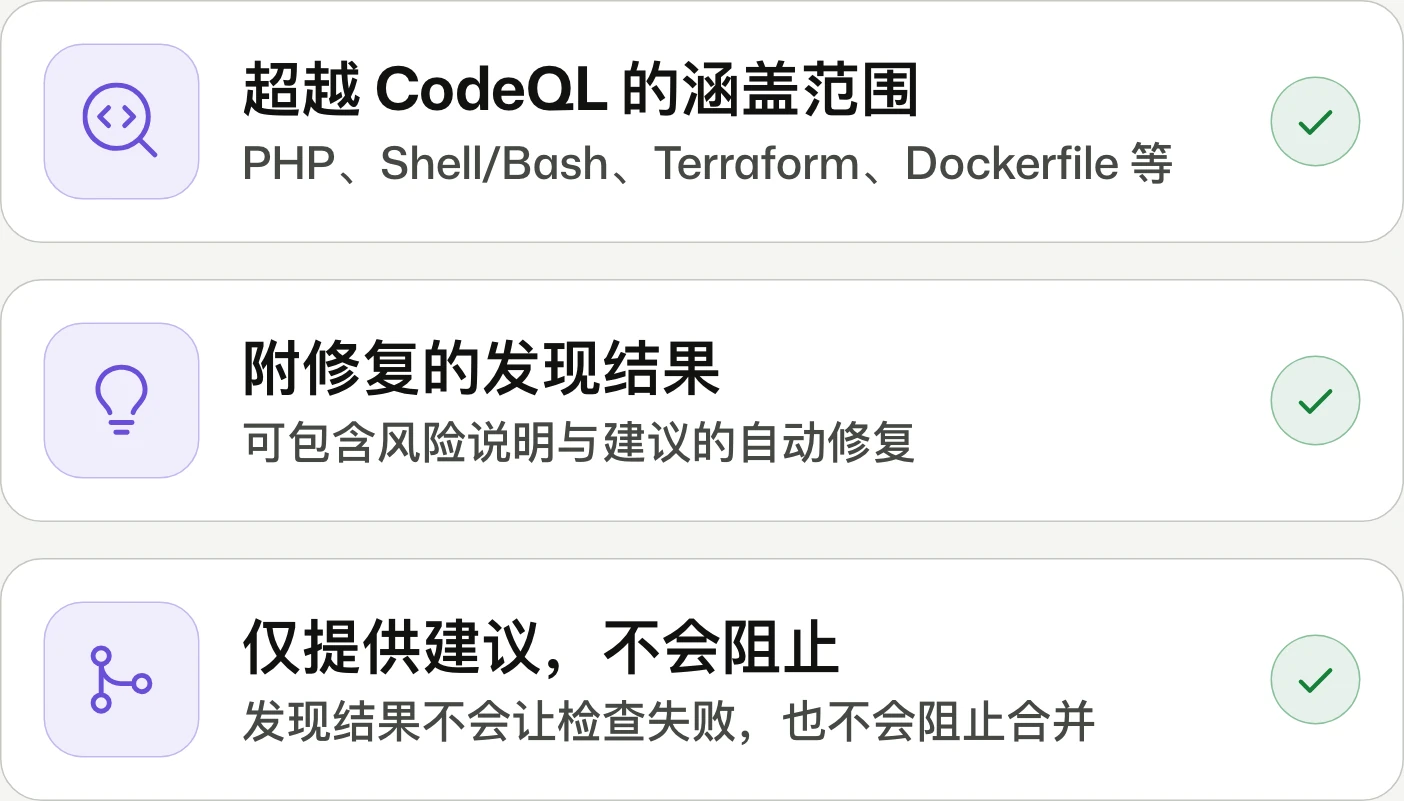
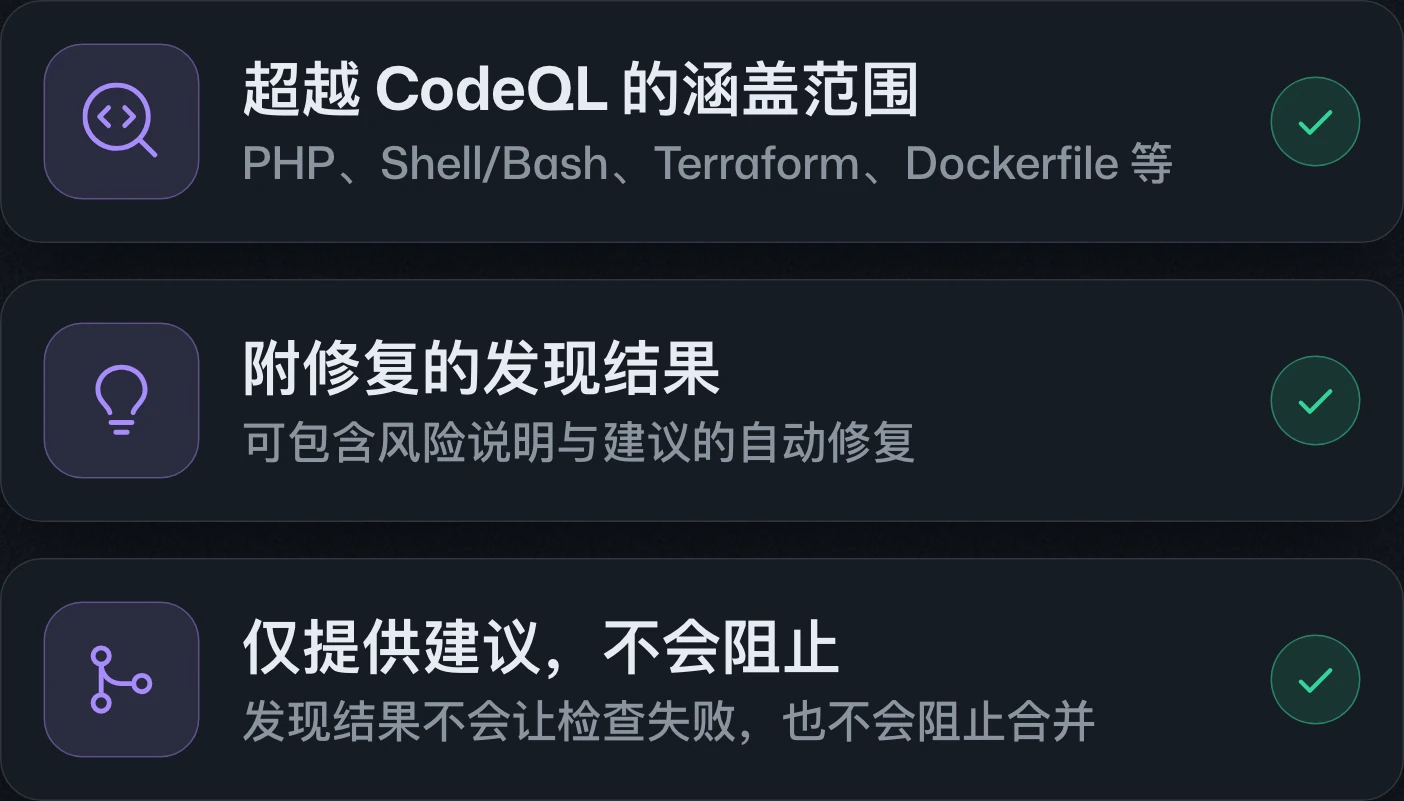
AI Scan for pull requests generally availablepull request 的 AI Scan 正式推出pull request 的 AI Scan 正式发布
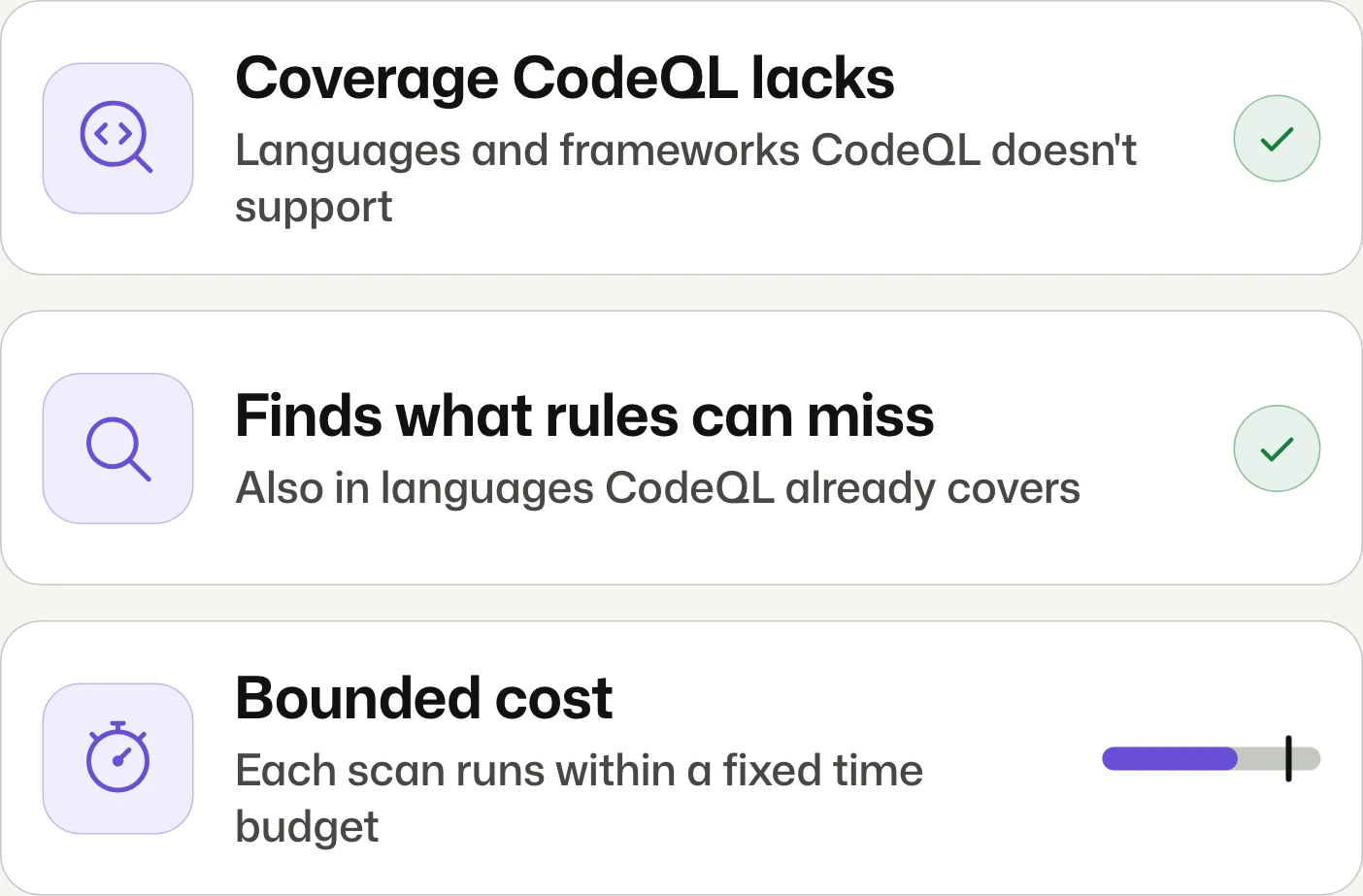
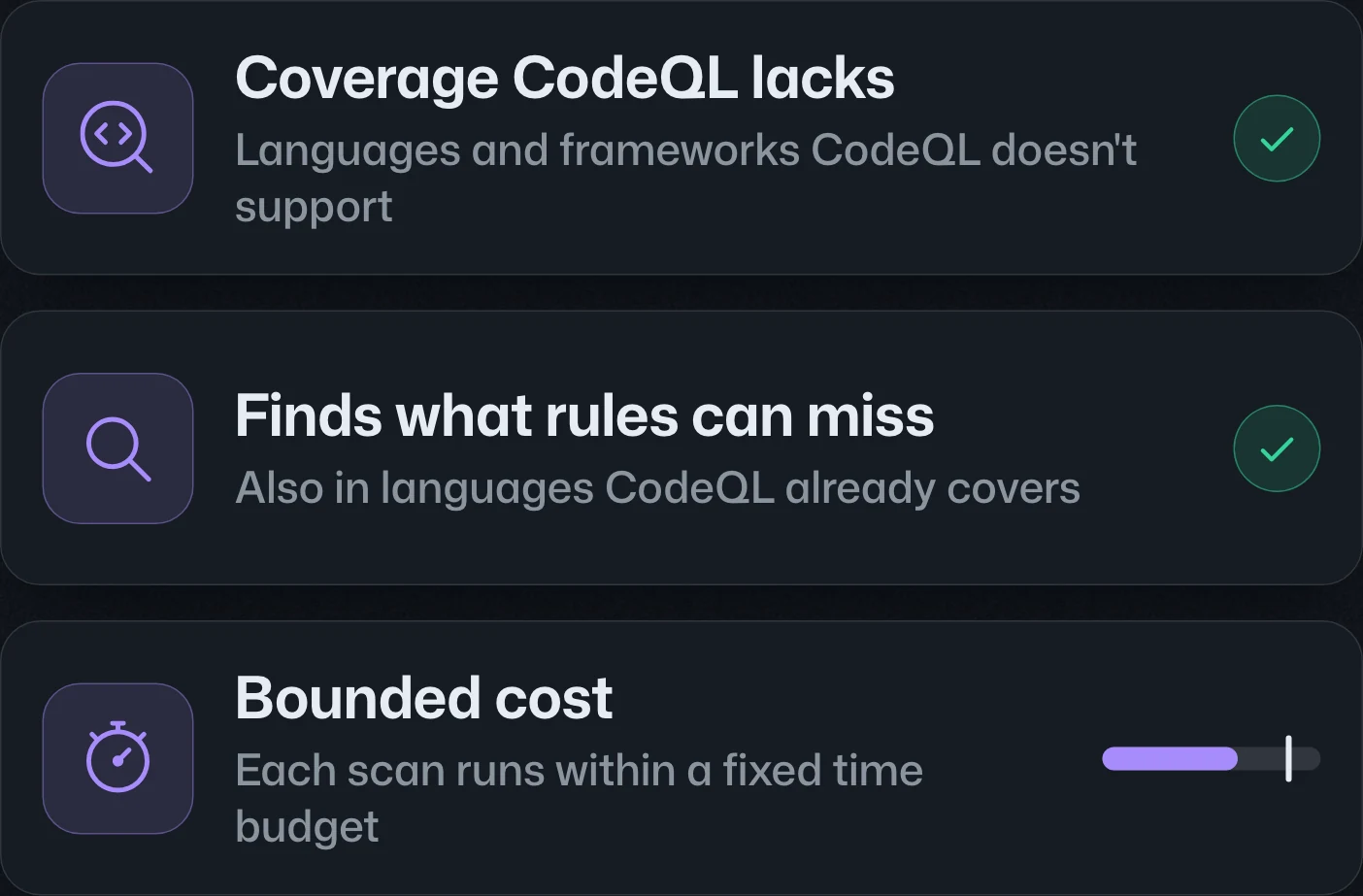
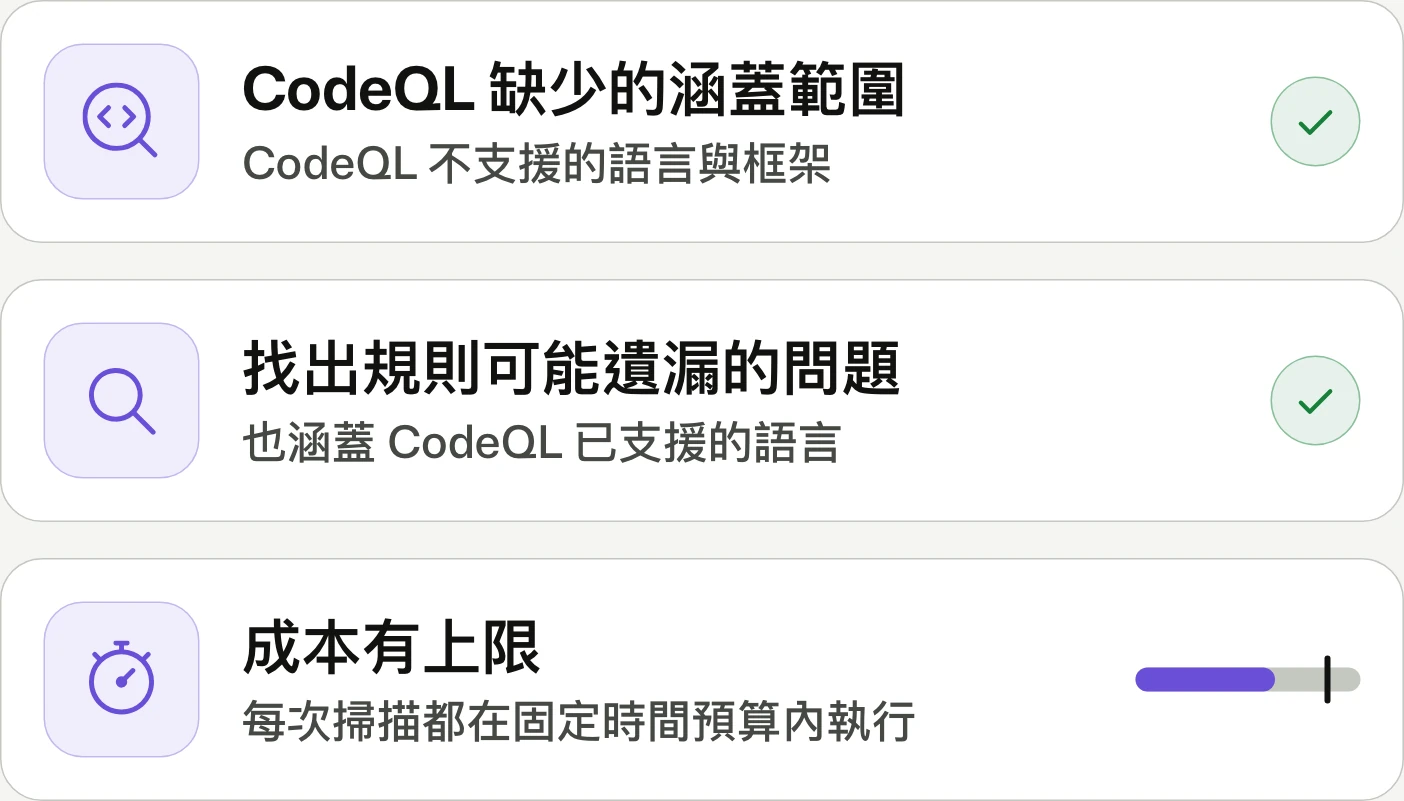
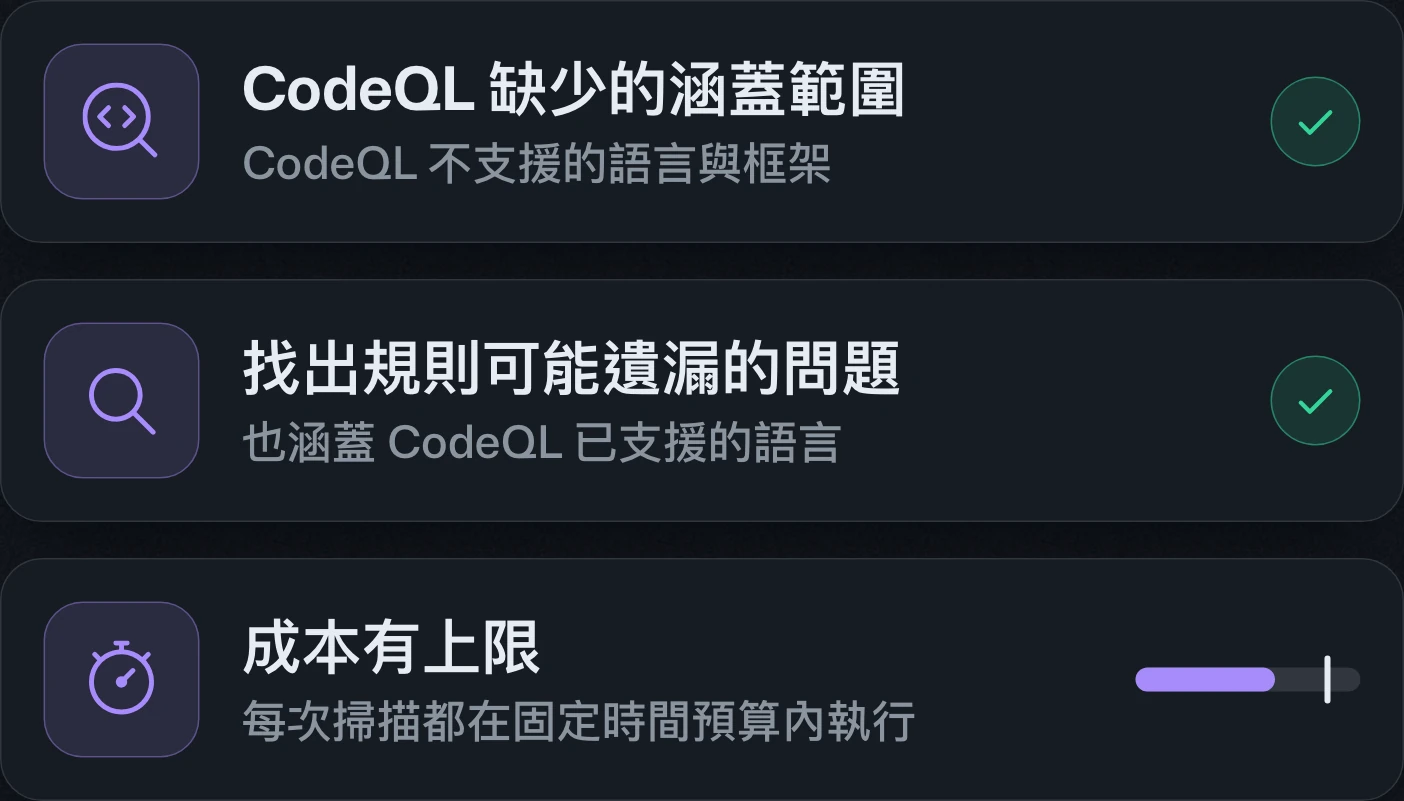
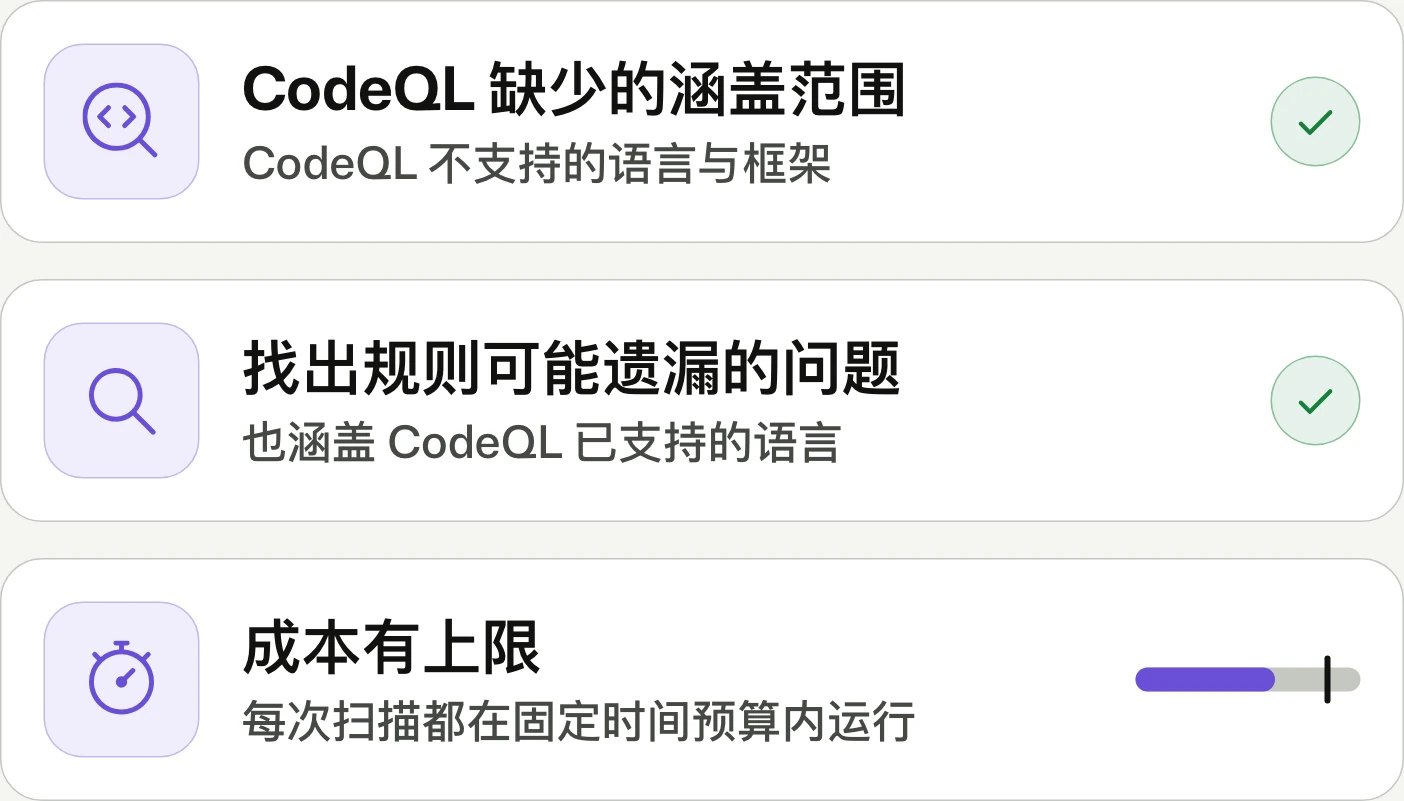
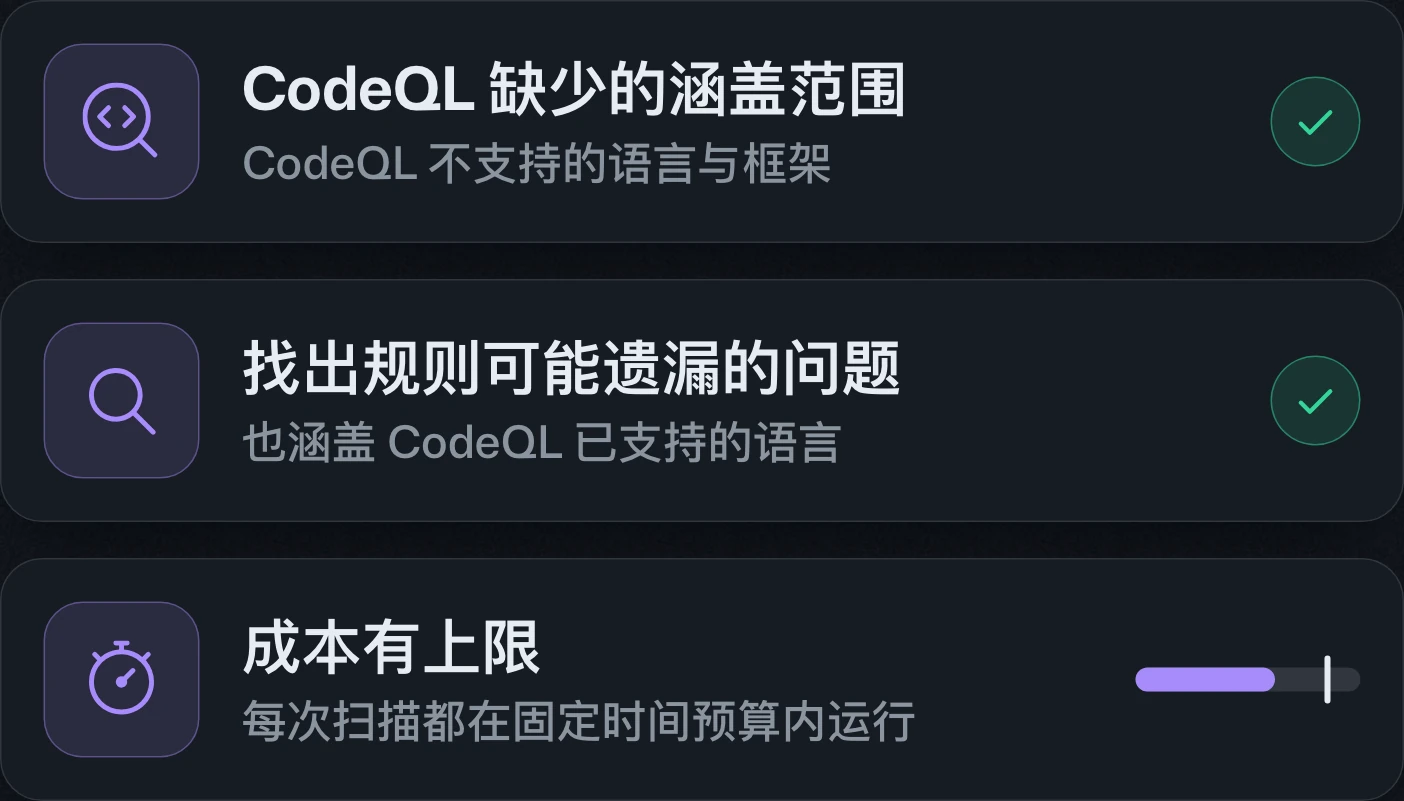
Scan what CodeQL doesn't cover.掃描 CodeQL 未涵蓋的部分。扫描 CodeQL 未覆盖的部分。
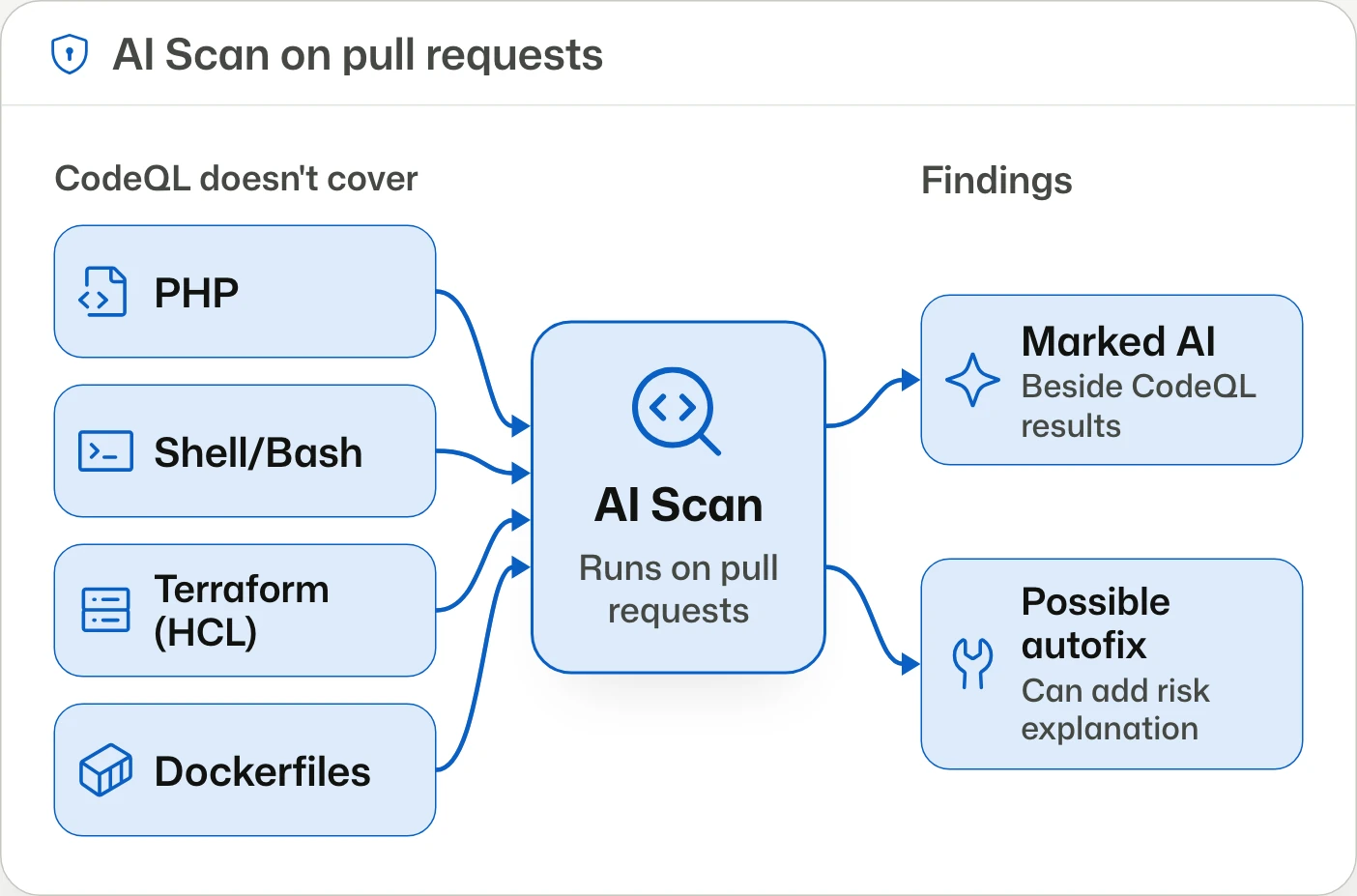
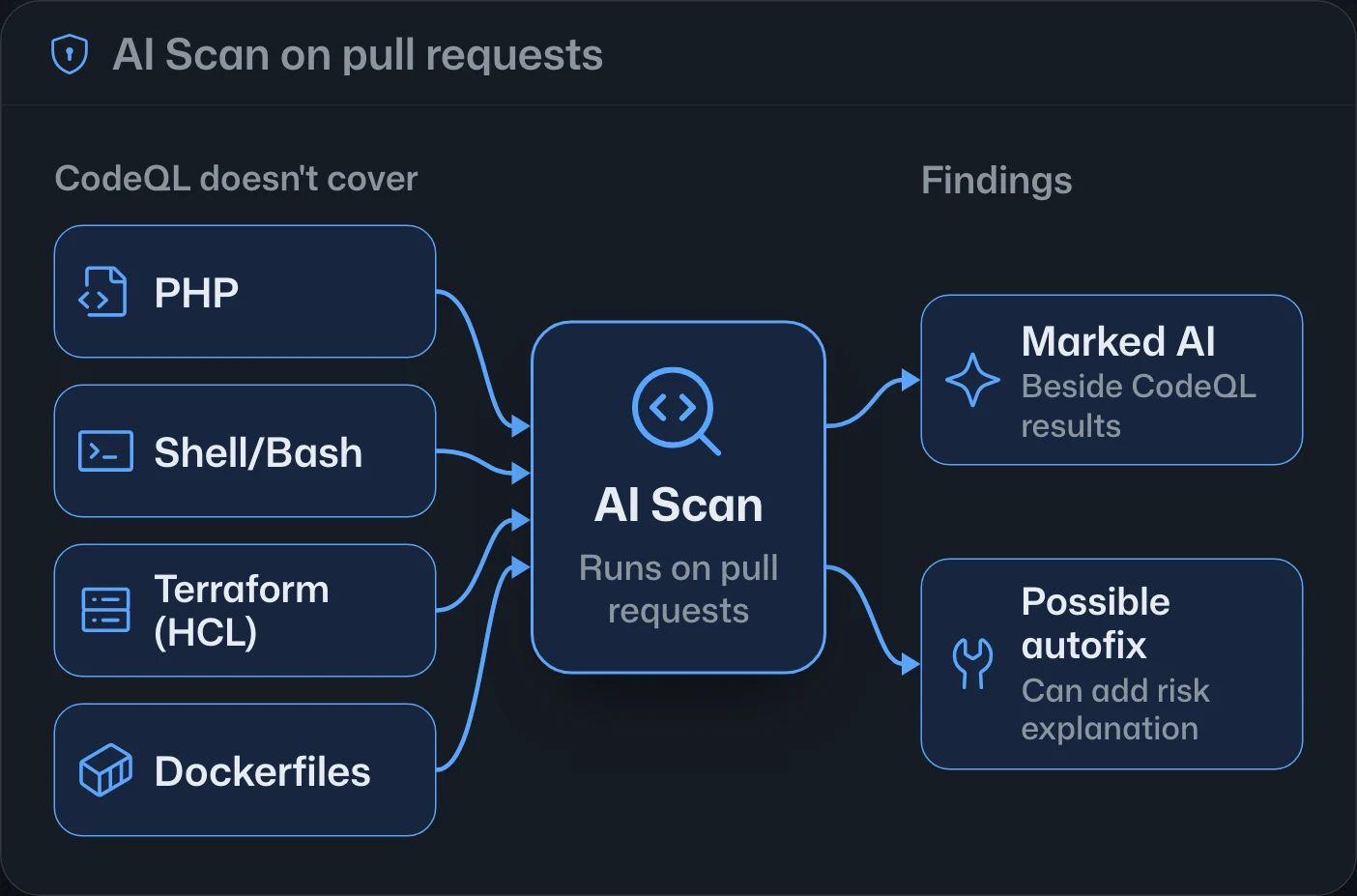
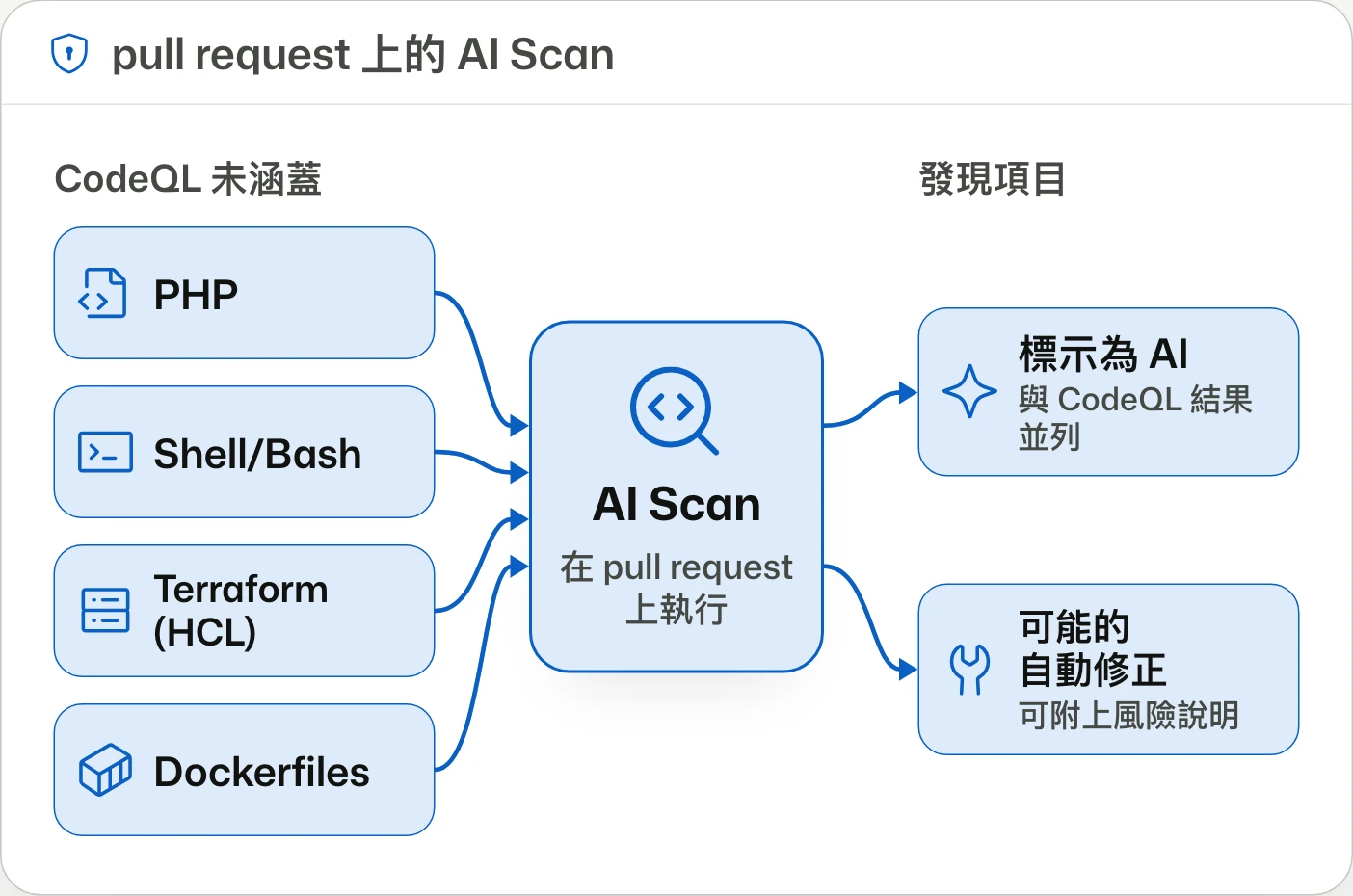
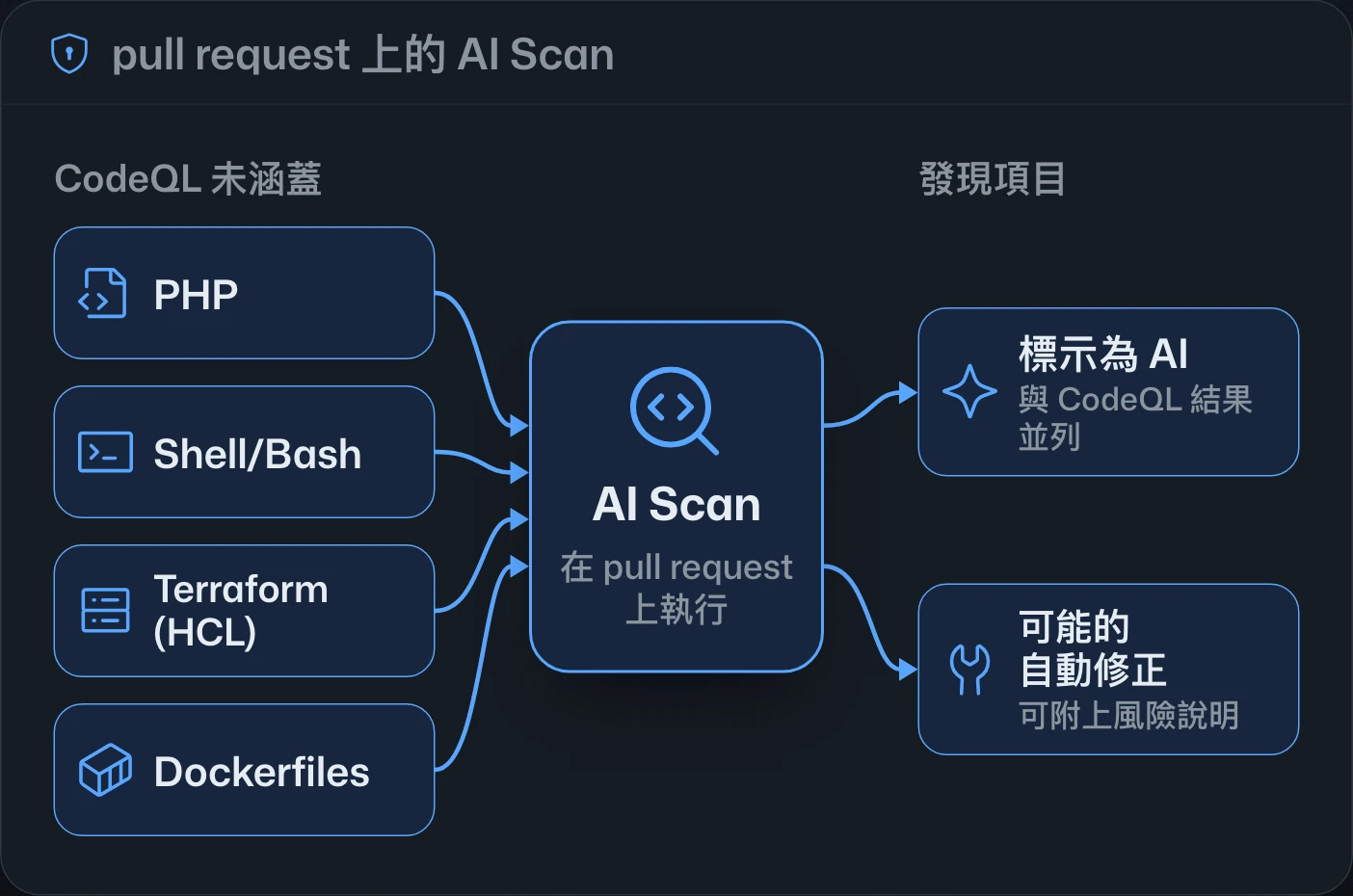
AI Scan for pull requests in code scanning is generally available, finding vulnerabilities in languages CodeQL doesn't cover, such as PHP, Shell/Bash and Terraform. Free for public repositories; private ones need Code Security or Advanced Security.code scanning 的 pull request AI Scan 正式推出,可在 CodeQL 未涵蓋的語言(如 PHP、Shell/Bash 與 Terraform)中找出弱點。公開儲存庫可用;私有儲存庫需 Code Security 或 Advanced Security。code scanning 的 pull request AI Scan 正式发布,可在 CodeQL 未覆盖的语言(如 PHP、Shell/Bash 和 Terraform)中发现漏洞。公开仓库可用;私有仓库需要 Code Security 或 Advanced Security。
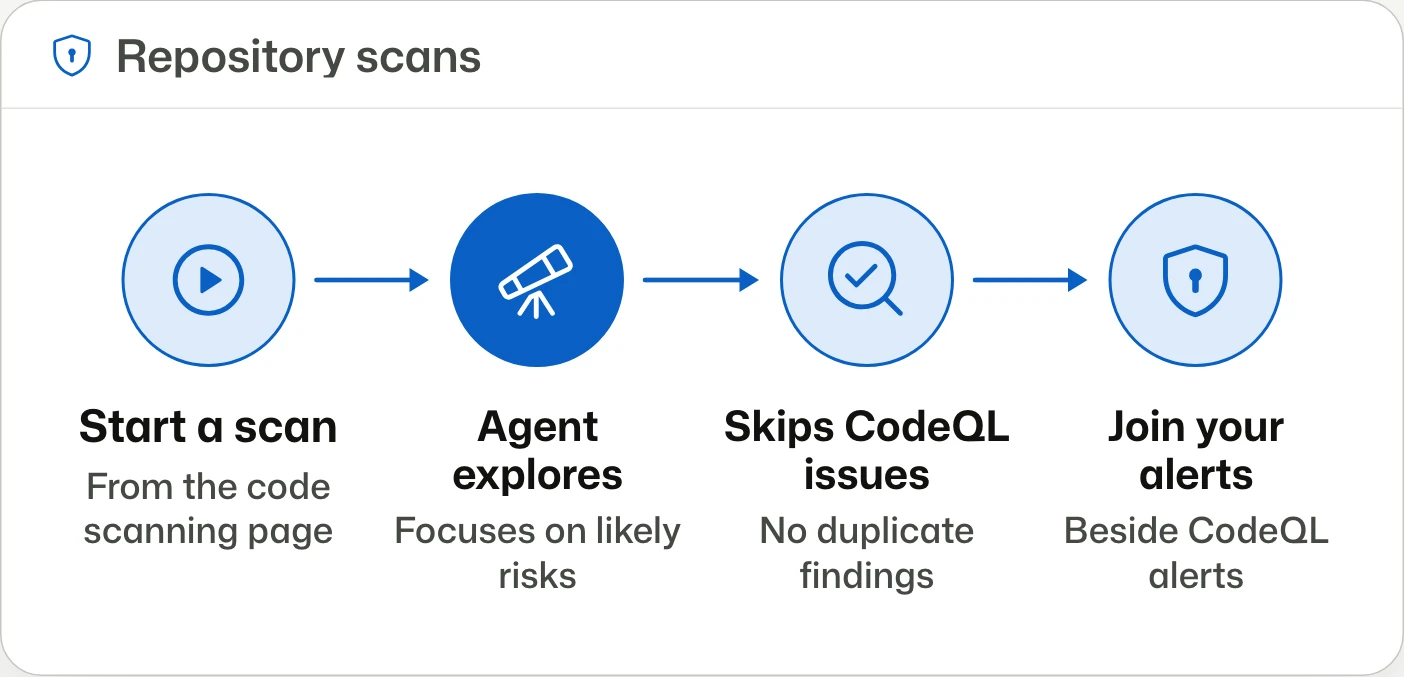
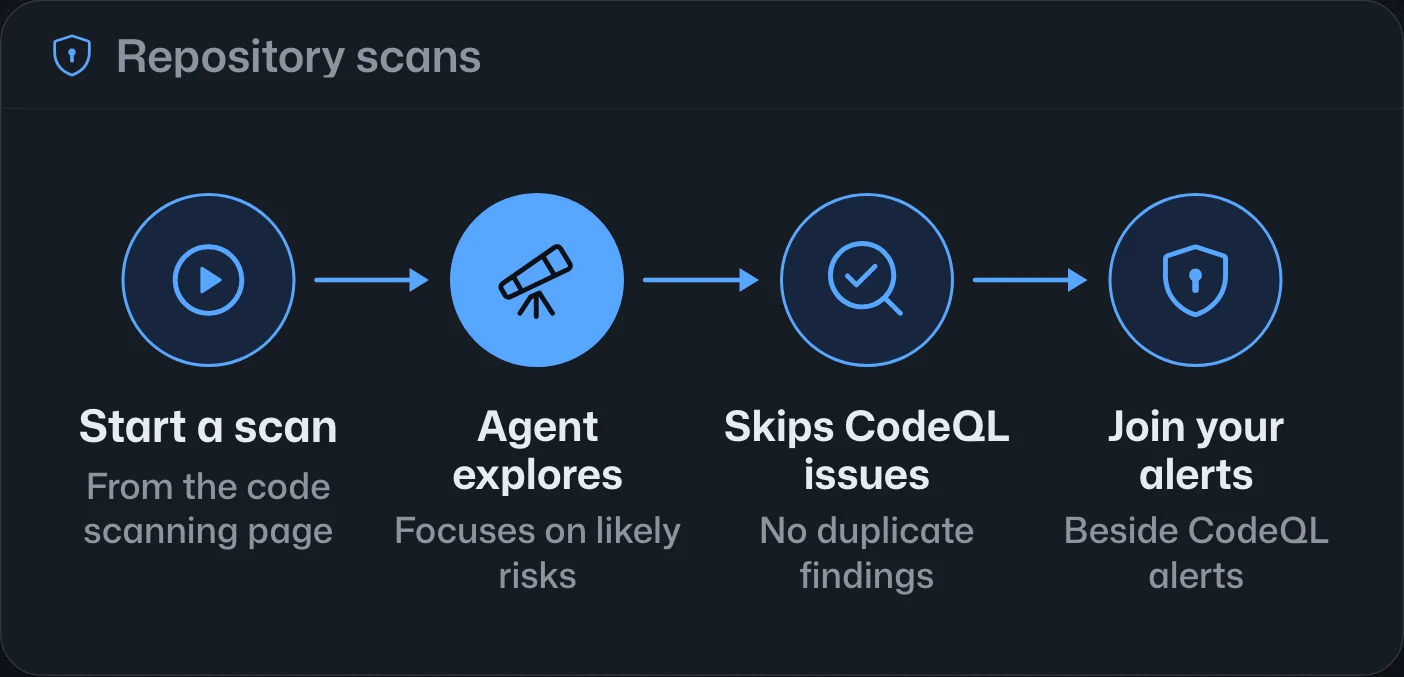
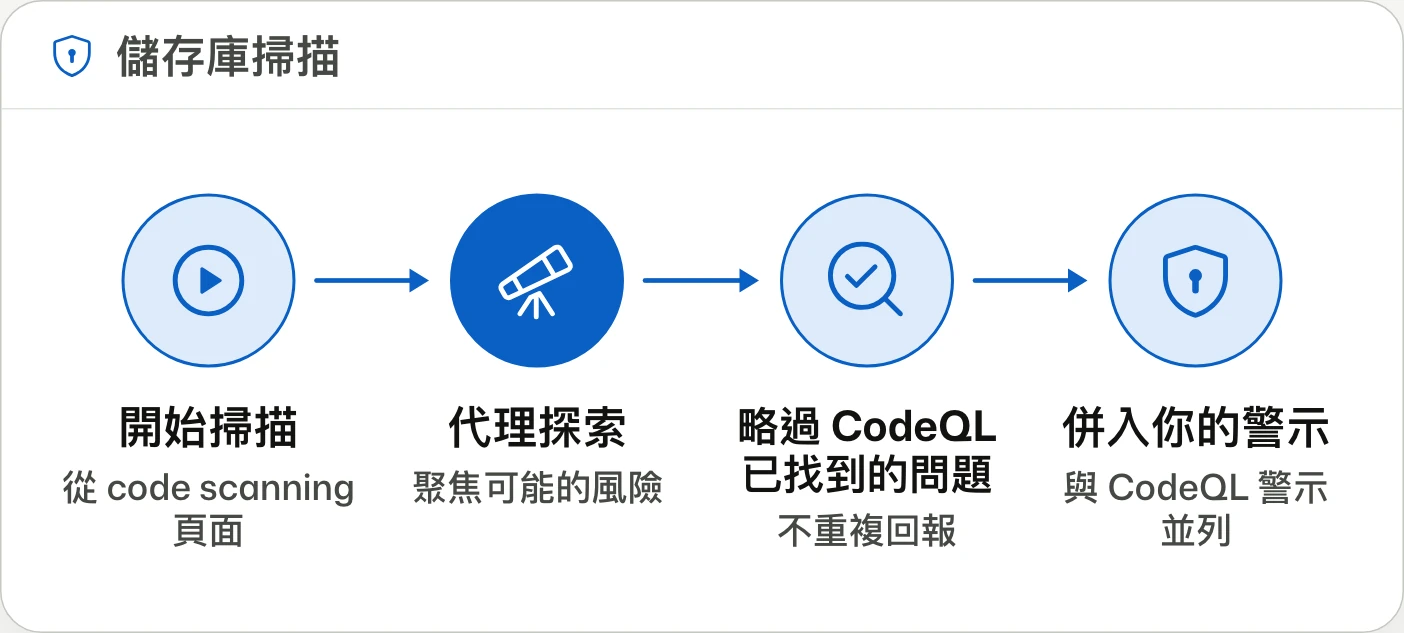
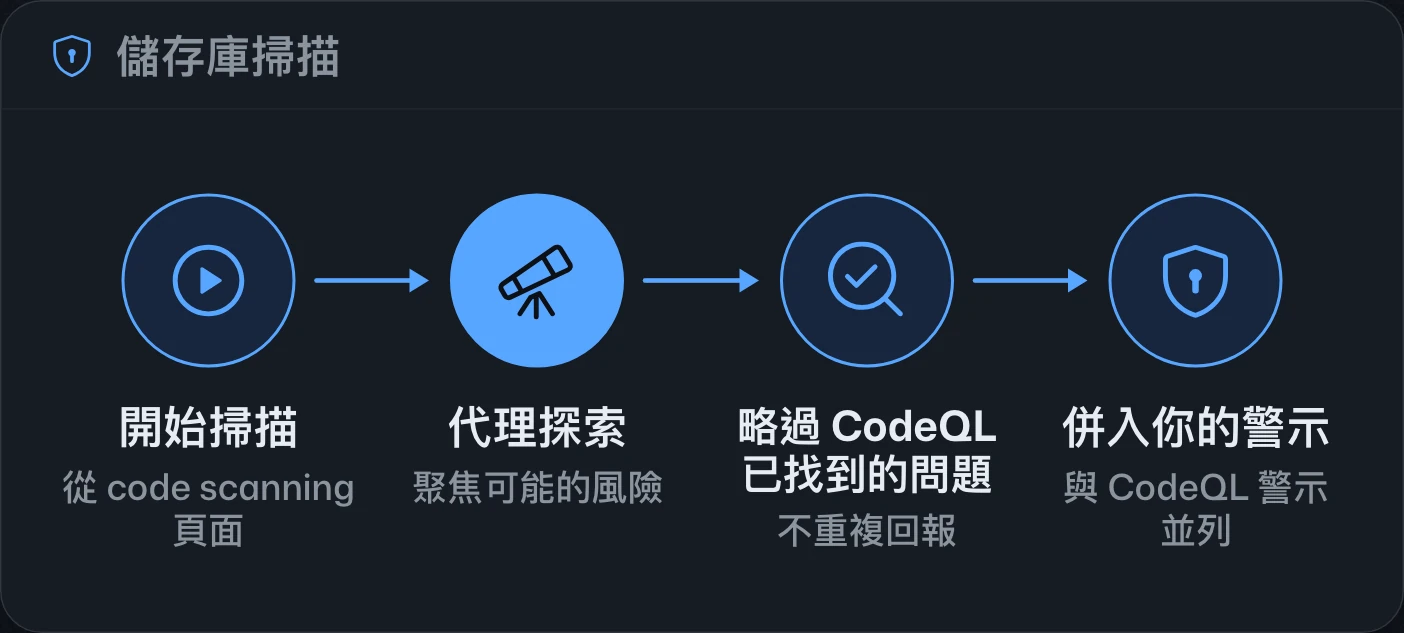
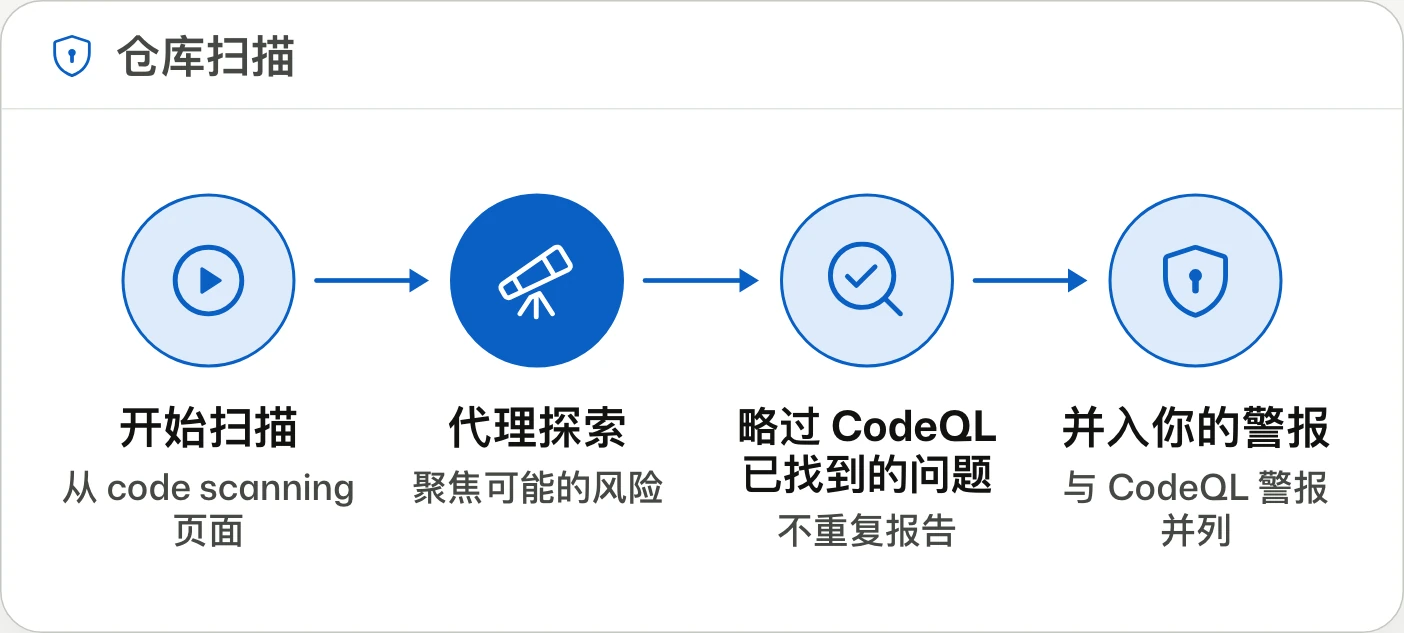
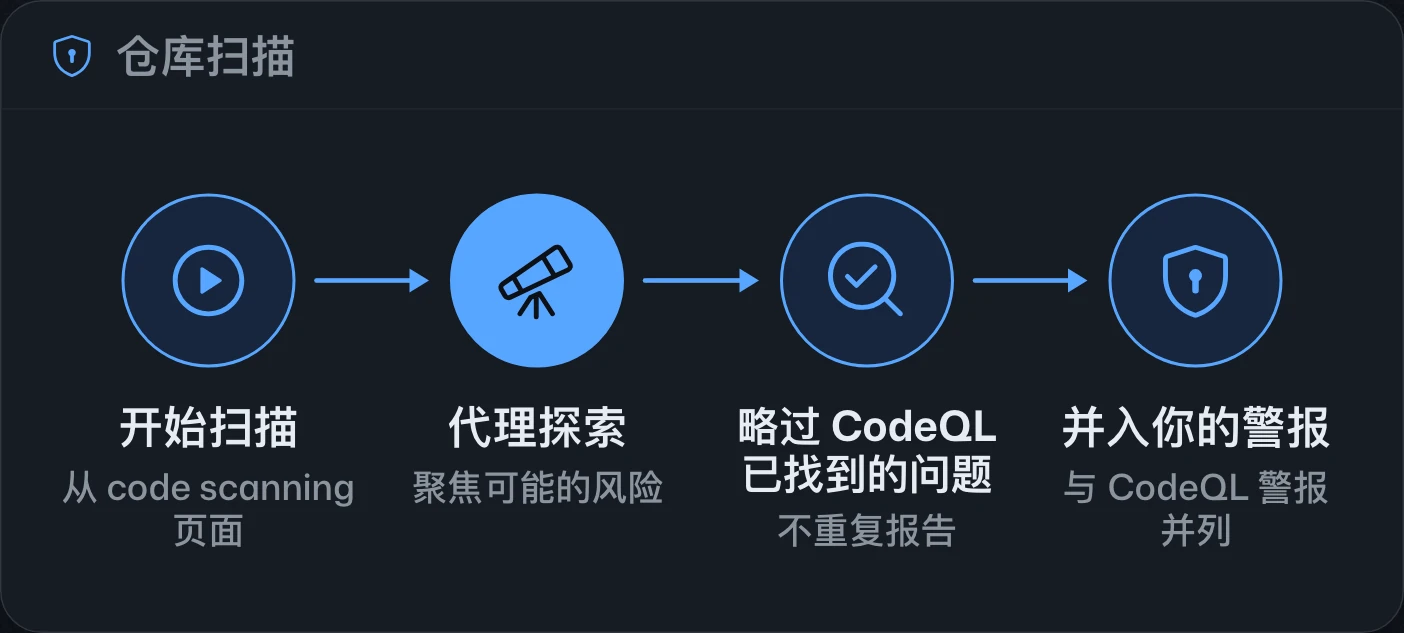
AI Scan for repositories in public preview儲存庫 AI Scan 公開預覽仓库 AI Scan 公开预览
Scan the whole repo. Find what rules miss.掃描整個儲存庫,找出規則漏掉的問題。扫描整个仓库,找出规则遗漏的问题。
AI Scan adds repository-wide vulnerability searches on the default branch in public preview, with results in code scanning. It consumes Code Security AI credits, needs no Copilot license, and excludes private repositories owned by personal accounts.AI Scan 新增針對預設分支的全儲存庫弱點搜尋,進入公開預覽,結果會列入 code scanning。使用時消耗 Code Security AI 額度,無須 Copilot 授權;不支援個人帳號擁有的私有儲存庫。AI Scan 新增针对默认分支的全仓库漏洞搜索,进入公开预览,结果会列入 code scanning。使用时消耗 Code Security AI 额度,无需 Copilot 许可证;不支持个人账号拥有的私有仓库。
Code scanning for AI applications in public previewAI 應用程式 code scanning 公開預覽AI 应用 code scanning 公开预览
Find AI agent risks before you merge.在合併前找出 AI 代理的風險。在合并前找出 AI 代理的风险。
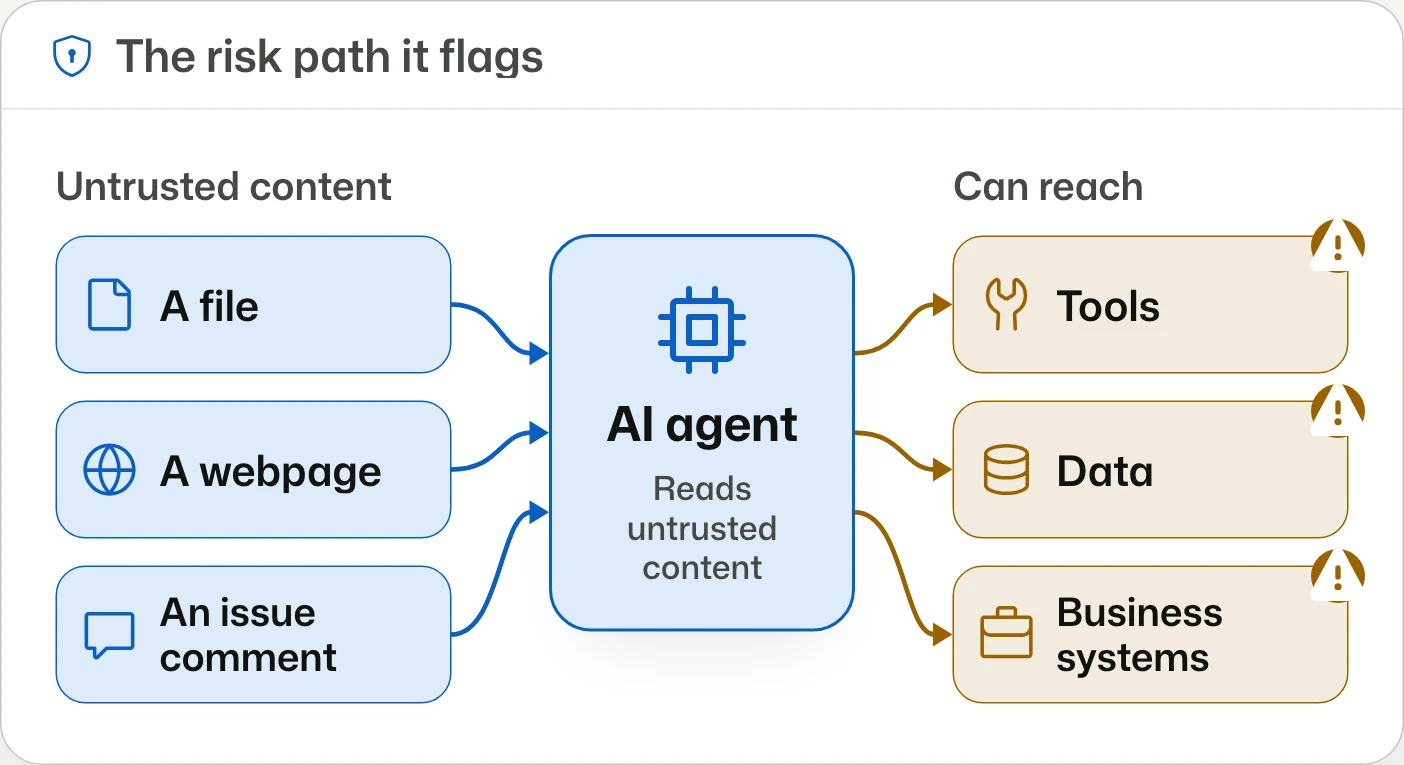
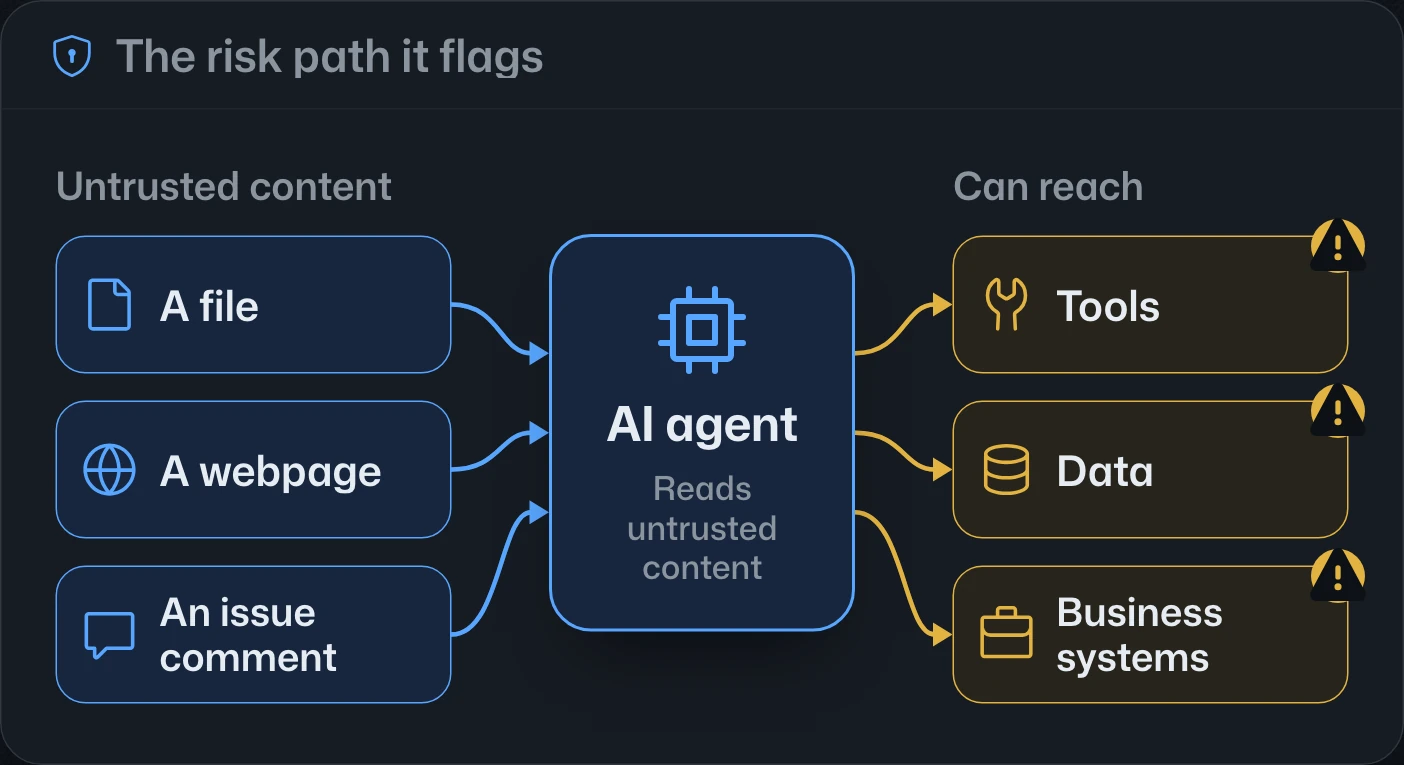
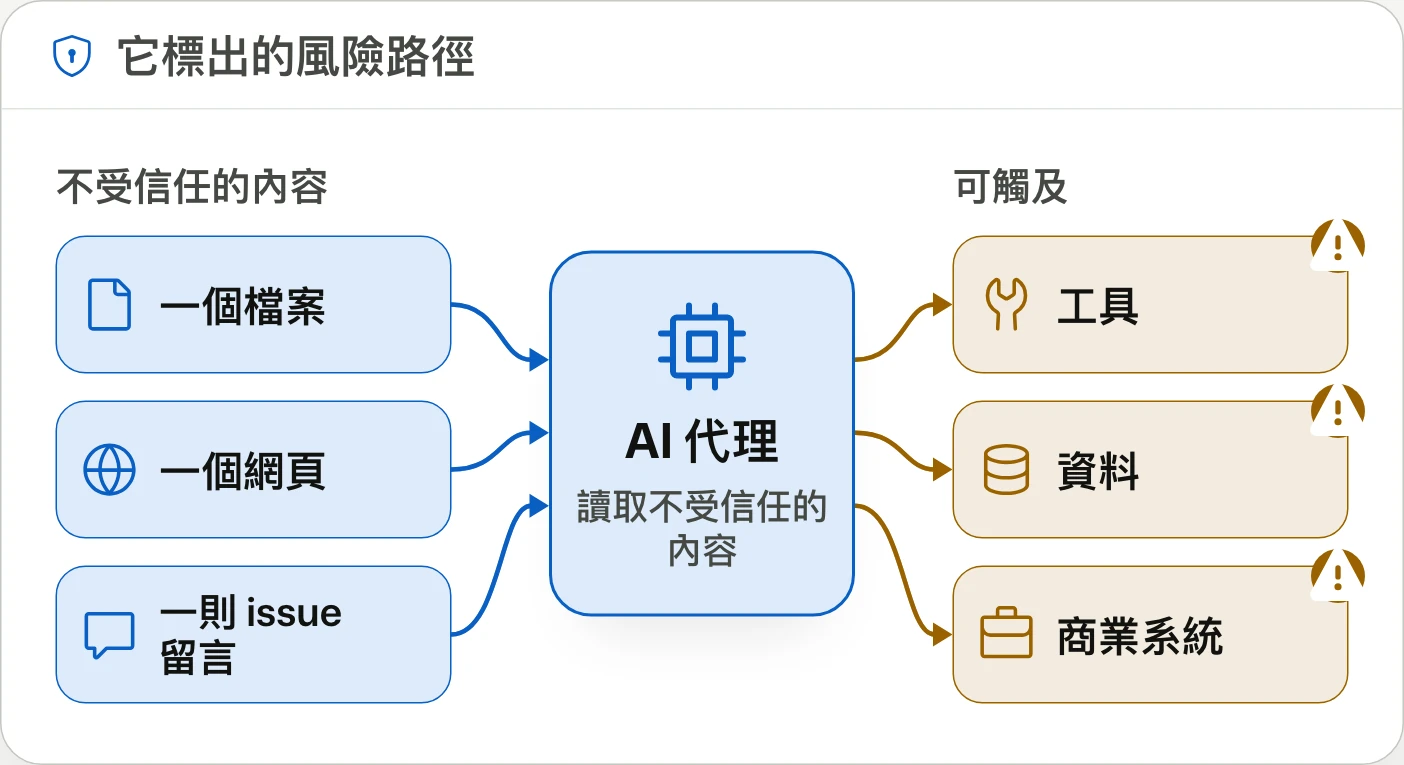
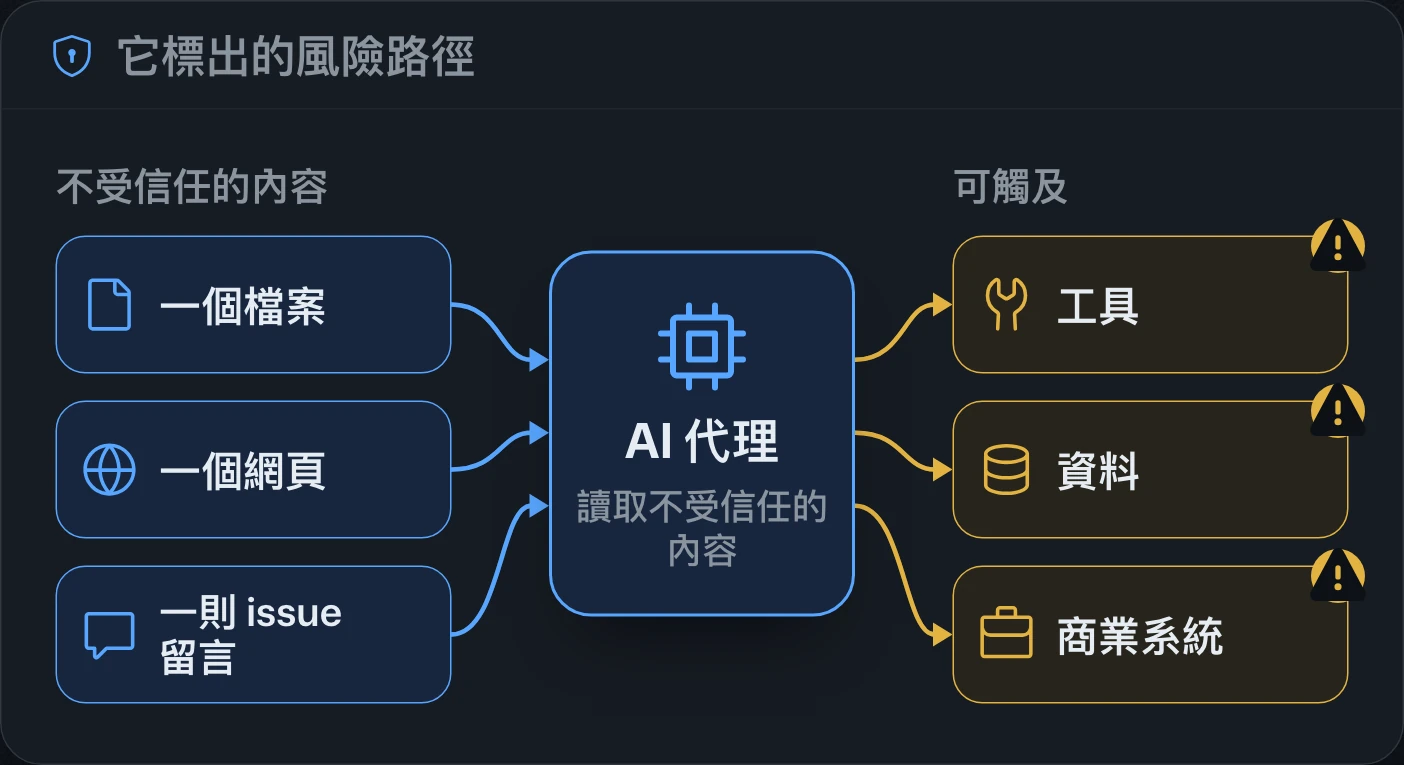
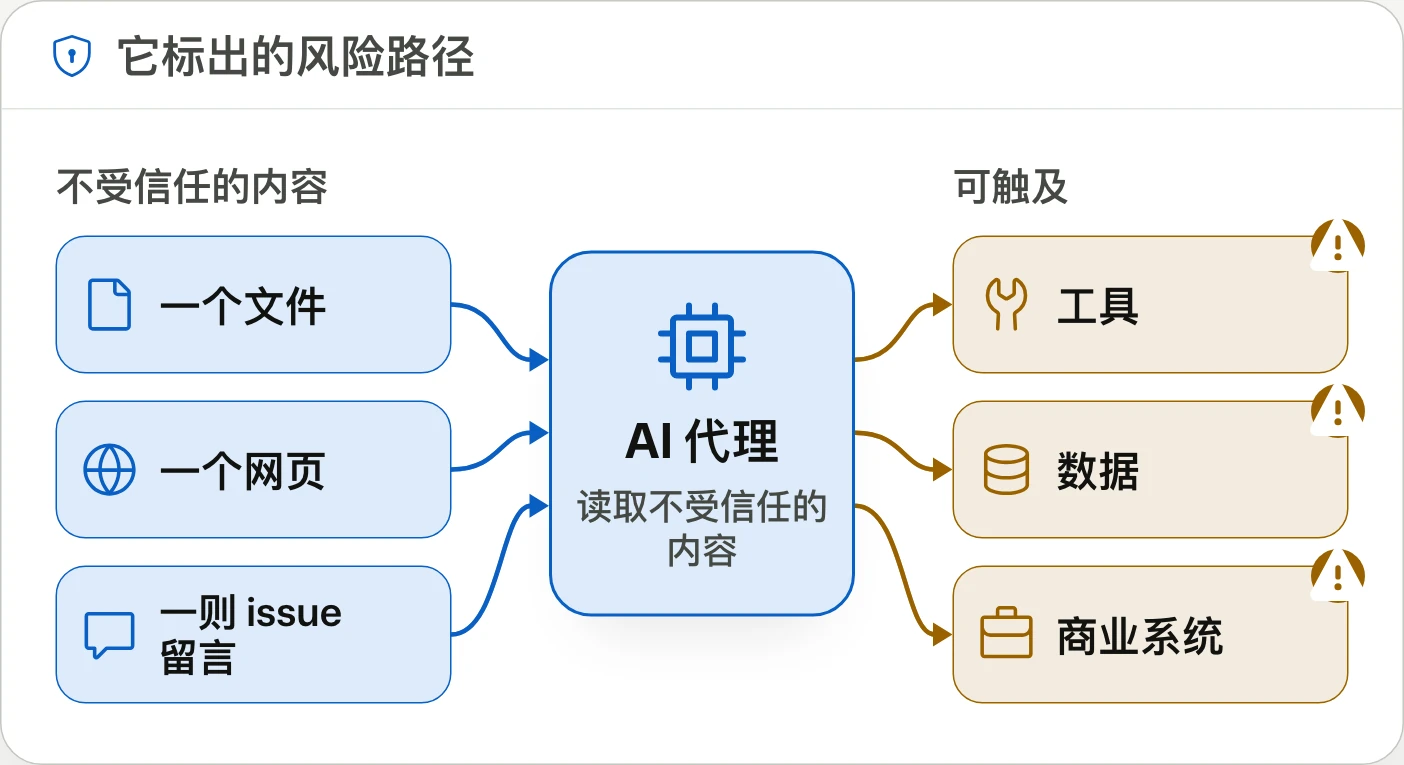
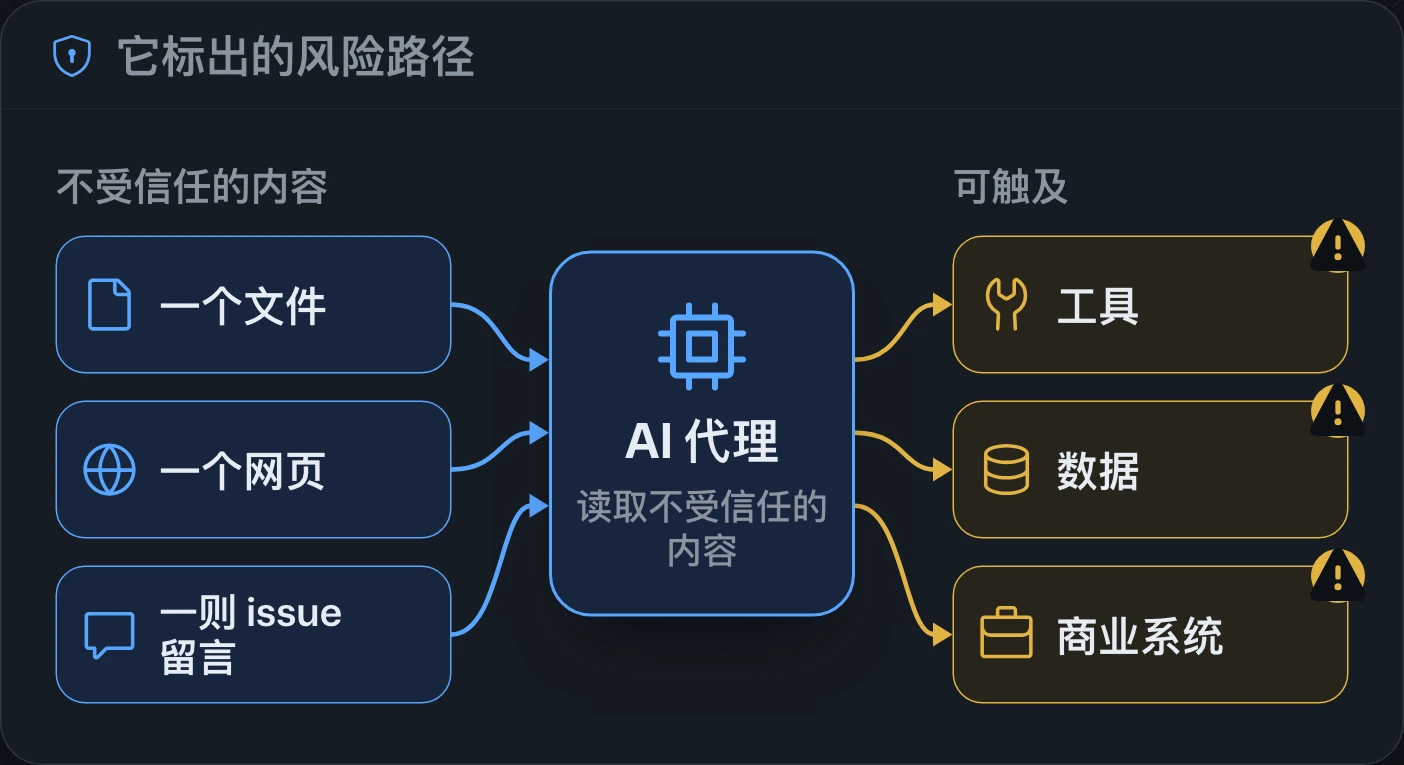
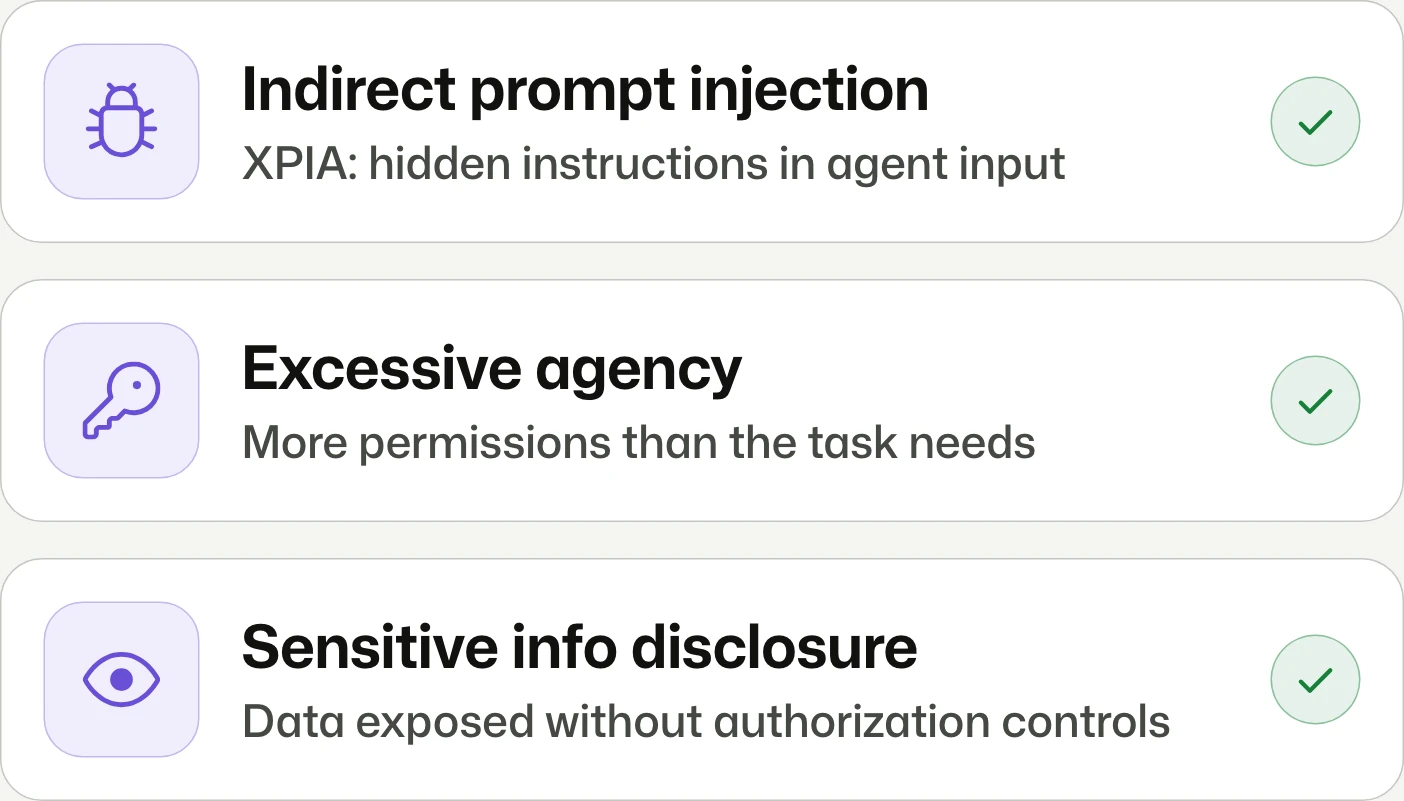
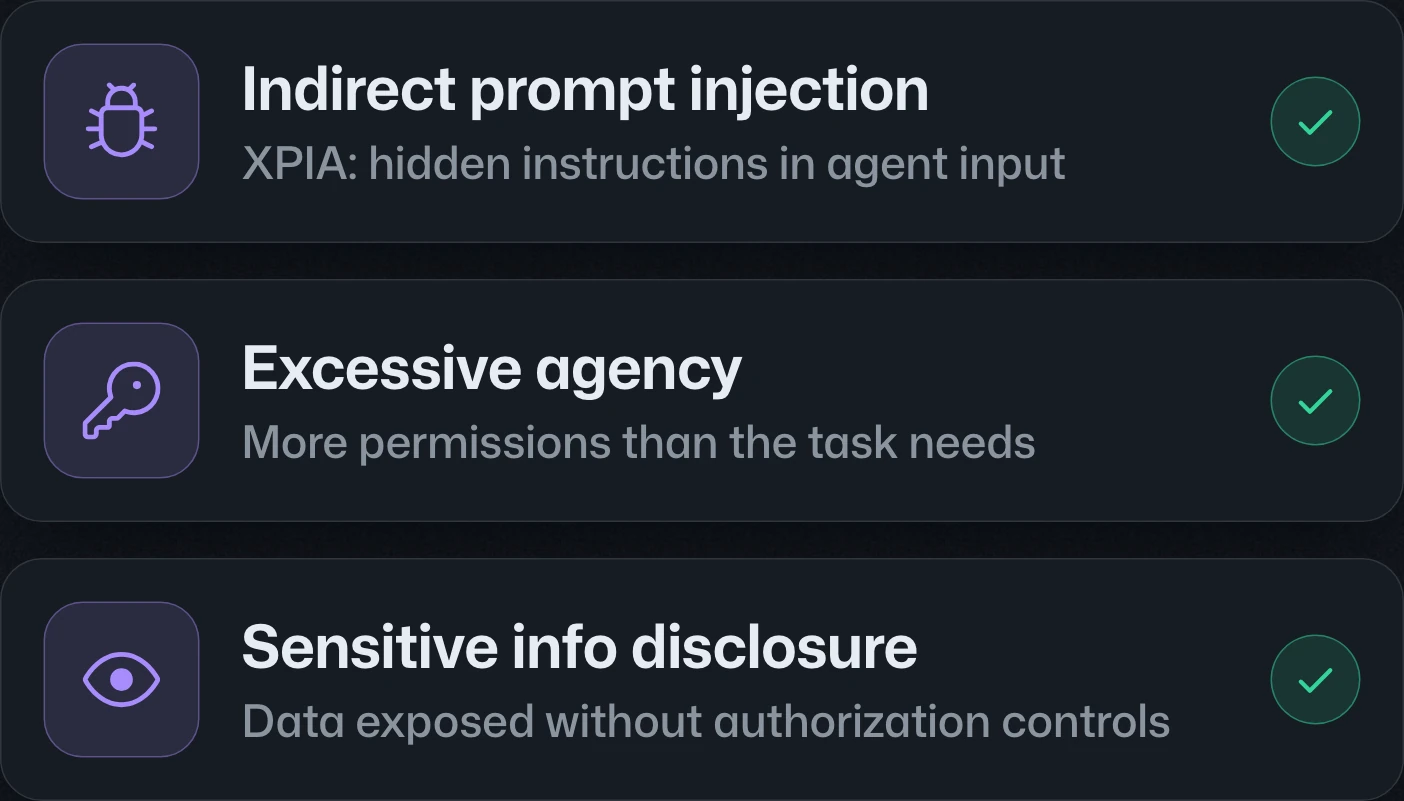
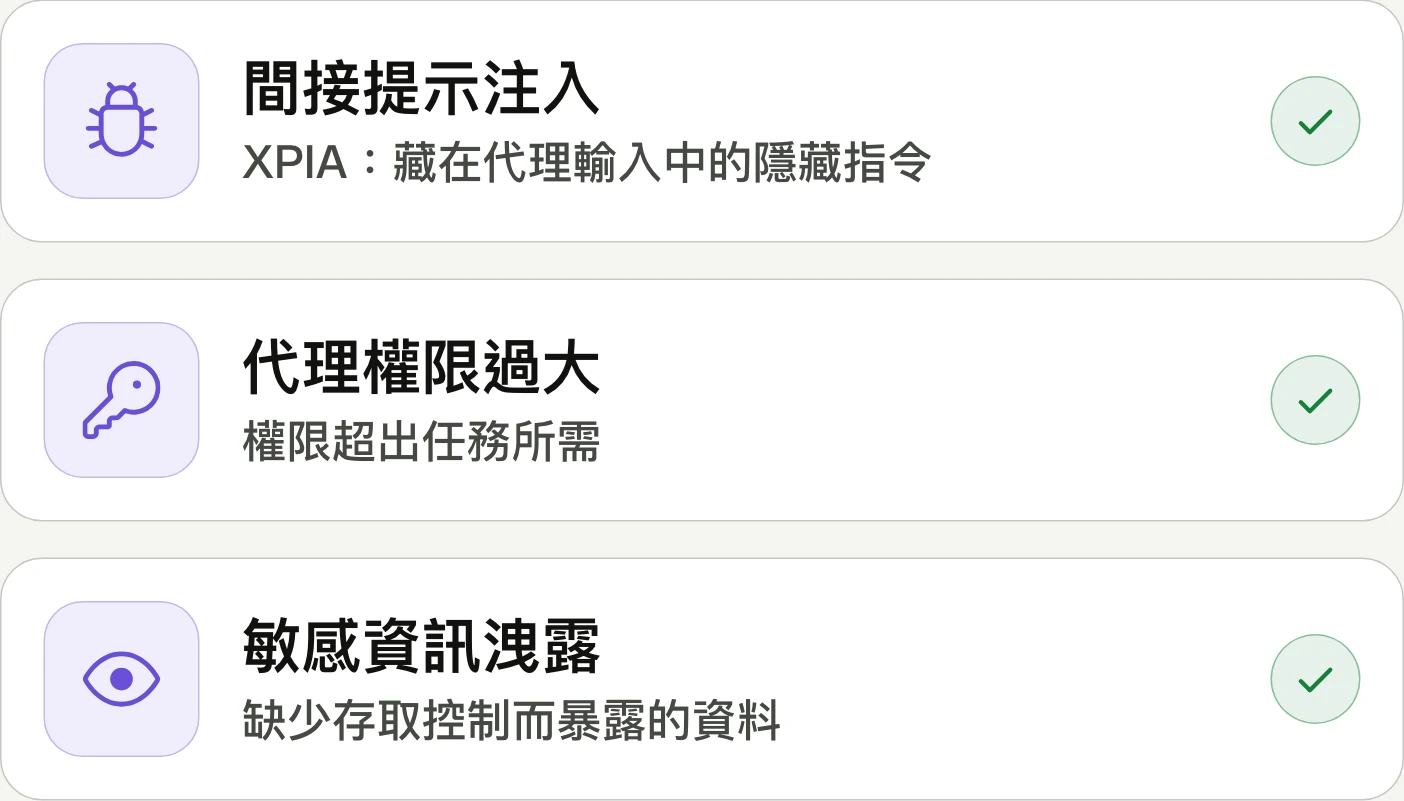
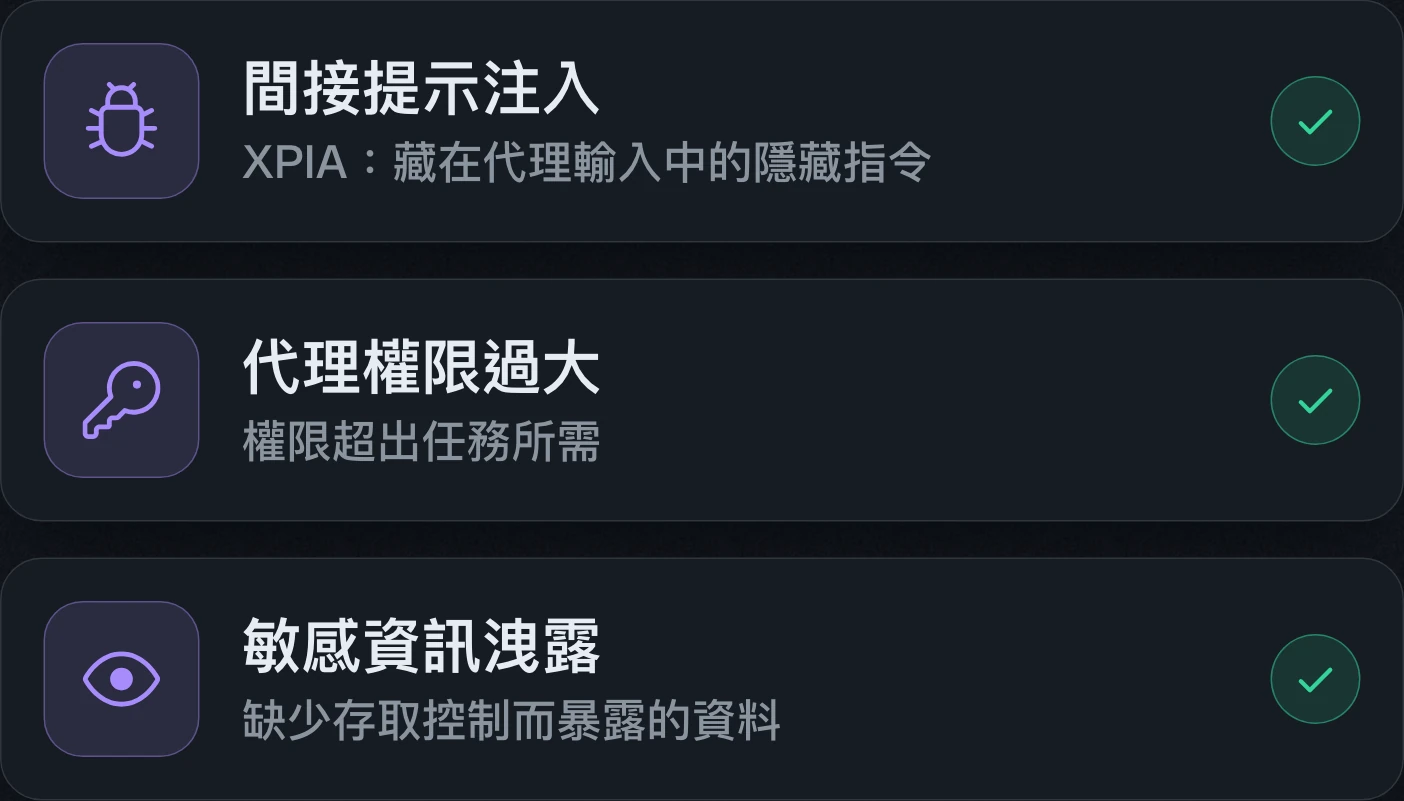
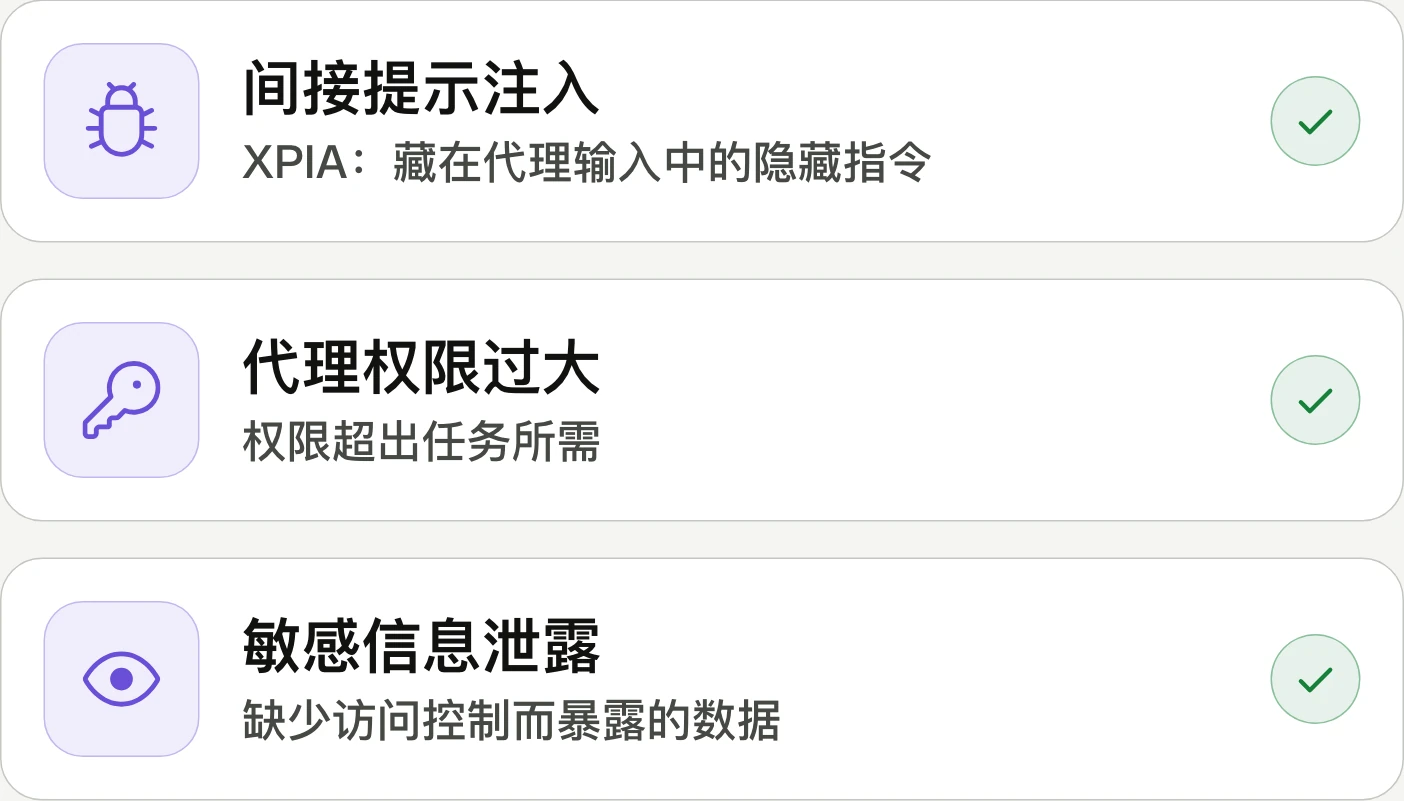
Code scanning adds automatic pull request checks for AI risks such as indirect prompt injection, data exposure, and excessive agent permissions. The public preview requires GitHub Advanced Security on github.com; Enterprise Server is unsupported.Code scanning 新增自動 pull request 檢查,偵測間接提示注入、資料外洩及代理權限過大等 AI 風險。公開預覽限 github.com,須具備 GitHub Advanced Security;不支援 GitHub Enterprise Server。Code scanning 新增自动 pull request 检查,检测间接提示注入、数据泄露和代理权限过大等 AI 风险。公开预览仅限 github.com,需拥有 GitHub Advanced Security;不支持 GitHub Enterprise Server。

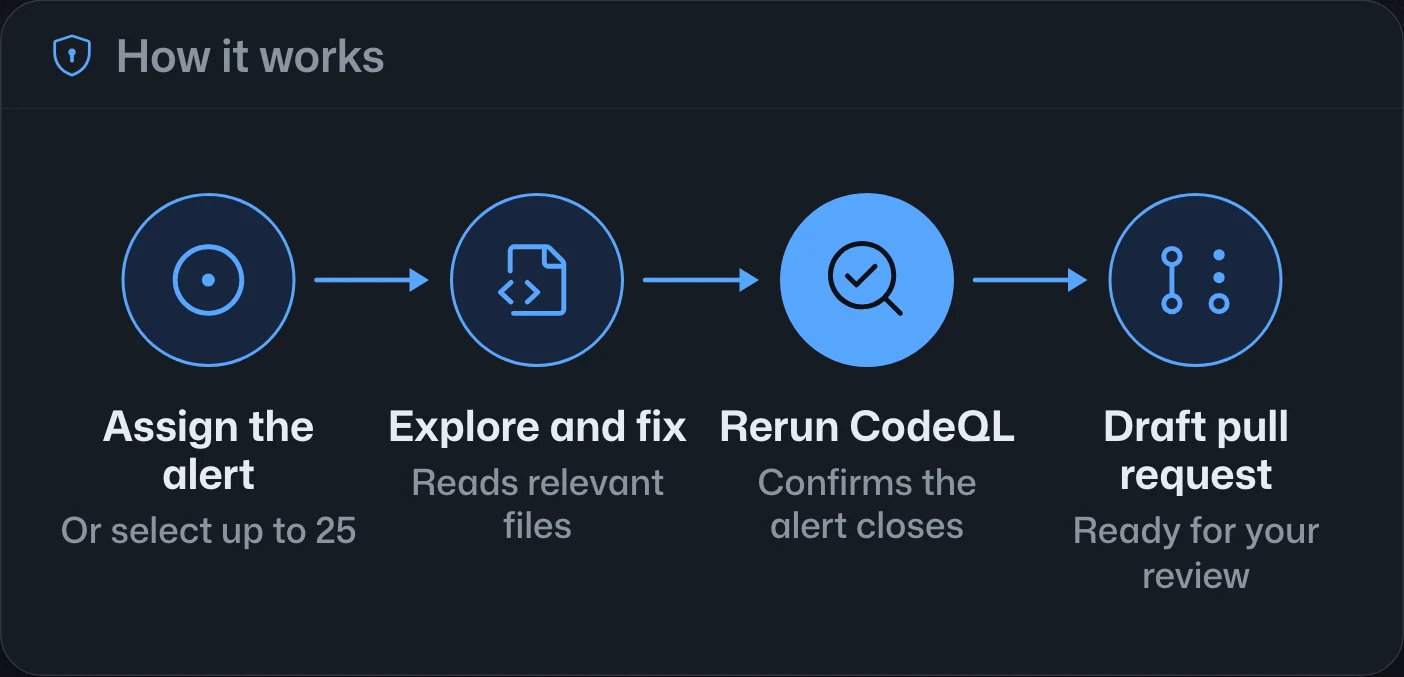
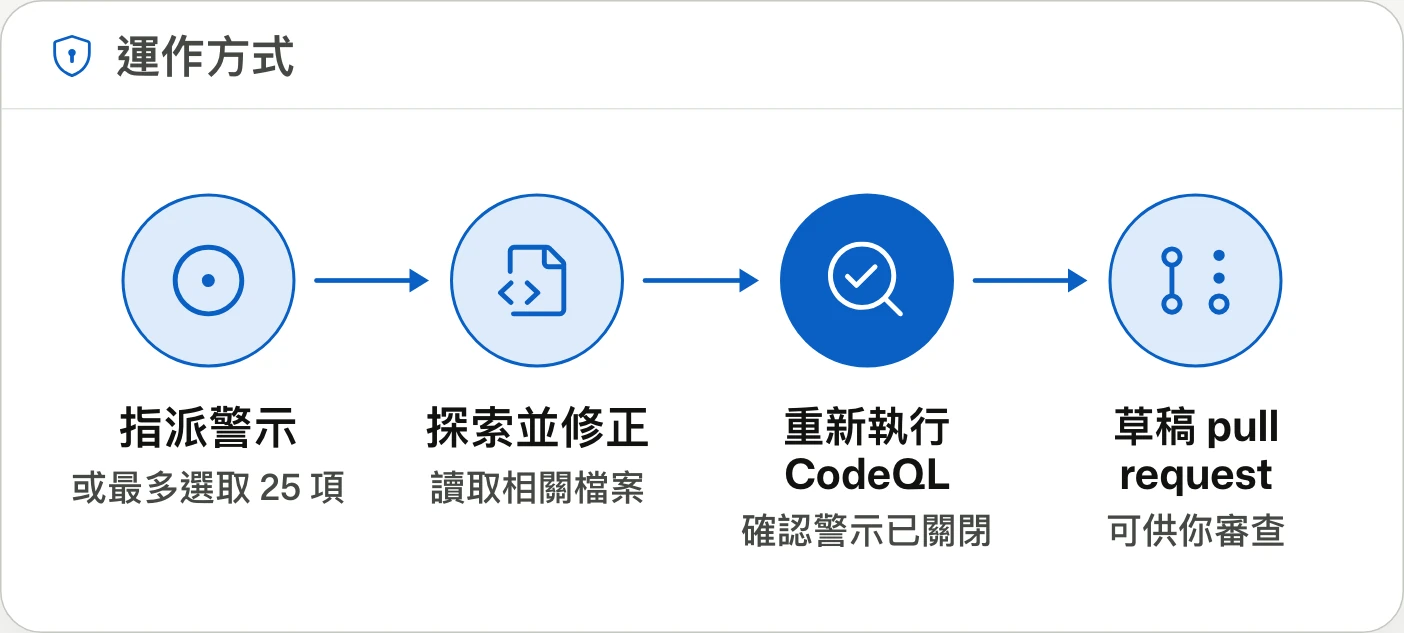
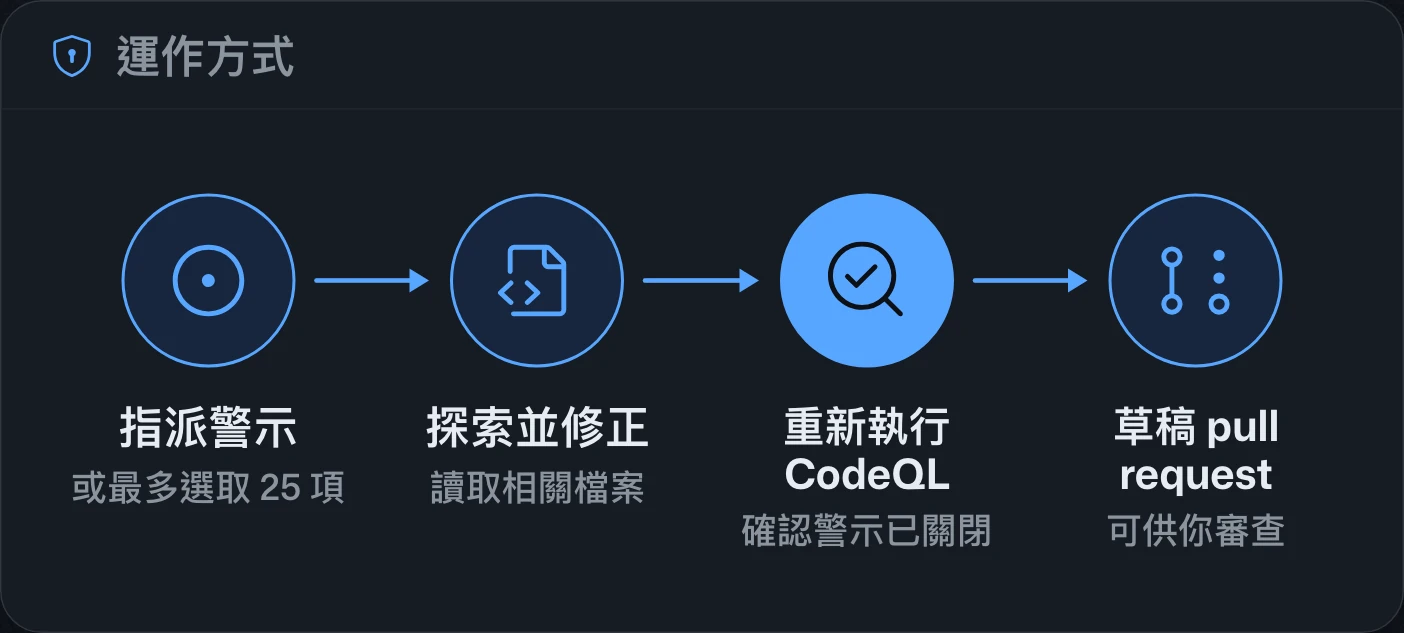
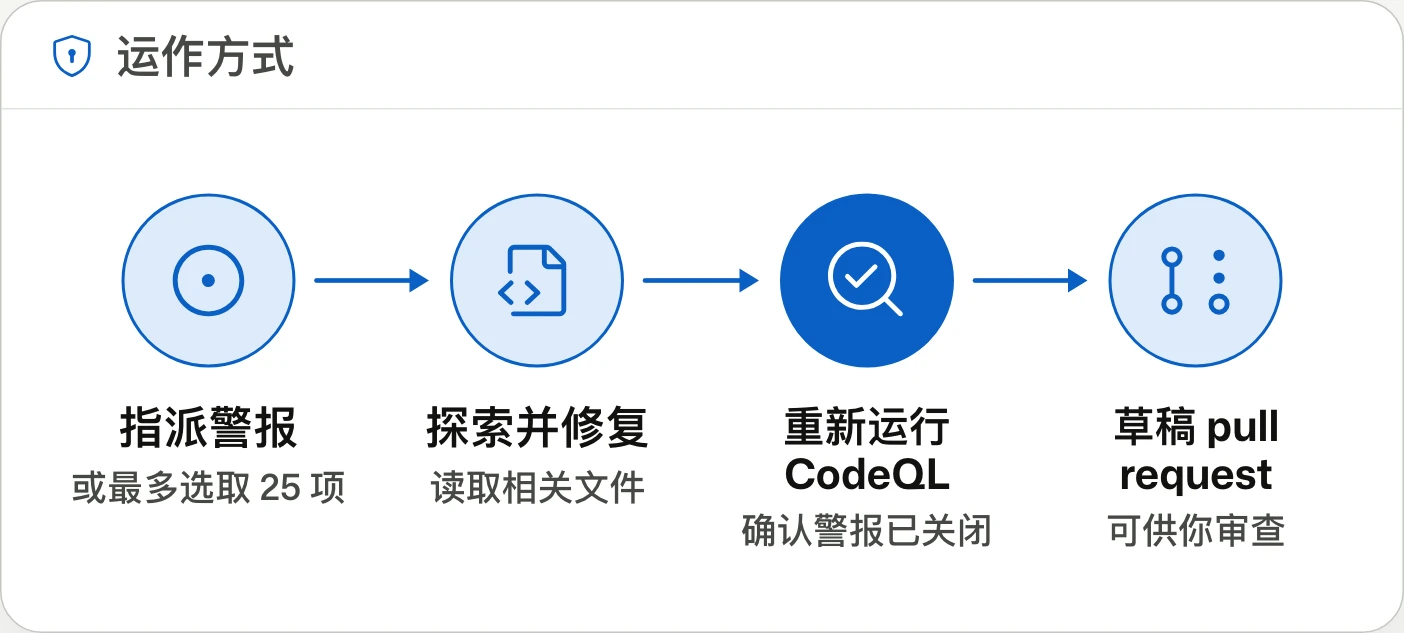
Agentic autofix for code scanning alerts general availabilitycode scanning 警示的 Agentic autofix 正式推出code scanning 警报的 Agentic autofix 正式发布
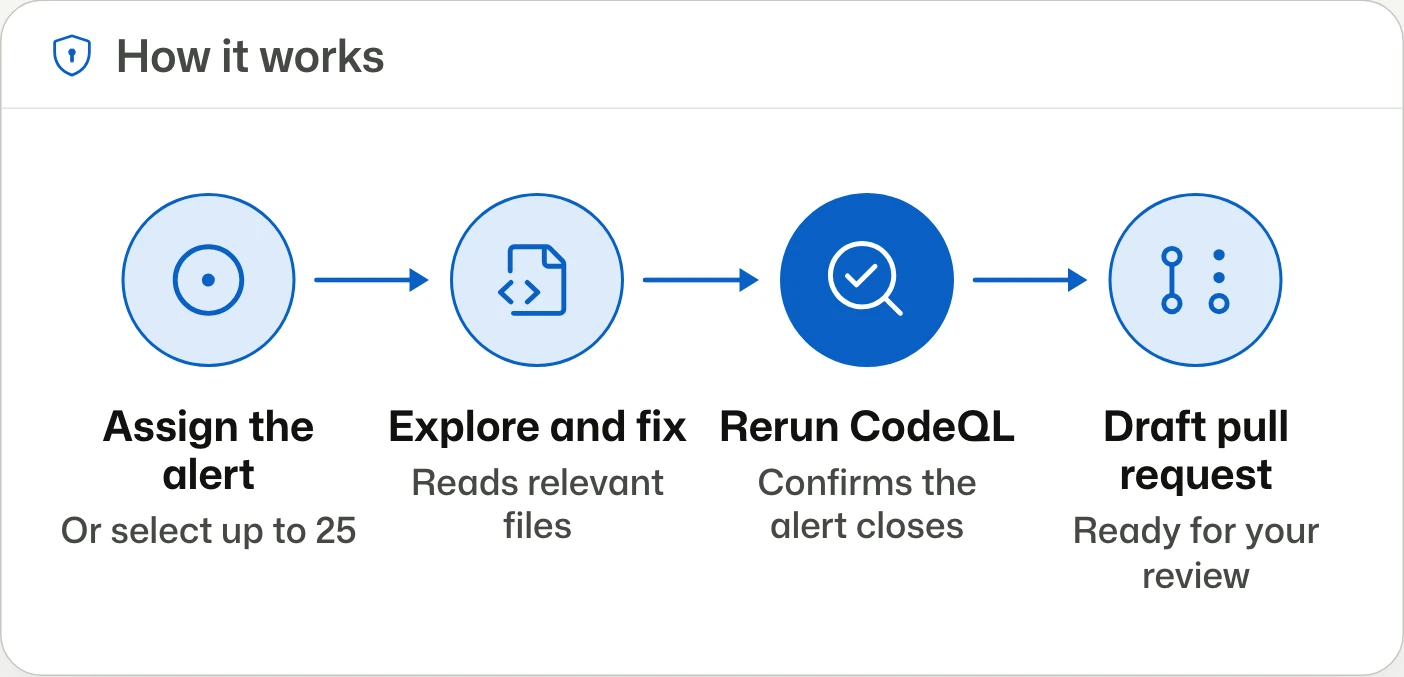
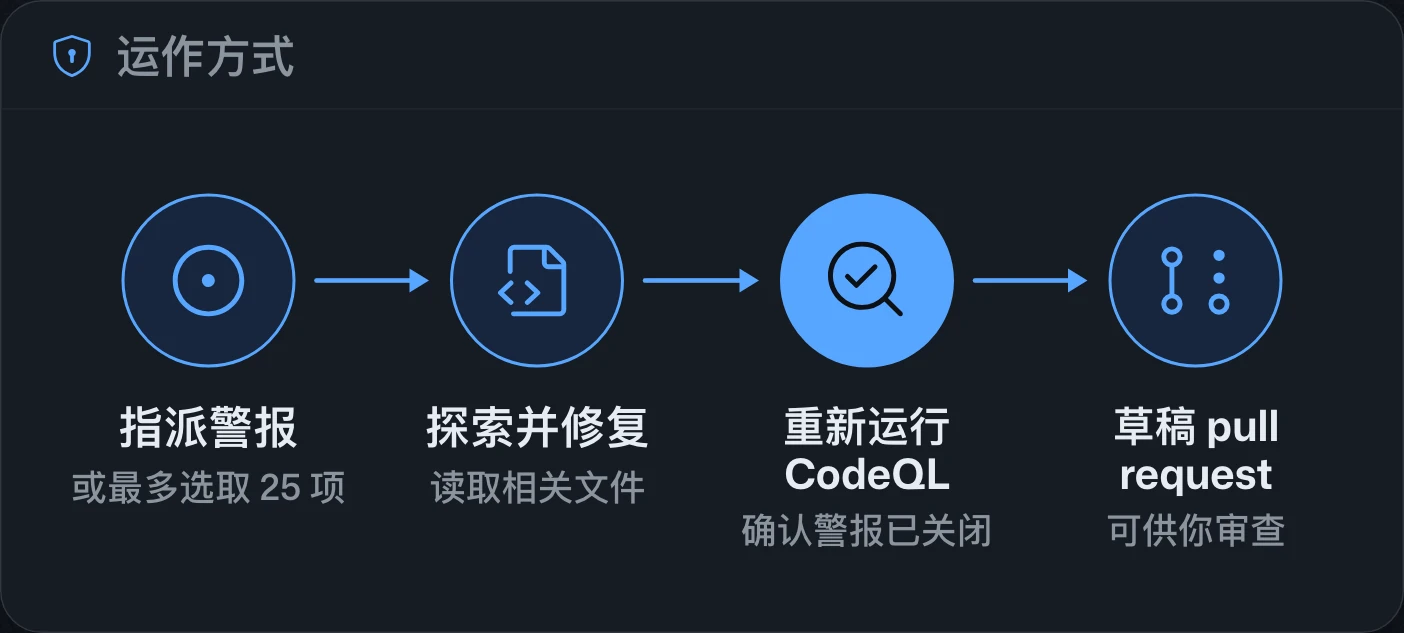
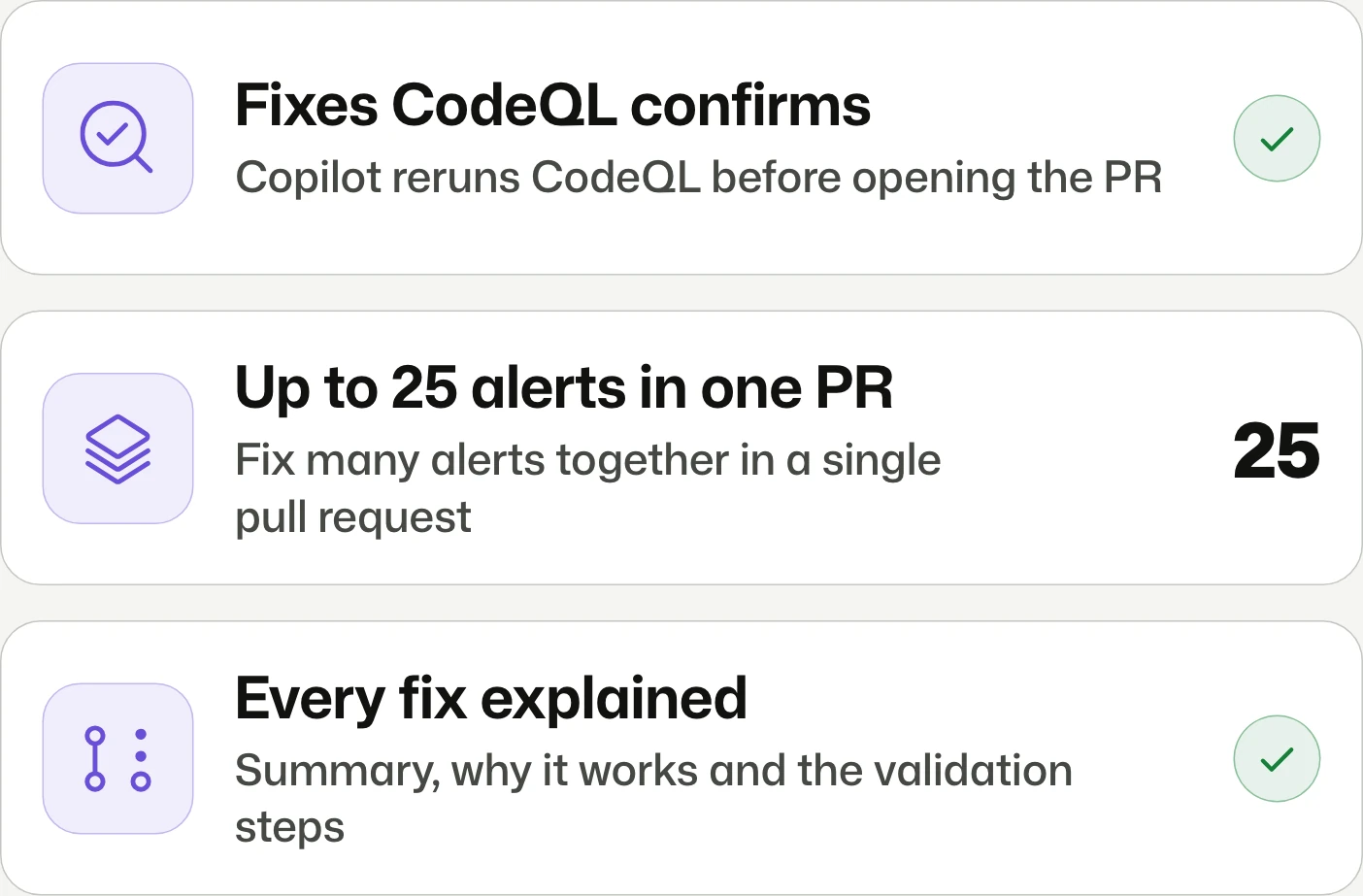
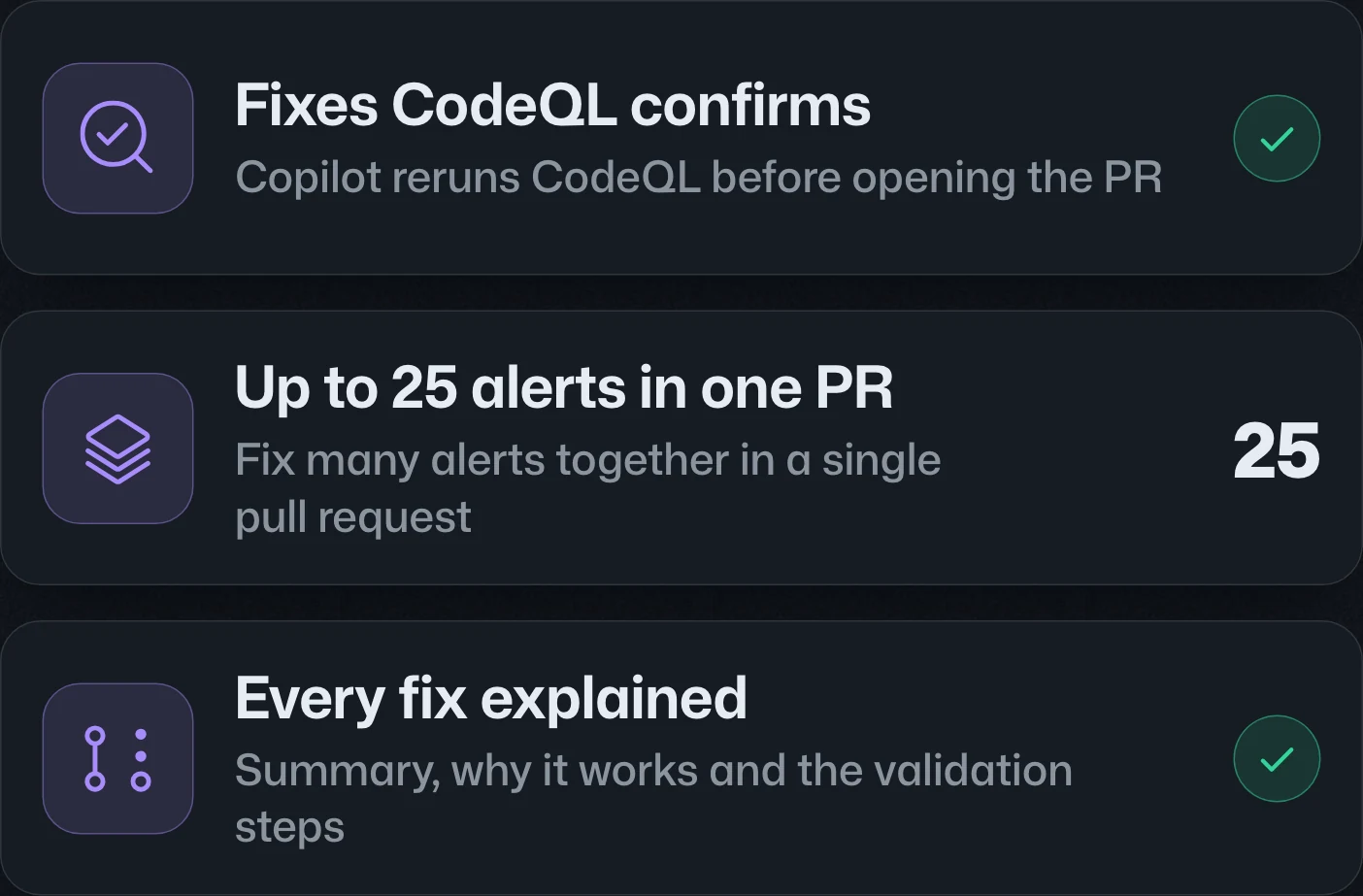
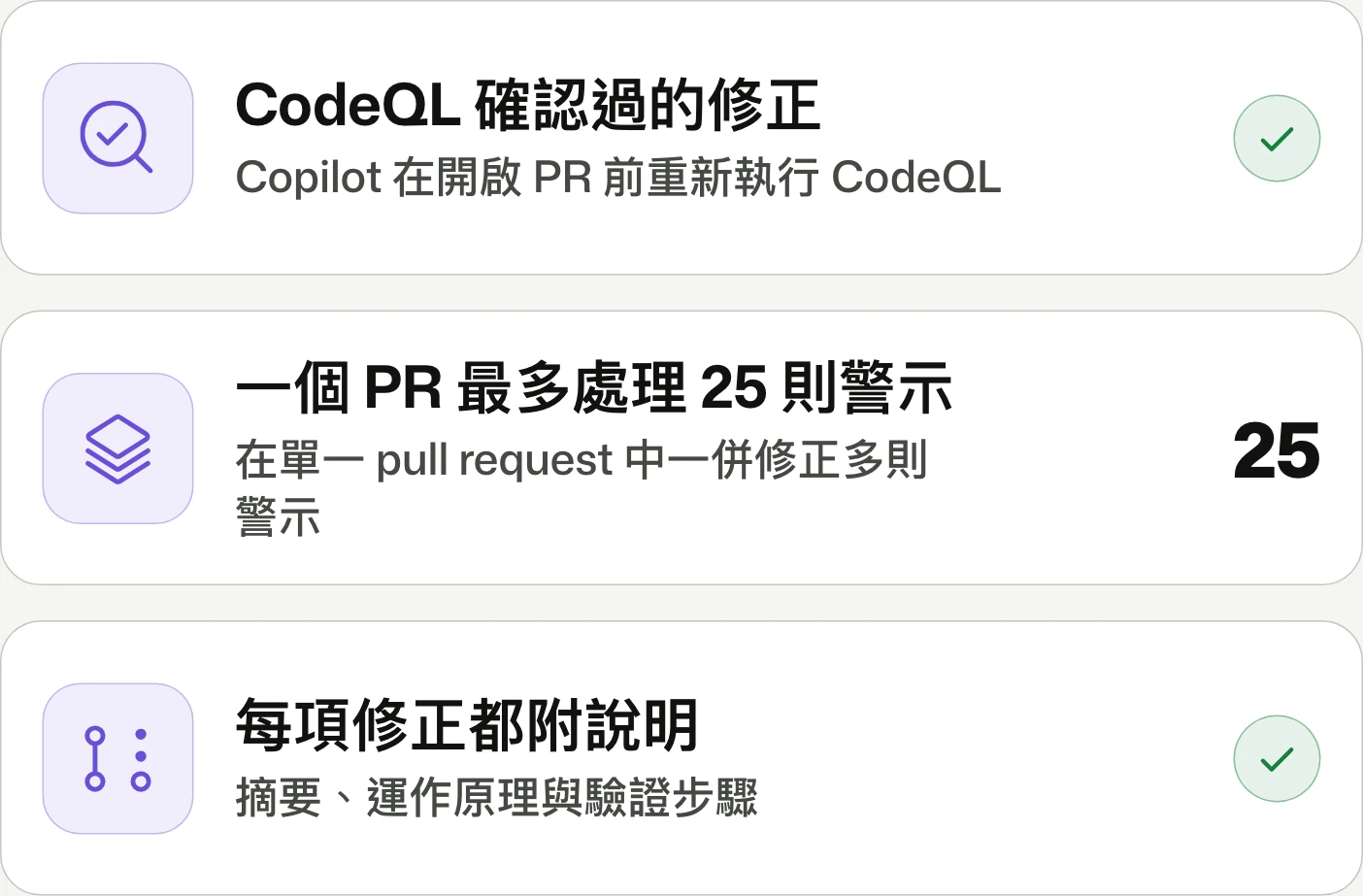
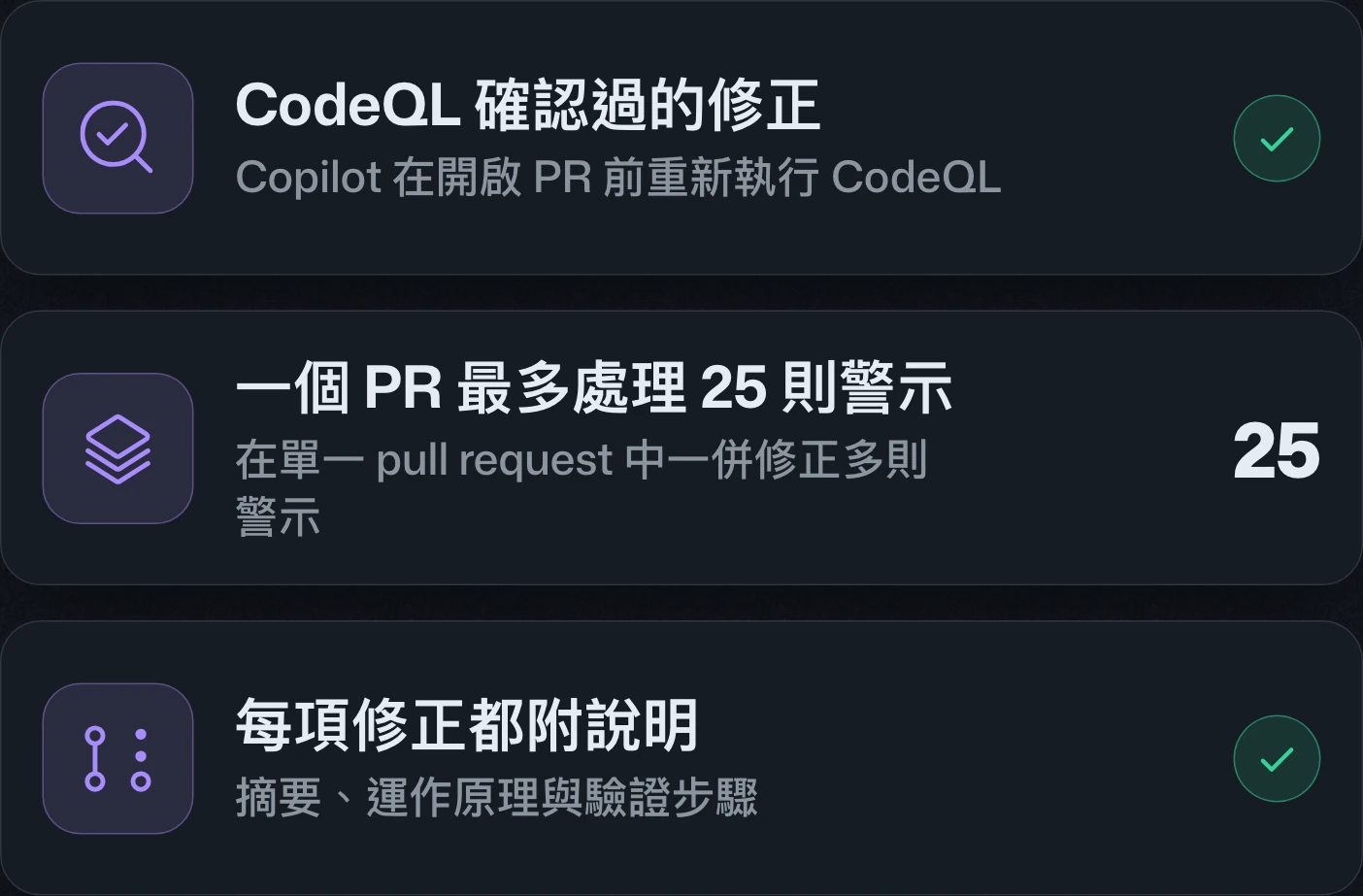
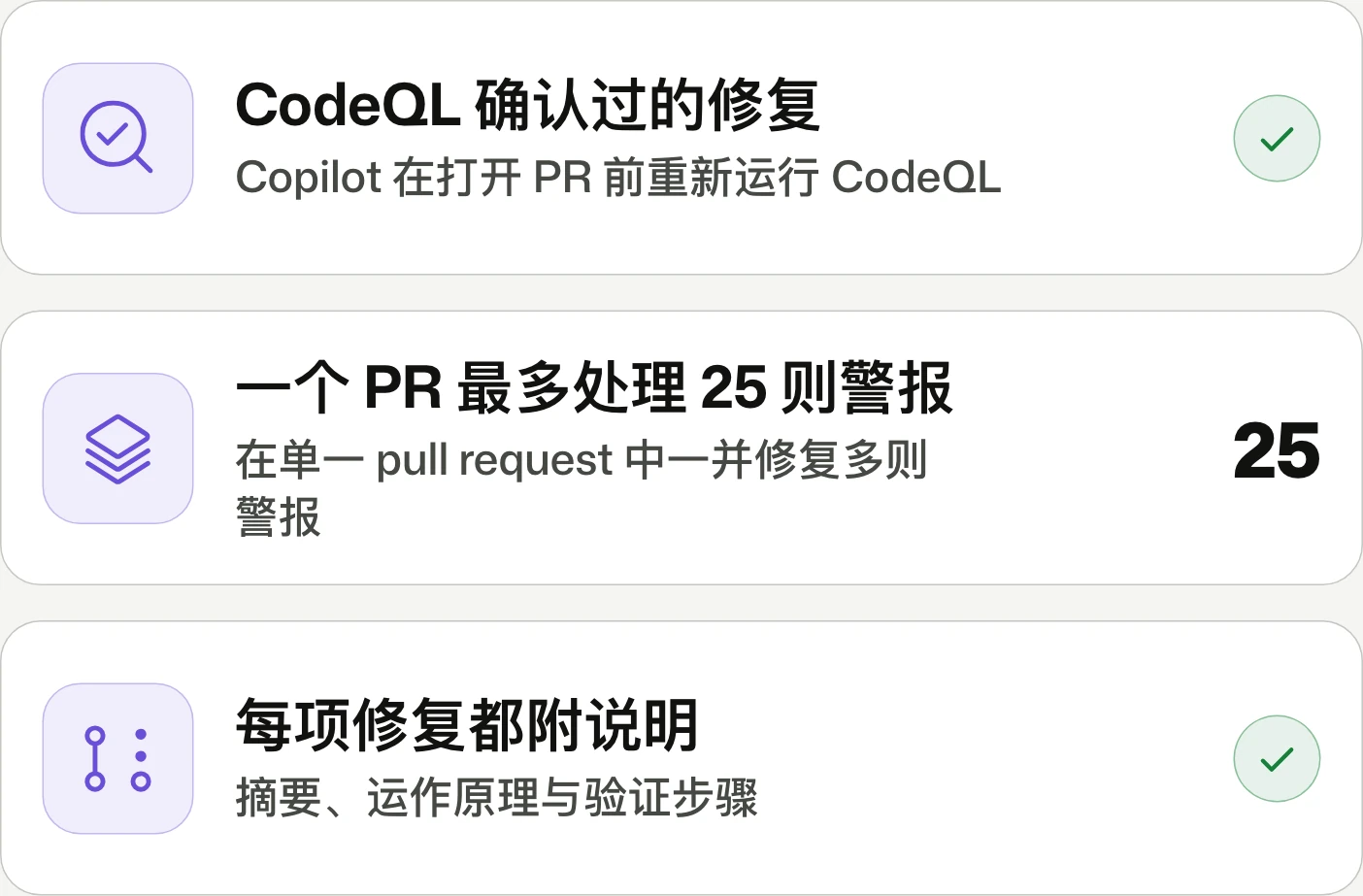
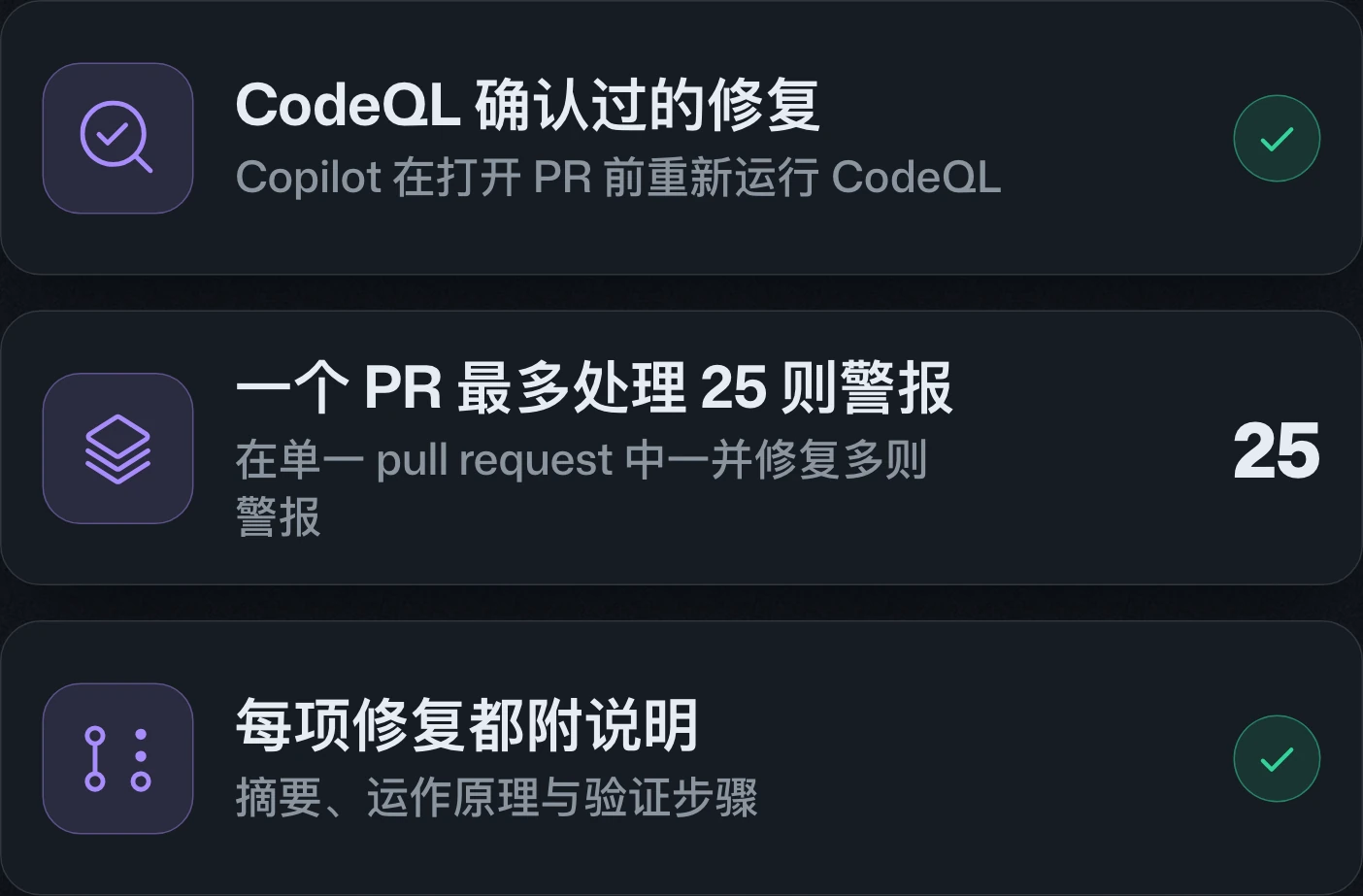
Assign an alert. Get a validated fix.指派警示,取得經過驗證的修正。分配警报,获得经过验证的修复。
Agentic autofix for code scanning alerts is generally available: Copilot proposes a fix, reruns CodeQL to validate it, then opens a draft pull request. For GitHub Code Security and Advanced Security customers on GitHub Enterprise Cloud, including data residency.code scanning 警示的 Agentic autofix 正式推出:Copilot 會提出修正、重新執行 CodeQL 驗證,再開啟 draft pull request。適用於 GitHub Enterprise Cloud(含資料落地)上的 GitHub Code Security 與 Advanced Security 客戶。code scanning 警报的 Agentic autofix 正式发布:Copilot 会提出修复、重新运行 CodeQL 验证,再创建 draft pull request。适用于 GitHub Enterprise Cloud(含数据驻留)上的 GitHub Code Security 和 Advanced Security 客户。
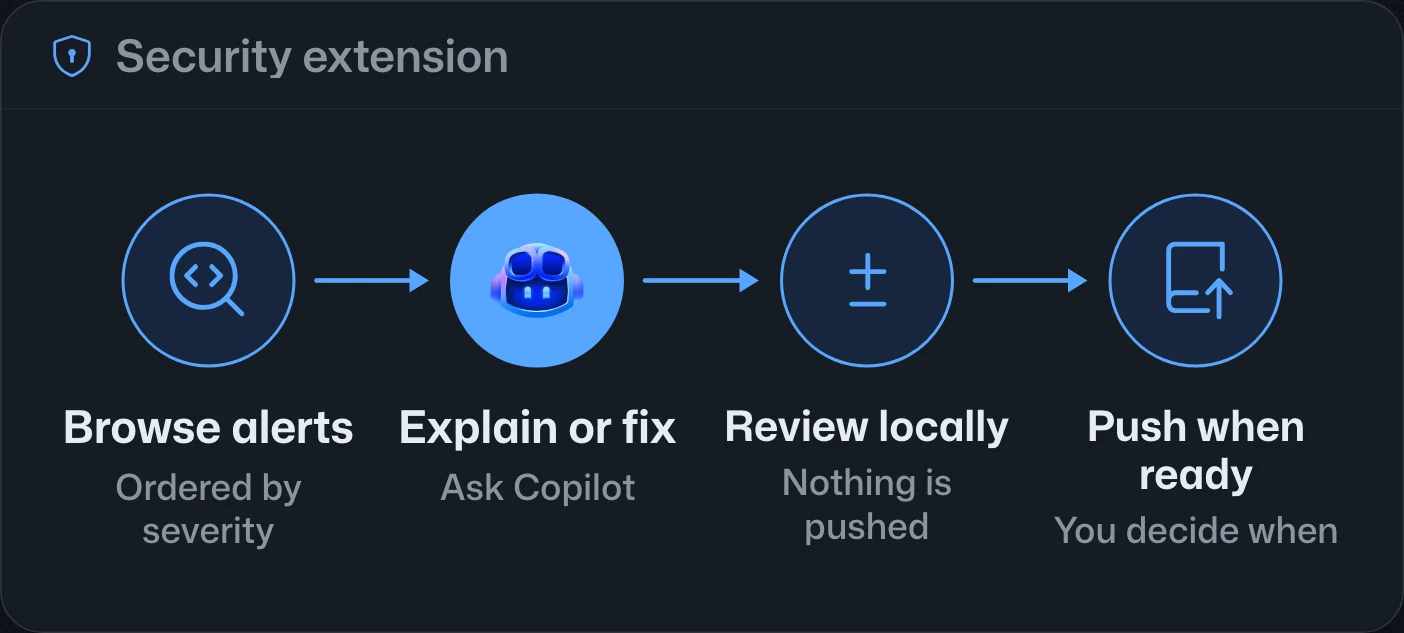
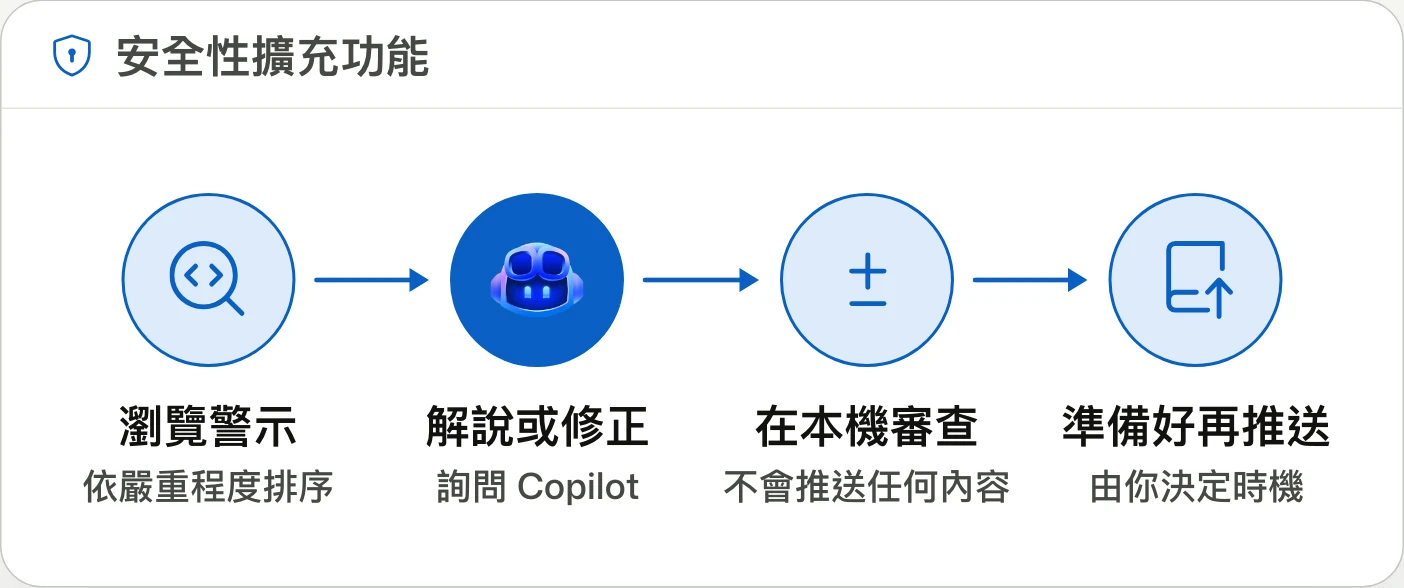
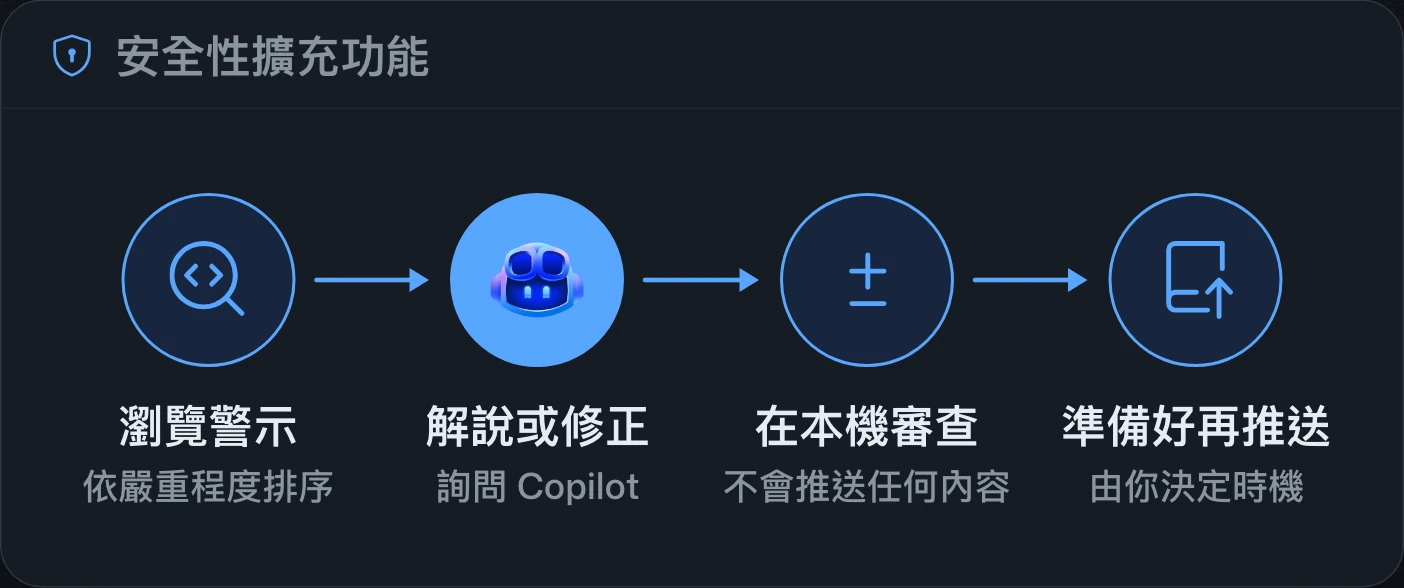
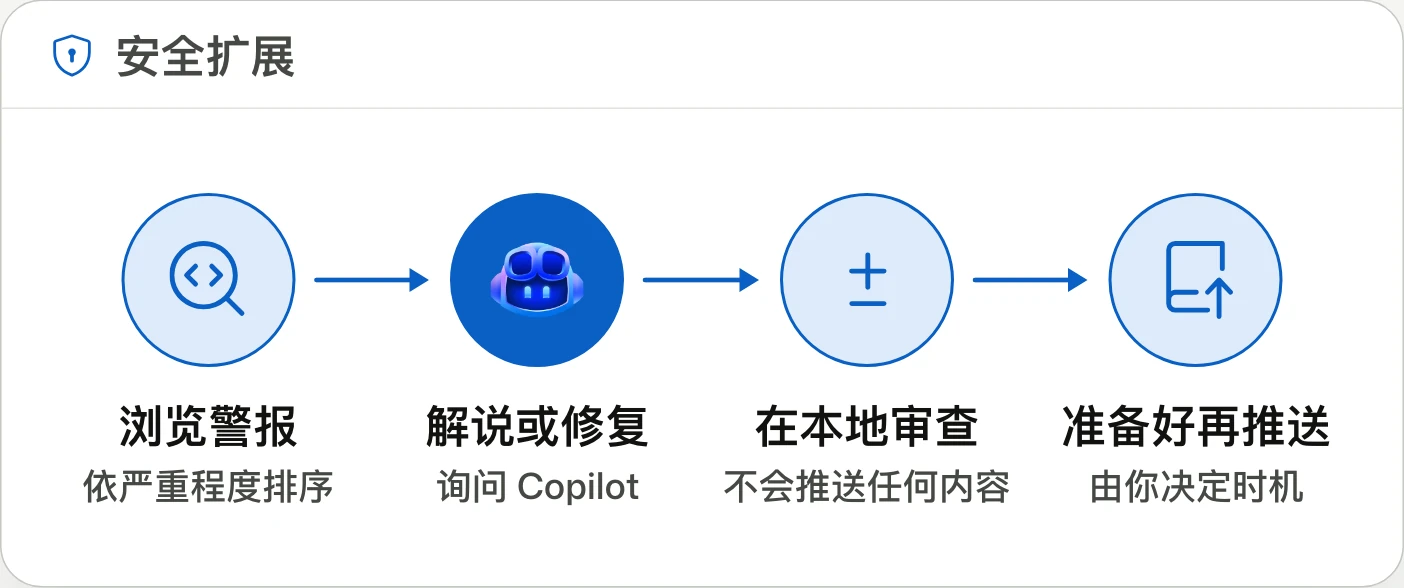
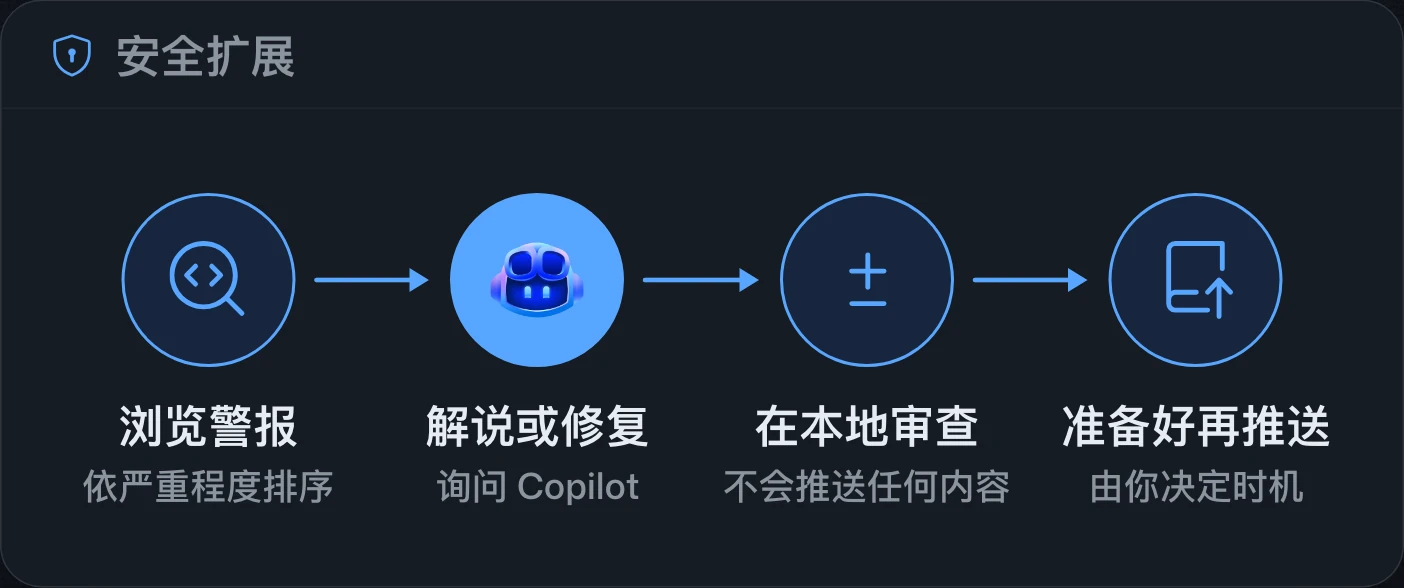
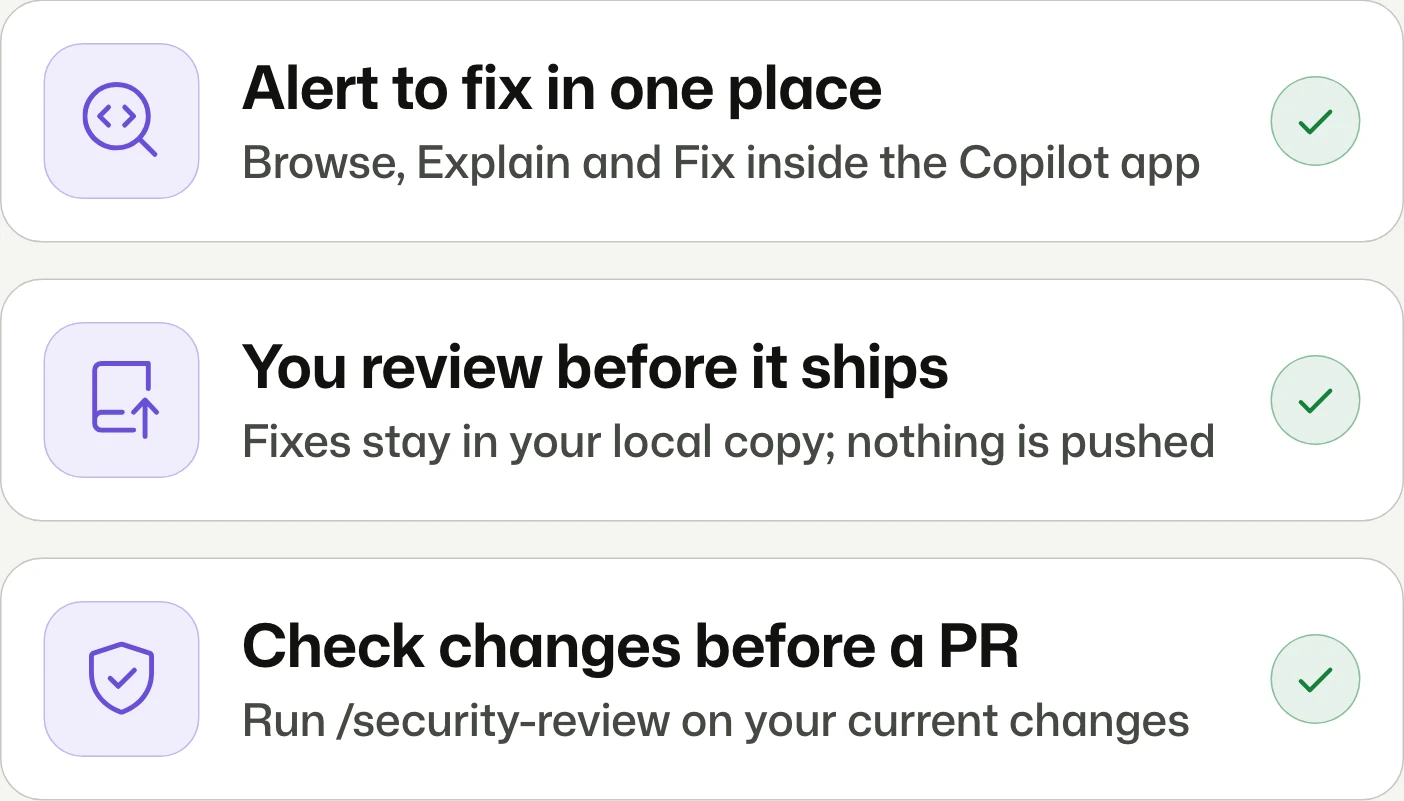
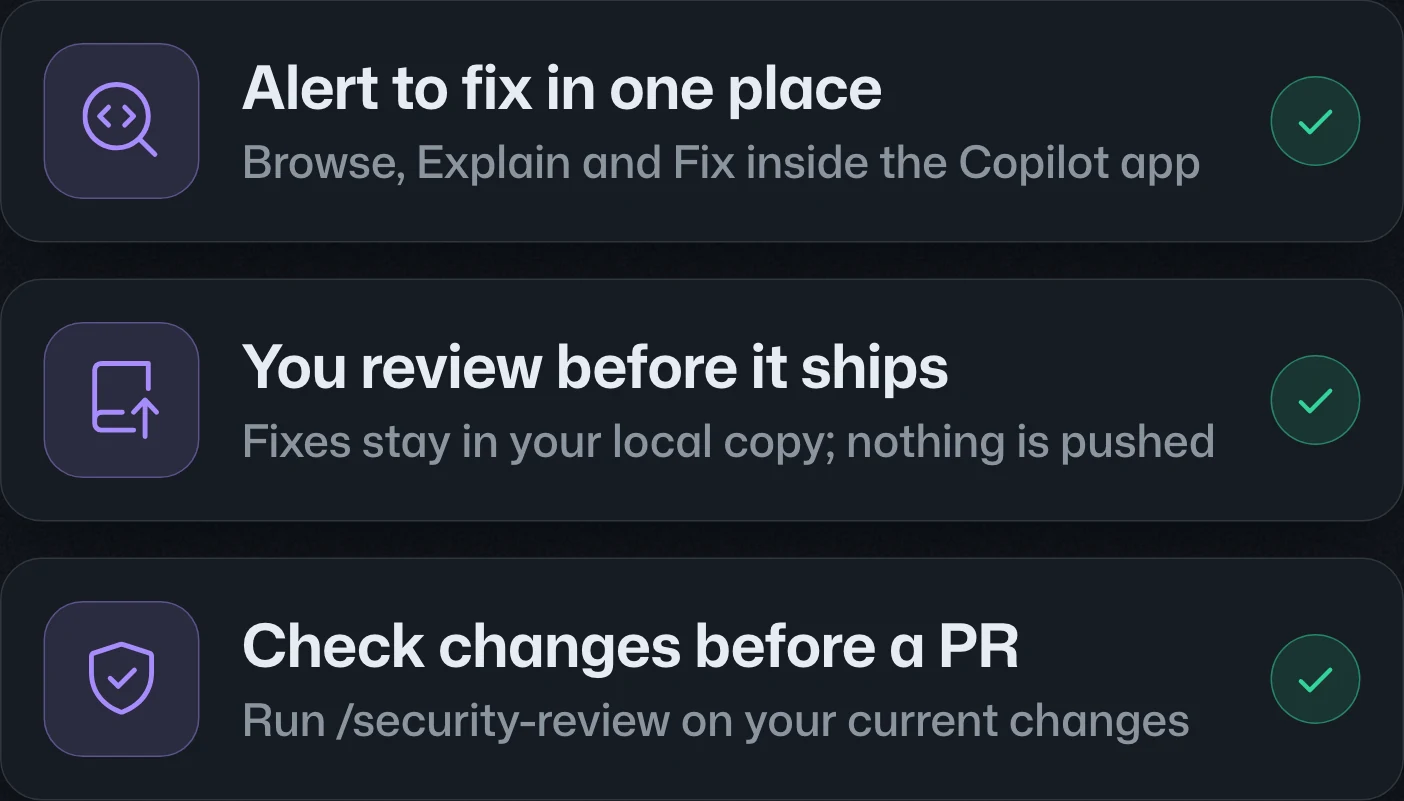
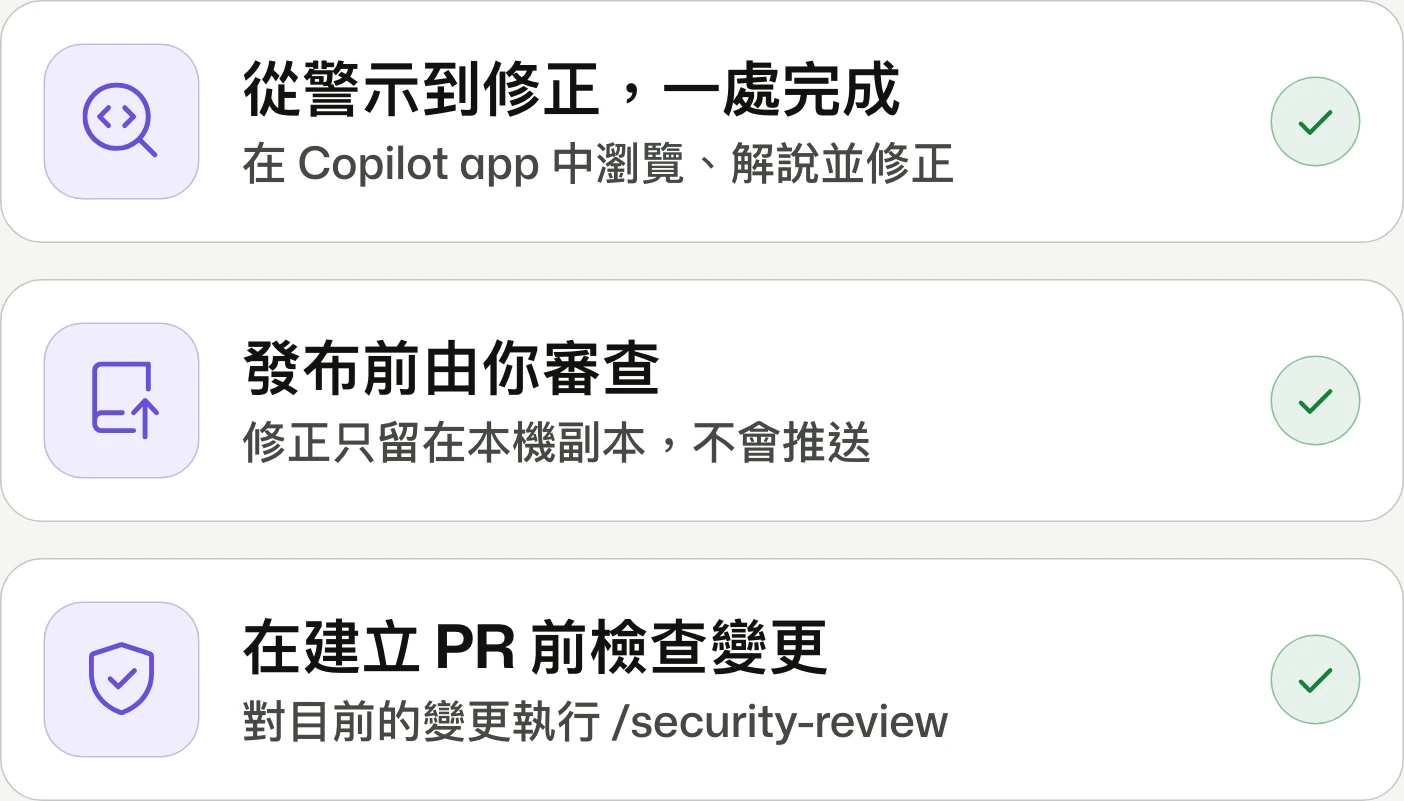
Security extension for the GitHub Copilot appGitHub Copilot app 安全性擴充功能GitHub Copilot app 安全扩展
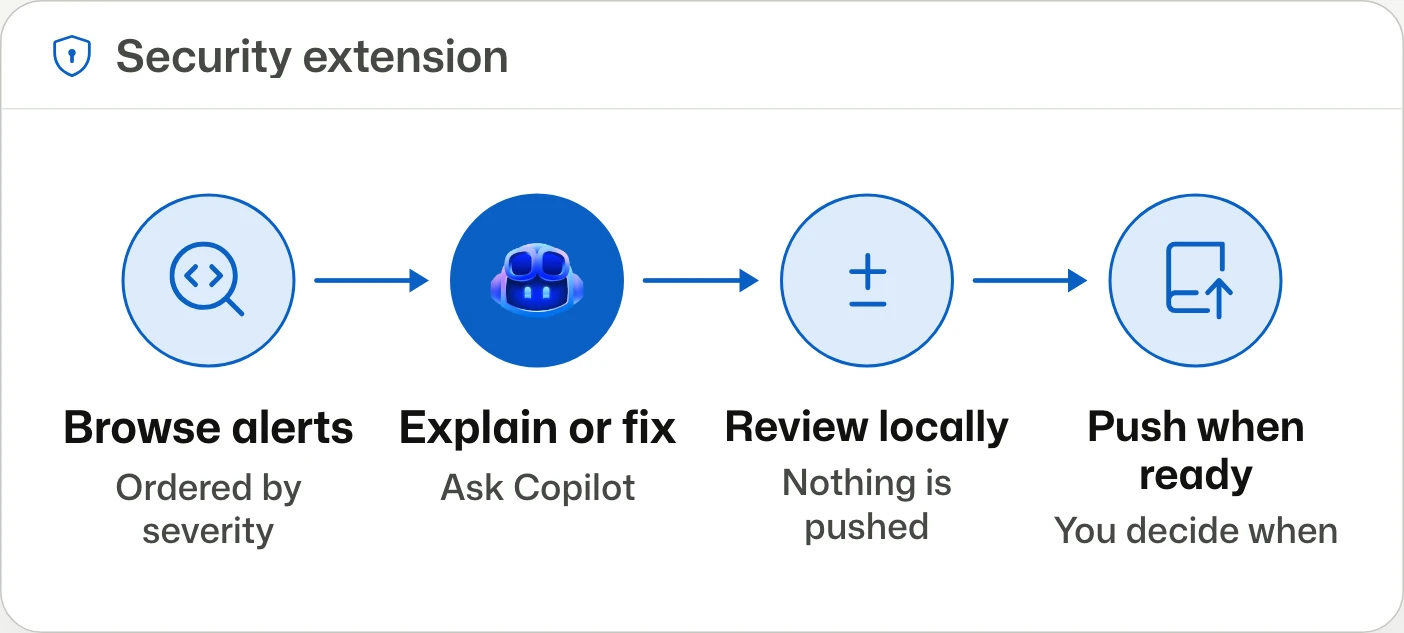
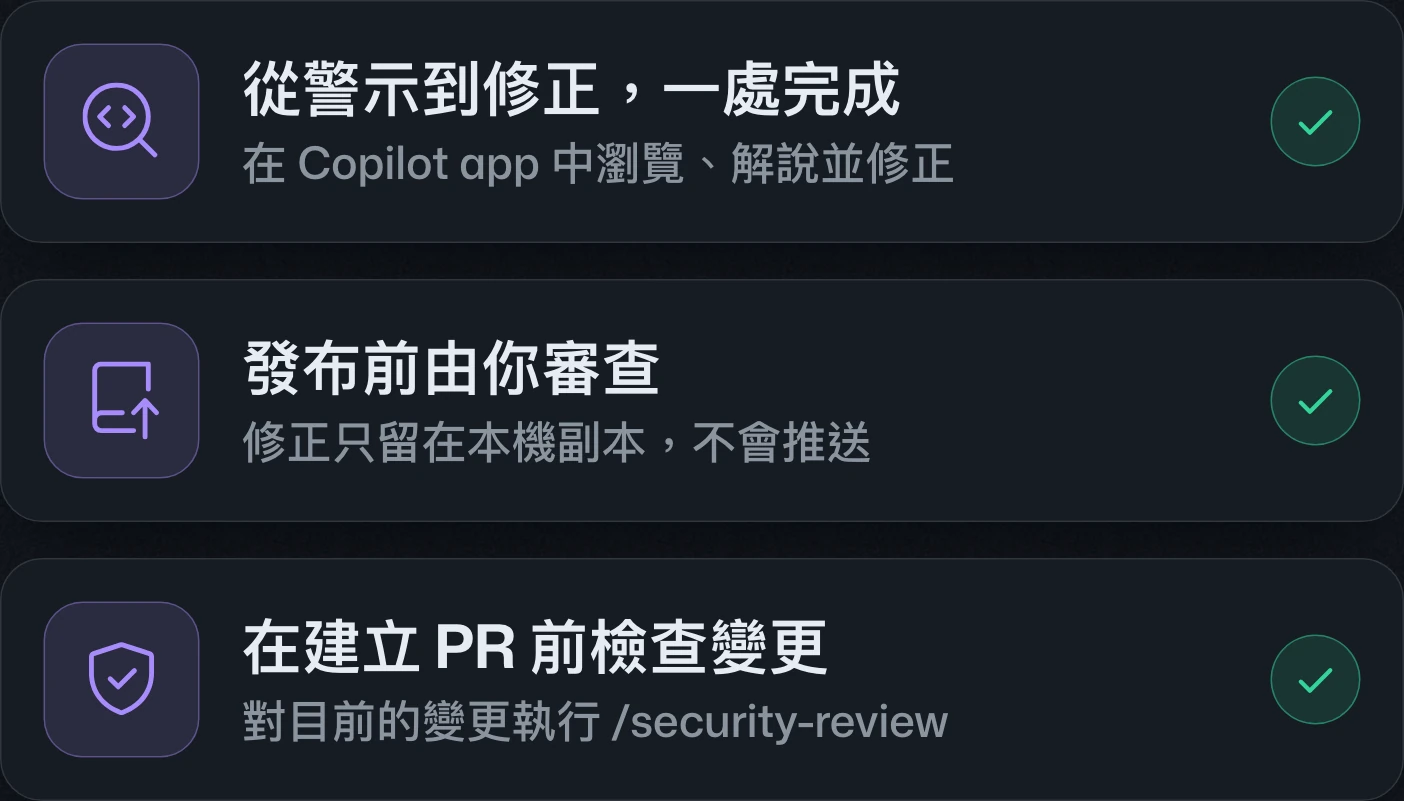
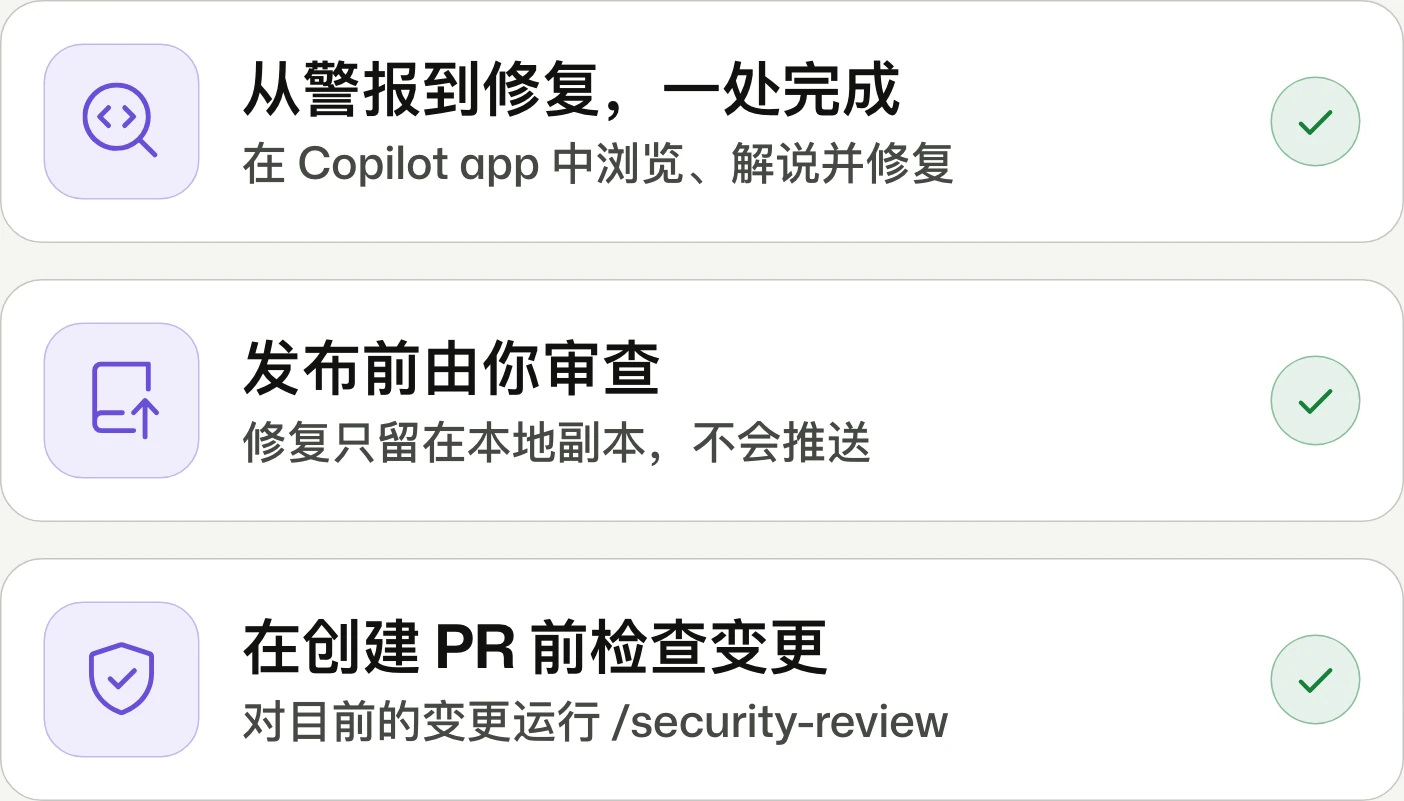
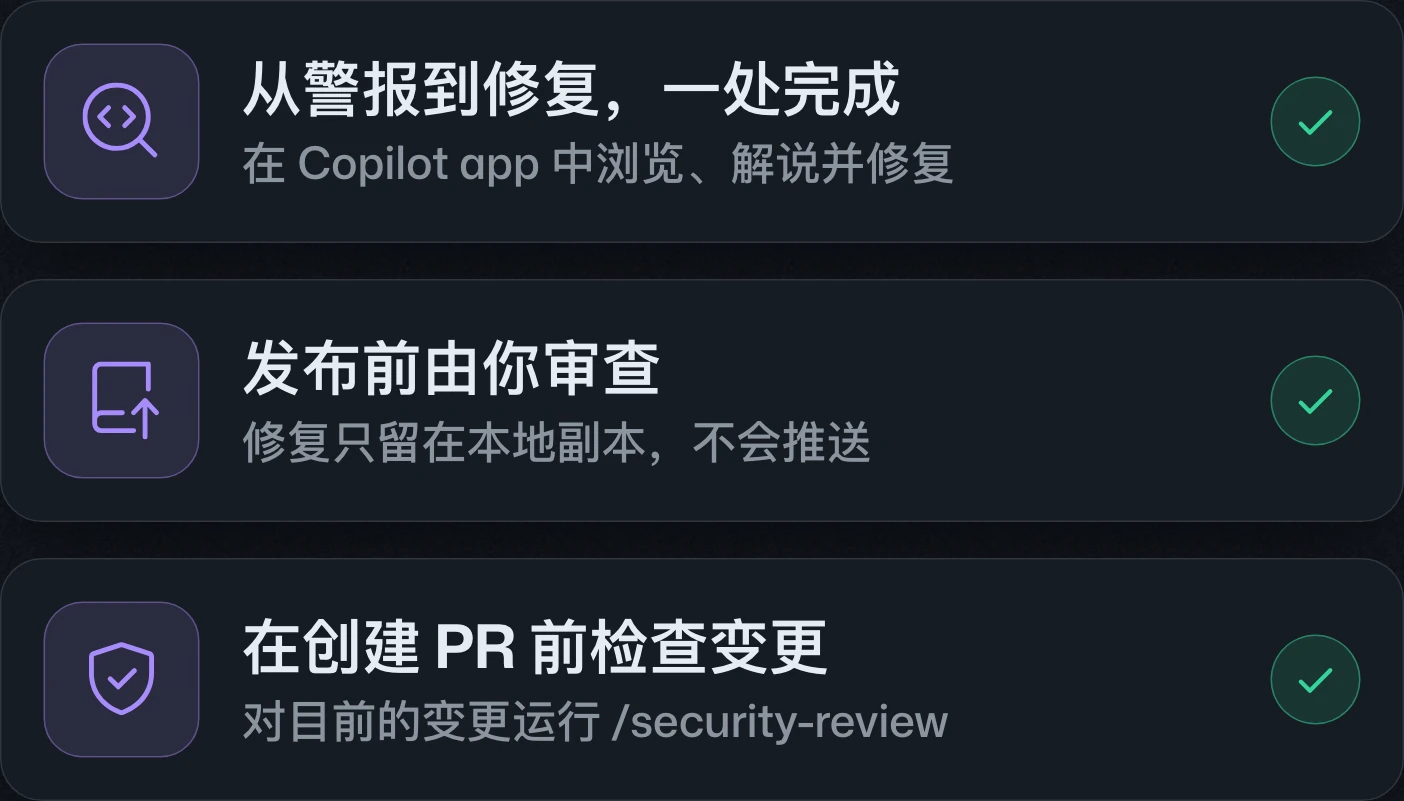
Go from alert to fix in the Copilot app.在 Copilot app 中從警示一路處理到修正。在 Copilot app 中从警报一路处理到修复。
The GitHub security extension brings alert triage, Copilot explanations, local fixes, and change reviews into the Copilot app in public preview. Existing alerts require code scanning access; private repositories also need GitHub Code Security.GitHub 安全性擴充功能進入公開預覽,可在 Copilot app 中處理警示、請 Copilot 解說與修改本機程式碼,並檢查變更。存取既有警示須具備 code scanning 權限;私有儲存庫另須 GitHub Code Security。GitHub 安全扩展进入公开预览,可在 Copilot app 中处理警报、让 Copilot 解释并修改本地代码,以及检查变更。访问已有警报需具备 code scanning 权限;私有仓库还需 GitHub Code Security。
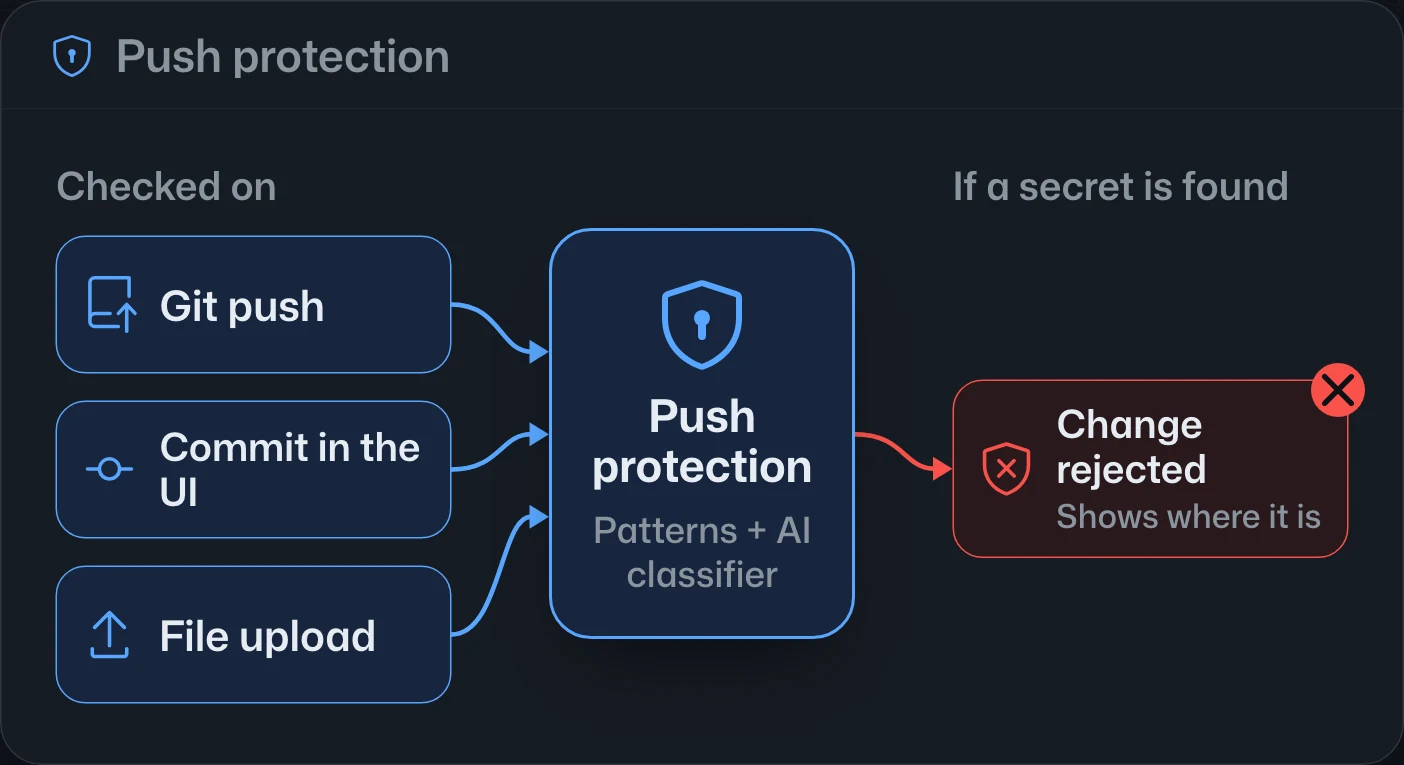
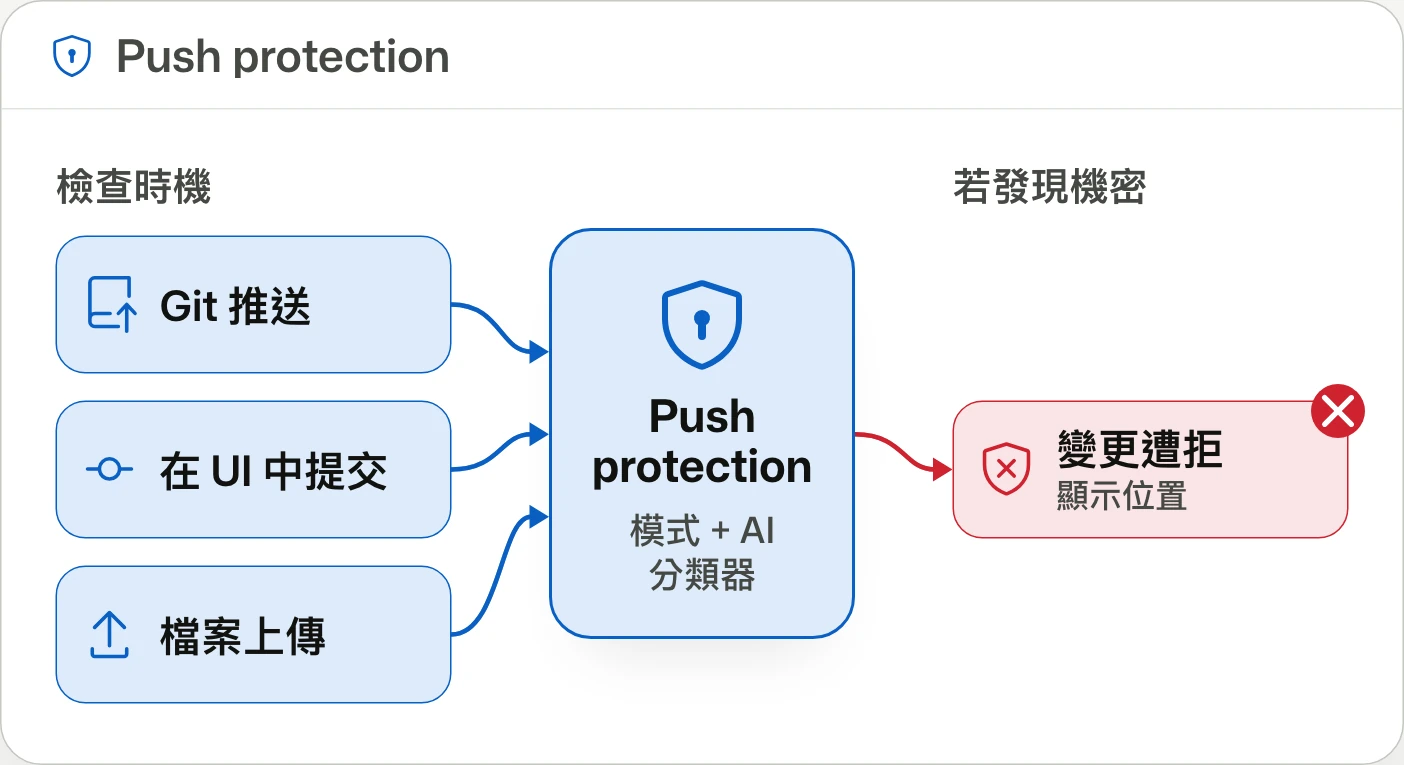
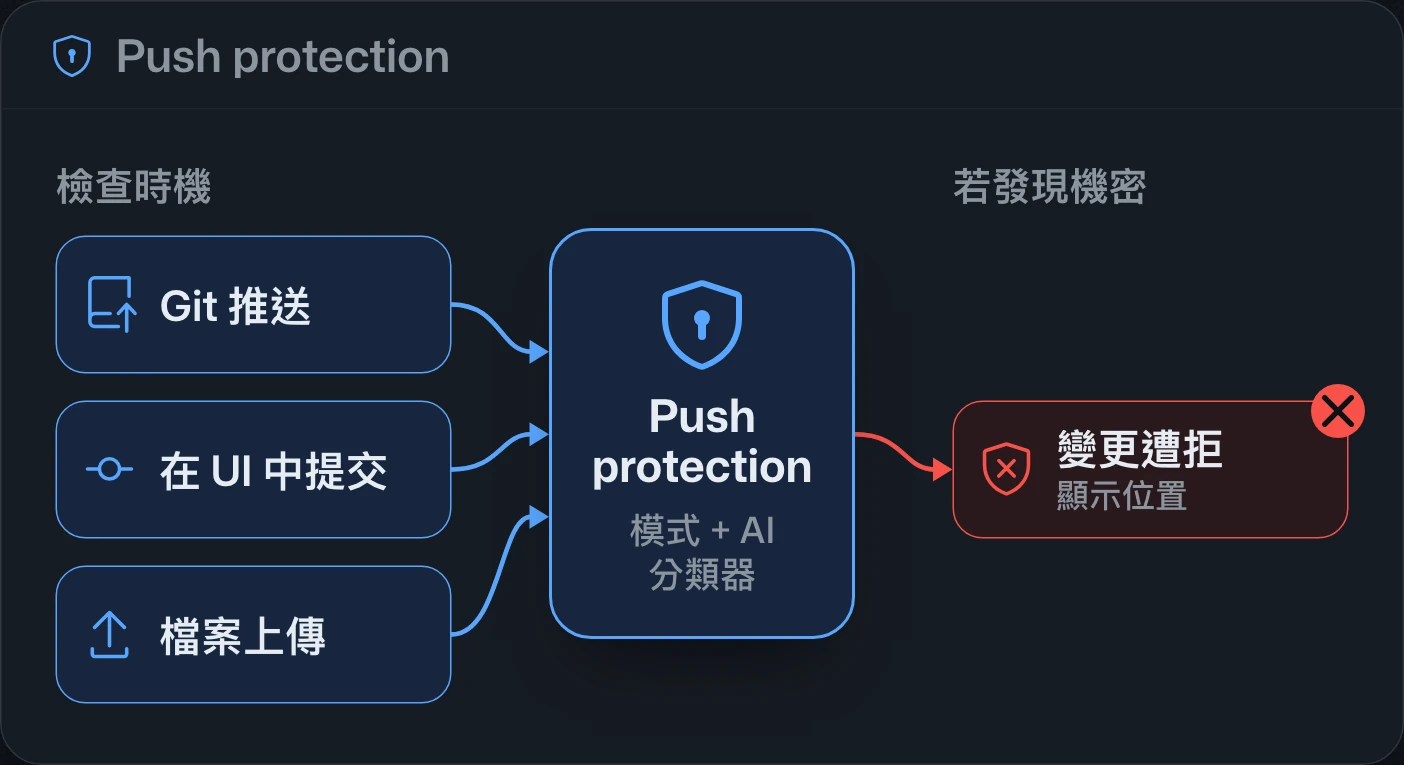
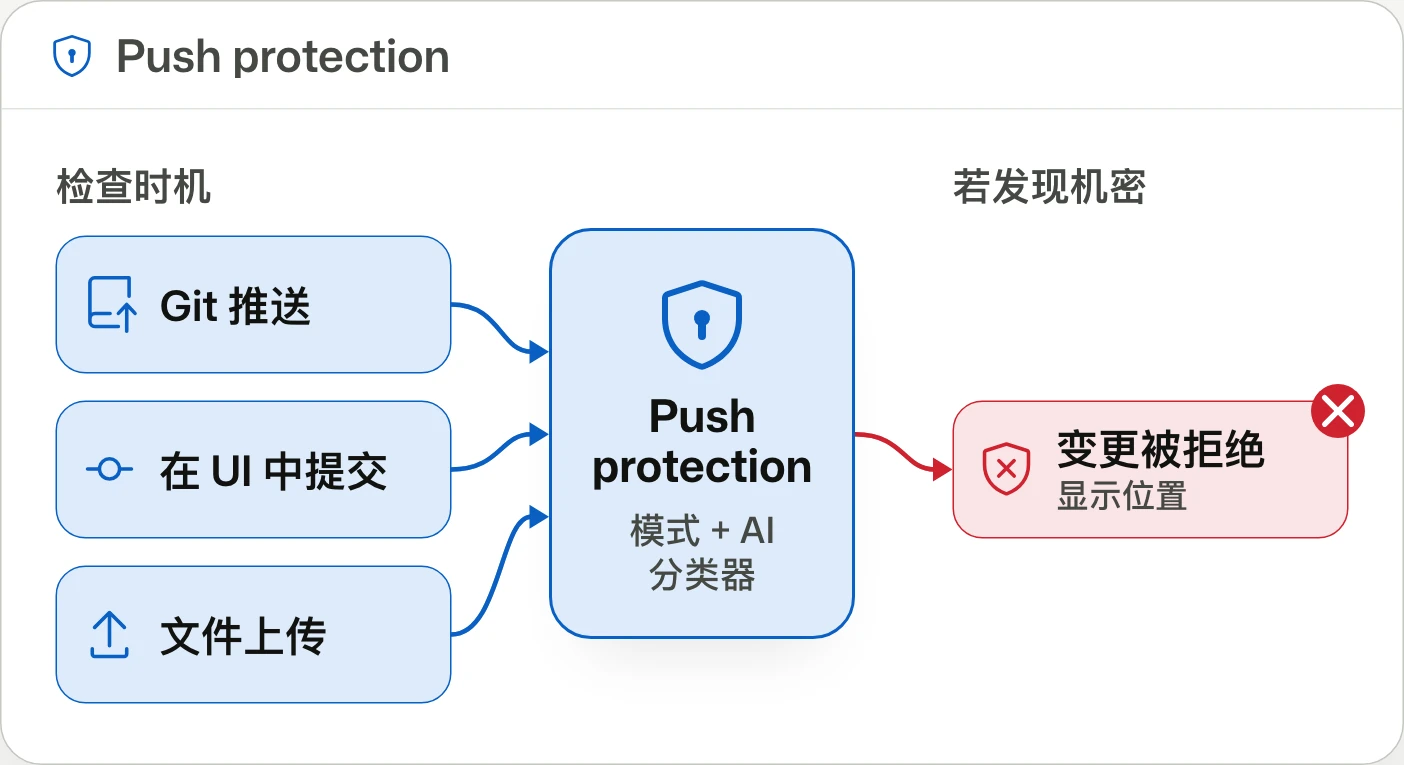
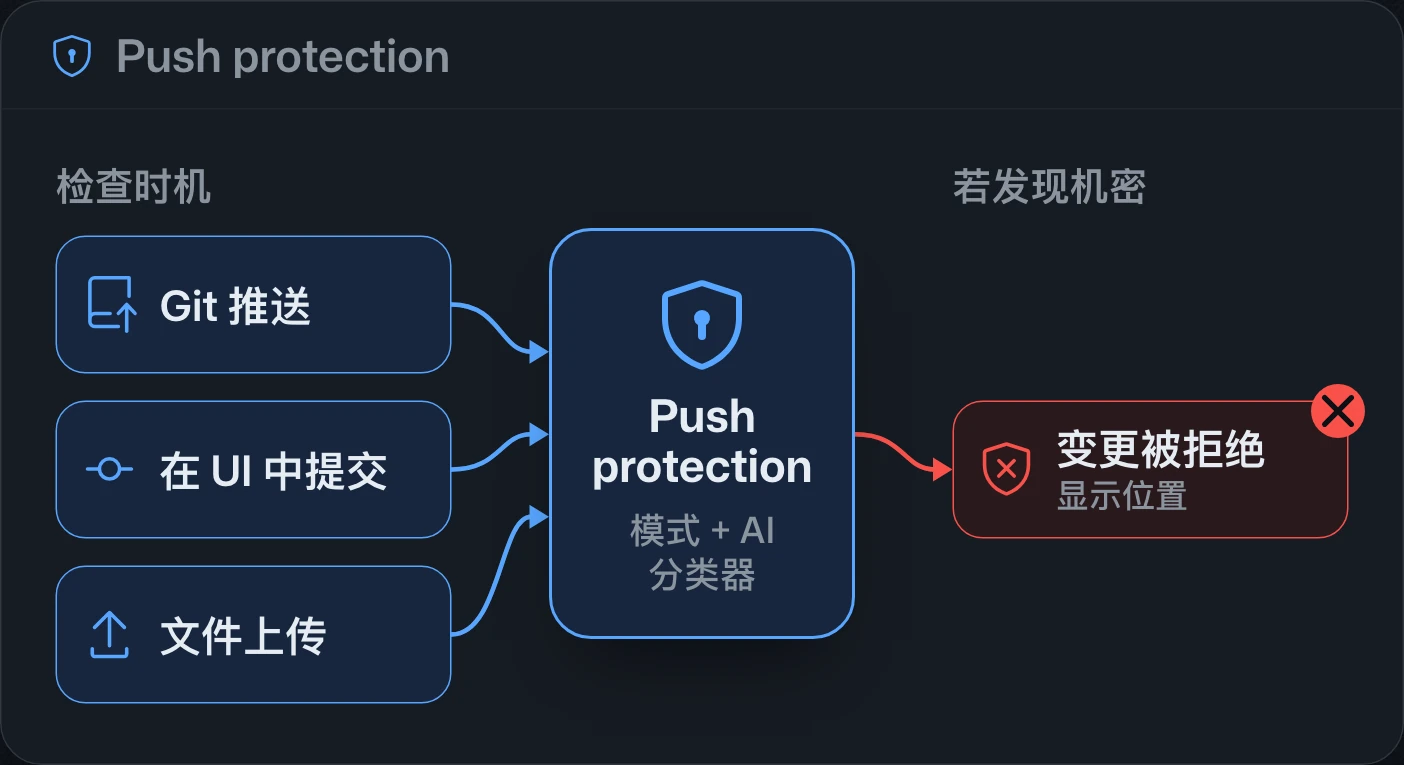
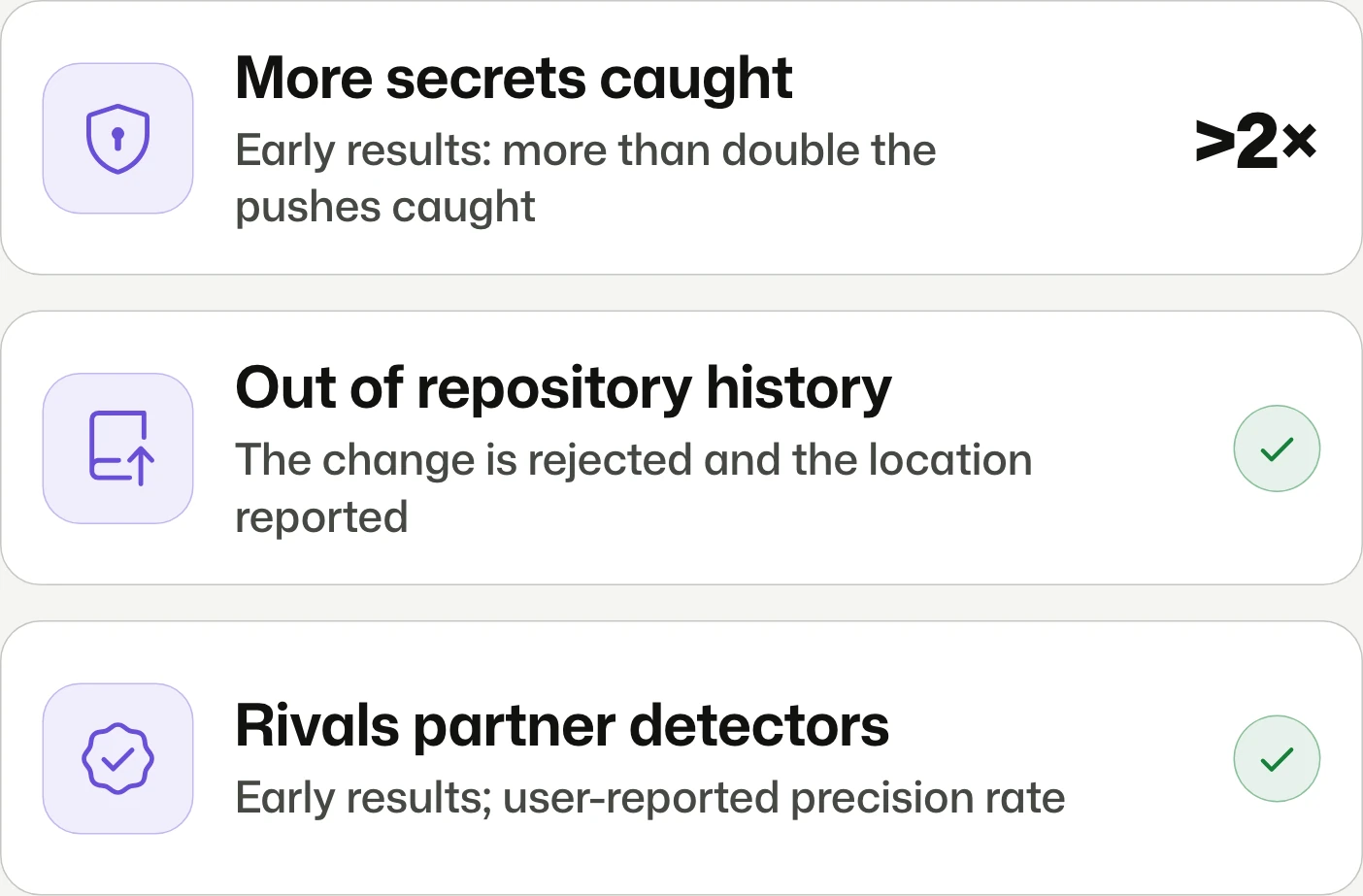
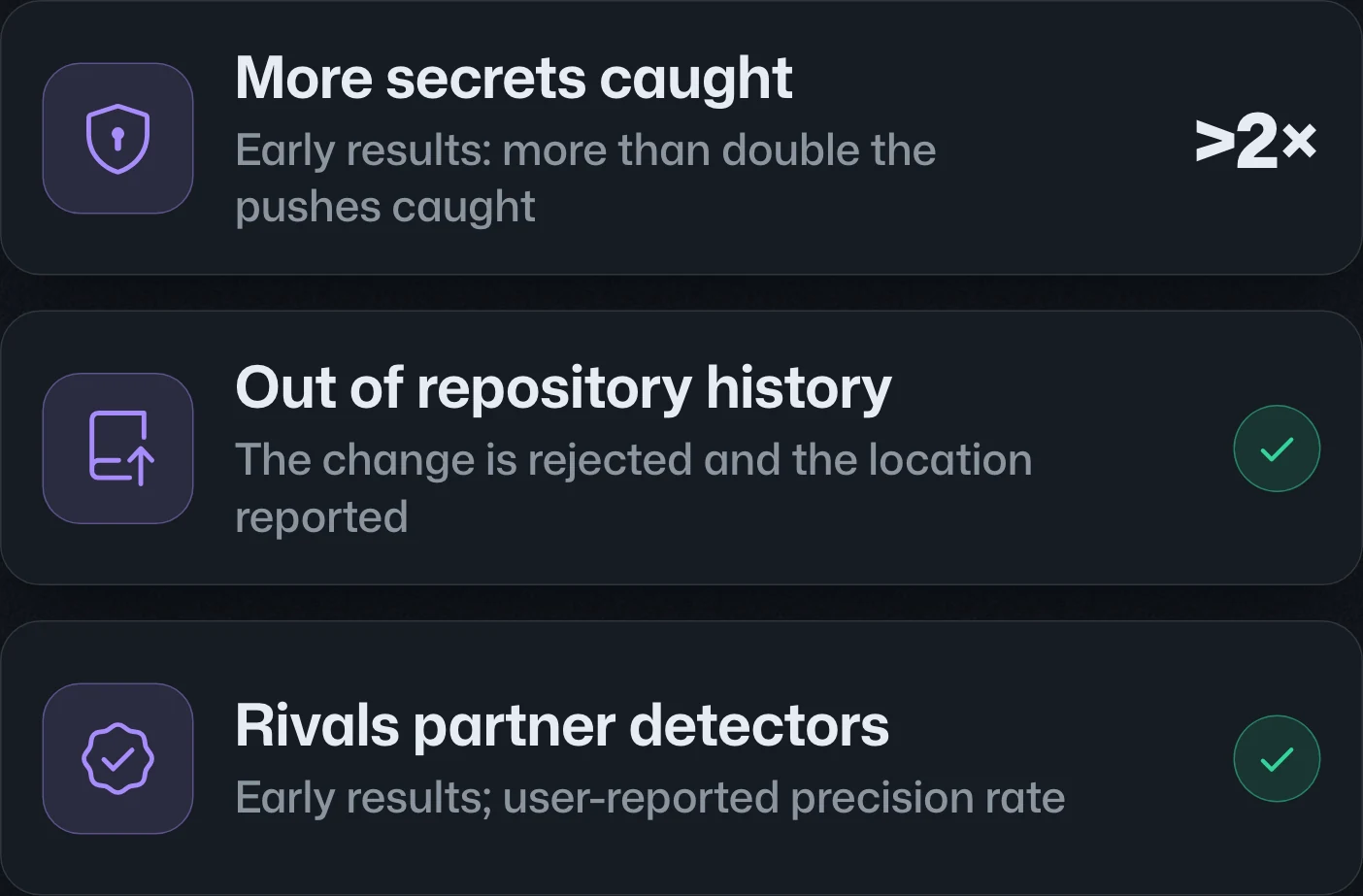
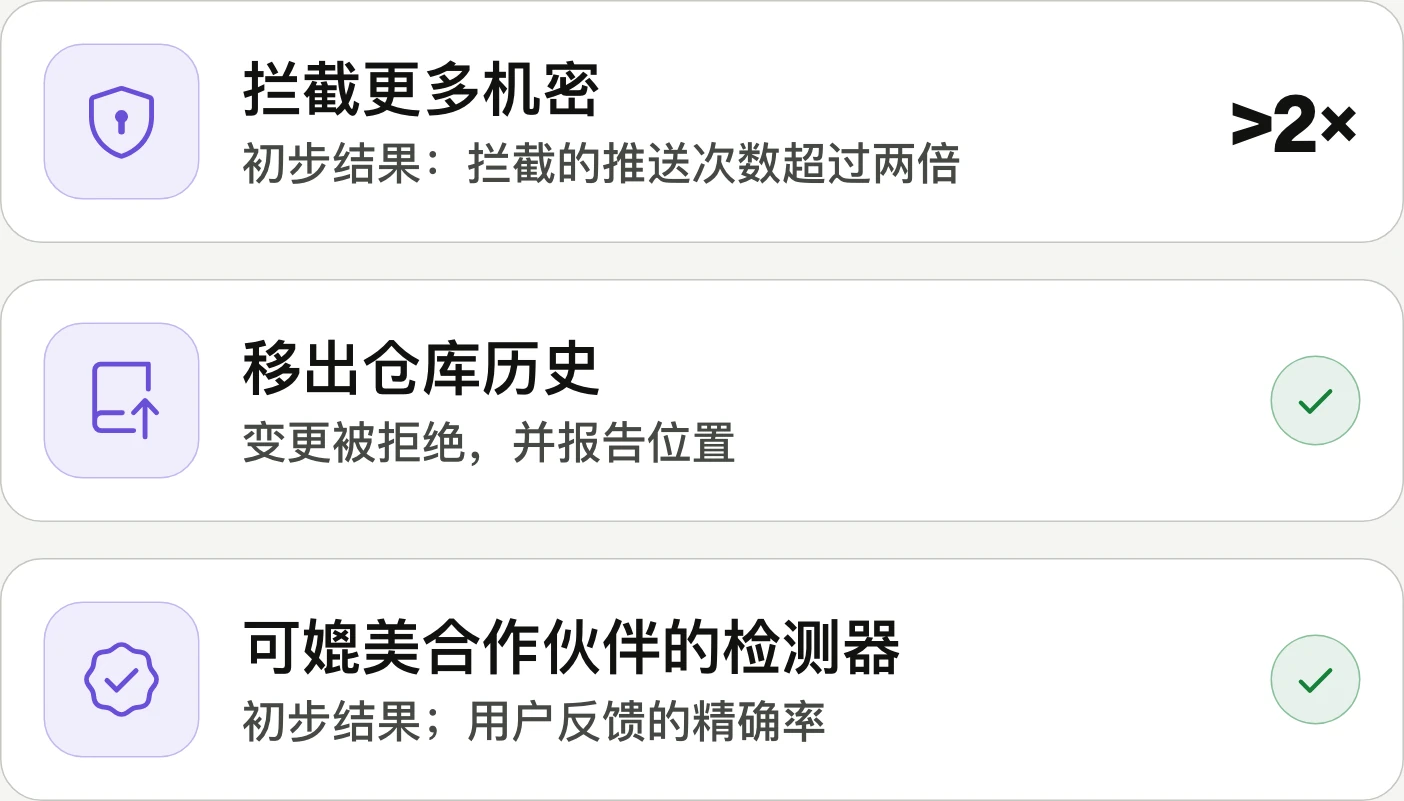
Push protection beyond predefined secret patterns超越預設機密格式的 push protection超越预设机密格式的 push protection
Block more secrets beyond known formats.攔截已知格式之外的更多機密。拦截已知格式之外的更多机密。
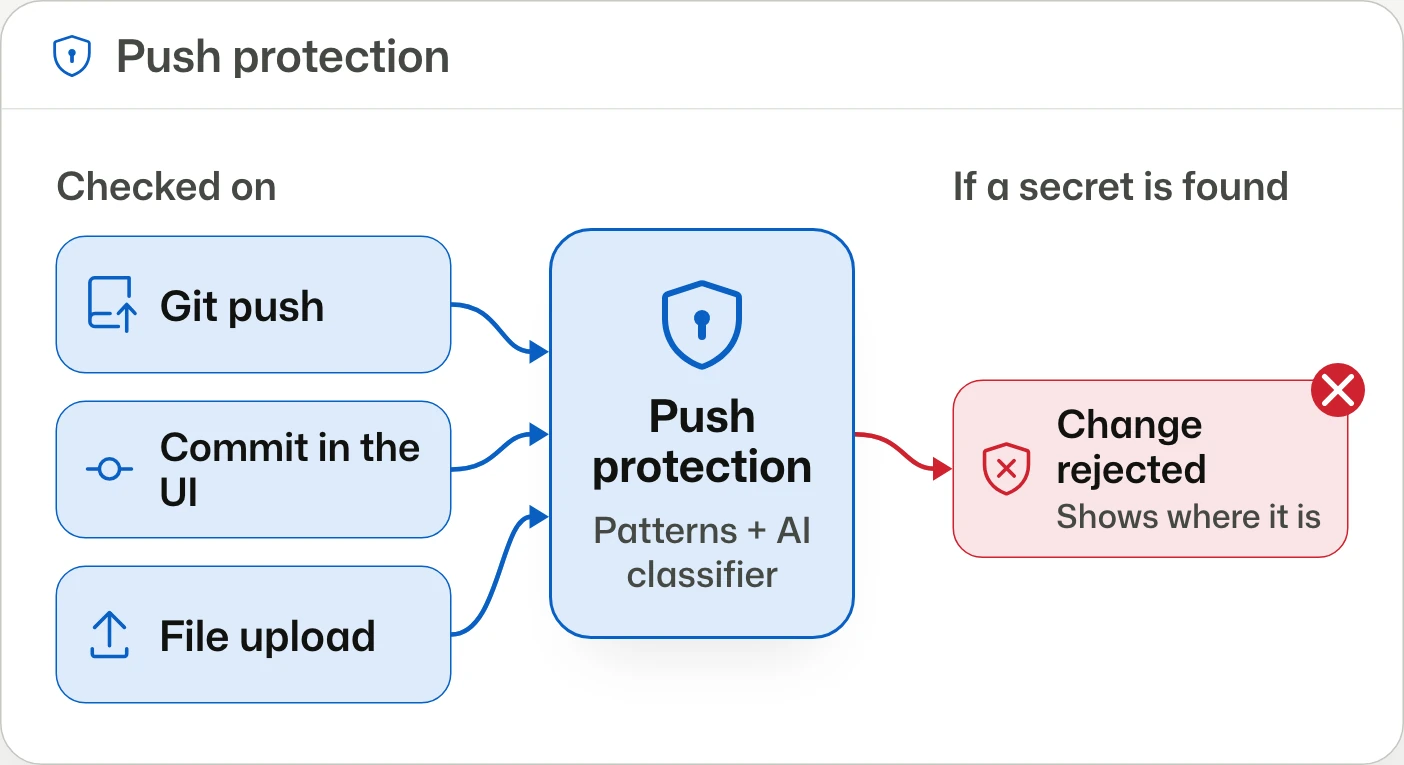
Push protection adds context-based AI secret detection in public preview for organizations with GitHub Secret Protection or GitHub Advanced Security. It is opt-in, requires AI secret scanning and push protection, and consumes AI credits.Push protection 新增依程式碼脈絡辨識機密的 AI 偵測,公開預覽適用於具備 GitHub Secret Protection 或 GitHub Advanced Security 的組織。須自行啟用,並先開啟 AI 機密掃描與 push protection;使用時會消耗 AI 額度。Push protection 新增根据代码上下文识别机密的 AI 检测,公开预览适用于拥有 GitHub Secret Protection 或 GitHub Advanced Security 的组织。需主动启用,并先开启 AI 机密扫描和 push protection;使用时会消耗 AI 额度。



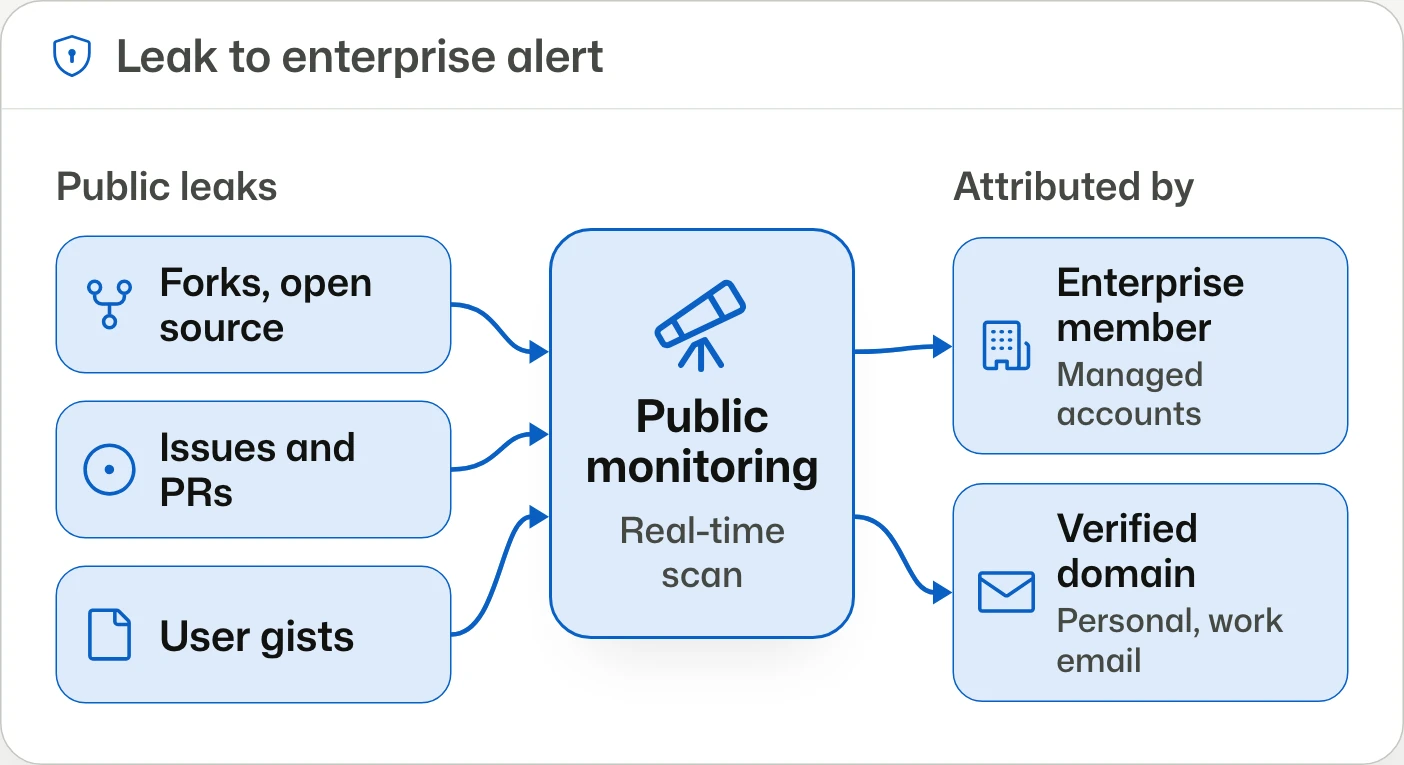
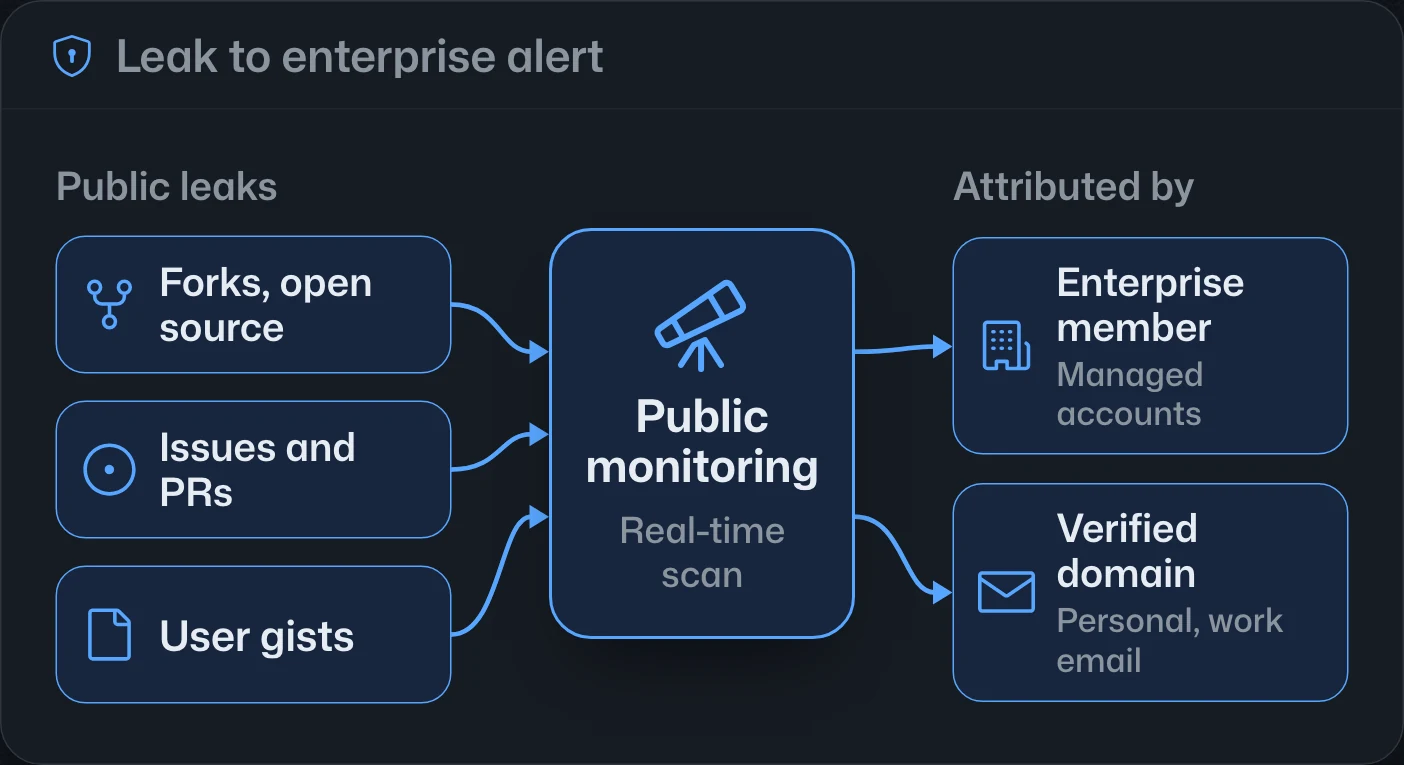
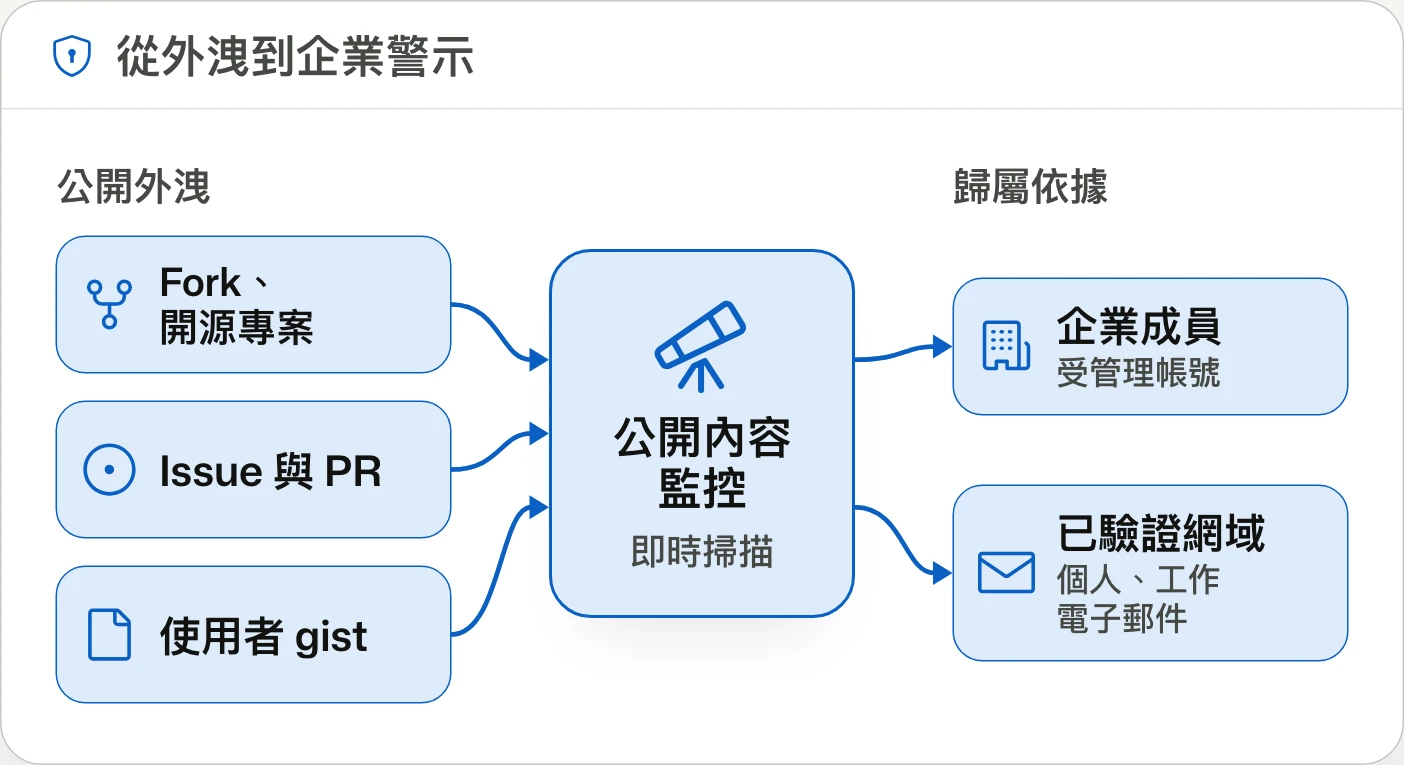
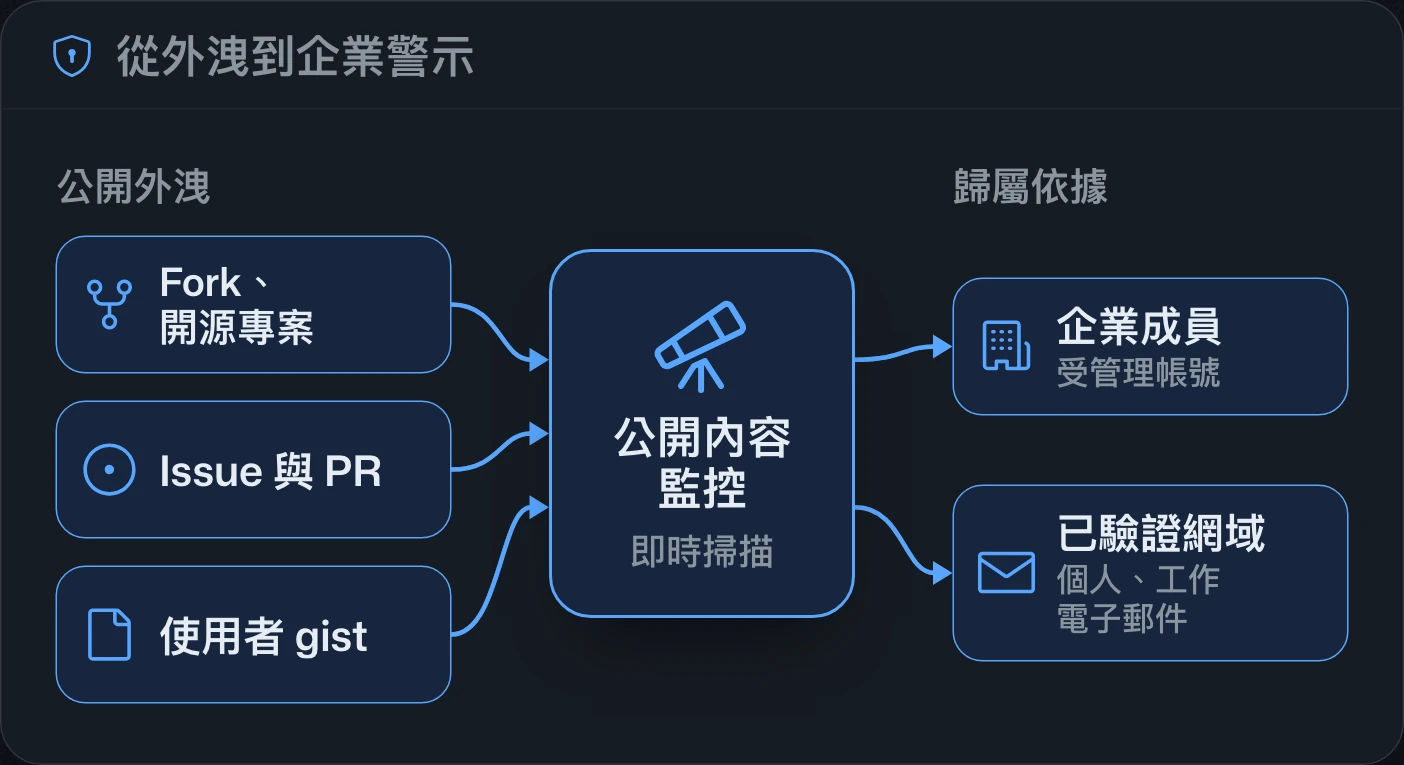
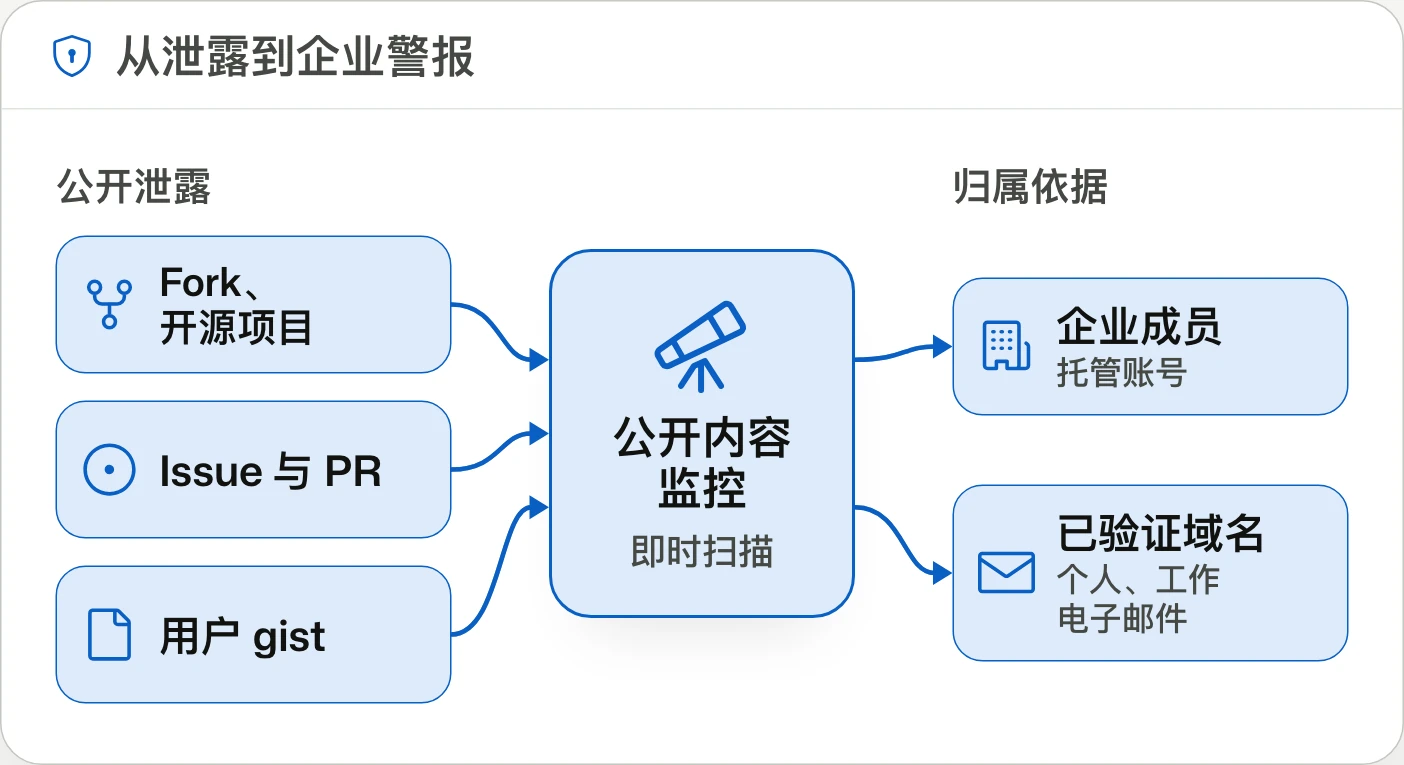
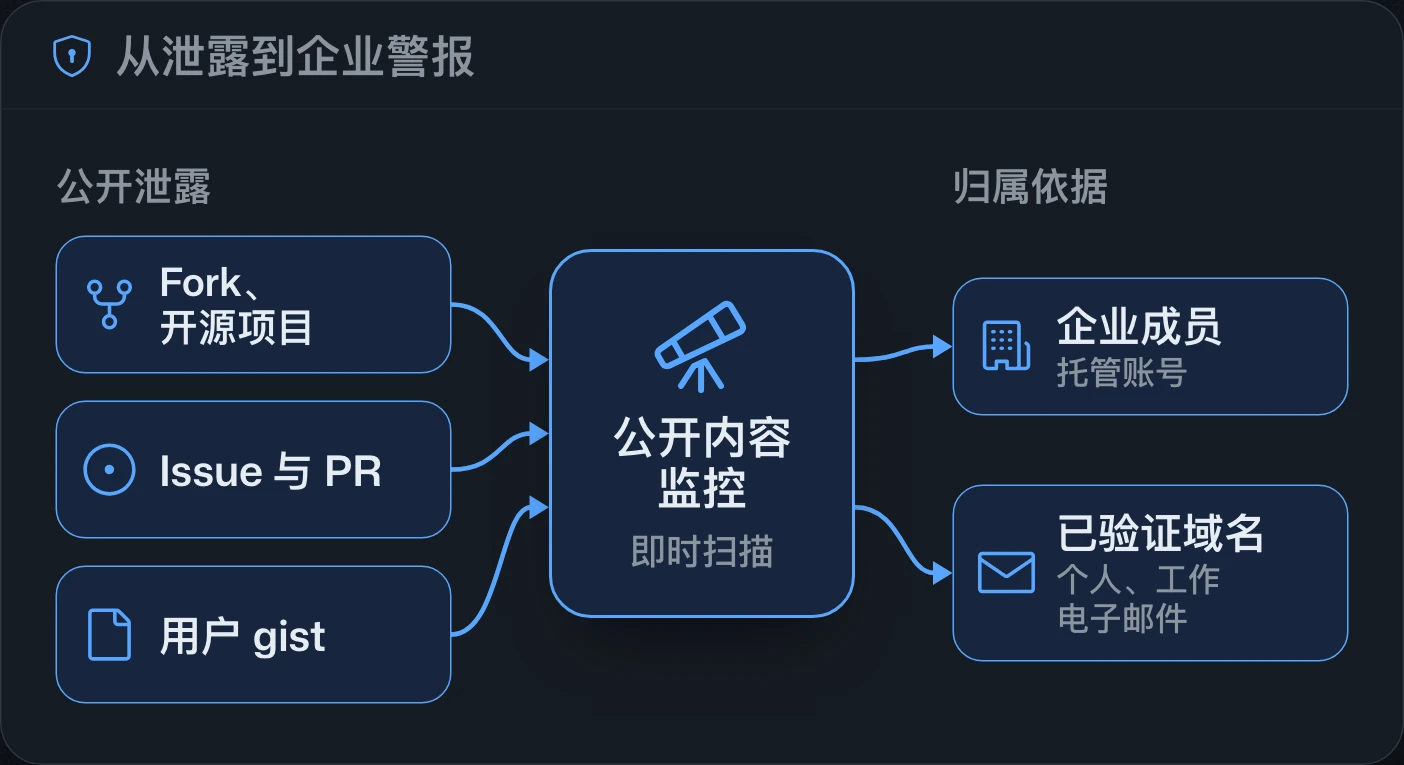
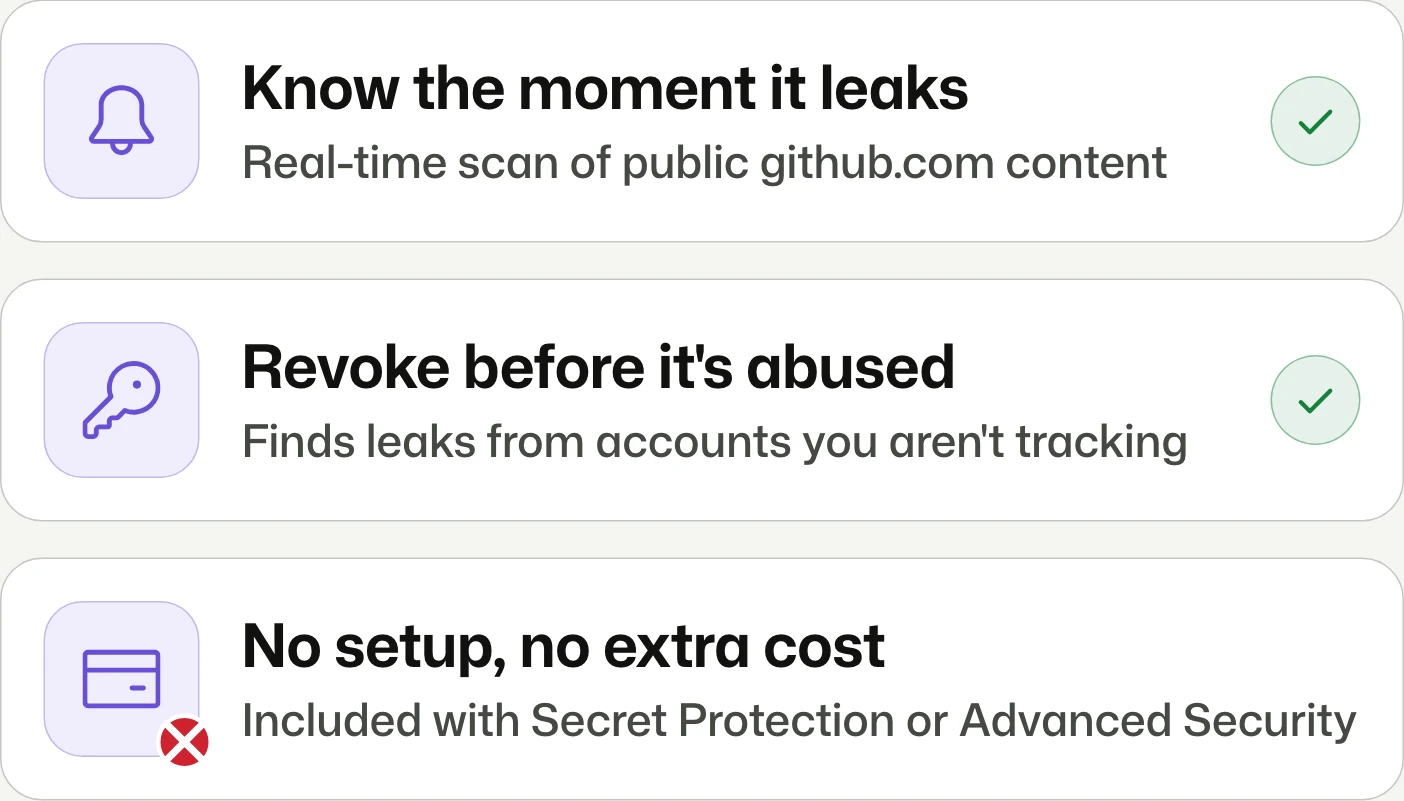
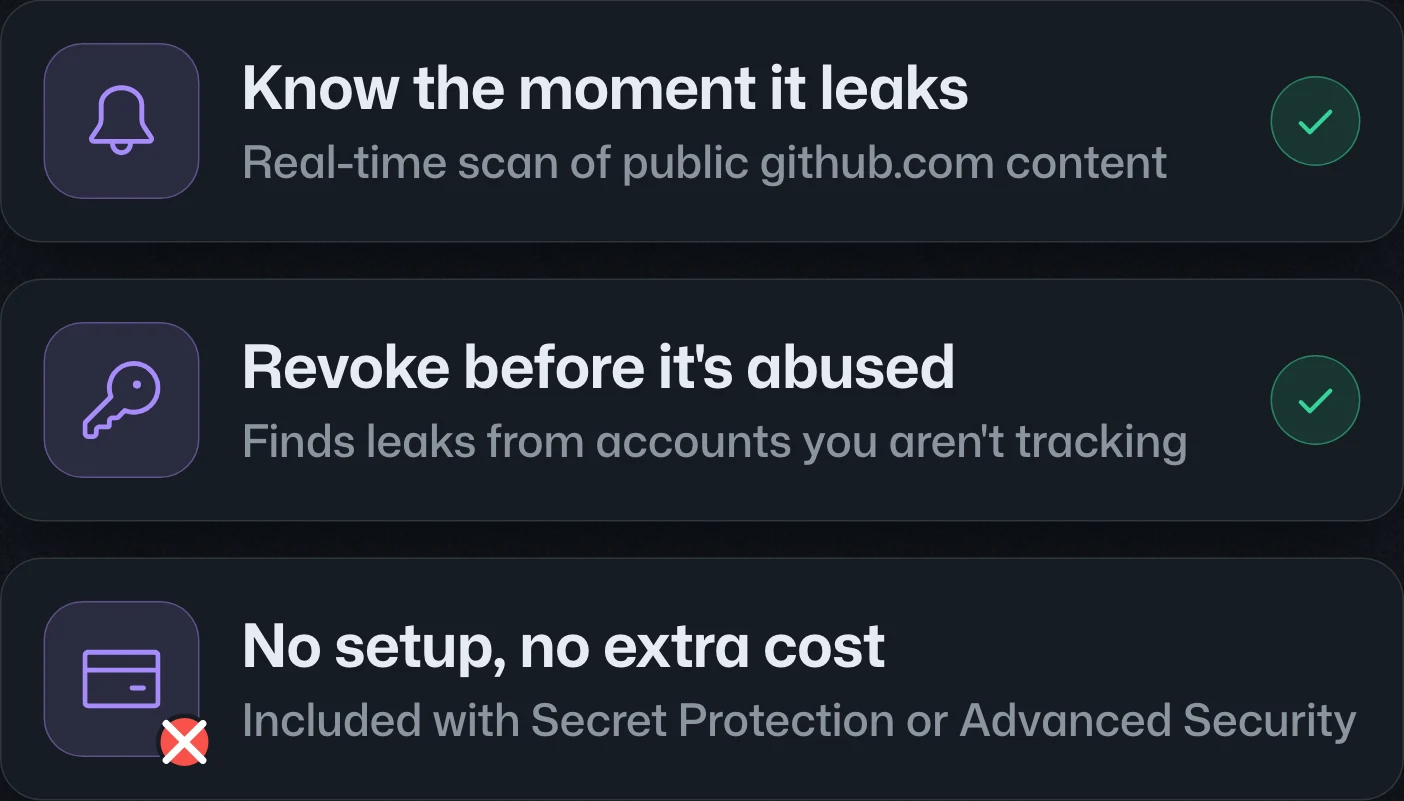
Public monitoring for enterprises generally available企業公開內容監控正式推出企业公开内容监控正式发布
Know if secrets leak outside your repos.得知機密是否外洩到儲存庫之外。得知机密是否泄露到仓库之外。
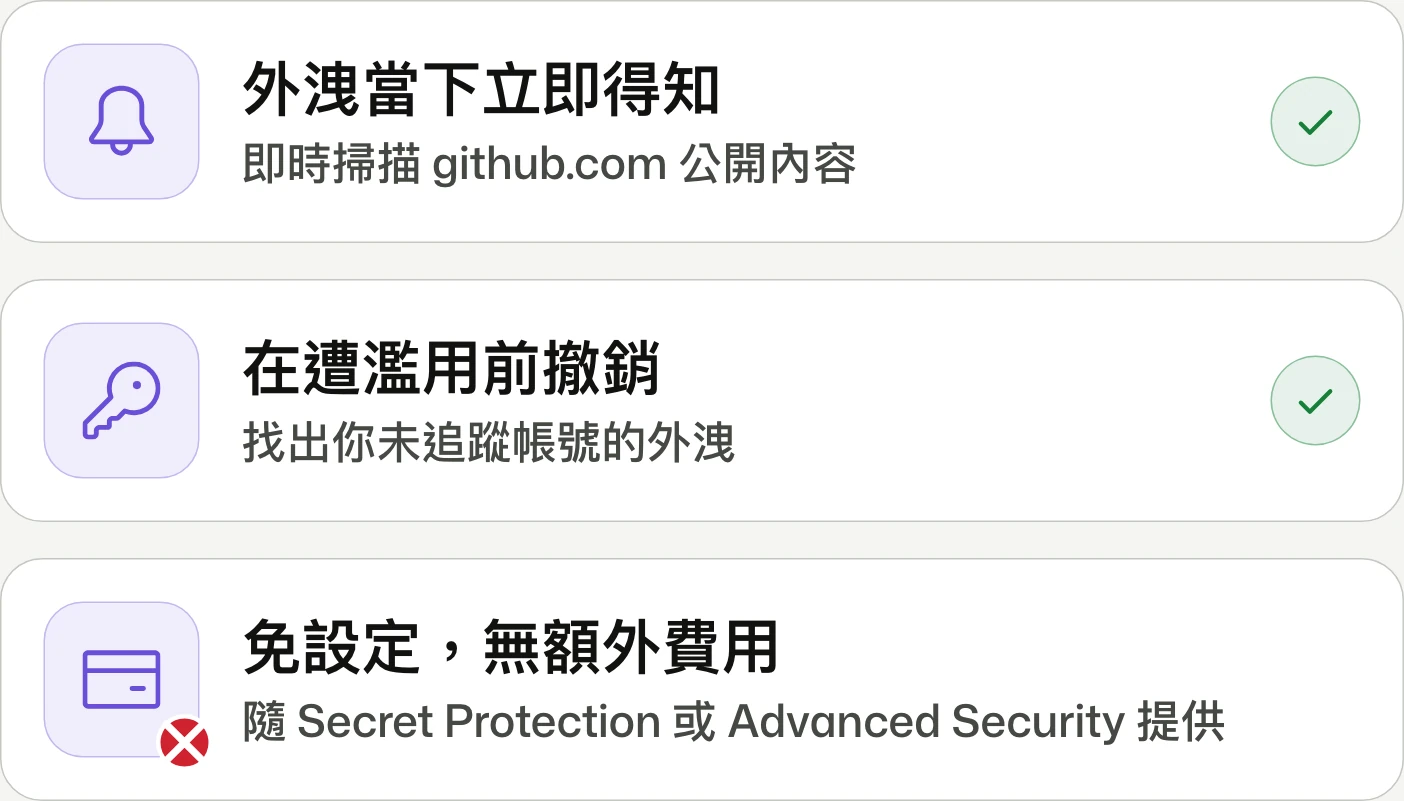
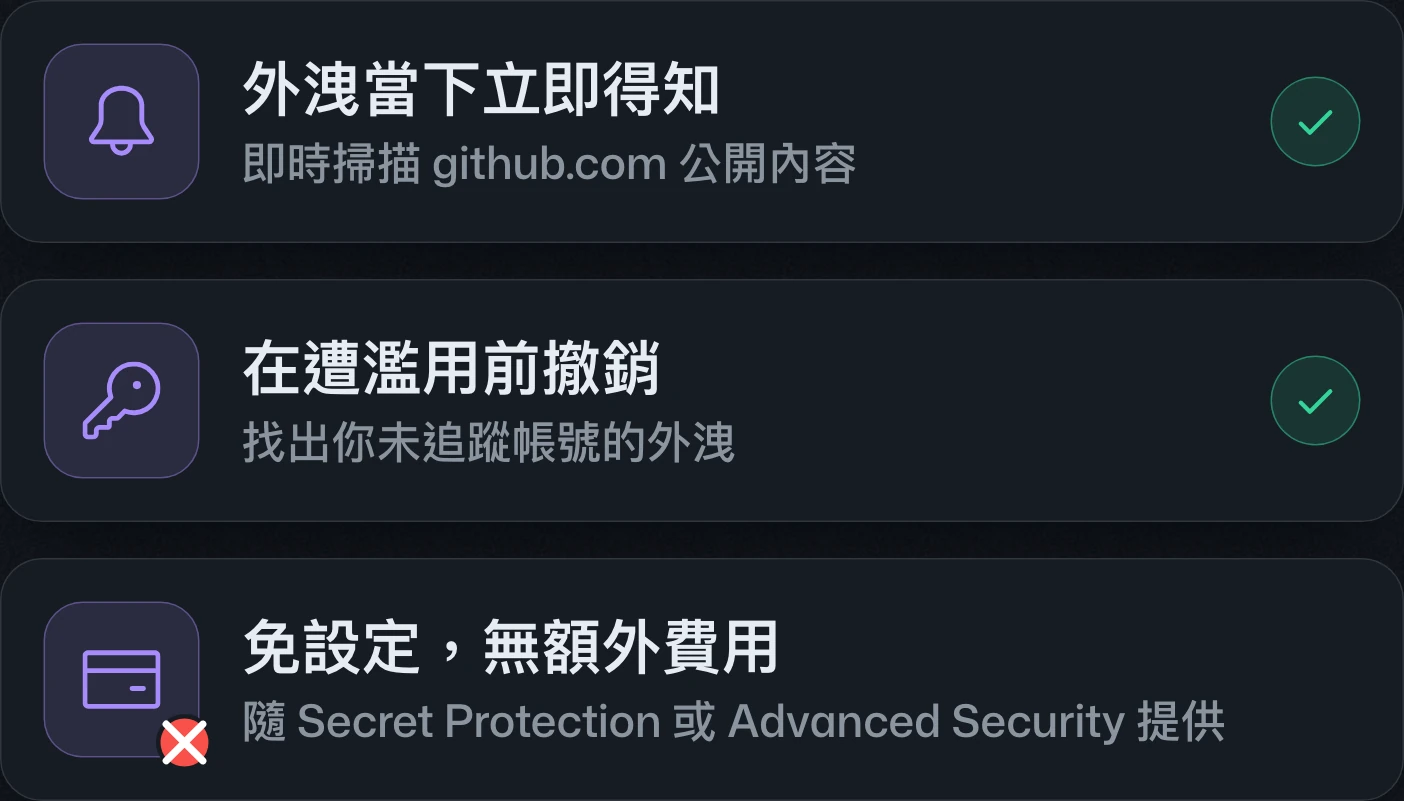
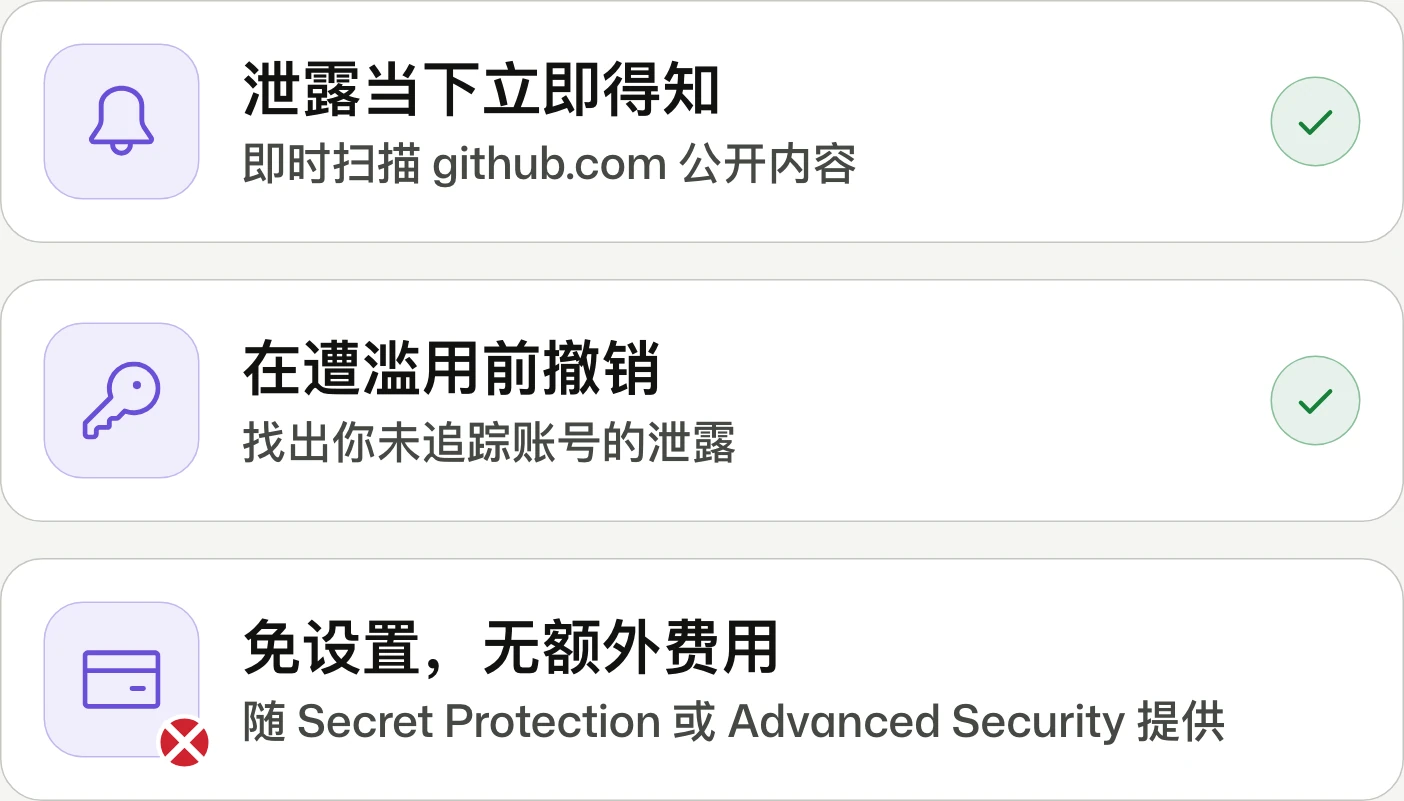
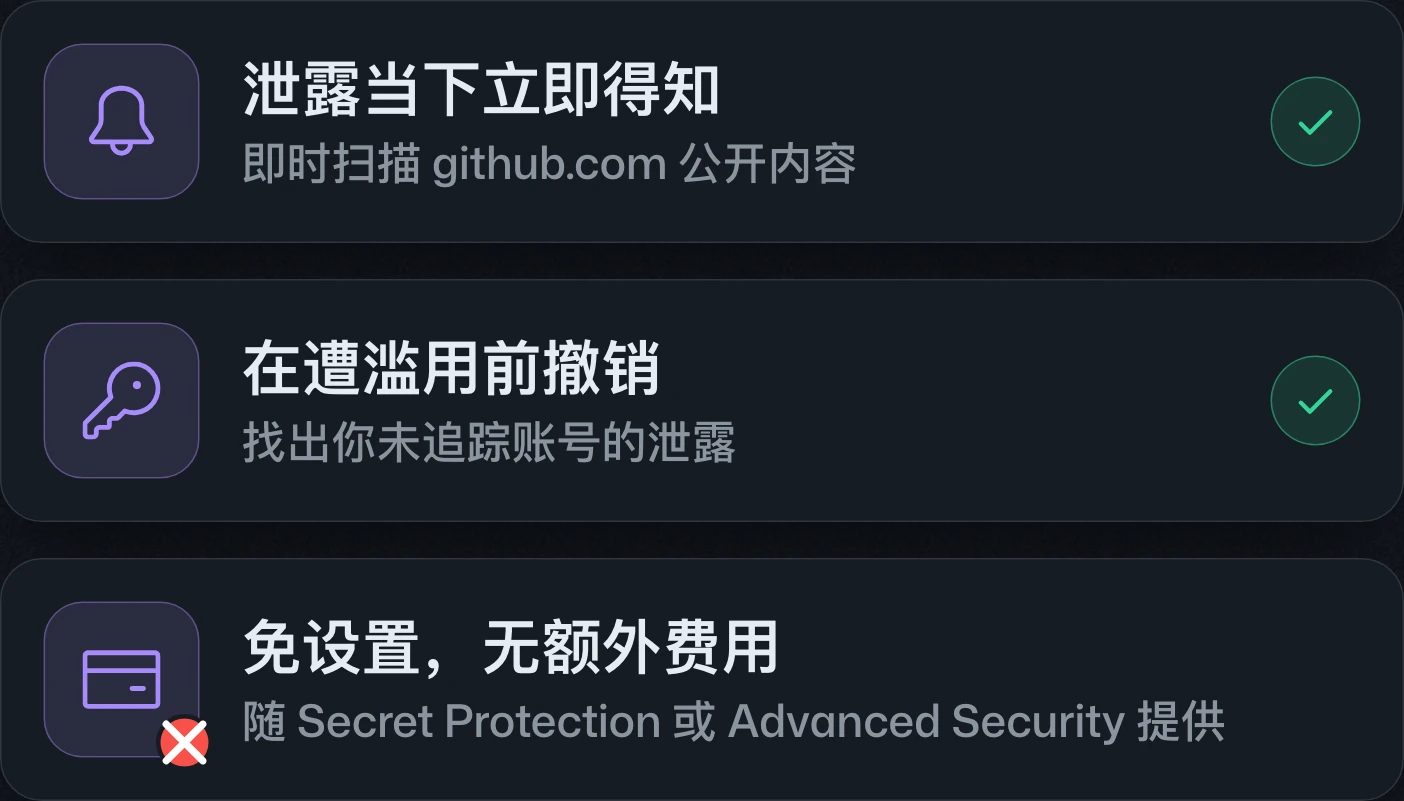
Public monitoring is generally available at no extra charge for enterprises with GitHub Secret Protection. It detects secrets exposed across public GitHub content and links findings to an enterprise through membership and verified domains.公開內容監控已正式推出,具備 GitHub Secret Protection 的企業無須額外付費。功能會偵測 GitHub 公開內容中外洩的機密,並依企業成員身分與已驗證網域判定所屬企業。公开内容监控已正式发布,拥有 GitHub Secret Protection 的企业无需额外付费。该功能会检测 GitHub 公开内容中泄露的机密,并根据企业成员身份和已验证域名确定所属企业。
Prioritize Dependabot alerts with reachability analysis以可達性分析排序 Dependabot 警示通过可达性分析排序 Dependabot 警报
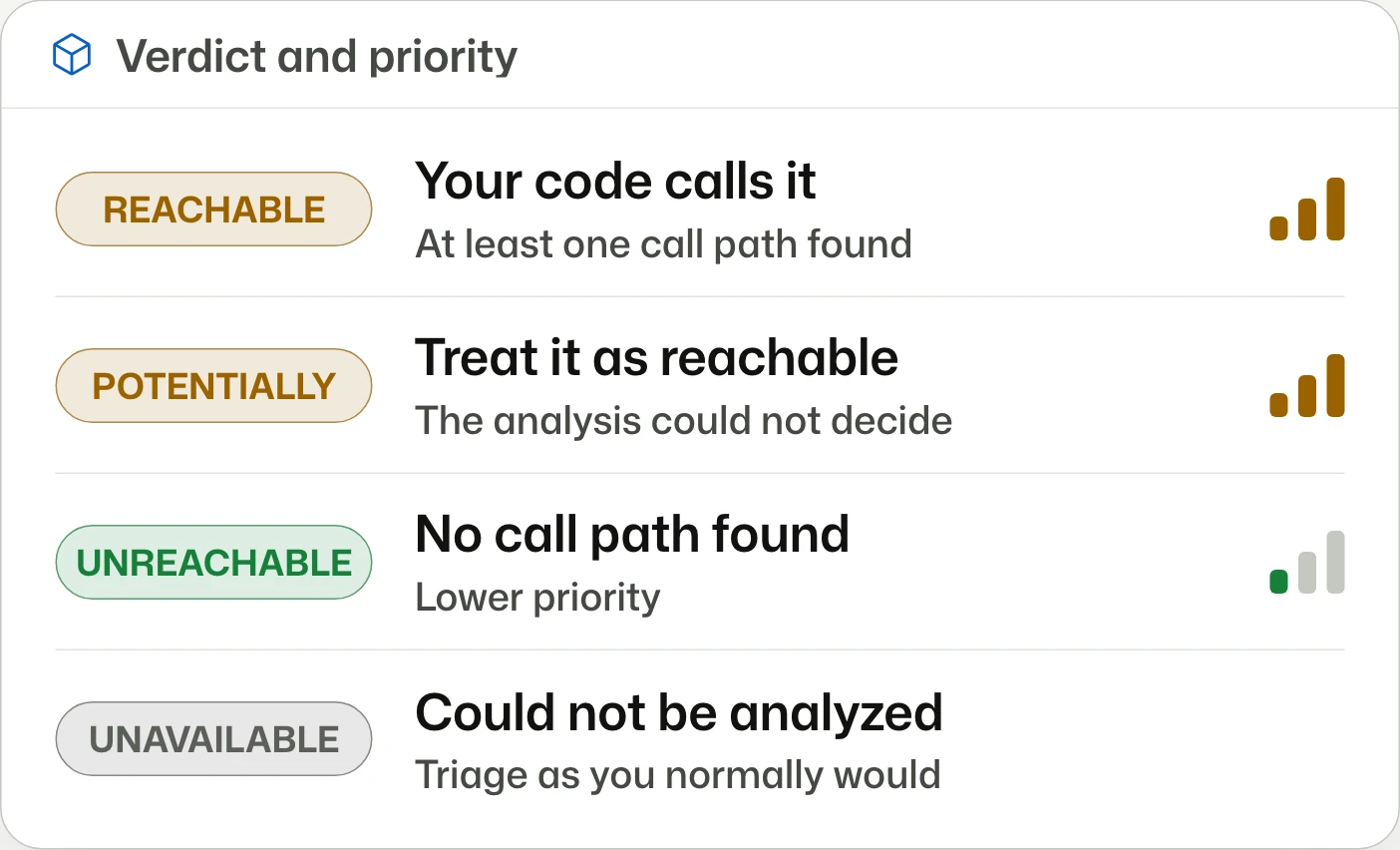
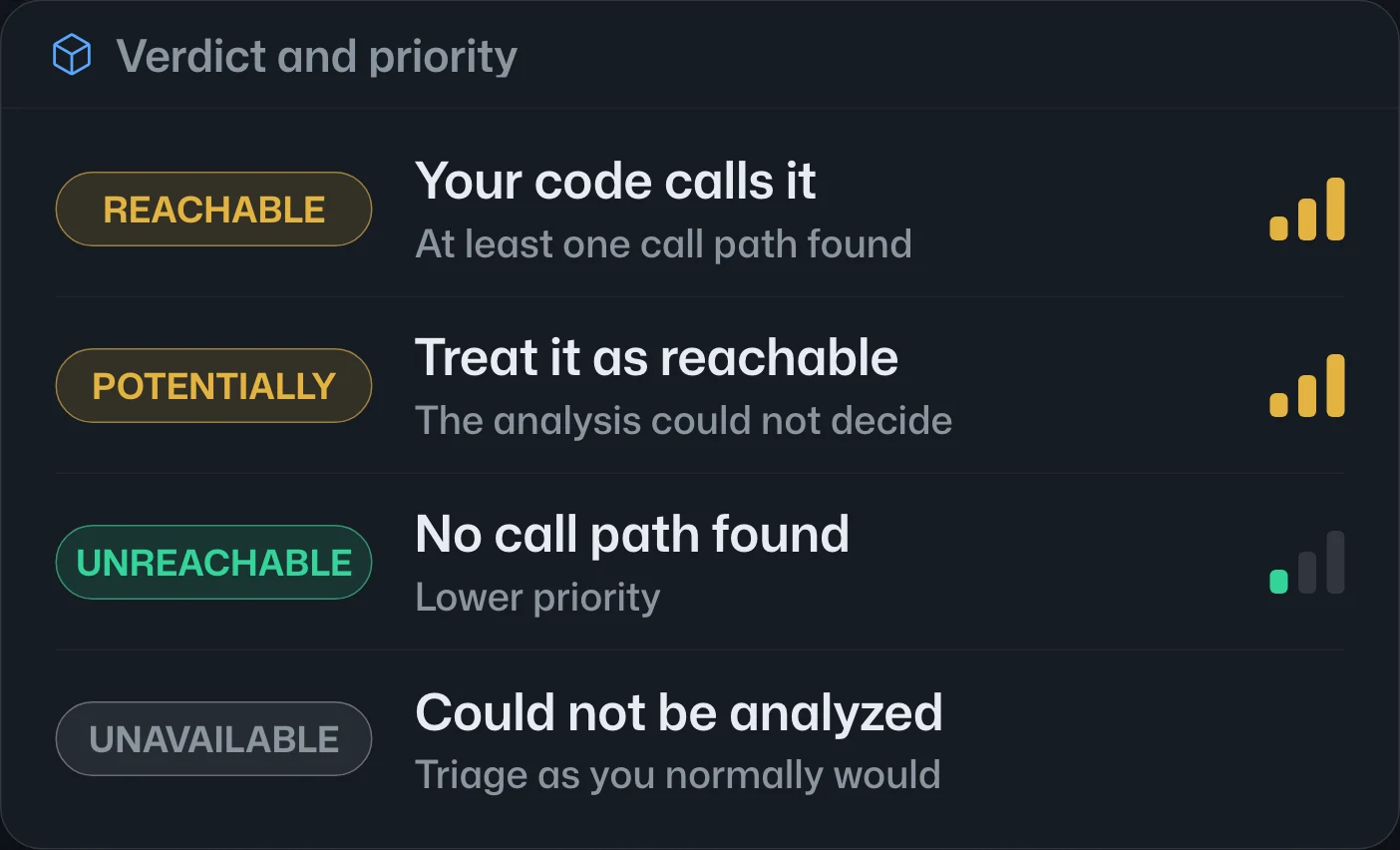
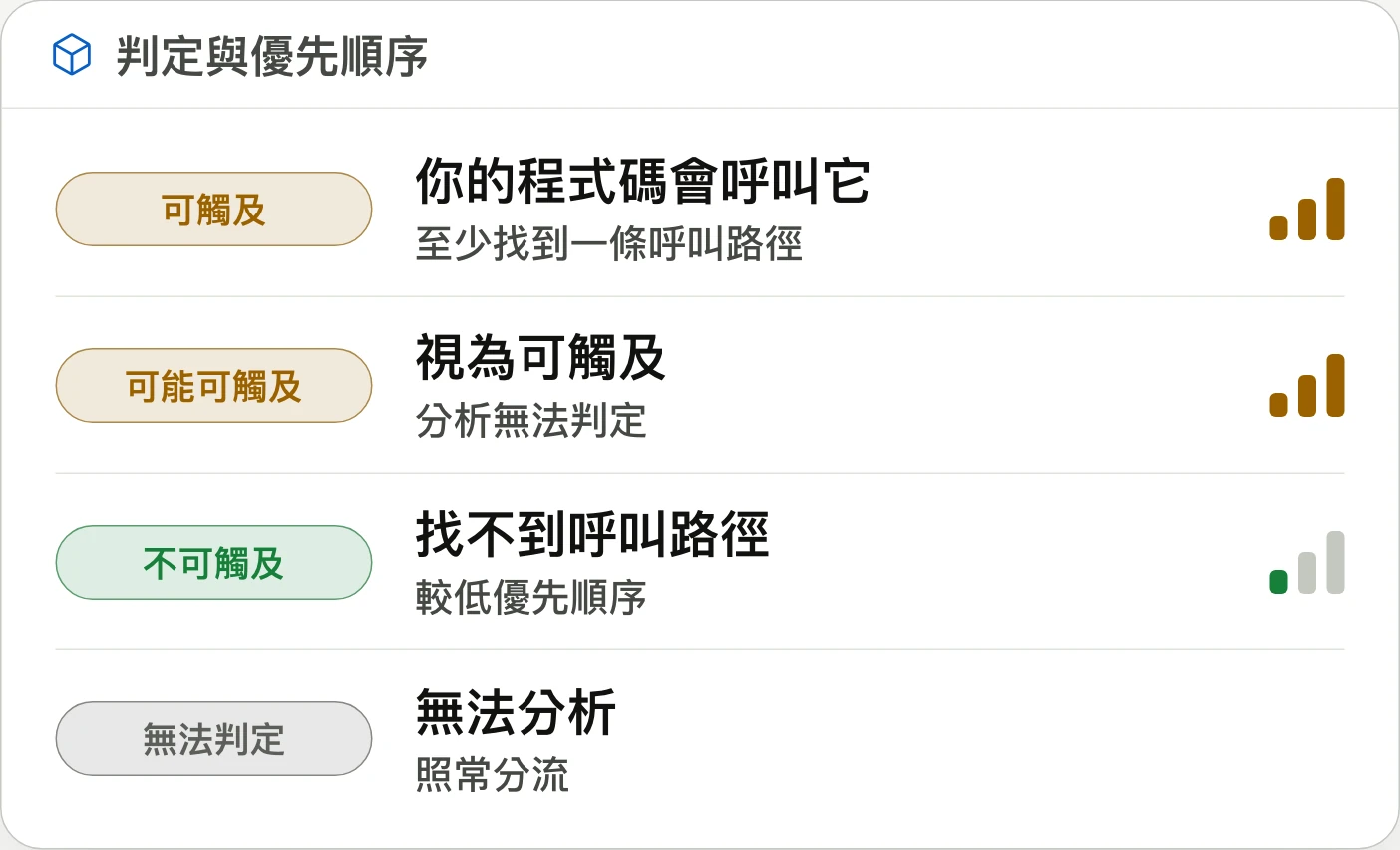
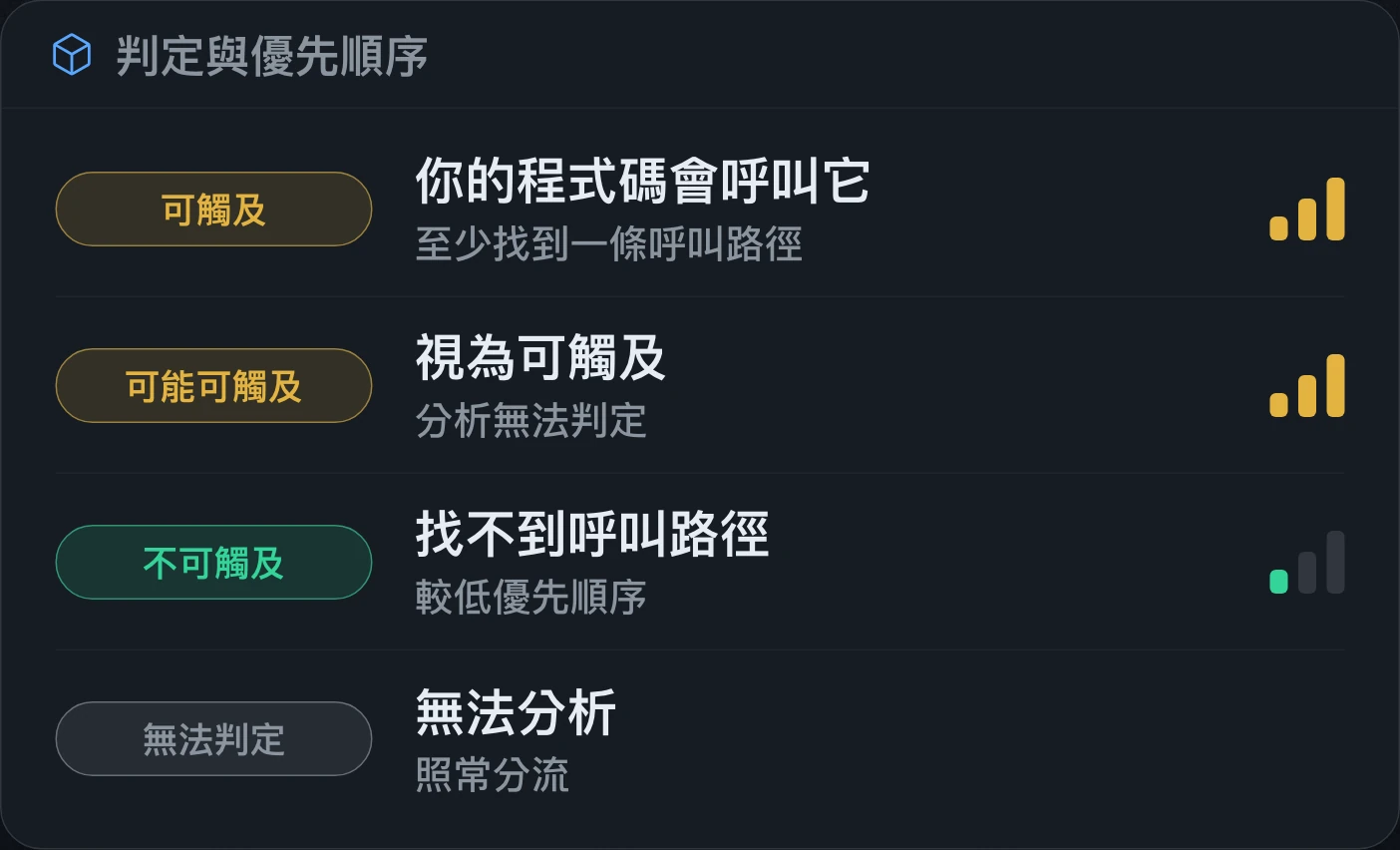
Prioritize alerts your code can reach.優先處理程式碼真正能觸及的警示。优先处理代码真正能触及的警报。
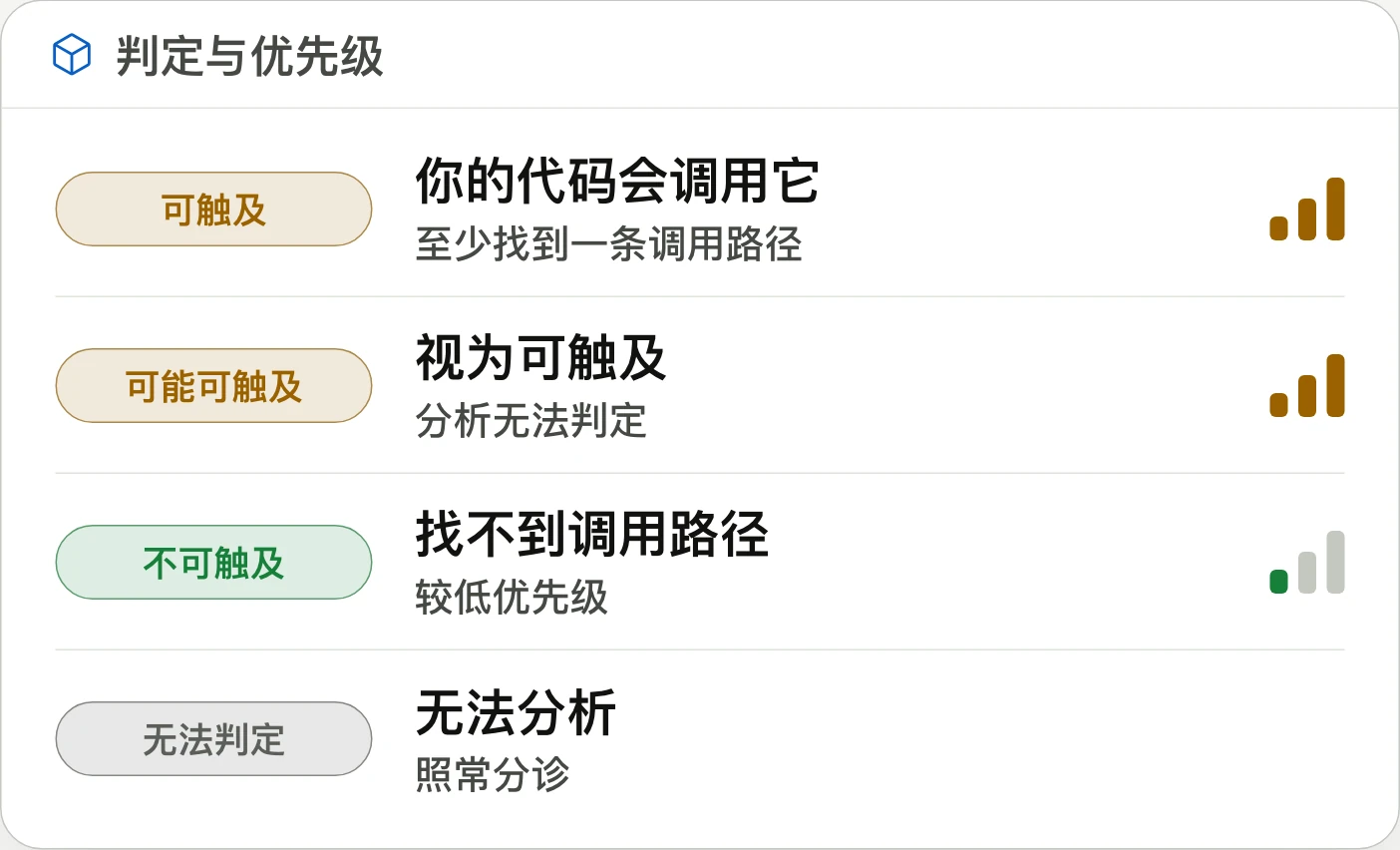
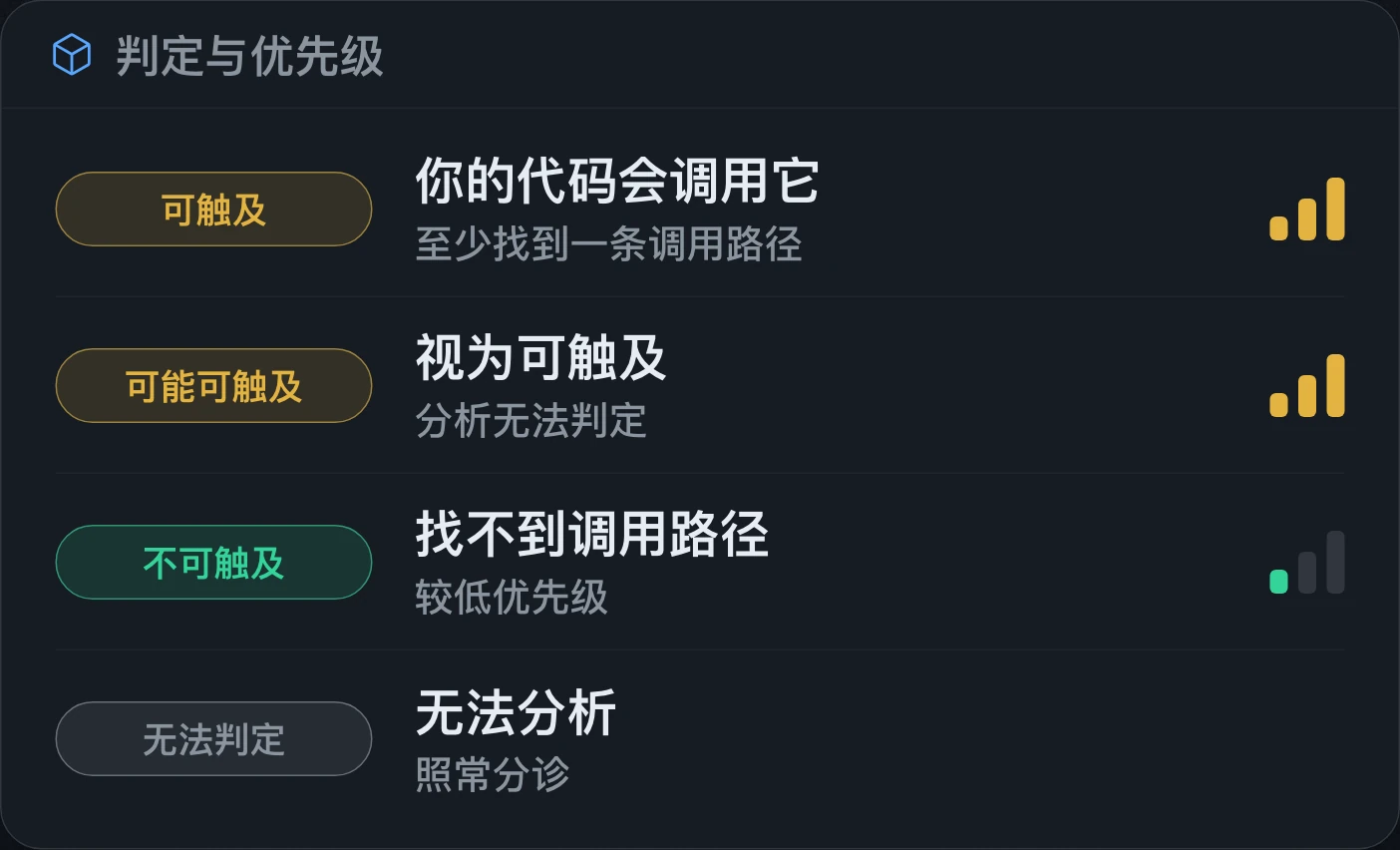
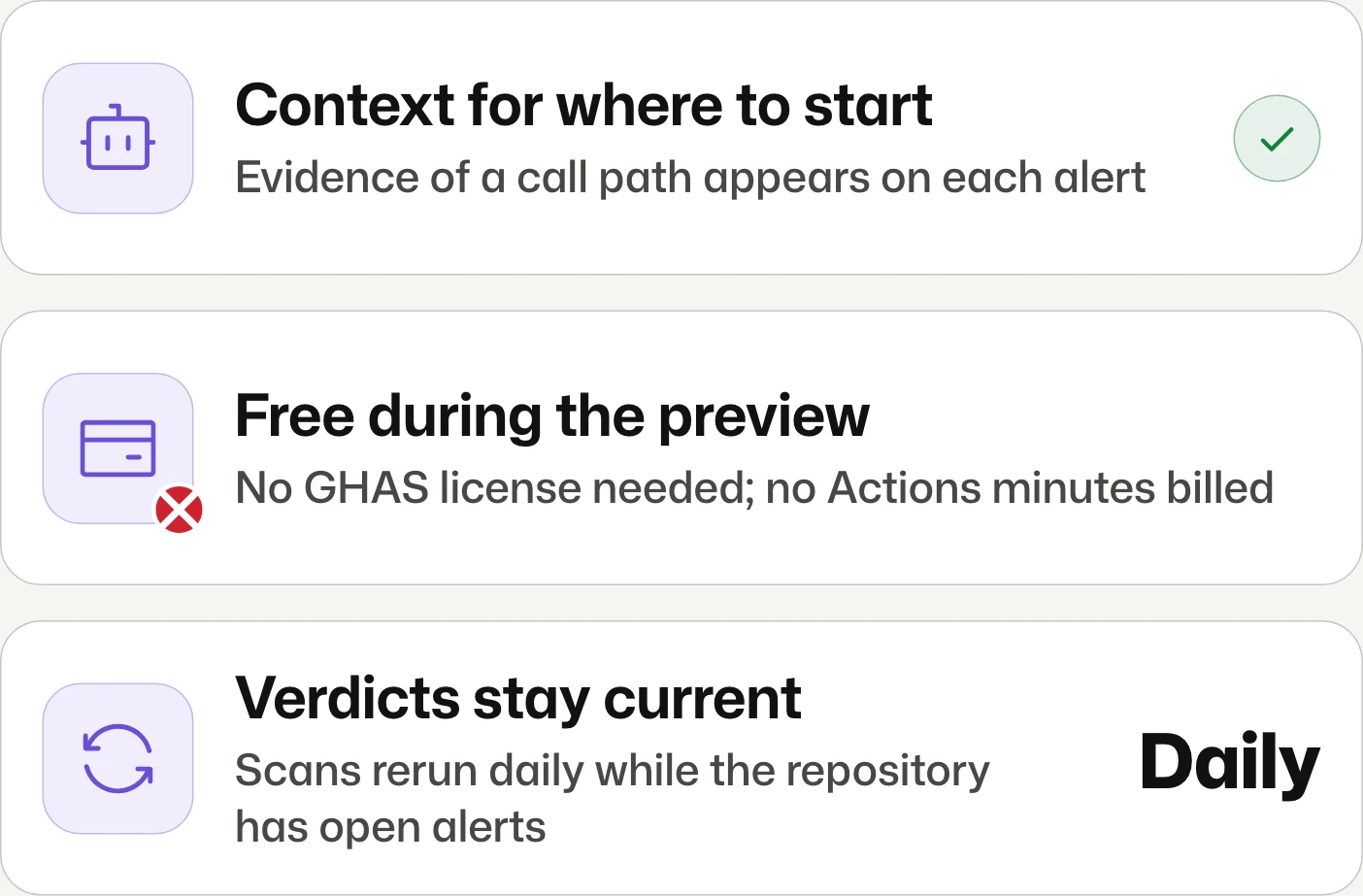
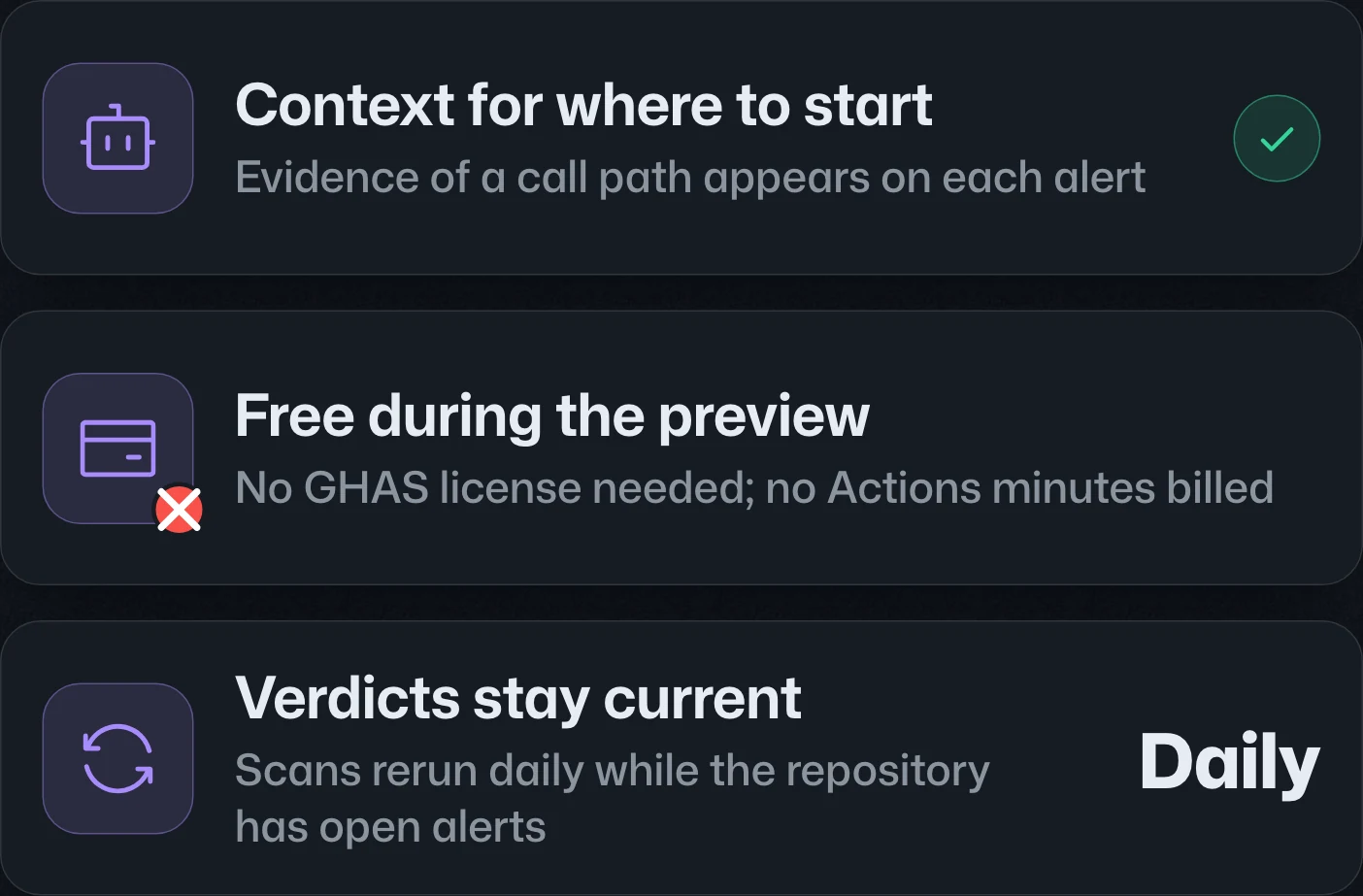
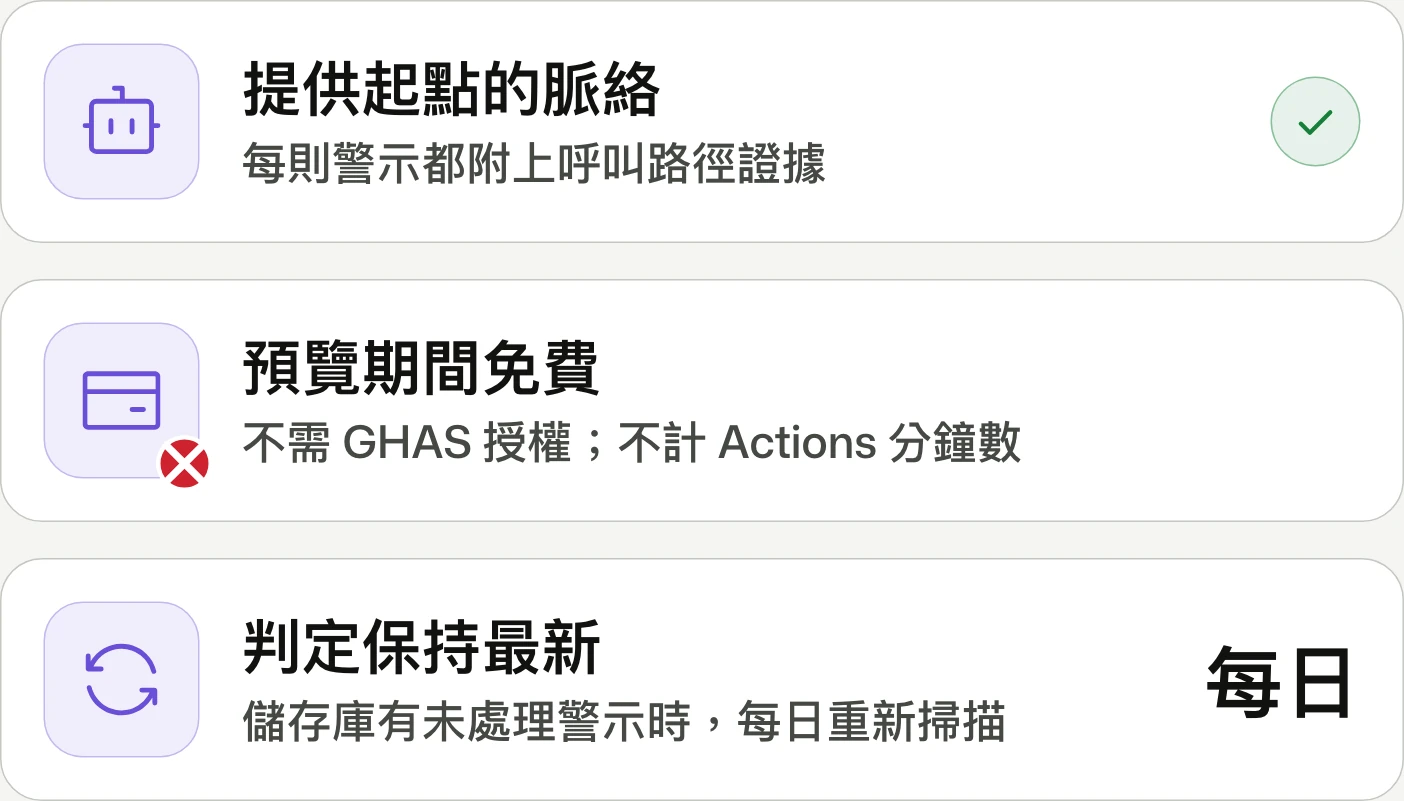
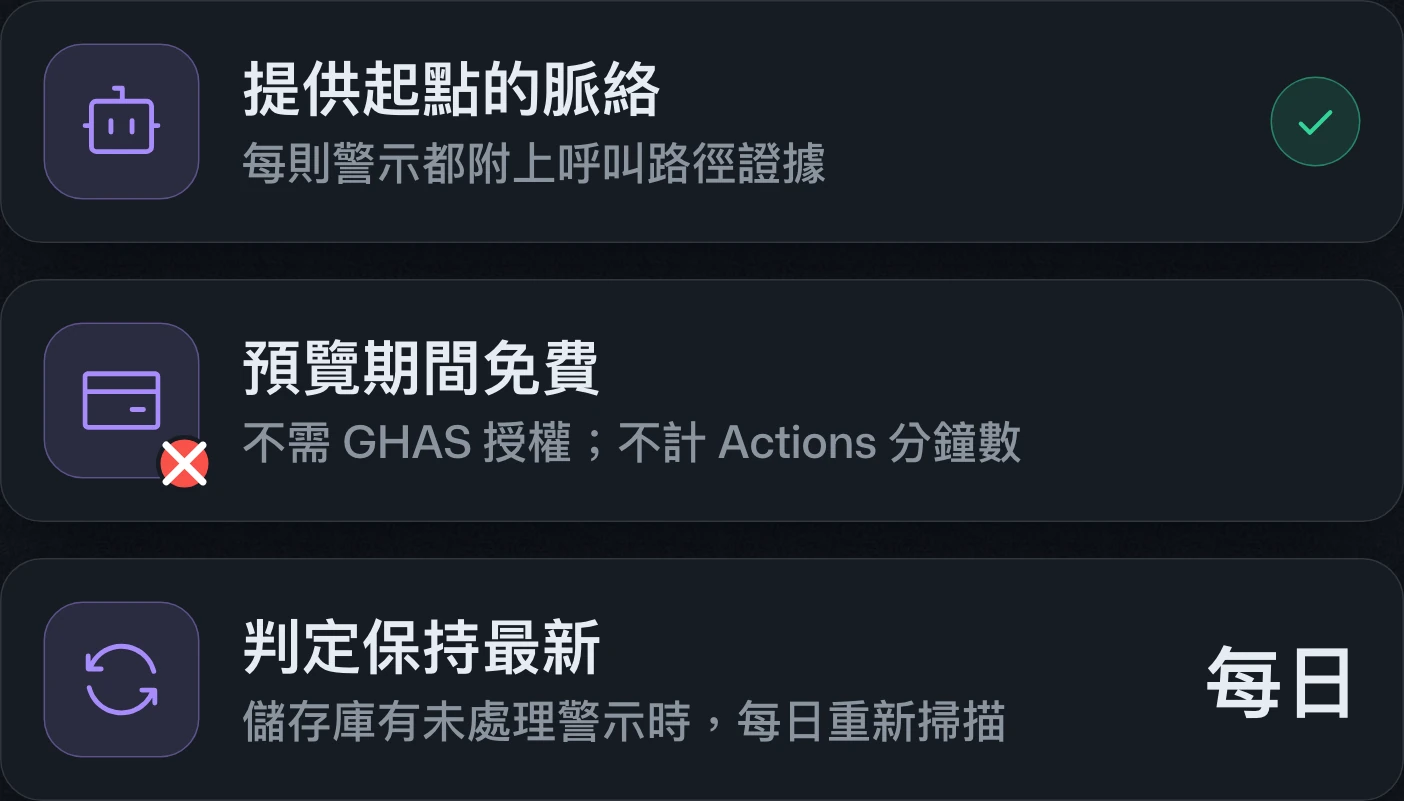
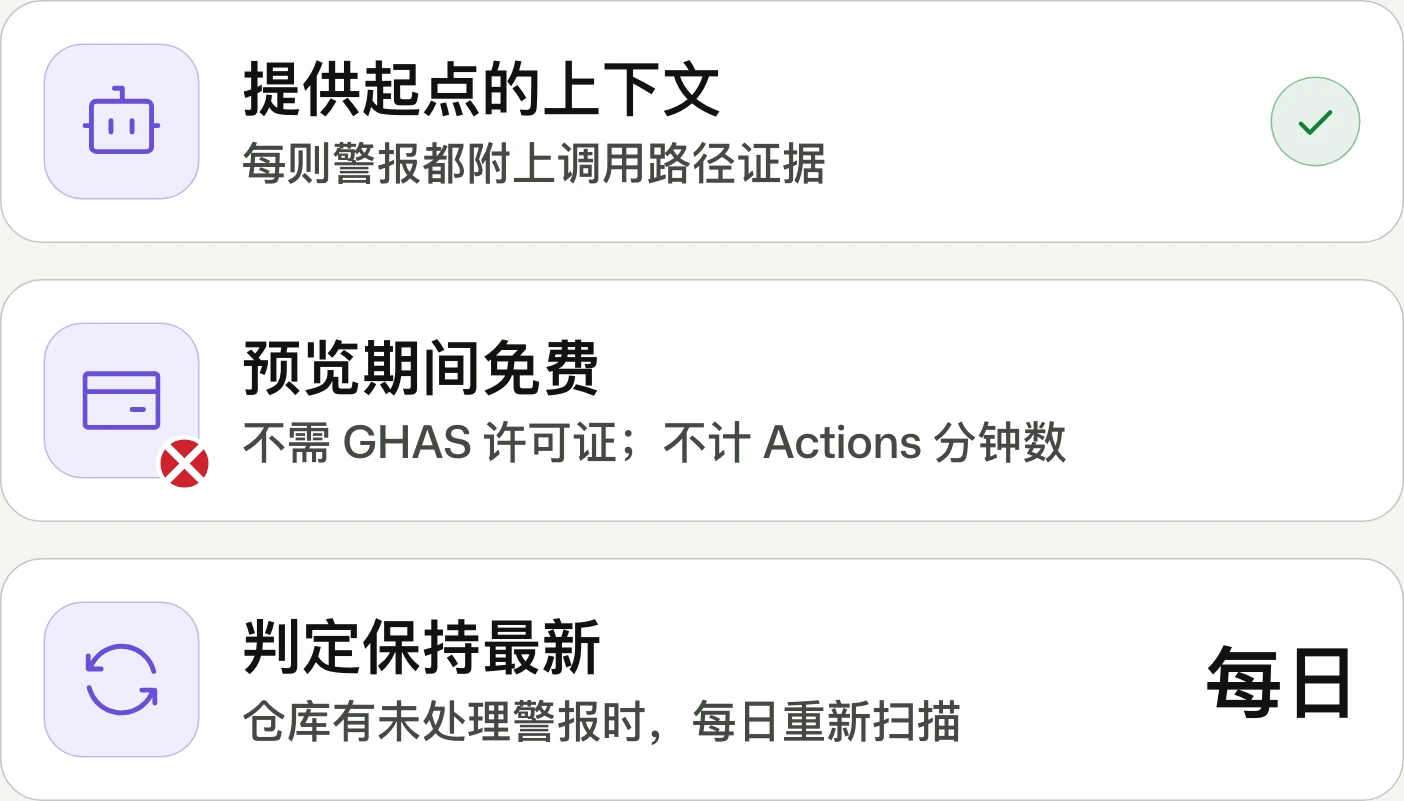
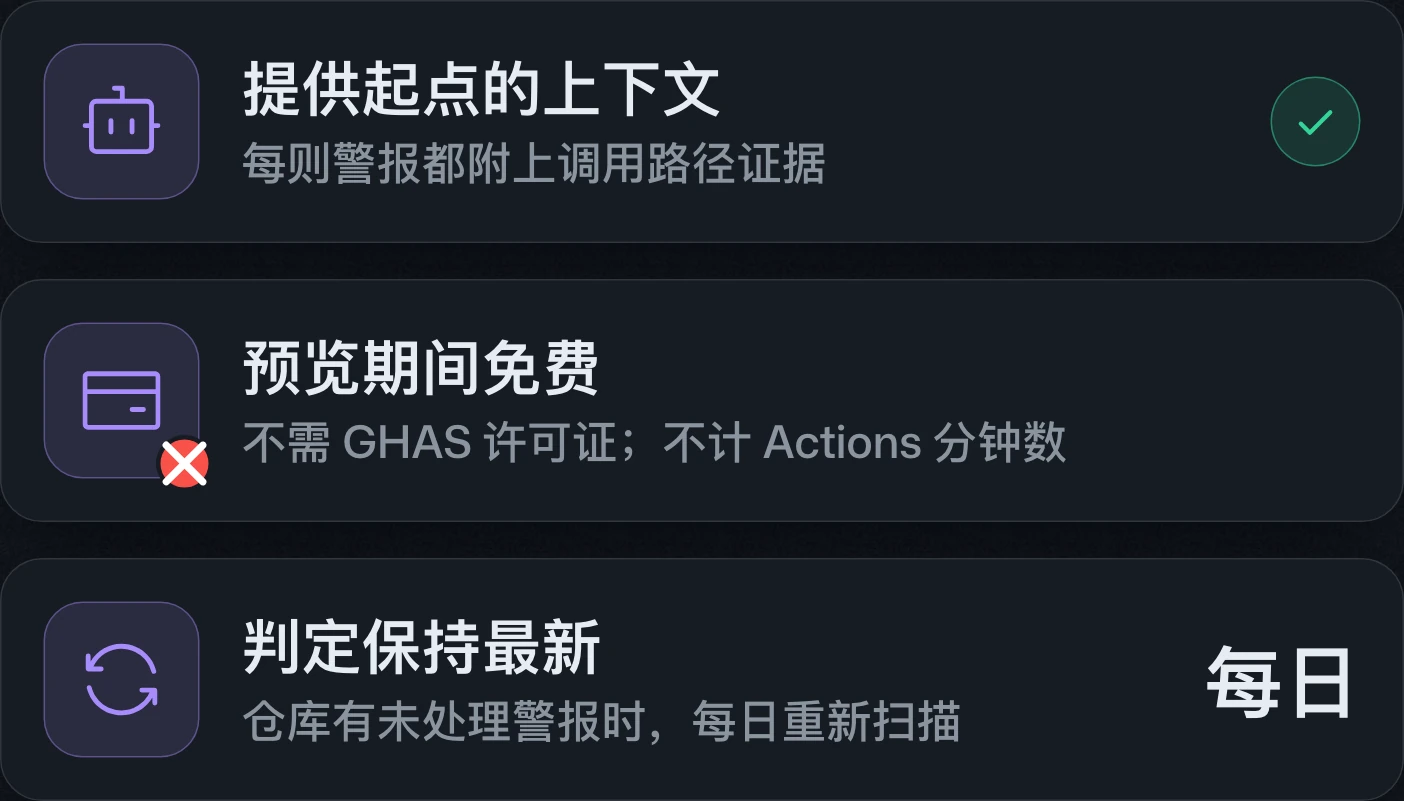
Dependabot adds call-path evidence and reachability verdicts to dependency alerts. The opt-in public preview is free on GitHub Enterprise Cloud for JavaScript and TypeScript repositories with npm, Yarn, or pnpm lockfiles.Dependabot 在相依套件警示中新增呼叫路徑證據與可達性判定。此公開預覽須自行啟用,免費提供給 GitHub Enterprise Cloud 上具備 npm、Yarn 或 pnpm 鎖定檔的 JavaScript 與 TypeScript 儲存庫。Dependabot 在依赖包警报中新增调用路径证据和可达性判定。此公开预览需主动启用,免费提供给 GitHub Enterprise Cloud 上具有 npm、Yarn 或 pnpm 锁文件的 JavaScript 和 TypeScript 仓库。
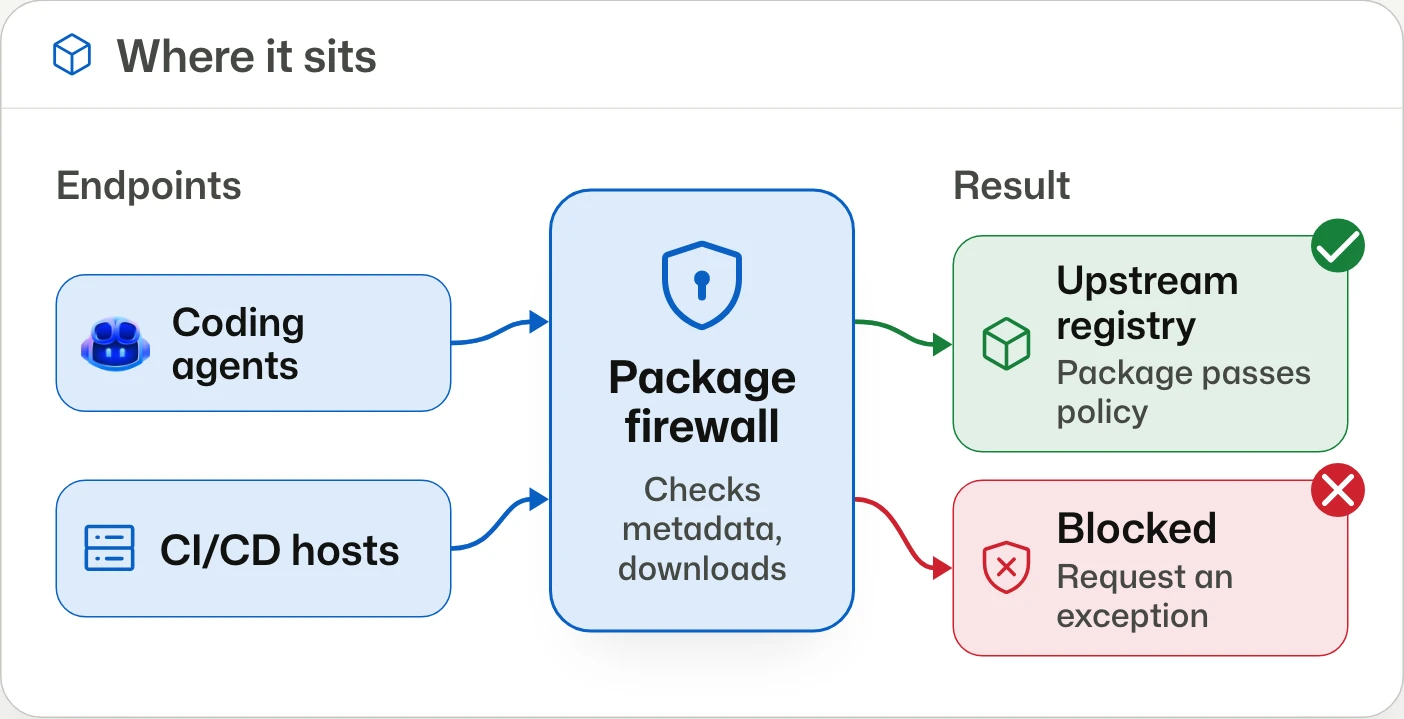
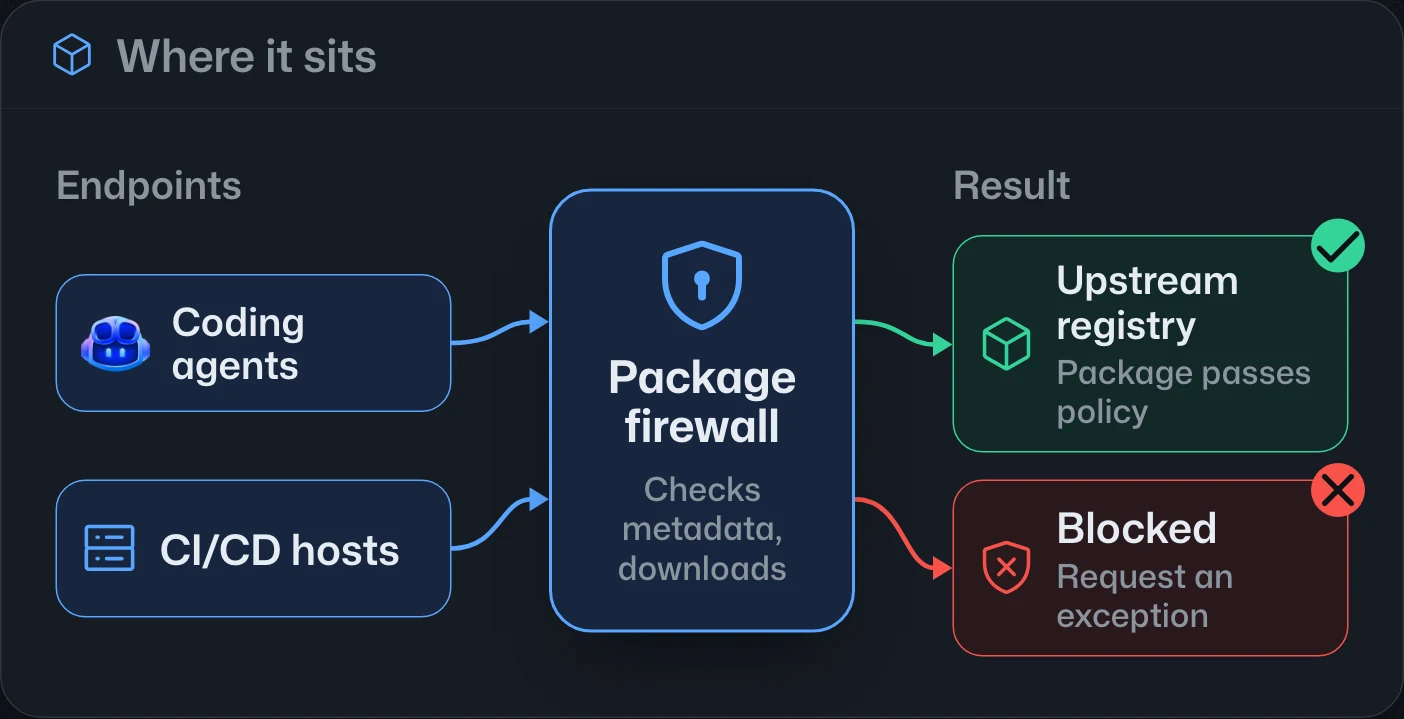
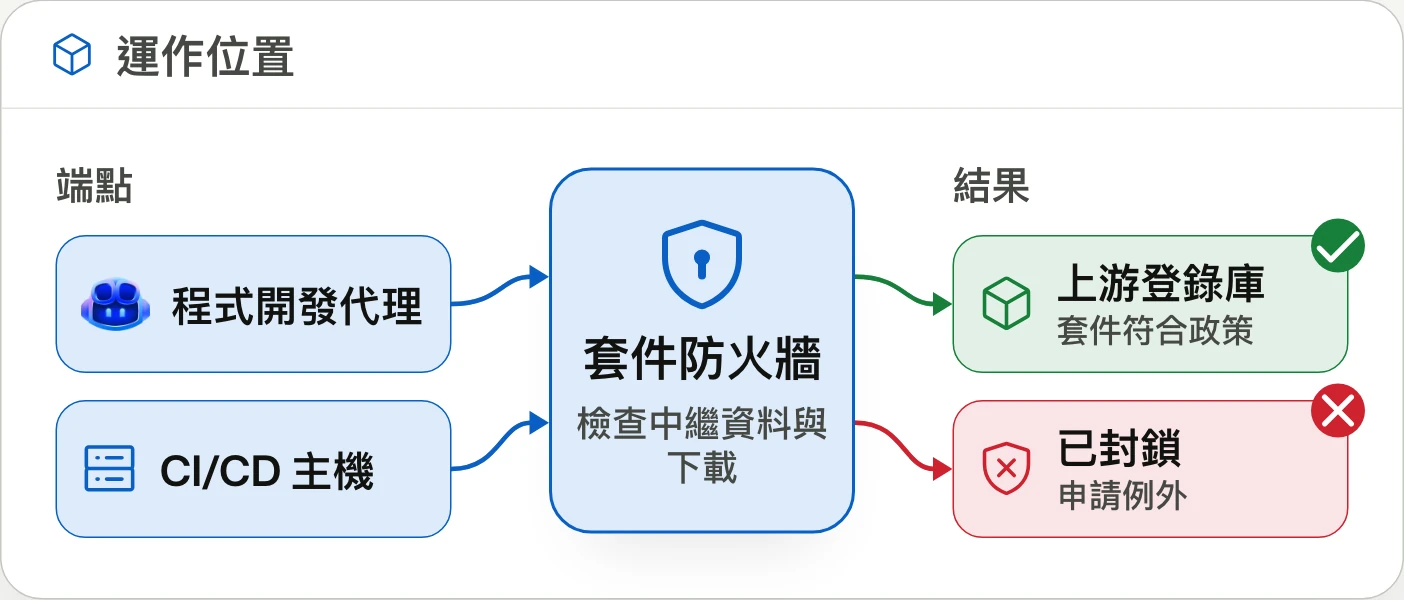
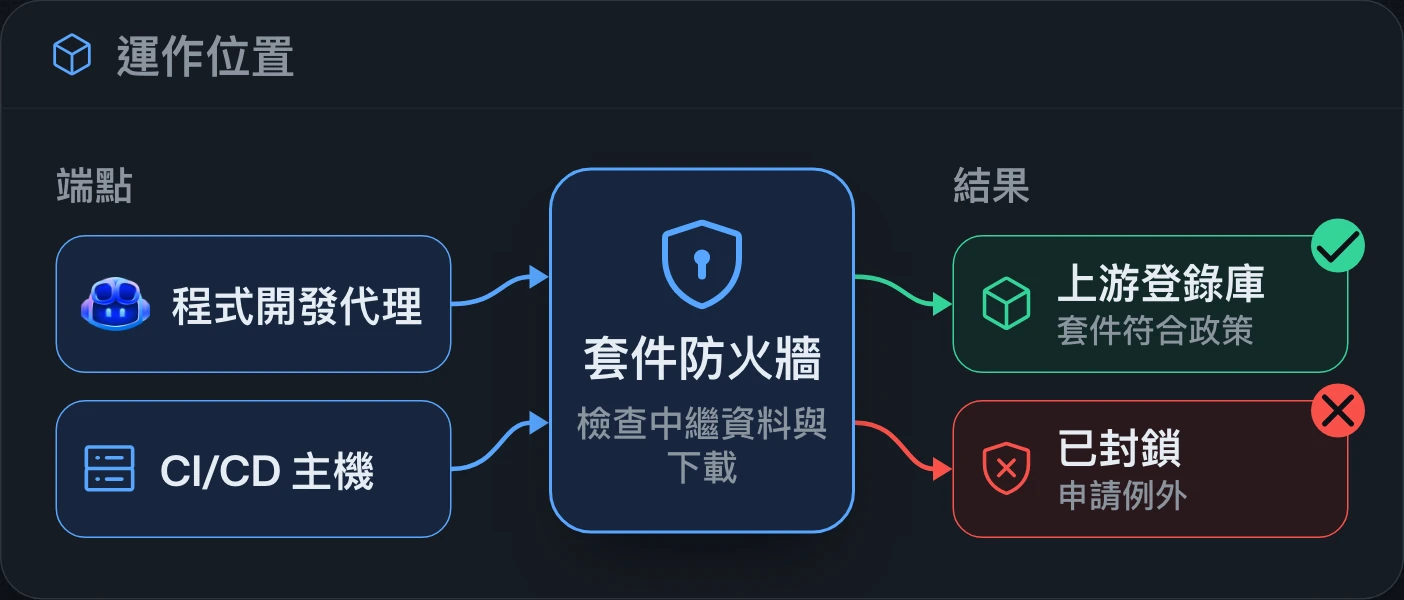
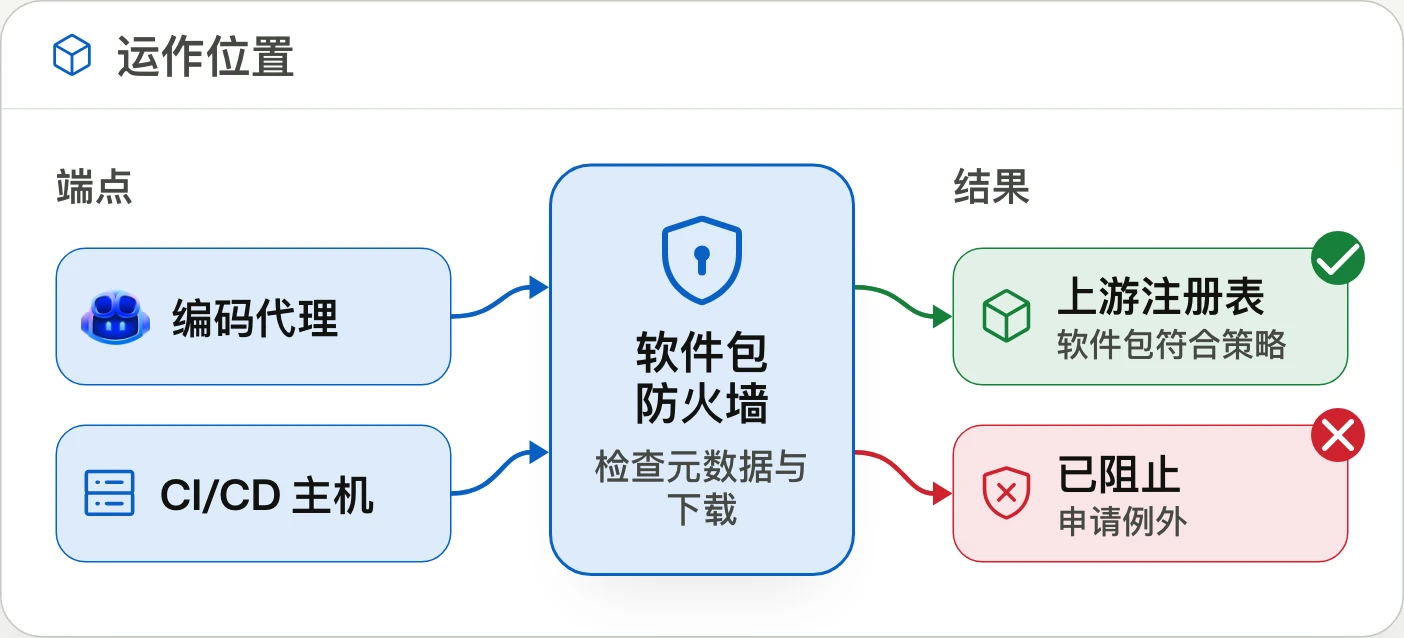
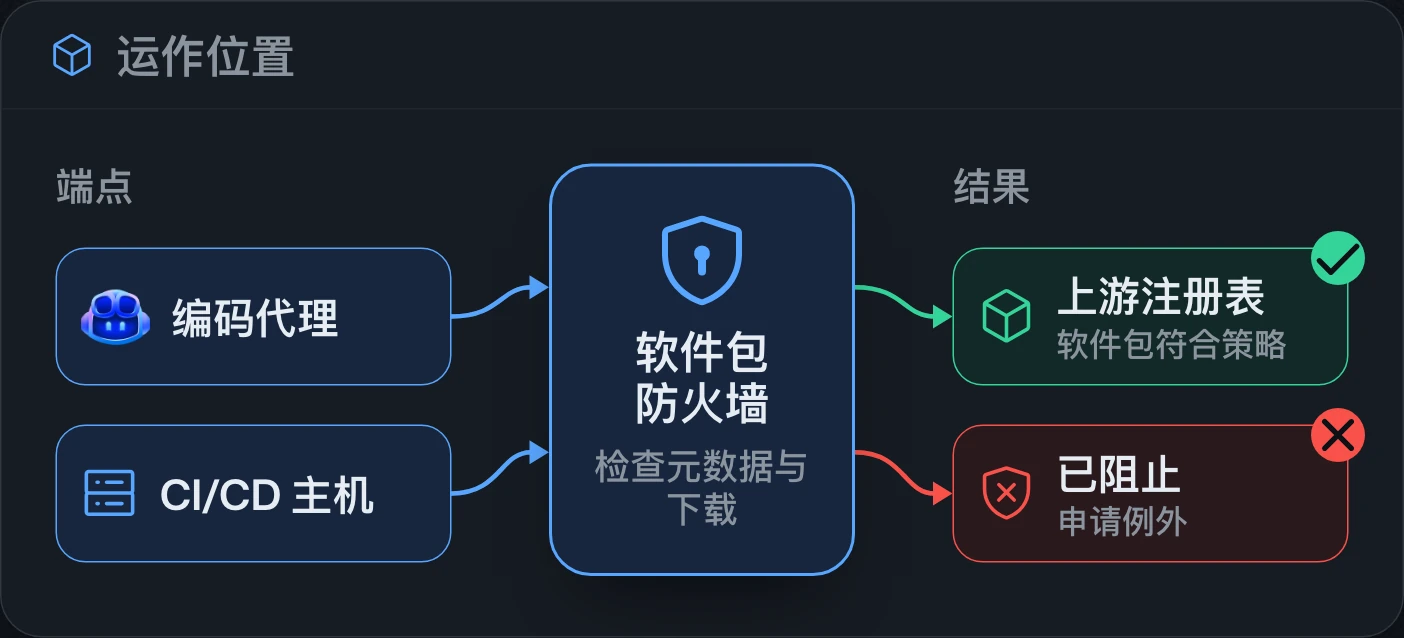
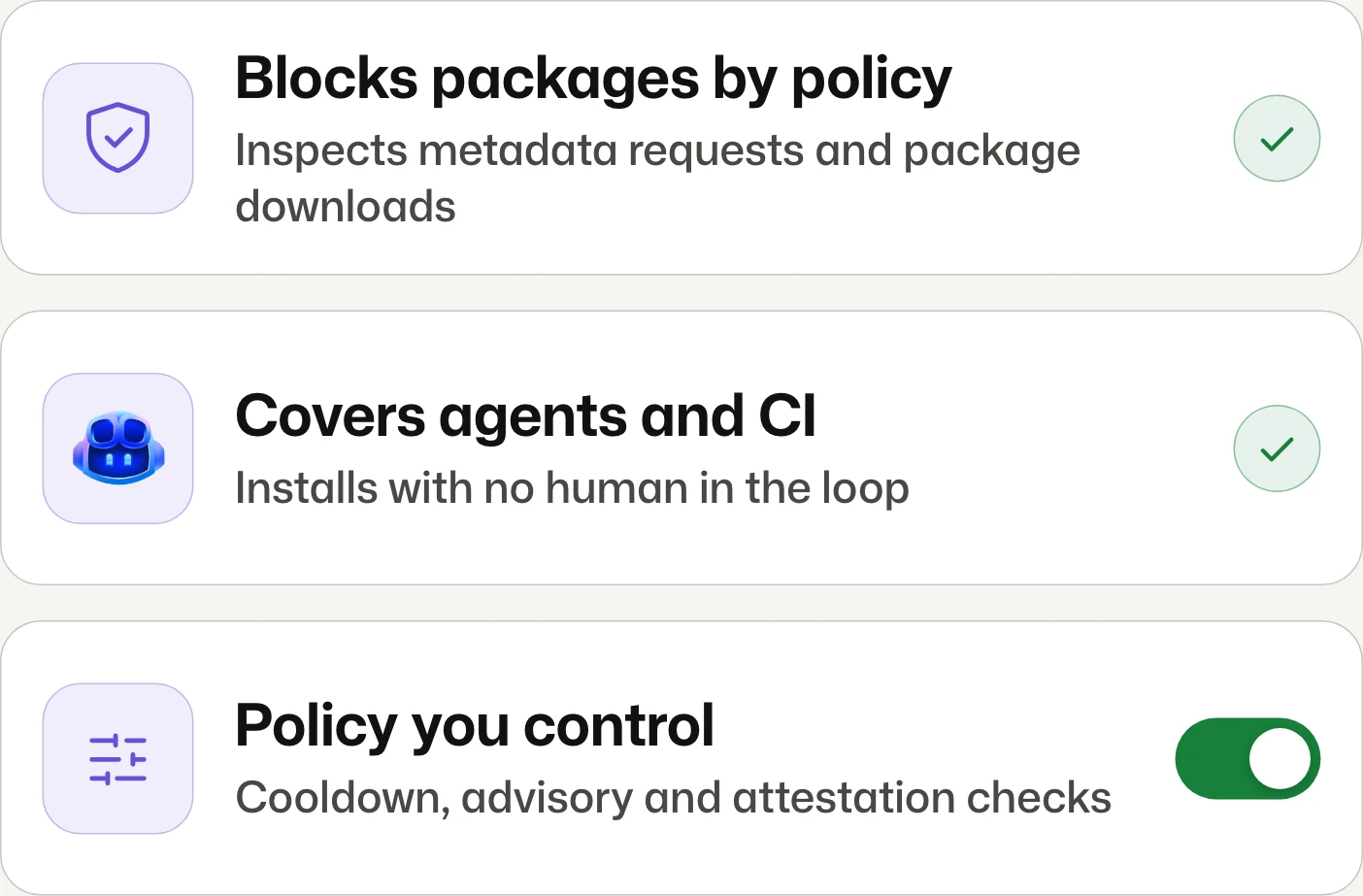
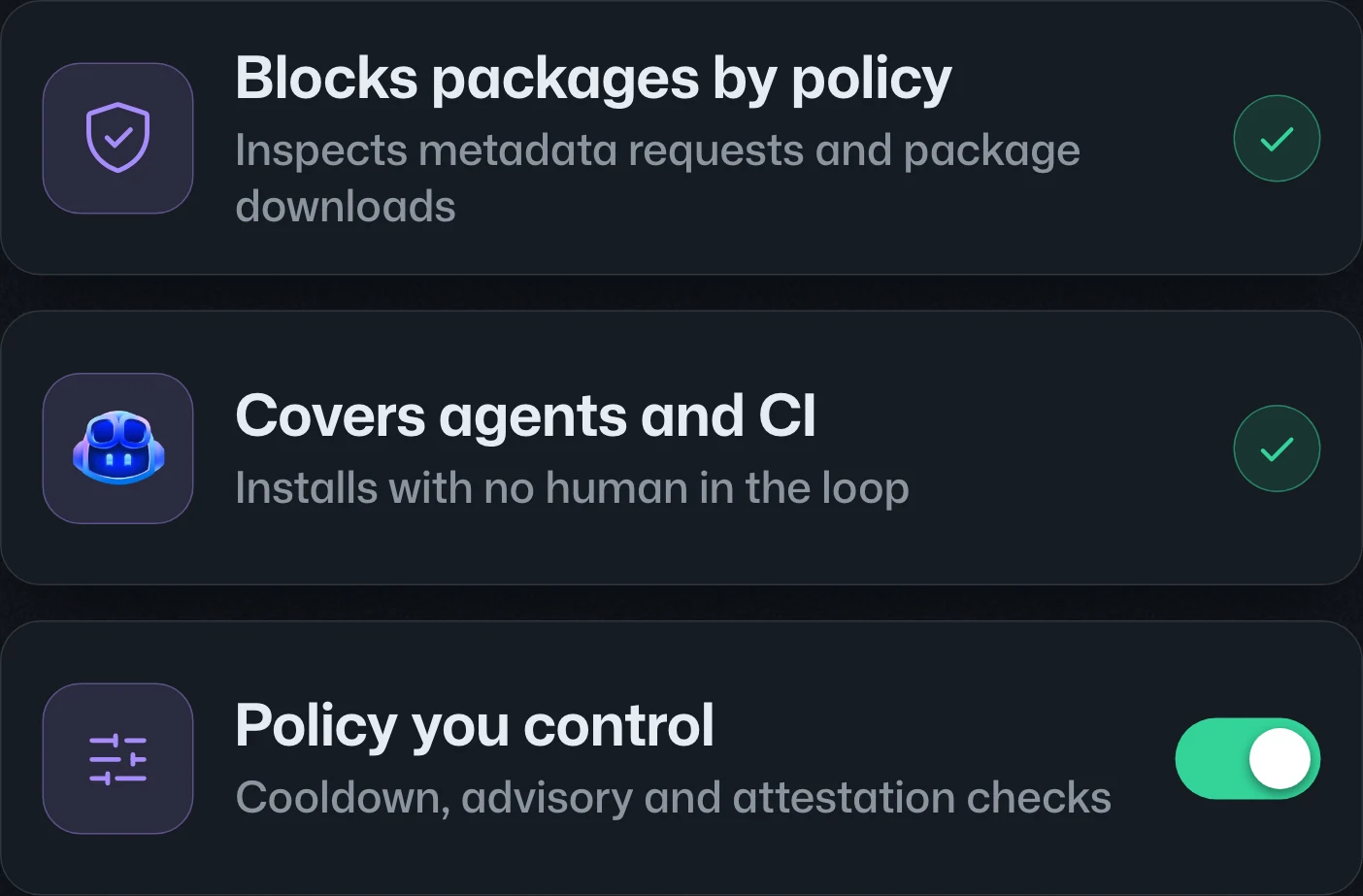
GitHub package firewall in public previewGitHub package firewall 公開預覽GitHub package firewall 公开预览
Block malicious package installs.阻擋惡意套件安裝。阻止恶意包安装。
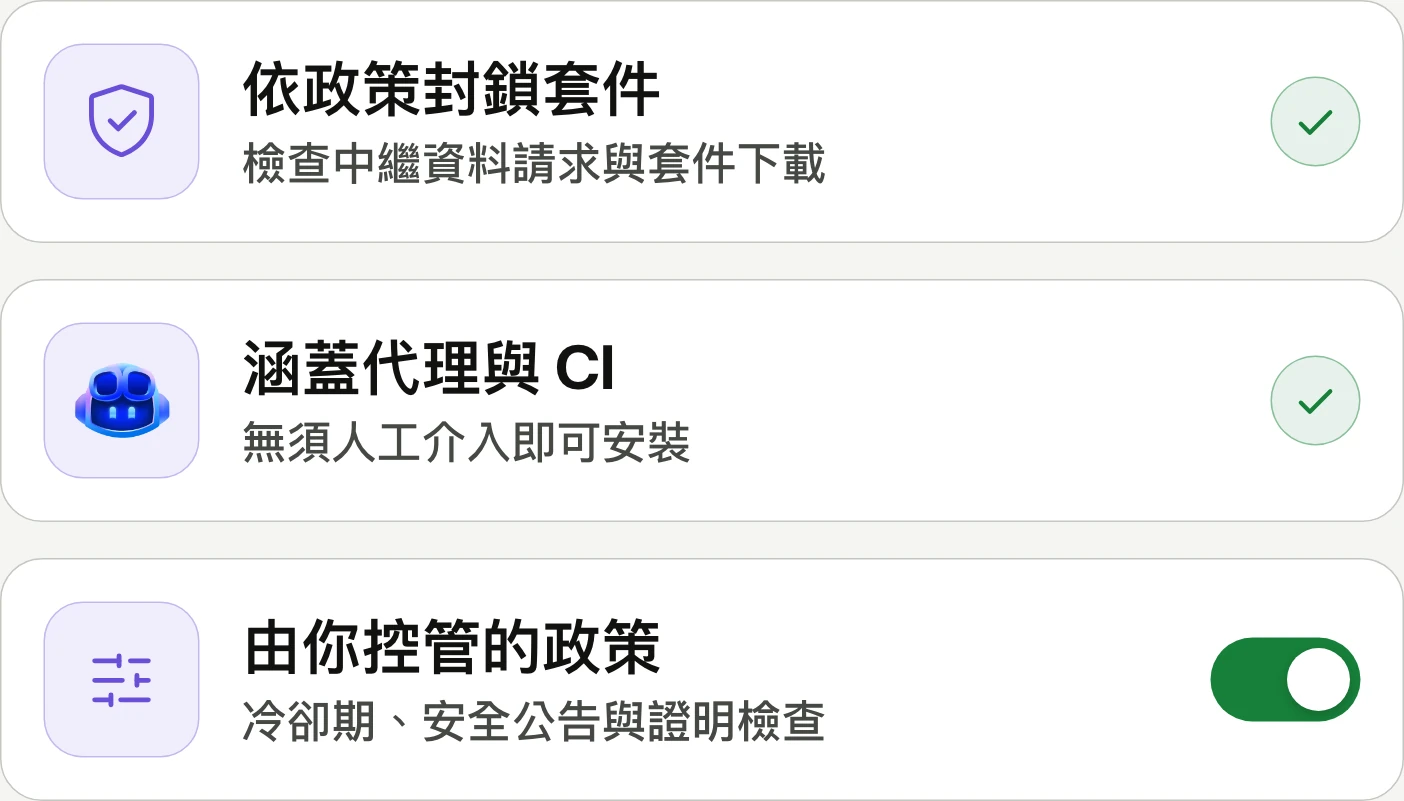
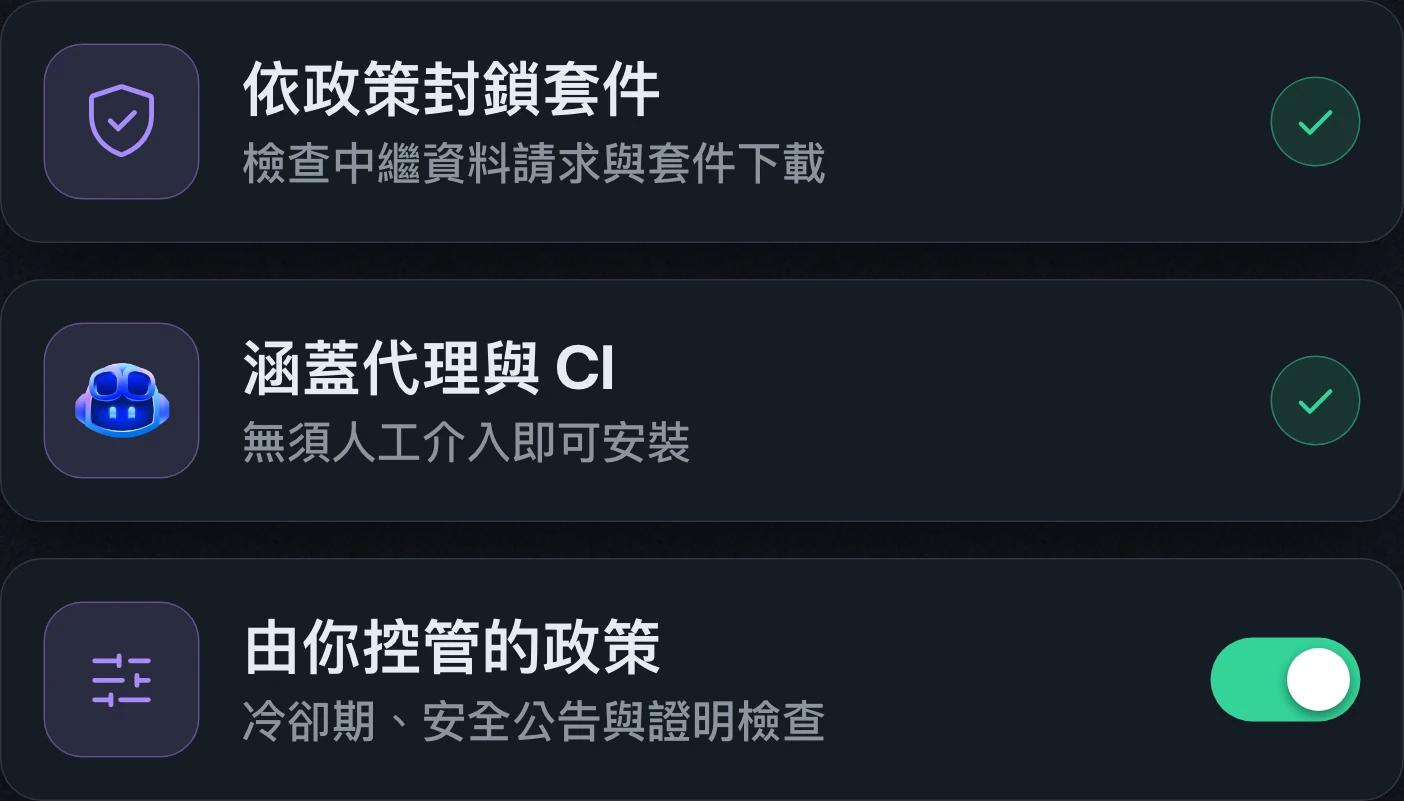
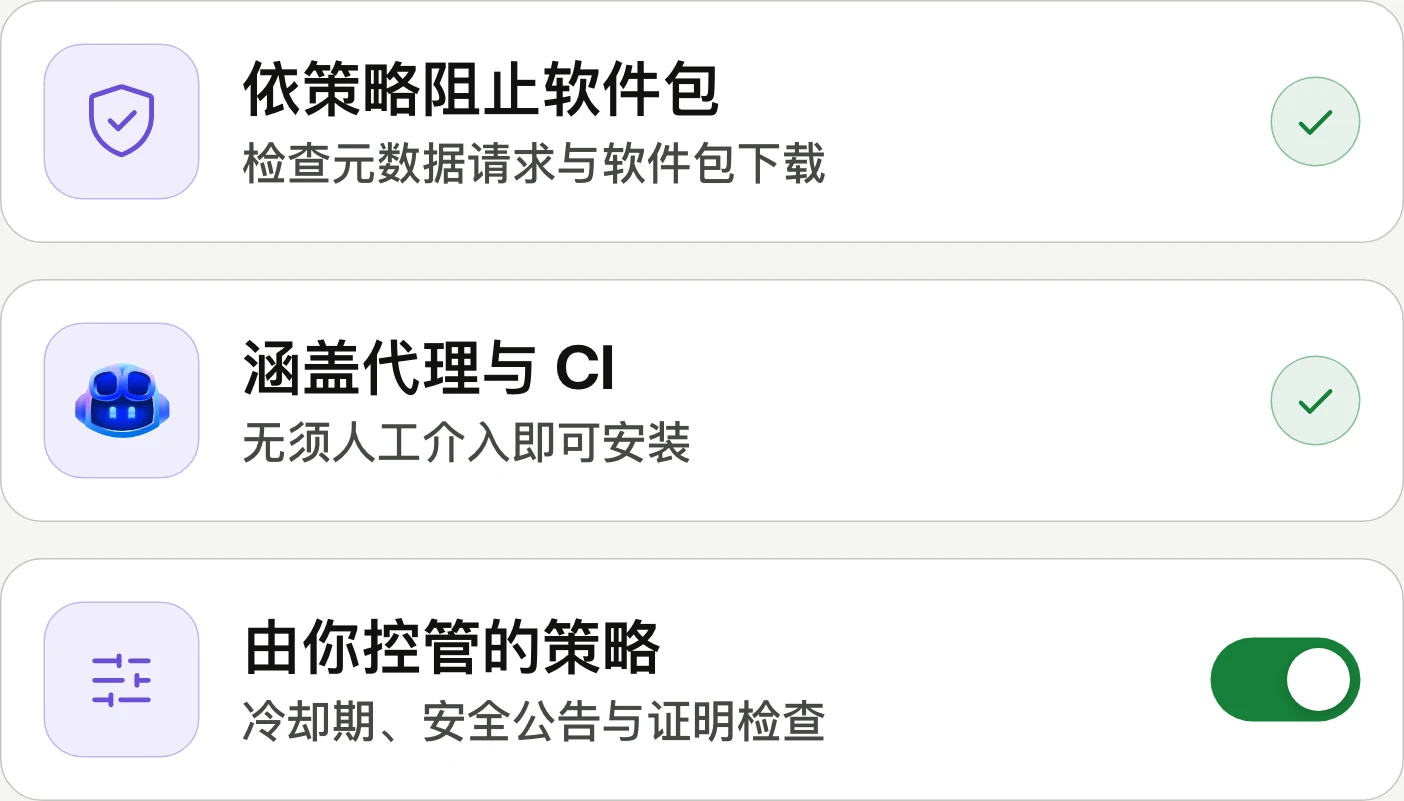
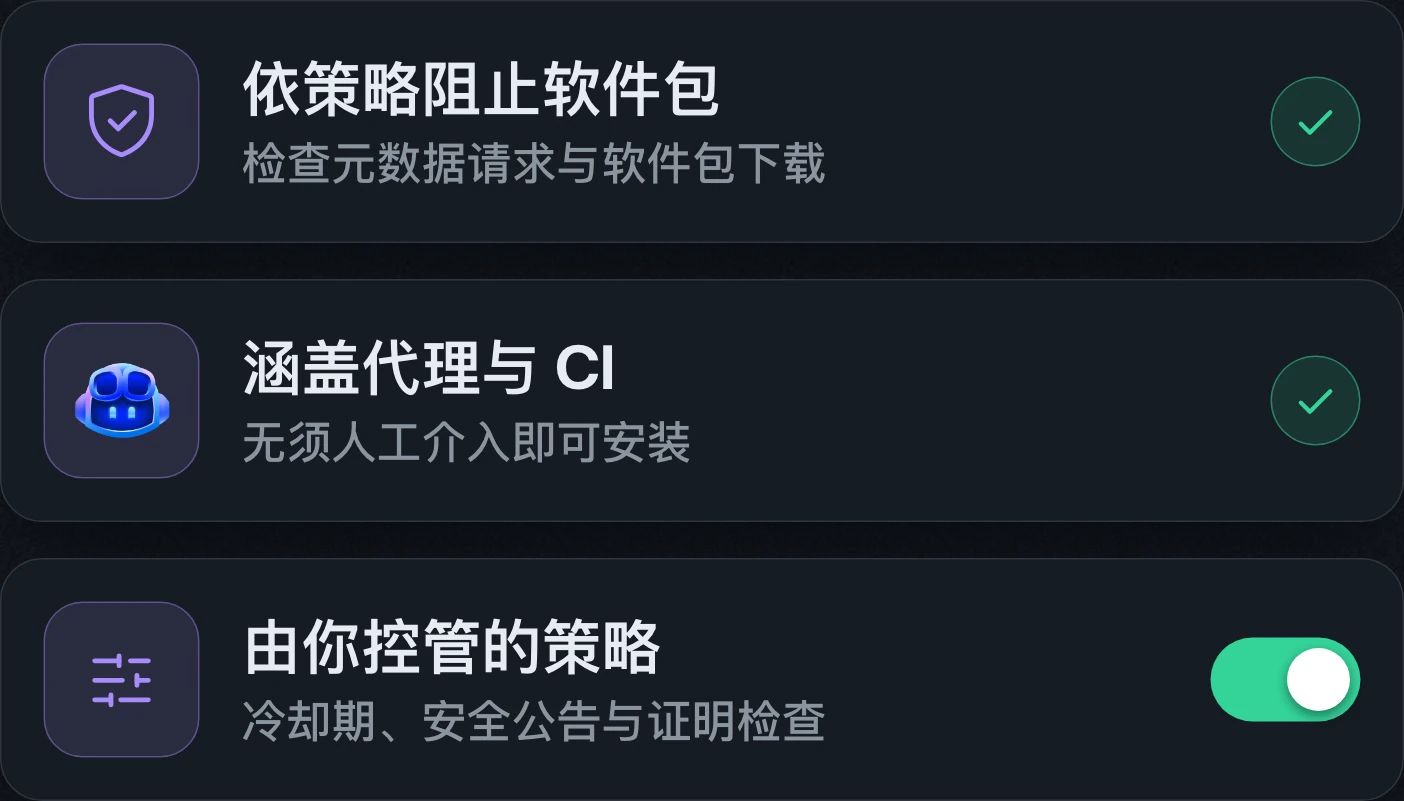
GitHub package firewall enters public preview for GitHub Enterprise Cloud, including data residency, at no charge during preview. It currently supports npm packages; general availability will use metered billing.GitHub package firewall 開放 GitHub Enterprise Cloud 客戶公開預覽,包含資料落地版本,預覽期間免費。目前僅支援 npm 套件;正式推出後將按用量計費。GitHub package firewall 面向 GitHub Enterprise Cloud 客户开放公开预览,包含数据驻留版本,预览期间免费。目前仅支持 npm 包;正式发布后将按用量计费。
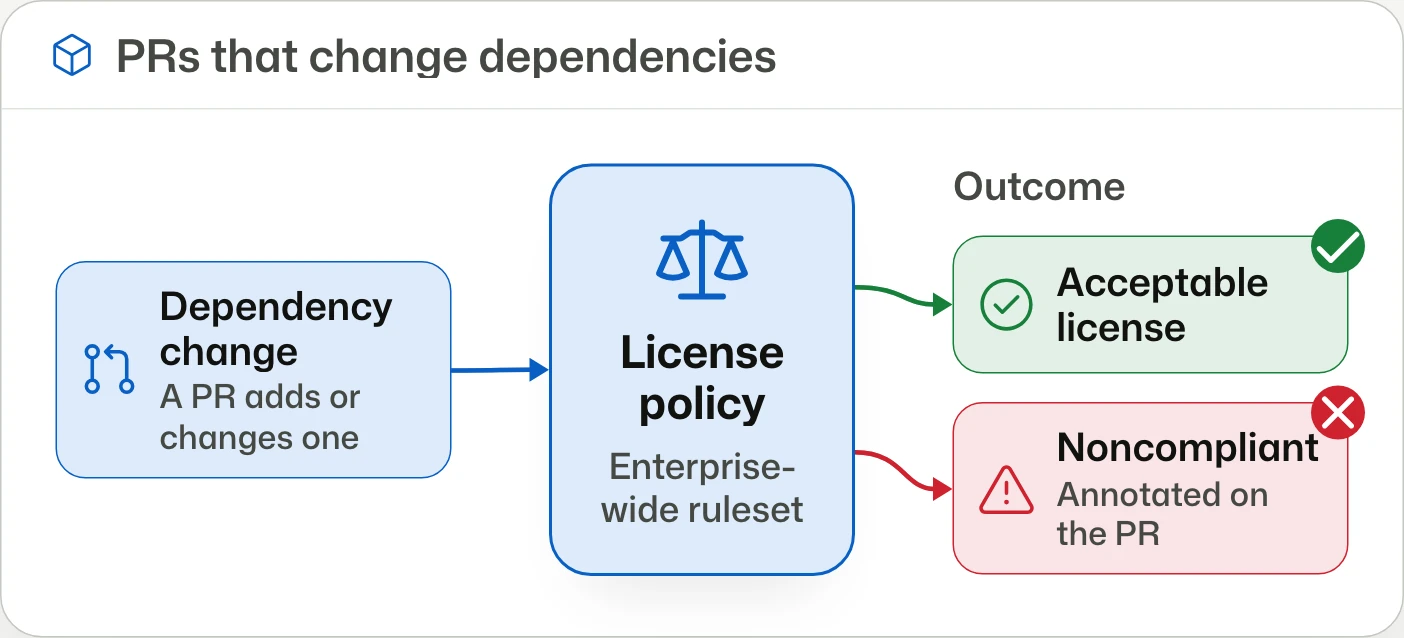
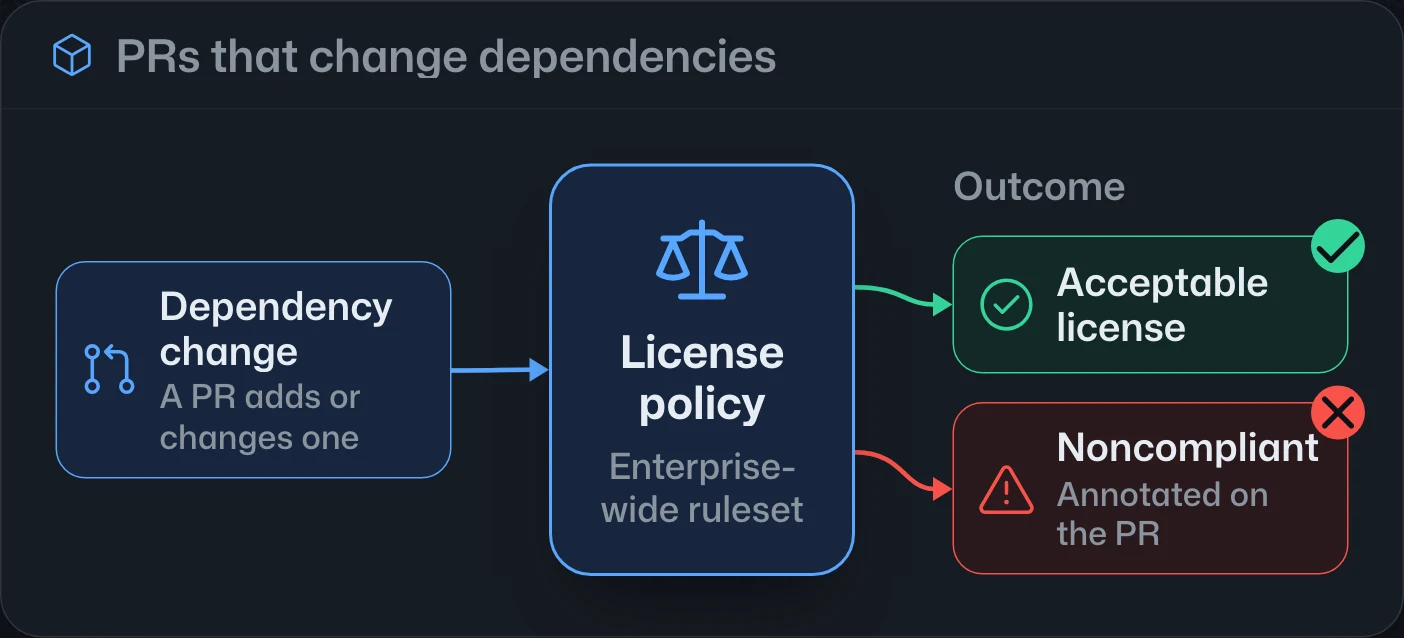
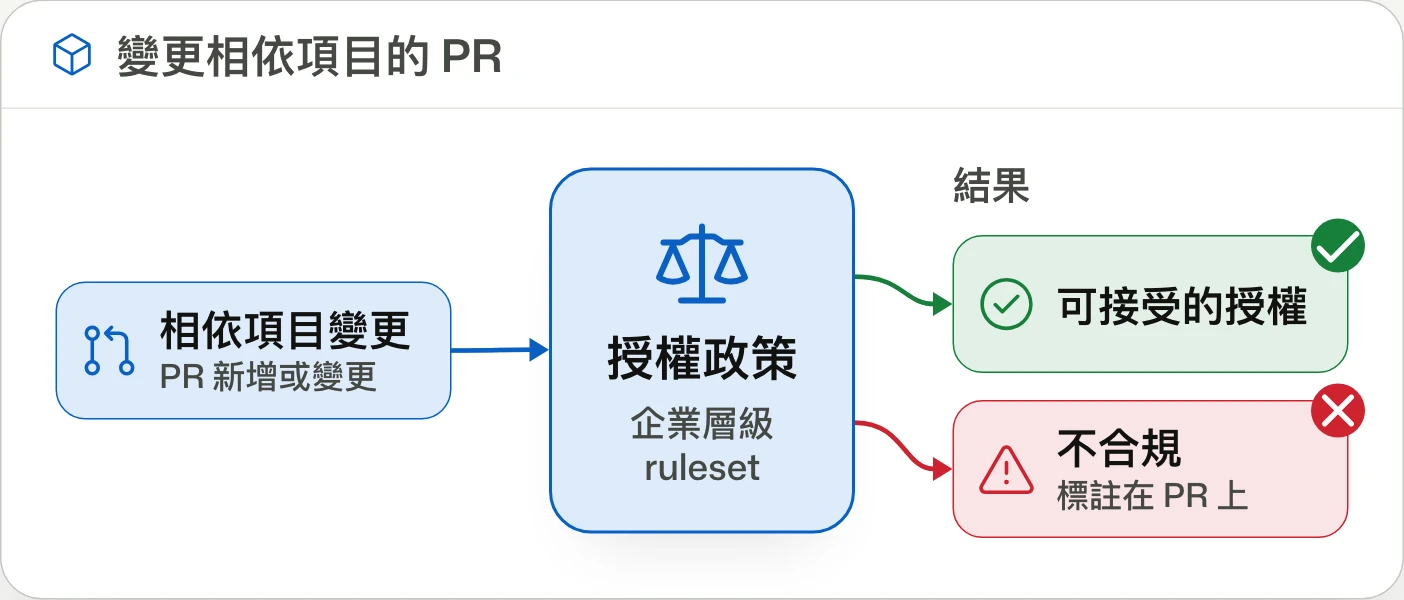
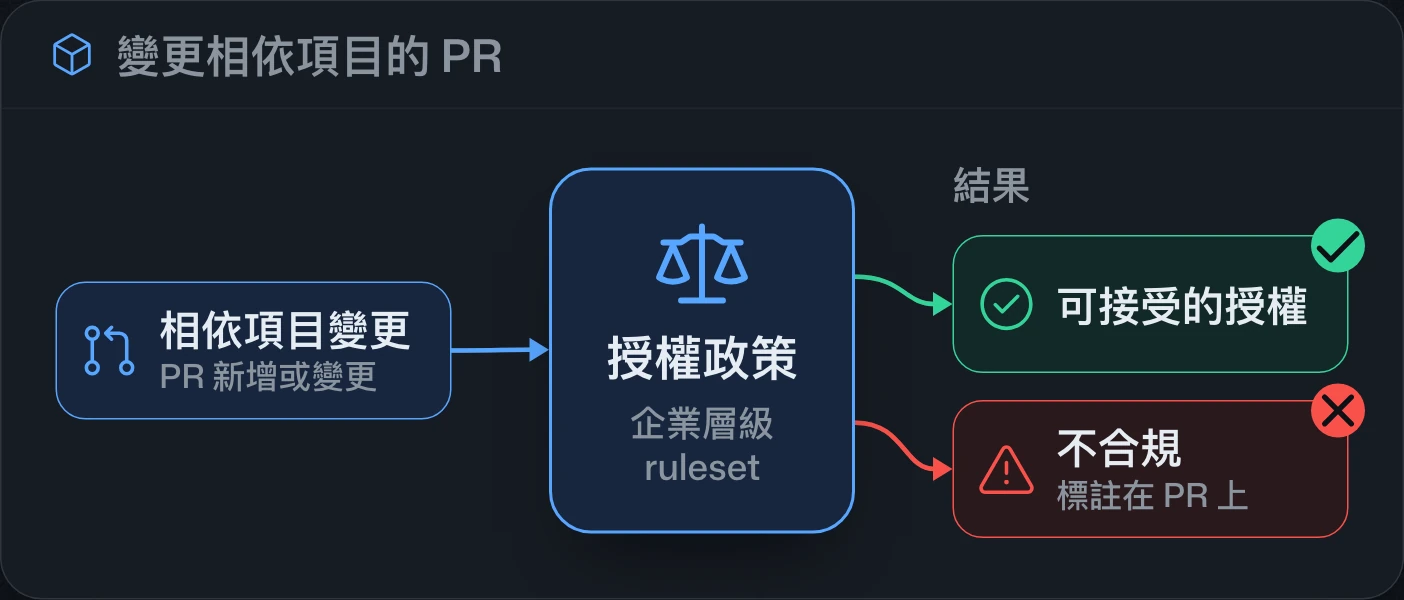
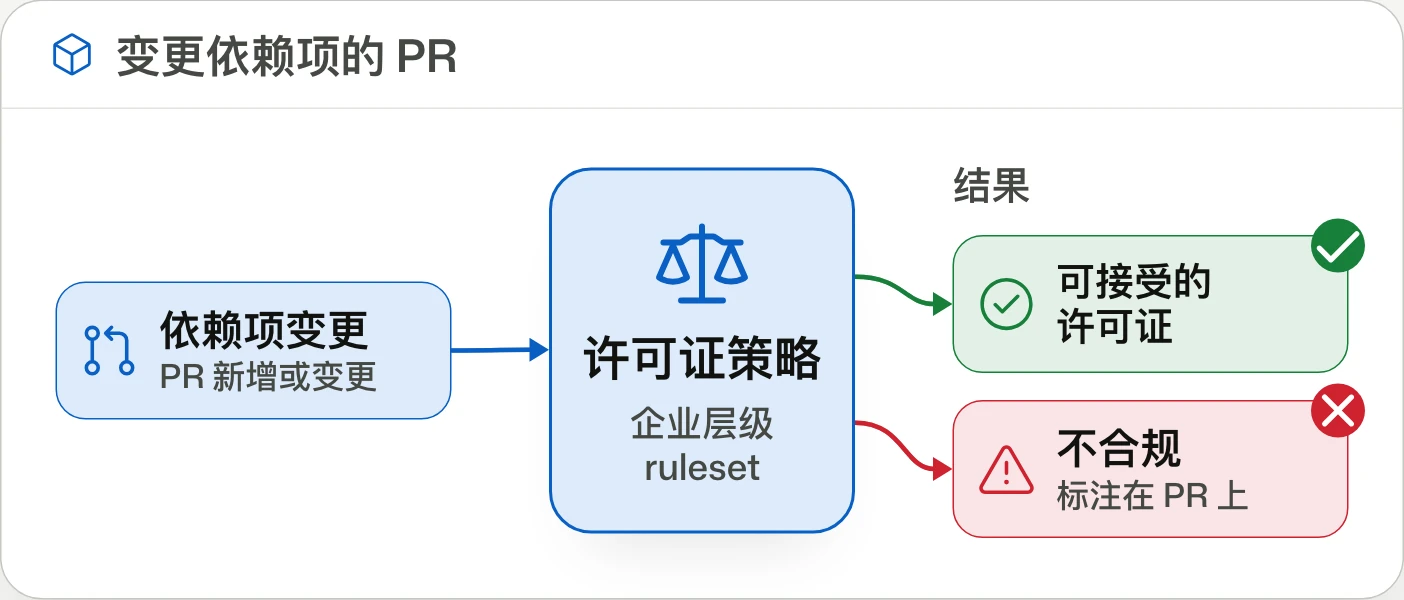
Open source license compliance generally available開源授權合規性正式推出开源许可合规性正式发布
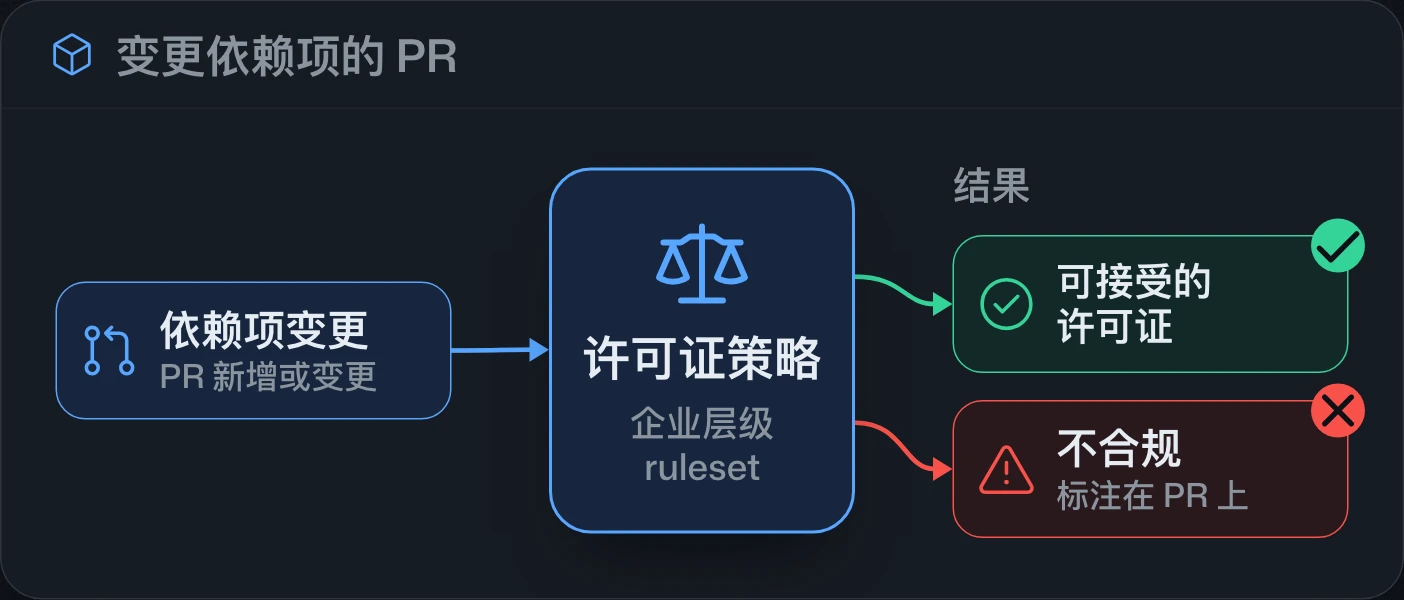
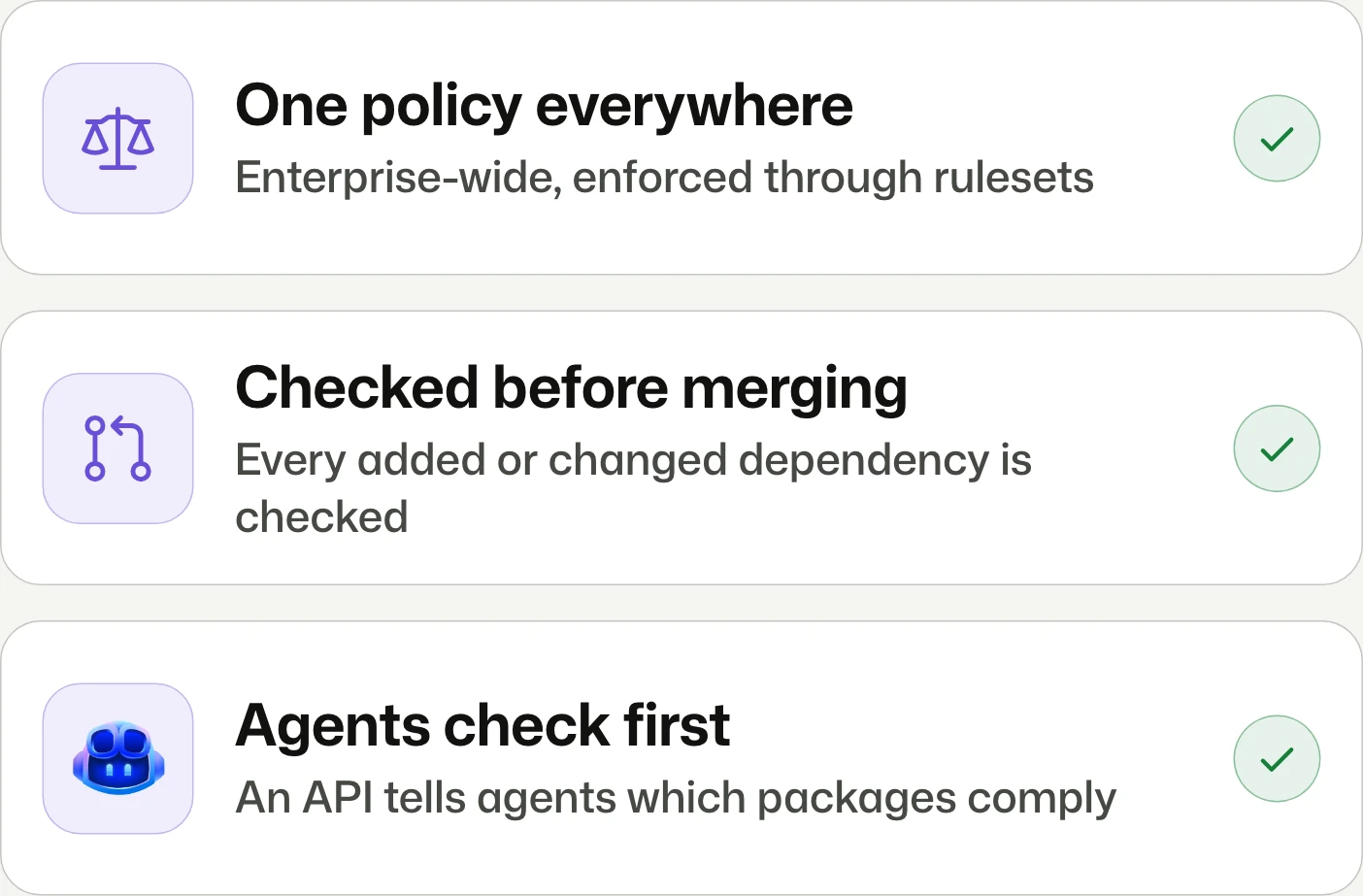
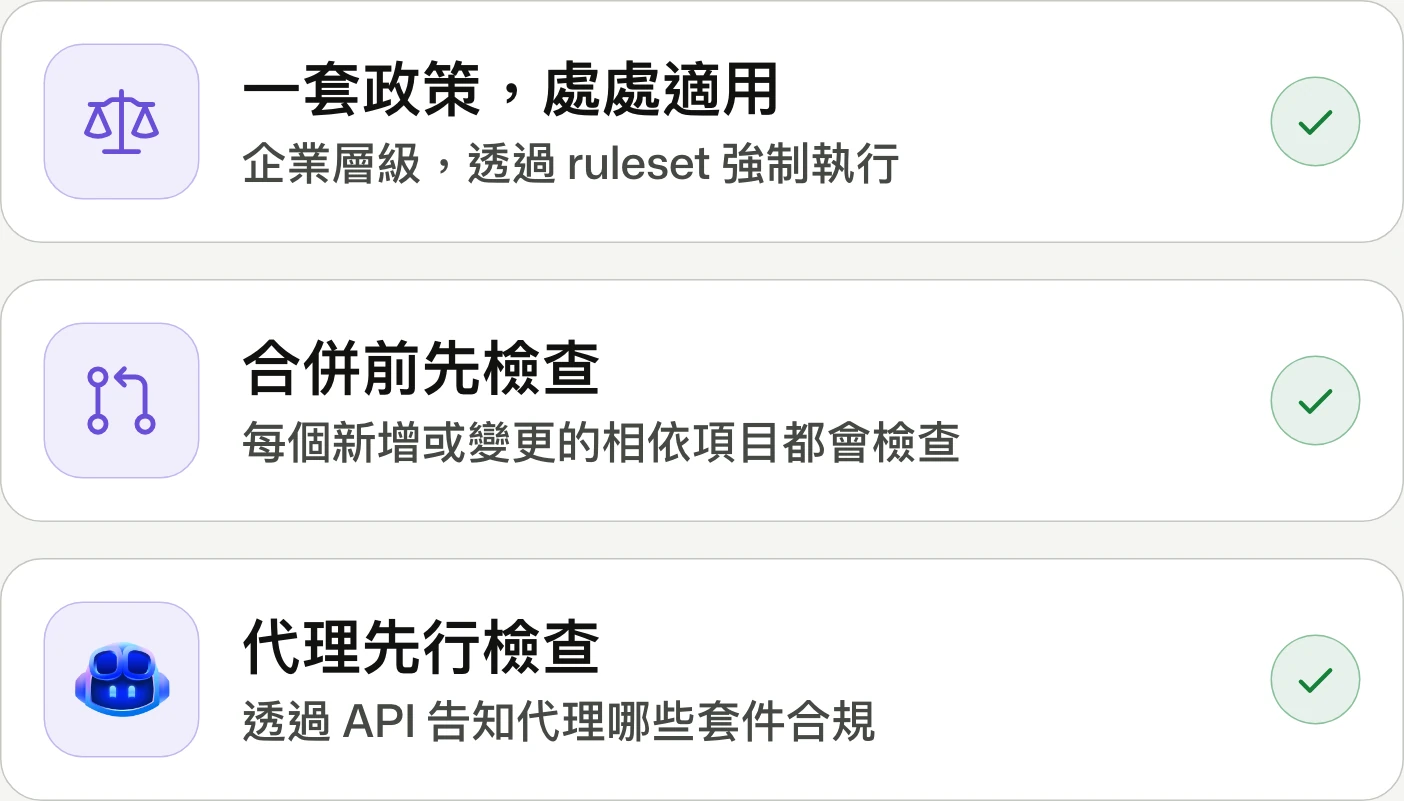
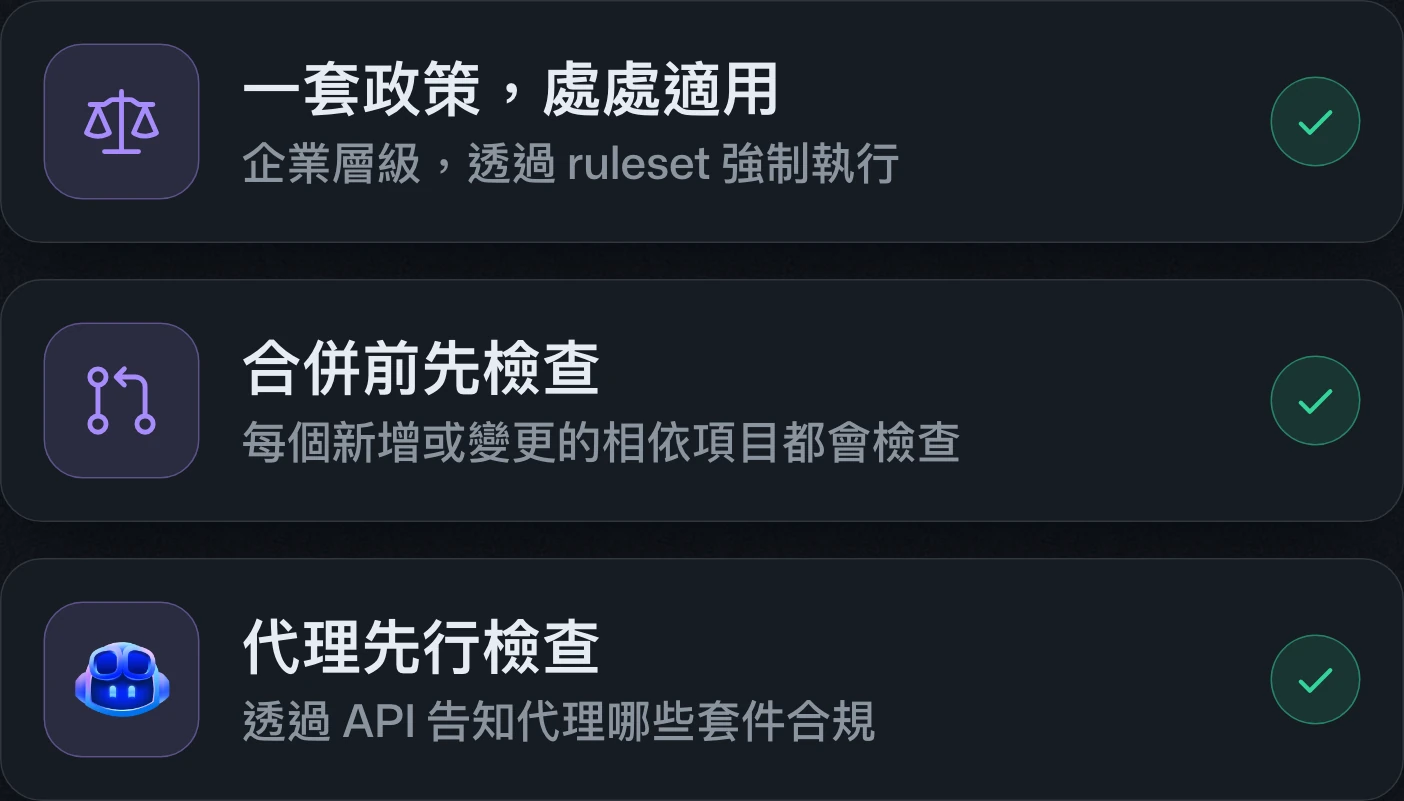
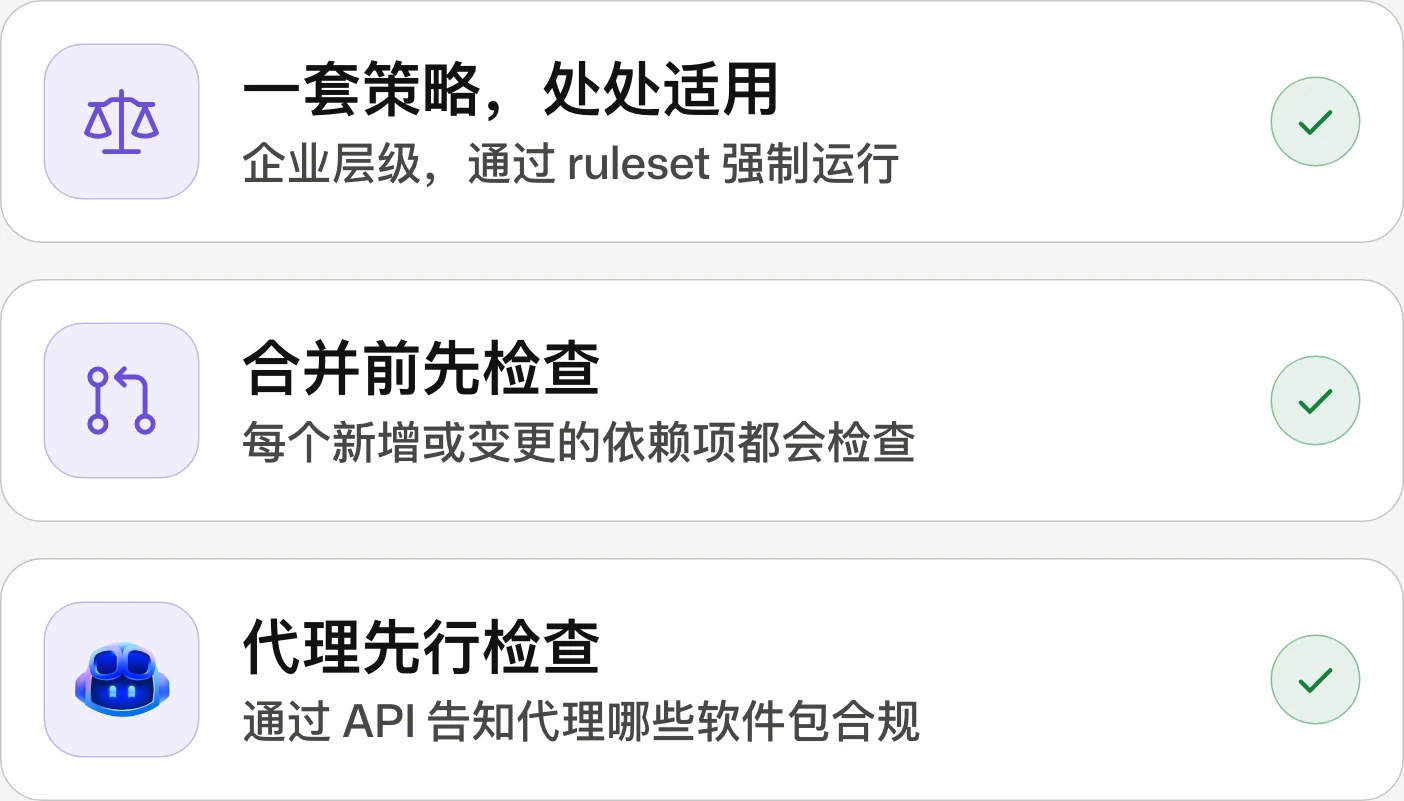
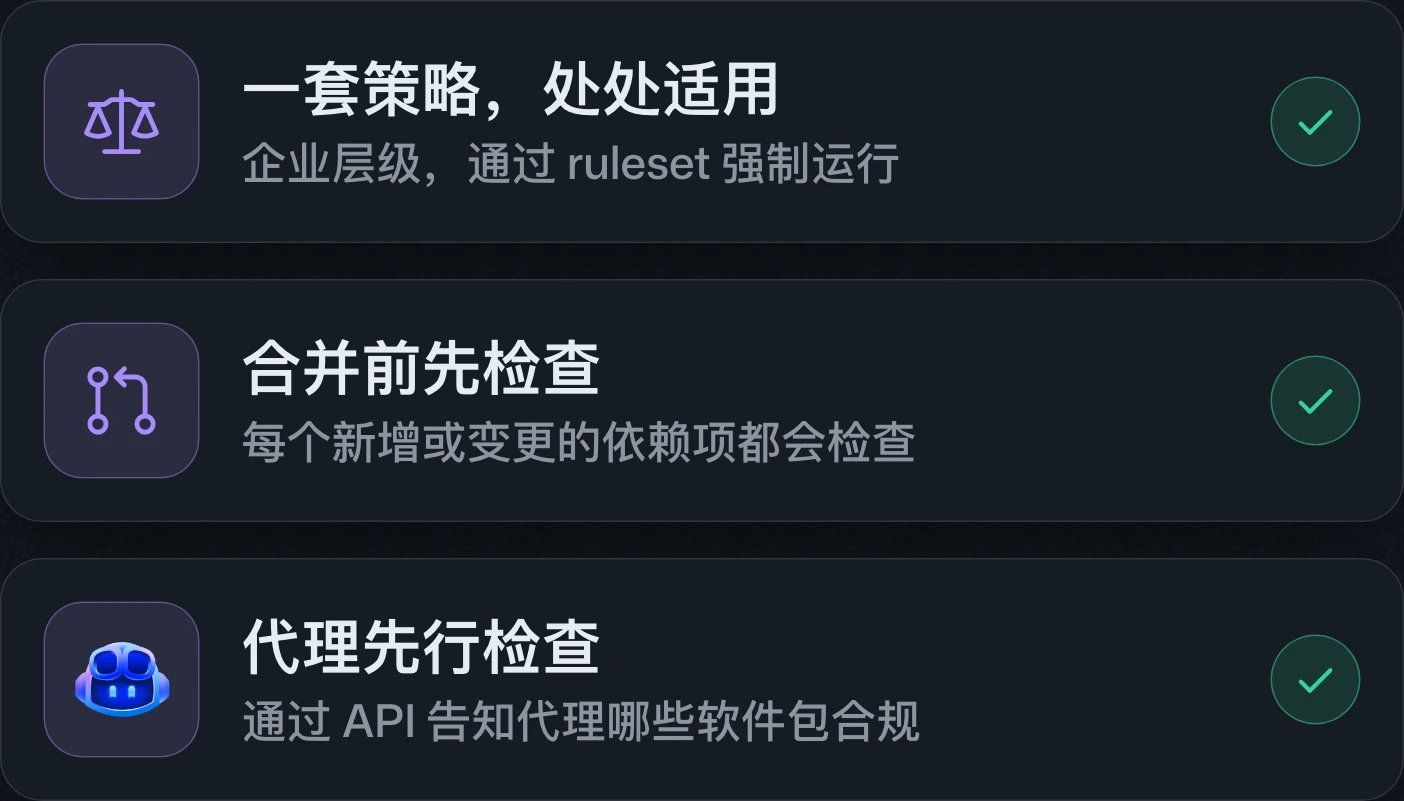
One license policy. Enforced at merge.單一授權政策,在合併時強制執行。统一的许可策略,在合并时强制执行。
Open source license compliance is generally available for GitHub Enterprise Cloud, including data residency, on repositories with GitHub Code Security enabled. A ruleset enforces an enterprise-wide license policy on dependencies in pull requests.開源授權合規性已正式推出,適用於已啟用 GitHub Code Security 儲存庫的 GitHub Enterprise Cloud,包含資料落地版本。透過 ruleset 對 pull request 中的相依項目套用企業層級的授權政策。开源许可合规性已正式发布,适用于已启用 GitHub Code Security 仓库的 GitHub Enterprise Cloud,包含数据驻留版本。通过 ruleset 对 pull request 中的依赖项应用企业级的许可策略。
GitHub Agentic Workflows generally availableGitHub Agentic Workflows 正式推出GitHub Agentic Workflows 正式发布
Automate issue triage, CI failure analysis.自動處理 issue 分流與 CI 失敗分析。自动处理 issue 分诊与 CI 失败分析。
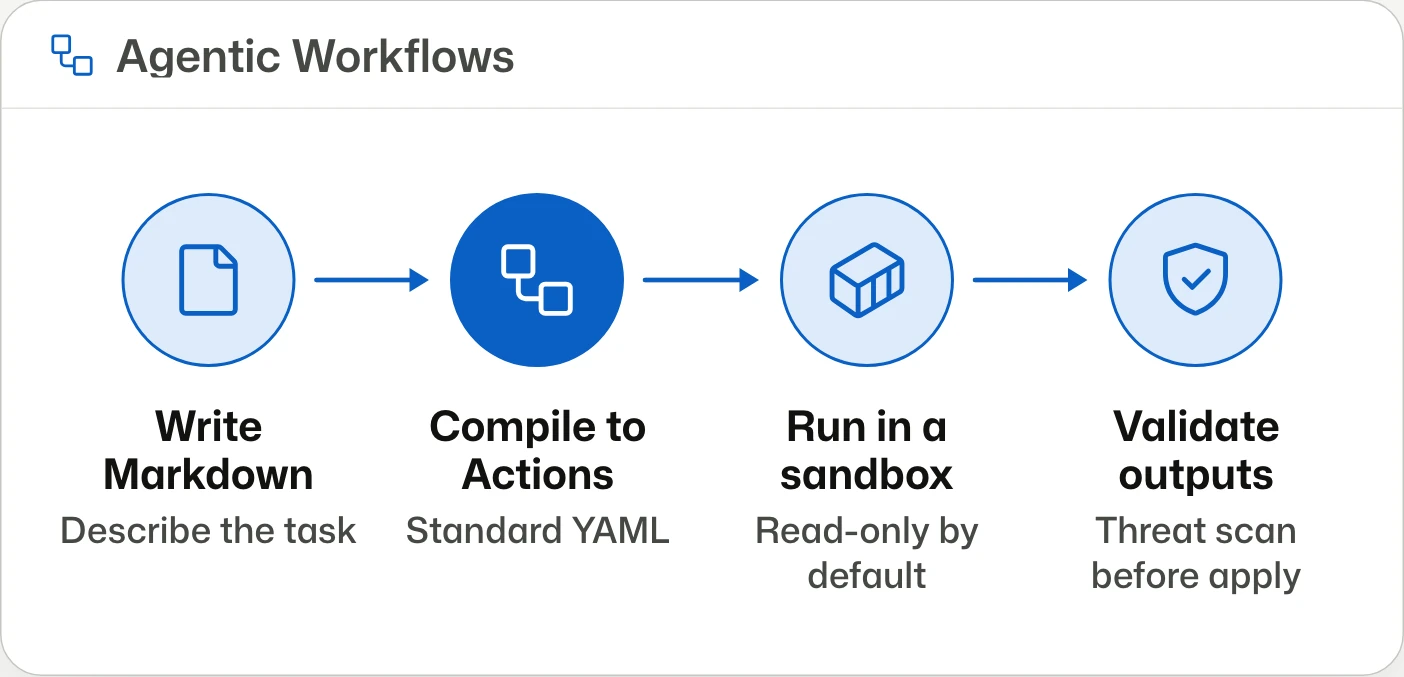
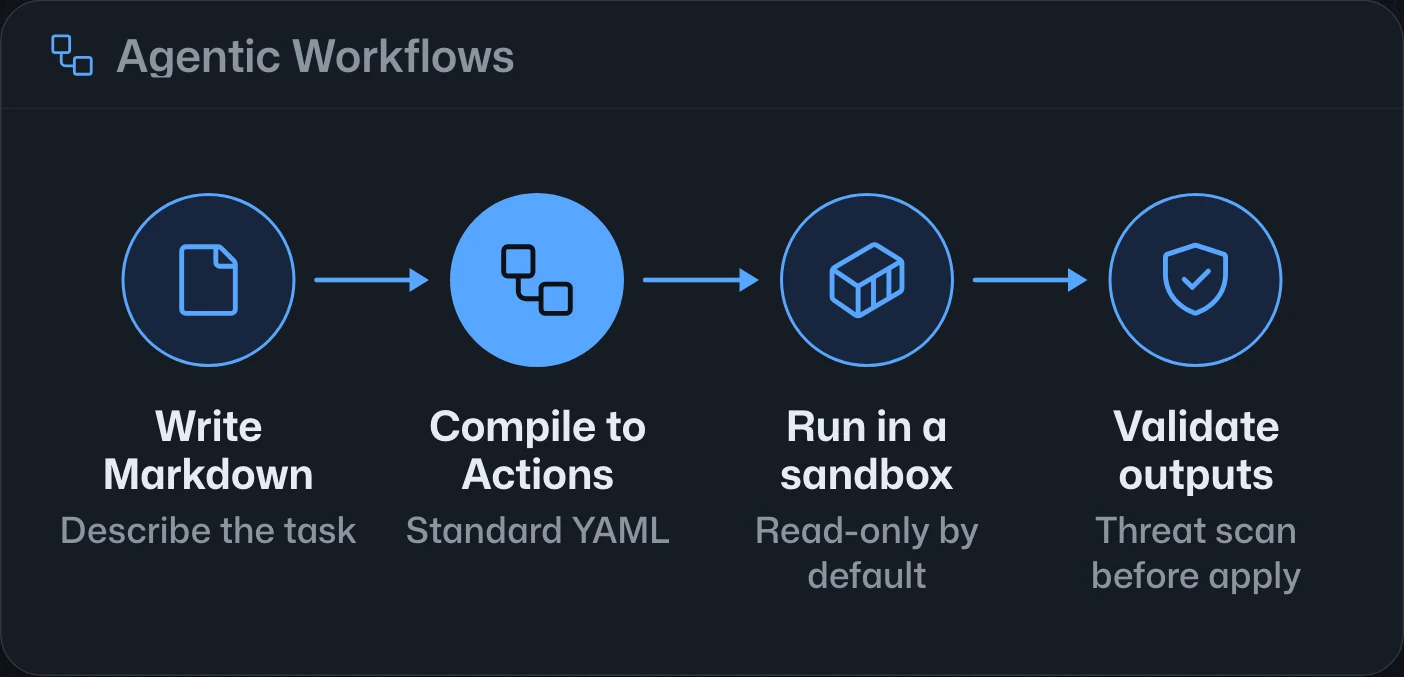
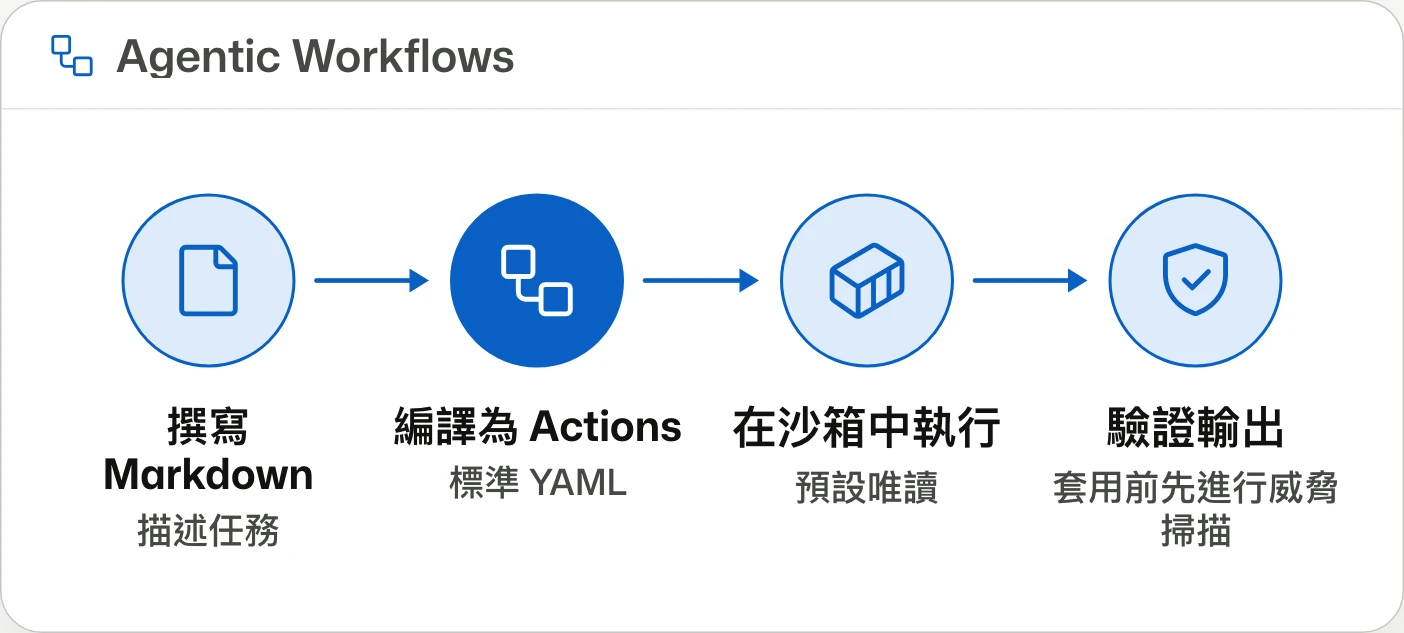
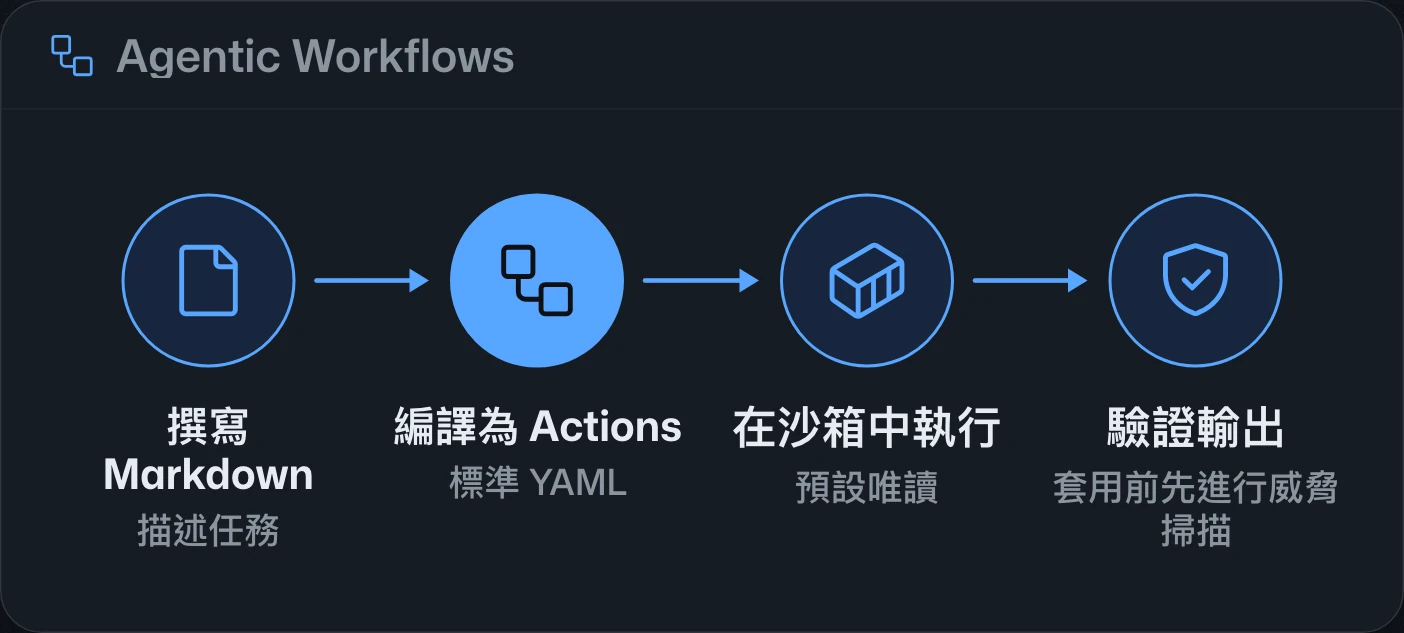
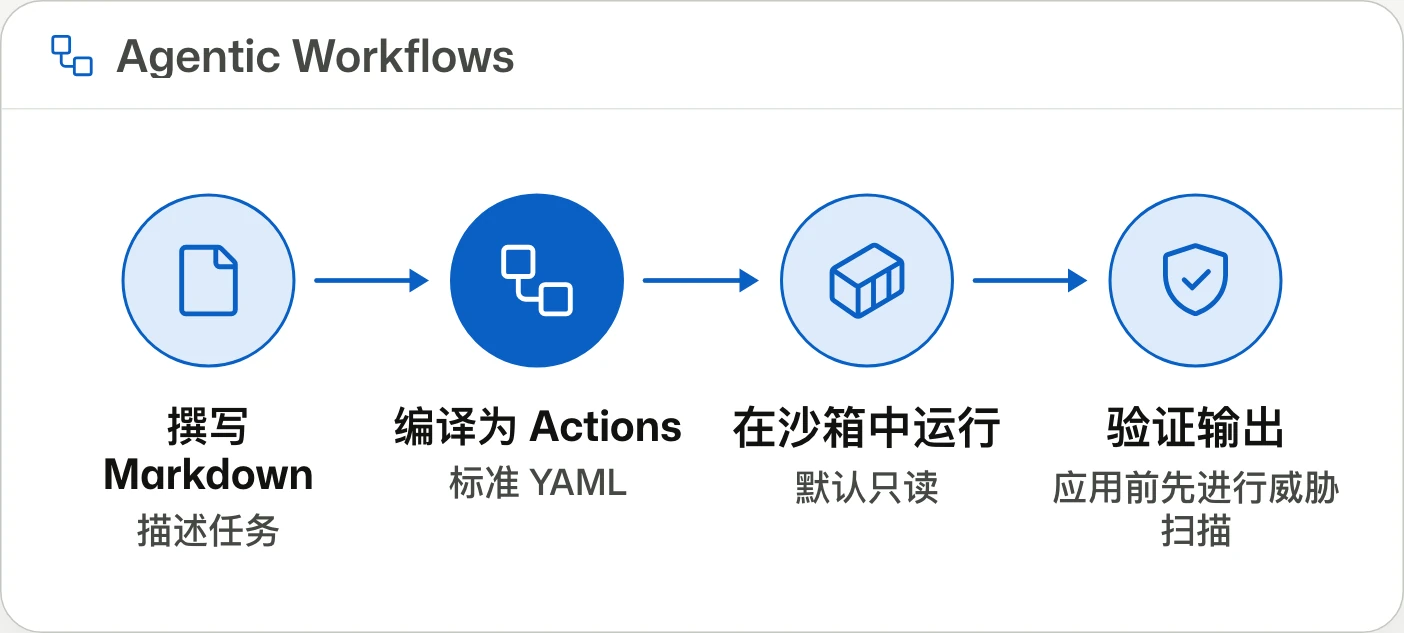
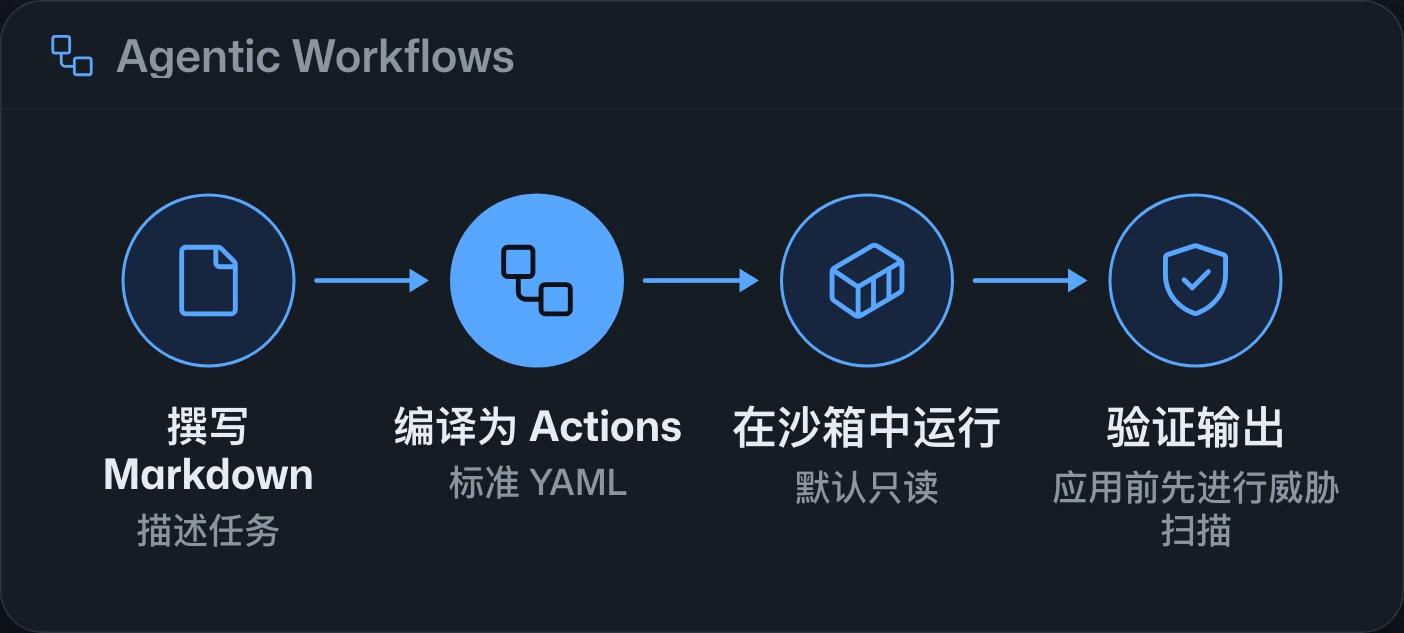
GitHub Agentic Workflows reaches general availability, converting Markdown task descriptions into Actions workflows powered by coding agents. Updates include ARC runner support, expanded cost forecasting, model routing, and stronger isolation.GitHub Agentic Workflows 已正式推出,可將 Markdown 任務描述轉為由程式開發代理執行的 Actions 工作流程。更新包含 ARC 執行器支援、更完整的費用預估、模型路由與強化隔離。GitHub Agentic Workflows 已正式发布,可将 Markdown 任务描述转换为由编码代理执行的 Actions 工作流。更新包括 ARC 运行器支持、更完整的费用预测、模型路由和强化隔离。



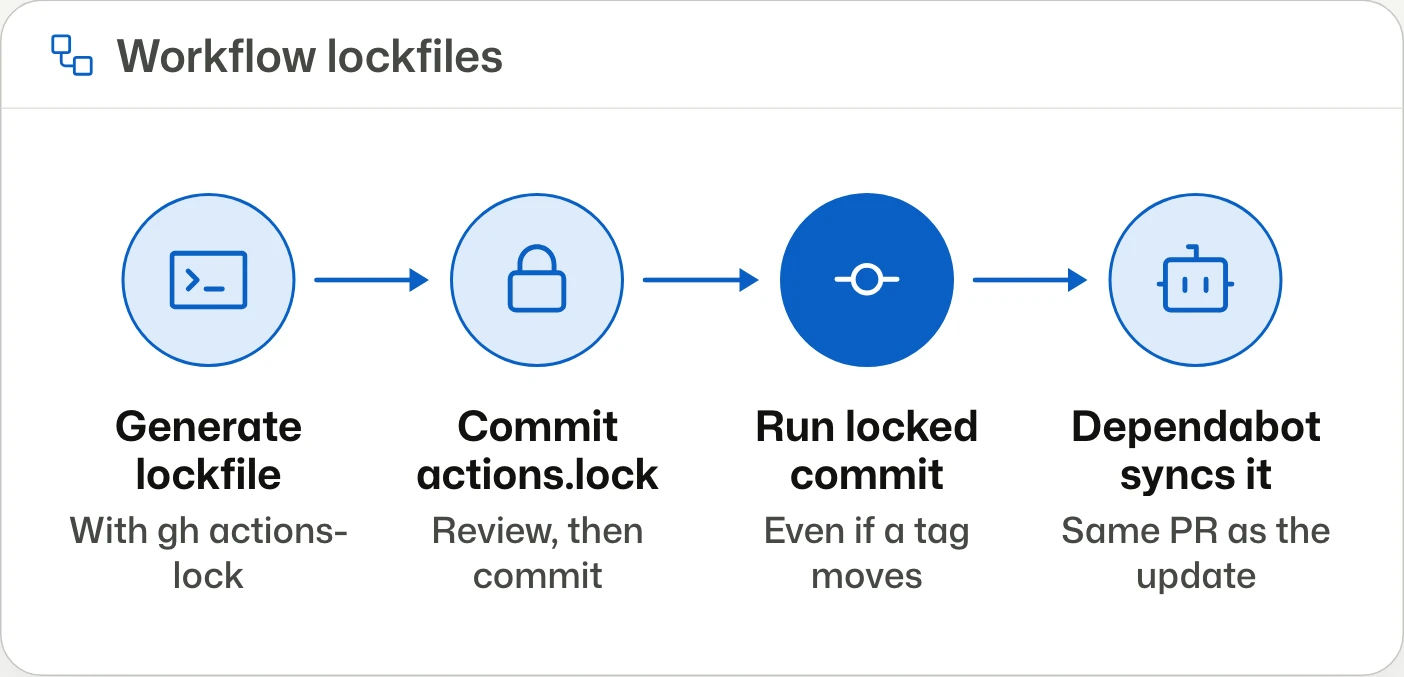
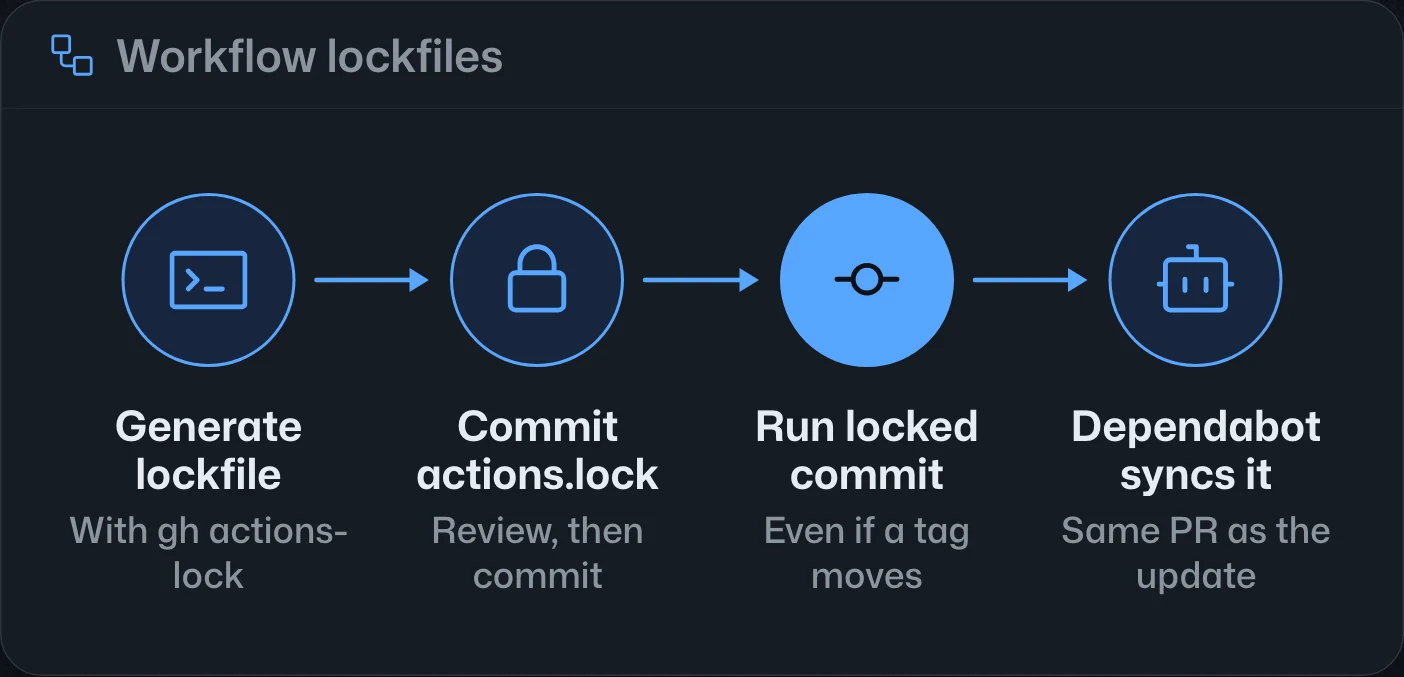
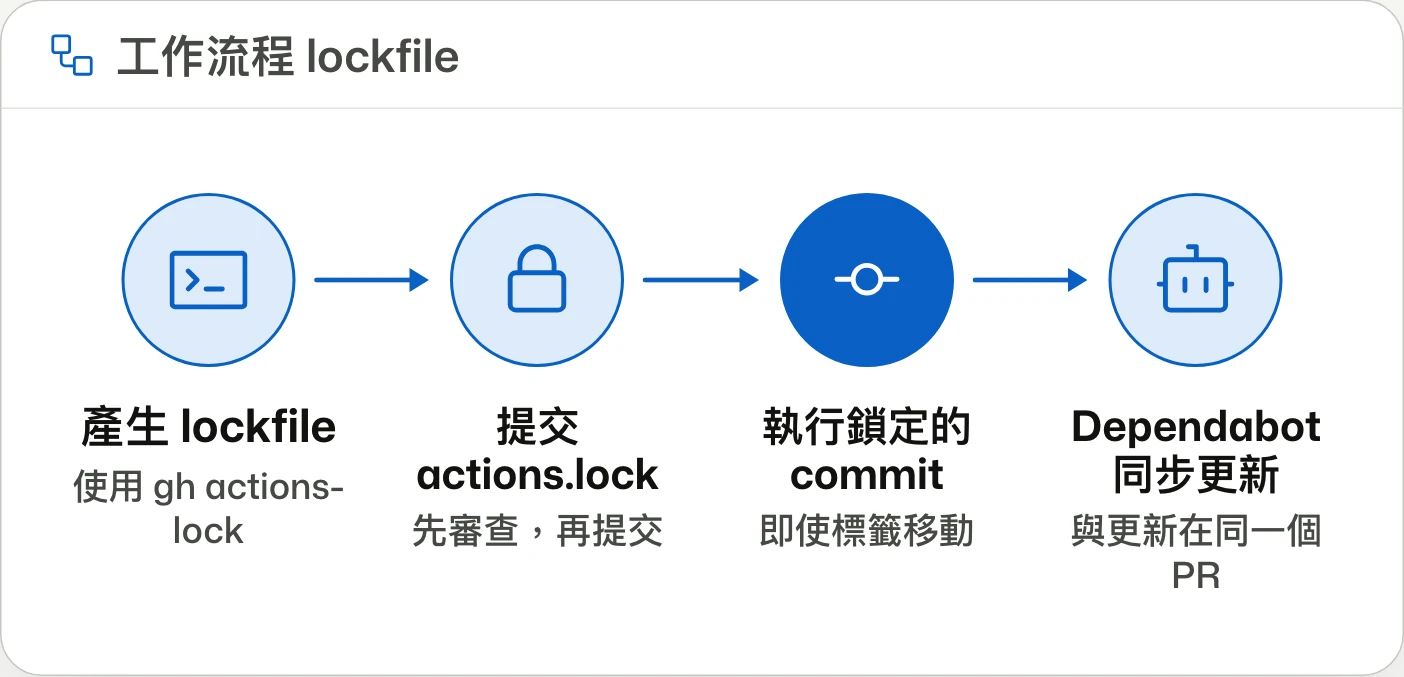
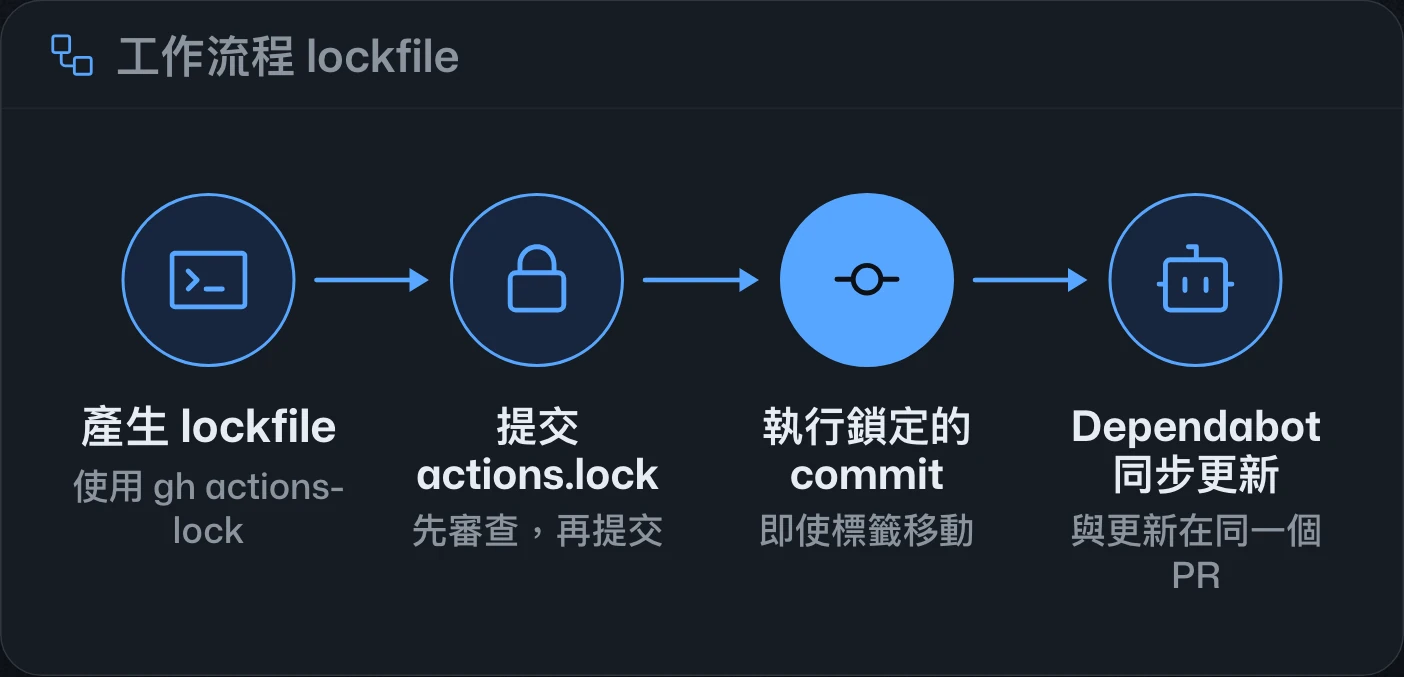
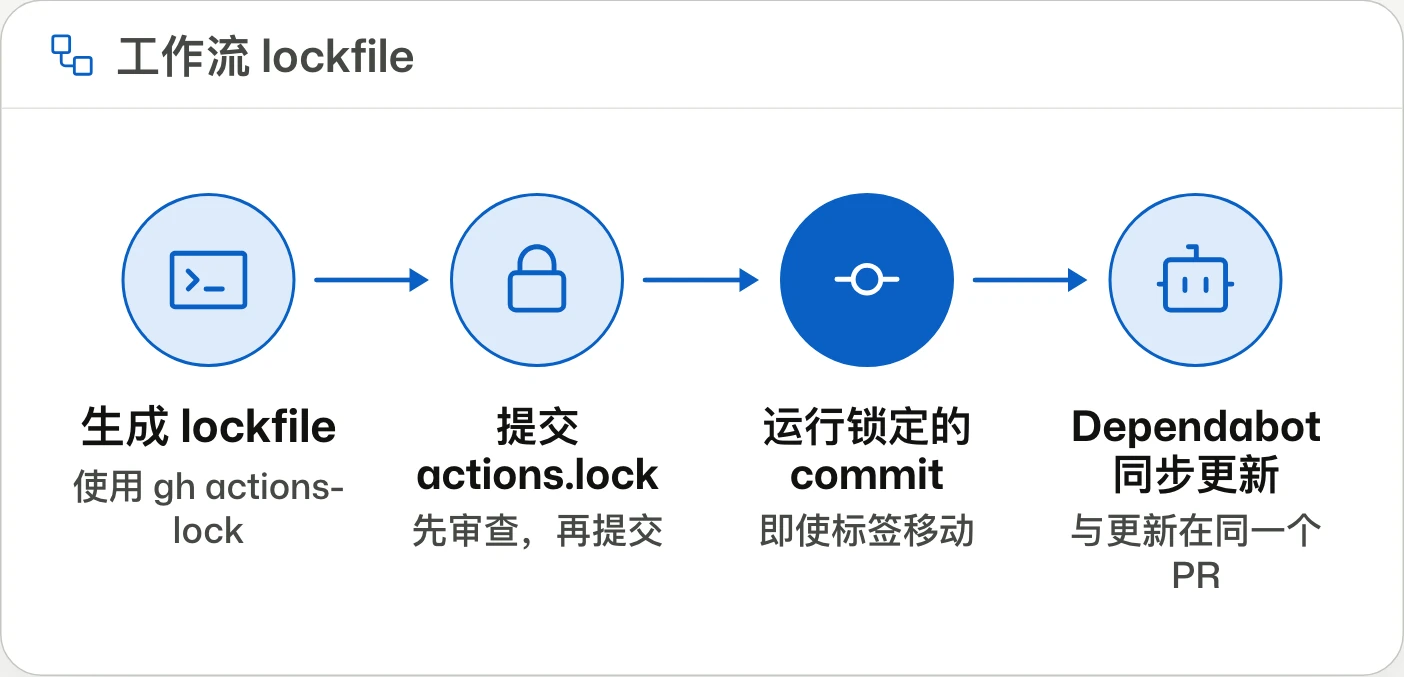
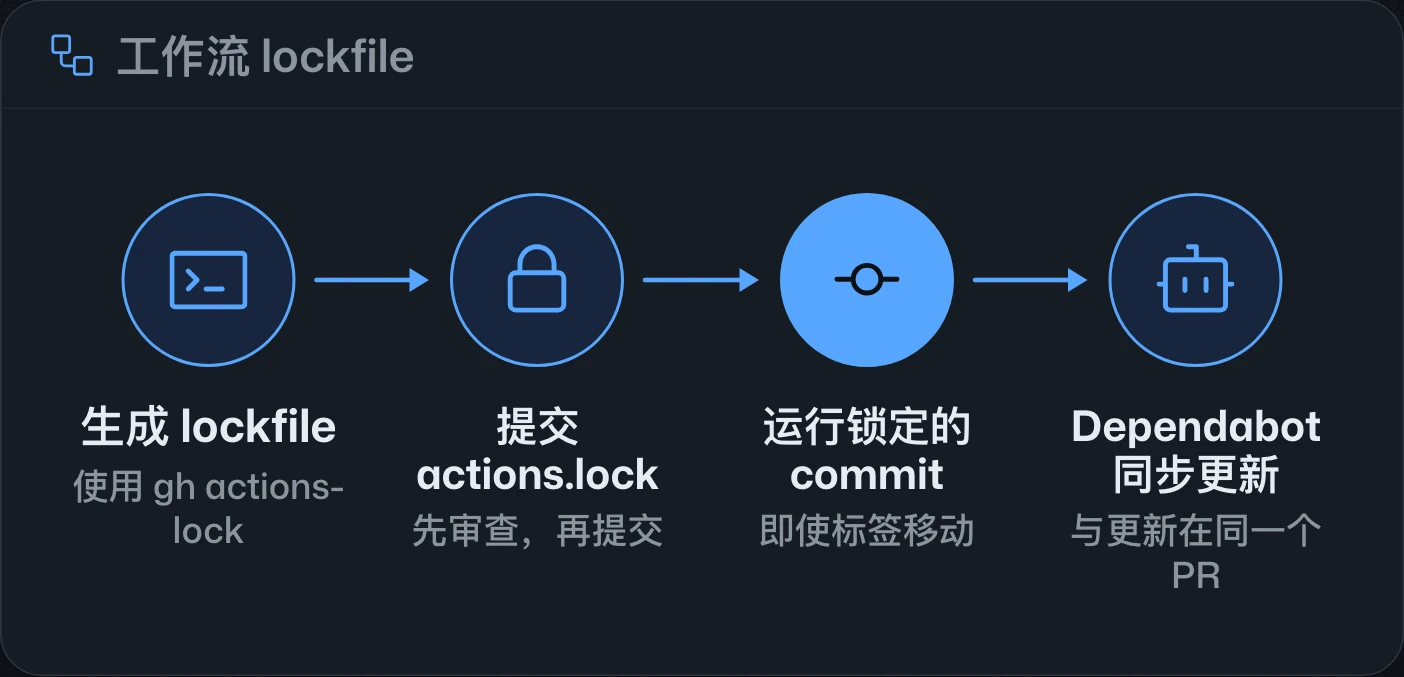
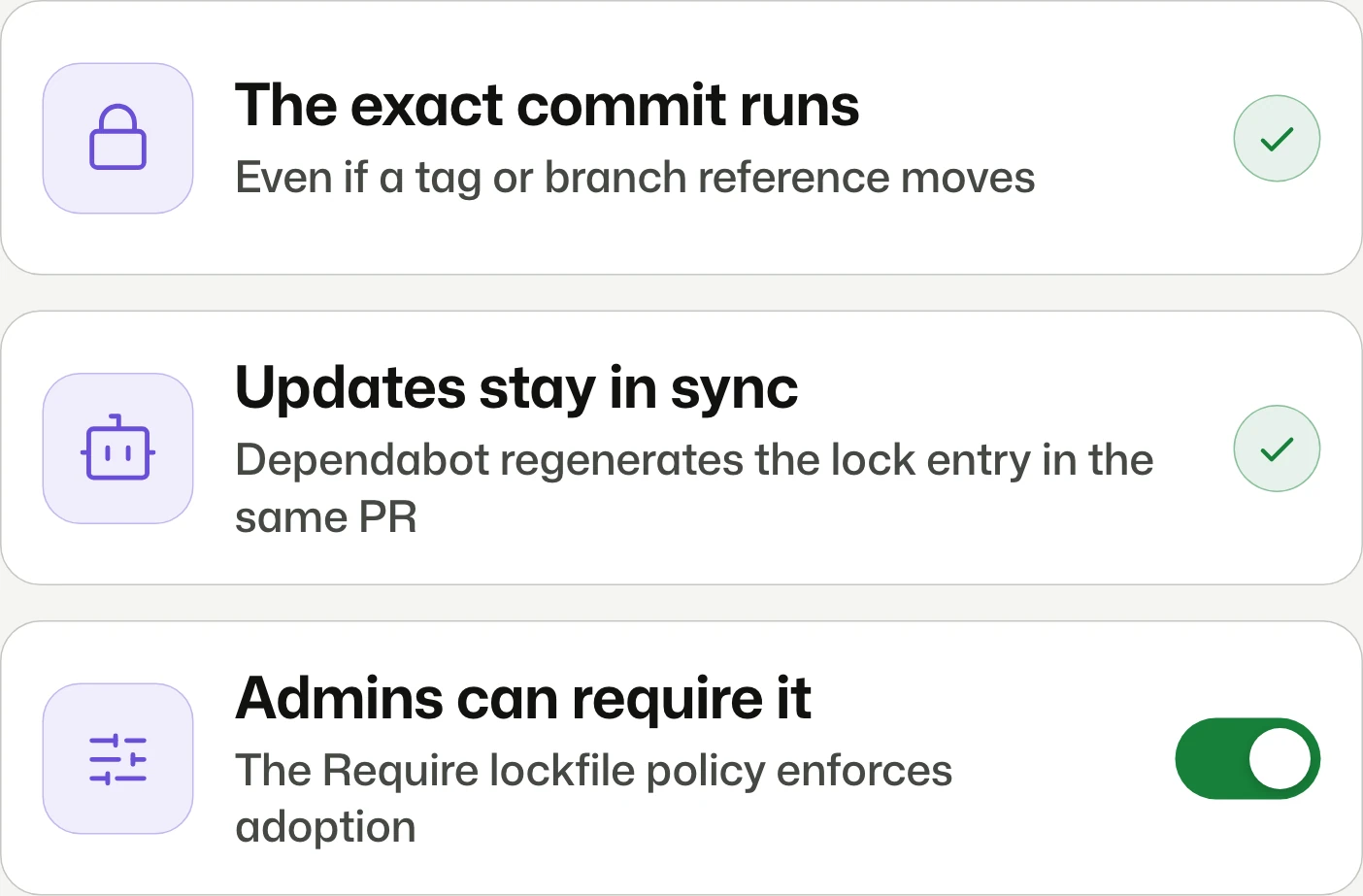
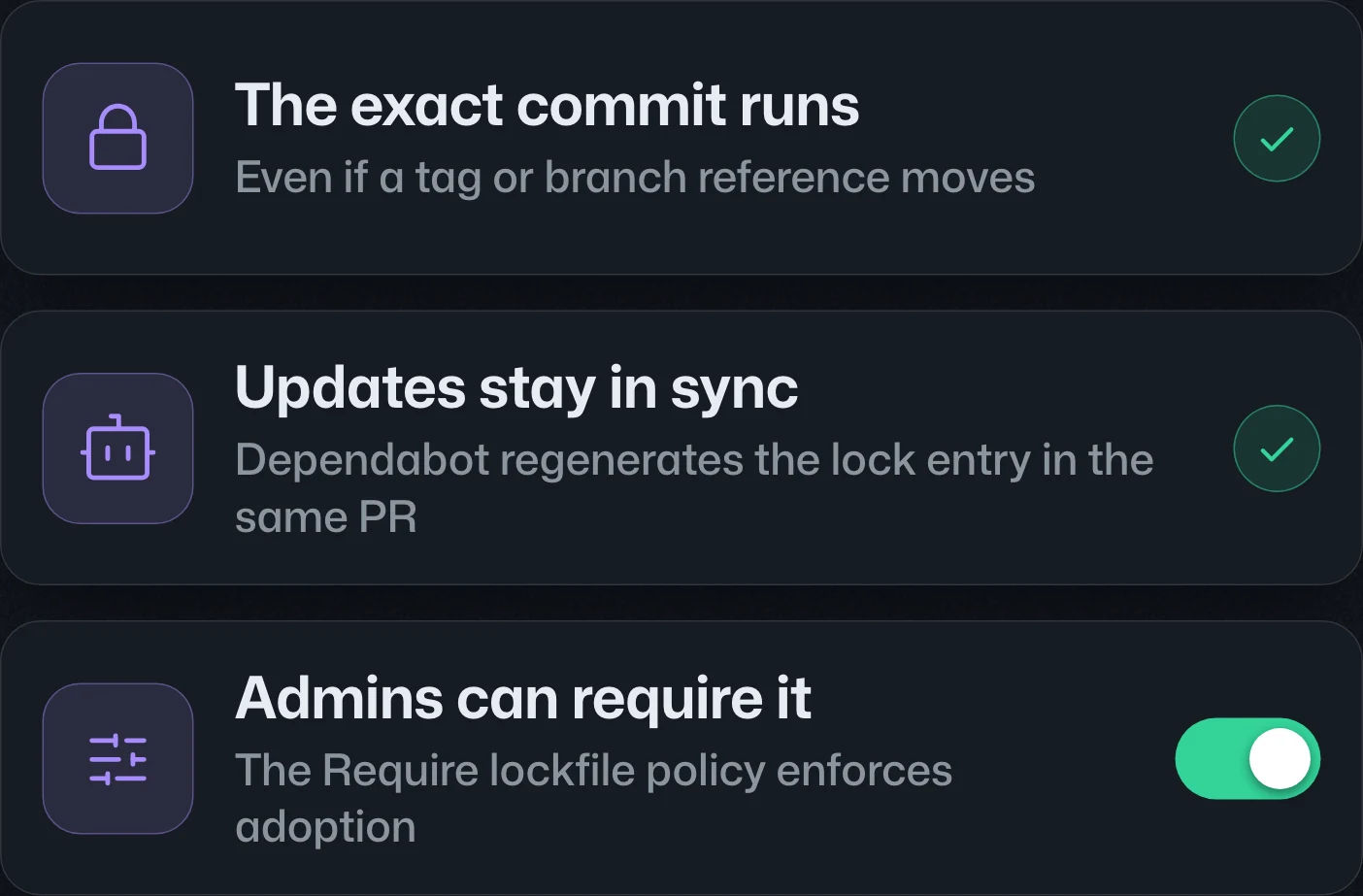
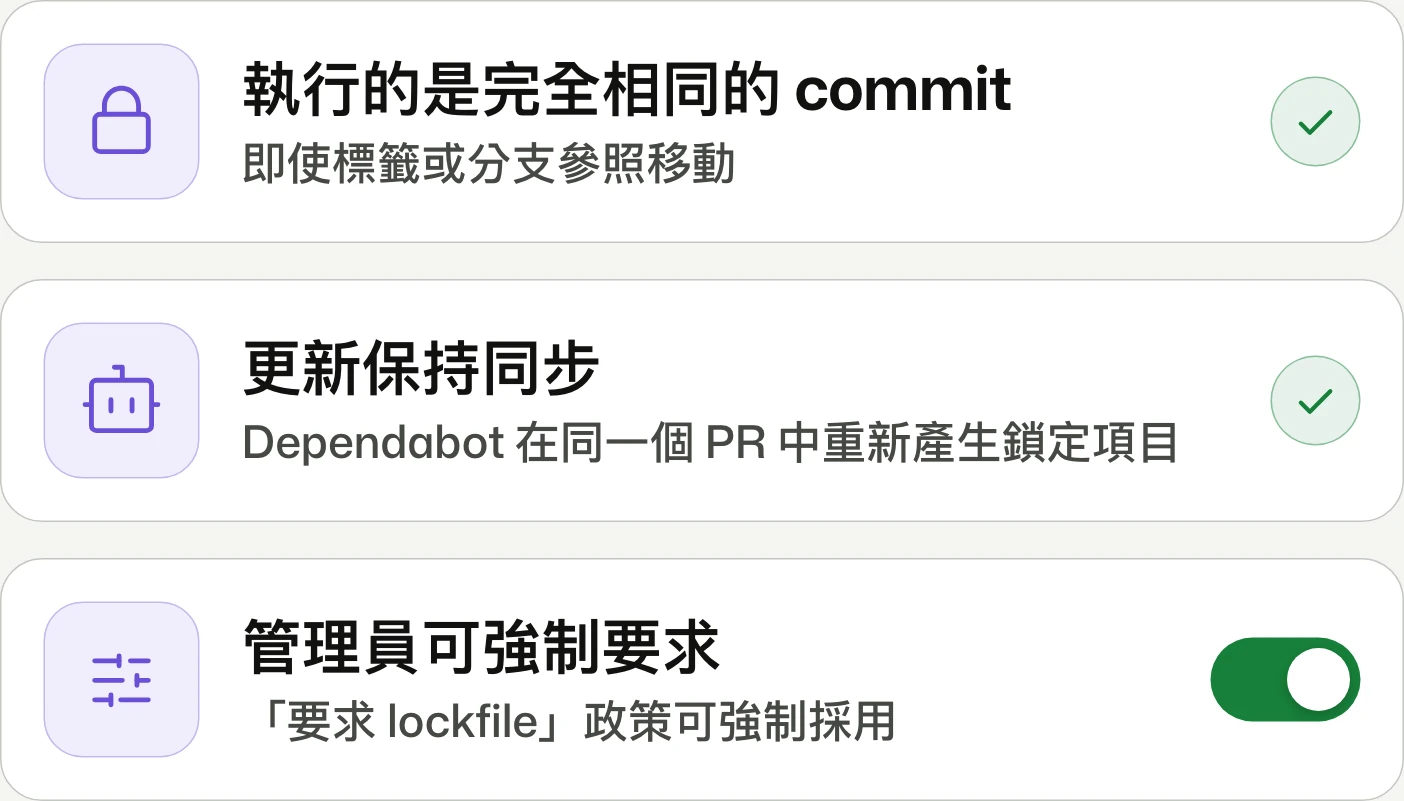
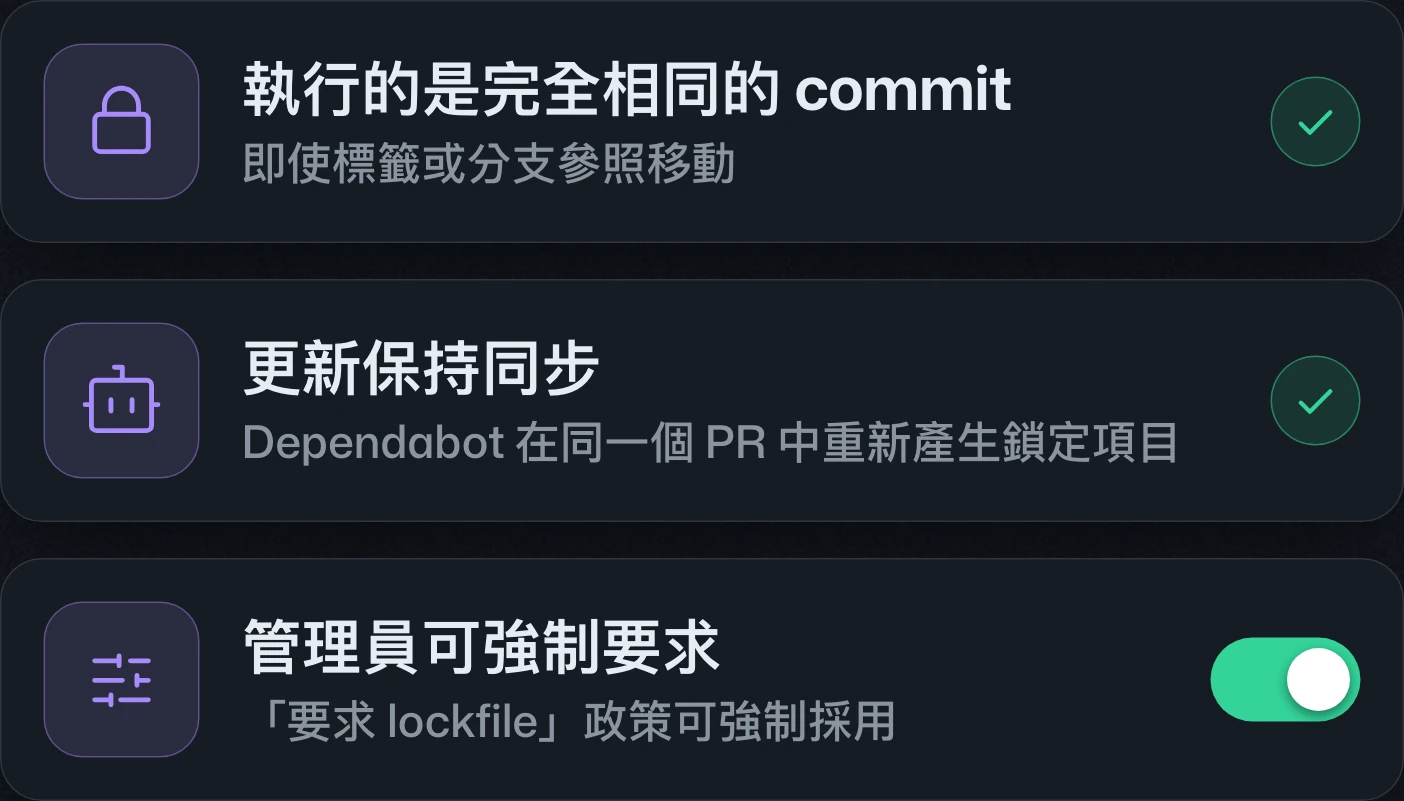
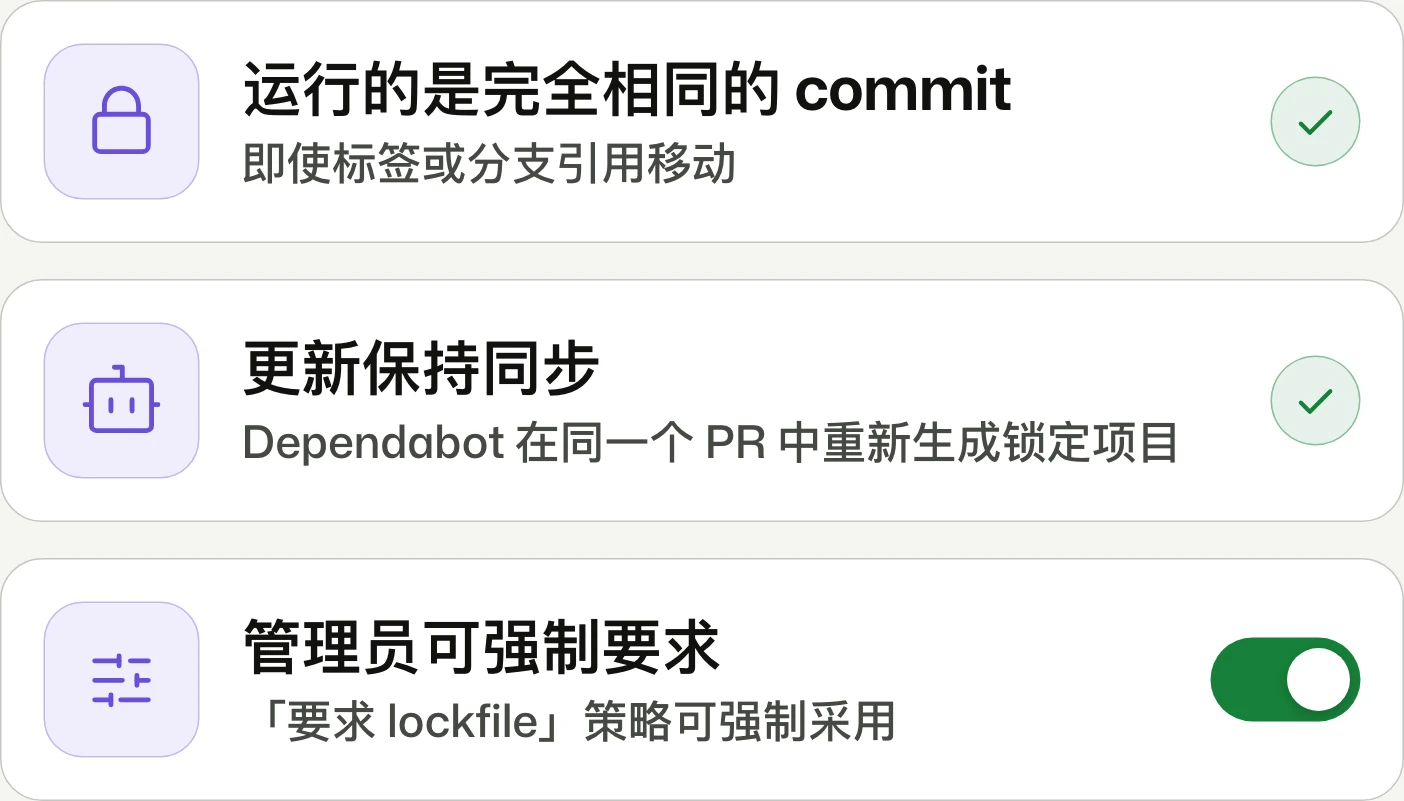
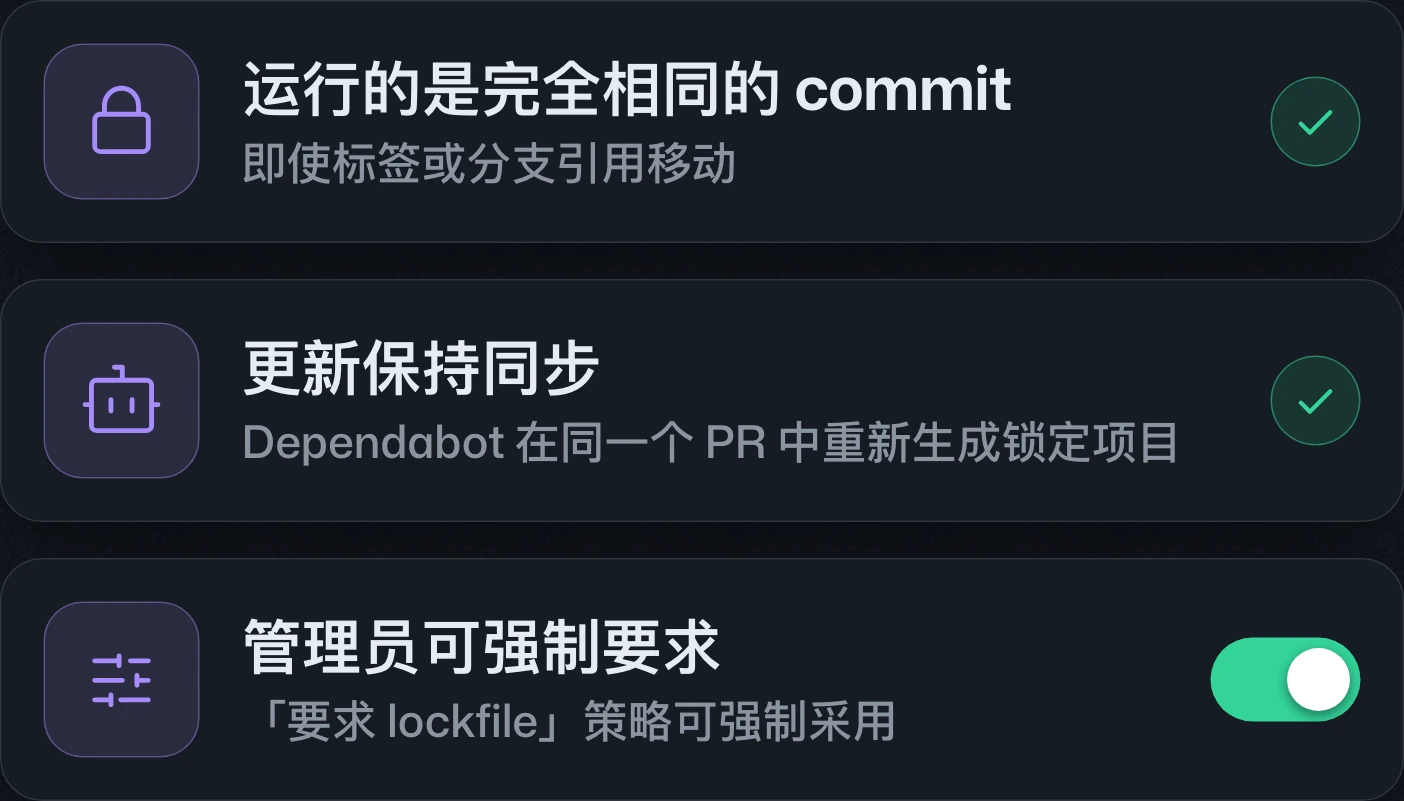
GitHub Actions workflow lockfiles are generally availableGitHub Actions 工作流程鎖定檔正式推出GitHub Actions 工作流锁文件正式发布
Same code each time. Fewer surprises.每次都是相同的程式碼,更少意外。每次都是相同的代码,更少意外。
Actions dependency lockfiles reach general availability on Free, Team, and Enterprise Cloud, including data residency. Workflows retain tag or branch references but execute pinned commits; Dependabot updates matching lock entries automatically.Actions 相依性鎖定檔已於 Free、Team 與 Enterprise Cloud 正式推出,包含具資料落地功能的版本。工作流程可保留標籤或分支參照,但執行鎖定的提交;Dependabot 會自動同步對應鎖定項目。Actions 依赖锁文件已面向 Free、Team 和 Enterprise Cloud 正式发布,包括具有数据驻留功能的版本。工作流可保留标签或分支引用,但执行锁定的提交;Dependabot 会自动同步对应锁定条目。
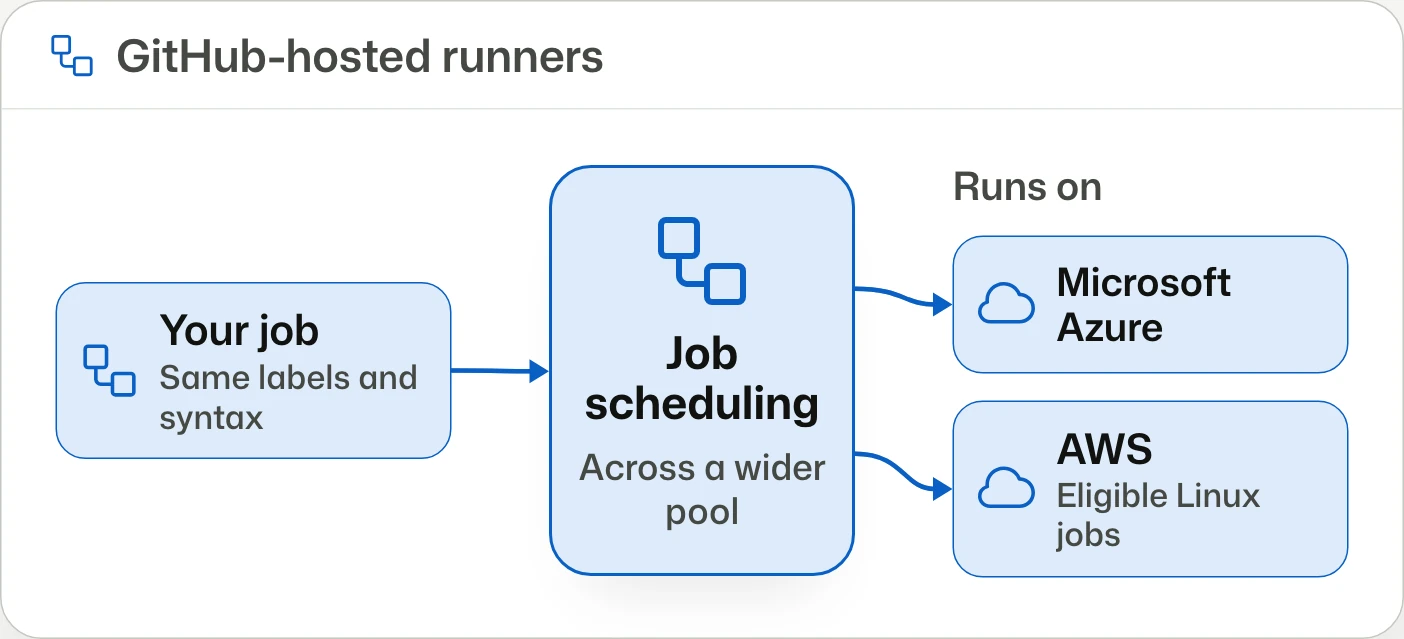
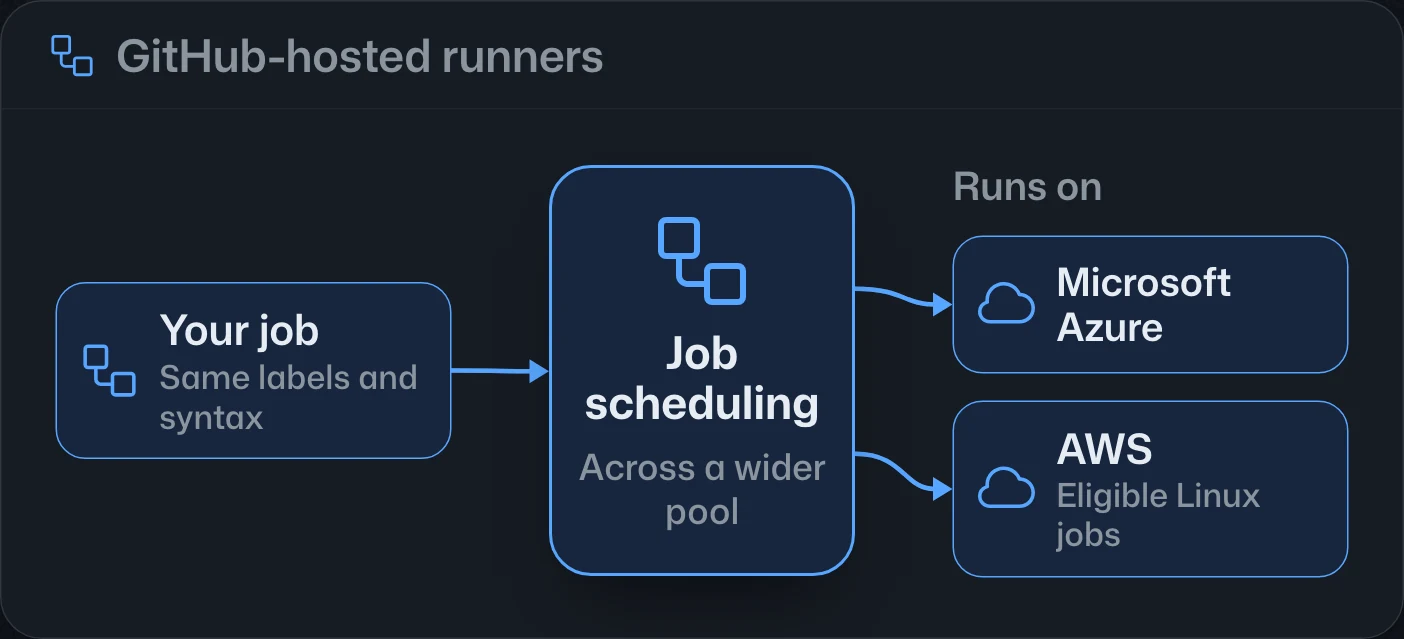
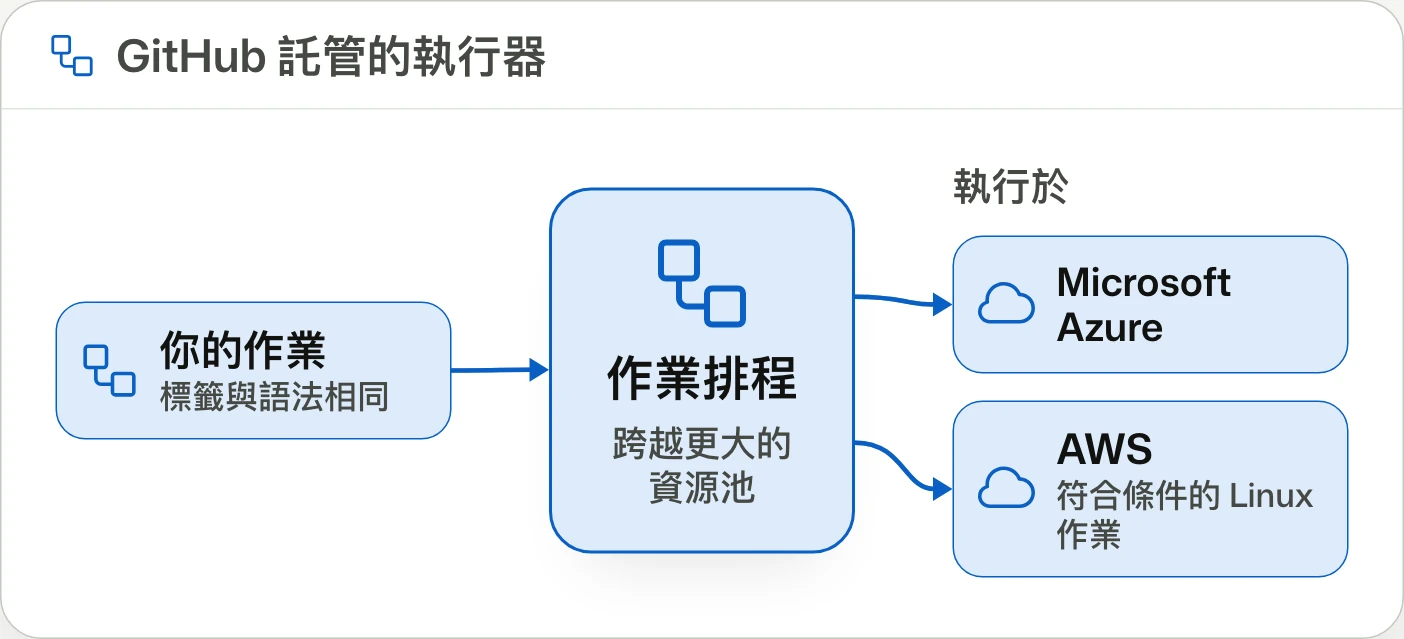
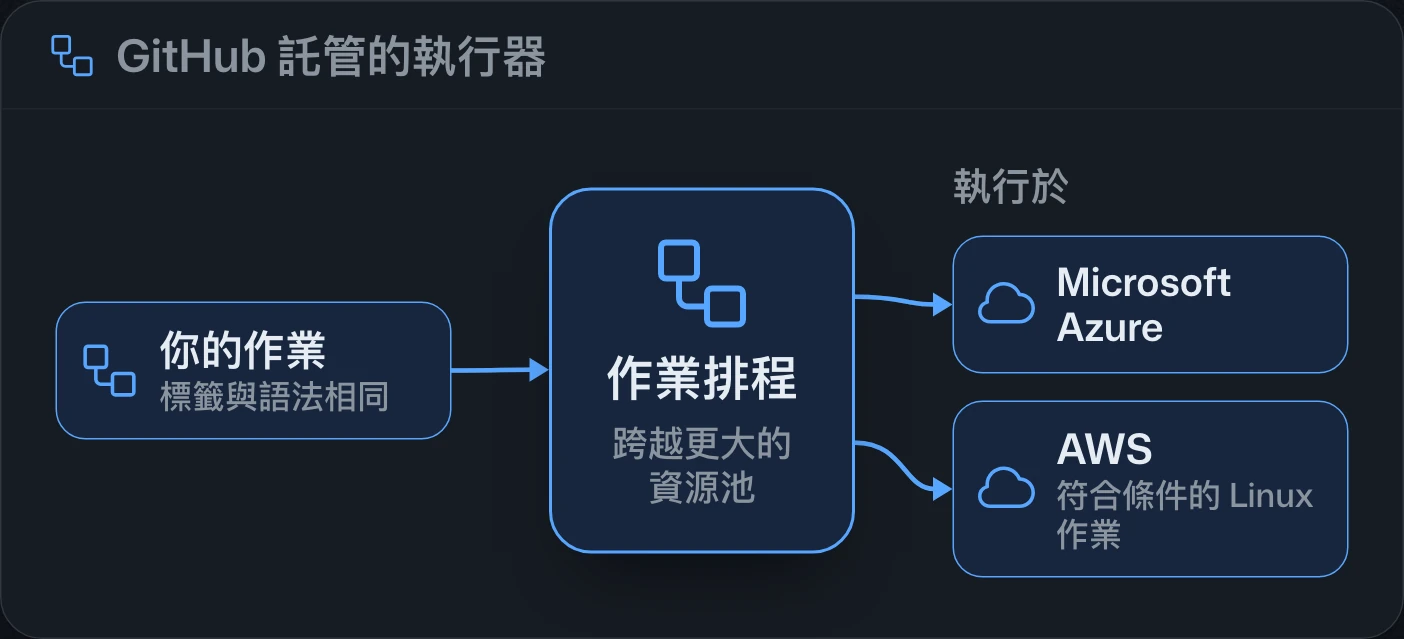
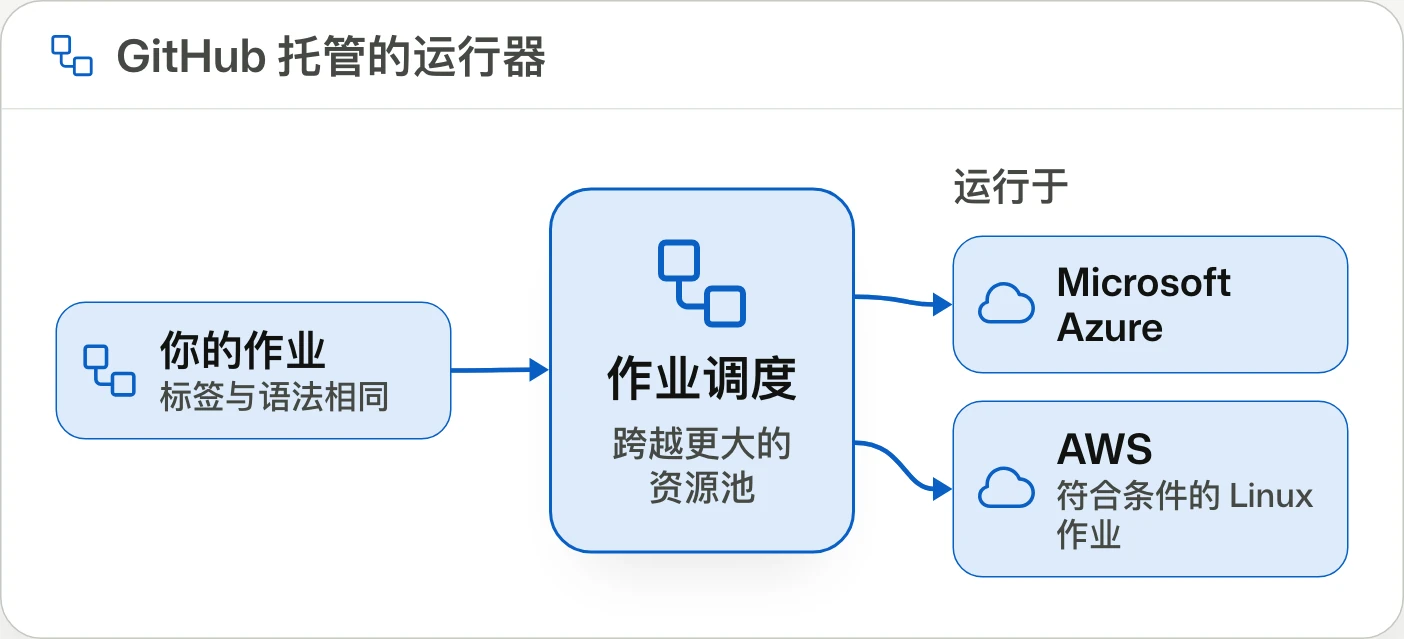
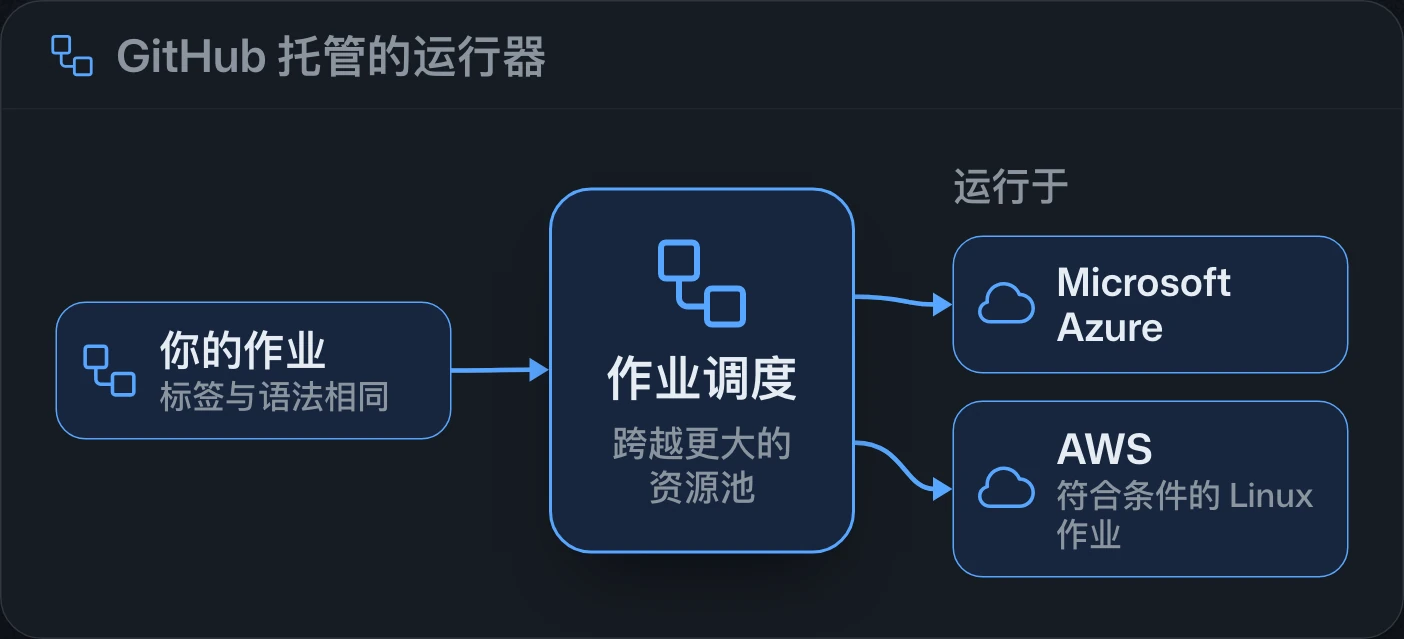
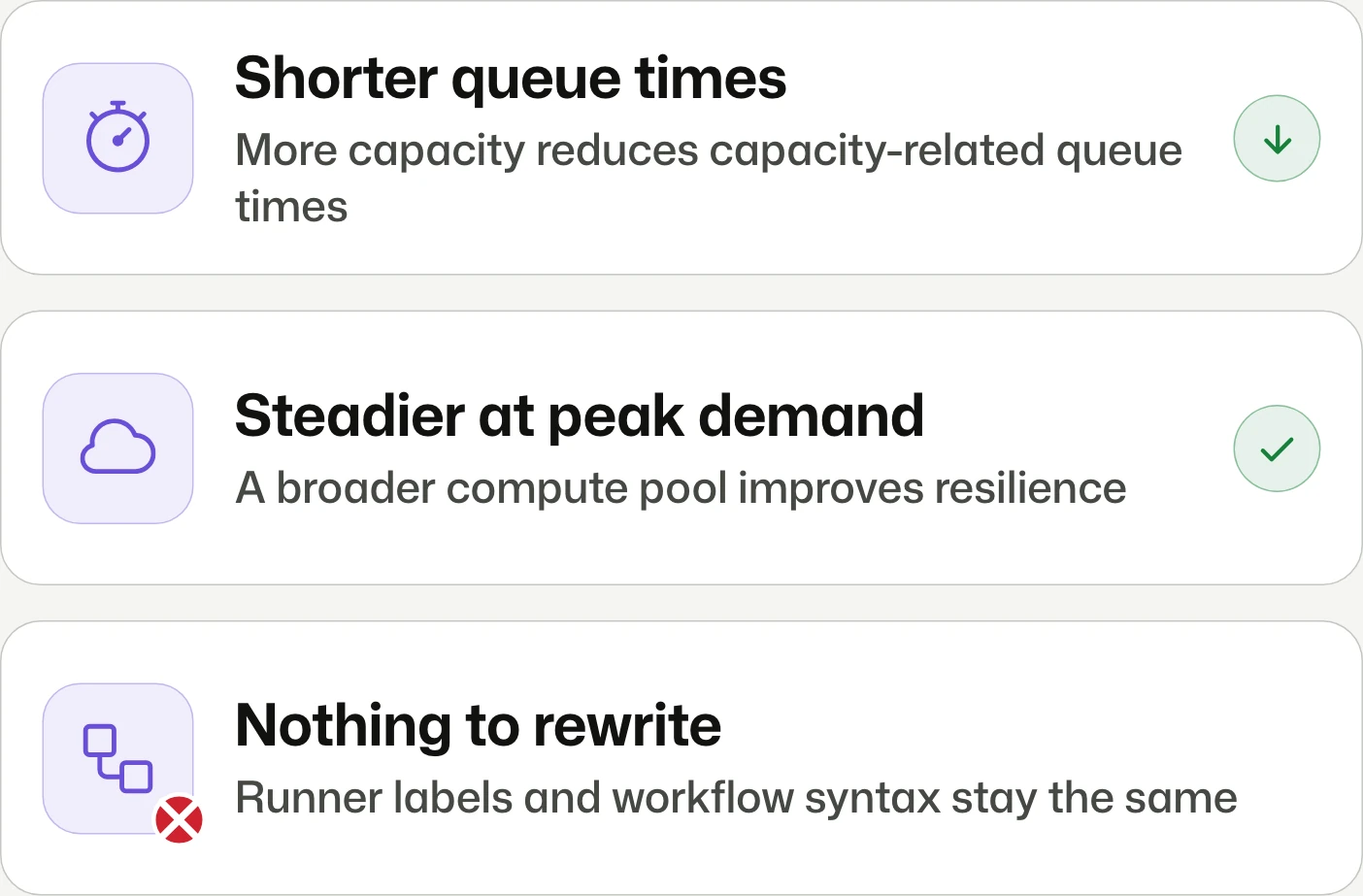
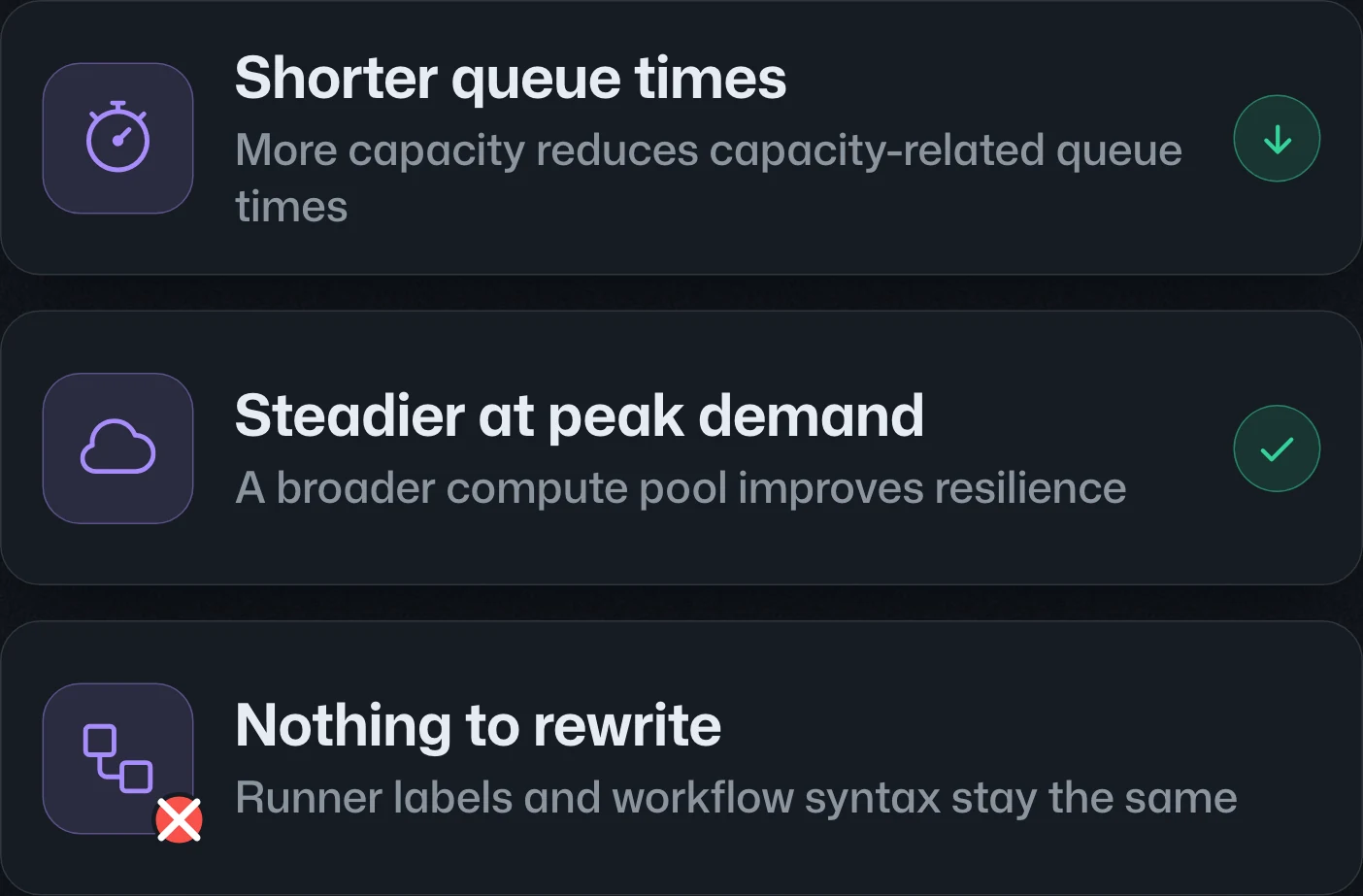
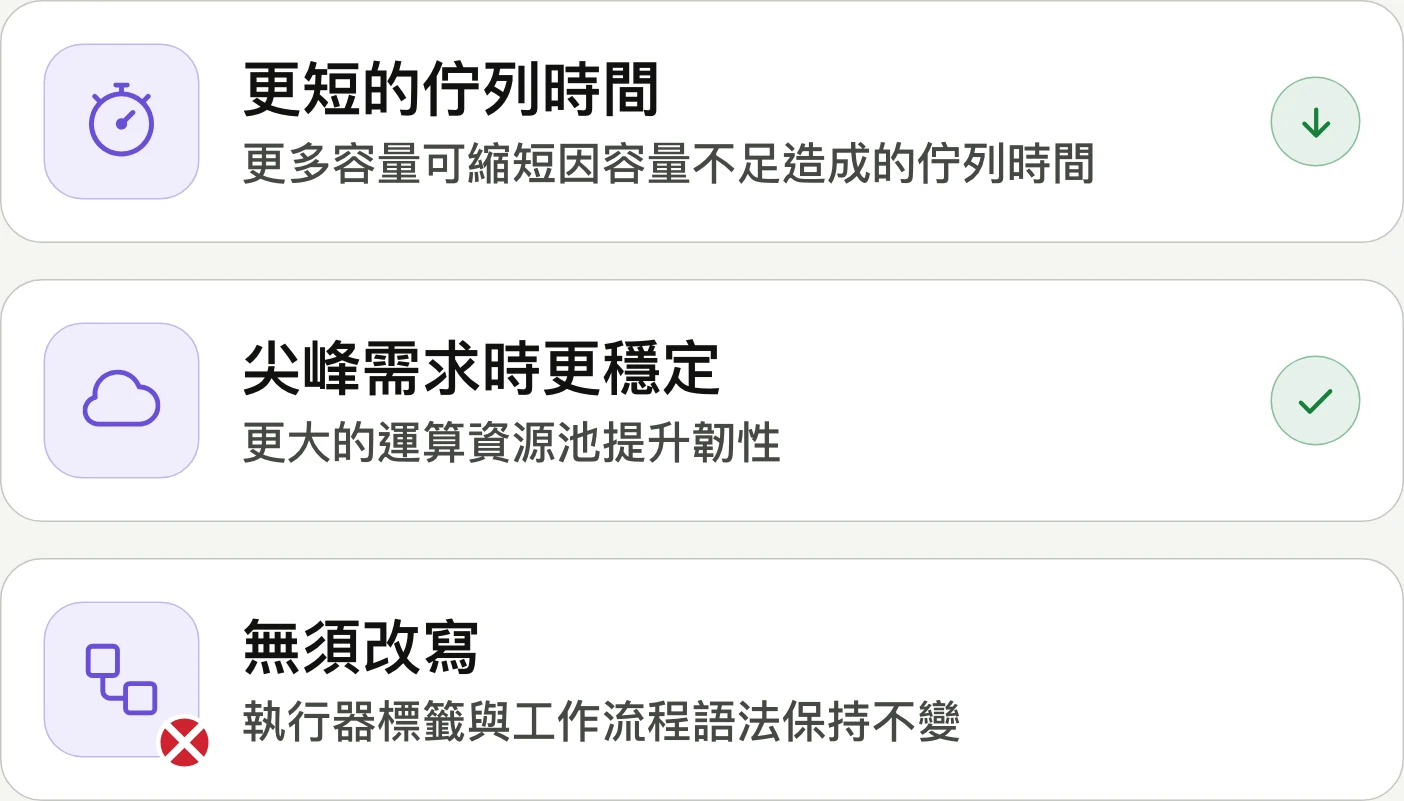
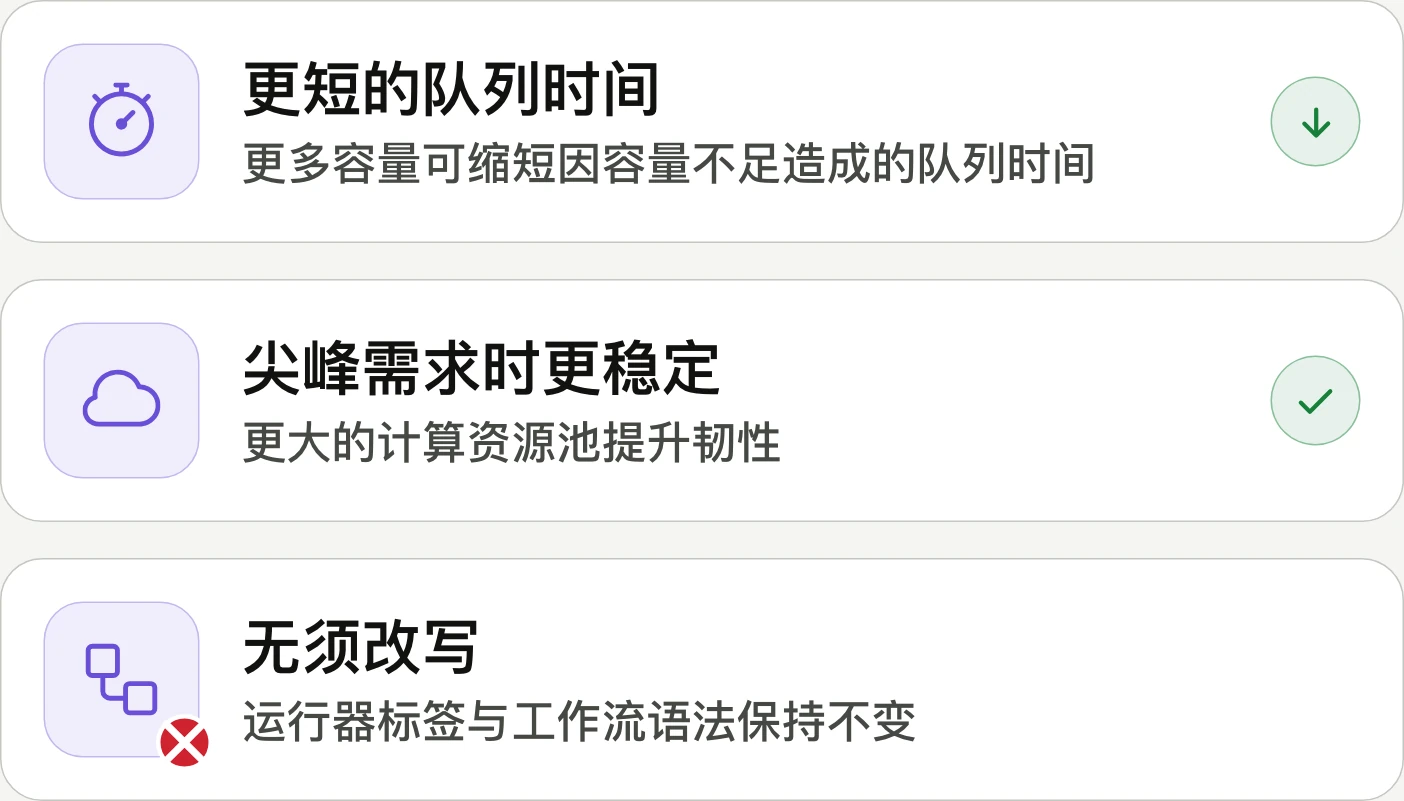
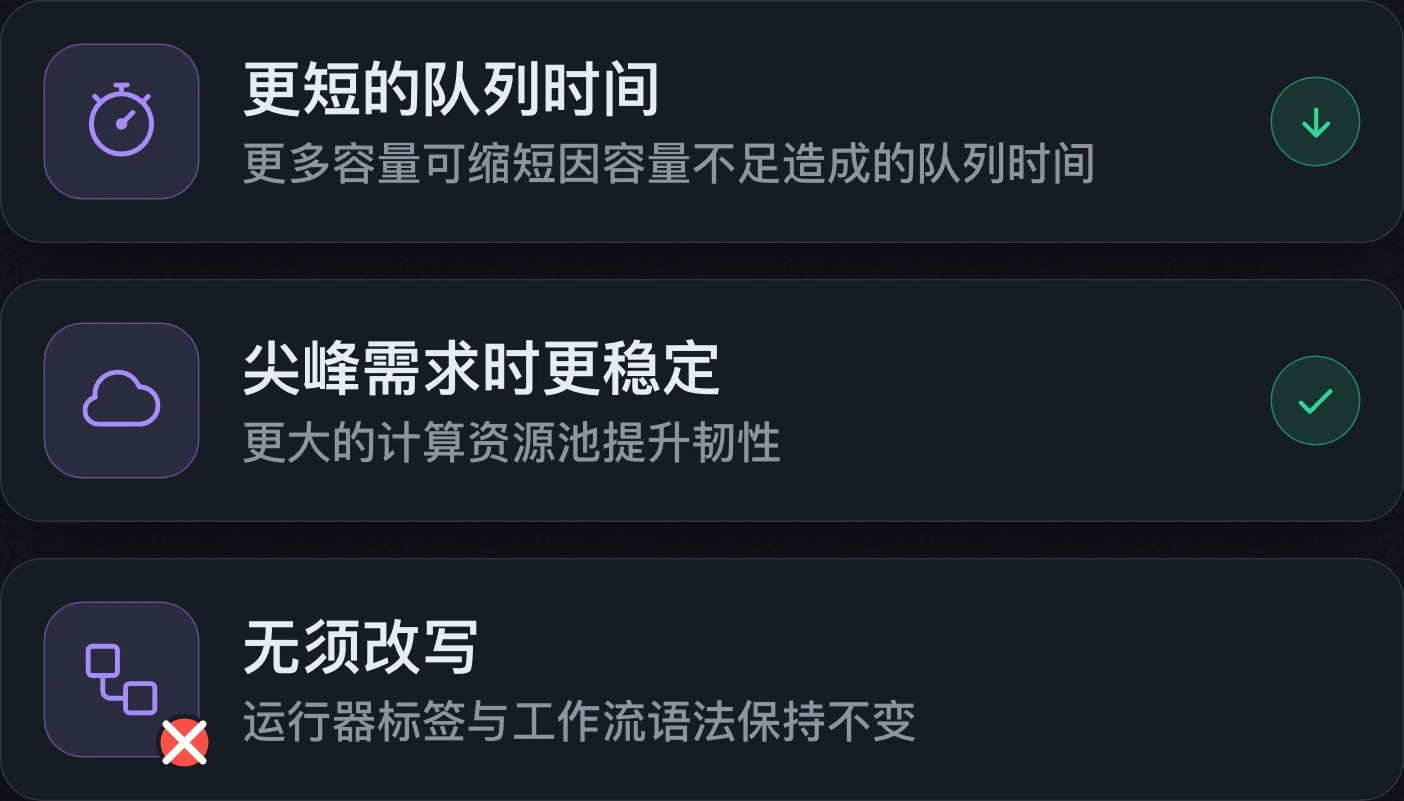
GitHub Actions adds multi-cloud compute to improve reliabilityGitHub Actions 新增多雲運算以提升可靠性GitHub Actions 新增多云计算以提升可靠性
Start jobs faster. Even at peak demand.更快啟動作業,尖峰時段也一樣。更快启动作业,高峰时段也一样。
Actions is adding AWS capacity for eligible 2-core and 4-core Linux runners without workflow changes. Free, Pro, and Team participate automatically; Enterprise Cloud must opt in. Network allowlists must cover the published Actions IP ranges.Actions 為符合條件的 2 核心與 4 核心 Linux 執行器加入 AWS 運算容量,無須修改工作流程。Free、Pro 與 Team 自動適用,Enterprise Cloud 須自行啟用;網路允許清單須涵蓋公布的 Actions IP 範圍。Actions 为符合条件的 2 核和 4 核 Linux 运行器加入 AWS 计算容量,无需修改工作流。Free、Pro 和 Team 自动适用,Enterprise Cloud 需主动启用;网络允许列表需涵盖公布的 Actions IP 范围。

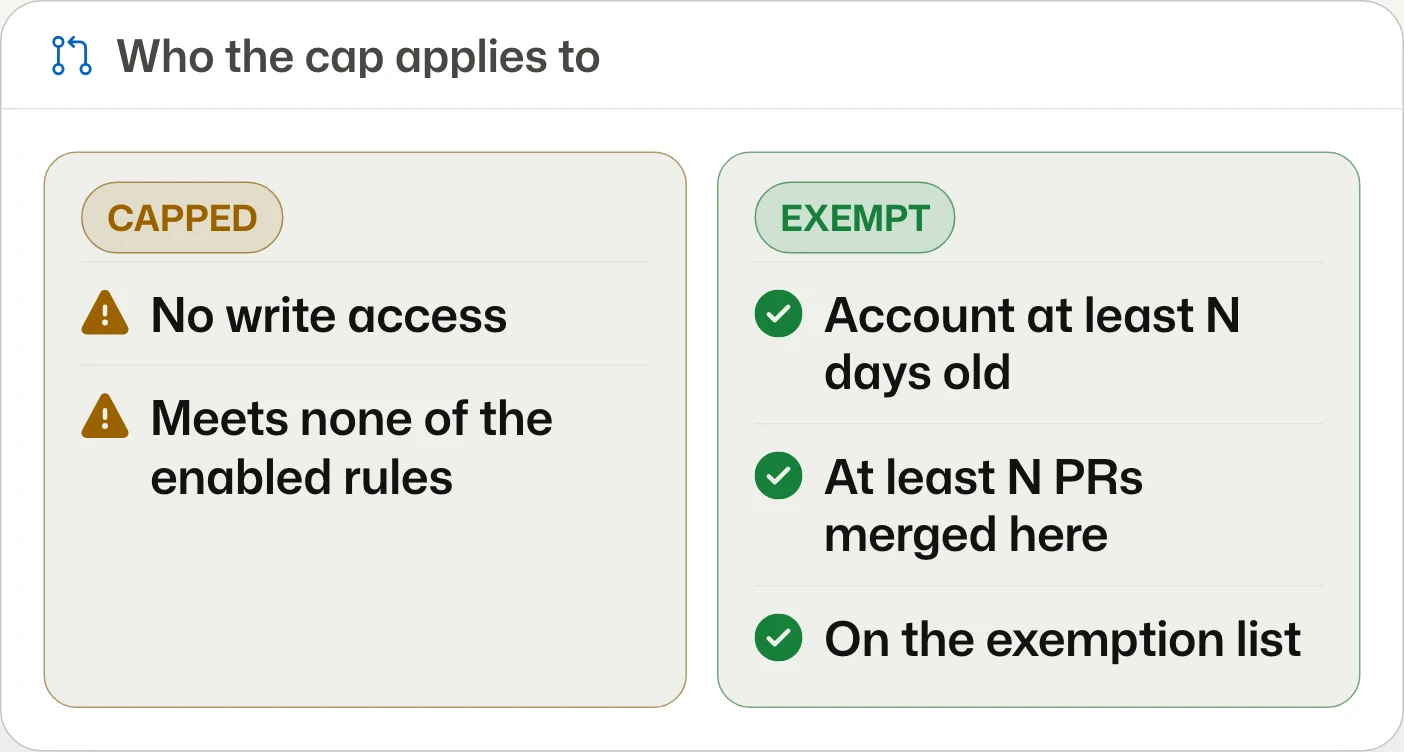
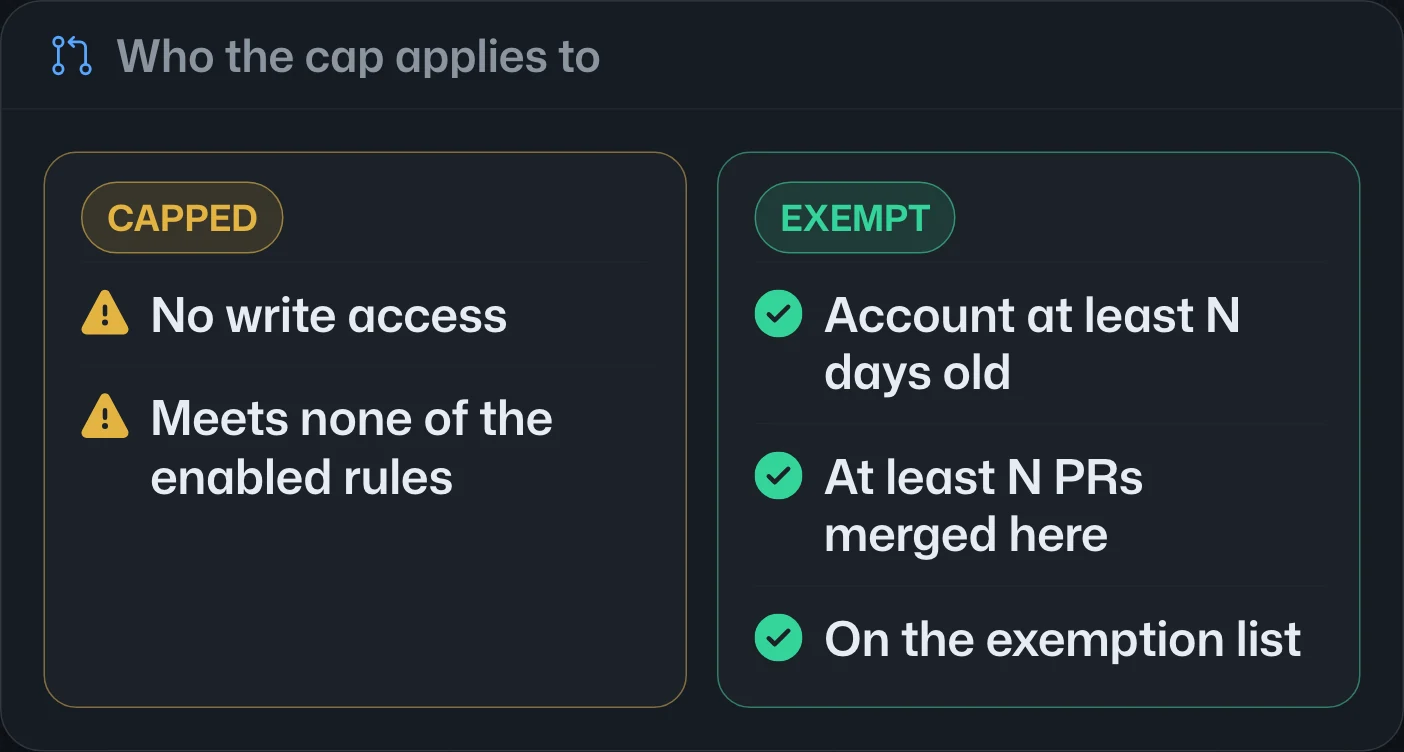
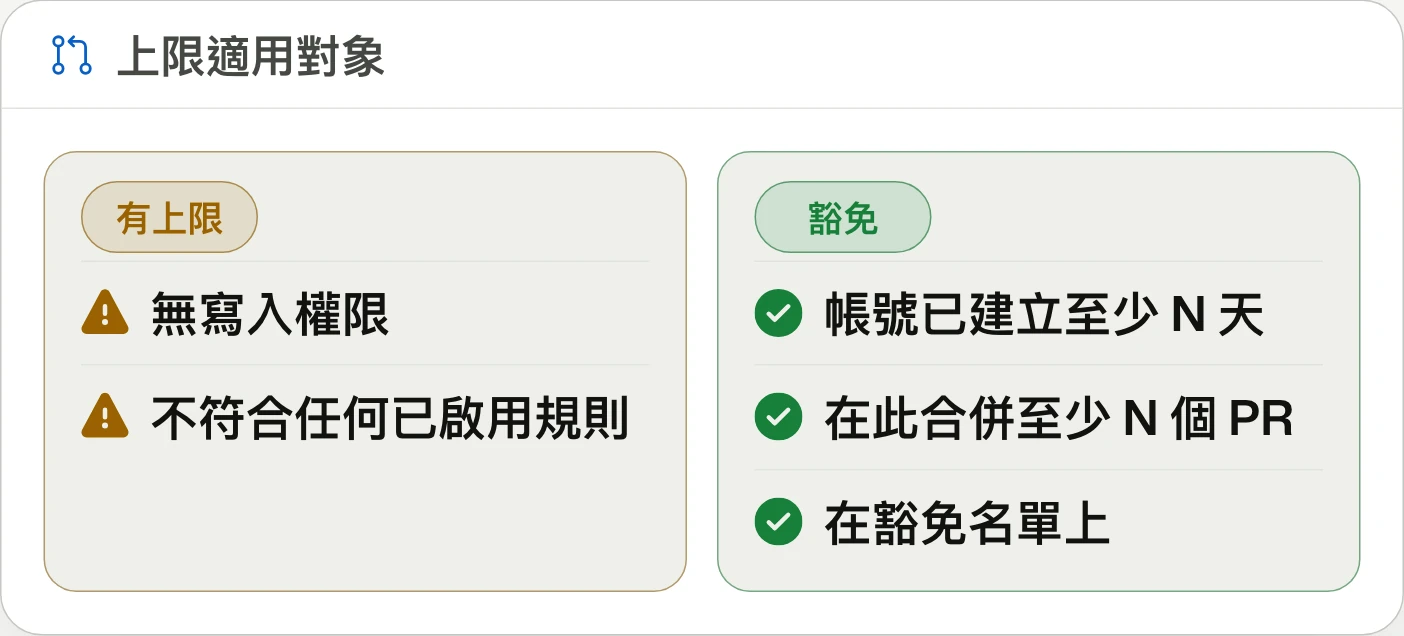
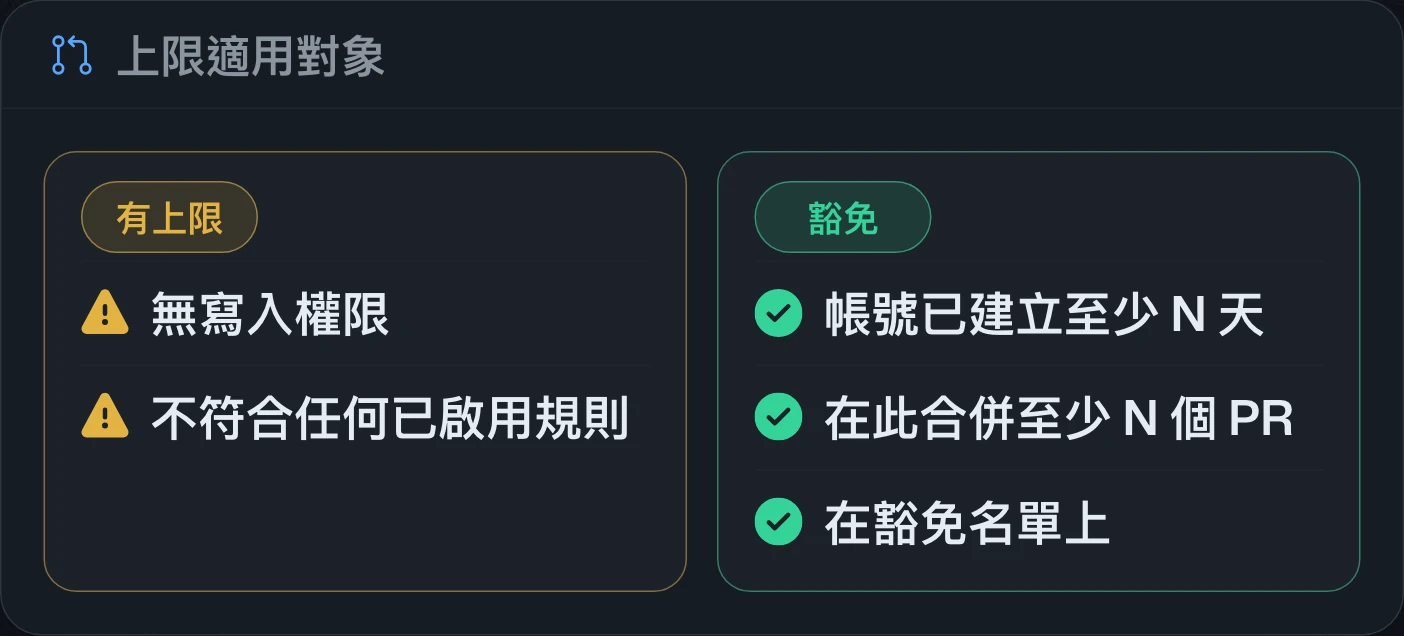
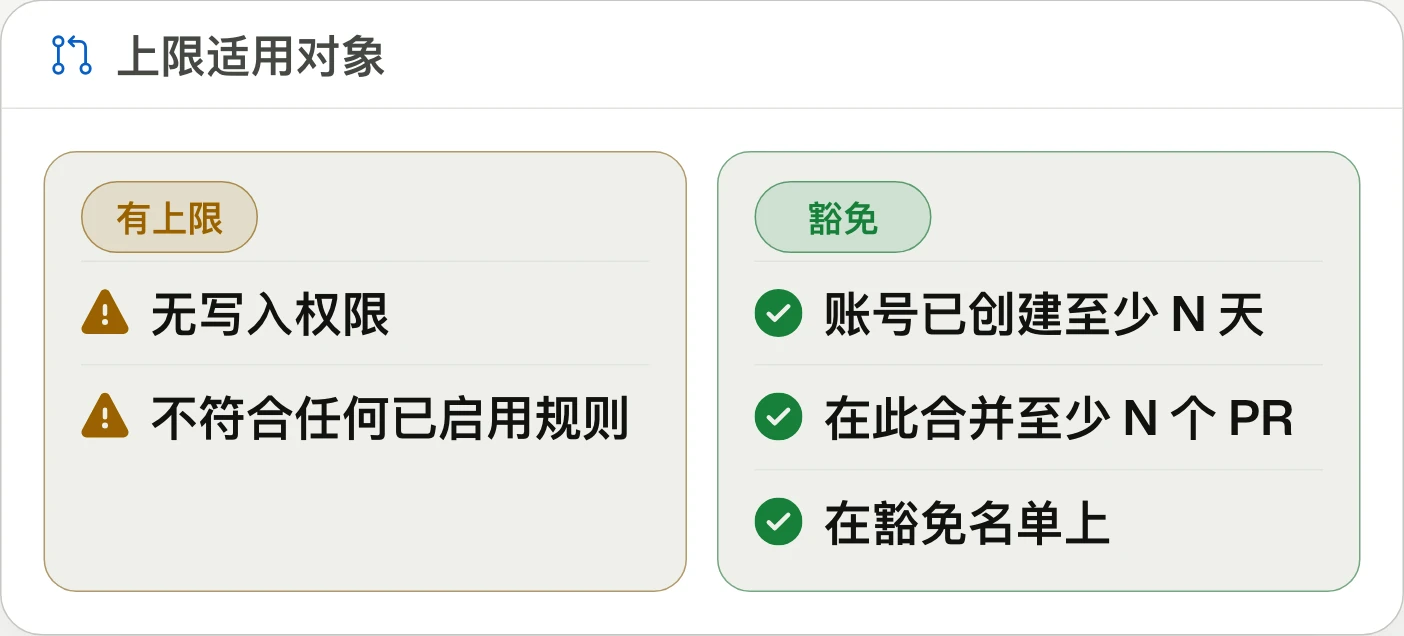
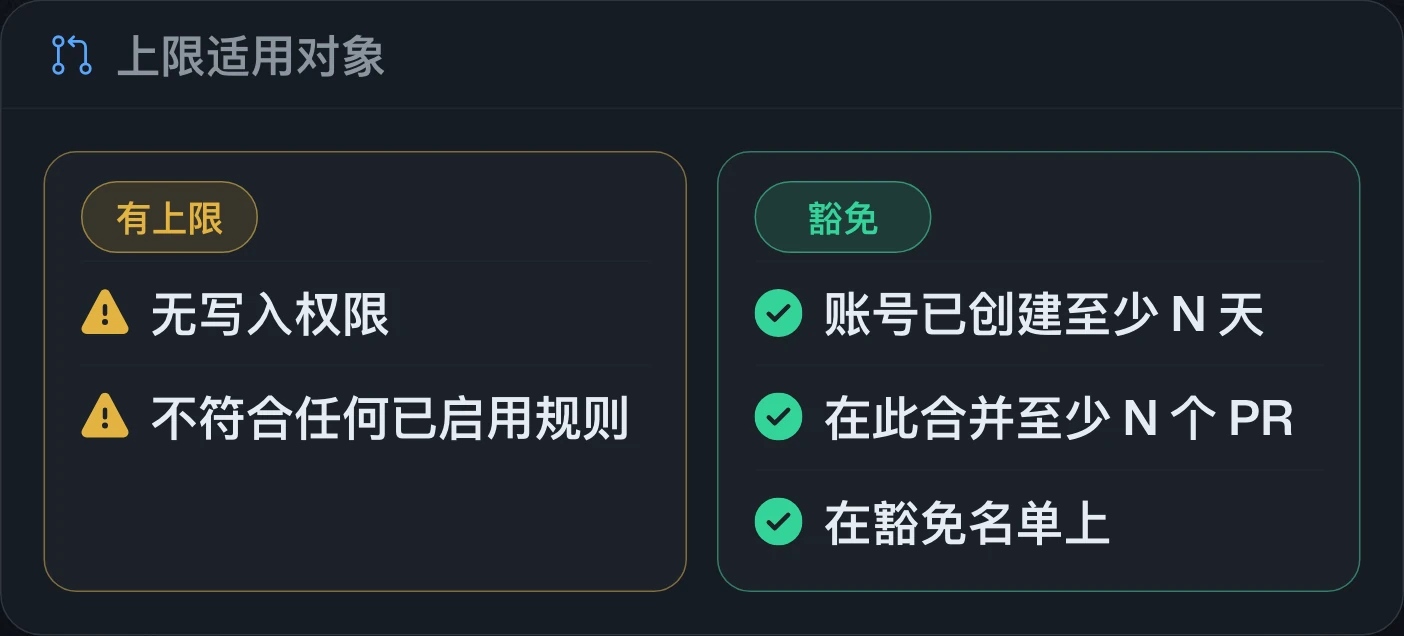
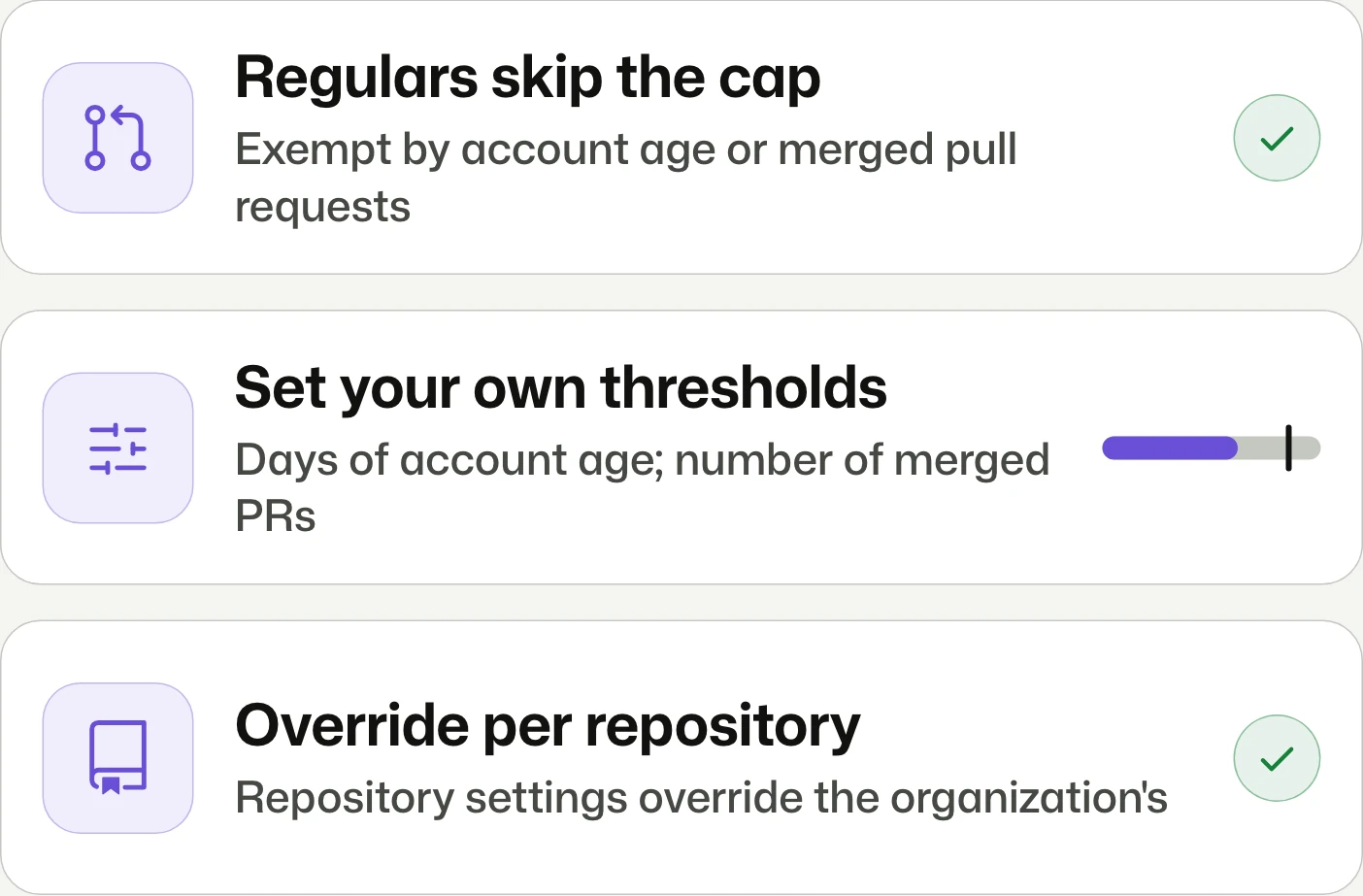
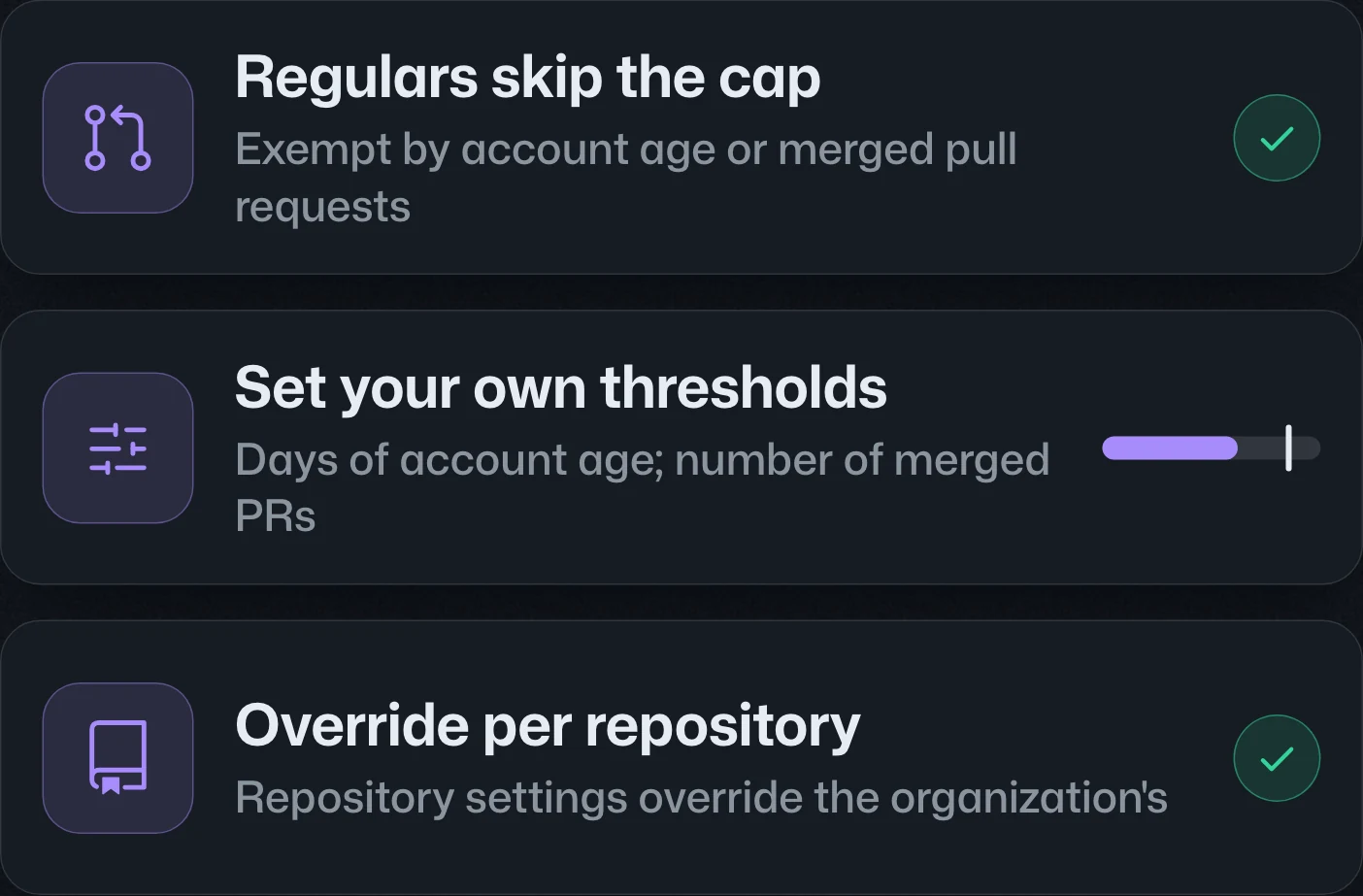
Pull request limits: Exempt contributors by age or history依帳號年資或貢獻紀錄豁免 pull request 上限按账号年限或贡献记录豁免 pull request 上限
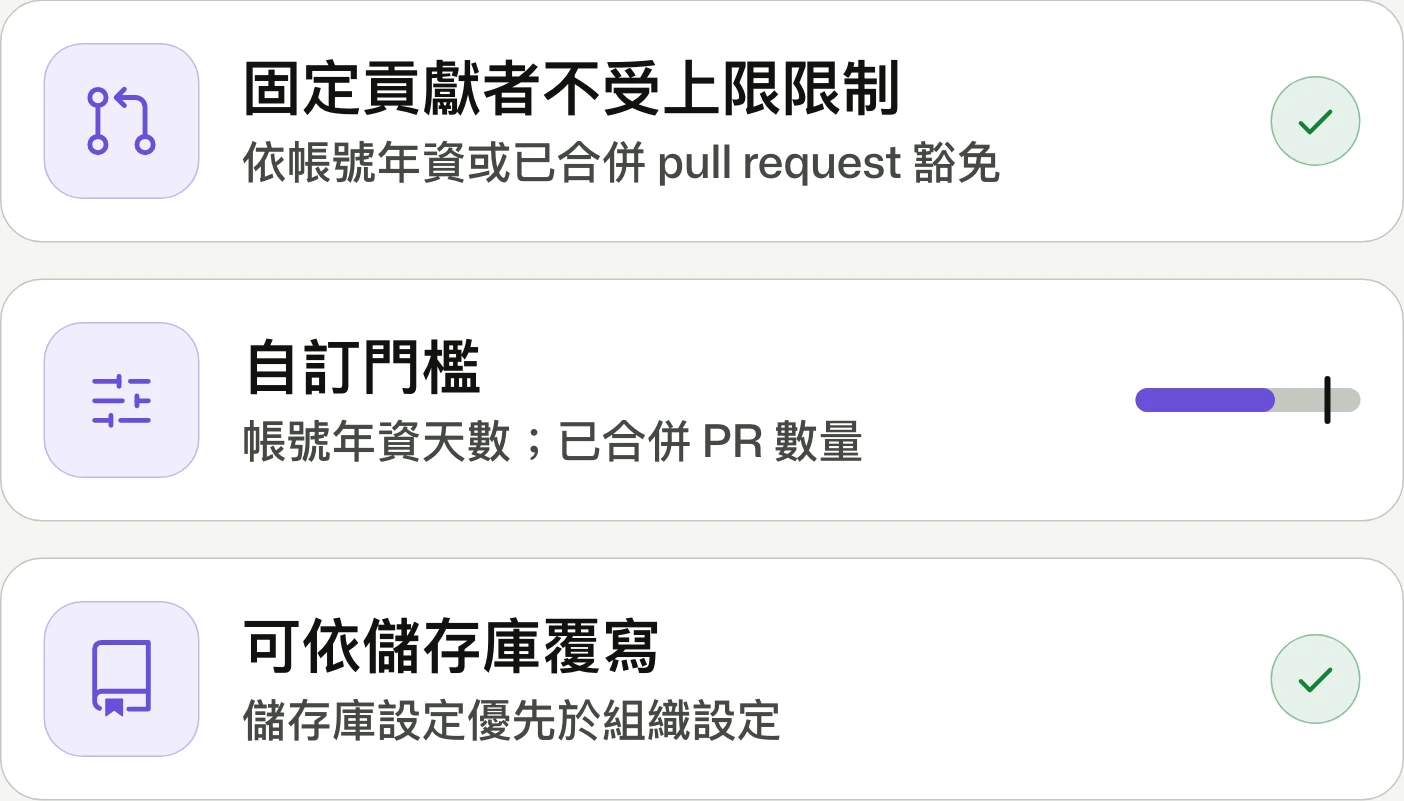
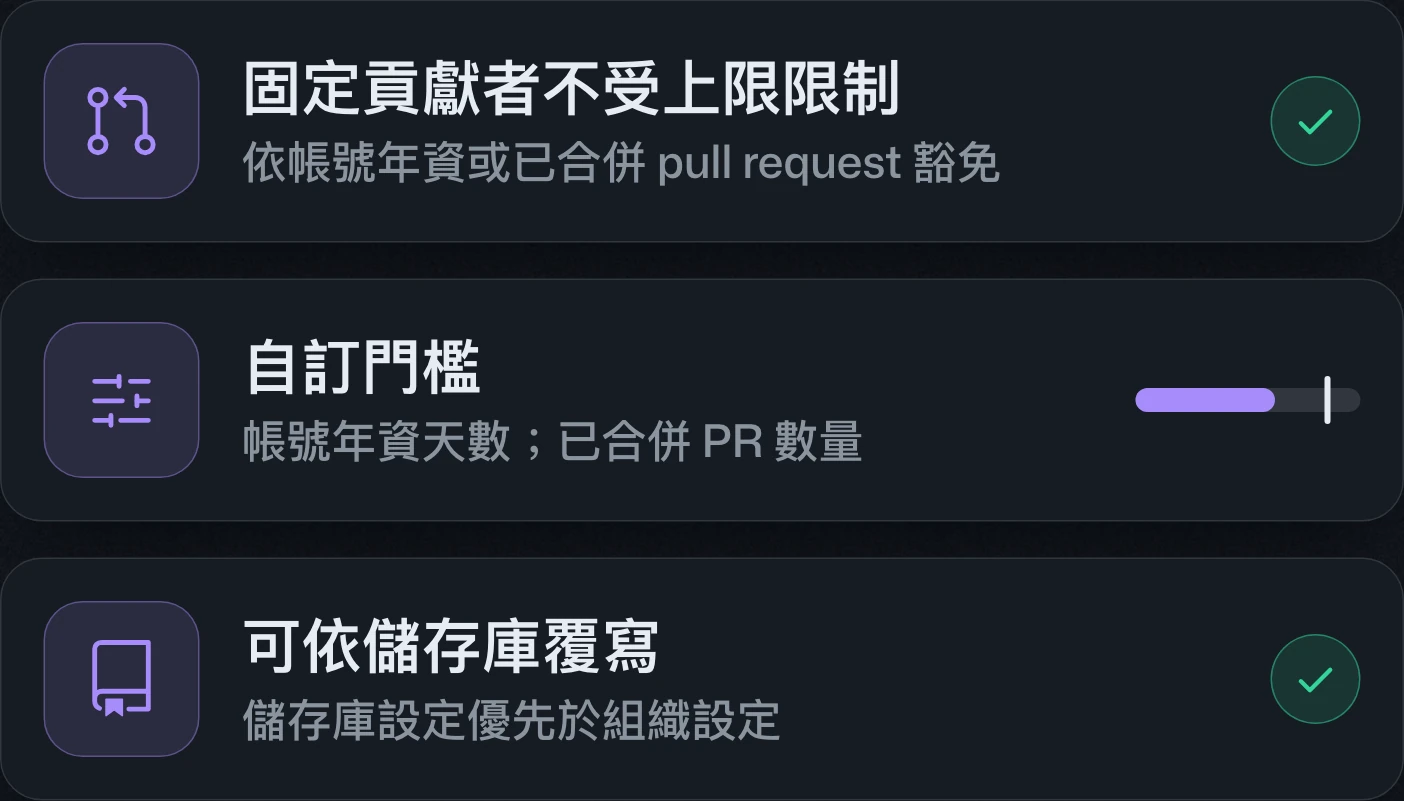
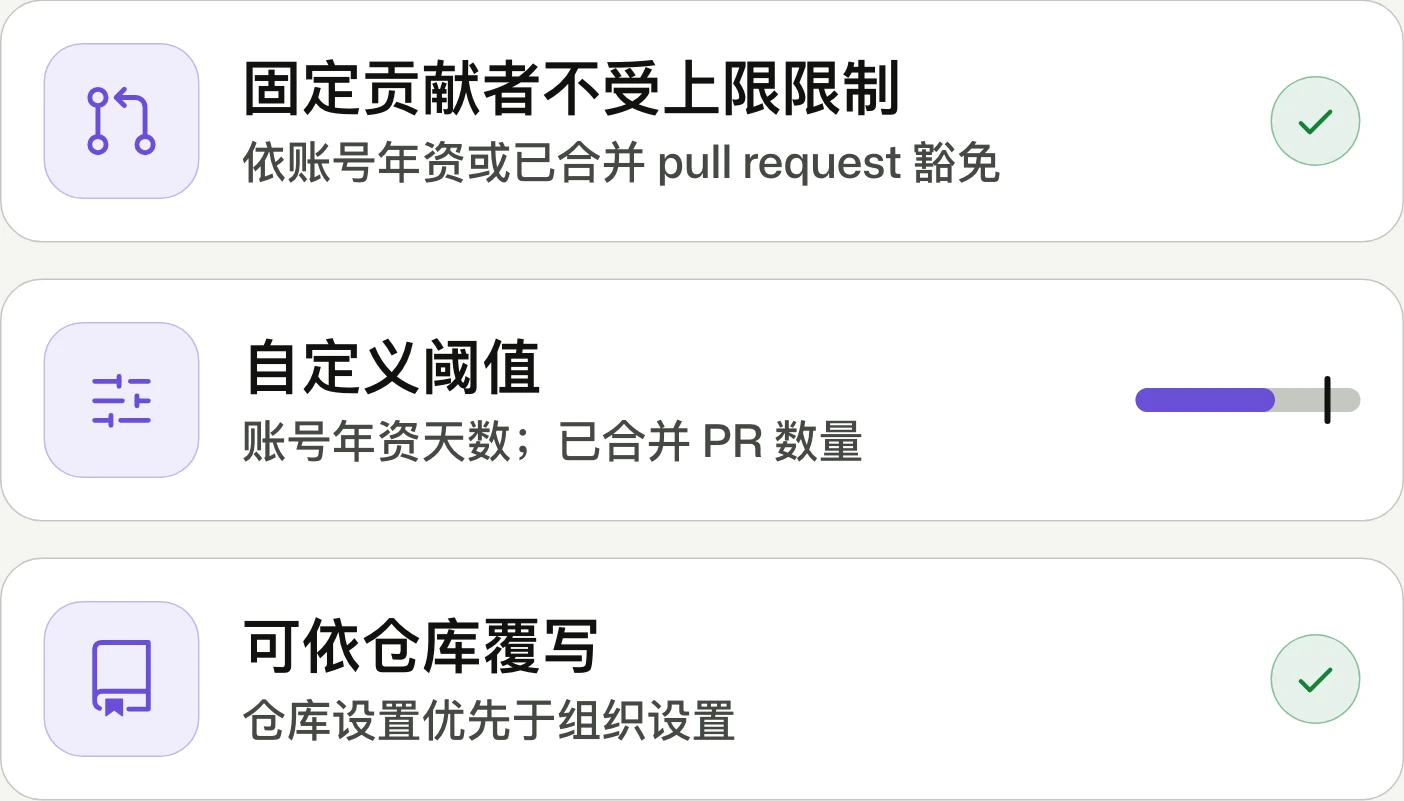
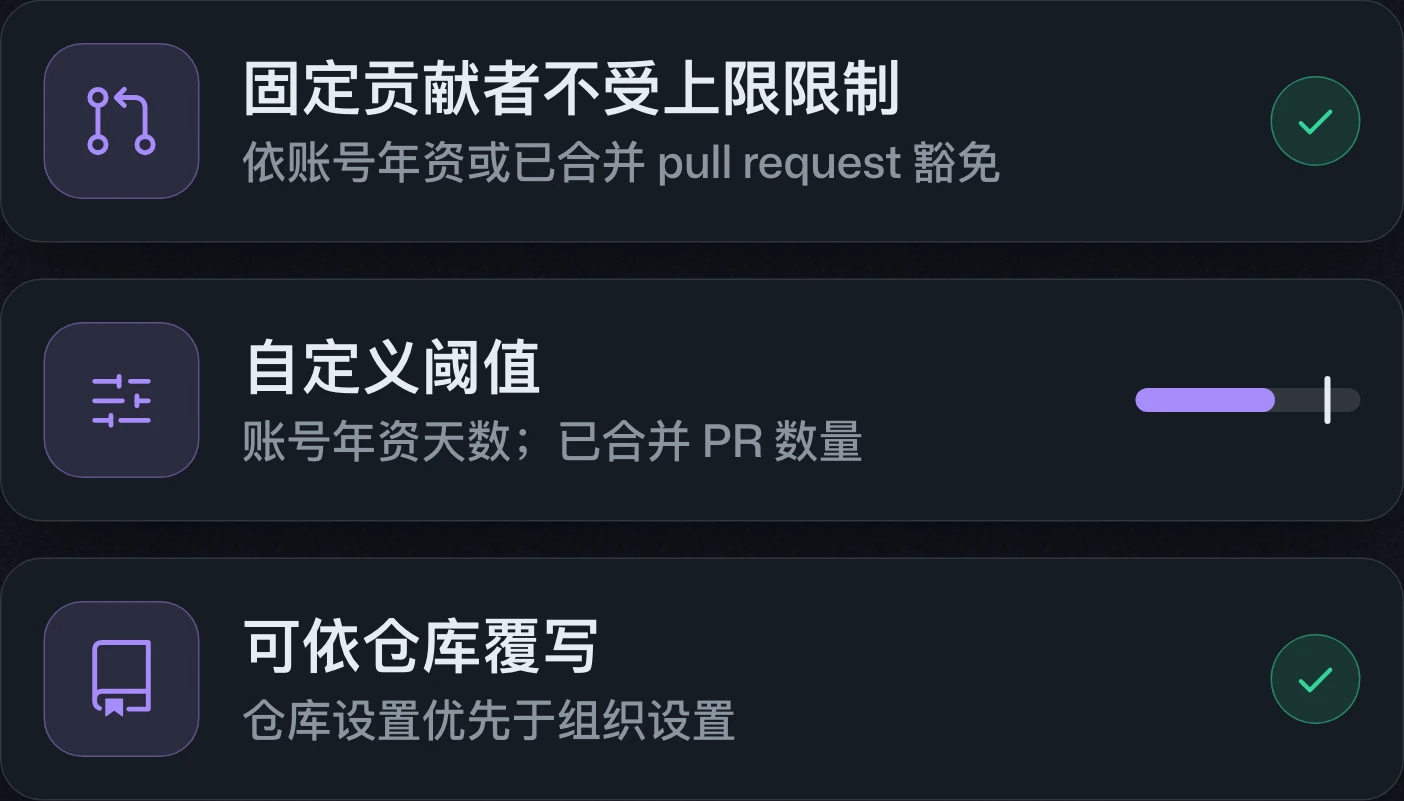
Cap PR volume. Exempt regulars.限制 PR 數量,豁免固定貢獻者。限制 PR 数量,豁免固定贡献者。
Pull request caps now support exemptions based on account age or the number of previously merged pull requests in that repository. Meeting either enabled threshold is sufficient; repository settings take precedence over organization settings.Pull request 上限新增依帳號年資或該儲存庫已合併 pull request 數量設定豁免的規則。符合任一已啟用的門檻即可豁免;儲存庫設定優先於組織設定。Pull request 上限新增按账号年限或该仓库已合并 pull request 数量设置豁免的规则。满足任一已启用的门槛即可豁免;仓库设置优先于组织设置。
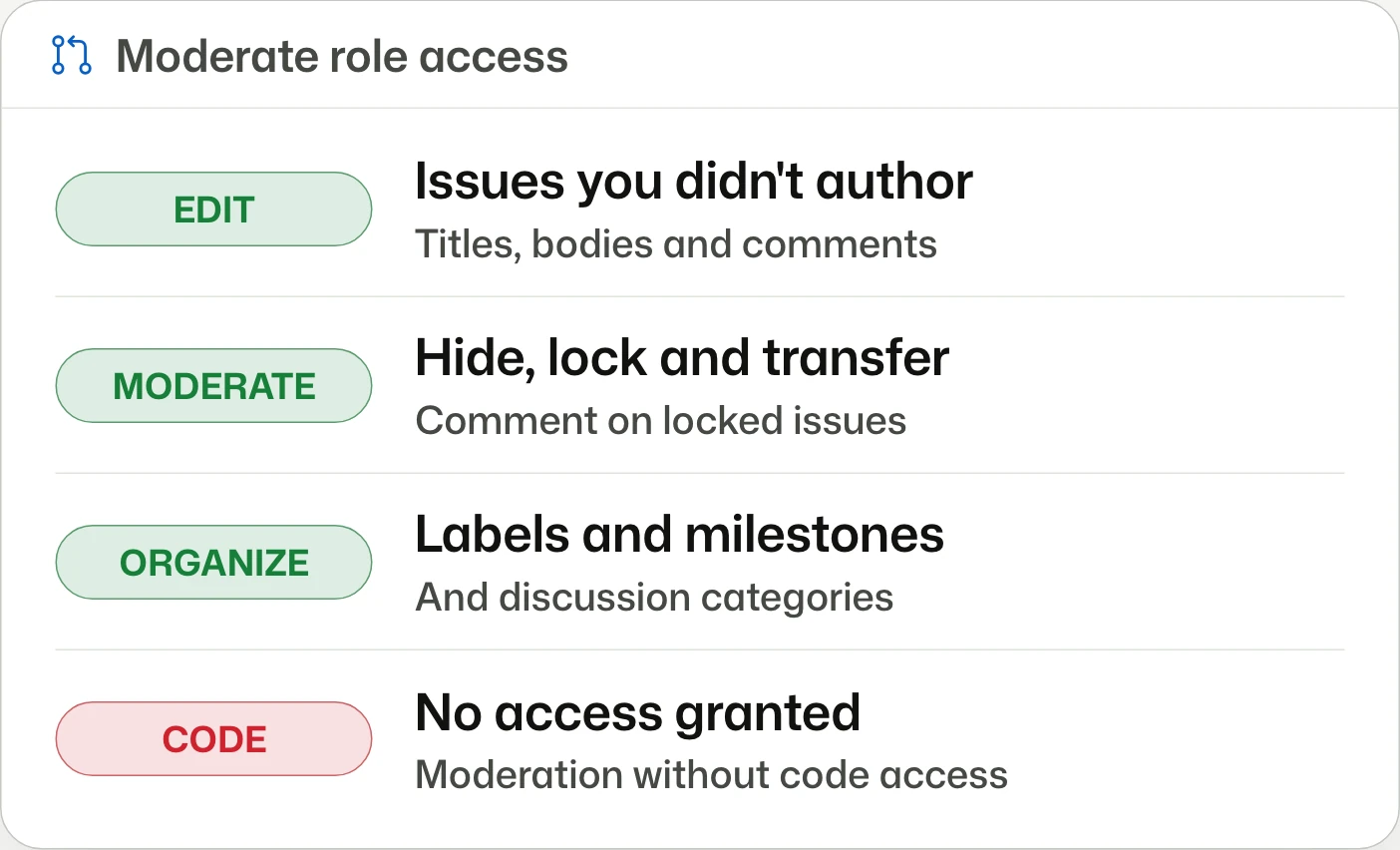
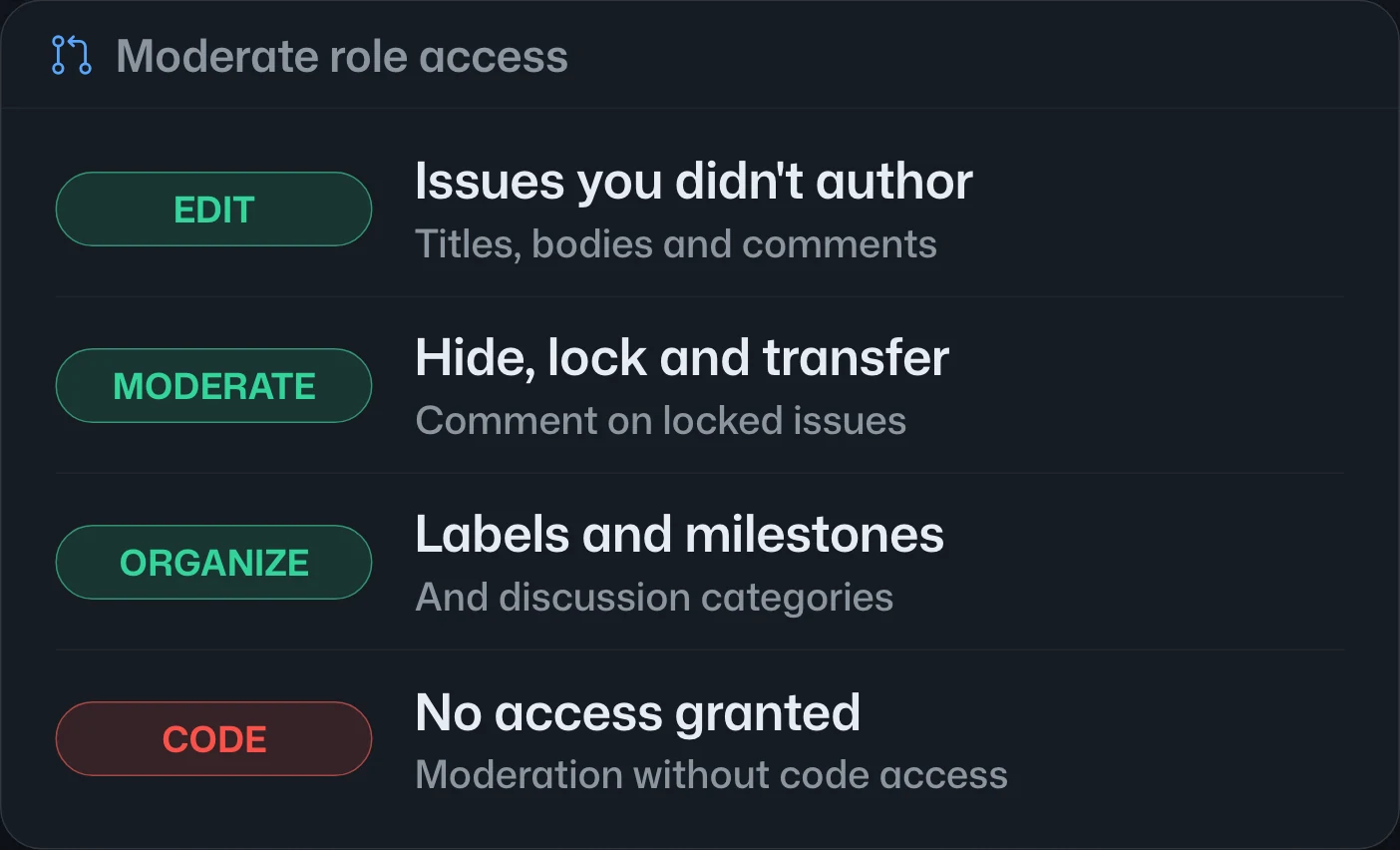
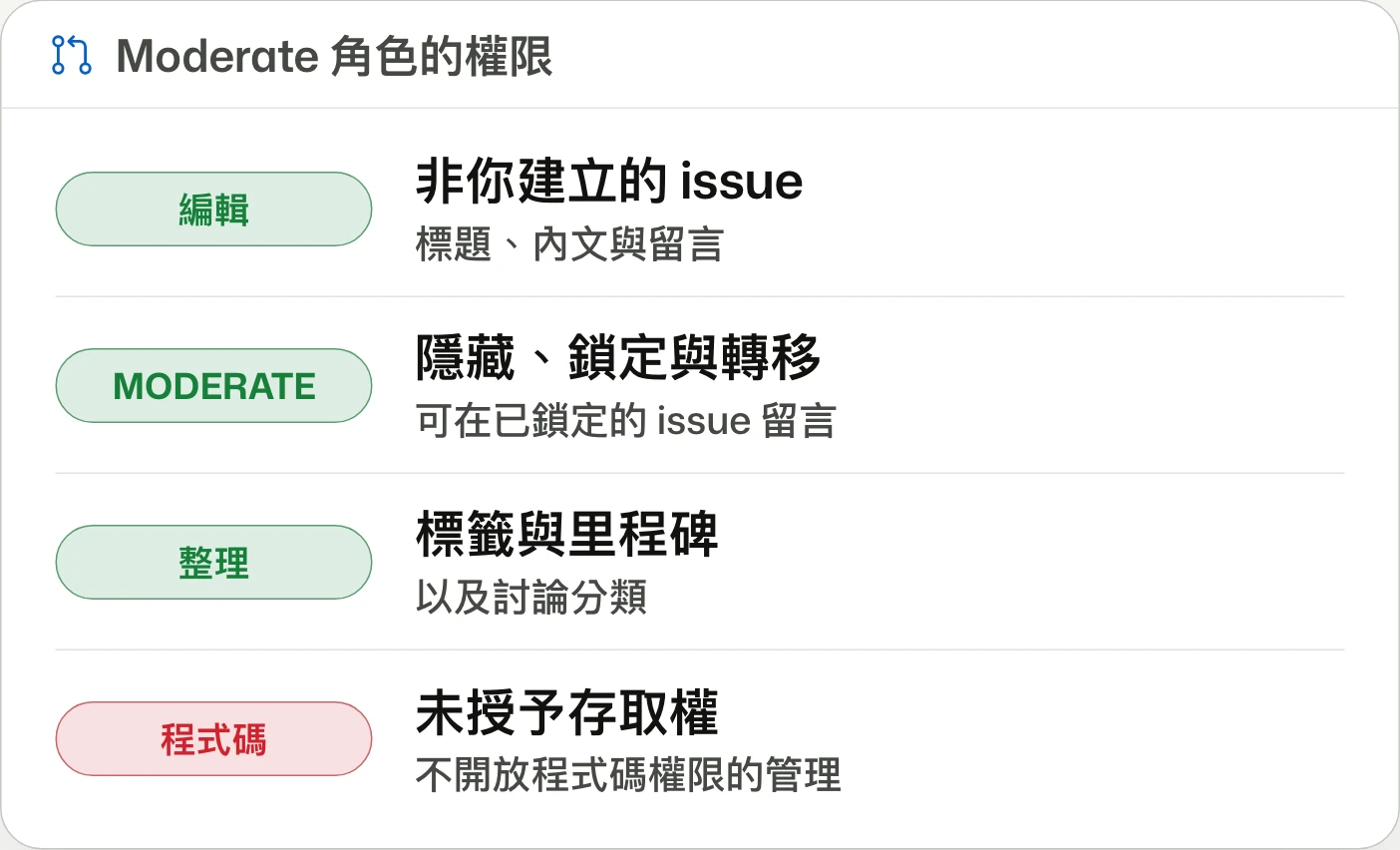
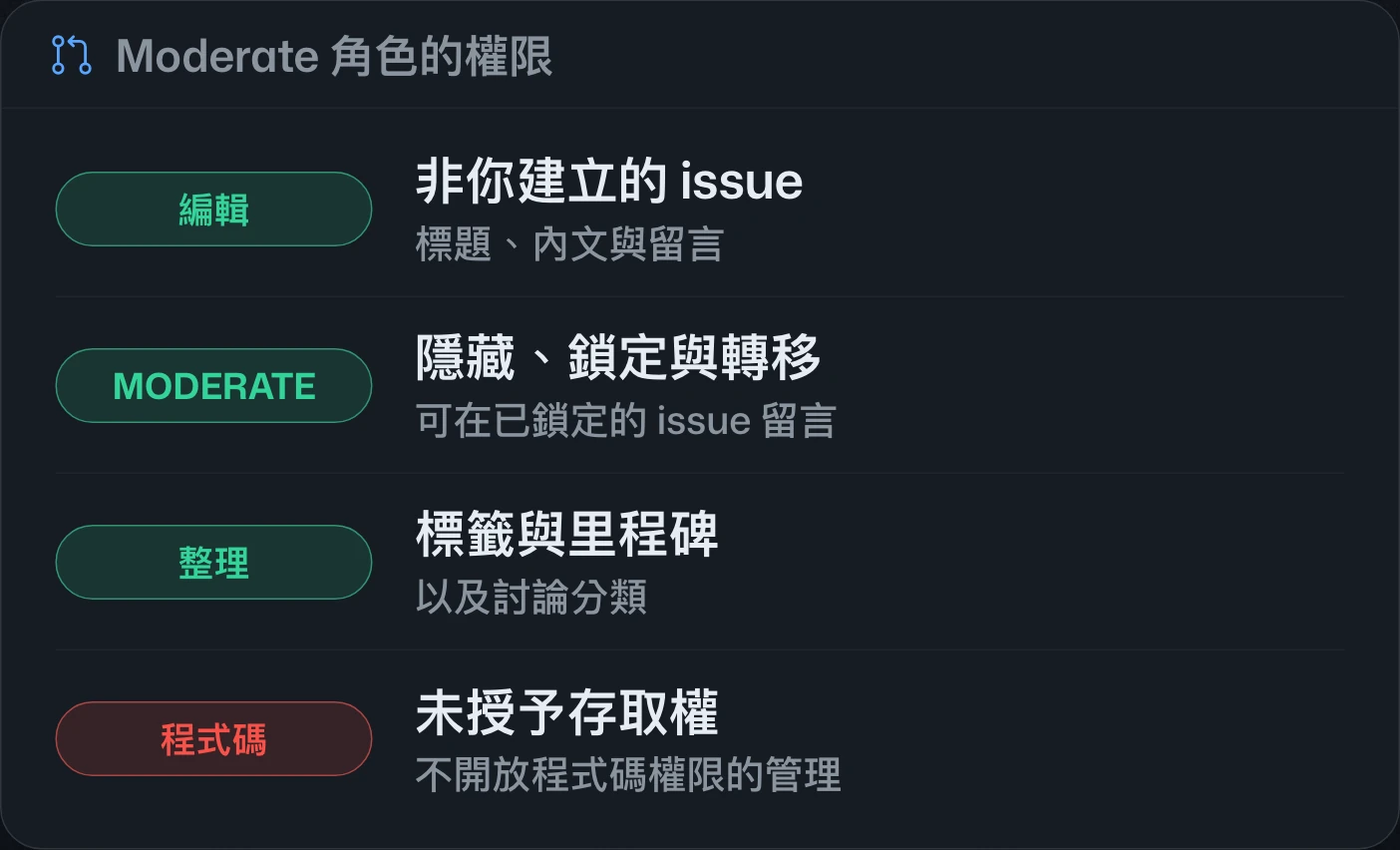
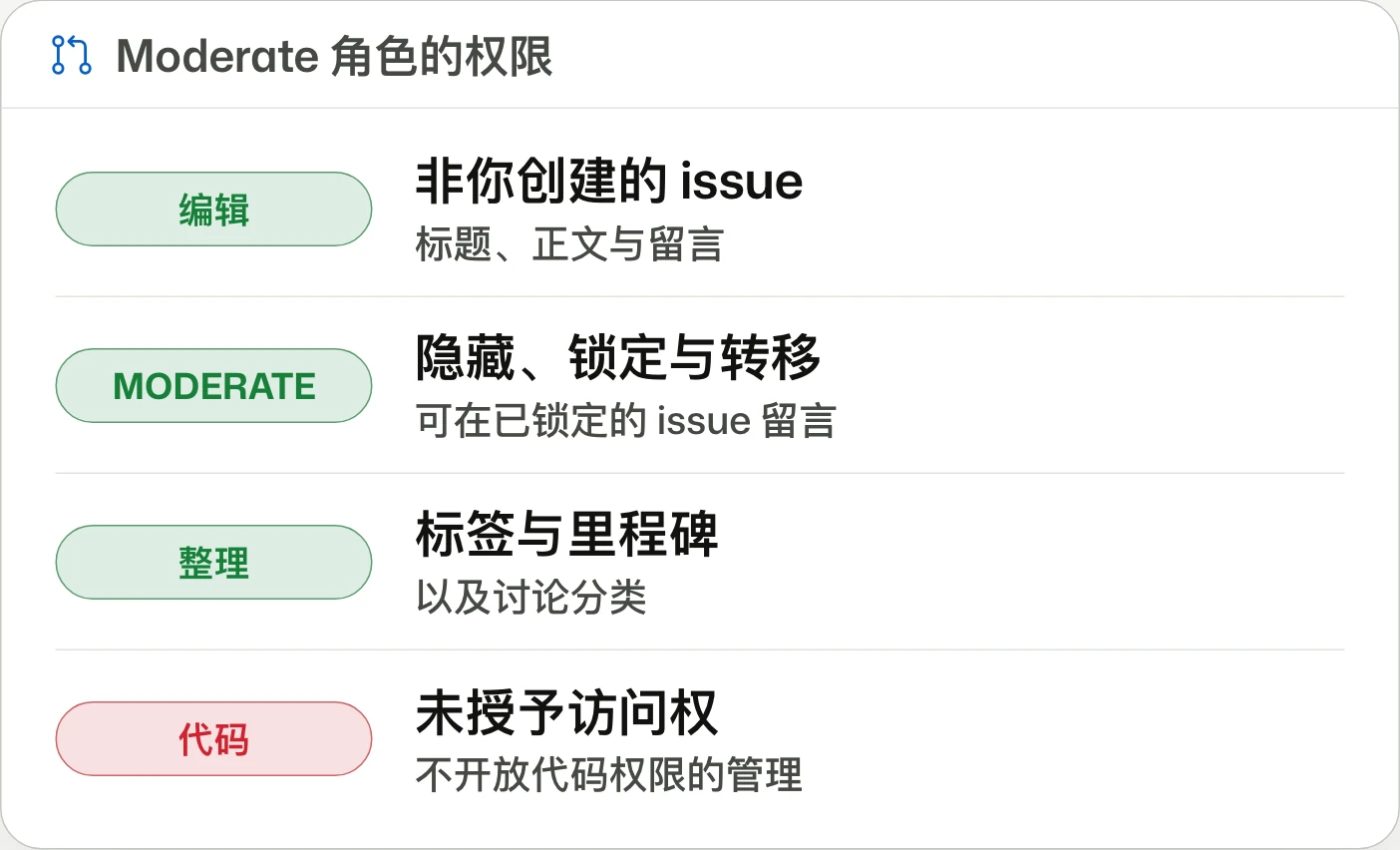
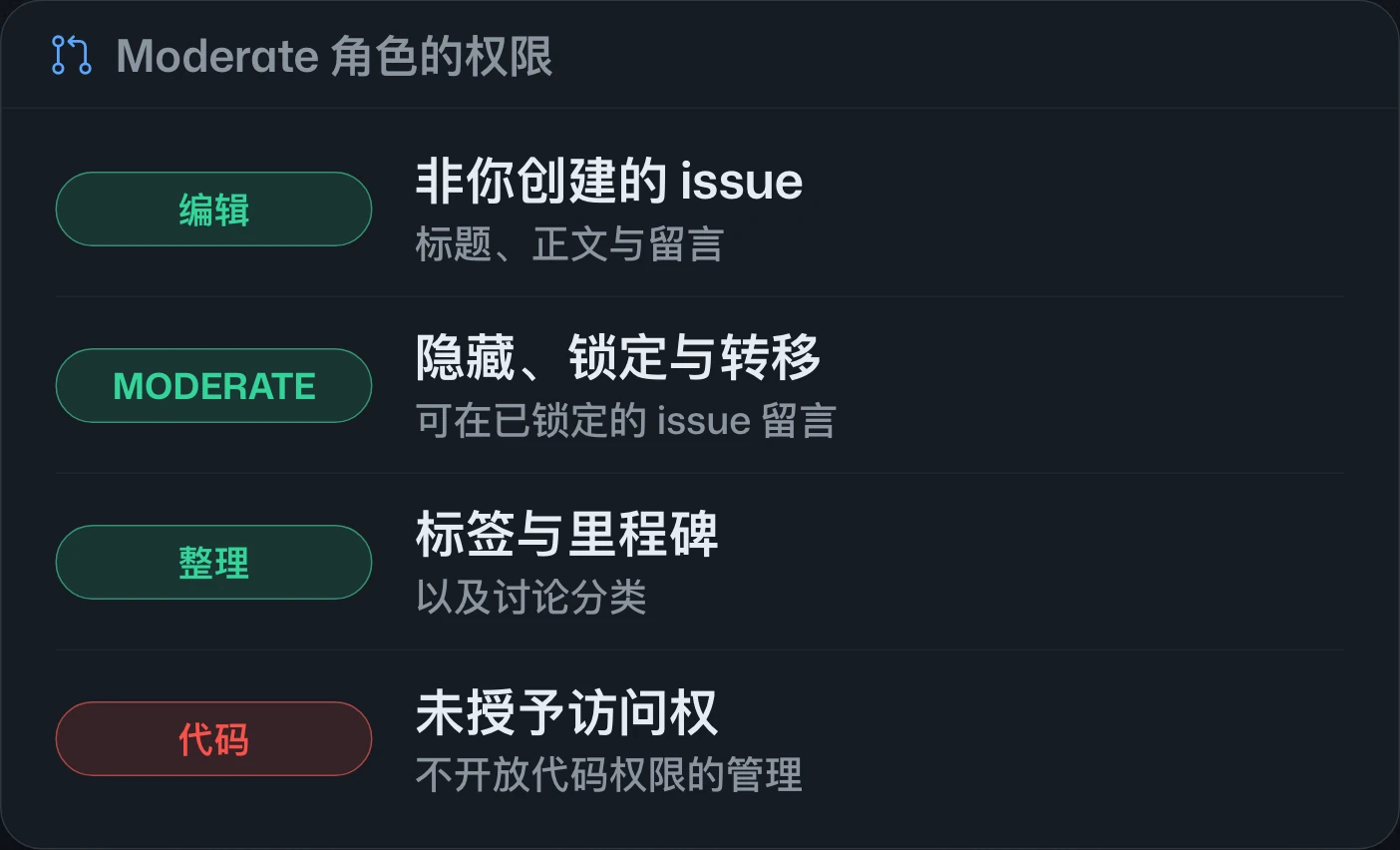
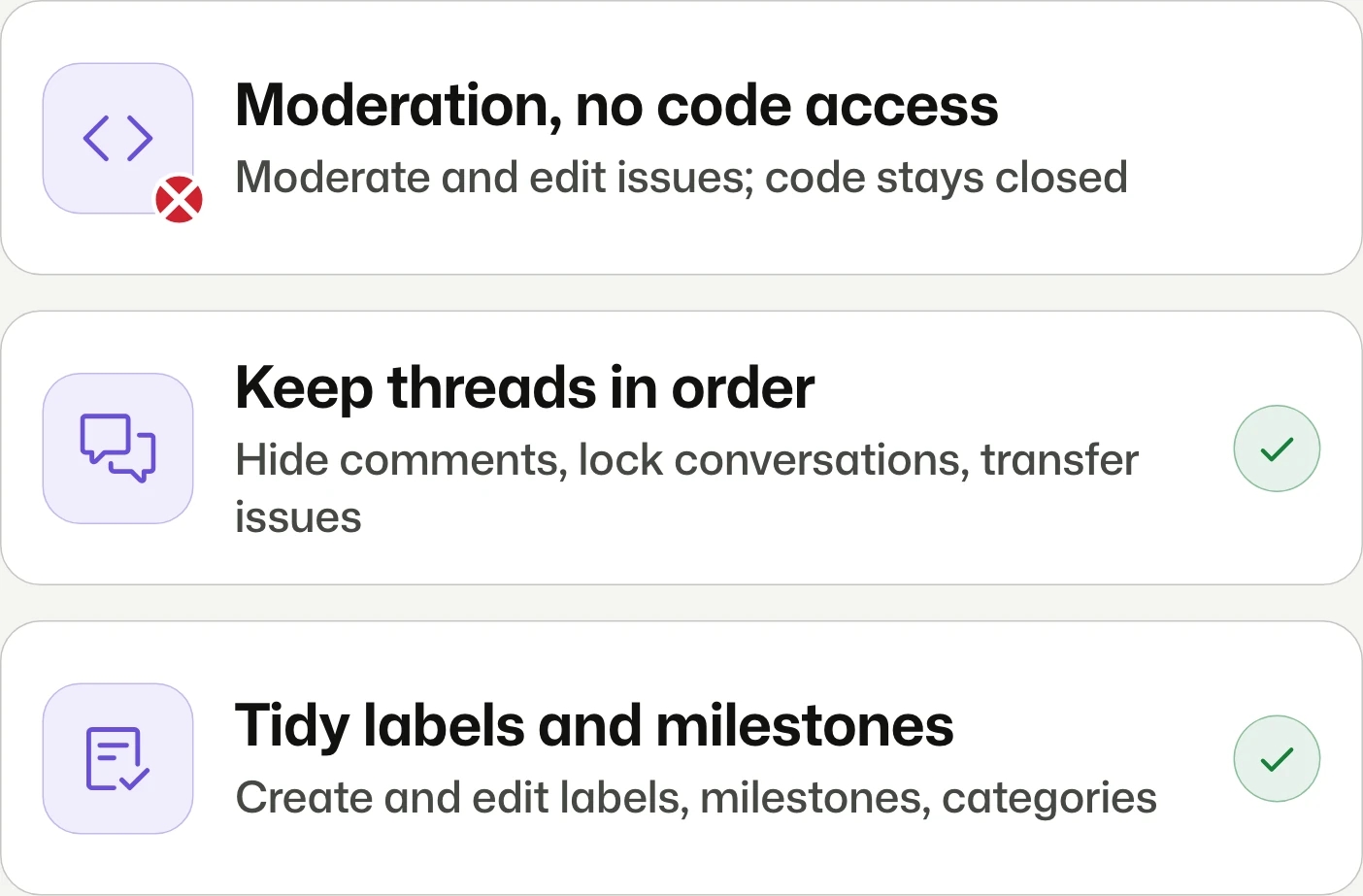
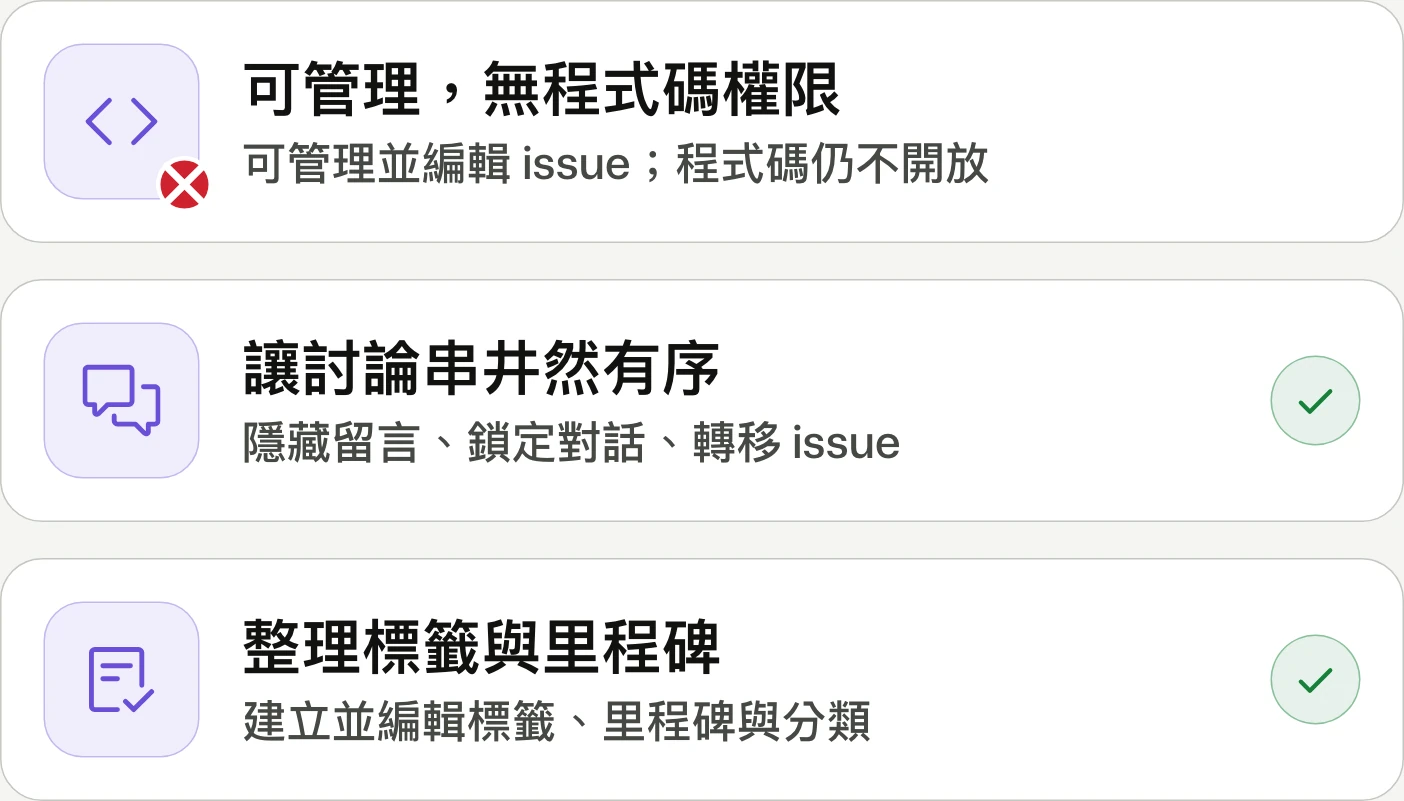
Moderate role for GitHub Issues generally availableGitHub Issues 的 Moderate 角色正式推出GitHub Issues 的 Moderate 角色正式发布
Moderate issues without code access.不必開放程式碼權限,也能管理 issue。无需开放代码权限,也能管理 issue。
The planned Moderate role separates issue editing and moderation from code access, including transfers and metadata management. An October 28 correction says it is not yet available and is expected in the coming weeks.規劃中的 Moderate 角色提供 issue 編輯、內容管理、轉移與中繼資料管理權限,不授予程式碼存取權。10 月 28 日的更正指出,此角色尚未開放,預計於未來幾週推出。规划中的 Moderate 角色提供 issue 编辑、内容管理、转移和元数据管理权限,不授予代码访问权。10 月 28 日的更正指出,此角色尚未开放,预计在未来几周推出。


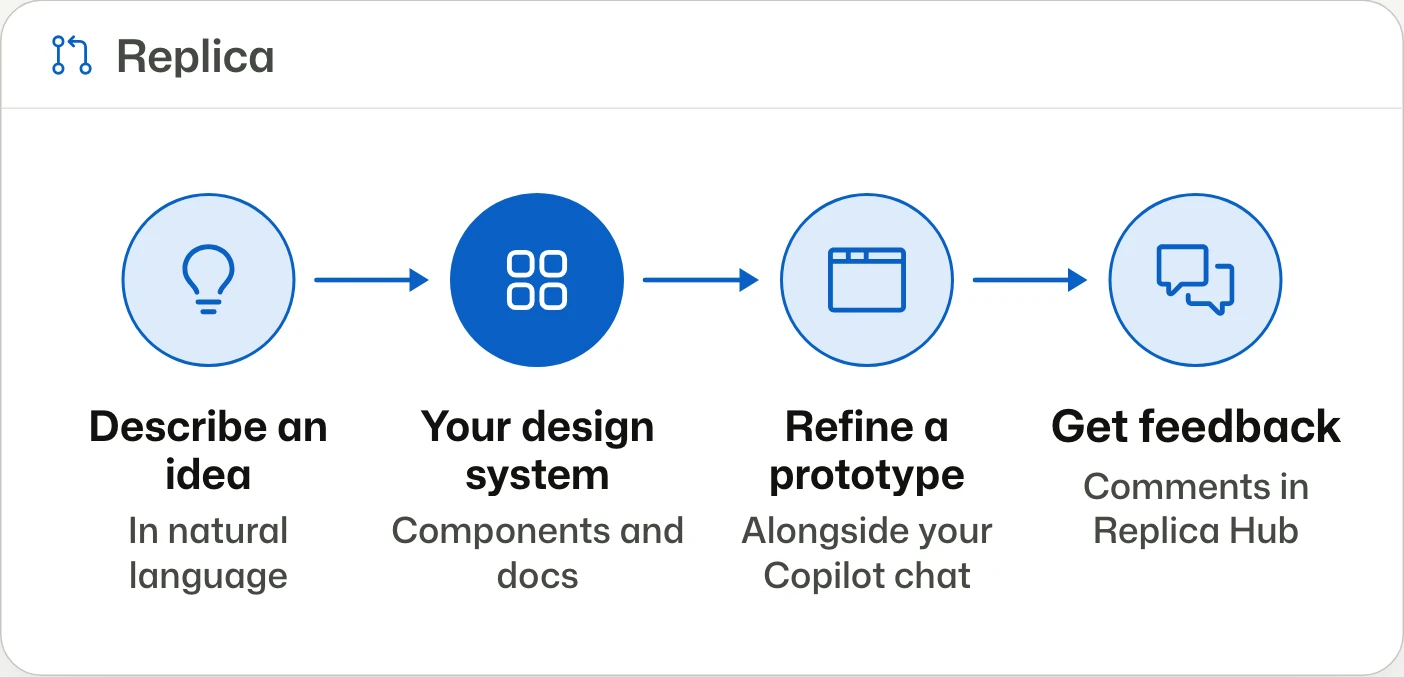
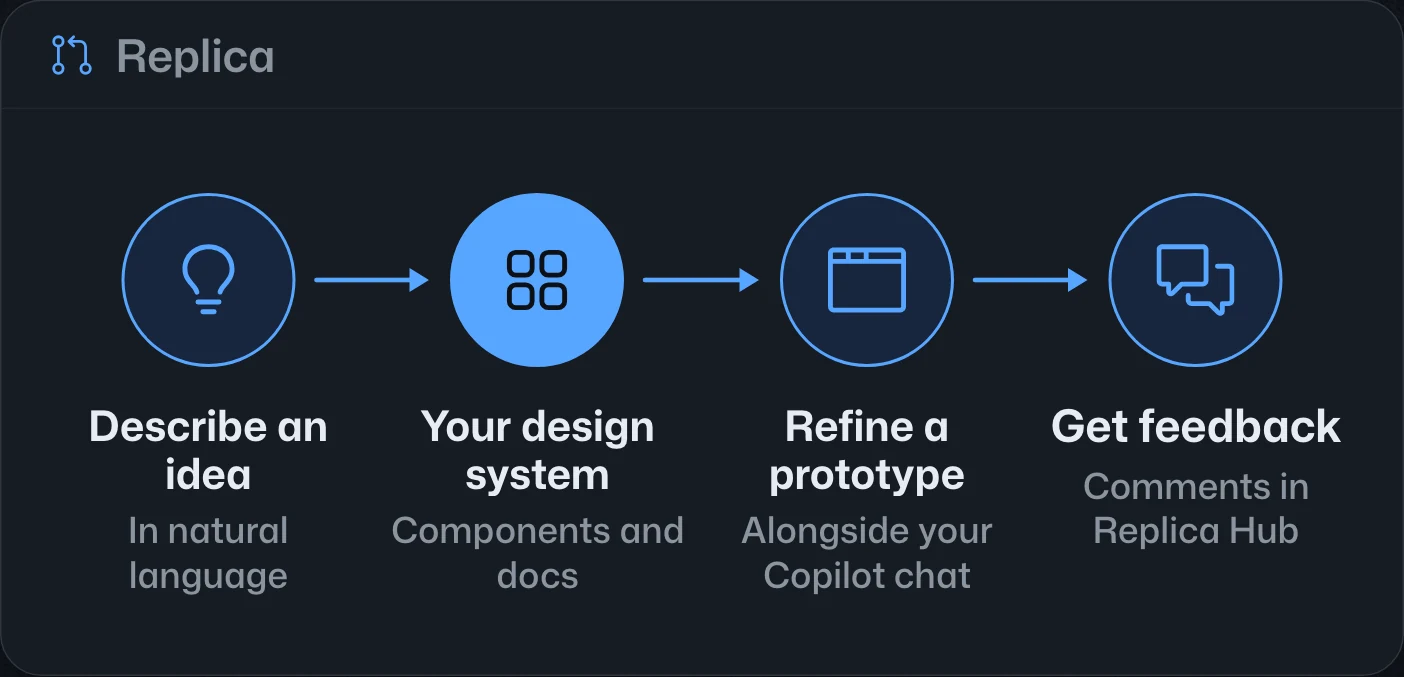
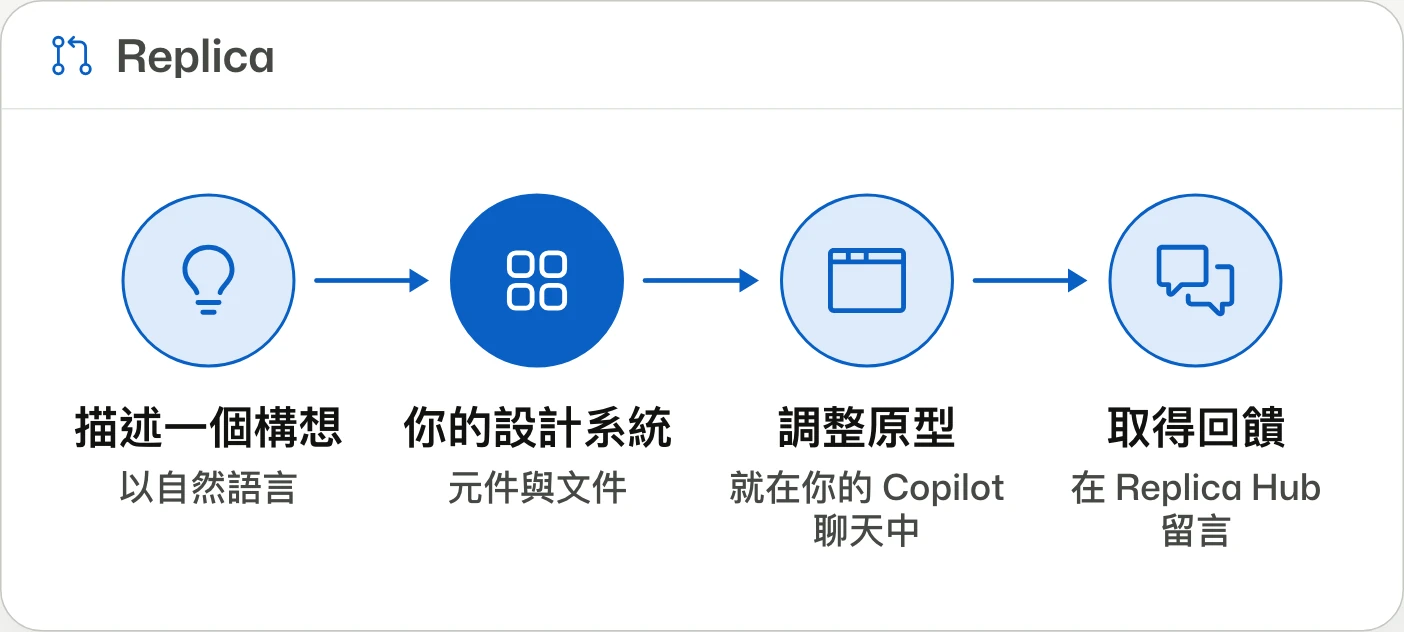
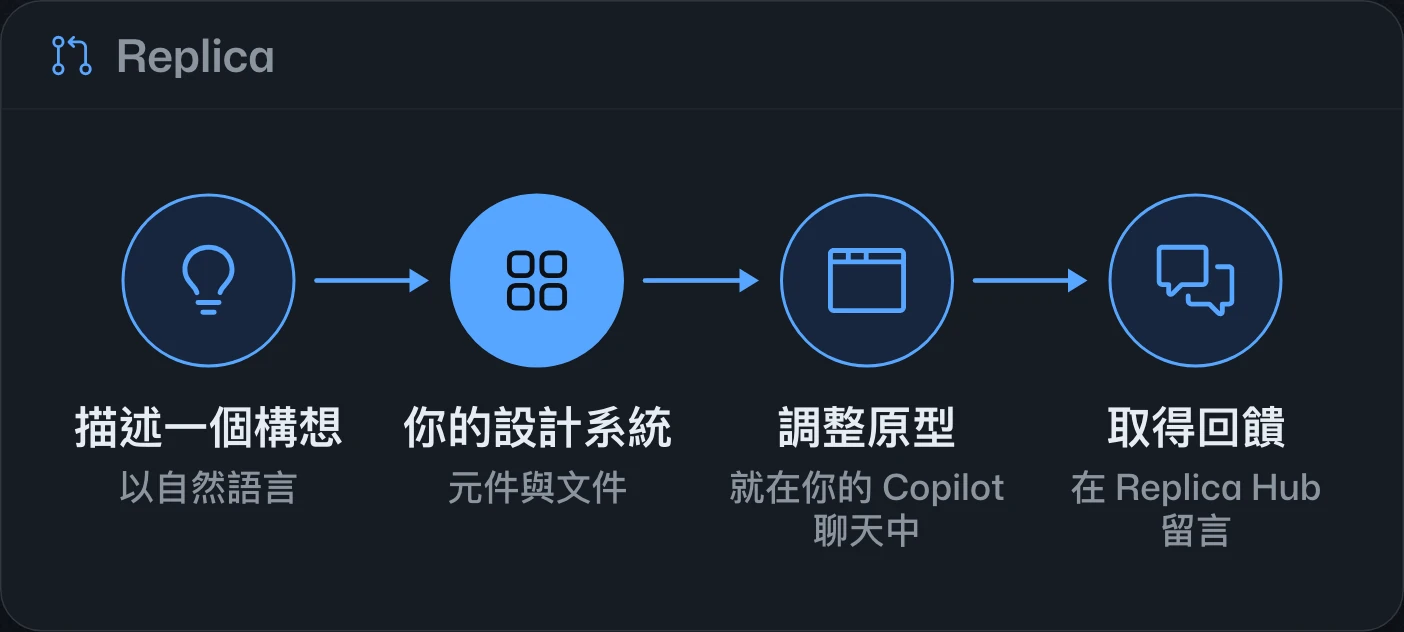
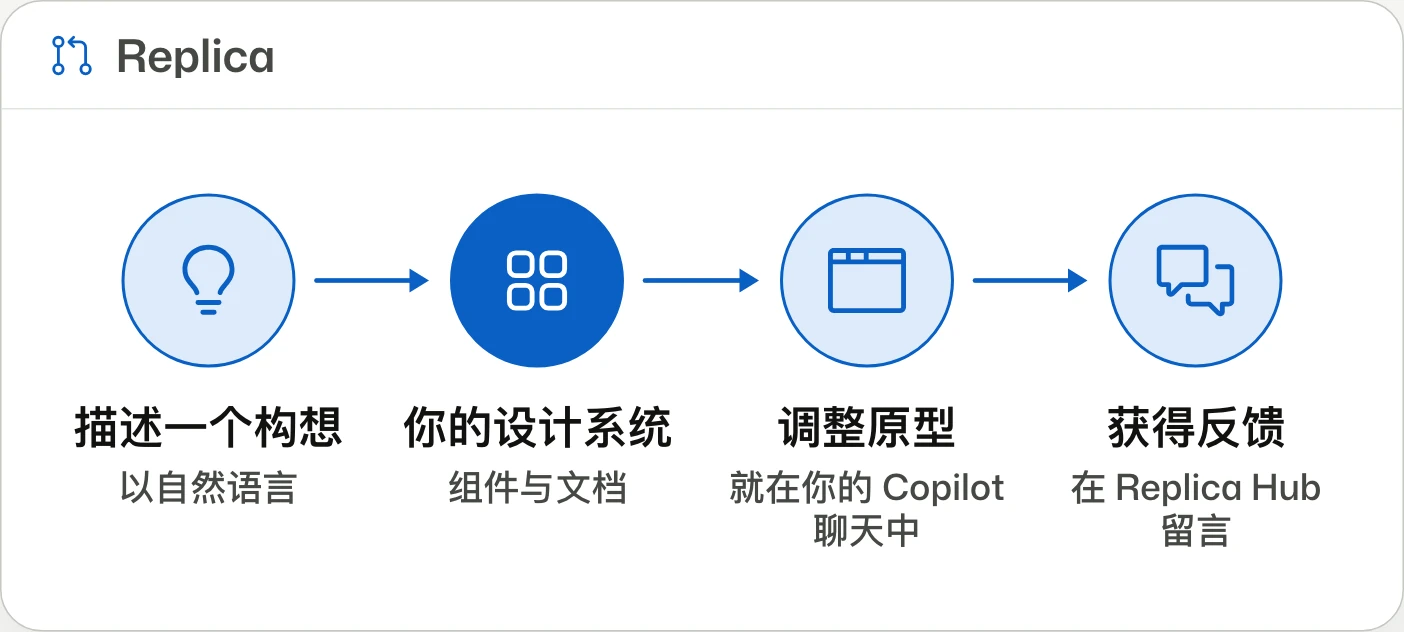
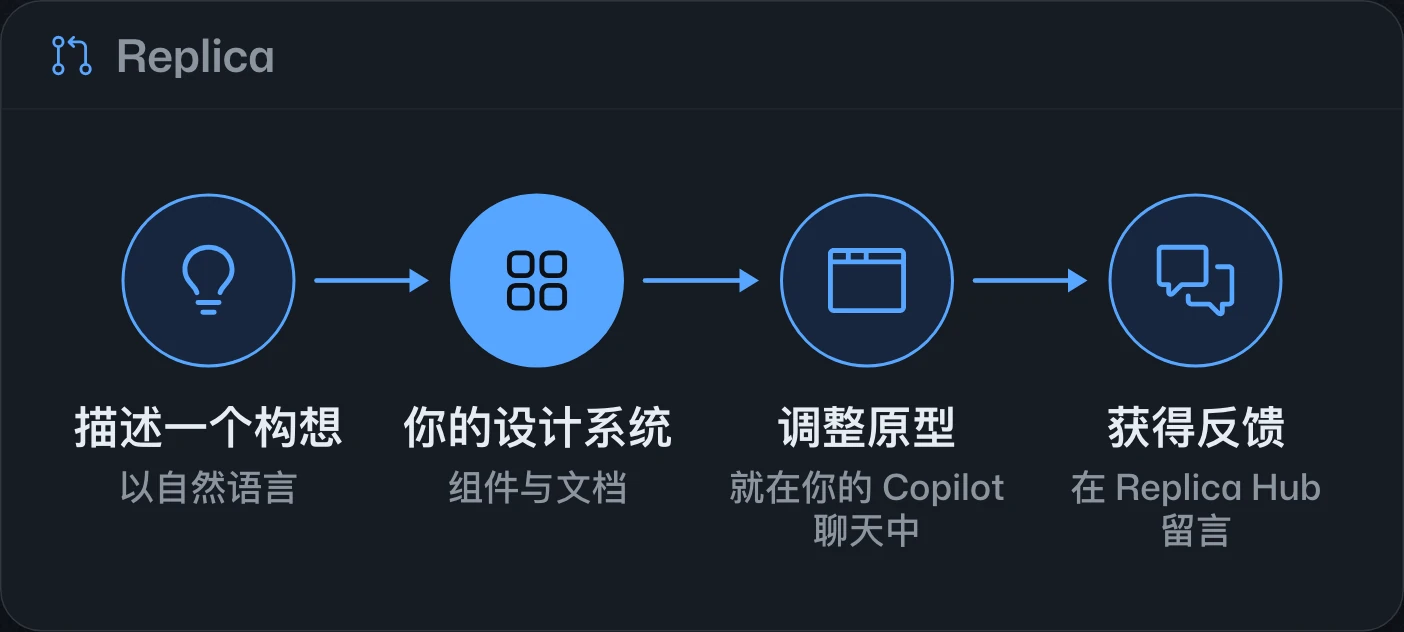
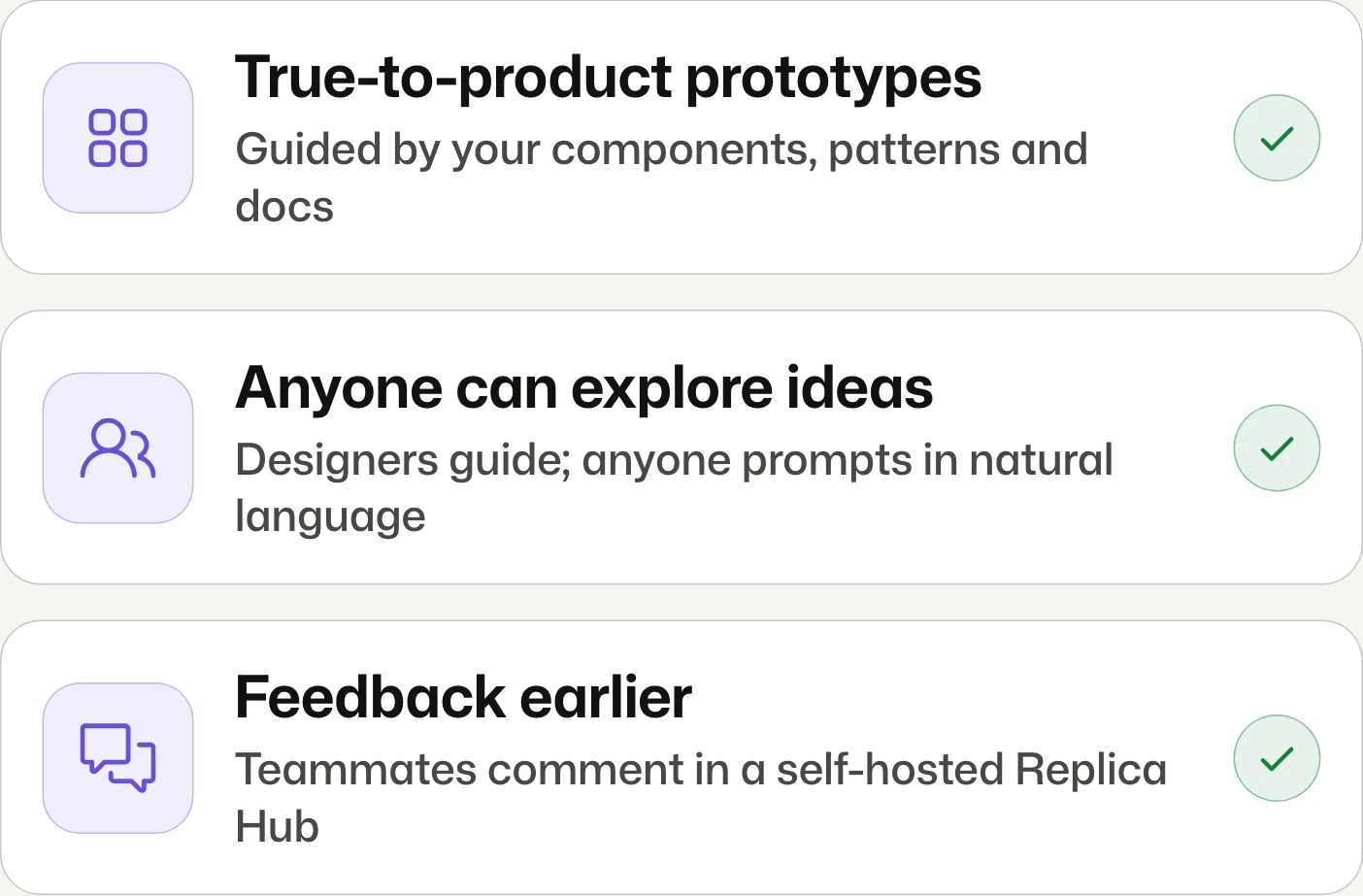
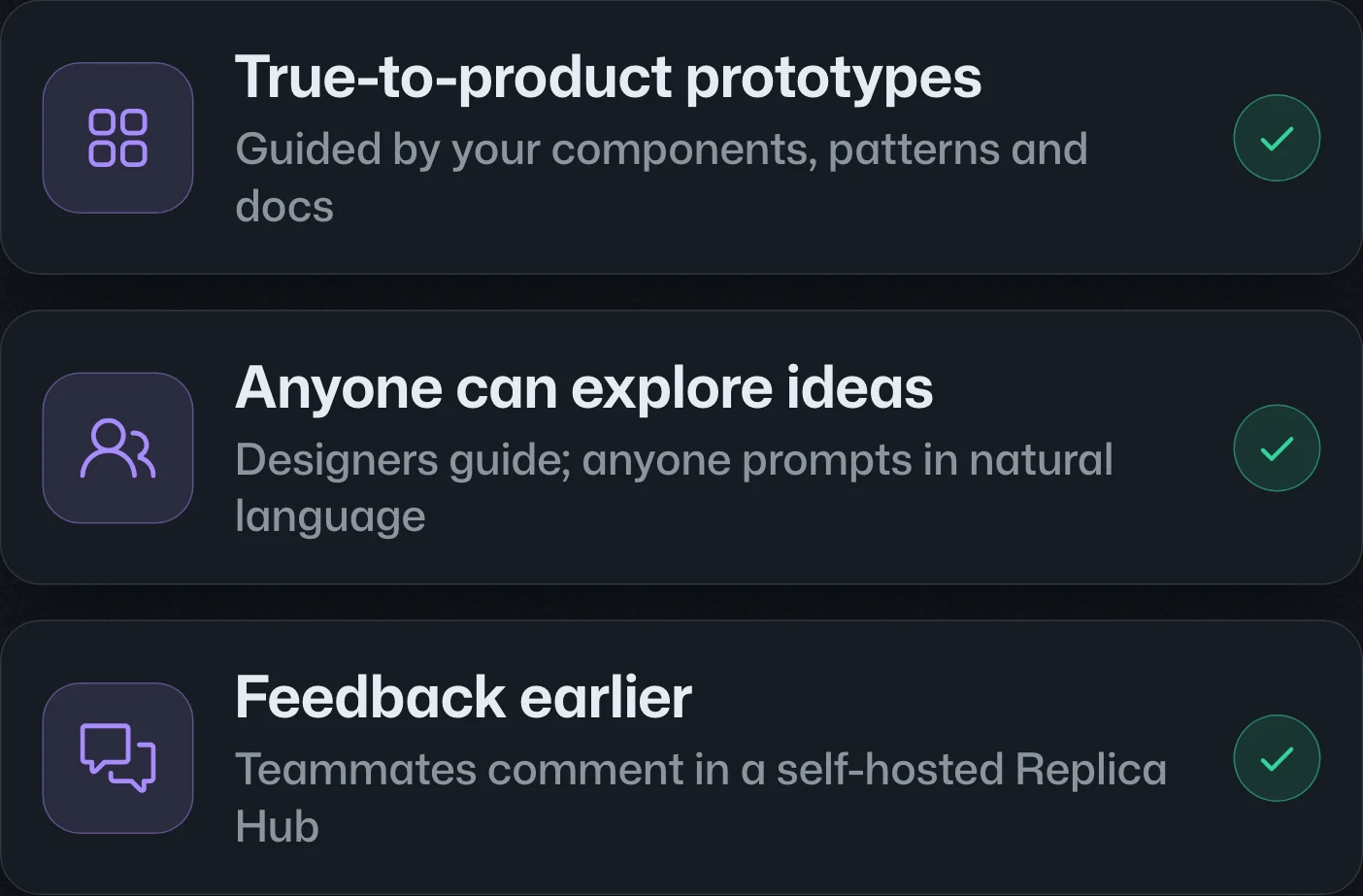
Introducing Replica, an open-source AI prototyping tool開源 AI 原型工具 Replica开源 AI 原型工具 Replica
Idea to prototype. In your design system.從想法到原型,並符合你的設計系統。从想法到原型,并符合你的设计系统。
Replica is released under the MIT license to build interactive prototypes in the Copilot app using a team's design system and natural-language requests. An optional self-hosted Replica Hub supports sharing and feedback.Replica 以 MIT 授權開源,可在 Copilot app 中依團隊設計系統與自然語言需求建立互動原型。團隊可選擇自行架設 Replica Hub,分享原型並收集意見。Replica 以 MIT 许可证开源,可在 Copilot app 中根据团队设计系统和自然语言需求创建交互原型。团队可选择自行部署 Replica Hub,分享原型并收集反馈。